Где доступно приложение Popmart?
Приложение Popmart Не доступен в каждой стране Полем Ниже приведен сбой:
| Countgry/регион | Доступность | Примечания |
|---|---|---|
| 🇨🇳 Китай | ✅ | Приложение широко используется, с доступом к полному каталогу продуктов |
| 🇺🇸 США | ✅ | Международные заказы поддерживаются |
| 🇬🇧 Великобритания | ✅ | Популярен среди коллекционеров игрушек |
| 🇯🇵 Япония | ✅ | Popmart имеет партнерские отношения с местными магазинами |
| 🇷🇺 Россия | ❌ | Доступ может потребовать VPN |
| 🇮🇳 Индия | ❌ | Многие пользователи сообщают о приложении, не загруженном без VPN |
| 🇸🇦 Ближний Восток | ❌ частично ограничено | Доставка и доступ к LATED |
| 🌍 Другие регионы | ⚠ варьируется | Может потребовать VPN для полной функциональности |
Почему приложение Popmart не работает?
Прежде чем прыгнуть на решения, давайте поймем общие причины:
1. Проблемы с сервером приложений
Иногда серверы приложений временно снижаются, особенно во время больших падений продукта.
2. Устаревшая версия приложения
Запуск устаревшей версии приложения может вызвать сбои или сбои подключения.
3. Региональные ограничения
Некоторые страны или регионы блокировать или ограничить доступ в приложение Popmart из -за вопросов политики или лицензирования. Вот где вам нужен бесплатный прокси -VPN UFO VPN чтобы обойти пределы.
4. Конфликты сети или VPN
Использование нестабильного VPN или в регионе с ограниченным доступом может повлиять на то, как работает приложение.

Исправьте приложение Popmart, не работает на Android & iPhone
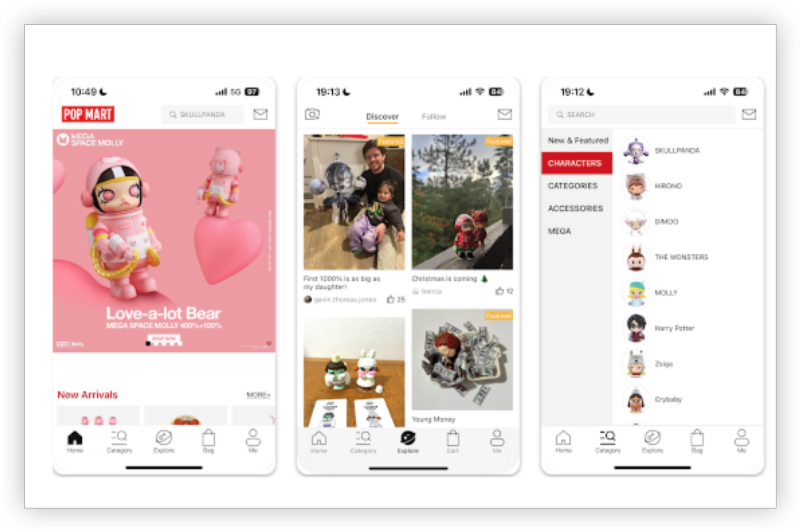
Если вы находитесь iPhone или Android , попробуйте эти методы шаг за шагом:
Исправление 1: Force Close и повторно откройте приложение
-
Перейти к переключателю приложения
-
Проведите попмарт
-
Откройте его и попробуйте еще раз
Исправление 2: очистить данные кэша и приложения
Для Android:
-
Идти в
Settings>Apps>Popmart -
Кран
Storage>Clear CacheиClear Data
Для iPhone:
-
Вам может потребоваться удалить и переустановить приложение, чтобы очистить кэш
Исправление 3: Проверьте наличие обновлений
-
Перейти в Google Play или App Store
-
Поиск попмарт и нажмите Обновлять (если таковые имеются)
Исправление 4: переключитесь на стабильное подключение к Интернету
-
Используйте сильный Wi-Fi вместо клеточных данных
-
Попробуйте переключить сети
Исправление 5: Отключить или использовать доверенный VPN
Если вы используете VPN:
-
Отключить это временно, чтобы увидеть, вызывает ли это проблему
-
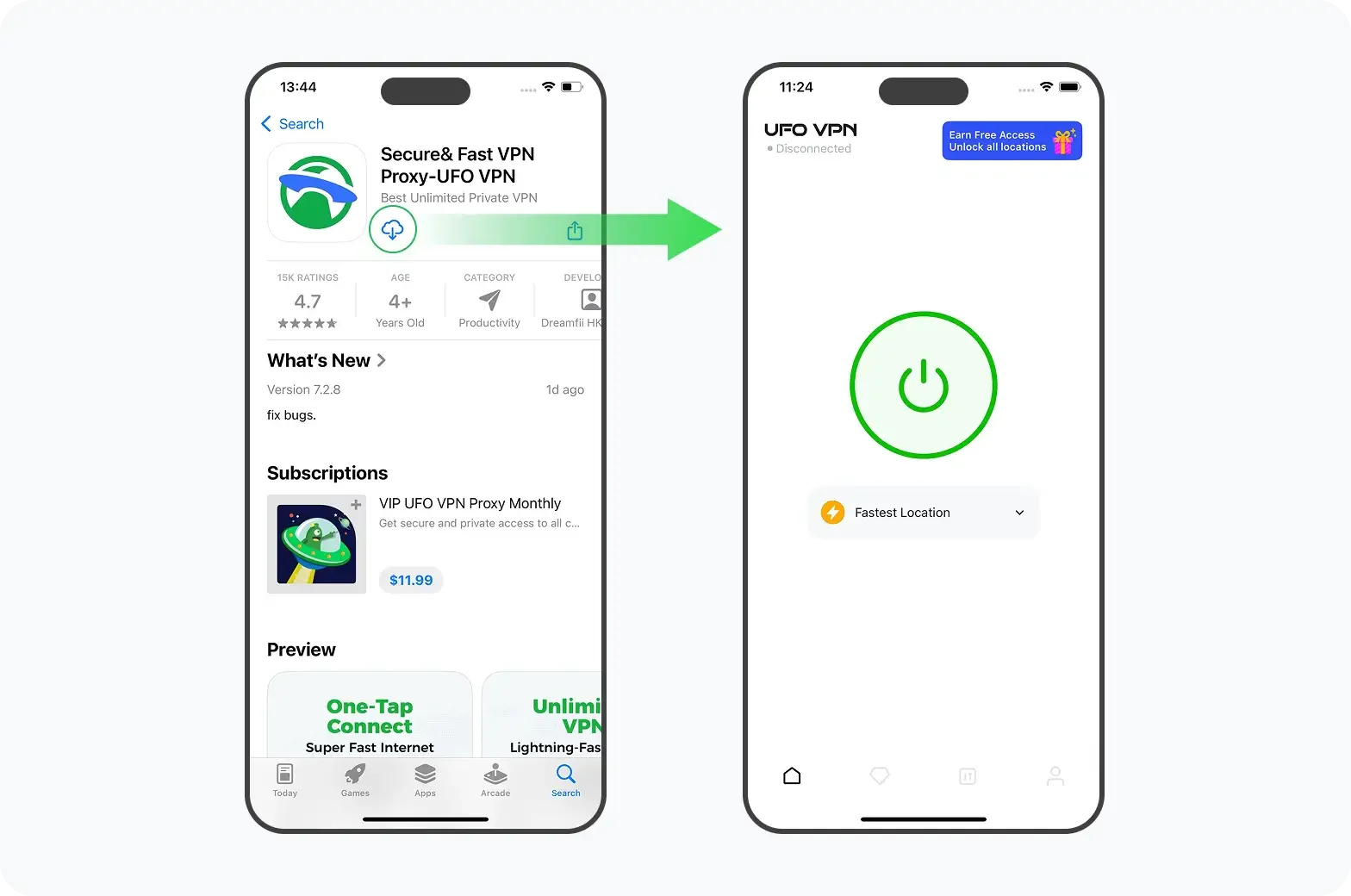
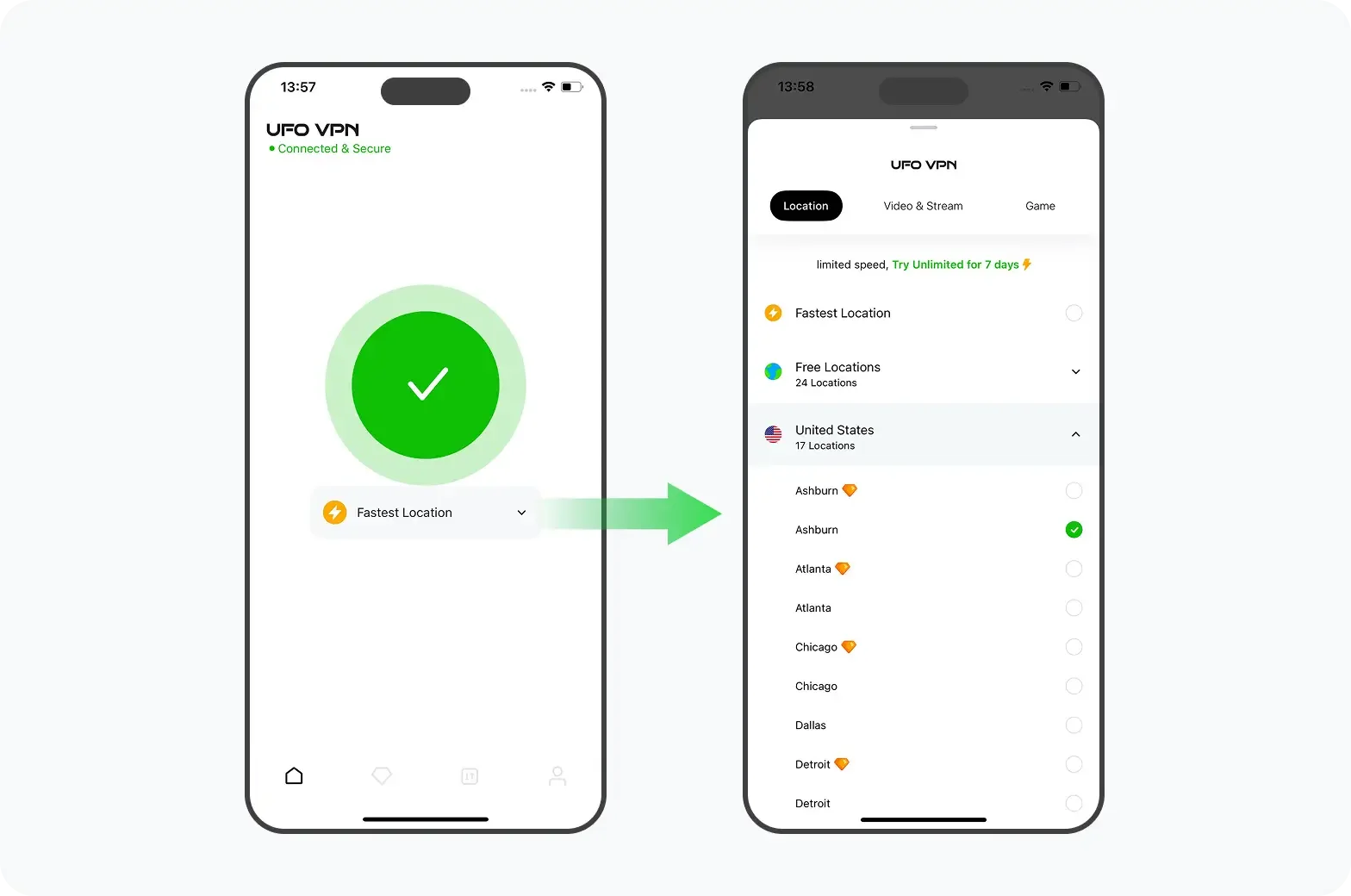
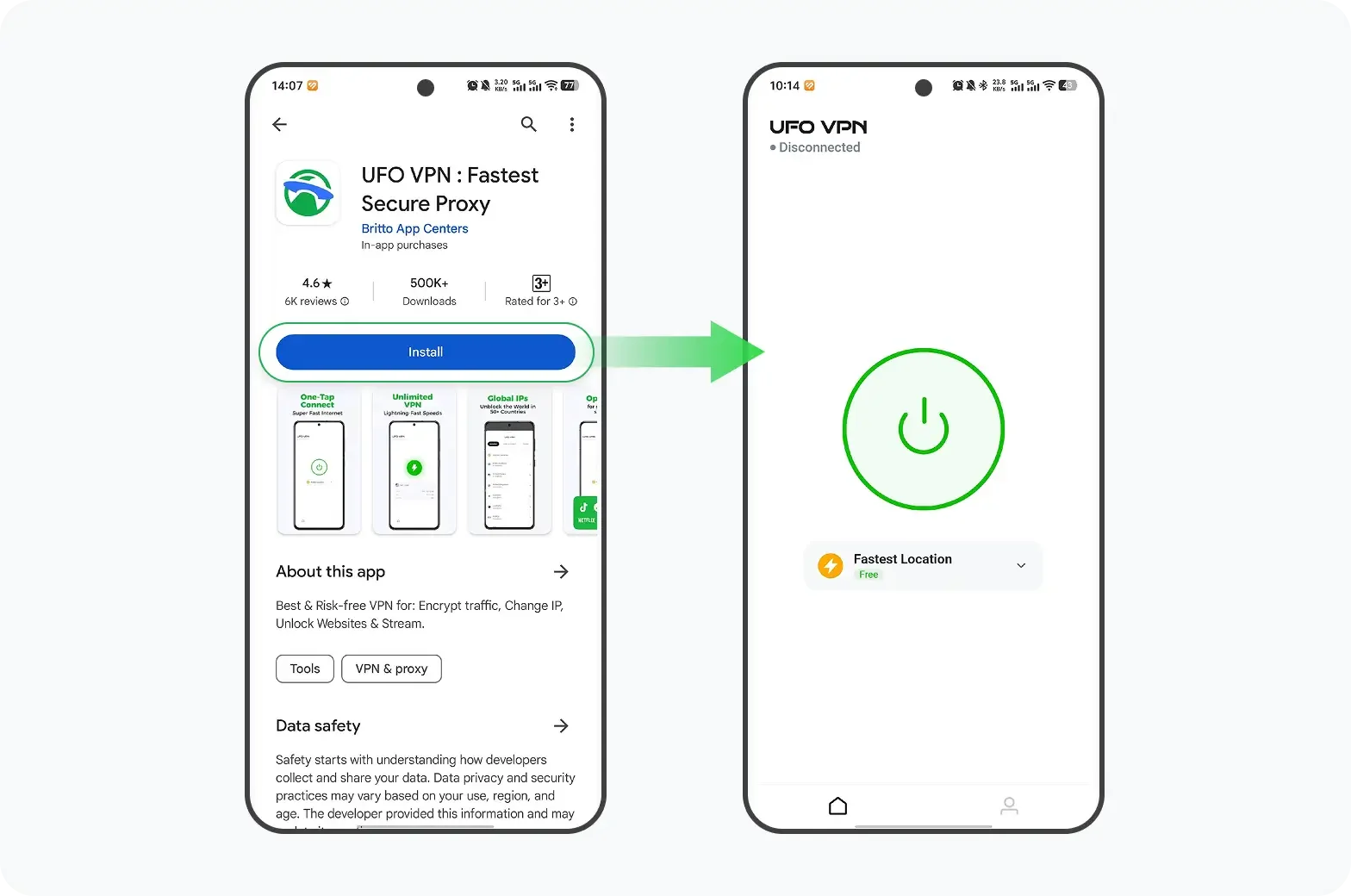
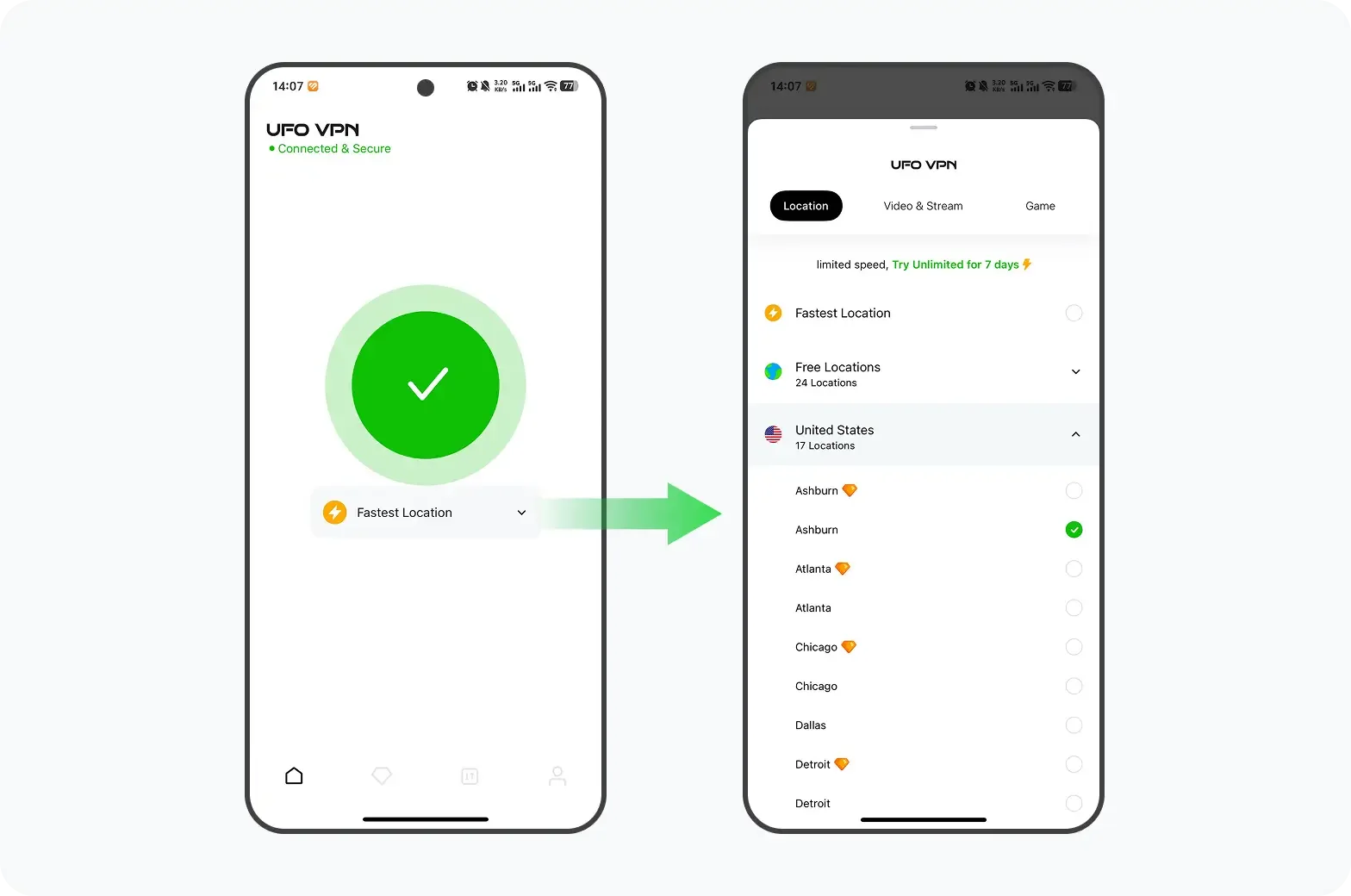
Или переключиться на стабильный и безопасный VPN (нравиться UFO VPN ) Это предлагает оптимизированные серверы для приложений для покупок
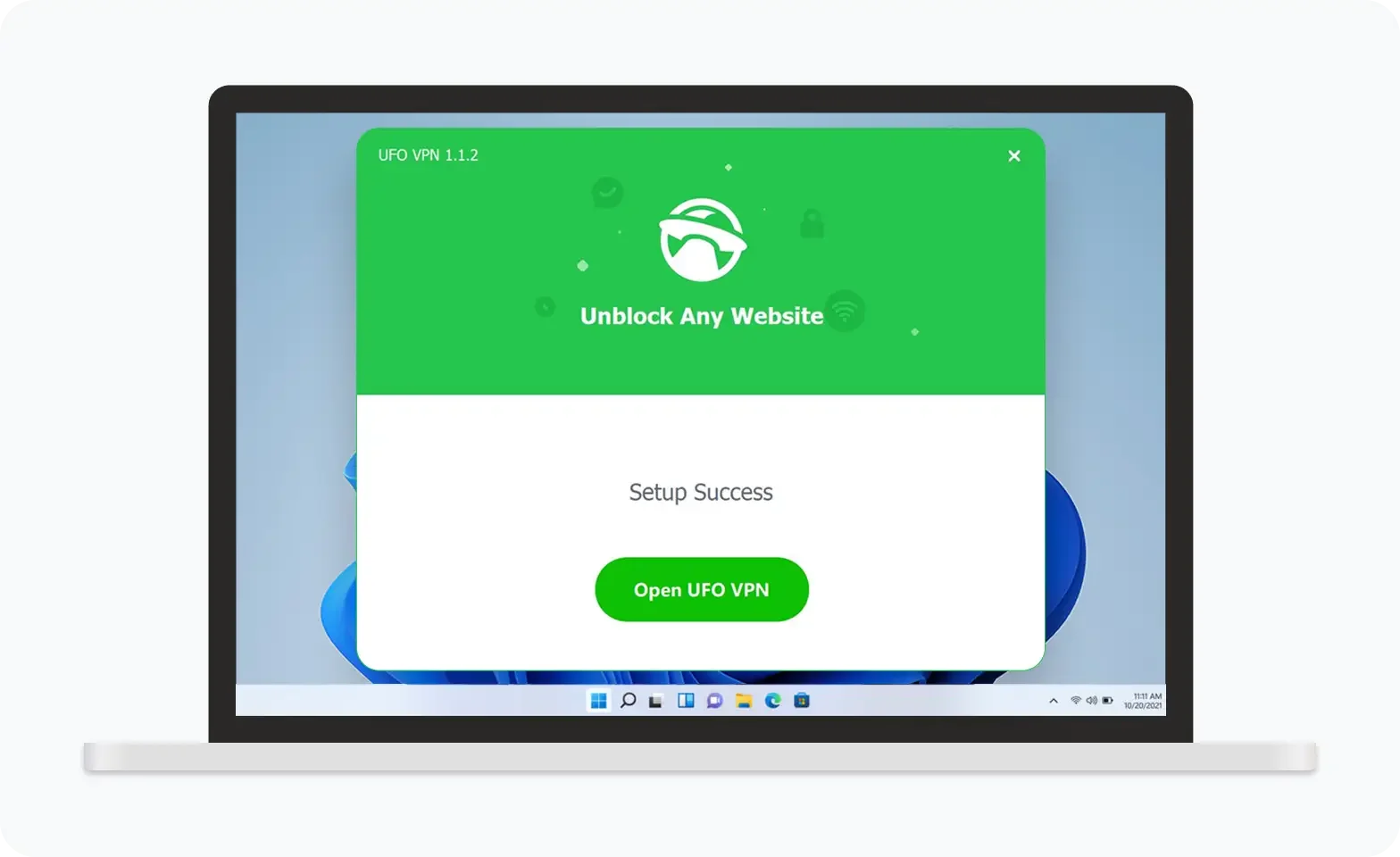

UFO VPN — это универсальный VPN, предлагающий неограниченный доступ к 4K-стримингу, такому как Netflix, Disney Plus, играм без задержек, таким как PUBG, Roblox, CODM, и социальным сетям — YouTube, X, Facebook и другим.
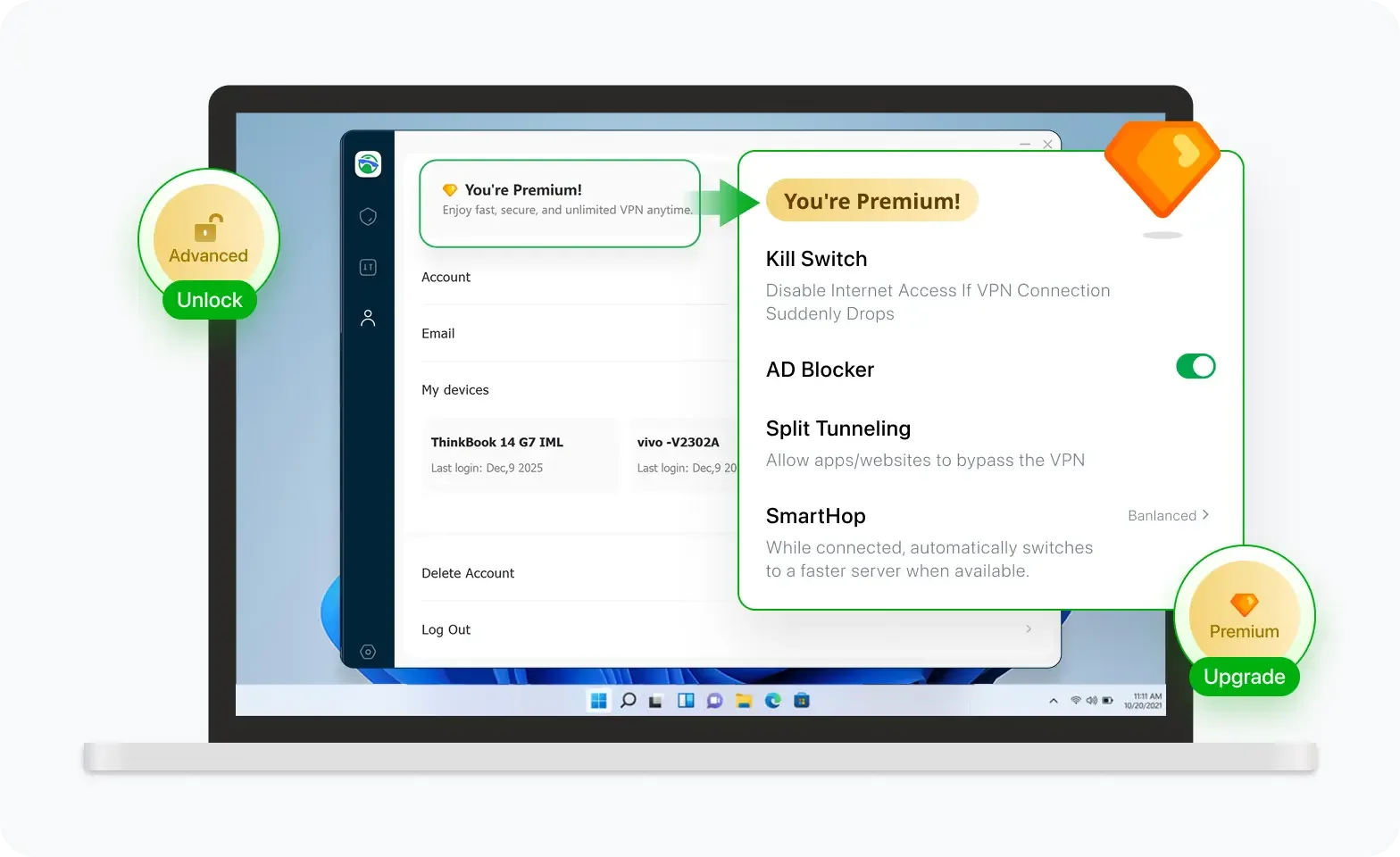

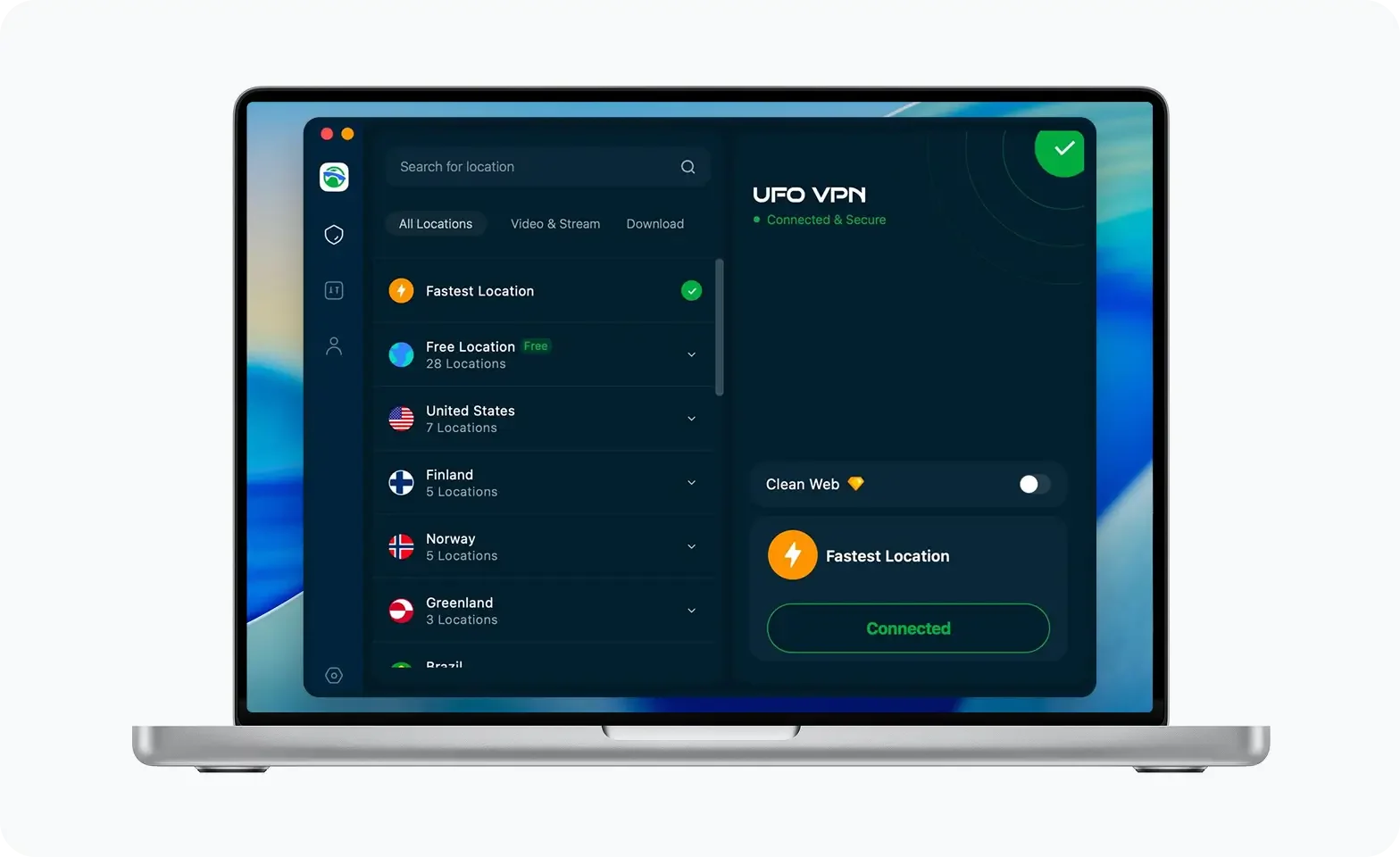
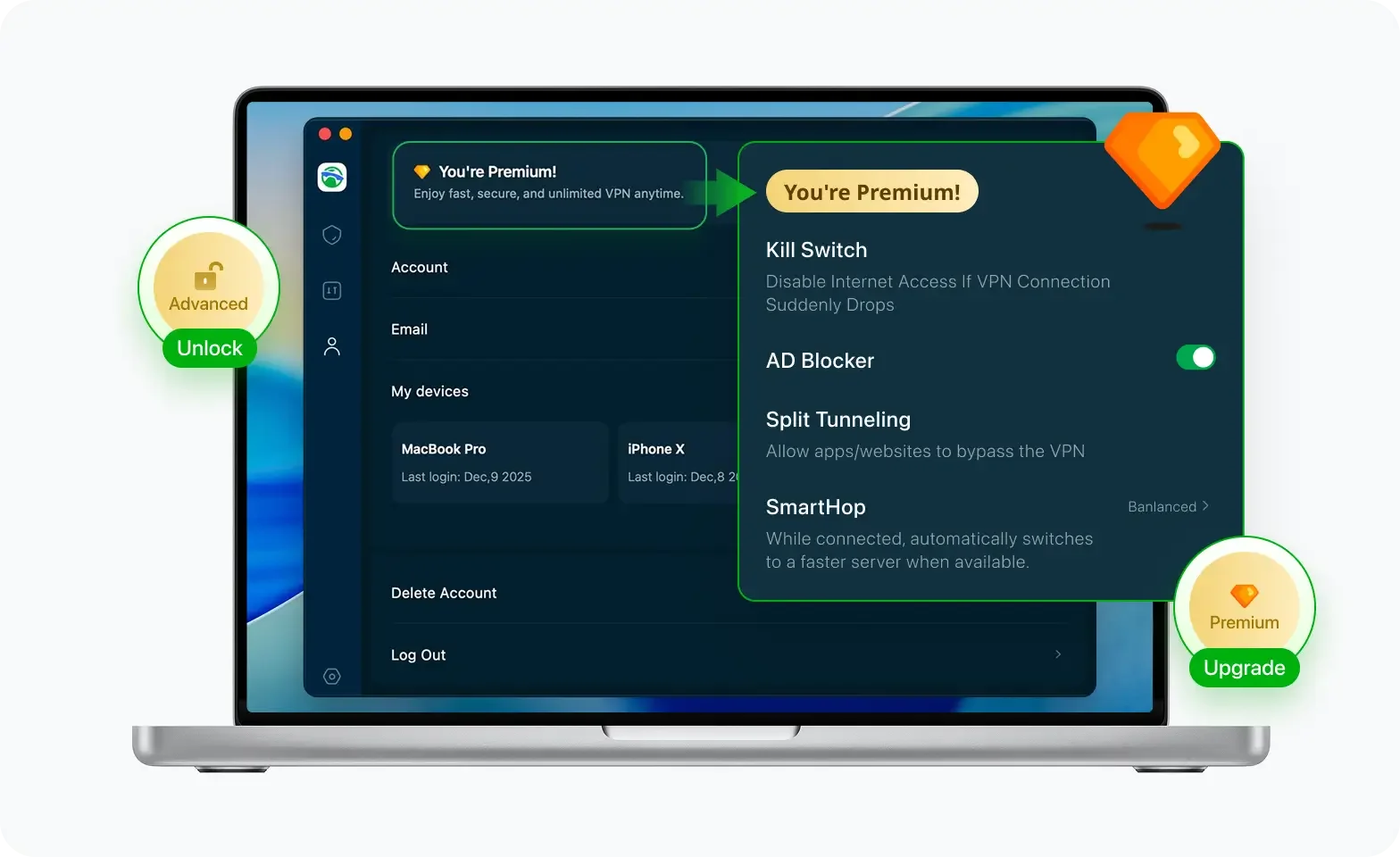
Разблокируйте Pro-функции
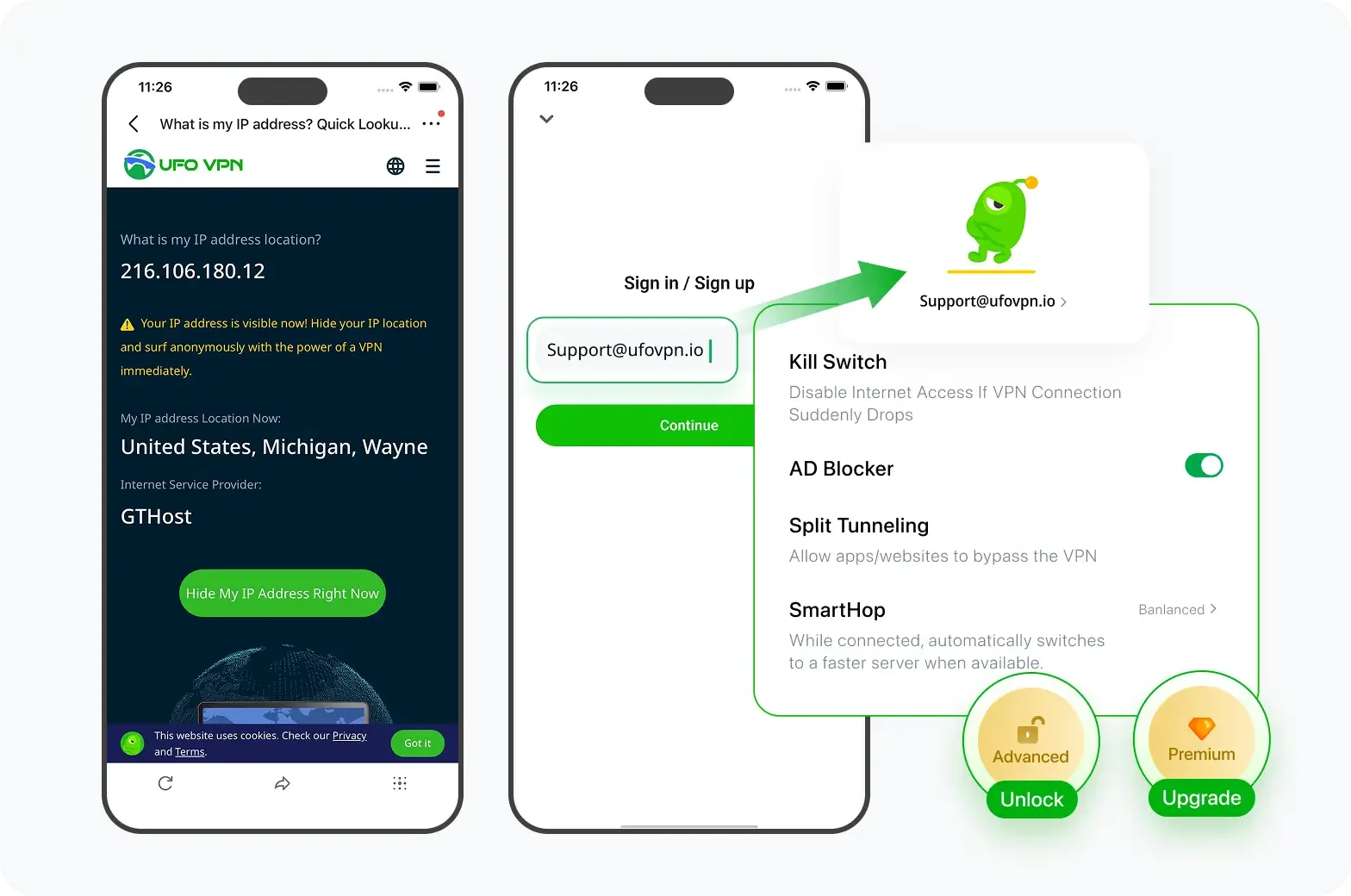
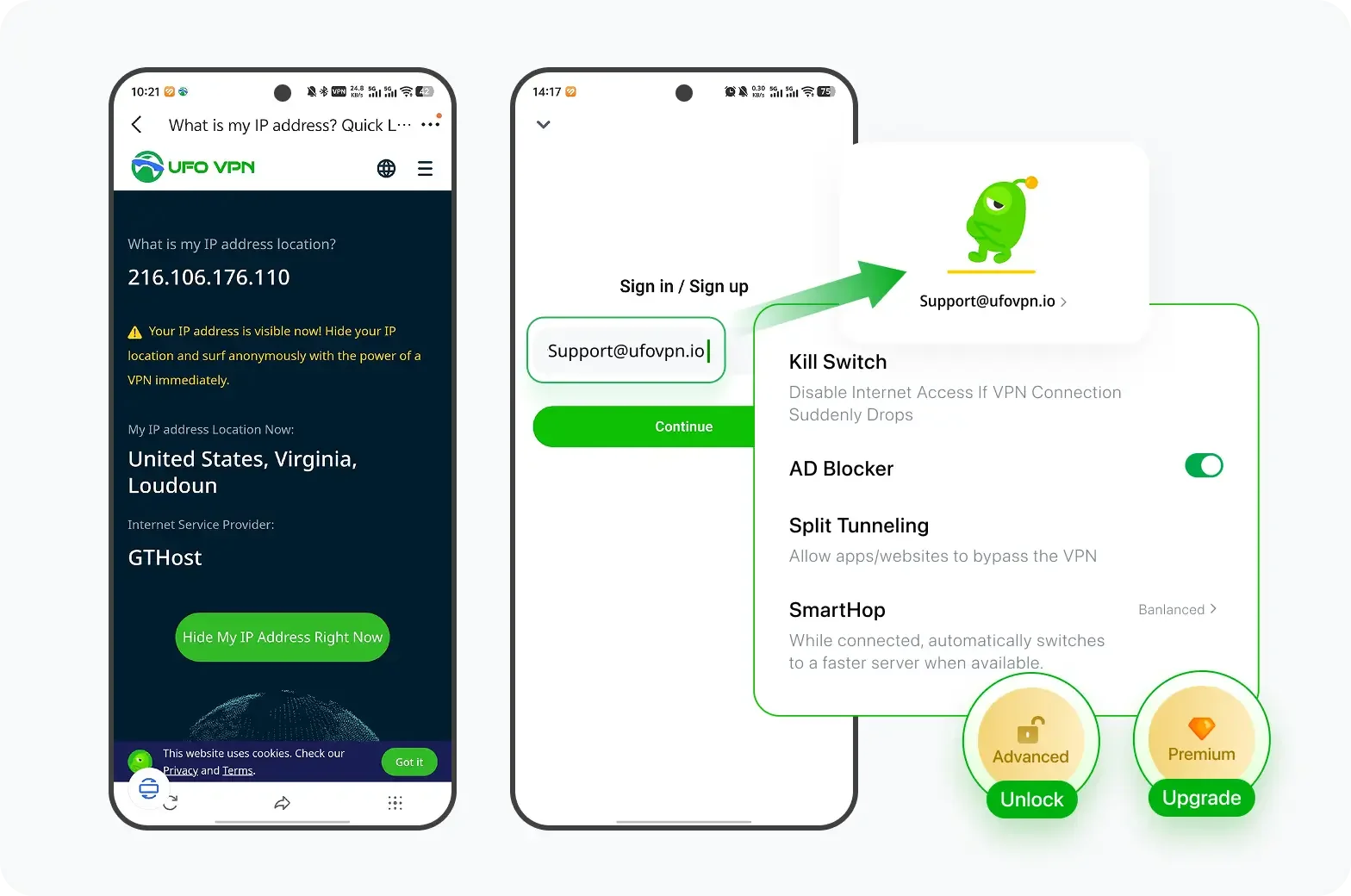
Если вы перешли на премиум-план, наслаждайтесь премиум-серверами для 4K-стриминга и расширенными функциями, такими как Kill Switch, Раздельное туннелирование и ускорение игр. Ваш Mac теперь полностью оптимизирован и защищён. Помимо базовых функций, мы рекомендуем включить
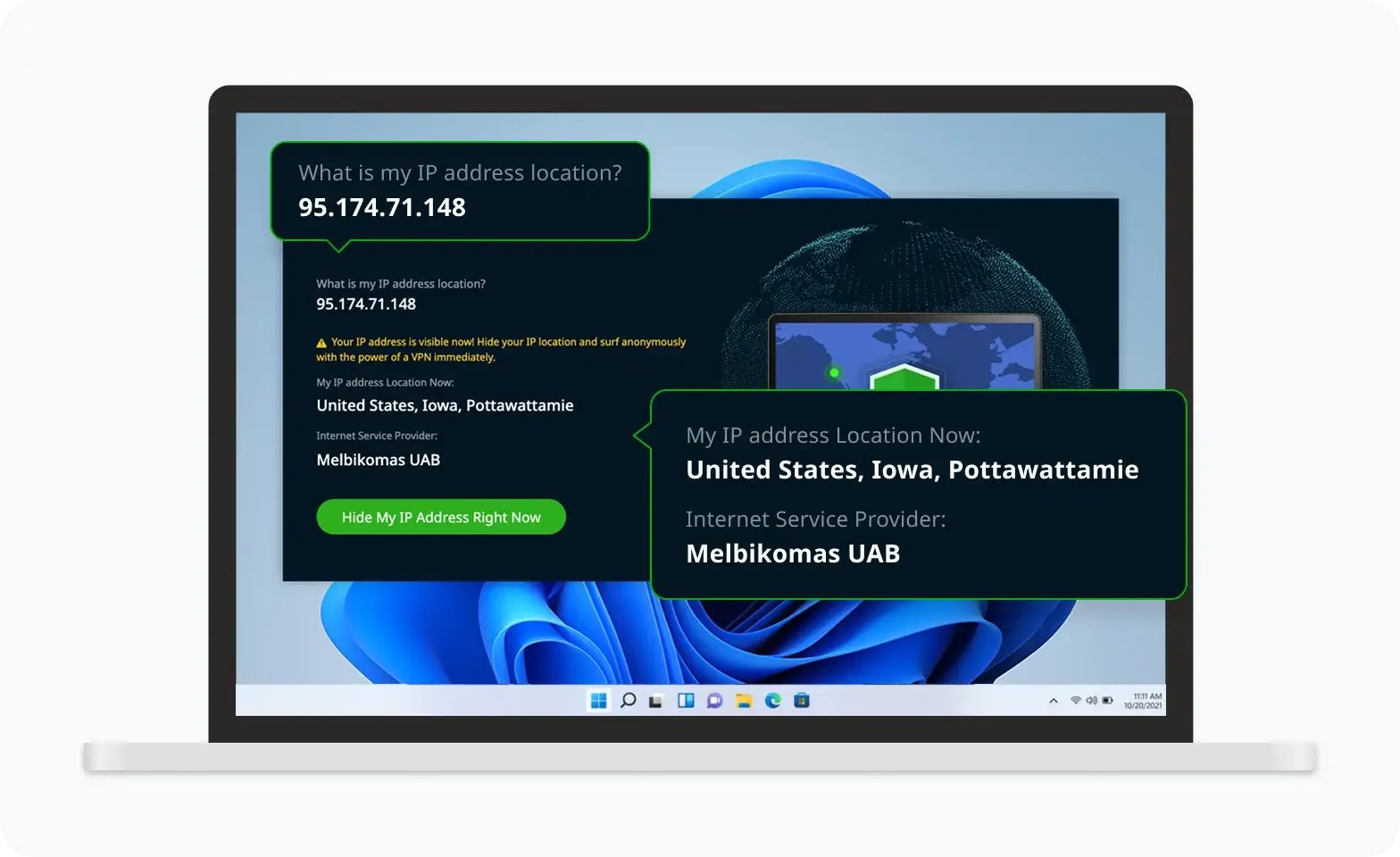
Проверьте свой IP сейчас
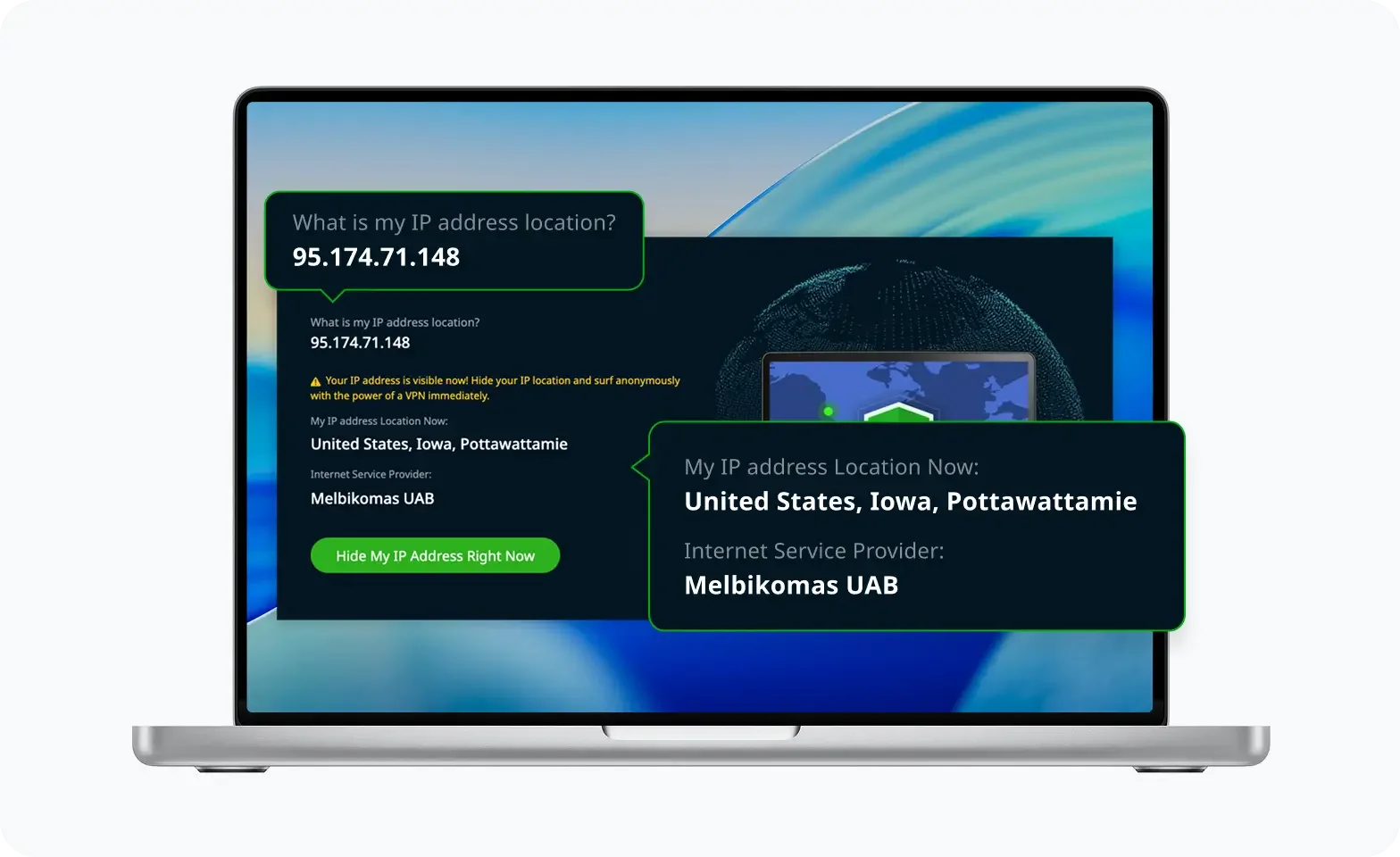
Используйте функцию UFO VPN « Какой у меня IP », чтобы увидеть свой новый IP и местоположение. Это подтверждает, что ваше соединение безопасно, анонимно и готово к защищённому просмотру в любом месте и в любое время.
Если ничего не терпит:
-
Удалить попмарт
-
Перезагрузите телефон
-
Переустановить последнюю версию из вашего магазина приложений
Заключение
Являетесь ли вы фанатом Labubu или просто исследуете мир загадочных коробок Popmart, а ПП глюки не должны мешать вам. Теперь вы точно знаете Как исправить приложение Popmart, не работает , и где он официально доступен (или заблокирован).
Часто задаваемые вопросы
1. Почему я не могу открыть приложение Popmart?
Это может быть связано с устаревшим программным обеспечением, перегрузкой кэша или блокировкой региона.
2. Доступен ли попмарт в США?
Да, приложение Popmart работает в США с полной функциональностью.
3. Могу ли я купить игрушки Popmart без приложения?
Да, через официальный веб -сайт или посредники, но приложение обеспечивает ранний доступ и скидки.
4. Использует ли VPN с Safe Popmart?
Да, особенно если вы выбираете Безопасный VPN, такой как НЛО VPN с быстрыми серверами.