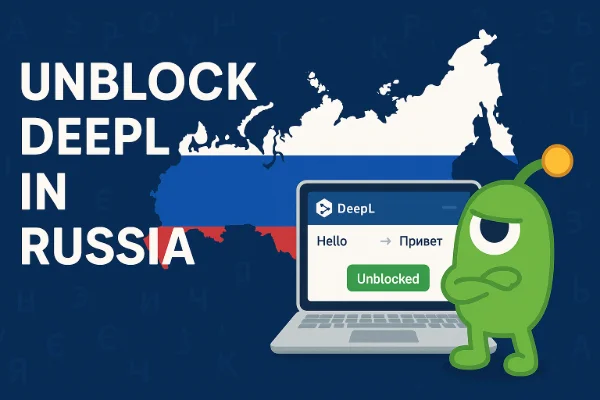
Где находится сайт DeepL?

DeepL - это надежная платформа перевода с искусственным интеллектом, базирующаяся в Германии и предлагающая свои услуги в основном в Европе, Северной Америке и некоторых регионах Азии. Большинство пользователей в ЕС, США, Японии и Южной Корее могут свободно пользоваться веб-версией DeepL и версией для настольных компьютеров.
Однако его доступность не повсеместна. В некоторых странах, таких как Россия, Китай и Иран -сталкиваются с периодическими или длительными ограничениями. Эти блокировки могут быть вызваны государственными брандмауэрами, политикой фильтрации контента или временными проблемами с подключением между местными интернет-провайдерами и серверами DeepL.
Если вы живете или путешествуете в одном из этих регионов, сайт DeepL может не загружаться или показывать постоянные таймауты соединения, даже если ваш интернет работает нормально. Самый простой способ восстановить доступ - использовать бесплатный прокси VPN в UFO VPN.

Как проверить, не работает ли сервер DeepL?
Прежде чем предположить, что сайт DeepL заблокирован, следует проверить, является ли проблема глобальной или только локальной. Вот как это можно проверить:
-
Посетите страницу DeepL.
Зайдите на сайт deeplstatus. Если сервер DeepL не работает, вы увидите уведомления об отключениях, техническом обслуживании или высокой задержке. -
Используйте инструменты сторонних производителей
Такие сайты, как DownDetector или IsItDownRightNow собирает отчеты пользователей, чтобы определить, есть ли проблемы у платформы по всему миру. Просто найдите там "DeepL" - если многие пользователи сообщают о проблемах, проблема, скорее всего, на стороне сервера. -
Проверьте социальные сети
На официальном аккаунте X (бывший Twitter) DeepL часто публикуются обновления в режиме реального времени. Поиск "DeepL down" на X или Reddit также может показать, сталкиваются ли другие с такой же проблемой. -
Выполните основные тесты подключения
Попробуйте открыть DeepL во вкладке инкогнито или в другом браузере. Если и там все работает, проблема может заключаться в локальном кэше, а не в перебоях на сервере.
Если DeepL работает нормально в других местах, но не в вашей сети, то, скорее всего. региональное ограничение или заблокированный диапазон IP-адресов -О чем мы расскажем далее.
Переводчик DeepL не работает: Причины и решения
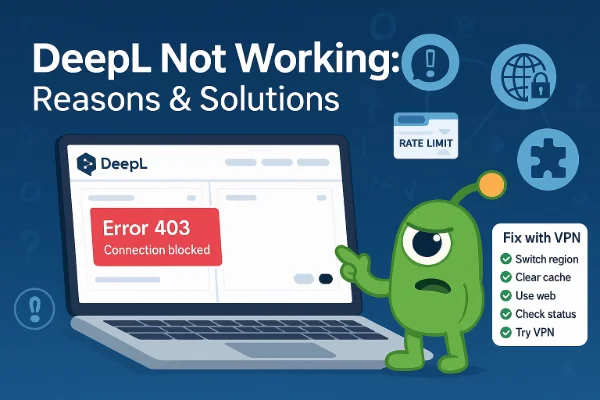
Если сайт DeepL отказывается загружаться, это может быть связано с несколькими техническими или региональными факторами. Давайте разберем их:
1. Временный простой сервера
Даже платформы самого высокого уровня время от времени подвергаются техническому обслуживанию. Если собственные серверы DeepL не работают, вам остается только ждать, пока их восстановят.
Решение: Проверьте сайт deeplstatus.com и повторите попытку через несколько часов.
2. Кэш браузера или файлы cookie
Старые данные сеанса могут вызывать зацикливание загрузки или ошибки "перевод застрял".
Решение: Очистите кэш и файлы cookie браузера или попробуйте открыть личное окно. Затем снова войдите в свою учетную запись DeepL.
3. Устаревшая версия приложения
Если вы используете настольное или мобильное приложение DeepL, устаревшая сборка может конфликтовать с новыми протоколами сервера.
Решение: Обновите приложение до последней версии с официального сайта DeepL или из магазина приложений.
4. Настройка сети или брандмауэра s
Корпоративные сети и общедоступные сети Wi-Fi часто блокируют определенные конечные точки перевода.
Решение: Переключитесь на личное подключение или мобильную точку доступа. Если вы используете VPN для обеспечения конфиденциальности, подключайтесь к региону, где DeepL работает бесперебойно (наиболее надежны серверы ЕС или США).
5. Региональные ограничения или блоки
Если DeepL работает у других, но не загружается в вашей сети, возможно, он заблокирован в вашей стране.
В России, например, некоторые инструменты для перевода и искусственного интеллекта были ограничены с 2024 года в связи с правилами обработки данных. Это может привести к появлению сообщений об ошибках типа "соединение не удалось" или "страница не найдена".
Решение: Единственный надежный способ - направить свое соединение через безопасный сетевой туннель, который маскирует ваше местоположение и перенаправляет трафик через неограниченный регион, например, с помощью надежного VPN-инструмента, такого как UFO VPN.
6. Заблокированные файлы cookie или расширения безопасности
Блокировщики рекламы и расширения конфиденциальности могут случайно заблокировать скрипты DeepL.
Решение: Временно отключите расширения или добавьте deepl.com в список разрешенных.
7. Дросселирование на уровне провайдера
Некоторые интернет-провайдеры ограничивают доступ к иностранным инструментам ИИ, чтобы сэкономить пропускную способность или соблюсти местные правила.
Решение: Переключайтесь между сетями или используйте частное соединение в обход фильтров местного провайдера.
Бонус: Как быстро и безопасно получить доступ к сайту DeepL
Если сайт DeepL заблокирован в вашем регионе или работает с перебоями, вы все равно сможете безопасно и легально заходить на него, оптимизировав свое соединение.
1. Используйте надежный VPN-сервис
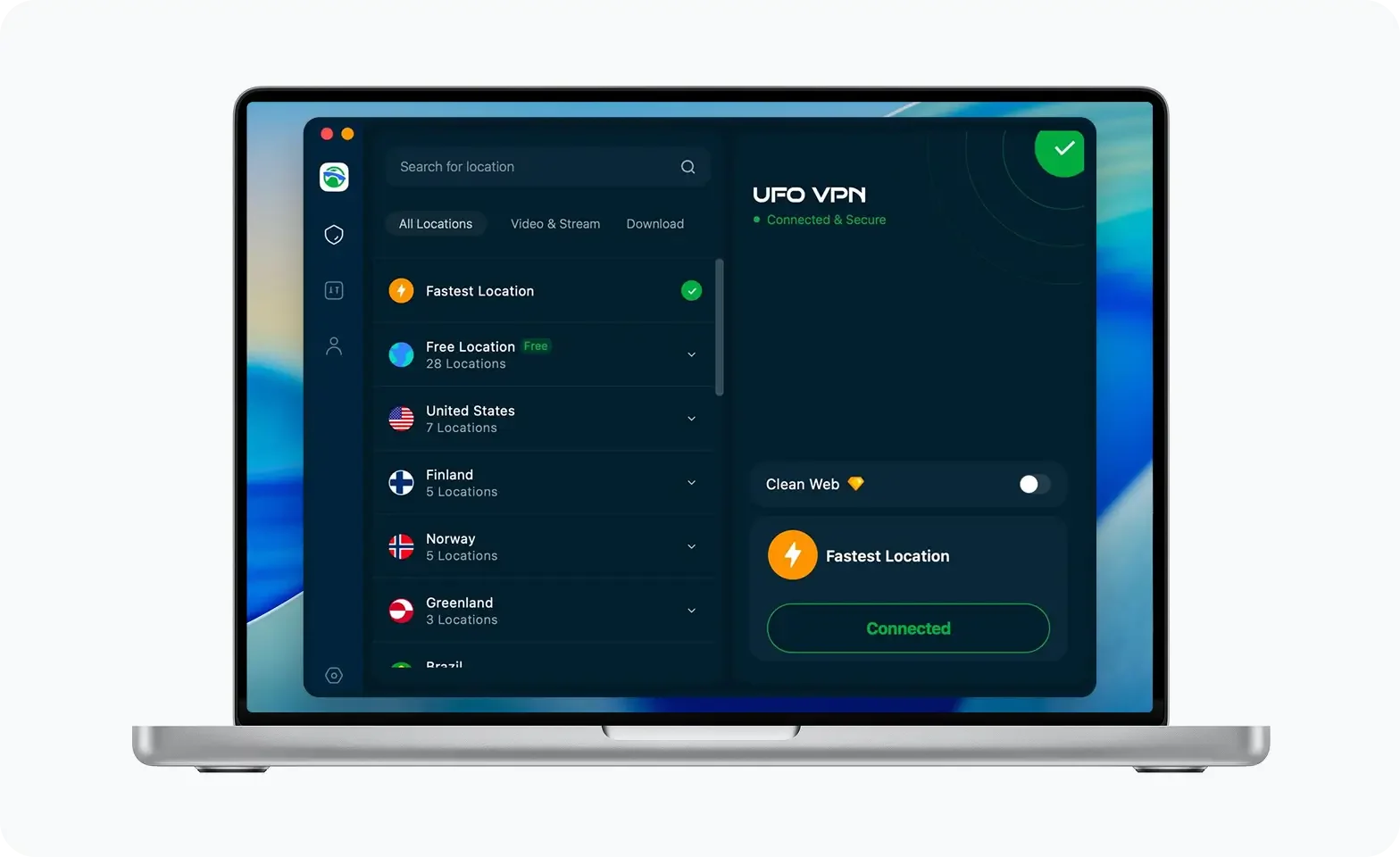
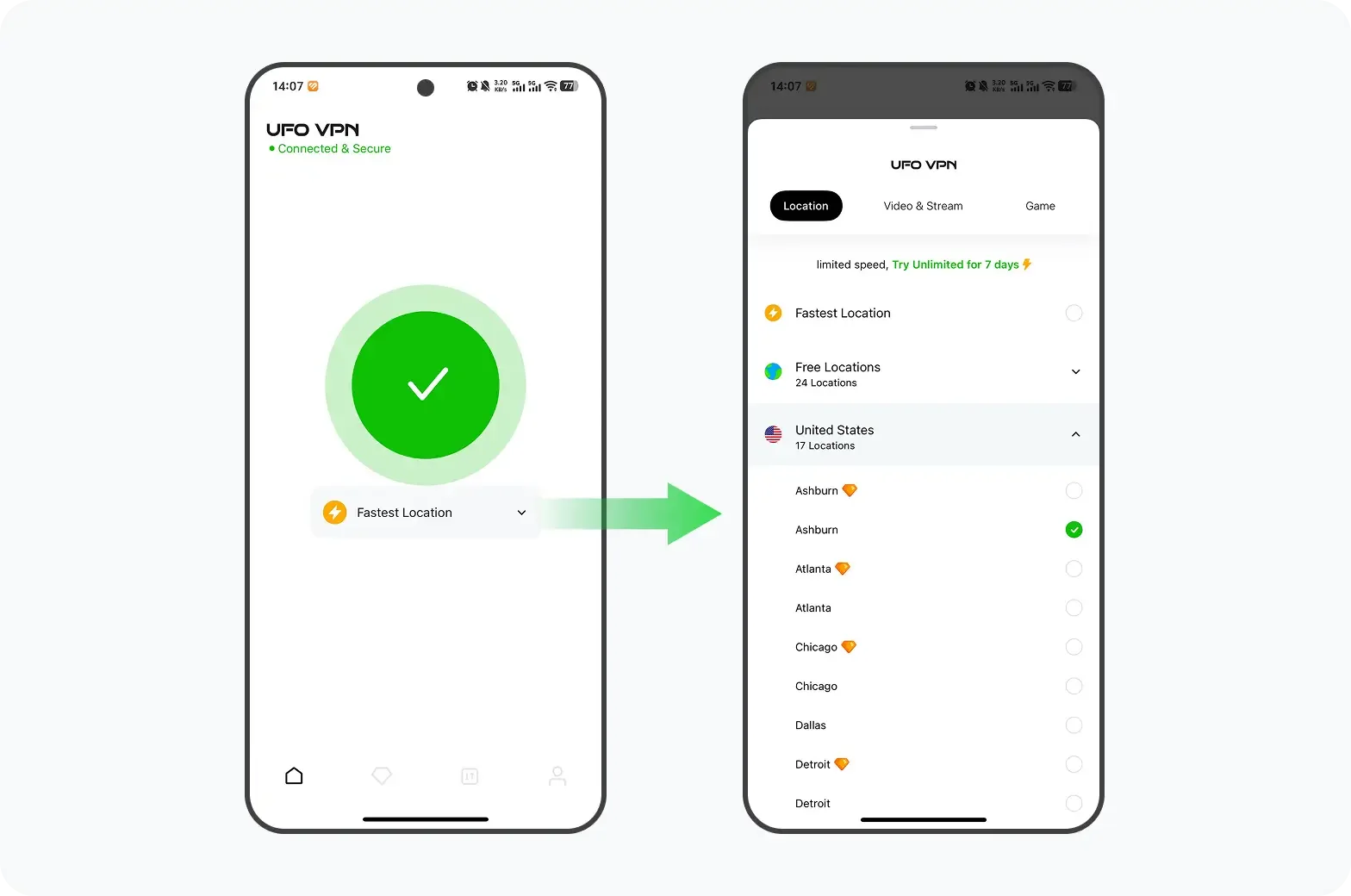
VPN (виртуальная частная сеть) шифрует ваш трафик и присваивает вам IP-адрес из другой страны. Подключение к региону, например, Германии или Нидерландам (где расположены серверы DeepL), обычно восстанавливает полный доступ мгновенно.
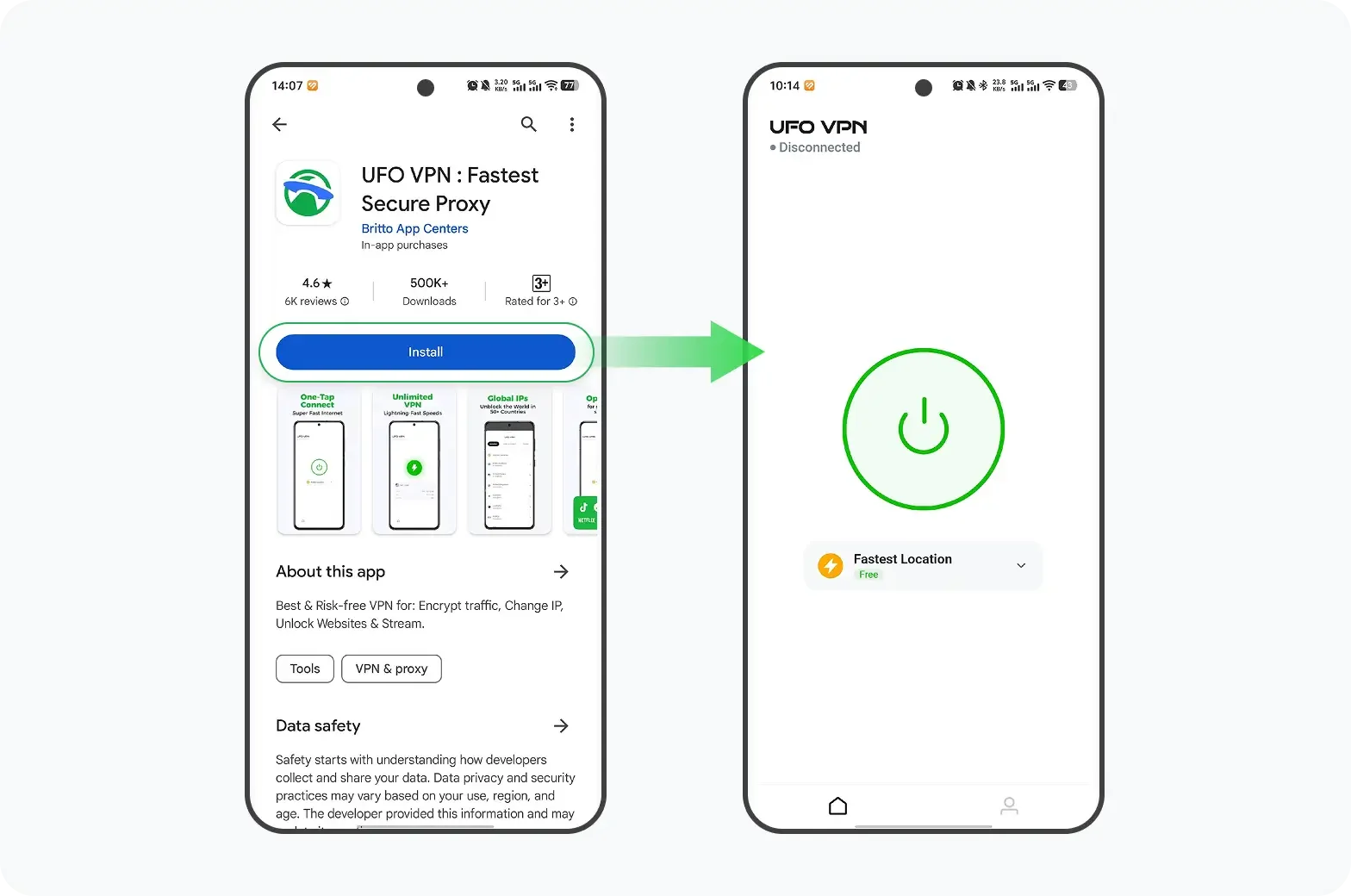
Например, UFO VPN предлагает быстрые европейские серверы, которые помогают пользователям заходить на сайт DeepL без перепадов скорости и рисков для безопасности.
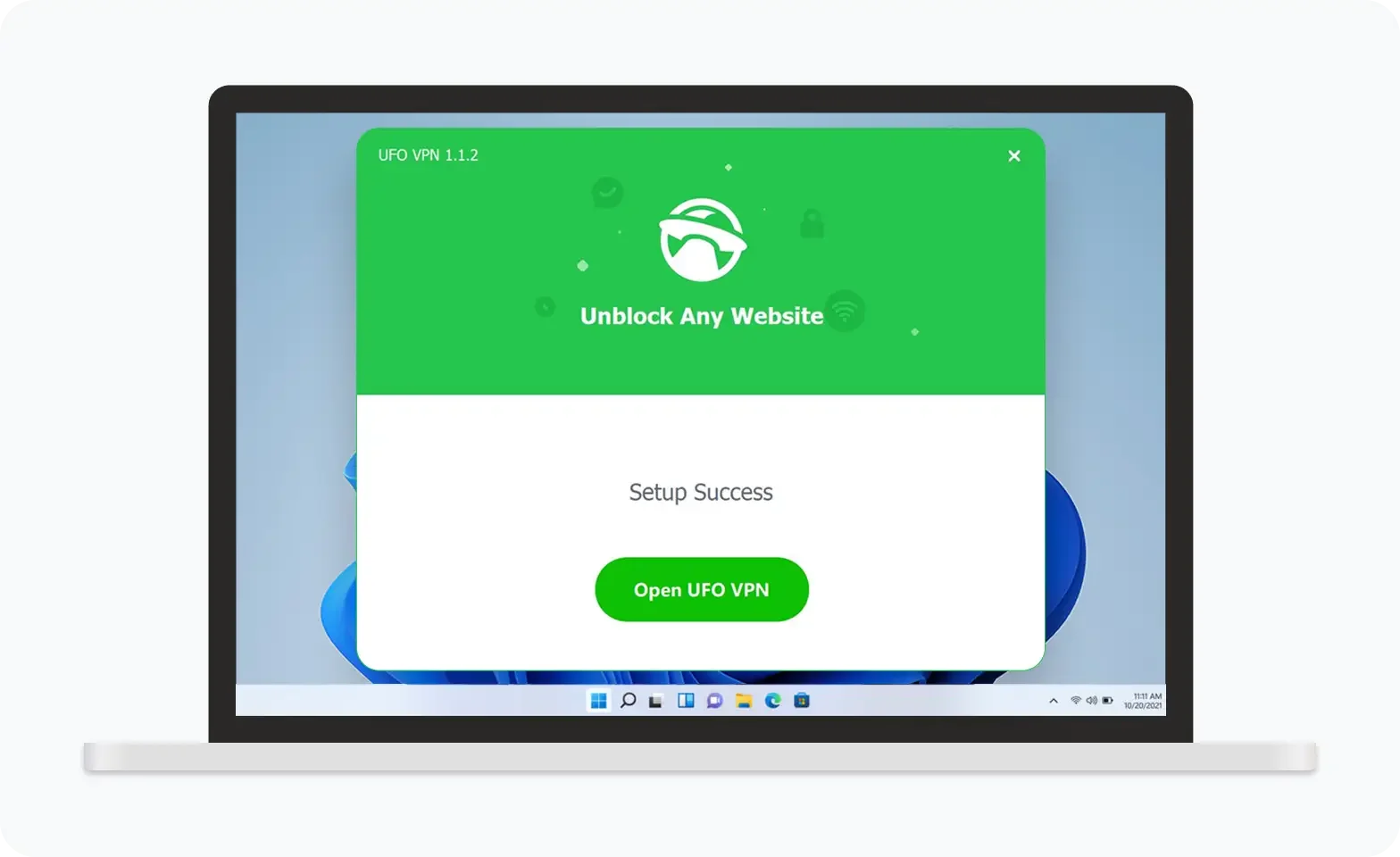

UFO VPN — это универсальный VPN, предлагающий неограниченный доступ к 4K-стримингу, такому как Netflix, Disney Plus, играм без задержек, таким как PUBG, Roblox, CODM, и социальным сетям — YouTube, X, Facebook и другим.
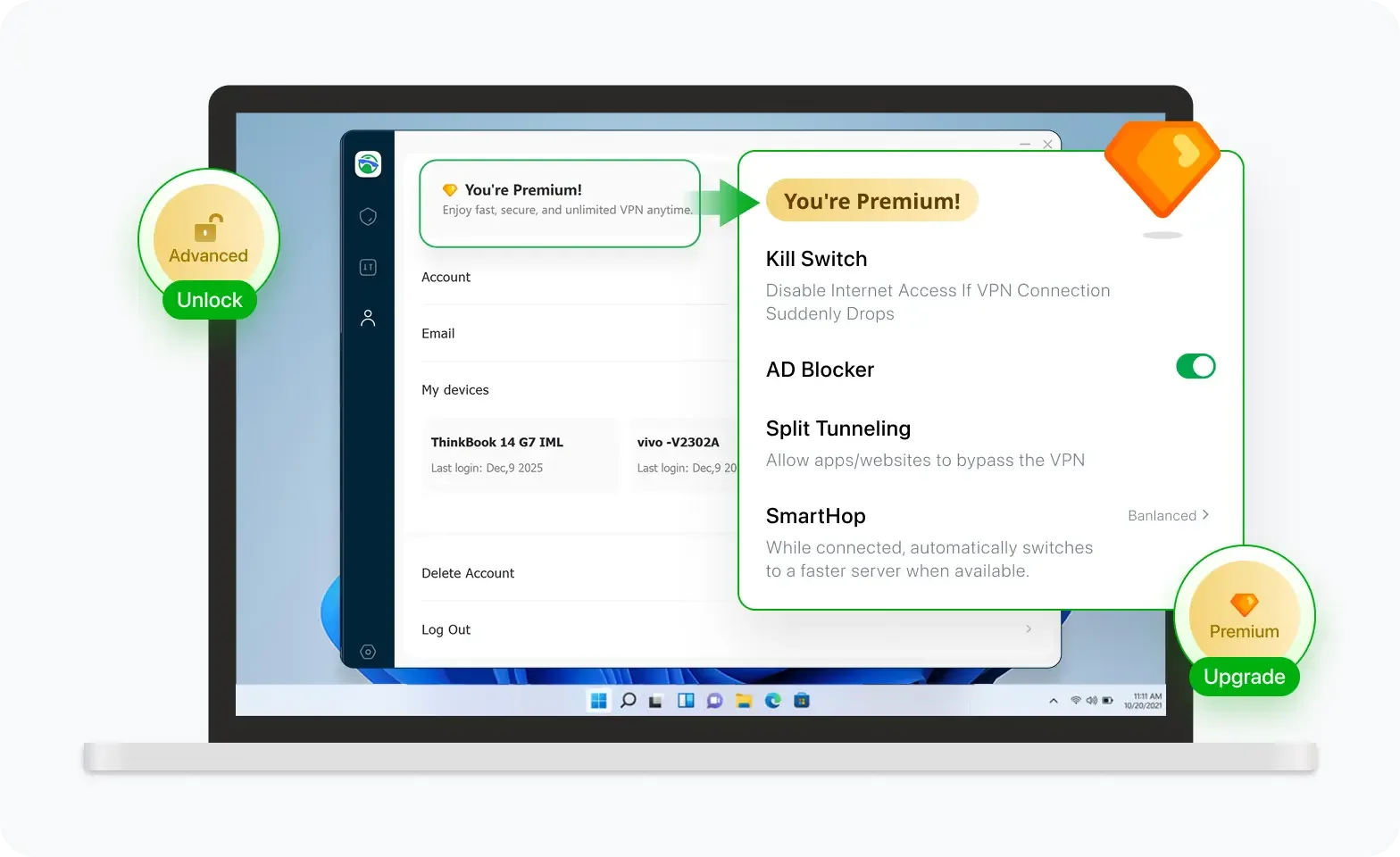

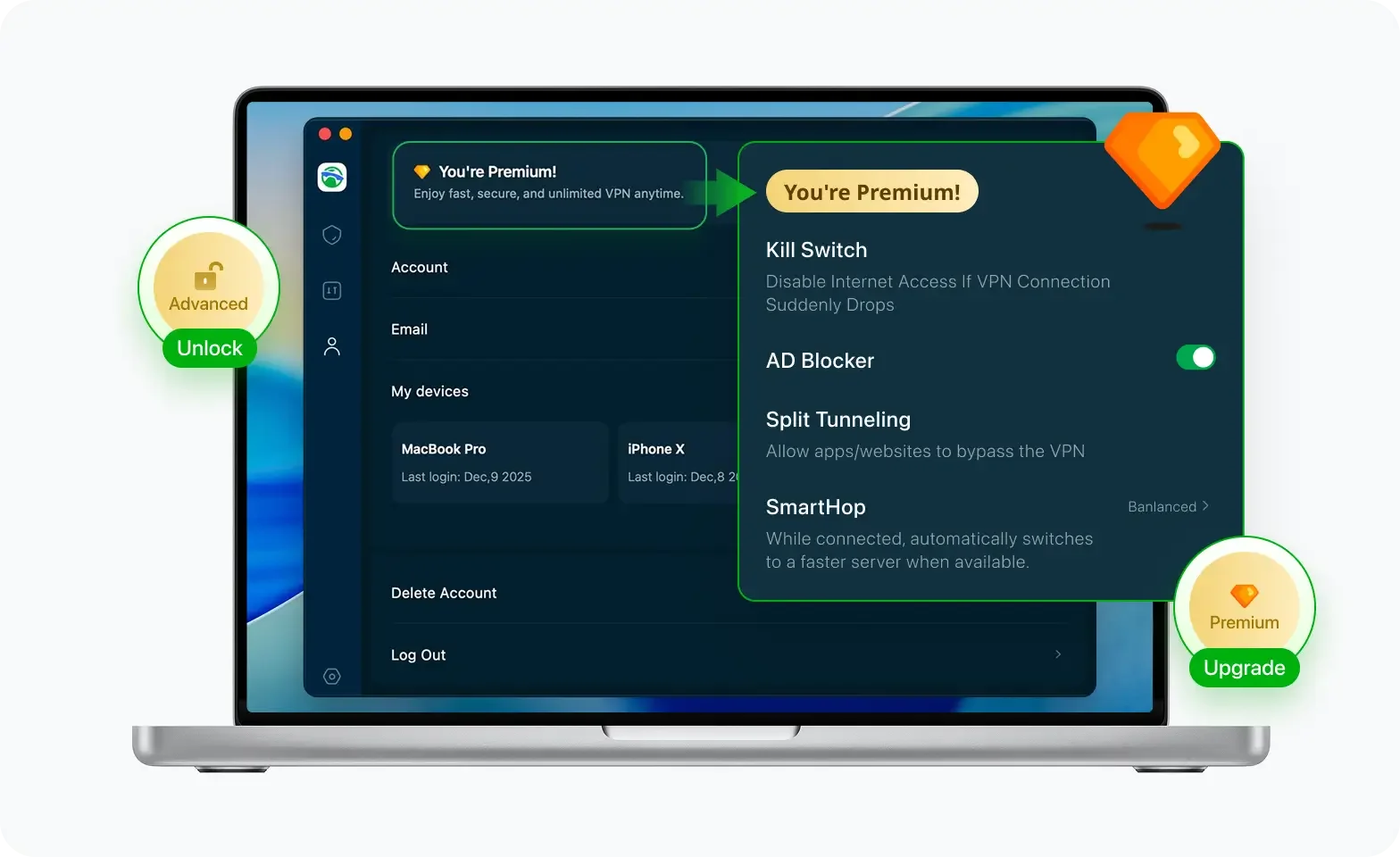
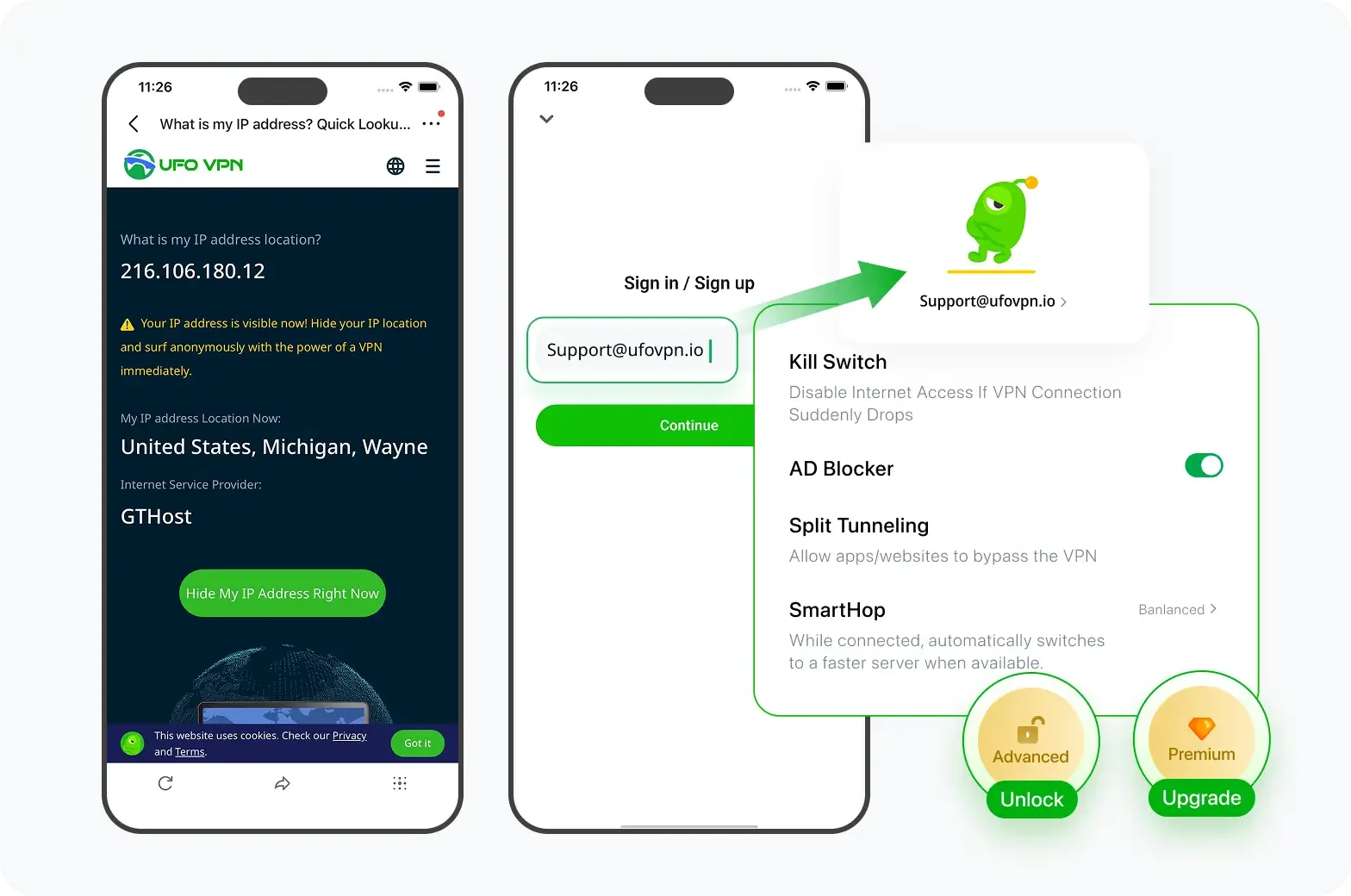
Разблокируйте Pro-функции
Если вы перешли на премиум-план, наслаждайтесь премиум-серверами для 4K-стриминга и расширенными функциями, такими как Kill Switch, Раздельное туннелирование и ускорение игр. Ваш Mac теперь полностью оптимизирован и защищён. Помимо базовых функций, мы рекомендуем включить
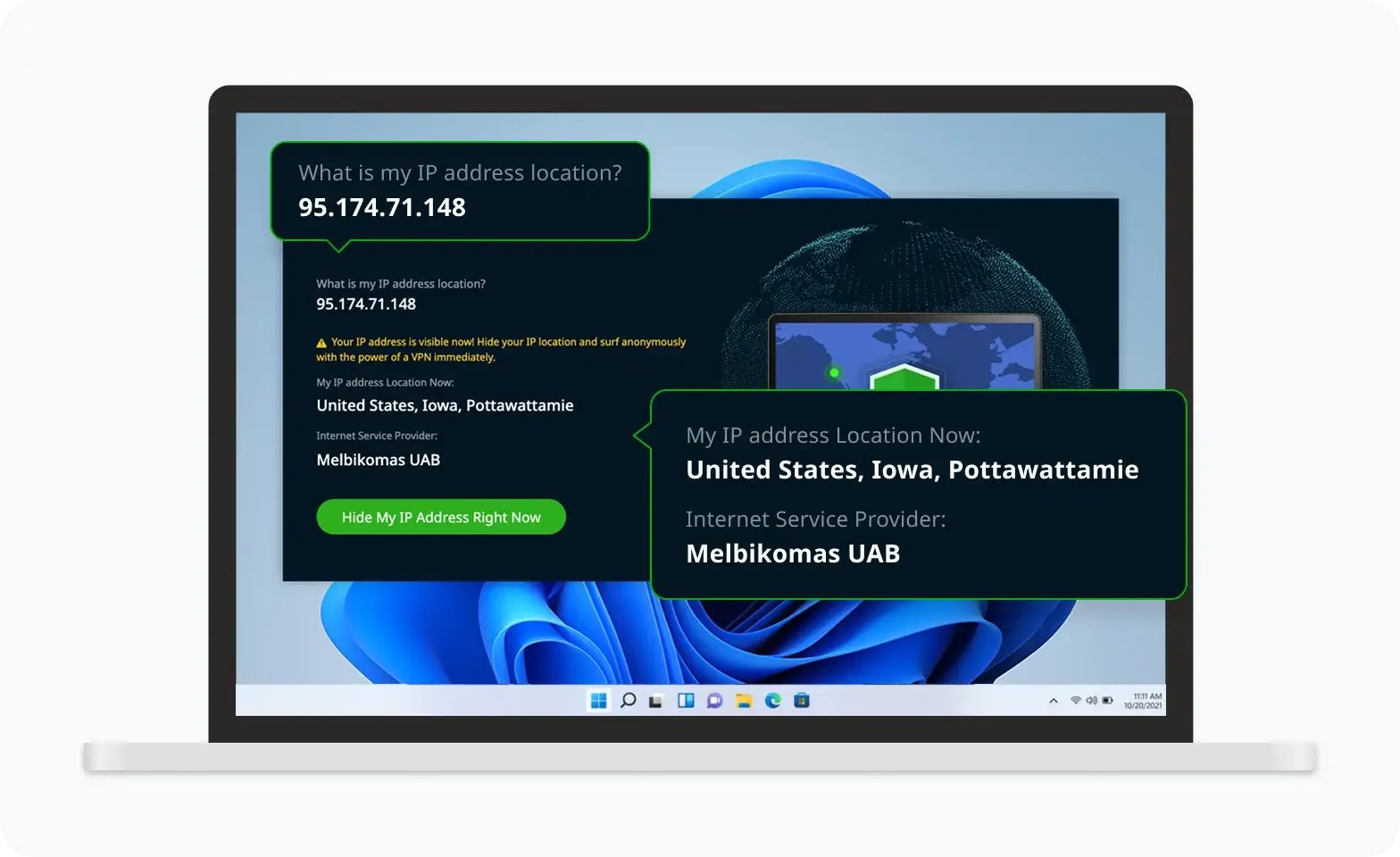
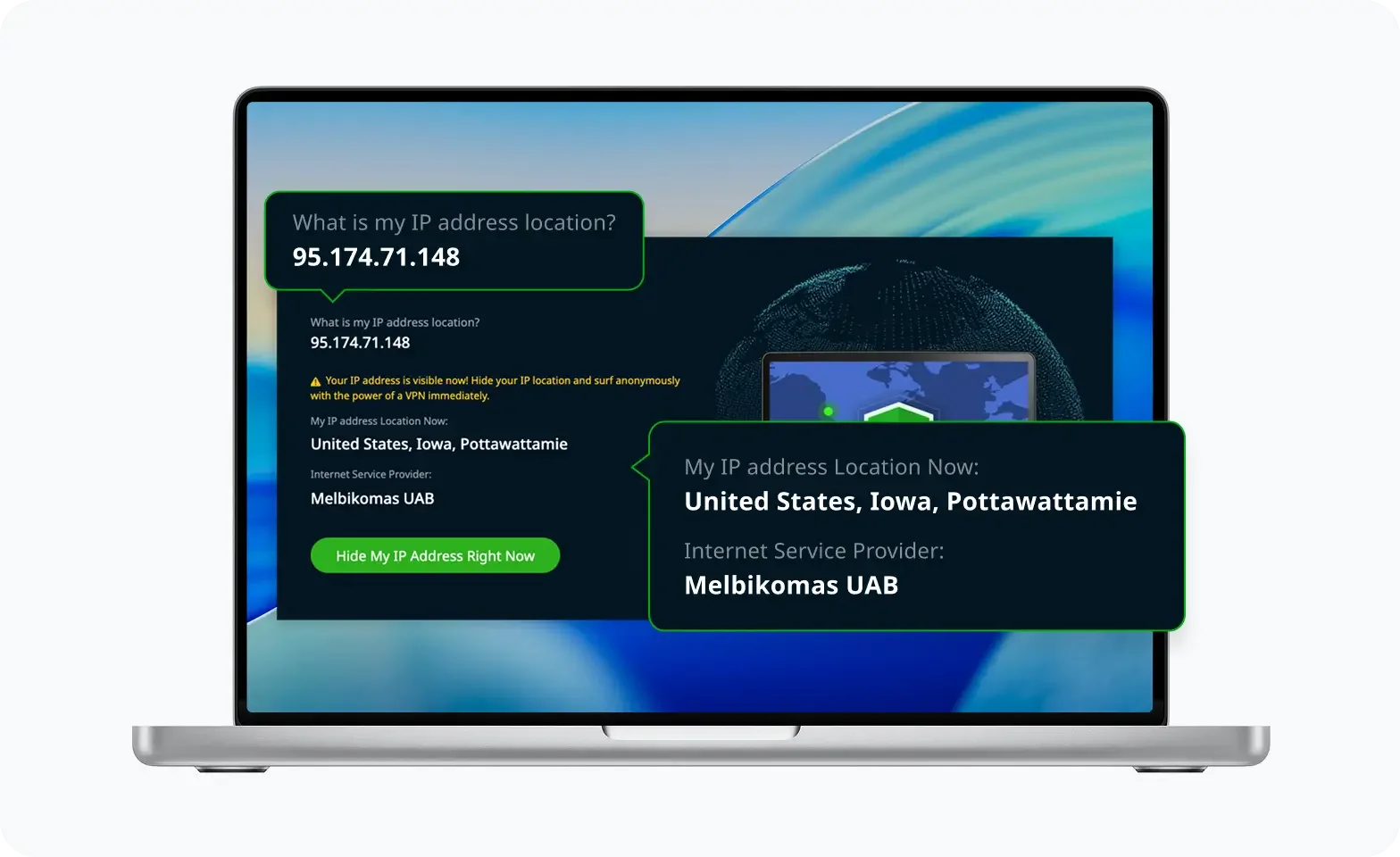
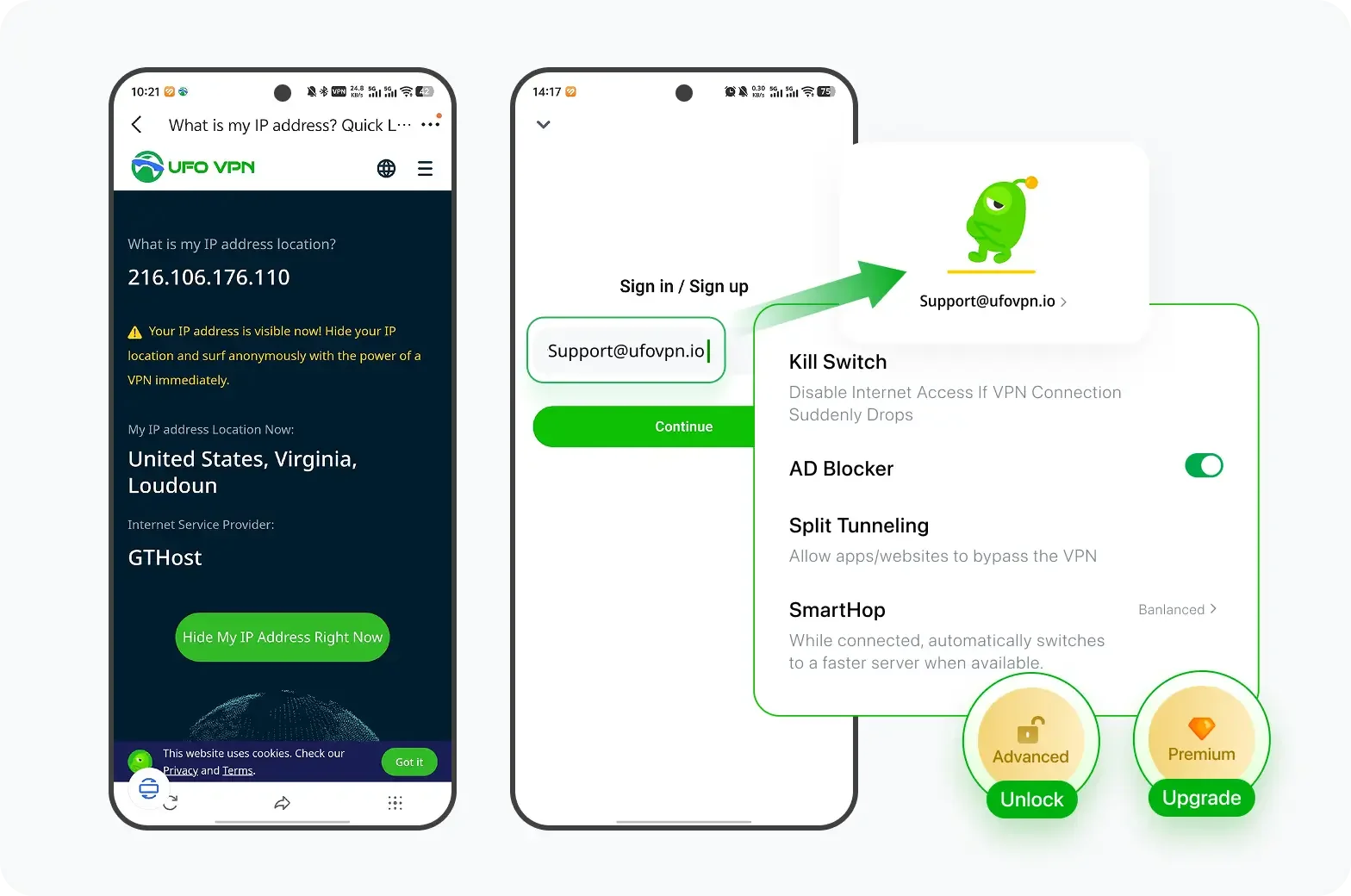
Проверьте свой IP сейчас
Используйте функцию UFO VPN « Какой у меня IP », чтобы увидеть свой новый IP и местоположение. Это подтверждает, что ваше соединение безопасно, анонимно и готово к защищённому просмотру в любом месте и в любое время.
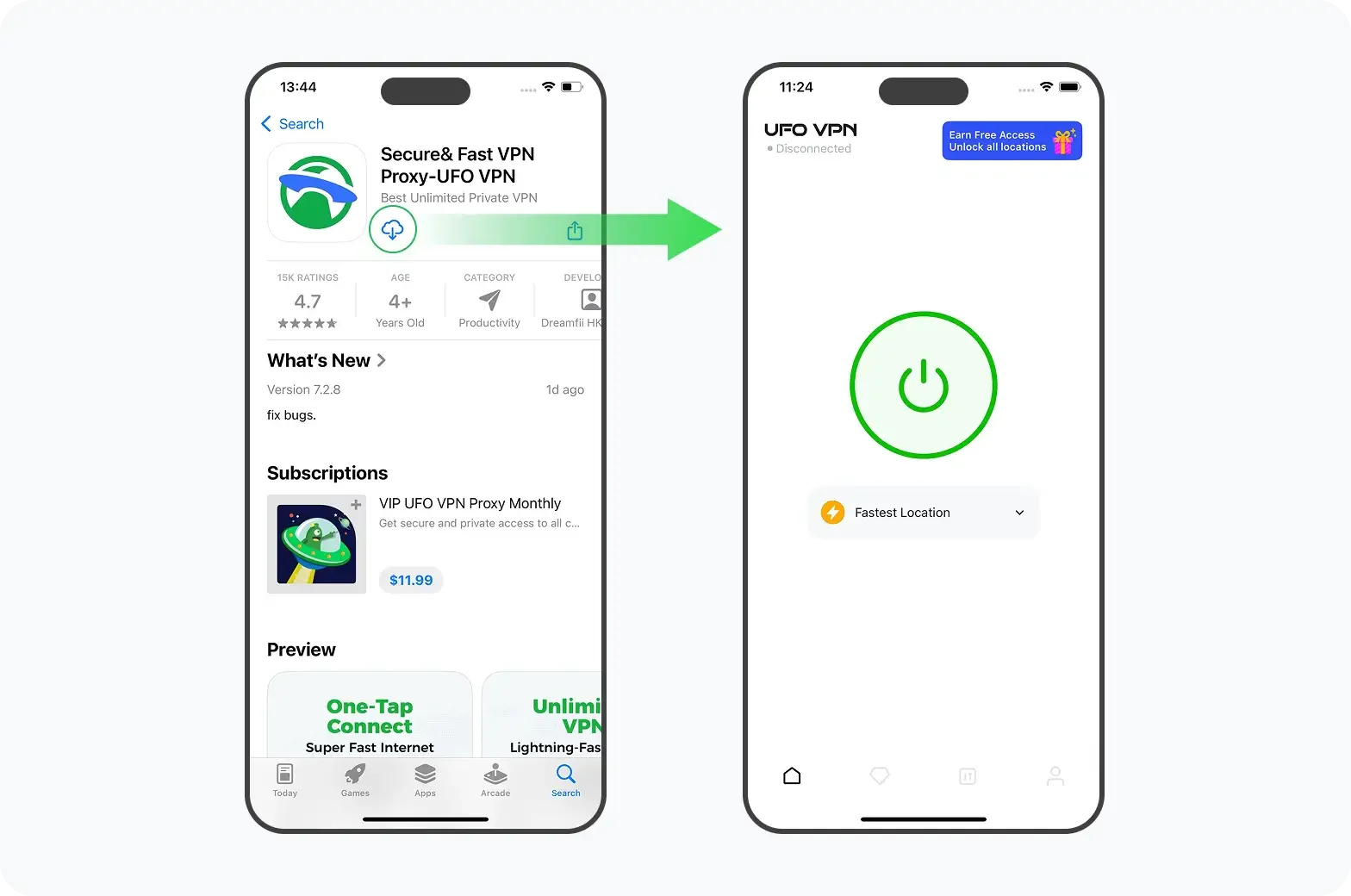
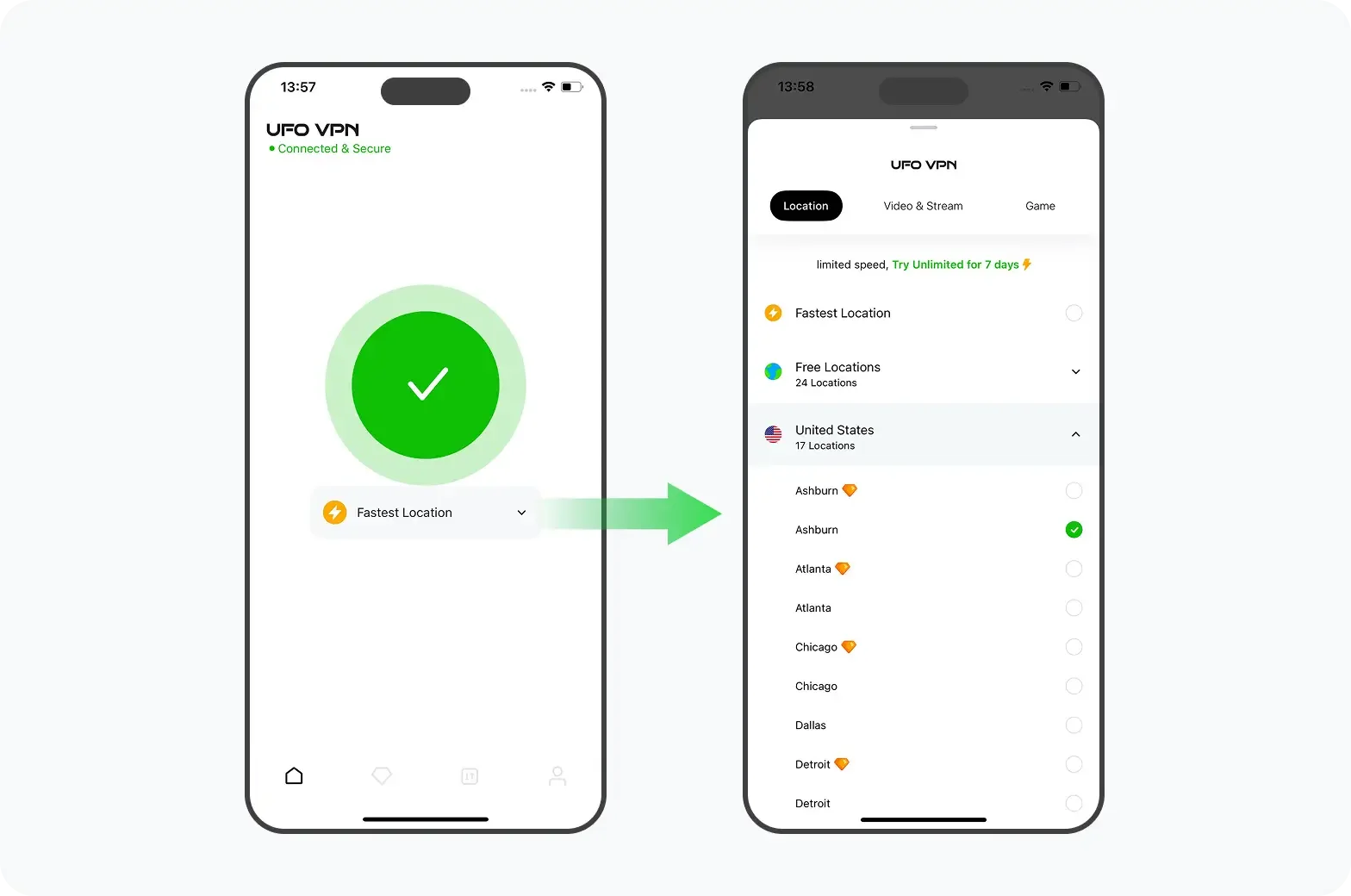
2. Выберите ближайший сервер для ускорения
Выбирая местоположение VPN, остановитесь на стране, географически близкой к вашей, чтобы уменьшить задержки. Например, пользователи в Восточной Европе могут подключиться к Польше или Германии для более плавной передачи данных.
3. Храните соединение в зашифрованном виде
VPN не только разблокирует DeepL, но и защищает данные перевода, которые могут содержать личную или деловую информацию. Надежное шифрование гарантирует, что ваш текст будет обработан только DeepL и ни одной третьей стороной.
4. Обеспечить соответствие
Всегда используйте VPN в соответствии с местными законами и условиями предоставления услуг на сайте DeepL. Цель - сохранить доступ для законной переводческой работы, а не обойти правила безопасности данных.
Выполнив эти действия, вы сможете беспрепятственно использовать DeepL даже в регионах с ограничениями, не жертвуя конфиденциальностью и скоростью.
Советы по ведению журнала и эффективному использованию DeepL
Следующие советы помогут вам использовать DeepL более эффективно.
-
Стабильный Wi-Fi позволяет оставаться на связи: Частые выходы из системы часто связаны с перебоями в работе сети. Устойчивое соединение предотвращает таймаут сеанса.
-
Предпочитайте веб-приложение для быстрых исправлений: Если приложение для настольных компьютеров не работает, откройте DeepL в браузере. Обычно он работает даже при частичных перерывах в обслуживании.
-
Закладка status.deepl.com: Это самый быстрый способ узнать, находится ли DeepL на техническом обслуживании.
-
Регулярно очищайте кэш: Это позволит избежать ошибок перевода или застревания страниц.
-
Используйте безопасное соединение: Если вы переводите конфиденциальные документы, зашифрованная с помощью VPN сессия сохранит ваши данные в тайне.
Эти небольшие привычки помогают обеспечить бесперебойную работу DeepL изо дня в день, даже при колебаниях в работе серверов.
Вопросы и ответы
Сегодня DeepL не работает?
Проверьте страницу состояния DeepL или DownDetector для получения обновлений в режиме реального времени. Если сообщений о проблемах нет, проблема, скорее всего, на стороне вашей сети.
Почему сайт DeepL не работает в моей стране?
Некоторые страны ограничивают доступ к иностранным инструментам искусственного интеллекта или платформам перевода из-за политики обработки данных. В этом случае вам может понадобиться безопасное соединение через регион, где доступен DeepL.
Как исправить ошибку "DeepL не загружается"?
Очистите кэш браузера, отключите блокировщики рекламы и проверьте настройки брандмауэра. Если проблема сохраняется, попробуйте подключиться через другую сеть или VPN-сервер.
Могу ли я использовать VPN для легального доступа к DeepL?
Да, VPN легальны в большинстве стран, если используются для обеспечения конфиденциальности и законного доступа. Всегда следуйте местным правилам и условиям использования DeepL.
Заключение
Перебои в работе сайта DeepL случаются редко, но ошибки подключения могут возникать из-за простоя сервера или региональных ограничений. Проверяя состояние сервера, обновляя браузер и используя при необходимости безопасное сетевое соединение, такое как UFO VPN, вы сможете быстро восстановить доступ и поддерживать бесперебойную работу переводов в любой точке 2026 года.