What Are Tunnel Rush Unblocked Games 66?
Before trying to bypass restrictions or install tools, it’s important to understand what Tunnel Rush Unblocked Games 66 actually is and why so many players search for it. In this part, we will help you avoid confusion between official versions, clones, and unsafe copies, so you know exactly what you’re playing.
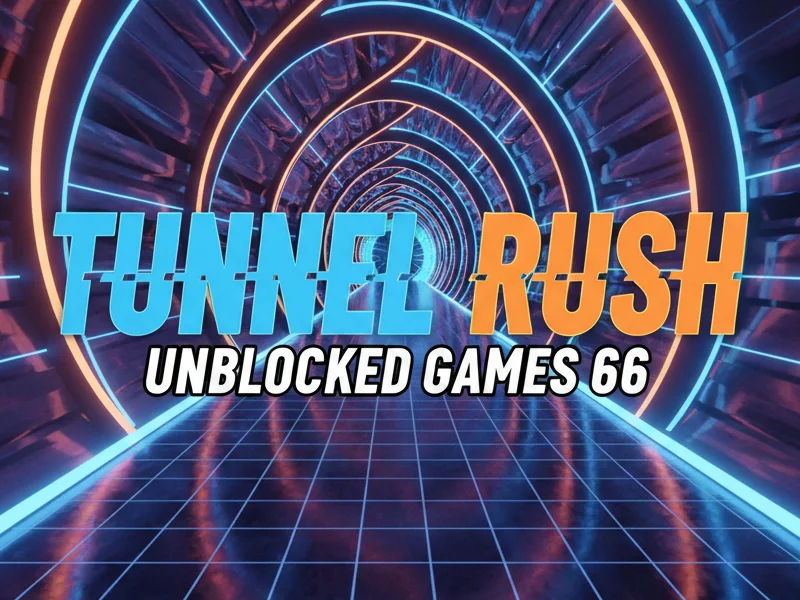
Tunnel Rush is a high-speed 3D endless runner game where you navigate through a rotating tunnel filled with obstacles. The goal is simple: survive as long as possible. However, the challenge increases rapidly with speed, color shifts, and unpredictable barriers.
Tunnel Rush Unblocked Games 66 refers to versions of the game hosted on platforms like Games 66 that are designed to bypass typical school or workplace restrictions. These versions run directly in your browser and require:
-
No downloads
-
No installation
-
No sign-up
Why players love Tunnel Rush Unblocked Games 66
-
Instant access via browser
-
Playable on low-end devices
-
Fast reflex gameplay
-
No cost – 100% free to play
That said, not all “unblocked” versions are safe or reliable. Some copies are outdated, injected with ads, or even malware—which is why learning how to access Tunnel Rush safely is essential.


Why Is Tunnel Rush Blocked on School & Work Networks?
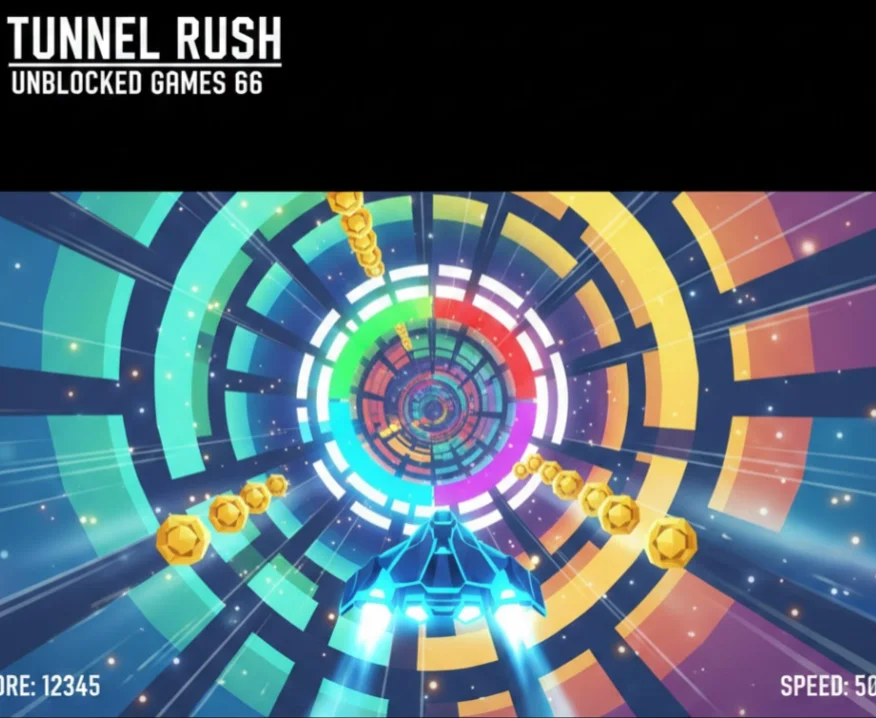
Now that you understand what Tunnel Rush Unblocked Games 66 is, the next issue most players run into is simple: they can’t access it at all. The following explains why school and work networks block Tunnel Rush in the first place, what systems are responsible for those restrictions, and what problem you need to overcome before any unblocking method can work.
Most schools and workplaces use network firewalls and content filters to limit access to gaming websites. These restrictions are not random—they’re designed to:
-
Reduce distractions
-
Save bandwidth
-
Enforce productivity policies
Common reasons Tunnel Rush is blocked
-
Category-based blocking (games are flagged automatically)
-
Domain blacklisting (sites like Games 66 are restricted)
-
IP-based filtering by network administrators
-
ISP-level restrictions in certain regions
Even if Tunnel Rush itself is harmless, it often gets blocked simply because it falls under the “online games” category. That’s why many players turn to Tunnel Rush Unblocked Games 66 alternatives or use tools like VPNs to regain access.
How to Access Tunnel Rush Unblocked Games 66 Safely?
Trying random links or mirror sites can expose you to pop-ups, trackers, and malicious scripts. This section focuses on safe and reliable methods to unblock Tunnel Rush without putting your device or privacy at risk.
1. Use a VPN for Gaming
A free proxy VPN in UFO VPN works by encrypting your internet connection and routing it through a secure server. This allows you to bypass school, work, and ISP-level blocks while protecting your data.
UFO VPN is particularly well-suited for browser gaming because it offers:
-
🚀 Fast-speed servers optimized for streaming and gaming
-
🔒 Strong encryption to protect your privacy
-
🌍 Multiple global locations to bypass regional blocks
-
🎮 Low latency, perfect for reflex-based games like Tunnel Rush
With UFO VPN enabled, your network can no longer detect that you’re accessing a gaming site—making it much easier to play Tunnel Rush for free without interruptions.
Follow the steps below to set up UFO VPN for your devices:


UFO VPN is an all-in-one VPN that offers unlimited access to 4K streaming like Netlfix, Disney Plus, no-ping gaming as PUBG, Roblox, CODM and social networking for YouTube, X, Facebook and more.




Unlock Pro Features
If you have upgraded to premium plan , feel free to enjoy premium servers for 4K streaming and advanced features like Kill Switch, Split Tunneling, and gaming acceleration. Your Mac is now fully optimized and protected. Inaddition to basic functions, we recommend you turn on

Verify Your IP Now
Use UFO VPN's " What is My IP " feature to see your new IP and location. This confirms your connection is secure, anonymous, and ready for safe browsing online anywhere at any time.







2. Avoid Fake Mirror Sites and Malware
Not all unblocked game sites are trustworthy. Many fake Tunnel Rush mirrors are created solely to generate ad revenue or distribute malware. This part helps you avoid common traps that could harm your device.
Red flags to watch out for
-
Excessive pop-ups before the game loads
-
Forced downloads or browser extensions
-
Requests for personal information
-
Redirects to unrelated websites
Using a reliable VPN adds an extra layer of protection by hiding your IP address and blocking suspicious connections, reducing the risk of being tracked or targeted by malicious scripts.
3. Avoid ISP and Network Blocks
Sometimes, even legitimate unblocked sites fail to load due to ISP throttling or DNS-based filtering. This section explains how to bypass those deeper restrictions.
A trusted VPN helps by:
-
Masking your DNS requests
-
Preventing ISP throttling
-
Allowing access to blocked gaming domains
This ensures stable access to Tunnel Rush Unblocked Games 66—even on restricted networks.
Bonus: Tips to Make Tunnel Rush Load Faster

Even after unblocking the game, slow loading times can ruin the experience. If you want smooth gameplay without lag, especially on school or shared networks, this part will help you.
Enhance Gaming Experience with a VPN
While VPNs are often associated with privacy, a high-quality VPN like UFO VPN can actually improve performance by:
-
Avoiding congested network routes
-
Reducing ISP throttling
-
Stabilizing ping on busy Wi-Fi networks
Many players notice smoother gameplay after connecting to a nearby UFO VPN server.
Clear Browser Cache
Over time, cached files can slow down browser-based games.
How to fix it:
-
Clear cache and cookies
-
Restart your browser
-
Reload Tunnel Rush
This simple step often improves load times instantly.
Disable Heavy Extensions
Ad blockers, video downloaders, and script managers can interfere with game rendering.
Tip:
Disable unnecessary extensions before launching Tunnel Rush Unblocked Games 66.
Use Stable Wi-Fi
Avoid public or overcrowded Wi-Fi networks when possible. If you’re on school Wi-Fi, pairing it with VPN can significantly improve stability.
5 Best Tunnel-Style Unblocked Games
If Tunnel Rush is temporarily unavailable, these similar games offer the same fast-paced tunnel experience and are often unblocked as well.
1. Run 3 Unblocked
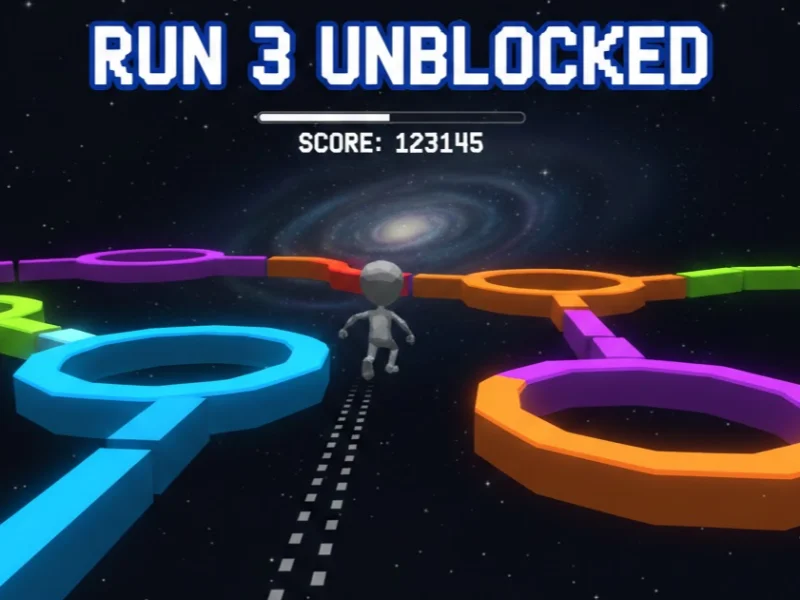
The game uses unique physics mechanics, meaning gravity shifts depending on the tunnel’s shape. This adds a strategic layer to the fast-paced gameplay and keeps each level fresh and challenging.
Pros:
-
Creative level design with changing gravity
-
Multiple characters with different abilities
-
Works smoothly on school Chromebooks and browsers
Cons:
-
Slower pace compared to Tunnel Rush
-
Some levels may feel repetitive over time
2. Slope Unblocked

The game demands quick reactions and precise control as the speed continuously increases, making it one of the most intense tunnel-style games available.
Pros:
-
Extremely fast and challenging gameplay
-
Simple controls, easy to learn
-
Strong sense of speed and adrenaline
Cons:
-
Very unforgiving for beginners
-
Limited visual variety compared to other tunnel games
3. Color Tunnel
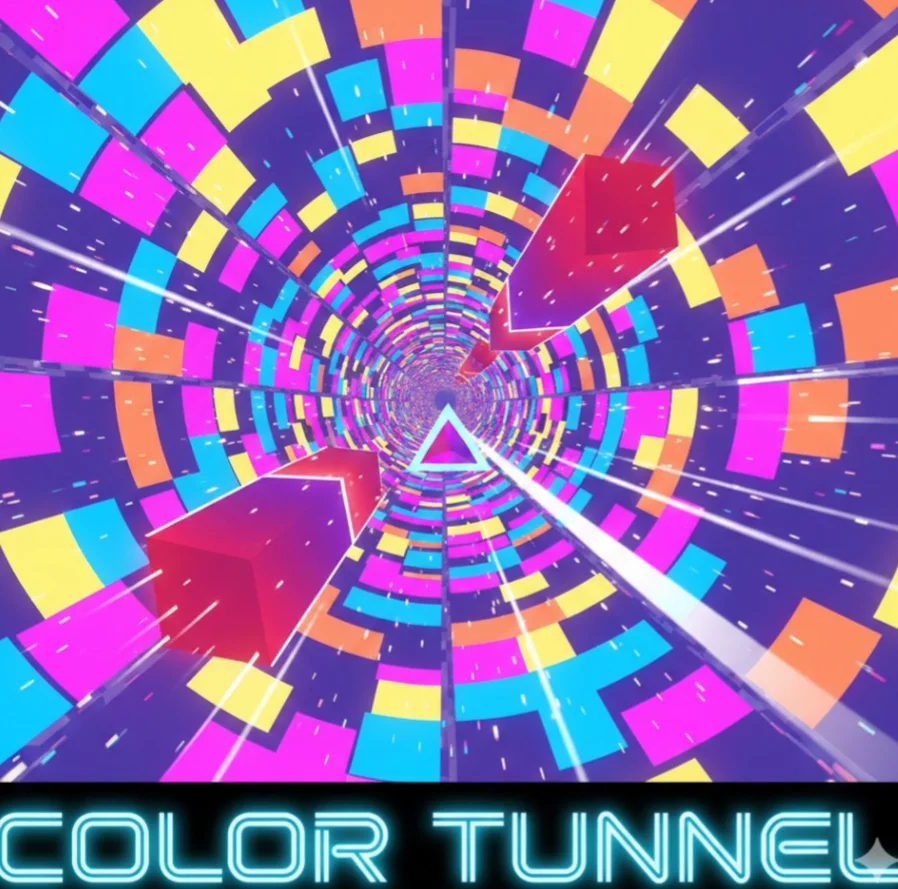
Players must dodge obstacles while the tunnel rapidly changes colors and patterns, creating a visually stimulating experience that tests focus and reaction speed.
Pros:
-
Eye-catching visuals and color effects
-
Great for quick play sessions
-
Simple mechanics with increasing difficulty
Cons:
-
Can feel overwhelming for some players
-
Less depth compared to physics-based games
4. Ball Rush

The game emphasizes smooth movement and timing rather than flashy visuals, making it a solid choice for players who prefer clean and straightforward gameplay.
Pros:
-
Smooth controls and stable performance
-
Minimal ads on most unblocked versions
-
Runs well on low-end devices
Cons:
-
Basic graphics may feel plain
-
Limited gameplay variety
5. Helix Jump Unblocked

The focus is on timing, precision, and rhythm rather than speed, offering a different kind of tunnel challenge.
Pros:
-
Easy to understand but hard to master
-
Satisfying progression and pacing
-
Suitable for casual players
Cons:
-
Not a true horizontal tunnel runner
-
Repetitive mechanics in long sessions

Conclusion
Tunnel Rush Unblocked Games 66 remains one of the most exciting browser games you can play for free in 2026—but network restrictions, slow loading times, and unsafe mirrors can ruin the experience. By understanding why the game is blocked, learning how to access it safely, and using tools, you can enjoy smooth, secure, and uninterrupted gameplay wherever you are.
FAQs
Is Tunnel Rush Unblocked Games 66 free to play?
Yes. Most unblocked versions are completely free to play and run directly in your browser, so you don’t need to download or install anything to get started.
Is it legal to play Tunnel Rush at school?
The game itself is legal, but accessing it on a school network may go against school rules or IT policies. It’s best to understand and respect your institution’s guidelines before playing.
Is Tunnel Rush safe without a VPN?
It can be safe if you use a trusted site, but without a VPN your IP and activity may be exposed. A VPN adds an extra layer of privacy and helps reduce the risk of unsafe mirror sites.
Can I play Tunnel Rush Unblocked Games 66 on a school Chromebook or low-end device?
Yes. Tunnel Rush is a lightweight browser game that runs smoothly on most school Chromebooks and low-end laptops. As long as the site is accessible or properly unblocked, no special hardware or installation is required.