VPN Free Trial
Explore 0-log VPN free trial version without extra charges before choosing your plan.


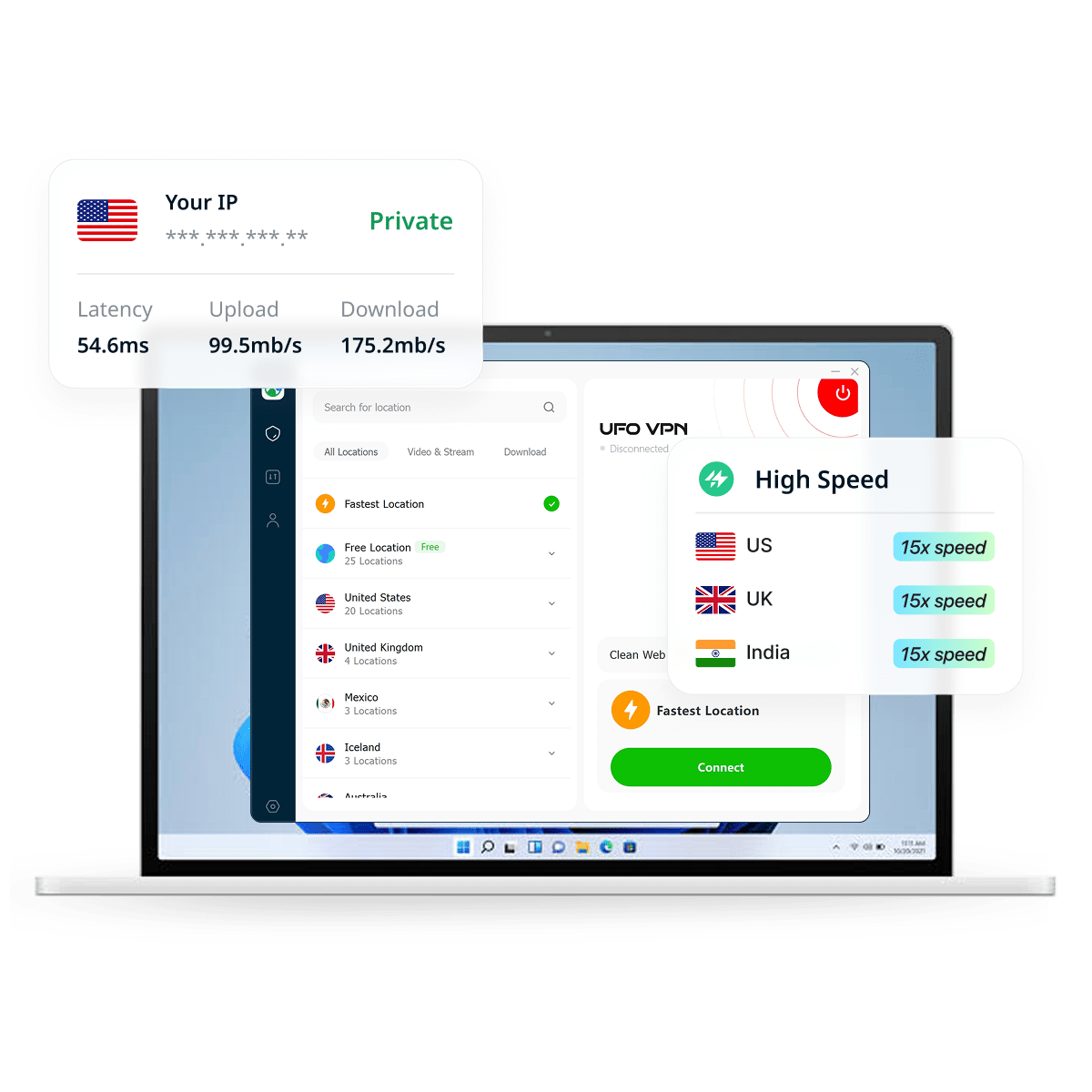

Find UFO VPN for PC from the official website and follow the on-screen instructions.
Install the VPN on your PC and laptop. Follow the simple setup process to get ready.

Tap "Connect" or choose your preferred server location to enjoy a fast and secure VPN experience.
A VPN for Windows is a virtual private network service that creates an encrypted connection between your Windows PC and the internet. Instead of sending traffic directly from your device to online services, the VPN routes it through a VPN server, helping protect your data and masking your original IP address.
Windows VPNs can be useful when browsing on public Wi-Fi, working remotely, or simply looking for greater privacy online. Dedicated VPN clients such as UFO VPN for PC can also simplify the process by providing an easy-to-use interface for connecting to VPN servers without requiring manual network configuration.
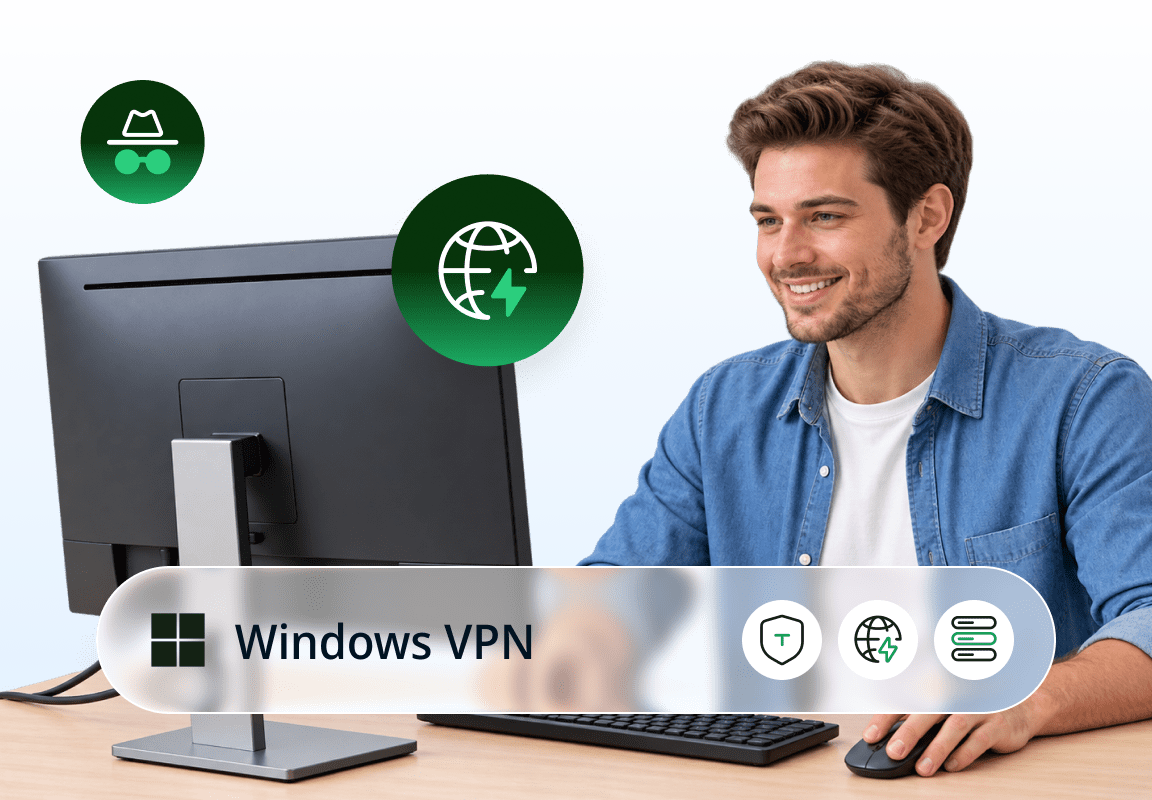
UFO VPN Windows offers a flexible VPN experience with both free and premium plans. The free Windows VPN trial includes essential VPN protection while Premium adds more servers, faster connections, and enhanced features.
Explore 0-log VPN free trial version without extra charges before choosing your plan.
Try advanced VPN protocols with a full 30-day money-back guarantee.
Enjoy a cleaner, faster browsing experience with built-in ad and tracker blocking.
Safeguard your online activity with advanced AES-256 military-grade encryption.
Automatically test your VPN speed and switch between servers for the fastest, most stable connection.
Decide which apps use UFO VPN and which connect directly for full control.
Keep your privacy intact with automatic protection if your VPN connection drops.
Stream, game, and surf freely with unlimited bandwidth and 0 restrictions!
Free streaming online: Unblock region-locked websites with low latency anytime.
Improve Gaming connection: Choose a stable VPN location to reduce lags in gaming.
Secure Public Wi-Fi: Keep your online activities private under public Wi-Fi, airports & hotels.
Protect Your Privacy: Military-level encryption safeguards your data security and privacy.

Explore global proxy servers with our free Windows VPN and connect to multiple VPN locations worldwide.
Where to Find New & Free Redeem Codes for FIFA/FC Mobile? 2026 Guide
Is TikTok Down? Quick Ways to Check the Status & Fix
FitGirl Repack: Is It Safe, Legal & Best Free Alternatives for PC Games
Classroom 6X Unblocked Games: How to Access It Anywhere
How to Get Cheaper Games by Changing Steam Region?
BitLord Download Guide 2026: Why BitLord Download Old Version
Discover why UFO VPN is trusted by global users.
To check whether a VPN is installed or active on your PC, open Settings > Network & Internet > VPN and look for any configured VPN connections. You can also check the system tray or installed apps for VPN software.
To confirm whether a VPN is currently working, visit What is my IP in UFO VPN and compare the displayed IP address and location before and after connecting. If they change to the VPN server’s location, the VPN is active.
Download UFO VPN free and enjoy safer, faster internet in one click.