TikTok Monetization in 4 Ways (with/without Livestreaming)
TikTok offers several programs and features that allow creators to earn income no less than livestreaming:
1. TikTok Creator Rewards Program
This program rewards creators for producing engaging content. Eligibility criteria include: Shopify
-
Being at least 18 years old
-
Having a minimum of 10,000 followers
-
Accumulating at least 100,000 video views in the last 30 days
Once eligible, creators can apply through the TikTok app.
2. TikTok Shop
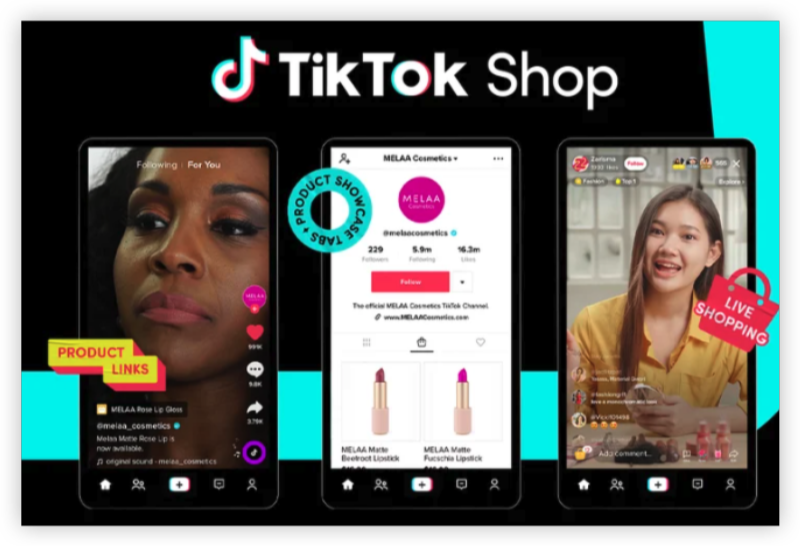
Launched in 2023, TikTok Shop allows creators to sell products directly through the platform. By integrating product links into videos, creators can drive sales and earn commissions.
3. Live Gifts and Tips
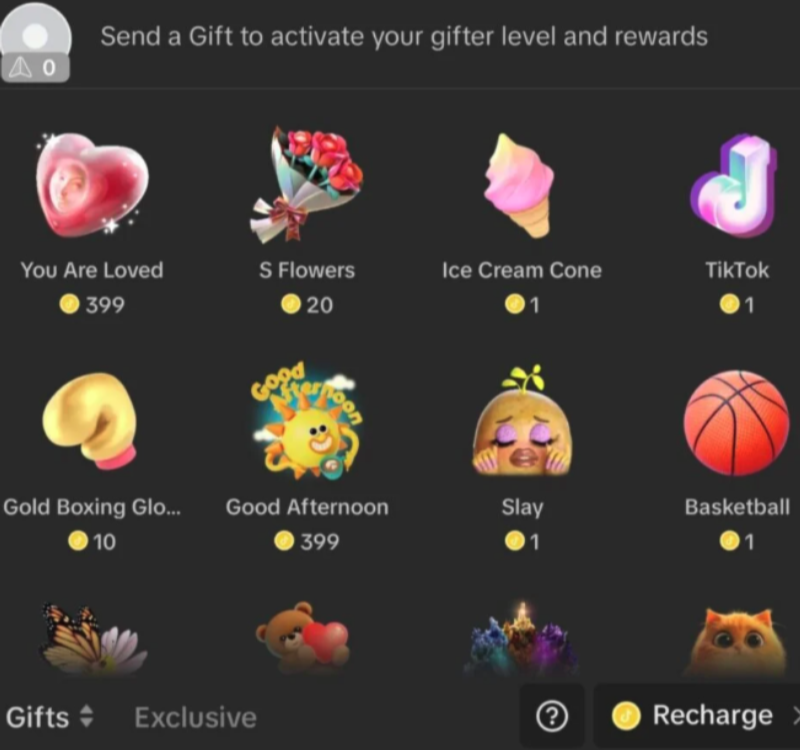
During live streams, viewers can send virtual gifts purchased with TikTok coins. These gifts can be converted into Diamonds, which are redeemable for real money.
4. Affiliate Marketing
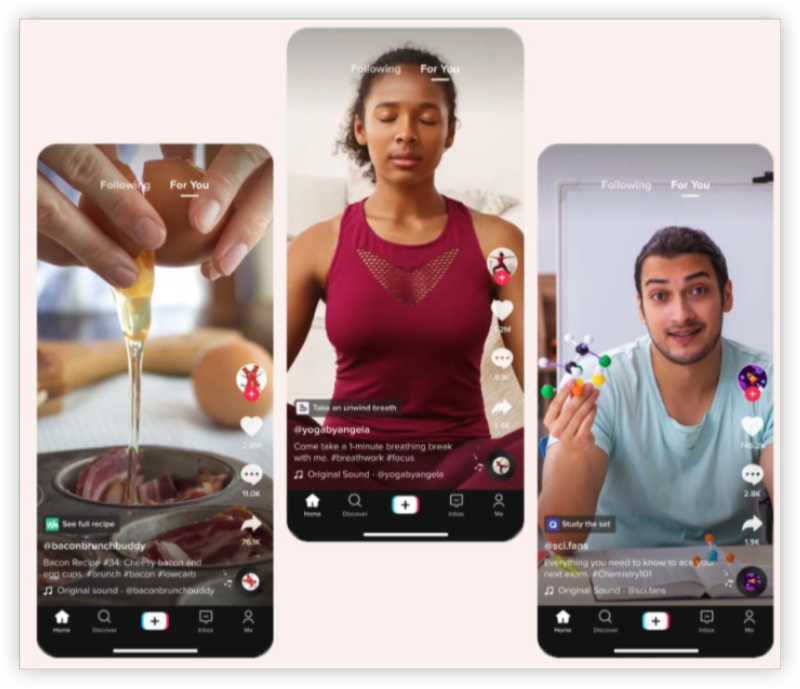
By promoting products and including affiliate links in your content, you can earn a commission for each sale generated through your referral.
Why Is TikTok Monetization Is Not Working
If you’ve ever tried to monetize on TikTok and found that certain features were “unavailable in your region,” you’re in the right place. Many creators—especially those in countries where monetization tools are restricted—run into roadblocks. Here’s what most users (and especially VPN users) worry about:
1. Regional Restrictions
TikTok’s monetization features like the Creator Rewards Program, TikTok Shop, and Live Gifts are only available in select countries. If you’re in a country where these features haven’t rolled out, your monetization options are limited—or completely unavailable.
2. Shadowbanning & Account Limitations
Using a VPN without proper precautions can flag your account activity as suspicious. Some users report reduced reach, inability to go live, or restrictions from accessing in-app coins and rewards.
3. Security & Privacy
For creators operating in regions with surveillance or heavy internet censorship, security is a top concern. Accessing TikTok securely, especially when uploading sensitive or viral content, means avoiding tracking, throttling, or IP leaks.
4. Cross-Border Payment Barriers
Even if you manage to join a monetization program, payment methods like PayPal or bank transfers might not be supported in your country, leading to frustration when trying to cash out earnings.
📖Related Reading
- How to buy cheap TikTok coins
- Is Fake TikTok Coins True? Delete TikTok Spam Account
Monetizing After a TikTok Ban
If your account has been banned, there are still pathways to monetize your content:
1. Change Your IP with free proxy VPN
Using a free proxy VPN like UFO VPN can help you break the TikTok wallet limits for cash and provide additional security and access benefits:
-
Privacy Protection: Encrypts your internet connection, safeguarding your data from potential threats.
-
Access to Restricted Features: If certain TikTok features are unavailable in your region, a VPN can help you access them by connecting through a different location.
-
Secure Content Uploading: Ensures a stable and secure connection when uploading content, reducing the risk of data breaches.
here is how you can use UFO VPN to make TikTok monetization available everywhere you go:


UFO VPN is an all-in-one VPN that offers unlimited access to 4K streaming like Netlfix, Disney Plus, no-ping gaming as PUBG, Roblox, CODM and social networking for YouTube, X, Facebook and more.




Unlock Pro Features
If you have upgraded to premium plan , feel free to enjoy premium servers for 4K streaming and advanced features like Kill Switch, Split Tunneling, and gaming acceleration. Your Mac is now fully optimized and protected. Inaddition to basic functions, we recommend you turn on

Verify Your IP Now
Use UFO VPN's " What is My IP " feature to see your new IP and location. This confirms your connection is secure, anonymous, and ready for safe browsing online anywhere at any time.







2. Appeal the Ban
TikTok allows users to appeal bans. Log in to your account, follow the prompts to submit an appeal, and provide any necessary information to support your case.
3. Create a New Account
If the appeal is unsuccessful, you can create a new account. Ensure you adhere to TikTok's community guidelines to avoid future issues.
4. Diversify to Other Platforms
Consider expanding your content to other platforms such as YouTube, Instagram, or Facebook. These platforms offer monetization options like ad revenue, brand partnerships, and fan subscriptions.
Bonus: Create a TikTok Account in a Country Where Monetization Is Available
Want access to TikTok monetization tools like the Creator Rewards Program or TikTok Shop—even if they’re not available in your country? Follow these strategic steps to create an account as if you're located in a monetized region (e.g., the US, UK, or Germany):
Use a Secure VPN (We Recommend UFO VPN)
-
Download and install UFO VPN - the best free VPN on your device.
-
Connect to a country that supports TikTok monetization (e.g., United States, United Kingdom, Canada, Australia, Germany, France).
-
Visit What Is My IP to check your new IP address for free and DNS leak protection settings are turned on for extra security.
Create a New TikTok Account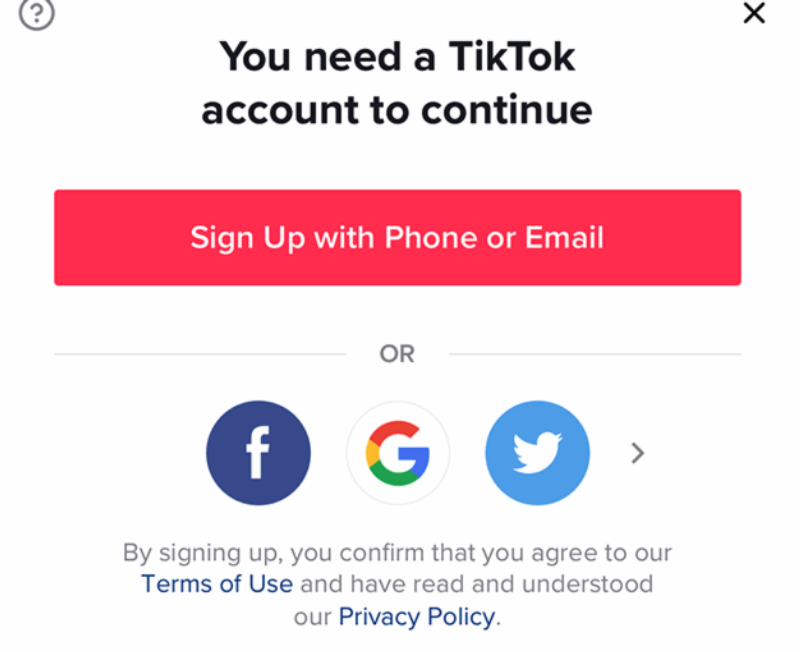
-
Clear all app data and cache from your existing TikTok app, or better yet, uninstall and reinstall the app after connecting to your VPN.
-
Open the TikTok app while the VPN is connected to your target region.
-
Register a new account using a fresh email address (or phone number, if available). Avoid using an account previously associated with a restricted region.
Optimize Your Account for Monetization
-
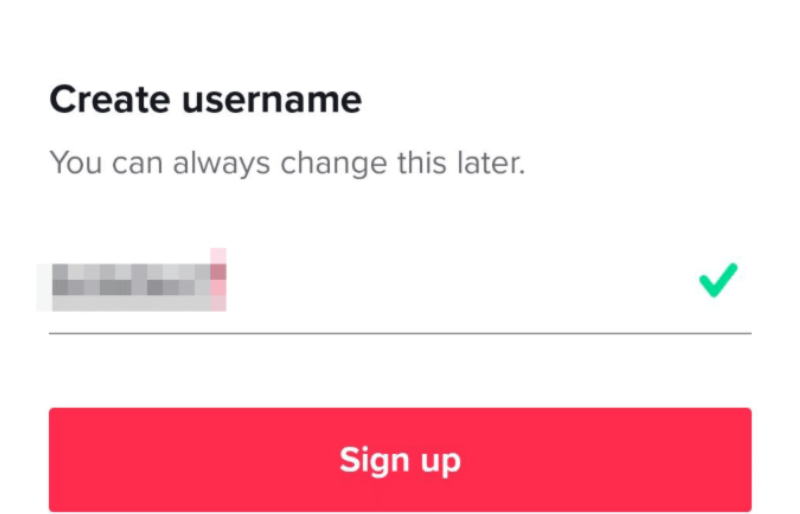
Choose a username, bio, and niche that aligns with monetized content categories (e.g., entertainment, education, reviews).
-
Start creating consistent, engaging content to grow your followers and reach the Creator Rewards eligibility threshold (10,000 followers and 100K views in the last 30 days).
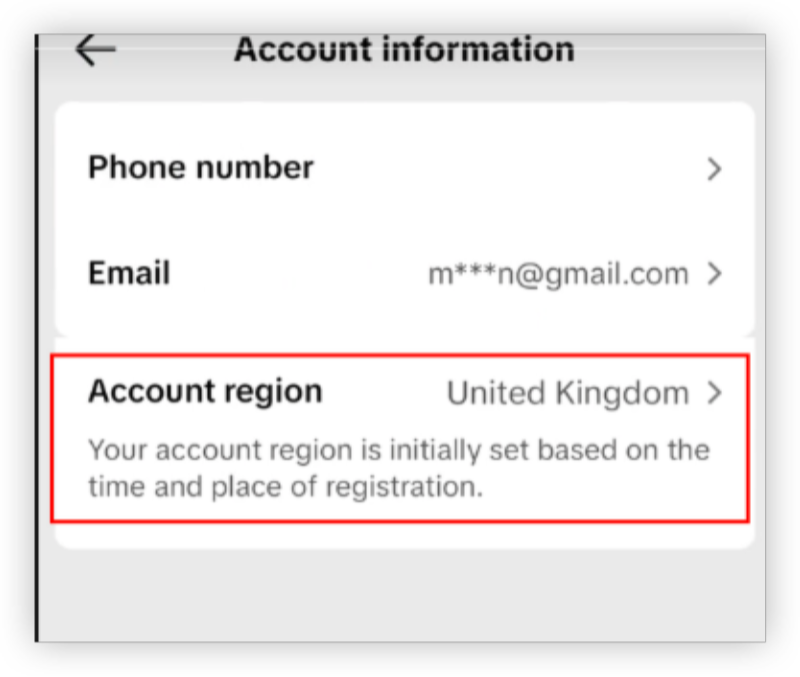
Verify Country Settings & Finish Payment Set-ups
-
Check and confirm that your account reflects the VPN-selected country. This is usually determined by your IP during sign-up.
-
Avoid switching regions frequently as this might trigger TikTok's fraud detection mechanisms.
-
Use PayPal or a virtual bank account that supports the country you're pretending to be in. Tools like Payoneer are often used by global creators.
-
Input your payment details accurately in the TikTok Creator Center once you're eligible.3.
FAQs
How many followers do I need to monetize on TikTok?
To join the Creator Rewards Program, you need at least 10,000 followers and 100,000 video views in the last 30 days.
Can I earn money from TikTok without live streaming?
Yes, through the Creator Rewards Program, TikTok Shop, and affiliate marketing, you can earn without going live.
What should I do if my TikTok account is banned?
First, appeal the ban through the app. If unsuccessful, consider creating a new account and ensure compliance with community guidelines.
Is using a VPN legal for accessing TikTok features?
Using a VPN is legal in many countries, but it's essential to ensure it doesn't violate TikTok's terms of service or local laws.
How can I maximize earnings from TikTok Shop?
Promote products that align with your content and audience interests. Use engaging videos to showcase products and include clear call-to-action links.