What Is FanDuel?
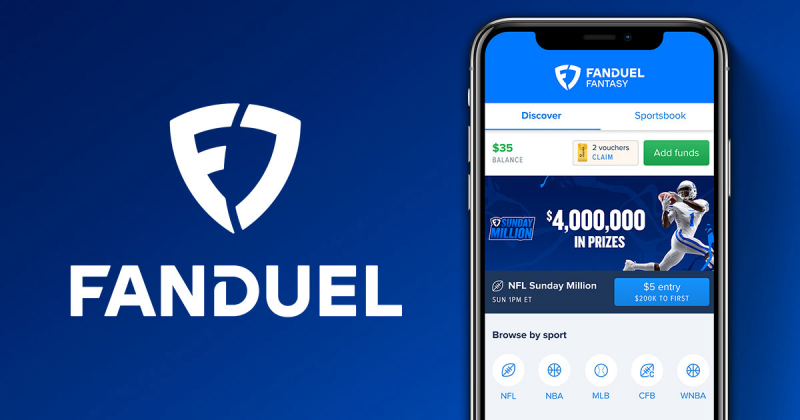
FanDuel Group began in 2009 as a daily fantasy sports (DFS) site and has since expanded into sports betting, online casino games, and horse racing under the Flutter Entertainment umbrella. Key offerings include:
-
FanDuel Sportsbook: Wager on NFL, NBA, MMA, and global events.
-
FanDuel DFS: Build fantasy lineups for cash prizes.
-
FanDuel Casino: Slots, table games, and live dealer in regulated markets.
-
FanDuel Horse Racing: Bet via online pari‑mutuel pools.
Its user‑friendly apps and frequent promotions make it a go‑to for both casual bettors and seasoned gamblers, provided they’re in a legal jurisdiction.

Why Do I Need a VPN for FanDuel?

Even if you’re located in a FanDuel‑legal state, UFO VPN: a free proxy VPN delivers crucial benefits:
-
Bypass Geo‑Blocks: VPNs mask your IP so you can appear in a state where FanDuel is legal if you’re traveling or your network is blocked.
-
Encrypt Sensitive Data: Public or hotel Wi‑Fi can expose your login and financial info—VPN encryption prevents man‑in‑the‑middle attacks.
-
Avoid ISP Throttling: Some ISPs slow down streaming or betting traffic; VPNs hide your traffic type and maintain faster connections.
-
Maintain Privacy: A strict no‑logs policy ensures your betting activity and personal details aren’t stored or shared.
💧Bonus:
If you are in an area of India where the internet is heavily blocked, I highly recommend this India VPN, it has super fast internet speeds and can help you unblock your area to watch all kinds of movies.
Where Is FanDuel Not Legal?

FanDuel’s sportsbook & DFS apps are geo‑blocked in U.S. states that have not yet legalized online sports betting or daily fantasy sports. According to WorldPopulationReview, the following major markets do not permit FanDuel’s services:
-
California
-
Florida
-
Georgia
-
Minnesota
-
Missouri
-
Montana
-
Nebraska
-
North Dakota
-
South Carolina
-
Texas
-
Utah
-
Washington (state)
If you are using a mobile device, we also offer you the convenient free VPN for Android - UFO VPN (with VPN APK) and you can download UFO VPN iOS - free VPN for iPhone/iPad!
The Best VPN for FanDuel
While many VPNs can unblock streaming sites, FanDuel demands exceptional speed, stability, and stealth. Here are our top picks—UFO VPN leads the pack:
-
UFO VPN (Our Top Choice)
Unlock, Protect and Go FreeAccess any siteLifetime free3000+ global IPs1-click connection-
Servers: 10,000+ in 70+ countries, including all FanDuel‑legal U.S. states
-
Encryption: AES‑256 military‑grade
-
Bandwidth: Unlimited, no throttling
-
Privacy: Strict no‑logs policy, obfuscated servers
-
Support: 24/7 live chat
-
-
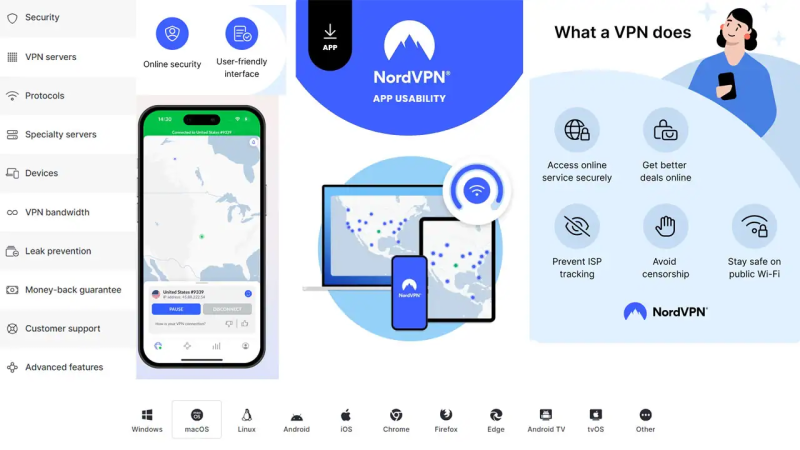
NordVPN
-
Servers: 6,000+ globally with obfuscated servers
-
Encryption: AES‑256, Double VPN option
-
Bandwidth: Unlimited
-
Features: CyberSec ad/malware blocker, SmartPlay for streaming
-
-
ExpressVPN
-
Servers: 3,000+ in 94 countries
-
Encryption: AES‑256
-
Bandwidth: Unlimited
-
Features: TrustedServer technology (RAM‑only servers), split‑tunneling
-
-
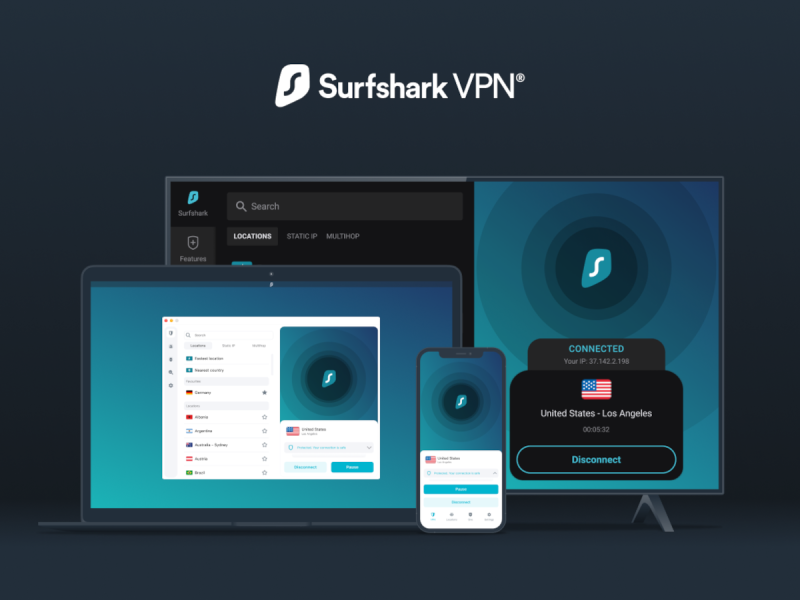
Surfshark
-
Servers: 3,200+ worldwide
-
Encryption: AES‑256
-
Bandwidth: Unlimited
-
Features: Unlimited simultaneous connections, CleanWeb ad‑blocker
-
-
CyberGhost
-
Servers: 9,000+ in 91 countries
-
Encryption: AES‑256
-
Bandwidth: Unlimited
-
Features: Dedicated streaming/sports servers
-
VPN Feature Comparison Table
| VPN | U.S Servers | Obfuscated Servers | Encryption | Bandwidth | Price (USD/m) |
|---|---|---|---|---|---|
| UFO VPN | 2,000+ (all 32 legal states) | Yes | AES‑256 | Unlimited | $4.99 |
| NordVPN | 1,700+ | Yes | AES‑256 | Unlimited | $5.49 |
| ExpressVPN | 20+ U.S. locations | No | AES‑256 | Unlimited | $6.67 |
| Surfshark | 600+ | No | AES‑256 | Unlimited | $2.49 |
| CyberGhost | 2,000+ | No | AES‑256 | Unlimited | $2.25 |
Why UFO VPN Stands Out:
Comprehensive U.S. Coverage: Over 2,000 servers in every state where FanDuel is legal—no more hunting for the right location.
Full Obfuscation: Stealth servers hide VPN usage from FanDuel’s detection systems, ensuring uninterrupted wagering.
Military‑Grade Security: AES‑256 encryption protects your account credentials and financial data on any network.
Best Value: At just $4.99/month with unlimited bandwidth and round‑the‑clock support, UFO VPN delivers superior performance at a competitive price.
How to Use UFO VPN to Play FanDuel Anywhere
-
Download & Install UFO VPN
-
Step 1Download UFO VPN for WindowsGrab the free Windows VPN installer right below. UFO VPN is lightweight and secure on all Windows systems. Double-click the downloaded file and complete the installation. Once installed, launch UFO VPN.
 Step 2Select a VPN ServerInside the app, you can click the "Connect" button for quick connection, or browse the list of servers by Location or categroy: Video& Stream, Game, etc. Choosing the right server ensures fast speeds and smooth access.
UFO VPN is an all-in-one VPN that offers unlimited access to 4D streaming like Netlfix, Disney Plus, no-ping gaming as PUBG, Roblox, CODM and social networking for YouTube, X, Facebook and more.
Step 3Enable Advanced FeaturesIn addition to basic functions, we recommend you turn on extra protections via Ad Blocker and features like Kill Switch, Split Tunneling and Smart Hop. Users can optimize online gaming/streaming/chatting as much as possible. Step 4Check Your New IPUse UFO VPN's built-in " What is My IP" feature to see your new IP address and location. This confirms your VPN is working, hides your real IP, and ensures privacy while browsing.
 Step 1 Download and install UFO VPN for macOSClick the button below to download offcial Mac VPN free. Open the .dmg file, drag UFO VPN to your Applications folder, and launch it. You're just a few clicks away from secure browsing.
 Step 2 Pick Your IP ServerTap "Connect" button for the fastest server automatically. Or you can select a server from the global server list in 100+ countries. UFO VPN is an UFO VPN is an all-in-one VPN or gaming, video streaming, social platforms, and AI tools.
 Step 3
Unlock Pro Features
If you have upgraded to premium plan , feel free to enjoy premium servers for 4K streaming and advanced features like Kill Switch, Split Tunneling, and gaming acceleration. Your Mac is now fully optimized and protected. Inaddition to basic functions, we recommend you turn on
 Step 4
Verify Your IP Now
Use UFO VPN's " What is My IP " feature to see your new IP and location. This confirms your connection is secure, anonymous, and ready for safe browsing online anywhere at any time.
 Step 1 Download and install UFO VPN for iPhone/iPadDownload this free iOS VPN via official link or App Store. Once installed, launch the app to get started. UFO VPN is now trusted by over 2 million users worldwide with optimzed service.
 Step 2 Select a Perfect ServerHit "Connect" button for the fastest server near you instantly. Or you can choose a favorite location/platform from the server list manually for full control. UFO VPN is an all-in-one VPN companion for gaming, streaming, social media, and AI tools.
 Step 3 Lookup IP and Enable Pro FeaturesNow you can check your current IP via built-in IP lookup tool. Pro features in premium plan offer you premium servers, blazing speeds, Kill Switch, Split Tunneling, and Multi-device login, so you can protect your iPhone, iPad, and other Apple devices all at once.
 Step 1 install UFO VPN for AndroidGet free Android VPN from offcial website or Google Play Store. Follow the instructions for easy download. Then open the app and get ready to surf safely.
 Step 2 Choose Your Ideal ServerUFO VPN is an all-in-one powerhouse for gaming, video streaming, social apps, and AI tools. The"Connect" button links you to the fastest server instantly, or you can choose among the server list manually via Location/ Video&Stream/Games for easy access.
 Step 3 Power Up Pro FeaturesPro users can look up current IP via built-in "What Is My IP" feature, and unlock premium features like 4K servers, turbo speeds, Kill Switch, Split Tunneling, and Multi-device login, keeping all your Android phones, tablets, and other devices safe at once.
-
-
Sign In or Create an Account
-
Take advantage of the 7‑day free trial or 30‑day money‑back guarantee.
-
-
Connect to a FanDuel‑Legal State
-
Choose a server in New Jersey, Pennsylvania, Colorado, or any state where FanDuel is licensed.
-
-
Clear Cache & App Data
-
On your device, clear FanDuel app cache or browser cookies to refresh geolocation.
-
-
Launch FanDuel & Place Bets
-
With UFO VPN active, open the FanDuel app or website. Your IP appears in the allowed state—start betting immediately.
-
-
Switch Servers as Needed
-
If you travel between legal states, reconnect to the appropriate server to maintain seamless access.
-
FAQs
Q1: Is it legal to use a VPN with FanDuel?
Yes. Using a VPN for privacy and security is legal, but placing bets from an unauthorized jurisdiction may violate local laws. Always comply with state regulations.
Q2: Can FanDuel detect VPN usage?
Major sportsbooks actively block poor‑quality VPNs. UFO VPN’s obfuscated servers and rotating IPs prevent FanDuel from detecting VPN traffic.
Q3: Will a VPN slow down my bets?
Quality VPNs like UFO VPN add minimal latency (~10–20 ms), imperceptible for sports betting or DFS lineup submissions.
Q4: Do I need to turn off GPS/location services?
Yes—disable GPS location in your device settings so FanDuel relies solely on your VPN‑provided IP.
Q5: Which states allow FanDuel DFS?
DFS is legal in many states beyond sports betting jurisdictions. Check FanDuel’s legal page for up‑to‑date DFS availability.
Q6: Can I use free VPNs for FanDuel?
Free VPNs often lack servers in the right states, throttle data, and may log your activity. For secure, reliable betting, paid VPNs like UFO VPN are recommended.
Q7: How do I cancel UFO VPN?
Cancel anytime via the UFO VPN app under Account → Manage Subscription or your online dashboard.