What Are Fruit Battlegrounds Codes?

Fruit Battlegrounds codes are official promotional phrases released by the game developers, typically shared on social media platforms like Twitter or Discord. These codes are vital for any player because they provide free Gems, which are the primary currency used to spin for new fruits in the game’s "gacha" system.
Here is why you should prioritize redeeming these codes:
-
Fast-Track Your Progression: Obtaining high-tier fruits (like Legendary or Mythic rarities) is difficult and often requires hundreds of spins. Codes provide an instant boost to your resource pile.
-
Trigger the Pity System: The game uses a "Pity System" that guarantees a rare fruit after a specific number of spins. Free Gems from codes help you reach this guaranteed win much faster than normal gameplay.
-
Unlock Top-Tier Powers Early: Instead of grinding for weeks, codes allow you to quickly unlock powerful abilities—such as the tremor powers of the Quake fruit or the lightning speed of the Rumble fruit—right from the start.
Active Fruit Battlegrounds Codes
Here are the working codes for January 2026. Make sure to redeem them exactly as shown, as Roblox codes are case-sensitive.
-
BIG1M170K!! – Redeem for 800 Gems (New!)
-
1M60WOWZER – Redeem for 600 Gems
-
1M50INSANE – Redeem for 600 Gems
-
4MPUTAT3 – Redeem for 1,200 Gems
-
OMGUPDATE22 – Redeem for 800 Gems
-
pleasezakineedthis – Redeem for 800 Gems
-
1M40KRAZY!! – Redeem for 600 Gems
-
KRAZYGASSED – Redeem for 500 Gems
Rewards can change slightly based on developer updates, but these were verified active at the time of writing.
Expired Fruit Battlegrounds Codes
The following codes have officially expired and will no longer grant rewards. We list them here so you don't waste your time trying to input them.
-
AYY1M30!
-
WOW1MIL20!
-
MILLITEN!
-
THANKSFORDAMILLY
-
OMGBIGMILLI!!!
-
CLOSERR990K!
-
THEMARINEHERO
-
UPDATE21!
-
CRASHL4NDING!
How to Unblock the Complete Fruit Battlegrounds Safely?
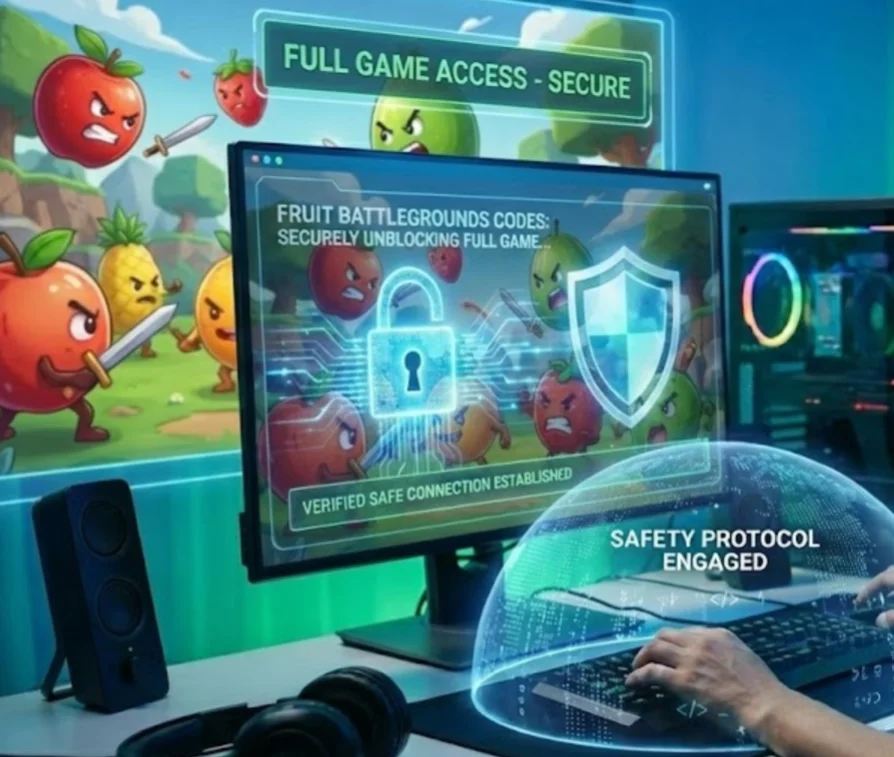
Now that you have the latest active codes, they are only useful if you can actually log into the game to redeem them. However, strict Wi-Fi firewalls at school or work often block Roblox entirely, or high ping makes gameplay impossible. Using a free proxy VPN in UFO VPN is the best way to bypass these restrictions and ensure smooth gameplay.
Why Use a VPN for Fruit Battlegrounds?
-
Bypass network blocks in restricted environments (e.g., school campuses, office Wi-Fi).
-
Reduce Lag: Connect to servers closer to the game data center to lower ping and stop rubber-banding.
-
Protect Account Data: Secure your login details when playing on public, unsecured Wi-Fi.
-
Access Global Servers: Switch regions to find less crowded servers for easier farming.
Recommended Safe Tool for Fruit Battlegrounds
UFO VPN - free VPN Proxy is a secure, fast VPN perfect for gaming optimization and bypassing restrictions. It offers:
-
Optimized gaming protocols to significantly reduce latency and ping.
-
Fast servers in over 100 countries, giving you global access.
-
No activity logs with advanced encryption to keep your gaming habits private.
-
Easy setup on mobile & PC for instant Roblox access.
How to Use UFO VPN for Your Device:


UFO VPN is an all-in-one VPN that offers unlimited access to 4K streaming like Netlfix, Disney Plus, no-ping gaming as PUBG, Roblox, CODM and social networking for YouTube, X, Facebook and more.




Unlock Pro Features
If you have upgraded to premium plan , feel free to enjoy premium servers for 4K streaming and advanced features like Kill Switch, Split Tunneling, and gaming acceleration. Your Mac is now fully optimized and protected. Inaddition to basic functions, we recommend you turn on

Verify Your IP Now
Use UFO VPN's " What is My IP " feature to see your new IP and location. This confirms your connection is secure, anonymous, and ready for safe browsing online anywhere at any time.







How to Redeem Fruit Battleground Codes New?
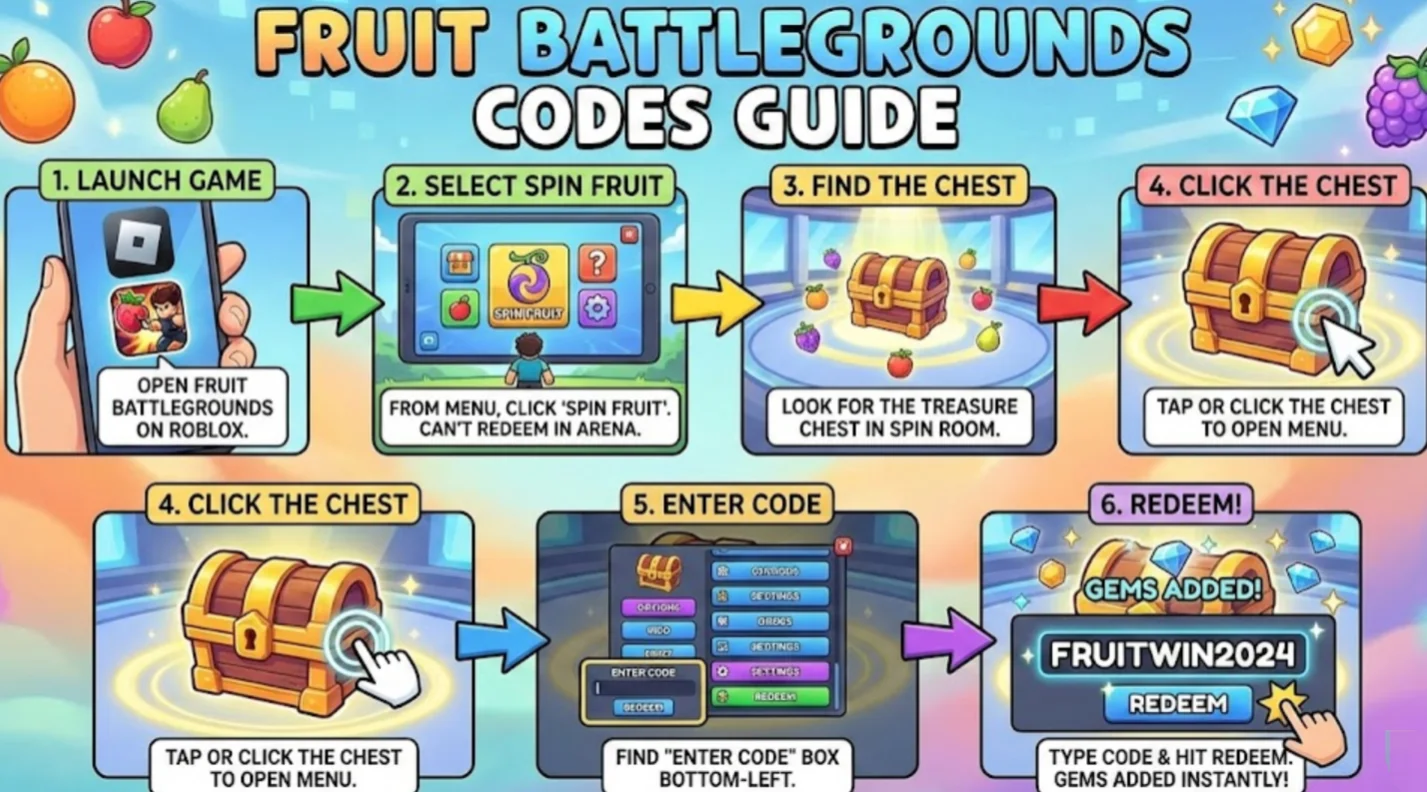
Once you have successfully accessed the game, you might struggle to find the code entry box since it is not located on the main menu like in most Roblox titles. Because the redemption interface is tucked away inside the "Spin Fruit" area, this part walks you through the exact navigation steps to locate the treasure chest so you can claim your Gems immediately.
-
Launch the Game: Open Fruit Battlegrounds on Roblox.
-
Go to Spin Mode: From the main menu, select the "Spin Fruit" option. You cannot redeem codes inside the main fighting arena; you must be in the spin area.
-
Find the Chest: Once you are in the Spin room, look for the treasure chest.
-
Click the Chest: Click or tap on the chest to open the menu.
-
Enter Code: Look for the text box in the bottom-left corner of the screen that says "Enter Code."
-
Redeem: Type in your active code and hit the "Redeem" button. Your Gems will be added to your balance immediately.
Where to Find More Fruit Battlegrounds Codes?
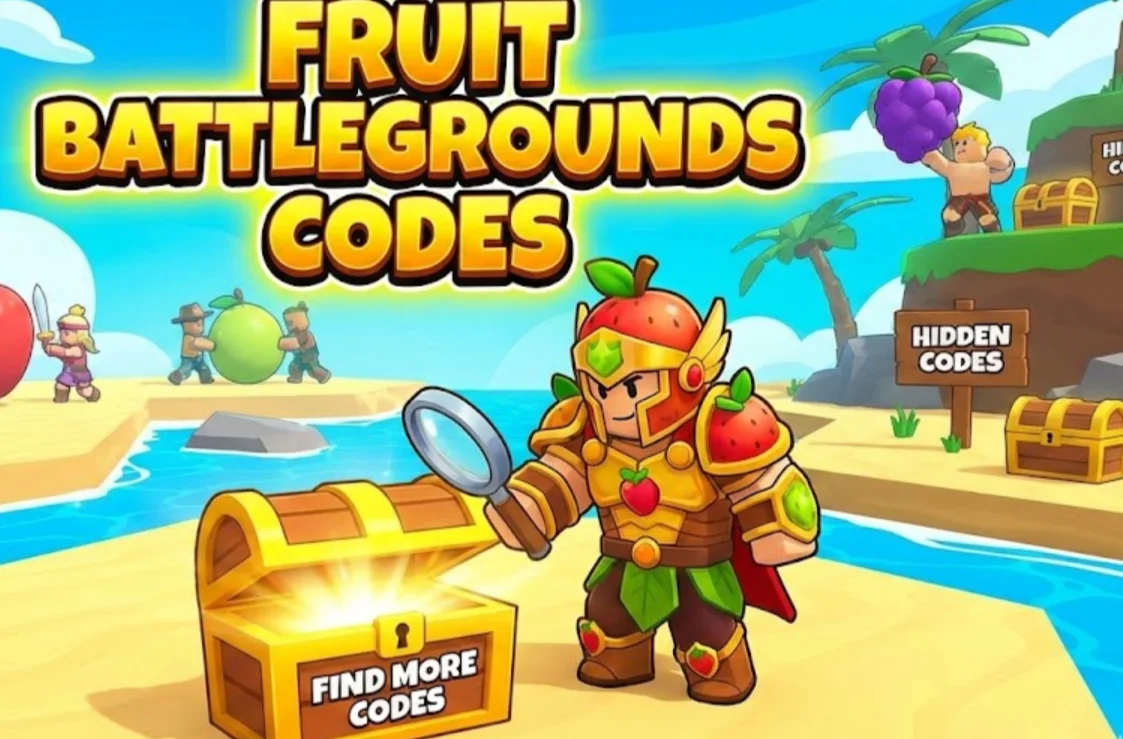
Knowing how to redeem codes is only useful if you have a fresh supply to enter, especially since they often expire within days. To ensure you never miss a reward even when you are away from this guide, this part lists the official channels where developers release the latest codes first.
-
Official Discord Server: The Fruit Battlegrounds Discord is the fastest way to get new codes. Developers usually post them in a dedicated
#announcementsor#codeschannel. -
Twitter/X: Follow the game developer's official Twitter account. They often drop exclusive codes to celebrate milestones, like hitting a certain number of likes or visits.
-
YouTube: Many Roblox YouTubers get exclusive codes to share with their subscribers. Searching for "Fruit Battlegrounds codes" on YouTube and filtering by "Today" or "This Week" can yield results.
Why Are My Fruit Battlegrounds Codes Not Working?
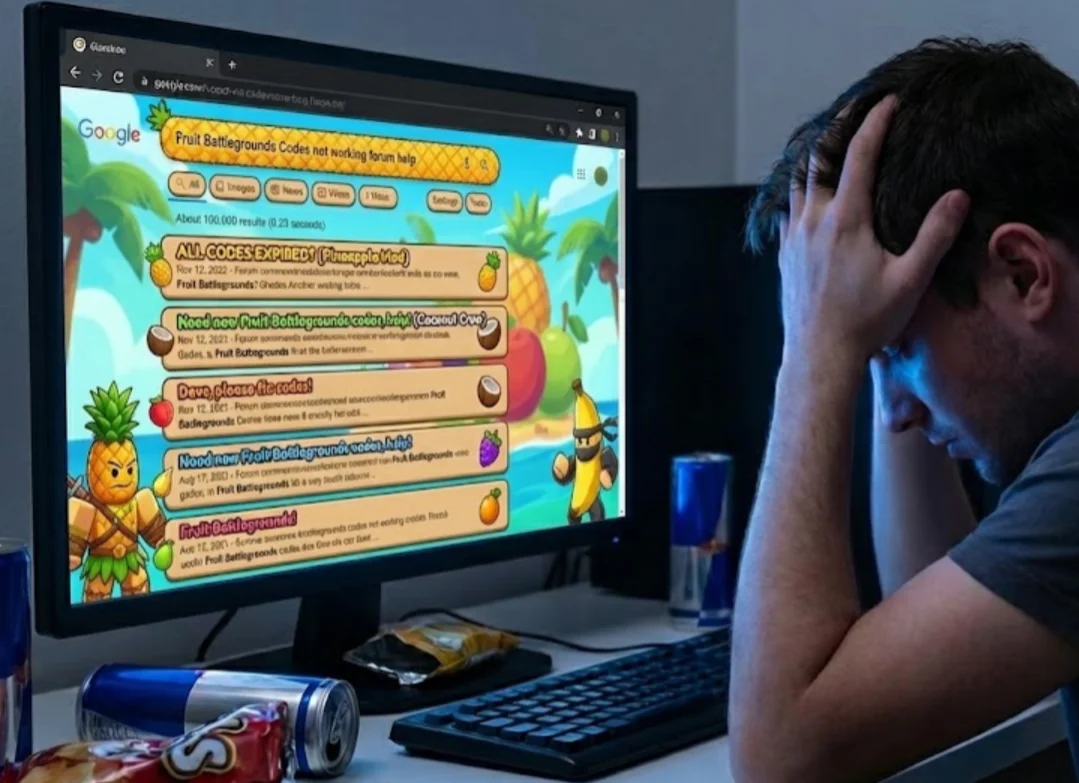
Even if you track down the latest codes from these official channels, you might still face the disappointment of an "Invalid Code" error. The following troubleshoots the specific reasons why your input might be rejected—from simple typos to server delays—so you can quickly identify the problem and secure your Gems without confusion.
1. Typos and Case Sensitivity
Roblox coding scripts are notoriously strict. The game system reads "BIG1M170K!!" differently than "big1m170k!!". Always ensure you are capitalizing the exact letters shown. Additionally, watch out for similar-looking characters; it is easy to mistake a number "0" (zero) for a capital letter "O", or a lowercase "l" (el) for a capital "I" (eye).
2. The Code Has Expired
This is the most frequent culprit. Codes in Fruit Battlegrounds often have a short lifespan, sometimes lasting only 24 to 48 hours after an update. If a code appears on our "Expired" list, the developers have officially deactivated it, and no amount of retrying will make it work.
3. Invisible "Phantom" Spaces
When copying and pasting a code from a website or mobile device, it is very common to accidentally grab a blank space at the end of the text. The game interprets "Code " (with a space) as a completely different entry than "Code". Always double-check your input box and try pressing the "Backspace" key once to ensure there is no trailing whitespace.
4. Outdated Game Servers
When developers release a new code, it pushes to new servers first. If you are playing in a server that has been running for several hours, it might not have received the update yet. The fix is simple: close the game and rejoin to force Roblox to place you in a fresh, updated server where the code is recognized.

Conclusion
Fruit Battlegrounds remains one of the most exciting anime-fighting games on Roblox in 2026, and having a stash of Gems is the best way to ensure you stay competitive. By using the active Fruit Battlegrounds codes listed above, you can secure thousands of free Gems to spin for the most powerful fruits in the game. Remember, a smooth gaming experience is just as important as in-game currency. If you struggle with lag or blocked access at school, utilizing a solution like UFO VPN can be a game-changer, giving you the freedom to play whenever you want with a stable, secure connection.
FAQs
How often are new Fruit Battlegrounds codes released?
New codes are typically released when the game hits specific milestones, such as a certain number of likes, visits, or during major holiday updates. You can usually expect 1-2 new codes every month, though big events may bring more frequent drops.
Can I use a VPN to play Fruit Battlegrounds if I am banned?
While a VPN like UFO VPN can change your IP address and potentially allow you to access Roblox if your specific IP was banned, it is important to respect Roblox's Terms of Service.
What is the best fruit in Fruit Battlegrounds right now?
As of early 2026, Mythic fruits like Nika and Dragon V2 are generally considered the best due to their high damage output and versatile movesets. However, Legendary fruits like Magma and Light are still very viable for PvP if you master their combos.
Do Fruit Battlegrounds codes give free fruits directly?
No, the codes almost exclusively reward you with Gems, which you then use to spin for fruits. Very rarely, a code might offer a specific cosmetic title or a spin boost, but direct fruit rewards from codes are not a standard feature of the game.