Why Look for Alternatives to Gmail?
Privacy Concerns with Gmail
Switching away from Gmail may feel like a big leap, but many people are doing so because of growing privacy concerns. Gmail has long been criticized for the way it handles user data. While Google claims the scanning of emails is primarily for spam filtering and improving services, privacy experts point out that these same scans can be leveraged to create detailed user profiles.
Think about it, your inbox contains almost everything about your life: financial updates, travel bookings, personal conversations, business correspondence, and even medical information. When algorithms comb through this data, it’s easy to see why some users feel uncomfortable. While Gmail is convenient, it does so at the cost of letting a corporation know a lot more about you than you might like.
Data Tracking and Ads
Have you ever noticed that an email you received about shopping suddenly seems to influence the ads you see online? That’s not a coincidence. Gmail is deeply integrated with Google’s advertising ecosystem. The platform uses sophisticated tracking and personalization to serve ads that often feel eerily accurate. Sure, personalized ads can be convenient, but they can also feel like surveillance. For people who value online anonymity, this level of targeting crosses a line. Instead of feeling like a helpful service, Gmail sometimes comes across as a system designed to monetize your attention at every opportunity. This is one of the key reasons privacy-first email providers are growing in popularity.
Limited Control over Your Data
Another major drawback of Gmail is the lack of autonomy over your own data. Unlike some independent email services, Gmail accounts are tightly bound to the broader Google ecosystem. This means your email isn’t just an email; it’s the same login that connects to Google Drive, Docs, Calendar, YouTube, Photos, and more. While this integration is convenient, it also comes with risks. If Google ever suspends your account, whether for a terms-of-service violation or even a mistake, you could lose access to not just your inbox but your entire digital life stored within Google. It’s like putting all your eggs in one basket, and then letting someone else hold that basket.
5 Best Gmail Alternatives for Everyday Use
Proton
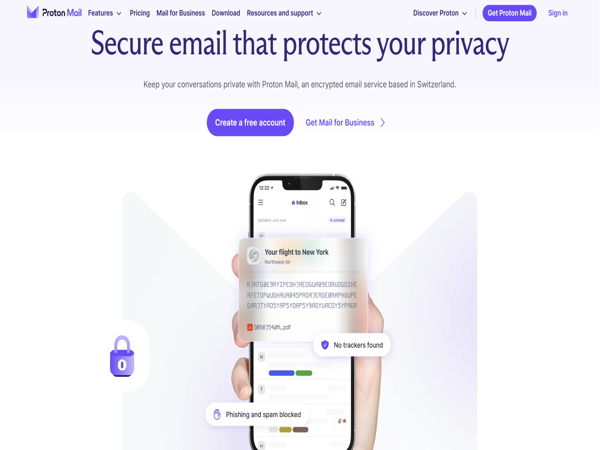
Proton Mail is arguably the most well-known encrypted email provider, rooted in privacy and Swiss neutrality. Beyond its end-to-end encryption and zero-access architecture, it offers a growing ecosystem of privacy-centric tools. You can now enjoy a VPN, encrypted cloud storage, calendar, and password manager under one subscription, Proton Unlimited. Independent security audits also support its email platform and ensure compatibility with traditional email clients via the Proton Mail Bridge. That means you get a secure, high-performance email system with rich functionality, all with your privacy intact—no one else can read your emails, not even Proton.
Additional benefits:
Fully open-source clients and audited server code for transparency.
No IP logging or access to user data—it essentially leaves no digital breadcrumbs. Features like Proton Scribe, an AI-powered writing assistant, streamline email composition while preserving privacy. Meanwhile, using a free proxy VPN in UFO VPN protects your data and IP address safely.


UFO VPN is an all-in-one VPN that offers unlimited access to 4K streaming like Netlfix, Disney Plus, no-ping gaming as PUBG, Roblox, CODM and social networking for YouTube, X, Facebook and more.




Unlock Pro Features
If you have upgraded to premium plan , feel free to enjoy premium servers for 4K streaming and advanced features like Kill Switch, Split Tunneling, and gaming acceleration. Your Mac is now fully optimized and protected. Inaddition to basic functions, we recommend you turn on

Verify Your IP Now
Use UFO VPN's " What is My IP " feature to see your new IP and location. This confirms your connection is secure, anonymous, and ready for safe browsing online anywhere at any time.







Tutanota
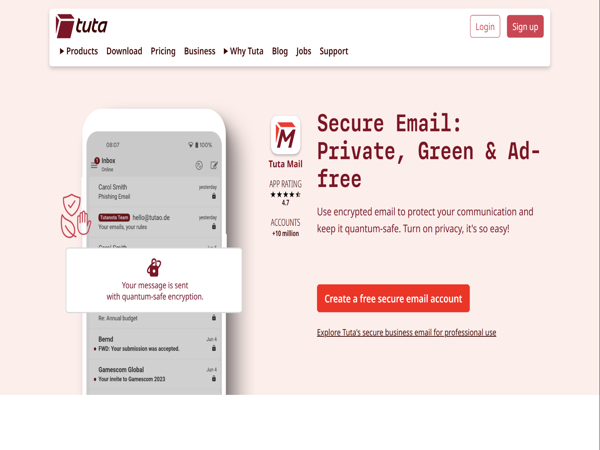
Tutanota is Germany-based and built from the ground up to advance privacy. It now implements TutaCrypt, a post-quantum cryptography solution shielding you against future quantum threats. Beyond basic email encryption, Tutanota also encrypts subject lines, calendar details, and contacts—extending protection across the board.
Additional benefits:
Includes spam filtering and mobile apps for iOS and Android
No ads, even on free tiers
Offers custom domains at accessible pricing
Utilizes open-source code and strong EU privacy laws
Zoho
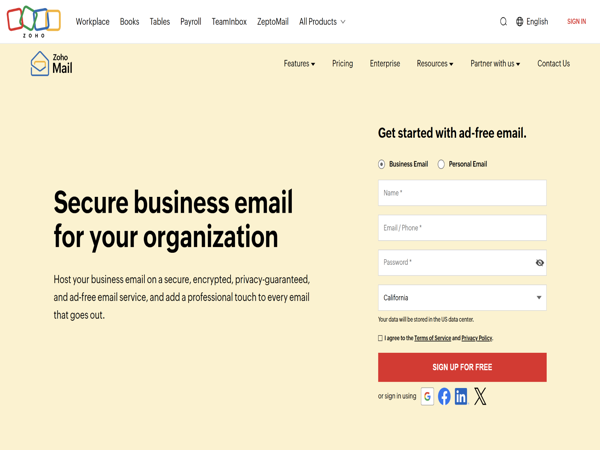
Zoho Mail is a top pick for business users needing robust, integrated communication tools without compromising privacy. It's ad-free and fully customizable for your brand, using your own domain name.
Additional benefits:
Tight integration with Zoho's ecosystem—CRM, Docs, Calendar, Projects, and more—helping teams stay productive and in sync
Supports email scheduling, powerful filtering, AI-powered assistant "Zia" that helps compose, summarize, or suggest responses
Excellent admin control panel for user and policy management, collaboration tools like Streams, and a secure mobile experience
GDPR- and HIPAA-compliant with 2FA, encryption, and malware protection
Mailfence
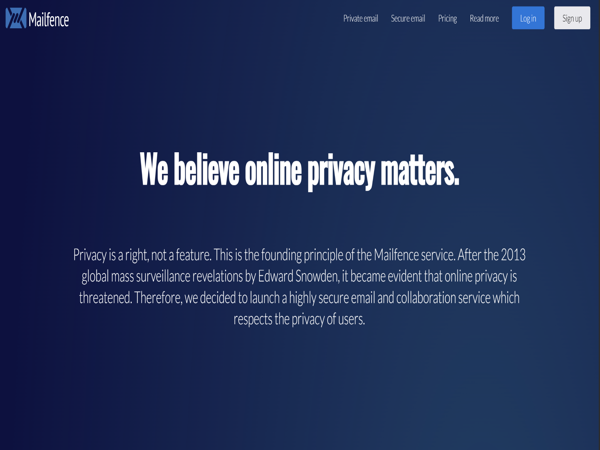
Mailfence, based in Belgium, delivers strong email security enhanced with digital signatures and PGP support for encrypted communication. It also offers built-in calendar and document storage, plus two-factor authentication.
Additional benefits:
Transparent privacy policies and legal compliance
Uses OpenPGP standards for interoperability, allowing encrypted emails to and from compatible clients
Suitable for users focused on data ownership and transparency
Free tier available, with affordable paid plans if you need more space
Posteo
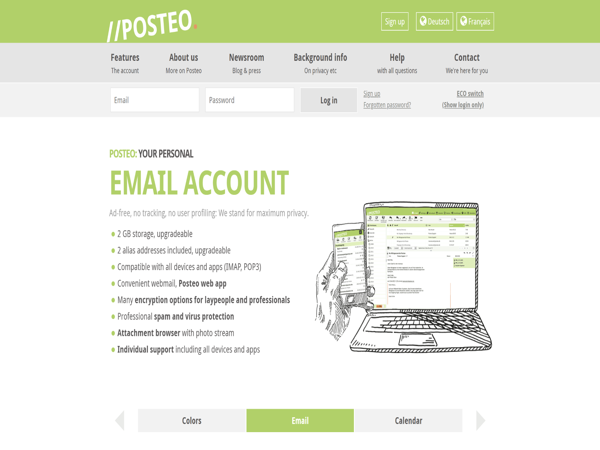
Posteo is a German provider blending privacy, eco-friendliness, and affordability. It offers anonymous sign-up and operates entirely on green energy.
Additional benefits:
Fully independent, no big investors, prioritizing user data protection
Offers strong phishing and spam filters
Mailing list support and secure calendar included
Low-cost (€1 /month) pricing model ensures privacy doesn't come at a premium
How to Choose the Best Gmail Alternative for Your Needs
| Service | Standout Features | Ideal For |
|---|---|---|
| Proton Mail | Full encryption, VPN + storage, no IP tracking, AI assistant | All-around privacy and convenience |
| Tutanota | Post-quantum encryption, clean UI, free tier, no ads | Future-proof privacy and simplicity |
| Zoho Mail | Custom domains, integrated tools, AI assist, enterprise-ready | Business users and teams |
| Mailfence | PGP + digital signatures, compliant, transparent privacy | Security-focused professionals |
| Posteo | Anonymous sign-up, eco-friendly, low-cost | Ethical users who want privacy cheaply |
Consider Security Features
If you’re concerned about your emails being scanned or your data being sold to advertisers, you’ll want a provider that prioritizes privacy. Encrypted services like Proton Mail and Tutanota offer end-to-end encryption, meaning only you and the recipient can read the messages, not even the service provider can access them. This makes them ideal if you regularly handle sensitive information or simply want peace of mind knowing that your conversations remain private.
Look at Storage and Pricing
Another important factor is storage space and how much you’re willing to pay for it. Free plans are great for personal use, but they often come with strict limits on storage. If you send or receive large attachments frequently, you may find yourself running out of space quickly. Services like Zoho Mail and Mailfence provide larger storage allowances and flexible pricing tiers, making them suitable for both individuals and businesses. By weighing your storage needs against the cost, you can avoid unexpected restrictions down the road.
Evaluate User Experience
Gmail has long been popular partly because of its intuitive design, so switching to another platform may feel like a downgrade if the interface is clunky or outdated. Proton Mail, for instance, balances security with a modern interface, while Zoho Mail is designed with professionals in mind and offers a clean, organized dashboard. Testing out a few options will help you find one that feels familiar yet functional.
Integration with Other Tools
Finally, consider how well the email service integrates with other tools you already use. For personal users, this might mean calendars and contact management. For businesses, it could involve CRM systems, project management apps, or collaborative platforms. Having these integrations under one roof can dramatically improve productivity, especially for teams that rely on multiple applications to run smoothly.
When you choose best Gmail alternatives, in order to protect your data safety and keep using smoothly, you can try to use a VPN, like UFO VPN (what is my ip), hide your IP address and encrypt your private information.
Conclusion
At the end of the day, Gmail remains powerful, but it’s not the only option. Whether you’re driven by privacy concerns, business needs, or just a desire for change, there are plenty of secure Gmail alternatives to explore. Our advice? Don’t wait until a privacy issue or account lockout forces your hand. Instead, start testing alternatives today and take control of your email security.
FAQs
1. Is it safe to use Gmail for personal emails?
Yes, Gmail is generally safe, but it comes with privacy trade-offs due to Google’s data policies.
2. Which Gmail alternative is the most secure?
Proton Mail and Tutanota are widely regarded as the most secure options with end-to-end encryption.
3. Can I use a Gmail alternative for business?
Absolutely! Zoho Mail and Mailfence are excellent for businesses needing professional features.
4. Are Gmail alternatives free?
Many offer free tiers, but for better storage and features, a paid plan is recommended.
5. How hard is it to switch from Gmail to another provider?
Most services provide easy migration tools, so switching isn’t as daunting as it seems.