Is Using a VPN Illegal in Pakistan?
Before you use any software to bypass restrictions, you must understand the legal risks you face as an individual or business. This section clarifies the confusion between "regulation" and "criminalization" that affects millions of Pakistani users today.
The question of VPN legality in Pakistan is often misunderstood. Here is the breakdown of the current situation:
💡 For Individuals
For the average internet user, using a VPN is not a criminal offense. No section in the Pakistan Penal Code explicitly states you will go to jail simply for turning on a VPN to scroll through Instagram, watch Netflix, or message family on WhatsApp.
You are unlikely to face legal action or arrest for personal consumption. The government's primary concern is not the teenager watching movies, but the anonymity that VPNs provide to "anti-state elements."
💡 For the Regulatory Framework
The policy has fundamentally shifted from "open until banned" to "blocked unless registered." The Pakistan Telecommunication Authority (PTA) has officially implemented a "whitelist" system, creating a "Registration-First" environment.
💡 For Commercial Users
If you are a freelancer, a business owner, or run a software house, the law explicitly requires you to register your IP address with the PTA to guarantee uninterrupted internet service.
💡 For Personal Use
The PTA's registration portal is designed for commercial entities and freelancers with evidence of their work.
This leaves personal users in a "grey area." You cannot register, but using an unregistered tool is technically "against regulations."


Is VPN Banned in Pakistan?
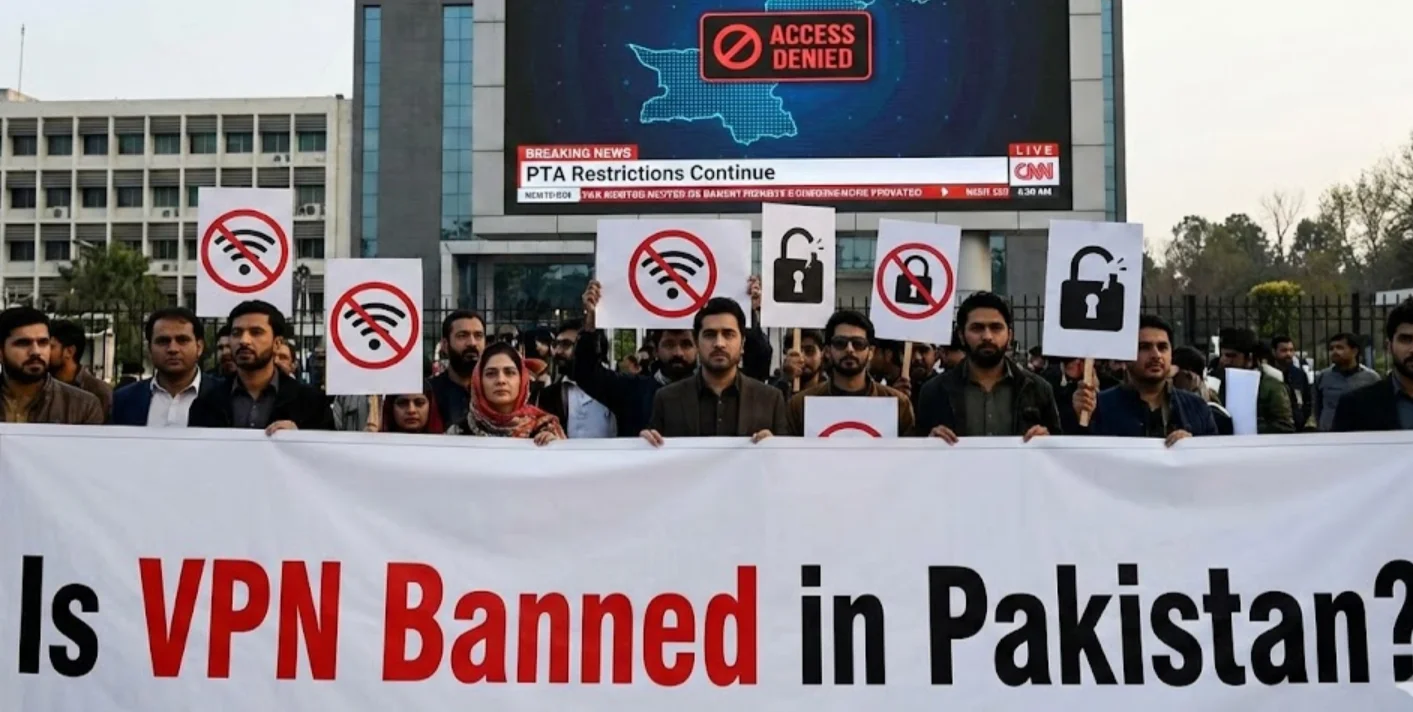
You know the legal stance, but the practical reality is different. This section answers the burning question - "Is it banned?" - by explaining the technical "soft ban" currently enforced by the National Firewall and how it specifically affects your connection speed and access.
While the law might not explicitly say "banned for individuals," the technical reality tells a different story.
If you ask, "Is VPN banned in Pakistan?" based on your ability to connect freely, the answer leans heavily towards yes. The government has implemented what is effectively a technical ban through a sophisticated web management system, widely known as the "National Firewall."
Unlike simple website blocks of the past, this new system uses Deep Packet Inspection (DPI) to enforce this ban without needing to arrest users. DPI allows the firewall to analyze the "shape" of your internet traffic.
If it identifies a standard VPN protocol (like OpenVPN or WireGuard), it terminates the connection immediately.
Here's how the "Technical Ban" Works:
- Protocol Blocking: The firewall actively hunts for standard VPN signatures and drops the packets, resulting in constant "Connection Failed" errors.
- Throttling: Instead of a total block, the firewall often throttles suspected encrypted traffic. This makes your internet speed so slow that the VPN becomes unusable, effectively banning it through frustration.
- Port Blocking: The PTA blocks specific communication ports that traditional VPNs rely on to establish a tunnel.
To beat the VPN ban in Pakistan, you need a free proxy VPN in UFO VPN for this specific purpose; its specialized protocols disguise your VPN traffic to look like regular web browsing.
Recommended VPN Options for the Pakistan Internet
Since standard VPNs are being blocked by the firewall mentioned in the previous section, you need specific tools that offer "obfuscation" technology.
You cannot simply pick the first app you see on the Play Store anymore. You need a VPN that offers "obfuscation" or "stealth mode." It scrambles your VPN traffic so that it looks like regular HTTPS web traffic, allowing it to slip past the National Firewall and Deep Packet Inspection.
When choosing a VPN, you should prioritize:
- Stealth/Obfuscation Protocols: To bypass the DPI blocks.
- No-Logs Policy: To ensure your data remains private even if the ISP monitors traffic.
- High-Speed Servers: To counteract the throttling attempts by local ISPs.
Among the crowded market of VPNs, UFO VPN has emerged as a particularly strong contender for users in high-censorship regions like Pakistan.
While many massive VPN brands are being targeted and blocked by the PTA's firewall, UFO VPN's architecture is designed to be agile and resilient.
UFO VPN has long been a popular choice among users due to its:
-
Bank-Grade Encryption & Obfuscation: UFO VPN uses advanced encryption protocols that effectively mask your traffic. This makes it incredibly difficult for the Pakistani firewall to detect that you are using a VPN, helping you bypass the "Connection Failed" errors that plague other apps.
-
Dedicated Streaming Servers: If you are tired of buffering while trying to watch content, UFO VPN offers optimized servers specifically for streaming. This ensures you get high speeds even while your traffic is encrypted.
-
One-Click Connection: You don't need to be a tech wizard. UFO VPN offers a simple, user-friendly interface. With one tap, it automatically selects the best protocol to bypass current restrictions in your specific location.
-
Global Server Network: With thousands of servers worldwide, if one IP address gets flagged or blocked, you have instant access to countless alternatives, ensuring your link to the outside world remains unbroken.
Most importantly, you'll only need a few simple steps to install and use this app on any of your devices:


UFO VPN is an all-in-one VPN that offers unlimited access to 4K streaming like Netlfix, Disney Plus, no-ping gaming as PUBG, Roblox, CODM and social networking for YouTube, X, Facebook and more.




Unlock Pro Features
If you have upgraded to premium plan , feel free to enjoy premium servers for 4K streaming and advanced features like Kill Switch, Split Tunneling, and gaming acceleration. Your Mac is now fully optimized and protected. Inaddition to basic functions, we recommend you turn on

Verify Your IP Now
Use UFO VPN's " What is My IP " feature to see your new IP and location. This confirms your connection is secure, anonymous, and ready for safe browsing online anywhere at any time.







Pro Tips for No VPN: How Can You Still Stay Safe Online
Sometimes a VPN might not be available, or you may need layers of security that go beyond just masking your IP. While nothing replaces the full encryption of a VPN, there are habits you can adopt to improve your security.
1. Use Encrypted DNS
Changing your DNS settings to a provider like Cloudflare (1.1.1.1) or Google (8.8.8.8) can prevent your ISP from easily tracking every website domain you visit, though it won't unblock content restricted by SNI (Server Name Indication) filtering.
2. Stick to HTTPS
Ensure every website you visit uses "HTTPS." This encrypts the content of your browsing, meaning the ISP can see where you are (the website) but not what you are doing on it.
3. Use Tor Browsers
For maximum anonymity, the Tor browser routes your traffic through multiple volunteer nodes.
However, be warned: Tor is incredibly slow and often triggers red flags with the national firewall, potentially drawing more attention to your connection than a stealth VPN would.
4. Use Proxy Servers
Proxies can help you bypass simple geo-blocks, but they do not encrypt your traffic. Your data remains visible to your ISP and the government.
🎈 Warm Note: While these methods offer mild privacy, they fail to bypass the sophisticated Deep Packet Inspection currently used in Pakistan. For true freedom and security, a robust tool like UFO VPN remains the only comprehensive solution.
Conclusion
The digital terrain in Pakistan has become challenging. With the implementation of the national firewall and stricter PTA regulations, the question "Is VPN banned in Pakistan?" is less about a total ban and more about a war on access. While using a VPN isn't a crime for the average user, finding one that works is becoming a skill. You don't have to accept censorship or slow internet speeds.
By understanding the restrictions and choosing a capable service like UFO VPN, you can navigate these blocks safely. Remember, your right to information and privacy relies on the tools you choose. Stay informed, stay secure, and keep your connection open.
FAQs
Is VPN banned in Pakistan for personal use?
Technically, using a VPN for personal reasons is not a criminal offense, and no individuals have been arrested solely for using one.
However, the PTA blocks unregistered VPN protocols, making it difficult to use them without a high-quality service that offers obfuscation.
Can the police track me if I use a VPN in Pakistan?
If you use a premium VPN with strong encryption and a strict no-logs policy, it is extremely difficult for local authorities or ISPs to track your specific online activities.
However, low-quality or free VPNs may leak your data or sell it to third parties, putting you at risk.
Why is my VPN not connecting in Pakistan right now?
Your VPN is likely failing because of the new National Firewall, which uses Deep Packet Inspection (DPI) to identify and block standard VPN protocols.
To fix this, you need to switch to a VPN that supports "Stealth" or "Obfuscation" modes to disguise your traffic.
How do I register my VPN with the PTA?
VPN registration is currently aimed at businesses, freelancers, and software houses.
You can register online through the PTA’s official website by submitting your CNIC, business registration documents, and the static IP address you wish to whitelist.