What Is LiteAPKs?

LiteAPKs (liteapks.com) is a third-party website that hosts modded APK files — modified versions of Android apps and games with premium features unlocked, ads removed, or in-app purchases bypassed. It sits in the same category as sites like HappyMod and Modyolo: a repository where anonymous uploaders repackage popular apps and redistribute them for free.
Because these apps aren’t on the Google Play Store, you download the APK directly and “sideload” it onto your device. That’s the core of both its appeal and its risk — you’re getting paid features for free, but from a source with no official vetting behind it.
Is LiteAPKs.com a Safe Website to Download Mod APKs? Main Risks
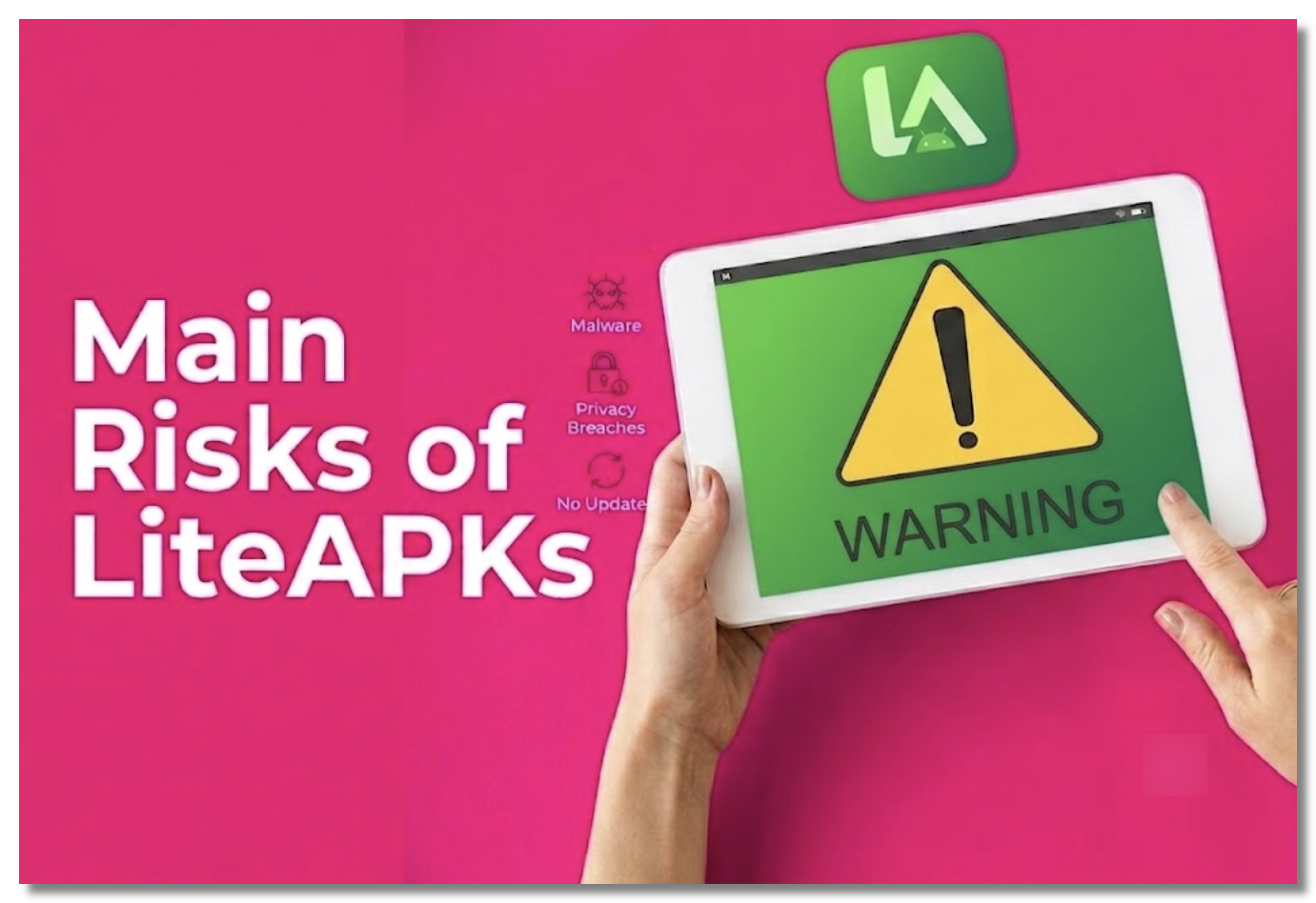
The honest answer: LiteAPKs is not verifiably safe, and it carries real risks you should understand before downloading anything. Community discussions on Reddit are mixed — some users report no problems, while others describe malware, redirects, and scams. Here’s the actual risk chain:
1. Repackaging Breaks Trust
A modded APK is the original app torn open and rebuilt by an unknown third party. That process destroys the developer’s digital signature, so there’s no way to verify what else was added during the rebuild.
2. Malware and Viruses
Repackaged installers are one of the most common ways banking trojans, spyware, and adware reach Android phones. Some users have flagged LiteAPKs downloads on VirusTotal and reported infections.
You can download the APK and the scan it using virus total that uses multiple antivirus.

3. Scam Redirects and Shady Ads
Mod sites monetize through aggressive ad networks. Users have reported SMS scam pop-ups, fake “your device is infected” warnings, and redirect chains pushing sketchy apps.
4. Your IP and Activity Are Exposed
Even when a file is clean, the download isn’t private. The site logs which IP downloaded which file, and your ISP can see you connected to a known mod-APK host. If that site is ever breached, your real IP is tied to those downloads. (A free proxy VPN like UFO VPN can encrypt your downloading connection and hide your IP location.)
5. Legal Gray Area
Modded apps infringe the original developers’ copyright in most countries, so using them carries legal risk on top of the security risk.
None of this means every LiteAPKs file is malicious — but it does mean you should treat everything on it as untrusted until proven otherwise, and never download without protecting yourself first.
How to Use LiteAPKs Safely in 2026?
If you choose to use LiteAPKs despite the risks, don’t do it unprotected. These steps dramatically reduce your exposure:
1. Hide Your IP with a VPN Before You Visit
This is the step most people skip. When you download from an untrusted site, it logs your real IP alongside what you downloaded — and your ISP can see you’re using a mod-APK host.
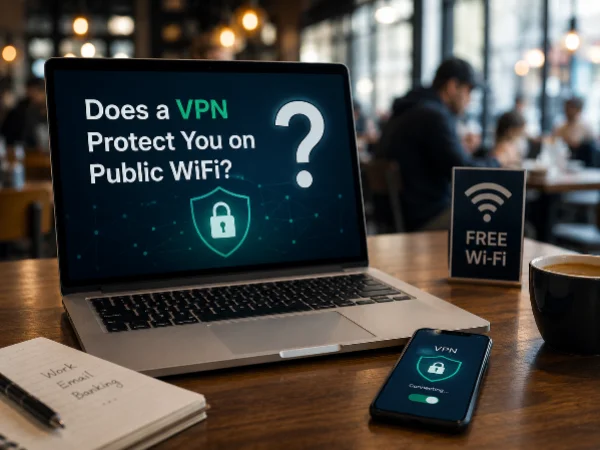
Connecting a reliable VPN like UFO VPN first means the site only ever sees one of our server IPs, never your real address, so if it’s later breached there’s nothing tying those downloads back to you. On public Wi-Fi, the encryption also stops anyone on the same network from snooping your traffic.
Benefits of using UFO VPN when accessing LiteAPKs:
- 🔒 Encrypts your internet connection while browsing and downloading.
- 🛡️ Protects your IP address, especially on public Wi-Fi.
- 🌍 May help you access LiteAPKs in regions where the site is blocked or restricted.
- 🚀 Improves connection stability on some networks.
- 🔐 Adds an extra layer of privacy when visiting third-party APK websites.
Activate it now:


UFO VPN is an all-in-one VPN that offers unlimited access to 4K streaming like Netlfix, Disney Plus, no-ping gaming as PUBG, Roblox, CODM and social networking for YouTube, X, Facebook and more.




Unlock Pro Features
If you have upgraded to premium plan , feel free to enjoy premium servers for 4K streaming and advanced features like Kill Switch, Split Tunneling, and gaming acceleration. Your Mac is now fully optimized and protected. Inaddition to basic functions, we recommend you turn on

Verify Your IP Now
Use UFO VPN's " What is My IP " feature to see your new IP and location. This confirms your connection is secure, anonymous, and ready for safe browsing online anywhere at any time.







Be clear on what a VPN does and doesn’t do: it protects your connection and identity — it does not scan files for malware. So pair it with the steps below.
3. Scan Every File Before Installing
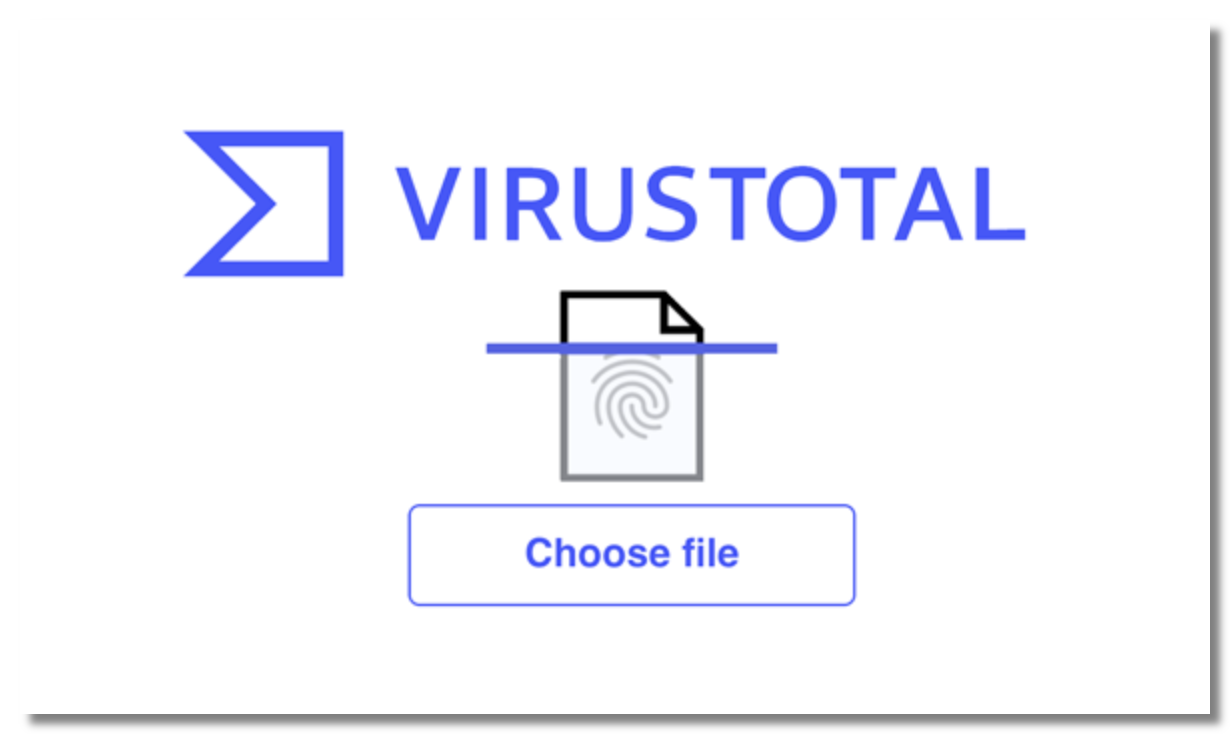
Upload the APK to VirusTotal or scan it with a mobile antivirus app before opening it.
Steps:
- Download the APK to your device.
- Open VirusTotal and upload the APK, or scan it using a trusted mobile antivirus app.
- Wait for the scan to complete.
- Check whether any antivirus engines flag the file as malicious.
- If multiple reputable engines detect malware, do not install the APK. Otherwise, proceed with caution.
3. Check Permissions
If a simple game requests access to your SMS, contacts, or accessibility settings, that’s a red flag — deny it or delete the app.
4. Keep Google Play Protect on
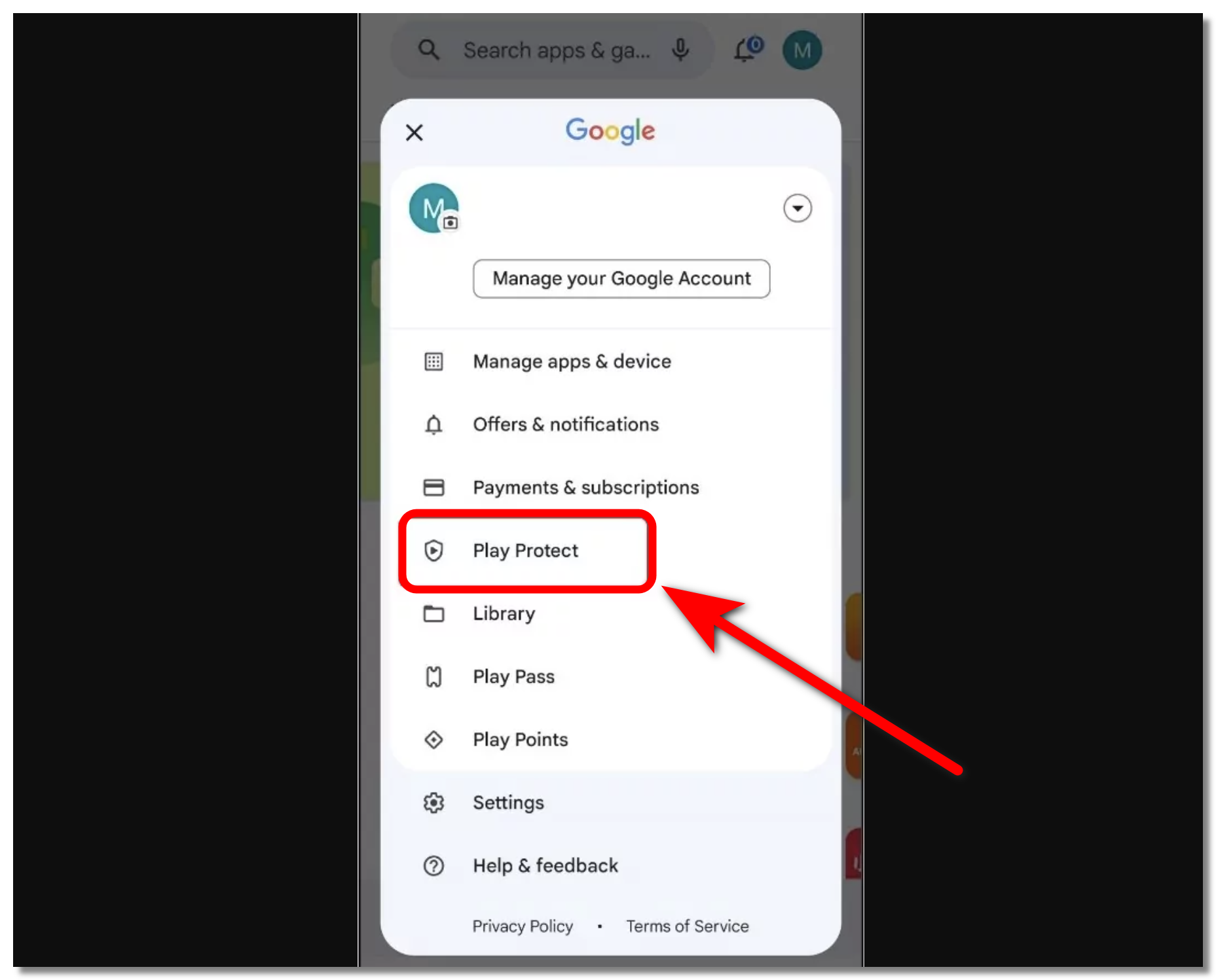
It adds a second layer of scanning even for sideloaded apps.
Steps:
- Open the Google Play Store on your Android device.
- Tap your profile picture in the top-right corner.
- Select Play Protect.
- Tap the Settings (gear) icon.
- Turn on Scan apps with Play Protect.
- Keep Play Protect enabled to automatically scan installed and sideloaded apps for potential security risks.
5. Use a Secondary Device or Account
Don’t install unverified mods on the phone that holds your banking apps and primary email.
Explore Safer Mod APK Sites like LiteAPKs
If you’d rather use a source with a better reputation, these are generally considered safer than average — though the same “scan everything” rule always applies.
1. APKMirror
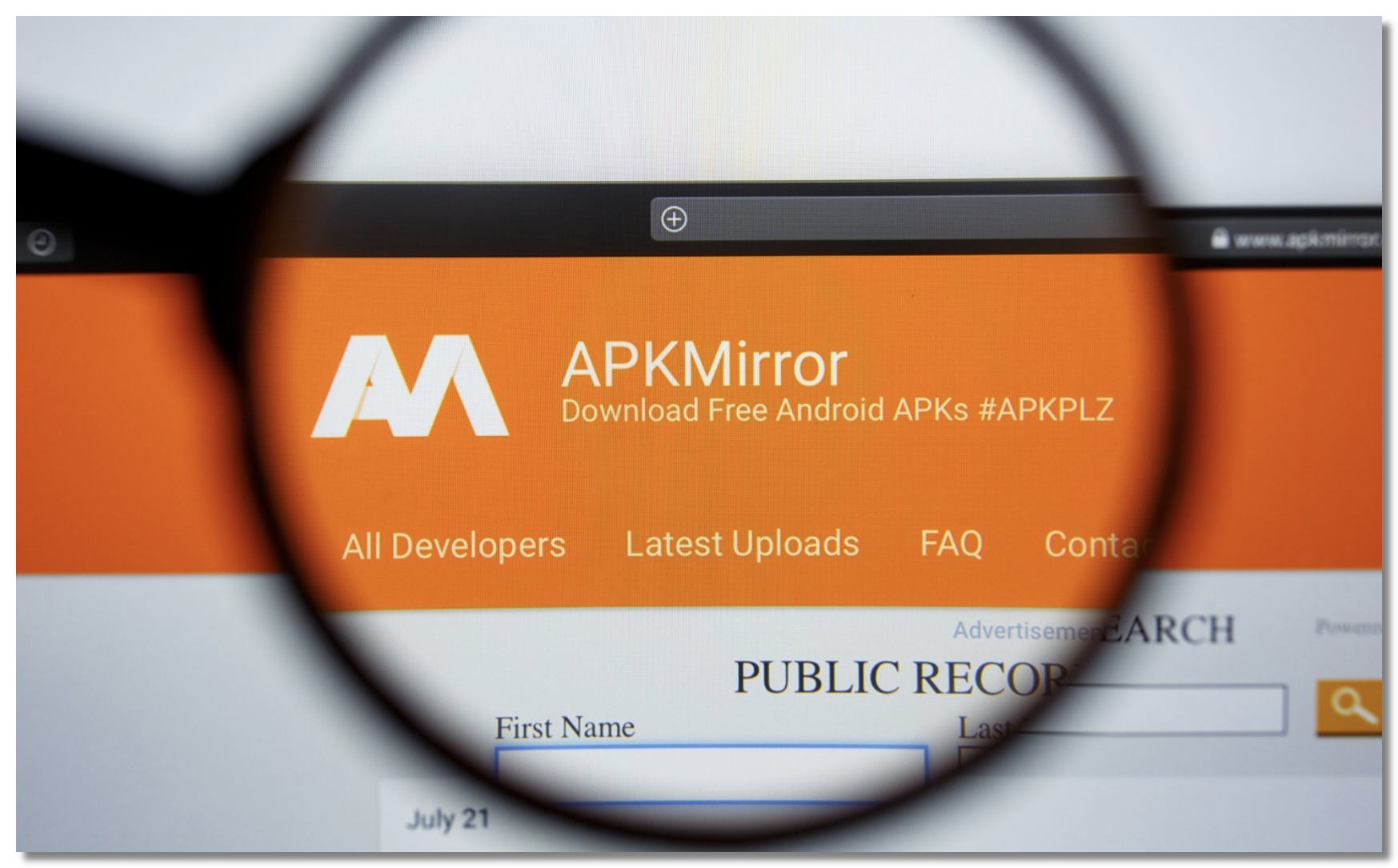
APKMirror is one of the most trusted APK websites for Android users. It hosts original, unmodified APKs uploaded by verified publishers and checks cryptographic signatures to ensure authenticity.
✅Pros:
- Original, unmodified APKs
- Cryptographic signature verification
- Excellent reputation in the Android community
- Low malware risk
❌Cons:
- No modded or Premium-unlocked APKs
- Some app versions may not be available immediately
2. APKPure

APKPure is a well-established alternative app store that offers official Android apps and APK downloads. It includes basic malware scanning and supports downloading apps unavailable in some regions.
✅Pros:
- Large app library
- Malware scanning for uploaded files
- Easy access to regional apps
- Supports XAPK installation
❌Cons:
- Past security incidents have affected its reputation
- Not every upload is from the original developer
3. Aptoide
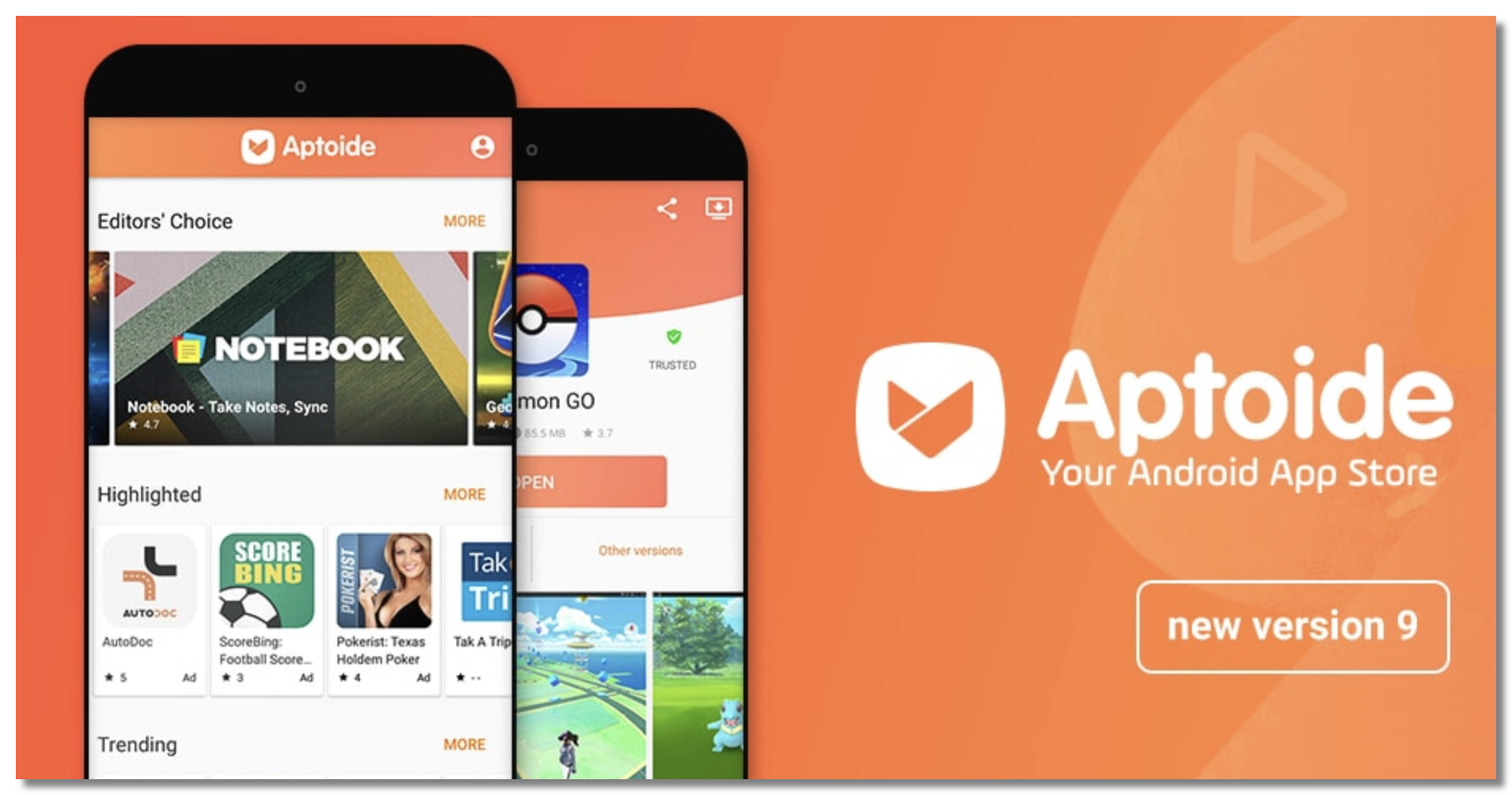
Aptoide is a decentralized Android app marketplace where different users and organizations can manage their own app stores. It includes security scans to help identify malicious apps.
✅Pros:
- Massive selection of apps
- Built-in security scanning
- Long operating history
- Multiple app stores and versions
❌Cons:
- Anyone can publish apps
- App quality and safety may vary between stores
4. Modyolo

Modyolo focuses on modded APKs and premium unlocked apps. It has developed a relatively positive reputation among users looking for modified Android apps and games.
✅Pros:
- Large collection of modded apps and games
- Frequently updated releases
- Generally positive community feedback
❌Cons:
- All mods are unofficial third-party modifications
- No guarantee that every APK is malware-free
5. HappyMod
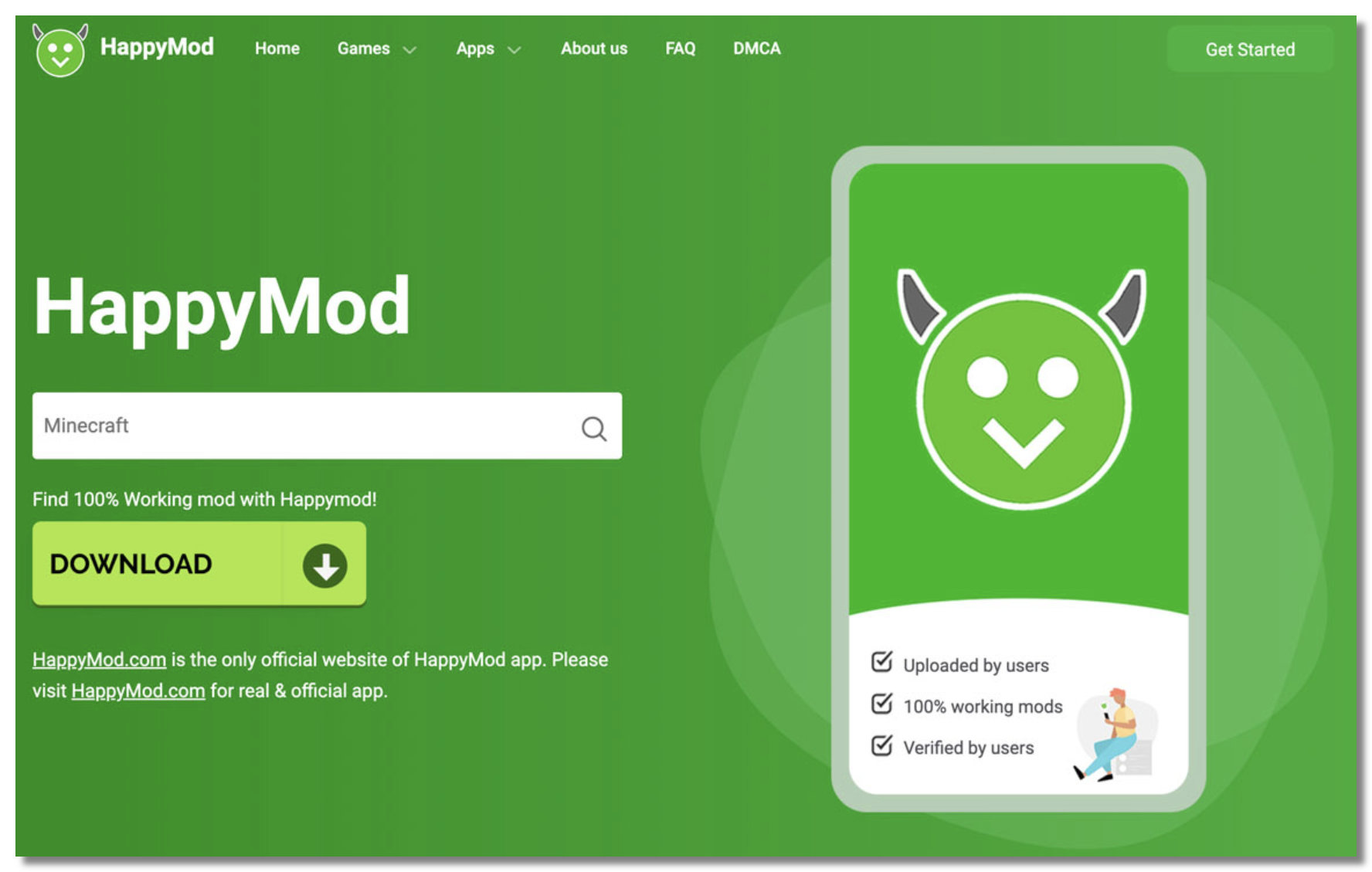
HappyMod is one of the largest mod APK communities. It relies on user ratings, download statistics, and moderation to help identify working and trustworthy mods.
✅Pros:
- Huge library of modded games and apps
- User ratings and reviews
- Active community uploads
- Easy to find different mod versions
❌Cons:
- Quality varies by uploader
- Some mods may not work as advertised
- Contains ads and unofficial content

Safety Tips for Downloading APK Files on Apps like LiteAPKs
Downloading APKs from third-party websites always carries some level of risk. Follow these dos and don'ts to reduce the chances of installing malicious or tampered files.
Verify the Website URL
Compare the APK Version and File Details
Read Recent User Feedback
Keep Your Android Device Updated
Back Up Important Data Regularly
Always run a VPN to hide your IP and encrypt the connection
Be Skeptical of "Too Good to Be True" Mods: Be cautious of APKs claiming to unlock every premium feature, provide unlimited in-game currency, or remove all restrictions. These files are more likely to be fake, unstable, or bundled with unwanted software.
Never click “your device is infected” pop-ups or SMS prompts — they’re scams.
Final Verdict
So, is LiteAPKs safe? It’s a use-at-your-own-risk site — not outright malware, but not verifiably safe either, with a real history of infected files, scam ads, and privacy exposure. If you only need official apps, APKMirror or the Play Store is the smarter route.
If you specifically want mods, minimize the danger: scan every file, deny shady permissions, and never download without a VPN protecting your IP and connection. Keeping UFO VPN running whenever you browse or download from sites like LiteAPKs is the simplest way to make sure a sketchy source never learns who you are.
FAQs
Is LiteAPKs safe to download mod APKs?
Not verifiably. It hosts unofficial, repackaged files that can contain malware, and it’s been linked to scam ads. If you use it, always scan files, deny suspicious permissions, and run a VPN like UFO VPN to protect your IP.
What is the safest mod APK site?
For truly safe downloads, APKMirror is best — it hosts original, signature-verified APKs with no mods. Among mod-focused sites, HappyMod and Modyolo have relatively better reputations, but all mod sites carry risk.
Is an APK file risky?
An APK from an official source (Play Store, APKMirror) is safe. The risk comes from modded APKs on third-party sites, where anonymous repackaging can hide malware. Scan any sideloaded APK before installing.
Can a VPN protect me on LiteAPKs?
A VPN hides your IP, encrypts your connection, and stops your ISP from seeing what you download — but it doesn’t scan files for viruses. Use UFO VPN together with a malware scan for full protection.