What Causes Your Easypaisa Account to Get Blocked?
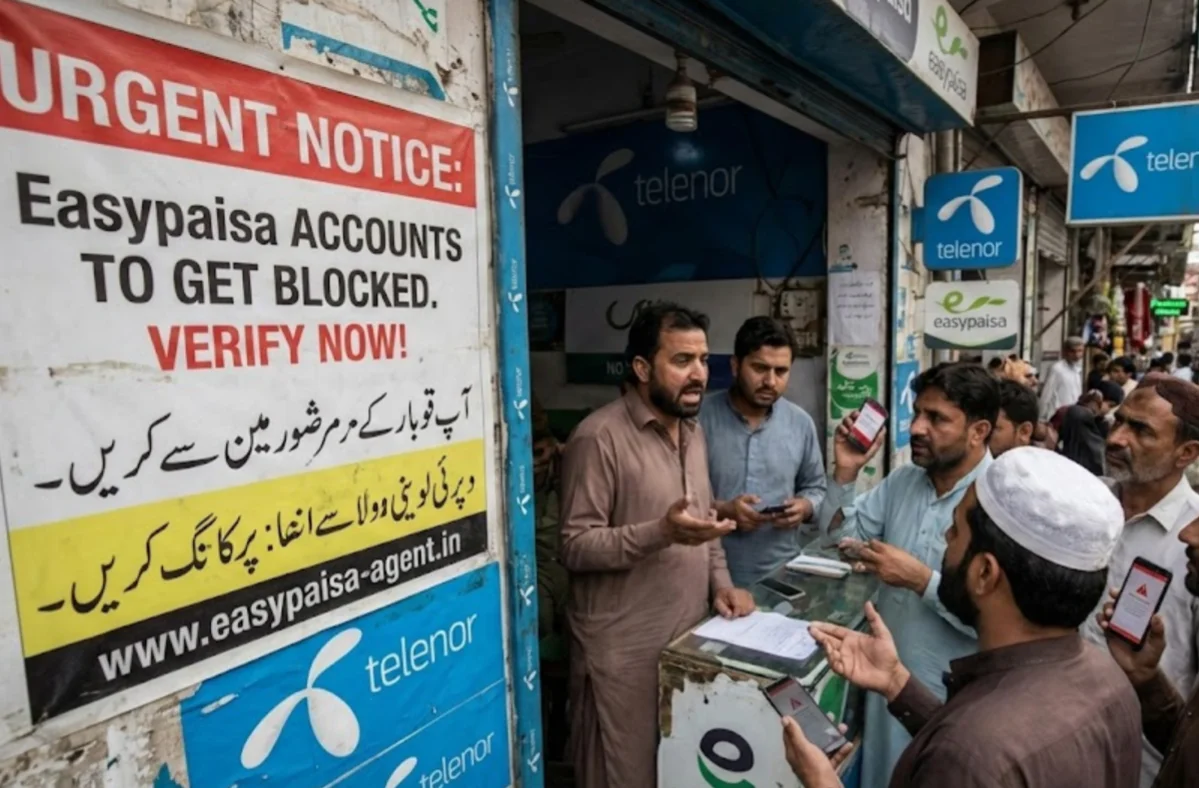
Most users face blocks not because of intentional wrongdoing, but due to automated security triggers that perceive normal behavior as a threat. By identifying these issues, you can bypass the frustration of repeated lockouts.
There are several common reasons why Easypaisa might restrict your access:
- Incorrect PIN Attempts: If you enter the wrong 5-digit PIN three times in a row, the system automatically freezes the account to prevent unauthorized access.
- Account Dormancy: Today, Easypaisa maintains a strict 90-day activity policy. If you haven't performed a transaction or logged in for over three months, your account may be marked as "dormant."
- Suspicious Activity & Fraud Risk: Frequent logins from different IP addresses or multiple account sign-ins on a single device can flag your account for fraud.
- Expired CNIC: Your account is tied to your legal identity. If your CNIC has expired in the NADRA database, Easypaisa is legally required to suspend your mobile wallet until you provide updated documentation.
- Location Mismatches: If you suddenly log in from a foreign country or a suspicious network without a secure connection, the bank may block the account to protect your funds.
A free proxy VPN will secure your IP address (preferably set to a Pakistan server) to offer a safer connection to Easypaisa, significantly lowering the risk of accidental account blocks.
How to Activate an Easypaisa Account Online?
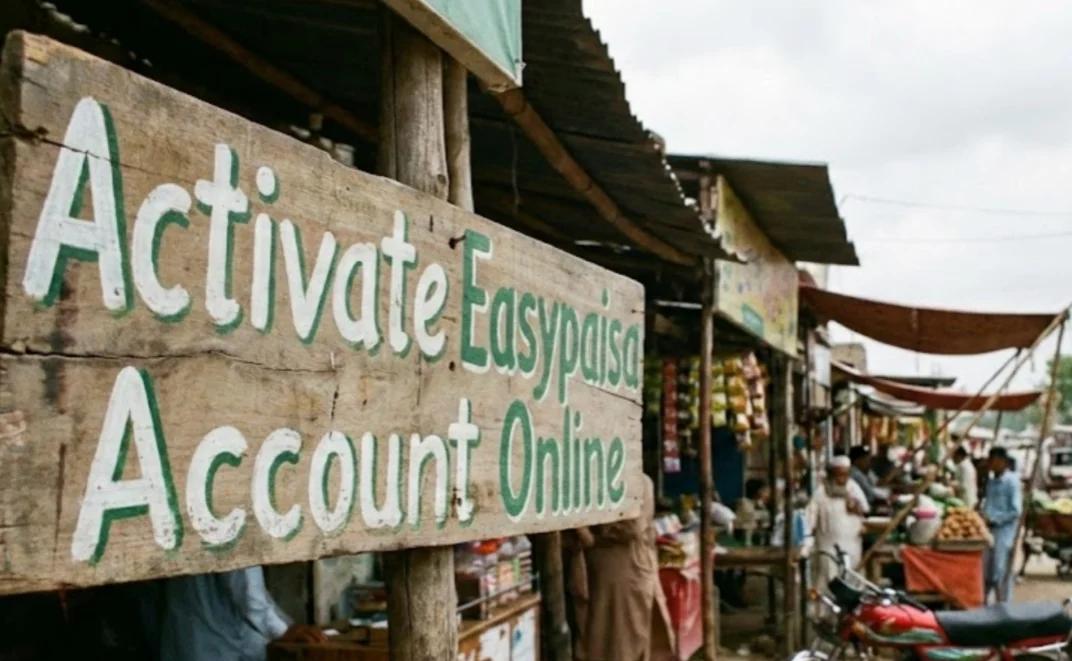
If you are looking for the fastest path to recover your Easypaisa account without visiting a physical franchise, you should read this part.
This part addresses the technical "re-entry" phase, helping you overcome the hurdles of a dormant or locked status right from your smartphone.
Activating your account today has become more streamlined thanks to enhanced biometric integration.
💡 The USSD Method (For All Networks)
If you don't have a stable internet connection, you can use the classic "String" method:
- For Telenor users, Dial *786# from your registered SIM.
- If you are using other Networks (Zong, Jazz, Ufone), just dial *2262#.
- Follow the prompts to enter your 13-digit CNIC number and reset your PIN.
💡 The In-App Biometric Re-verification
For dormant accounts, the Easypaisa app now features a "Live Verification" tool:
-
Log in to the app (even if limited).
-
Go to "My Account" and select "Upgrade/Verify Account."
-
Use your phone's camera to scan your fingers as prompted. This links directly to the NADRA database for instant reactivation.
💡 Contacting the Helpline
If the automated systems fail, you can call 3737 (for Telenor users) or 042-111-003-737 (for other networks). Be prepared to provide your mother's maiden name and your city of birth for identity verification.

How to Unblock Easypaisa Account Safely?
Unblocking an account is only half the battle; keeping it secure is the other. Many users get unblocked only to be compromised again because they are accessing their bank over "leaky" or public networks.
1. Protecting Your Digital Wallet with VPN
One of the leading reasons accounts get blocked is unsecured network access. When you log in to Easypaisa at a cafe, airport, or even a shared home Wi-Fi, your data can be intercepted.
Furthermore, if you are traveling abroad and try to access your account, Easypaisa might block you because your IP address appears "foreign."
This is where UFO VPN becomes your best financial ally. By using UFO VPN, you can:
- Mask Your Location: If you are outside Pakistan, you can connect to a dedicated Pakistani server via UFO VPN. This makes the system believe you are still at home, preventing "suspicious location" blocks.
- Bank-Grade Encryption: UFO VPN uses advanced encryption (like HTTPS and SSX protocols) to scramble your data. Even on public Wi-Fi, your transaction details remain invisible to hackers.
- Prevent "Multiple IP" Flags: This tool provides a stable connection. By always using the same secure tunnel, you avoid the automated triggers that occur when your device jumps between different, untrusted networks.
You may follow the steps below to set up UFO VPN on any of your devices:


UFO VPN is an all-in-one VPN that offers unlimited access to 4K streaming like Netlfix, Disney Plus, no-ping gaming as PUBG, Roblox, CODM and social networking for YouTube, X, Facebook and more.




Unlock Pro Features
If you have upgraded to premium plan , feel free to enjoy premium servers for 4K streaming and advanced features like Kill Switch, Split Tunneling, and gaming acceleration. Your Mac is now fully optimized and protected. Inaddition to basic functions, we recommend you turn on

Verify Your IP Now
Use UFO VPN's " What is My IP " feature to see your new IP and location. This confirms your connection is secure, anonymous, and ready for safe browsing online anywhere at any time.







2. Avoid "Third-Party" Unblocking Agents
Now, social media is flooded with fake "agents" claiming they can unblock your Easypaisa account for a fee. Never trust them.
These scammers often ask for your PIN, OTP, or CNIC pictures, leading to total account theft.
You should only use the official Easypaisa App, the 3737 helpline, or visit a registered Telenor Microfinance Bank franchise. Easypaisa staff will never ask for your PIN or OTP over the phone or WhatsApp.
3. Update Your App and Device Security
Sometimes, an account is blocked simply because the app version is obsolete and poses a security risk.
Therefore, before attempting to log in, visit the Google Play Store or Apple App Store and ensure you have the latest version of the Easypaisa app.
Meanwhile, ensure your phone's operating system is updated. Rooted or jailbroken devices are often flagged by banking apps as "unsafe," leading to automatic blocks.
Bonus Tips for Deleting Your Easypaisa Account
If you have decided that you no longer need the service or if you want to start fresh with a new CNIC registration, you might need to delete your Easypaisa account.
And closing an account properly is just as important as unblocking one, as it ensures your sensitive data isn't left sitting in an unused database. This follows the "Safety" theme by ensuring you don't leave old accounts vulnerable to identity theft.
If you have decided to move on, you cannot simply "delete" the app and consider the account gone. You must follow the formal closure process:
1. Empty the Wallet (The "Zero Balance" Rule)
You cannot close an account if it has even 0.01 PKR remaining. This is the most common reason closure requests are rejected.
It's necessary to transfer funds by sending your money to another bank account or mobile wallet.
If you have a small, non-transferable amount left (e.g., Rs. 0.45), use the "Donations" feature in the app to give it to a charity. This clears your balance to a perfect 0.00, which is a technical requirement for closure.
2. Manage Linked Services Before You Call
Before you make the final call, ensure you have untied your financial life from the app:
- Debit Card: If you have an Easypaisa Visa or PayPak card, it will stop working immediately upon account closure. Destroy the physical card to prevent confusion later.
- Subscriptions: Cancel any auto-debits (like Netflix, Spotify, or utility bill auto-pays) linked to this account to avoid payment bounces next month.
3. Contact Support for Official Closure
Since there is no "Delete" button inside the app to prevent accidental deletions, you must speak to a human agent.
- Telenor Users: Dial 3737.
- Non-Telenor Users: Dial 042-111-003-737.
- The Request: Once connected, clearly state: "I want to permanently close my account." Do not say "block" or "freeze," as those are temporary.
4. The Verification Phase
For your security, the agent will grill you to ensure you are the actual owner. Be ready to answer questions like:
- Your 13-digit CNIC number.
- Your Mother’s Maiden Name (as registered in NADRA).
- Your Place of Birth.
- The approximate Last Transaction Amount (e.g., "I sent 500 rupees yesterday").
5. Confirmation & Cooling Off
Once the agent processes your request:
- The SMS: You will receive a confirmation text stating your mobile wallet has been deactivated.
- Re-registration: Note that if you change your mind, you may face a "cooling-off period" (often 30–60 days) before you can open a new Easypaisa account on the same CNIC.

Conclusion
Unblocking your Easypaisa account doesn't have to be a multi-day headache. By understanding common triggers, like dormancy and security flags, and utilizing the latest biometric tools, you can regain control in minutes.
However, the most important takeaway is prevention. Using a secure connection through UFO VPN ensures that your financial data remains encrypted and your location remains consistent, drastically reducing the chances of a "security block" ever happening again.
FAQs
Can I unblock my Easypaisa account if I am currently in a different country?
Yes, you can unblock it, but you will likely face location-based blocks if you use a local foreign IP. To avoid this, use UFO VPN to set your location to Pakistan before attempting to reset your PIN or contact support via the app.
How long does it take for a dormant Easypaisa account to be reactivated?
If you use the in-app biometric verification (scanning your fingers via the camera), the reactivation is usually instantaneous. However, if you call the helpline, it may take 24 to 48 hours for the records to update across all systems.
Is it safe to use a free VPN for my Easypaisa transactions?
It is generally not recommended to use low-quality free VPNs as they may log your data.
Instead, using a trusted service like UFO VPN ensures high-speed Pakistani servers and strict no-logs policies, which are essential for secure financial transactions.
What documents do I need to unblock my Easypaisa account?
You primarily need your original, valid CNIC. The customer service representative will also ask for "secret" information, such as your mother's name and your place of birth, to confirm that you are the rightful owner of the account.