logo

UFO VPN : Best Free VPN You Can Actually Trust

Strong encryption & free access to global apps & websites.

  • No credit card
  • 100% free plan
  • 2000+ servers
blog banner bg

Is VPN Legal in the UK? How to Unblock Wordwide Content Safely
If you're in the UK and wondering whether using a VPN is legal — this guide got you covered. With growing concerns around online privacy, geo-blocked content, and government surveillance, many users are turning to VPNs like UFO VPN or Nord VPN to stay safe and stream content freely. But what exactly is the legal status of VPNs in the UK? And are there any trusted alternatives to popular options like NordVPN? Read and explore the answers.
Updated on 07/30/2025
5 minutes

Also available in:  Русский

Table of Contents

Is VPN Legal in the UK?

is vpn legal in the UK

Yes, VPNs are completely legal in the UK. There are no laws prohibiting individuals from using a Virtual Private Network (VPN) to protect their privacy, access geo-blocked content, or enhance online security.

However, there’s a catch:

While VPNs are legal, using them for illegal purposes is not. This includes:

  • Downloading pirated content from torrenting sites

  • Accessing the dark web for criminal activity

  • Hacking or identity theft

  • Violating copyright agreements (e.g., bypassing Netflix’s terms of use)

So long as you’re using a VPN for personal privacy, streaming, or secure browsing, you’re within your rights under UK law.


Related Posts
uk national flag
Troubleshooter
date icon 2025-06-23 16:40:29
Is Pornhub Banned in the UK? Unblock Pornhub Safely on Any Device
Streaming
date icon 2025-03-31 14:53:51
20 Free Streaming Sites in the UK (2026)

Is UFO VPN Legal in the UK?

Yes, UFO VPN is 100% legal to use in the UK. It provides encrypted tunneling protocols, masking your IP address and allowing access to geo-restricted services like:

However, as with all VPN services, you must use it responsibly. Accessing services that violate local regulations — or bypassing region-locked gambling laws — could still violate the terms of service of those specific platforms.

Feature
Device
Speed
HD Streaming
Ad blocker
0 login & credit card
Unlimited
460Mbps
Other Free VPNs
Payment first
1
100Mbps

How to Unblock Content Legally in the UK

Step 1
Grab the free Windows VPN installer right below. UFO VPN is lightweight and secure on all Windows systems. Double-click the downloaded file and complete the installation. Once installed, launch UFO VPN.
windows1
Step 2
Select a VPN Server
Inside the app, you can click the "Connect" button for quick connection, or browse the list of servers by Location or categroy: Video& Stream, Game, etc. Choosing the right server ensures fast speeds and smooth access.
windows2
Pro Tip

UFO VPN is an all-in-one VPN that offers unlimited access to 4D streaming like Netlfix, Disney Plus, no-ping gaming as PUBG, Roblox, CODM and social networking for YouTube, X, Facebook and more.


Step 3
Enable Advanced Features
In addition to basic functions, we recommend you turn on extra protections via Ad Blocker and features like Kill Switch, Split Tunneling and Smart Hop. Users can optimize online gaming/streaming/chatting as much as possible.
windows3
Step 4
Check Your New IP
Use UFO VPN's built-in " What is My IP" feature to see your new IP address and location. This confirms your VPN is working, hides your real IP, and ensures privacy while browsing.
windows4
Step 1 Download and install UFO VPN for macOS
Click the button below to download offcial Mac VPN free. Open the .dmg file, drag UFO VPN to your Applications folder, and launch it. You're just a few clicks away from secure browsing.
macos1
Step 2 Pick Your IP Server
Tap "Connect" button for the fastest server automatically. Or you can select a server from the global server list in 100+ countries. UFO VPN is an UFO VPN is an all-in-one VPN or gaming, video streaming, social platforms, and AI tools.
macos2
Step 3

Unlock Pro Features

If you have upgraded to premium plan , feel free to enjoy premium servers for 4K streaming and advanced features like Kill Switch, Split Tunneling, and gaming acceleration. Your Mac is now fully optimized and protected. Inaddition to basic functions, we recommend you turn on

macos3
Step 4

Verify Your IP Now

Use UFO VPN's " What is My IP " feature to see your new IP and location. This confirms your connection is secure, anonymous, and ready for safe browsing online anywhere at any time.


macos4
Step 1 Download and install UFO VPN for iPhone/iPad
Download this free iOS VPN via official link or App Store. Once installed, launch the app to get started. UFO VPN is now trusted by over 2 million users worldwide with optimzed service.
ios1
Step 2 Select a Perfect Server
Hit "Connect" button for the fastest server near you instantly. Or you can choose a favorite location/platform from the server list manually for full control. UFO VPN is an all-in-one VPN companion for gaming, streaming, social media, and AI tools.
ios2
Step 3 Lookup IP and Enable Pro Features
Now you can check your current IP via built-in IP lookup tool. Pro features in premium plan offer you premium servers, blazing speeds, Kill Switch, Split Tunneling, and Multi-device login, so you can protect your iPhone, iPad, and other Apple devices all at once.
ios3
Step 1 install UFO VPN for Android
Get free Android VPN from offcial website or Google Play Store. Follow the instructions for easy download. Then open the app and get ready to surf safely.
android1
Step 2 Choose Your Ideal Server
UFO VPN is an all-in-one powerhouse for gaming, video streaming, social apps, and AI tools. The"Connect" button links you to the fastest server instantly, or you can choose among the server list manually via Location/ Video&Stream/Games for easy access.
android2
Step 3 Power Up Pro Features
Pro users can look up current IP via built-in "What Is My IP" feature, and unlock premium features like 4K servers, turbo speeds, Kill Switch, Split Tunneling, and Multi-device login, keeping all your Android phones, tablets, and other devices safe at once.
android3

Now you should be able to view content or access services otherwise restricted in the UK.

VPN vs. No VPN in the UK: What's the Difference?

Using a VPN in the UK offers clear advantages, especially when it comes to privacy, access, and security. With a VPN, your internet traffic is encrypted and routed through a secure server—this hides your IP address, protects your identity from ISPs, advertisers, and potential hackers, and allows access to geo-restricted content (e.g., streaming libraries, gaming platforms, and crypto sites like Stake).

Without a VPN, you’re browsing openly, meaning your activities can be tracked, sensitive data can be exposed, and access to restricted platforms may be blocked due to local laws or regional filters. Especially for users accessing services not officially supported in the UK, like Stake.com, a VPN can be essential for both access and protection.

Features With a UK VPN Without a UK VPN
IP Masking ✅  ❌ 
Access Geo-blocked Sites ✅  ❌ 
Privacy Protection ✅ Strong encryption ❌ Exposed data
ISP Throttling Avoidance ✅ Possible ❌ Risk of slowdowns
Legality in UK ✅ Legal if used appropriately ✅ Legal

Bonus: Top UK VPN Alternatives to Nord VPN

NordVPN is popular but not always the perfect fit. Here are some great VPN alternatives that work reliably in the UK.

1. UFO VPN
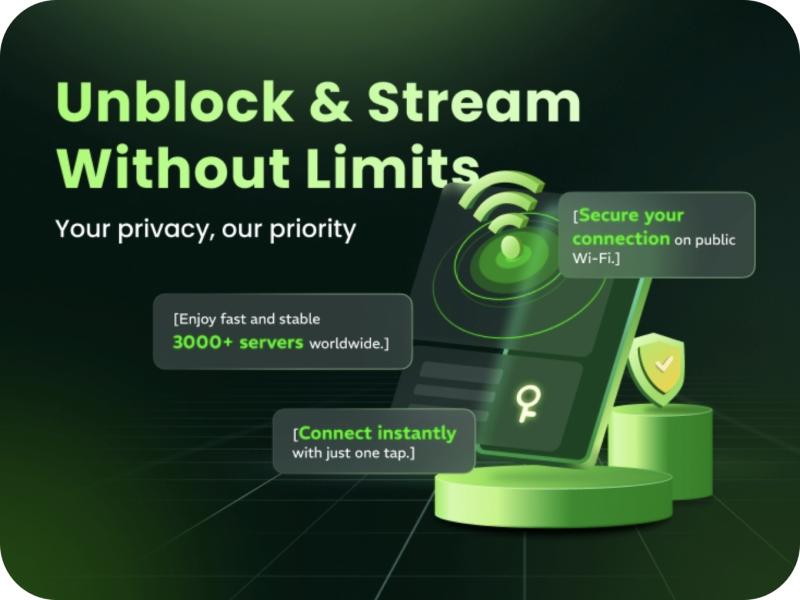
  • Pros:

    • Free version available

    • Easy-to-use UI

    • Good speeds for streaming

    • Supports unblocking Stake, Netflix, YouTube, etc.

  • Cons:

    • Limited features on the free plan

    • Fewer server locations than Nord

  • Supported OS: Windows, macOS, Android, iOS

  • Best for: Users looking for a lightweight, free proxy VPN

Unlock, Protect and Go Free
Access any site
Lifetime free
3000+ global IPs
1-click connection

2. Surfshark

surfshark

  • Pros:

    • Unlimited device support

    • Fast and secure

    • Great for torrenting and streaming

  • Cons:

    • Slower customer support

  • Supported OS: All major platforms

  • Best for: Families or multi-device households

3. ProtonVPN
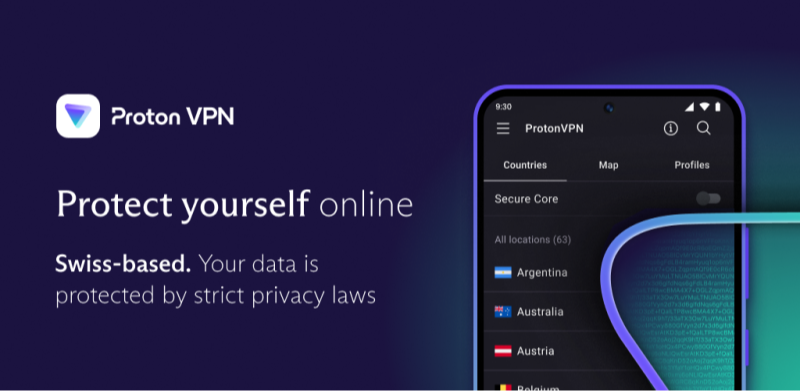
proton vpn

  • Pros:

    • Strong privacy protection

    • Open-source transparency

    • Offers a reliable free plan

  • Cons:

    • Free plan has limited servers

  • Supported OS: Windows, Linux, Android, iOS

  • Best for: Privacy-conscious users

4. Windscribe
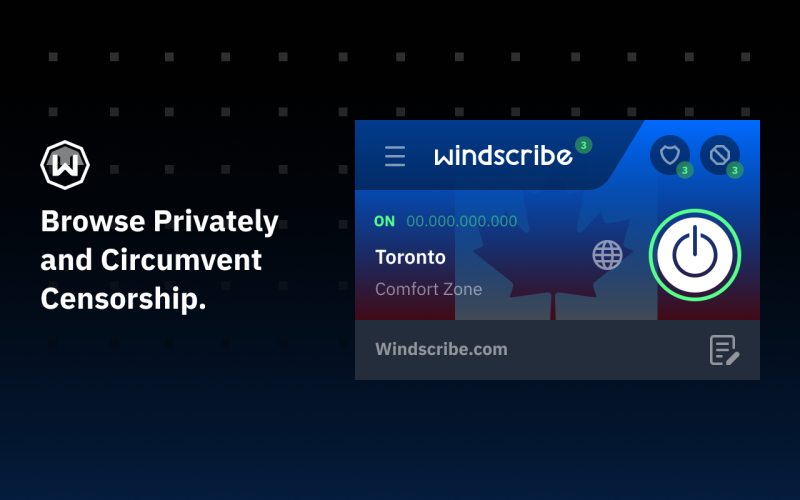
windscribe

  • Pros:

    • Generous free tier (10 GB/month)

    • Built-in ad blocker

    • Good for Netflix

  • Cons:

    • Can be inconsistent on some streaming sites

  • Supported OS: Windows, macOS, iOS, Android, browsers

  • Best for: Streamers on a budget
Bypass blocks. Stay private.

Use UFO VPN — the best free VPN that works anywhere

Also available in:  Русский

Ryan Brooks
Ryan Brooks

About This Author

I’m Ryan Brooks, a freelance writer passionate about gaming, tech, and internet culture. If there’s a trend online, I’m probably deep in the rabbit hole figuring out how it all connects.