Why is Skype Discontinued?
You might be wondering why you can no longer access the classic Skype experience you were used to. Understanding this shift is critical before you choose your next platform, as it helps you avoid migrating to another service that might face a similar fate.
The "death" of Skype wasn't an accident; it was a strategic decision by Microsoft that boils down to three key factors:
-
Official Retirement & Migration: Microsoft has officially retired the consumer version of Skype. The goal was to migrate its massive user base to Microsoft Teams (Free). While Skype for Business had been phased out years prior, this shutdown marked the definitive end of the standalone app era.
-
Strategic Consolidation: Microsoft made this move to create a single, robust ecosystem. Instead of maintaining separate apps, they consolidated communication into one platform that handles not just calls, but file sharing, scheduling, and community building - features that modern users demand.
-
End of Support for Legacy Versions: If you are still holding onto an old version of the app, you are likely facing glitches, a lack of technical support, or forced redirection. The infrastructure supporting the old Skype is gone.
As many modern Skype alternatives face stricter regional blocking than Skype did, we recommend that you install a free proxy VPN to ensure your switch is seamless and you don't lose contact with friends abroad.
Top 10 Skype Alternatives

Now that you know why Skype is off the table, you need a replacement that fits your specific needs. You shouldn't have to waste time testing a dozen apps just to find one that offers clear audio and reliable video. The following breaks down the best apps like Skype available right now, focusing on features, ease of use, and whether they truly offer free international phone calls.
1. Microsoft Teams
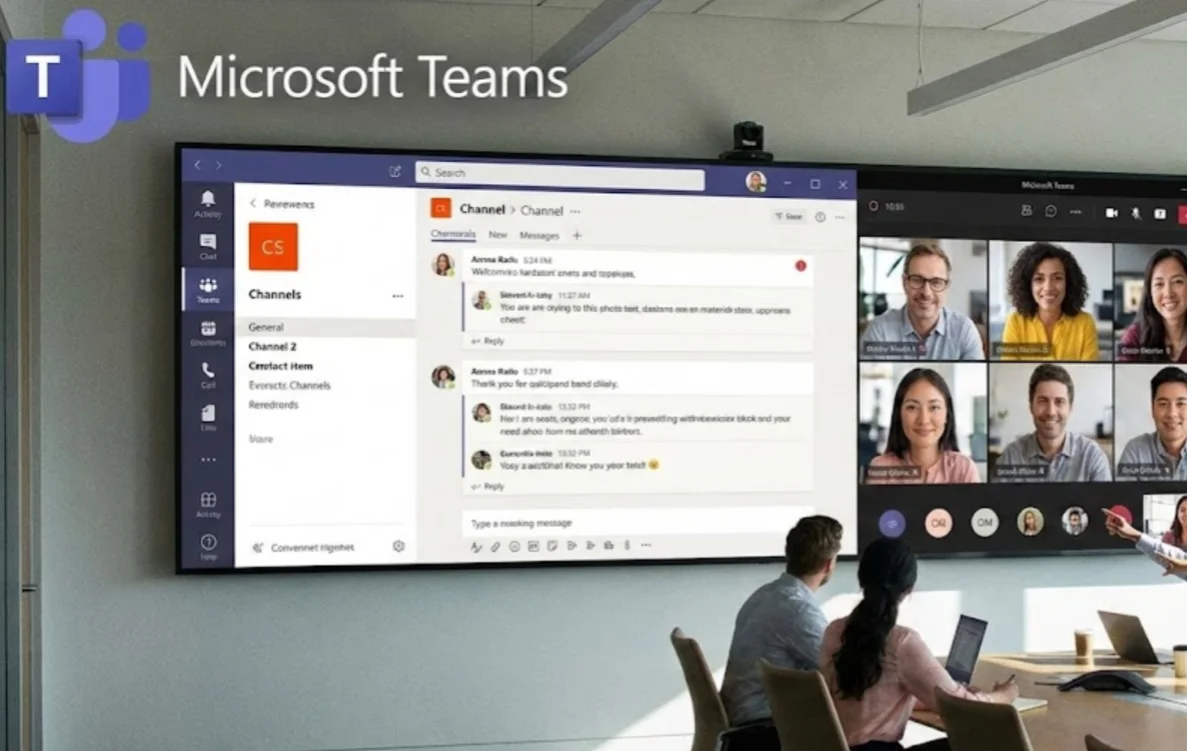
As the official successor to Skype, Teams is the most logical step if you want to keep your contacts intact.
Microsoft has successfully streamlined the "Free" version for personal use, making it feel familiar but significantly more powerful than its predecessor. You get unlimited chat and high-quality video calls for up to 60 minutes with up to 100 participants.
Pros
- Seamless contact and chat migration from Skype
- Native integration with Windows accounts and system features
- Supports large group calls without immediate paywalls
- Stable performance for scheduled meetings
Cons
-
High memory and CPU usage on older laptops
-
Interface prioritizes work features over casual chat
-
The setup feels complex for first-time personal users
2. Zoom

Zoom became a household name for a reason: it just works. It is arguably the most stable platform for video calls, even if you are stuck on a slower internet connection.
For personal use, the free tier allows you to host 40-minute group calls, while one-on-one calls are robust and reliable.
Pros
- Consistent call quality across different network conditions
- Guests can join meetings without creating an account
- Simple meeting links make sharing easy
- Reliable screen sharing with minimal lag
Cons
- Free group calls end abruptly at 40 minutes
- Requires frequent updates
- Limited chat and collaboration features outside meetings
3. Google Meet

If you have a Gmail account, you already have Google Meet. There is no software to install; it runs perfectly directly in your browser. It offers high-definition video and noise cancellation that rivals paid tools, making it the king of accessibility.
Pros
- Runs directly in modern browsers without installation
- Strong integration with Gmail and Google Calendar
- Clean interface with minimal distractions
- Stable performance for quick meetings
Cons
- Hosting requires a Google account
- Advanced controls are locked behind paid plans
- Fewer customization options for meetings
4. WhatsApp

For pure convenience, WhatsApp is the undisputed king of mobile communication. With over 2 billion users, chances are the person you want to call already has it installed.
It offers completely free international phone calls (voice and video) over Wi-Fi, with end-to-end encryption built in by default to keep your chats secure.
Pros
- Almost universal adoption worldwide
- Fast setup and simple interface
- Efficient data usage on mobile networks
- Strong default encryption for calls and messages
Cons
- Account tied permanently to a phone number
- Limited desktop calling features
- Backup handling can raise privacy concerns
5. Telegram

Telegram is the go-to for power users who value speed and flexibility. It is cloud-based, meaning you can access your chats from your phone, tablet, and laptop simultaneously - something WhatsApp still struggles to do perfectly.
Pros
- Cloud-based chats sync instantly across devices
- Handles large media files smoothly
- Fast message delivery even in large groups
- Flexible group and channel management
Cons
- Default chats are not end-to-end encrypted
- Video calling tools lack advanced controls
- The privacy model may confuse new users
6. Viber

Viber is one of the few apps that keeps the "Skype Out" spirit alive. While app-to-app calls are entirely free, the "Viber Out" feature allows you to call non-users (landlines and mobile numbers) internationally for a very low rate.
Pros
- Affordable international calling to non-users
- Good voice clarity on stable networks
- Works well in regions where WhatsApp is less dominant
- Rich customization with stickers and themes
Cons
- Frequent ads reduce usability
- The interface can feel cluttered
- Smaller user base in North America and Europe
7. Signal

If privacy is your top concern, Signal is the answer. It is open-source and owned by a non-profit organization. Every call and message is fully encrypted, and they collect virtually no data on you. It is the closest you can get to having a private conversation in a completely soundproof digital room.
Pros
- Minimal data collection by design
- Open-source and independently audited
- Strong reputation among security professionals
- Consistent encryption across all communications
Cons
- Smaller contact network
- Limited customization and media features
- No built-in cloud backup for chats
8. Discord
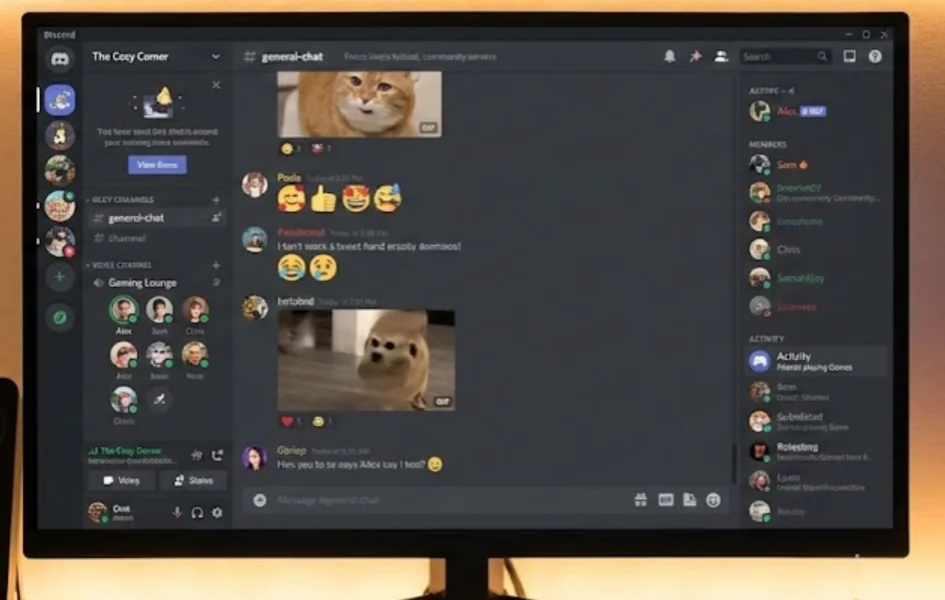
Don't let the "gamer" reputation fool you. Discord has some of the best voice processing tech available, including Krisp noise suppression. It uses a "server" model, allowing you to hop into voice channels without "calling" anyone. It is perfect for casual, long-duration hangouts with friends abroad.
Pros
- Excellent voice clarity with advanced noise suppression
- Ideal for long, casual voice sessions
- Strong community and group management tools
- Works well on desktop and mobile
Cons
- Learning curve for new users
- Overkill for simple one-on-one calls
- Privacy settings require manual adjustment
9. FaceTime

For users deep in the Apple ecosystem, FaceTime is unbeatable. The video and audio quality is often superior to third-party apps because it is integrated directly into the OS.
With the newer "FaceTime Links" feature, you can even invite Android and Windows users to join your call via a web browser.
Pros
- Optimized performance on Apple hardware
- Very low latency within the Apple ecosystem
- Simple call setup with minimal configuration
- High reliability for personal calls
Cons
- Full functionality is limited to Apple users
- Web access for others lacks advanced features
- Not suitable for mixed-device households
10. LINE

Massively popular in Asia, LINE is a fun alternative that blends social media with calling. It offers free voice and video calls and is famous for its extensive sticker store. If you are doing business or have friends in regions like Japan, Taiwan, or Thailand, having LINE is essential.
Pros
- Strong presence in Asian markets
- Combines messaging, calling, and payments
- Highly expressive communication tools
- Useful for regional business and social use
Cons
- A feature-heavy interface can feel overwhelming
- Limited adoption in Western countries
- Performance may vary on low-end devices
How to Use Skype Alternatives Safely?
Picking an app is only half the battle; ensuring your conversation remains private is the other. You need to read this section because migrating to a new app often exposes you to new security vulnerabilities, especially when using public Wi-Fi in airports or cafes.
Furthermore, many of these apps, like Skype, are blocked in countries with strict censorship (like the UAE, China, or Iran), turning a simple call into a technical headache.
When you make an international call over the internet, your data is broken into packets and sent across the web. Without protection, this data can be vulnerable in three critical ways:
- Public Wi-Fi Vulnerability: If you answer a call while connected to Wi-Fi at a coffee shop or airport, hackers on the same network can potentially intercept your data stream.
- ISP Throttling: Internet Service Providers often deliberately slow down VoIP traffic to manage bandwidth, leading to those frustrating "reconnecting" screens and robotic audio.
- Geo-Restrictions: Many countries (such as the UAE, China, and Oman) strictly block VoIP services. Without a workaround, your "free international call" simply won't connect once you land.
A great way to cope with these issues is to use a reliable VPN. Among various competitors, UFO VPN stands out for creating a secure, encrypted tunnel between your device and the internet.
It masks your IP address, making you invisible to snoopers and tricking restrictive networks into thinking you are browsing from a different location. This tool is renowned for its:
- Bank-Level Security: It utilizes AES-256 encryption to lock down your conversations, ensuring that even if someone intercepts your data, they cannot decipher it.
- Bypass Geo-Blocks: Whether you need to use WhatsApp in Dubai or FaceTime in China, UFO VPN effortlessly unblocks these services so you remain connected anywhere.
- Smart Protocol Selection: Unlike generic VPNs that slow you down, UFO VPN automatically selects the best protocol to ensure your video call remains crystal clear without lag.
- One-Tap Privacy: The interface is built for simplicity - just tap "Connect," and your international call is instantly secured.
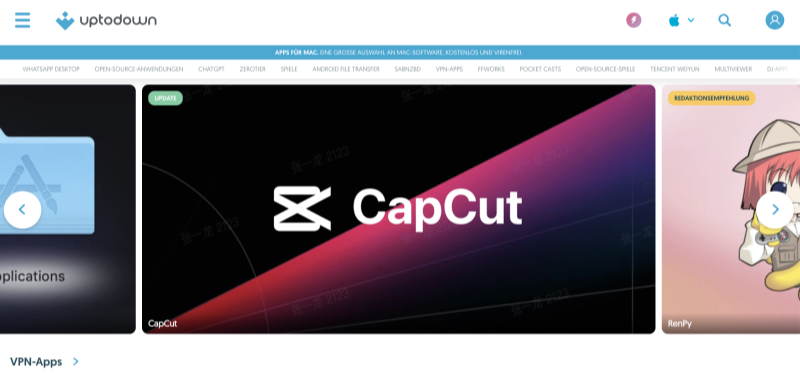
Most importantly, you only need a few simple steps to install and use this app in any of your devices:


UFO VPN is an all-in-one VPN that offers unlimited access to 4K streaming like Netlfix, Disney Plus, no-ping gaming as PUBG, Roblox, CODM and social networking for YouTube, X, Facebook and more.




Unlock Pro Features
If you have upgraded to premium plan , feel free to enjoy premium servers for 4K streaming and advanced features like Kill Switch, Split Tunneling, and gaming acceleration. Your Mac is now fully optimized and protected. Inaddition to basic functions, we recommend you turn on

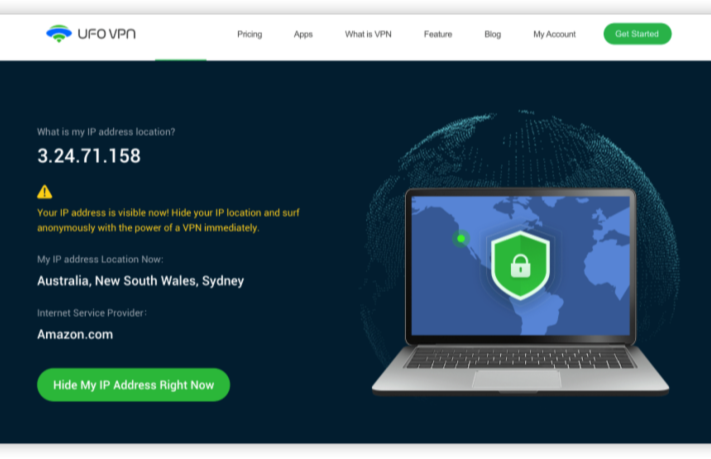
Verify Your IP Now
Use UFO VPN's " What is My IP " feature to see your new IP and location. This confirms your connection is secure, anonymous, and ready for safe browsing online anywhere at any time.







Best Skype Alternatives: Which One Should You Choose?
With ten great options listed, you might feel overwhelmed by the choice. This comparison will tell you that the "best" app depends entirely on who you are calling and how you are calling them.
| Best For |
Top Recommendations | Why You Should Choose It |
|---|---|---|
| Business & Legacy Users | Microsoft Teams, Zoom | Professional standard with reliable screen sharing and scheduling tools. |
| Friends & Family | WhatsApp, FaceTime | Maximum convenience; most of your contacts already have them installed. |
| Privacy Buffs | Signal, Telegram | Top-tier encryption and zero data collection |
| Calling Landlines | Viber | Best low-cost rates for calling actual landline and mobile numbers. |
Conclusion
The era of Skype has passed, but the era of high-quality, free international calling is better than ever. By switching to modern Skype alternatives like Microsoft Teams, Zoom, or WhatsApp, you gain better video quality, more features, and reliable connections.
However, great connectivity comes with the responsibility of security. Always ensure your calls are protected from prying eyes and restrictive firewalls by using a trusted tool like UFO VPN. Don't let distance or digital borders stop you - download your new favorite app today and start talking.
FAQs
Is Skype completely shut down?
Yes, the consumer version of Skype was retired in May 2025 and replaced by Microsoft Teams (Free). You can no longer download or use the old Skype app for personal calls.
Which app is the best free alternative to Skype?
For most users, WhatsApp is the best free alternative due to its massive user base and ease of use. For desktop use, Zoom or Google Meet are excellent choices.
Can I still call landlines with these Skype alternatives?
Most free apps (WhatsApp, FaceTime) only allow app-to-app calls. If you need to call landlines, apps like Viber (via Viber Out) or Microsoft Teams (via calling plans) are your best options.
Are these Skype alternatives secure?
Apps like Signal and WhatsApp offer end-to-end encryption. However, for maximum security, especially on public networks, it is recommended to use UFO VPN to encrypt your entire internet connection.