Where Can You Watch Serie A Live?
Serie A streaming options vary by country, so what you can watch for free depends on your location and the current broadcasting rights. The UK, US, and Brazil are worth checking first, as each market has platforms that may offer selected Serie A matches without a full paid subscription.
| Country | Free Streaming Options | Coverage | Best For |
|---|---|---|---|
| 🇬🇧 UK | BBC iPlayer, BBC Sport | Selected live matches | Free official coverage |
| 🇺🇸 US | CBS Sports Golazo Network | Selected fixtures | More streaming choices |
| 🇧🇷 Brazil | CazéTV | Selected matches | Free online streaming |
💡 Warm Note: Free coverage does not necessarily mean every Serie A match is available. Schedules and broadcasting rights can change, so check the platform’s latest match listings before watching. If a stream is unavailable in your region, connecting to a server in the corresponding country may help you access the local option.
Do You Need a VPN for Serie A Live?
A VPN can be useful when the free Serie A stream you want is not available in your location. Instead of searching endlessly for another website, you can connect to a server in a supported country and check whether the local streaming option works. Specifically, activating a reliable VPN tool can help:
- Access regional streams: Connect to the UK, US, or Brazil to check local coverage.
- Avoid unnecessary paywalls: Some matches may be available through free platforms in specific regions.
- Improve connection flexibility: Switch servers if your current connection is slow or unstable.
- Protect your connection: A VPN encrypts your internet traffic while you stream.
For an easier setup, UFO VPN is a practical option. It offers multiple server locations and a simple connection process, so you can choose a suitable country and connect in just a few clicks.
With the steps below, you can easily download UFO VPN and connect to a supported server before opening your Serie A streaming platform.


UFO VPN is an all-in-one VPN that offers unlimited access to 4K streaming like Netlfix, Disney Plus, no-ping gaming as PUBG, Roblox, CODM and social networking for YouTube, X, Facebook and more.




Unlock Pro Features
If you have upgraded to premium plan , feel free to enjoy premium servers for 4K streaming and advanced features like Kill Switch, Split Tunneling, and gaming acceleration. Your Mac is now fully optimized and protected. Inaddition to basic functions, we recommend you turn on

Verify Your IP Now
Use UFO VPN's " What is My IP " feature to see your new IP and location. This confirms your connection is secure, anonymous, and ready for safe browsing online anywhere at any time.







Best Server Locations to Stream Serie A
The UK, US, and Brazil are good starting points for free Serie A streaming, but they are not your only options. Other server locations may give you access to different platforms or provide better connection routes for streaming. If your first choice is slow or unavailable, compare a few locations and choose the one that works best with your streaming platform.
| Server Location | Key Feature | Get a Quick IP |
|---|---|---|
| 🇬🇧 UK | Strong sports streaming access | |
| 🇺🇸 US | Wide range of streaming services | |
| 🇧🇷 Brazil | Popular free online sports streams | |
| 🇮🇹 Italy | Local Serie A coverage | |
| 🇩🇪 Germany | Reliable European connectivity | |
| 🇫🇷 France | Broad sports broadcasting options | |
| 🇪🇸 Spain | Strong football coverage | |
| 🇳🇱 Netherlands | Good European network routes | |
| 🇨🇭 Switzerland | Stable connection options | |
| 🇦🇹 Austria | Convenient Central European location |
Your best server is not always the one closest to you. If a stream takes too long to load, keeps buffering, or shows a location error, try another server that supports the same platform. You can also compare nearby European locations to find a more stable connection.
10 Best Free Streaming Platforms to Watch Serie A
Looking for free Serie A streaming links? You’ll find a mix of official free options, sports aggregators, and third-party streaming sites below. Availability can change by match, country, and broadcasting rights, so check the platform before kickoff. For unofficial sites, be especially careful with pop-ups, redirects, suspicious downloads, and fake play buttons.
1. BBC iPlayer
BBC iPlayer is one of the more reliable options for watching selected Serie A matches in the UK. Available games are shown through BBC Sport and BBC Alba, depending on the current broadcasting schedule. You can watch through a browser or supported devices, with the usual BBC playback and streaming features. However, it does not provide every Serie A fixture, and access is intended for viewers in the UK.
Pros:
- Official BBC streaming service
- Reliable HD-quality playback
- Works across computers, phones, and smart TVs
- Includes BBC Sport coverage and analysis
- No third-party ads during the official stream
Cons:
- Only selected Serie A matches are available
- UK location is required
- A TV licence is required for live TV viewing
- Match selection depends on broadcasting rights
2. Buffstream
Buffstream is a third-party sports aggregator that collects links to live sporting events, including Serie A fixtures. Its main attraction is convenience—you can often find several links for a match without signing up for a paid service. Since the actual streams come from external sources, though, the experience can differ significantly between links.
Pros:
- Often lists major Serie A fixtures
- Multiple links may be available
- Usually does not require registration
- Easy to access from mobile browsers
Cons:
- Heavy advertising and pop-ups
- Links can stop working without warning
- Video quality varies considerably
- External links may pose security risks
3. VIPLeague

VIPLeague is a long-running sports streaming directory covering football and other popular sports. Serie A games may appear alongside the Premier League, La Liga, Bundesliga, and other competitions. Its category-based layout makes it fairly easy to find an event, although individual streams rely on external sources.
Pros:
- Covers many sports beyond football
- Simple category-based navigation
- Multiple links may be listed for popular matches
- No paid account is typically required
- Useful if you follow several leagues
Cons:
- Intrusive advertising
- Stream quality is inconsistent
- Domains and links can change frequently
4. TotalSportek
TotalSportek works as a sports directory where you can browse upcoming events and find links for different competitions. It regularly features European football, so you may find Serie A listed alongside other major leagues. Its schedule-style layout is useful for checking what's available before kickoff, although the actual streams generally come from external providers.
Pros:
- Convenient event and schedule layout
- Covers numerous European competitions
- Several alternative links may be available
- Easy to browse before match time
Cons:
- Advertisements can be intrusive
- Some links may be inactive
- Quality depends on the external source
- Availability can change quickly
5. Sportsurge
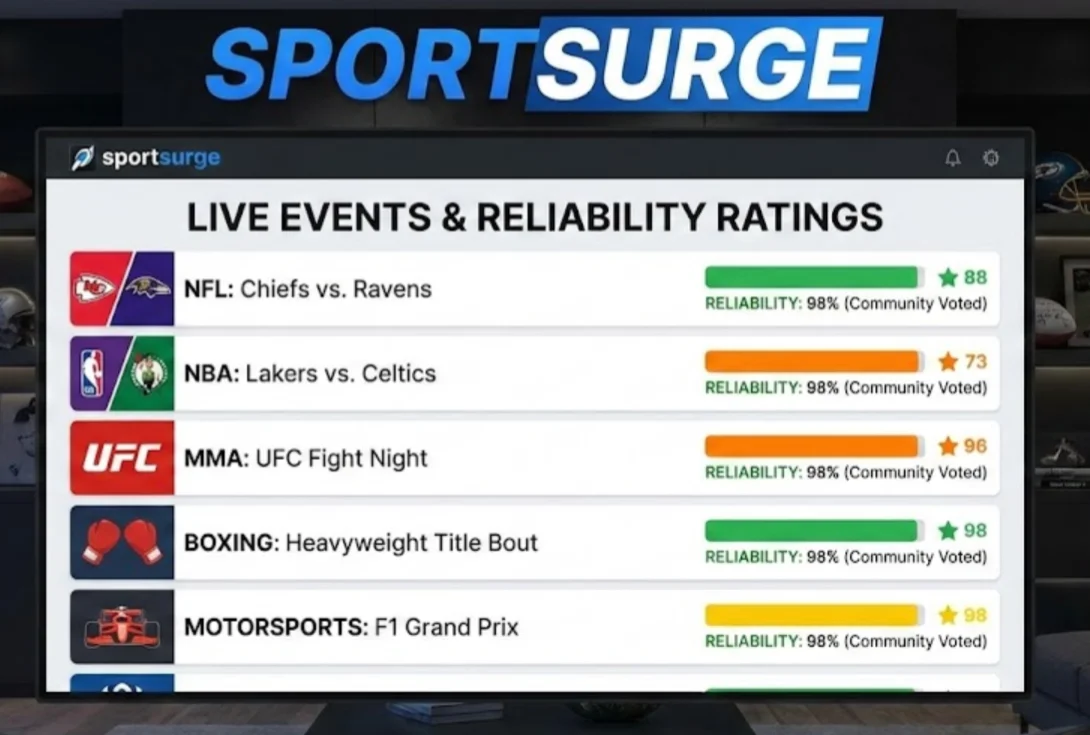
Sportsurge is a community-oriented sports streaming directory that brings together links for major sporting events. It can be useful for finding Serie A streams while also following other football leagues and sports. The platform generally directs you to external sources rather than hosting every broadcast itself, so the quality depends on the individual stream.
Pros:
- Broad sports coverage
- Multiple sources may be available
- Works on both desktop and mobile browsers
- Useful for comparing different stream options
Cons:
- Some links may be unavailable
- Pop-ups can appear
- External hosts determine stream quality
6. Crackstreams

Crackstreams is a third-party sports streaming site that may list Serie A fixtures during major matchdays. It can be convenient if you want to check available streams without creating an account. However, aggressive advertising and external links can make the experience less predictable than using an official broadcaster.
Pros:
- Often covers major sporting events
- Simple event-based navigation
- Usually no account is required
- May provide several viewing links
Cons:
- Aggressive ads and redirects
- Potential security risks from third-party pages
- Stream reliability can fluctuate
- Legal status may vary by location
7. Streameast
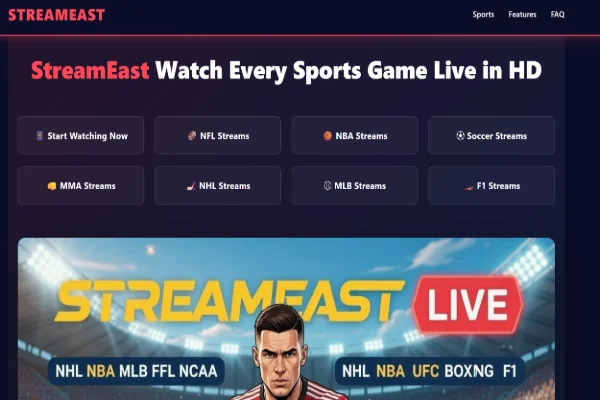
Streameast offers free sports streams covering football and other popular sports. Serie A fixtures may be listed around matchday, sometimes with several mirror links. It can be useful when a working stream is available, but high-profile matches may experience heavier traffic and more buffering.
Pros:
- Wide range of sports
- Multiple mirrors may be available
- Convenient for major matchdays
- Relatively simple mobile browsing
Cons:
- Frequent pop-ups and redirects
- Performance may drop during popular games
- Links can disappear quickly
- Third-party ads can create security concerns
8. Footybite

Footybite focuses primarily on football, making it a straightforward option if you mainly want to follow football competitions. Serie A fixtures can appear alongside other major European leagues, and popular games may have several available sources. Smaller fixtures, however, may have fewer choices.
Pros:
- Football-focused selection
- Easy to locate major Serie A matches
- Covers other European competitions
- Multiple sources may be available
- No conventional subscription is needed
Cons:
- Advertising can be excessive
- Some links may not work
- Stream quality varies between sources
- Smaller matches may have limited options
9. FirstRowSports
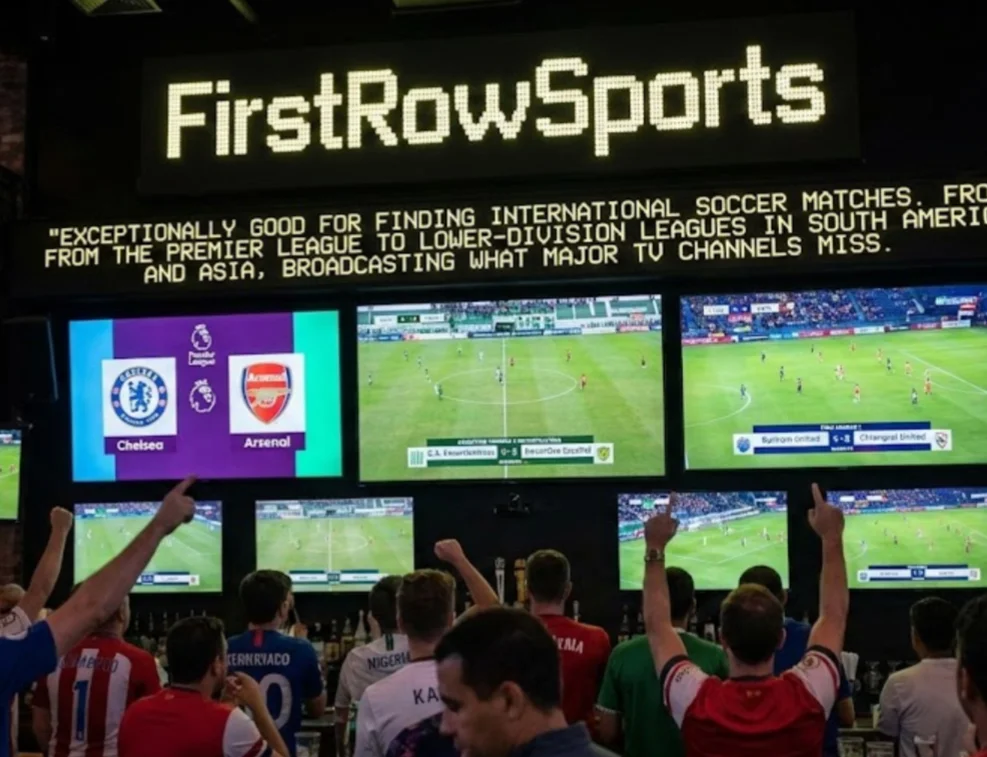
FirstRowSports uses a simple event-listing format and has historically covered a wide range of sports. Its lightweight design may work well if you prefer a straightforward interface or have a slower connection. The trade-off is that its older design and third-party streams may not deliver the most consistent viewing experience.
Pros:
- Lightweight interface
- Wide sports coverage
- Easy-to-scan event listings
- No standard subscription required
Cons:
- Outdated interface
- Video quality can be lower
- Pop-ups are common
- Reliability varies by event
10. SportyNet and CazéTV-Style Free Options

Regional sports platforms and official YouTube channels can sometimes provide selected Serie A matches for free when local broadcasting rights allow it. CazéTV in Brazil is one example of a sports channel that has offered free football coverage through YouTube. When the stream comes directly from an official broadcaster or rights holder, these options are generally preferable to unknown third-party aggregators.
Pros:
- Some streams come directly from official channels
- YouTube-based options are easy to access
- Usually offer better video quality
- Lower security risk than unknown streaming sites
- Selected matches can be watched without a full subscription
Cons:
- Only selected games may be available
- Strong geo-restrictions can apply
- Commentary may be in the local language
- Broadcasting rights can change between seasons

Common Problems When Streaming Serie A & Fixes
Even with a reliable streaming platform and a suitable VPN server, you may still encounter issues such as buffering, regional restrictions, broken links, or excessive pop-ups. Most problems are caused by your connection, server location, browser settings, or the streaming source. Below are some common issues and practical ways to fix them.
1. Stream Keeps Buffering or Freezing
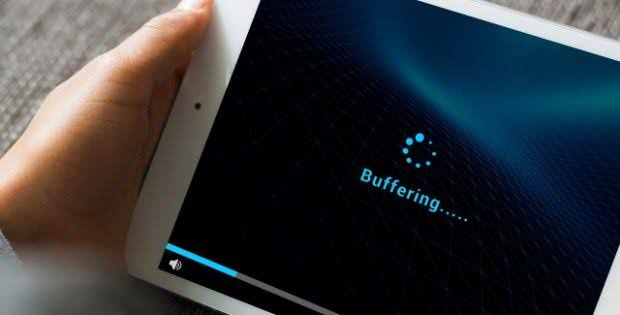
Buffering usually means the stream is not receiving enough data fast enough. An overloaded VPN server, unstable Wi-Fi, high video quality, or other devices using your bandwidth can all slow down playback.
💡 Solution: Switch to another VPN server in the same country first. If the problem continues, lower the video quality, close bandwidth-heavy apps and downloads, and clear your browser cache and cookies. A wired connection may also provide a more stable experience than Wi-Fi.
2. “This Content Is Not Available in Your Region”

This message normally appears when the streaming platform detects that your IP address is outside its supported region. In some cases, the platform may also recognize and block a VPN server.
💡 Solution: Check that your VPN is connected and that your IP location matches the country you selected. If the stream still does not load, switch to another server in the same country. You can also try a different supported country from the list above and then reload the streaming page.
3. Too Many Pop-Ups and Redirects
Free third-party streaming sites often use aggressive advertising to generate revenue. As a result, clicking a play button may open a new tab, redirect you to another page, or display misleading download prompts.
💡 Solution: Use a reputable ad blocker such as uBlock Origin and enable your browser's built-in pop-up protection. Avoid clicking suspicious banners, fake download buttons, or requests to install unknown software. If a site keeps redirecting you, consider using another platform from the list.
4. VPN Connection Drops Mid-Match
A VPN may disconnect because of an unstable internet connection, an overloaded server, or a temporary issue with the VPN app. When this happens, your streaming connection may stop or become unstable.
💡 Solution: Reconnect to the VPN and try a less crowded server. If your VPN supports a kill switch, enable it to prevent traffic from continuing outside the VPN connection. Updating the VPN app or switching to another available protocol may also help.
5. Links Are Dead or the Page Won't Load
Third-party streaming links can stop working at any time, particularly when a popular match attracts heavy traffic. Some websites may also experience temporary downtime or remove links shortly before kickoff.
💡 Solution: Refresh the page and check whether another link is available for the same match. If none of the links work, move to another platform rather than repeatedly opening suspicious mirrors. For important matches, checking the official broadcaster first is usually the more reliable option.
6. Poor Video Quality or Laggy Audio
Blurry video, delayed audio, or frequent quality changes can be caused by a slow stream, overloaded server, or limited bandwidth. Your VPN connection may also affect performance if the server is far away or handling too much traffic.
💡 Solution: Try another VPN server, preferably one with a stronger connection to your location. Lowering the video resolution can also reduce buffering. Before the match starts, pause large downloads and disconnect devices that are consuming significant bandwidth.
7. Device or App Compatibility Issues
Some free streaming websites are designed primarily for desktop browsers and may not work properly on phones, tablets, or smart TVs. Outdated browsers and unsupported video players can also cause playback errors.
💡 Solution: Try watching through an up-to-date Chrome, Edge, or Firefox browser first. Update your browser and streaming app if necessary, and check whether the platform supports your device. If a particular site does not work on your TV or mobile device, switching to a supported browser or another streaming platform may be easier.
Final Words
Watching Serie A without an expensive subscription can be easier when you know where to look and how to handle regional restrictions. Start by checking free streaming options in supported countries, then use UFO VPN to connect to a suitable server for a more flexible viewing experience. If you run into buffering, location errors, or broken links, switch servers or try another platform to get back to the match quickly.
FAQs
Can I watch every Serie A match for free?
Not usually. Free legal coverage is generally limited to selected matches and can vary by country and broadcasting rights. If you want access to the full season, you may need a paid streaming service.
Can I watch Serie A on BBC iPlayer from outside the UK?
BBC iPlayer is primarily available to viewers in the UK. If you are traveling or located elsewhere, the service may not be accessible because of its regional restrictions.
Which VPN server is best for Serie A streaming?
It depends on the platform you want to use. The UK, US, and Brazil are good places to start for free streaming options, while other European servers can be useful alternatives if your first connection is slow or unavailable.
Why does my Serie A stream keep buffering?
A slow VPN server, unstable Wi-Fi, overloaded stream, or high video resolution can all cause buffering. Try another server, lower the video quality, and close other apps or downloads using your connection.
What should I do if a free Serie A stream stops working?
First, refresh the page and check for another available link. If that does not help, switch to another server or try a different platform. For important matches, official free broadcasters are generally a more reliable choice.
Is it safe to use free Serie A streaming websites?
It depends on the platform. Official free broadcasters are generally safer than unknown third-party streaming sites. If you use an unfamiliar site, keep your VPN and browser protection enabled, avoid suspicious downloads, and never enter sensitive personal or payment information.