Stake VPN: What Matters Most for a Free VPN

Not all VPNs fit in with Stake — especially when it comes to free VPNs for Stake. Some log your activity, leak DNS info, or are simply too slow for live betting or games. Here’s what matters most:
| Feature | How Important for Stake |
|---|---|
| Bypass Geo-blocks | Lets you access Stake and redeem Stake coins from restricted regions |
| Decent Speed | Important for real-time games and betting |
| No Logs Policy | Keeps your identity and crypto wallet safe |
| Enough Data Limit | You don’t want to get cut off mid-spin |
| Supported Devices | Works on your mobile, PC, or browser |
| No Hidden Malware | Keeps your system clean and protected |
5 Best Free VPNs for Stake
1. UFO VPN
Best for Gaming & Crypto Gambling with 100% Free Trial
UFO VPN has grown in popularity among gamers and crypto users thanks to its specialized servers for entertainment and unblocking restricted sites — including Stake.com.
Supported OS:
✅ Android
✅ iOS
✅ Windows
✅ macOS
✅ Chrome extension(Upcoming)
Key Features:
-
Servers in 100+ countries
-
Easy 1-tap connect
-
Gaming-optimized routing
-
Obfuscation to hide VPN traffic
-
iOS & Android app available even in restricted app stores
Pros:
🟢 Excellent at bypassing gambling and crypto site blocks
🟢 User-friendly, even for beginners
🟢 Free servers include regions where Stake works
🟢 Decent speed for free users
Cons:
🔴 Free users may see occasional ads
🔴 Speed can drop during peak times
2. Proton VPN
Best for Unlimited Data
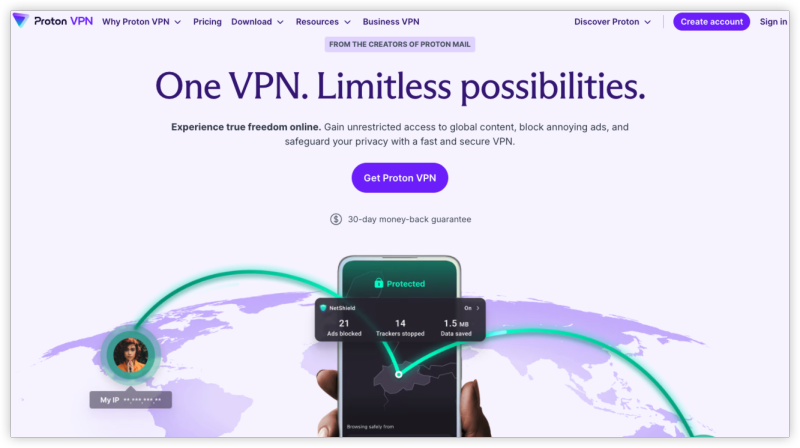
Unlike most free VPNs, Proton VPN doesn’t limit how much you can use it — making it a solid pick for extended gaming or casino sessions.
Supported OS:
✅ Windows
✅ macOS
✅ Linux
✅ iOS
✅ Android
Key Features:
-
No data cap
-
Based in Switzerland with strong privacy laws
-
Open-source apps
-
AES-256 encryption
-
No logs policy
Pros:
🟢 Unlimited data — rare for a free VPN
🟢 Strong reputation for privacy and transparency
🟢 No ads
Cons:
🔴 Only 3 free server countries (US, Japan, Netherlands)
🔴 Not optimized for streaming or P2P
3. Windscribe (Free Tier)
Best for Customization & Server Choice
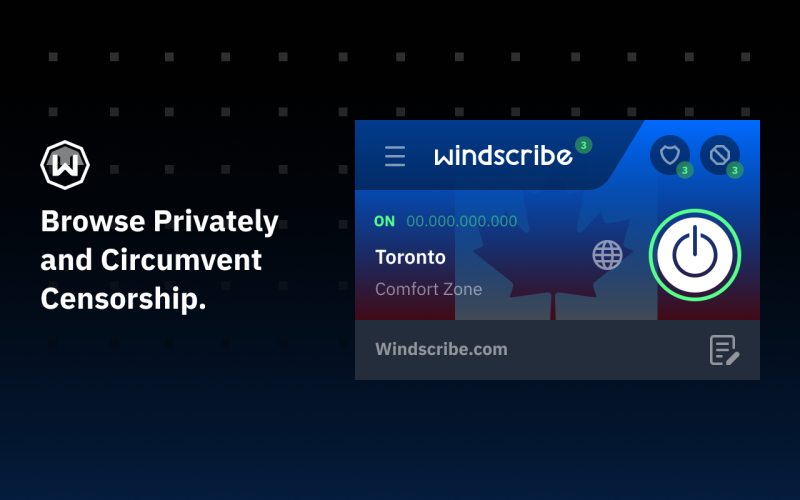
Windscribe’s free tier gives you access to 10+ countries and some advanced features like built-in ad-blocking — making it a great all-around Stake VPN.
Supported OS:
✅ Windows
✅ macOS
✅ Linux
✅ Android
✅ iOS
✅ Browser extensions (Chrome, Firefox)
Key Features:
-
10GB monthly data (more with email confirmation)
-
Strong encryption (OpenVPN, WireGuard)
-
“R.O.B.E.R.T” custom DNS filtering
-
Works with browser extension
Pros:
🟢 10+ locations in free plan
🟢 Built-in ad and malware blocker
🟢 Works with crypto and gambling sites
Cons:
🔴 Monthly data limit
🔴 Occasional server congestion
4. Hide.me (Free Plan)
Best for Privacy Nerds
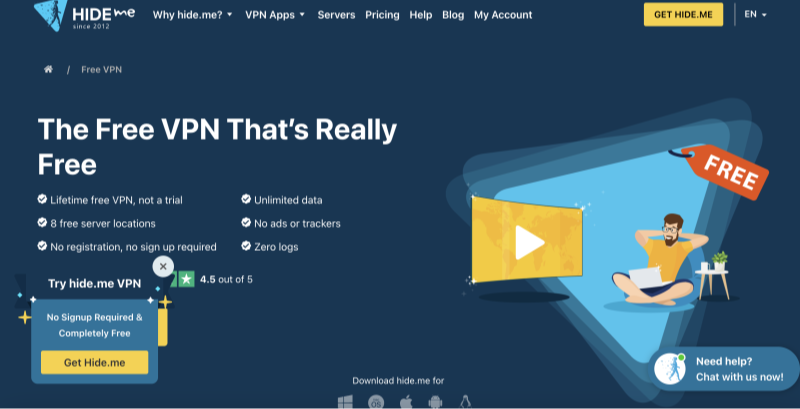
If you care about anonymity while gambling online, Hide.me is a great option. Even the free plan comes with zero logs and robust encryption.
Supported OS:
✅ Windows
✅ macOS
✅ Android
✅ iOS
✅ Linux
Key Features:
-
10GB data per month
-
5 server locations on free plan
-
Automatic kill switch
-
AES-256 encryption
Pros:
🟢 Transparent no-logs policy
🟢 Strong security setup
🟢 Free version includes key safety features
Cons:
🔴 Limited monthly data
🔴 Doesn’t work well for video streaming
5. Atlas VPN (Free Plan)
Best for Simplicity
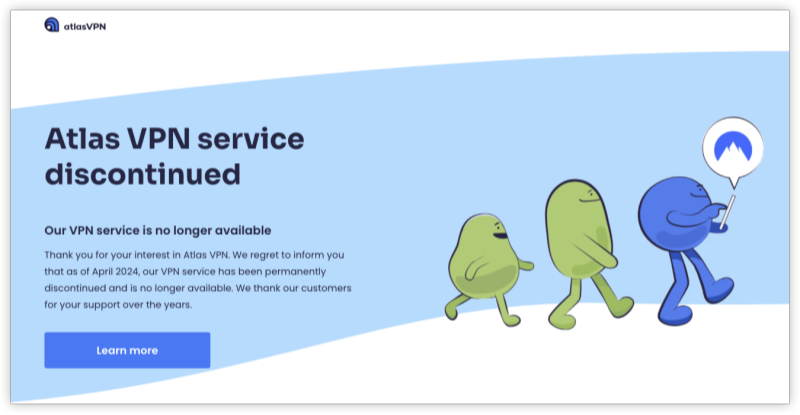
Atlas VPN is a beginner-friendly VPN that’s surprisingly effective in unblocking gambling and crypto sites.
Supported OS:
✅ Android
✅ iOS
✅ Windows
✅ macOS
Key Features:
-
5GB data/month
-
WireGuard and IPSec/IKEv2 support
-
3 server locations in free plan
-
Simple user interface
Pros:
🟢 Fast performance for a free VPN
🟢 Minimal setup required
🟢 Works well on mobile
Cons:
🔴 5GB monthly limit
🔴 No browser extension or Linux support
How to Unblock Stake with a VPN
Follow these steps to access Stake anonymously:


UFO VPN is an all-in-one VPN that offers unlimited access to 4K streaming like Netlfix, Disney Plus, no-ping gaming as PUBG, Roblox, CODM and social networking for YouTube, X, Facebook and more.




Unlock Pro Features
If you have upgraded to premium plan , feel free to enjoy premium servers for 4K streaming and advanced features like Kill Switch, Split Tunneling, and gaming acceleration. Your Mac is now fully optimized and protected. Inaddition to basic functions, we recommend you turn on

Verify Your IP Now
Use UFO VPN's " What is My IP " feature to see your new IP and location. This confirms your connection is secure, anonymous, and ready for safe browsing online anywhere at any time.







Open Stake.com — it should load normally. Sign in or register, deposit crypto, and start playing
Bonus: Free VPNs vs Paid VPNs for Stake
If you plan to gamble regularly on Stake, consider using a free VPN to start, then upgrading to a premium VPN for better speeds and more reliability.
| Feature | Free Stake VPNs | Paid Stake VPNs |
|---|---|---|
| Access to Stake | ✅ Sometimes | ✅ Consistently |
| Speed | ⚠️ Can be limited | ✅ Fast & stable |
| Data limit | ✅ 5–10GB or more | ✅ Unlimited |
| Security | ✅ Good | ✅ Stronger |
| Price | ✅ Free | 🔴 ~$5–10/month |
| Support | ❌ Limited | ✅ 24/7 customer help |
FAQs
1. Is it legal to use a VPN for Stake.com?
It depends on your country’s gambling and VPN laws. In most places, using a VPN is legal — but gambling on Stake.com may not be.
2. Can Stake detect VPN usage?
Stake doesn’t explicitly ban VPN users, but it can sometimes detect and block known VPN IPs. Choose a VPN with obfuscation or rotating IPs.
3. Is UFO VPN safe for Stake?
Yes, UFO VPN has strong encryption and obfuscation, making it safe for accessing Stake anonymously.
4. Which country should I connect to for Stake access?
Recommended VPN countries include: Canada, Mexico, Japan, Brazil, and Argentina.
5. Can I use a free VPN for crypto deposits?
Yes, but make sure your VPN has no DNS leaks and a kill switch to protect your crypto wallet and identity.