What Is Unblocked Games Premium?
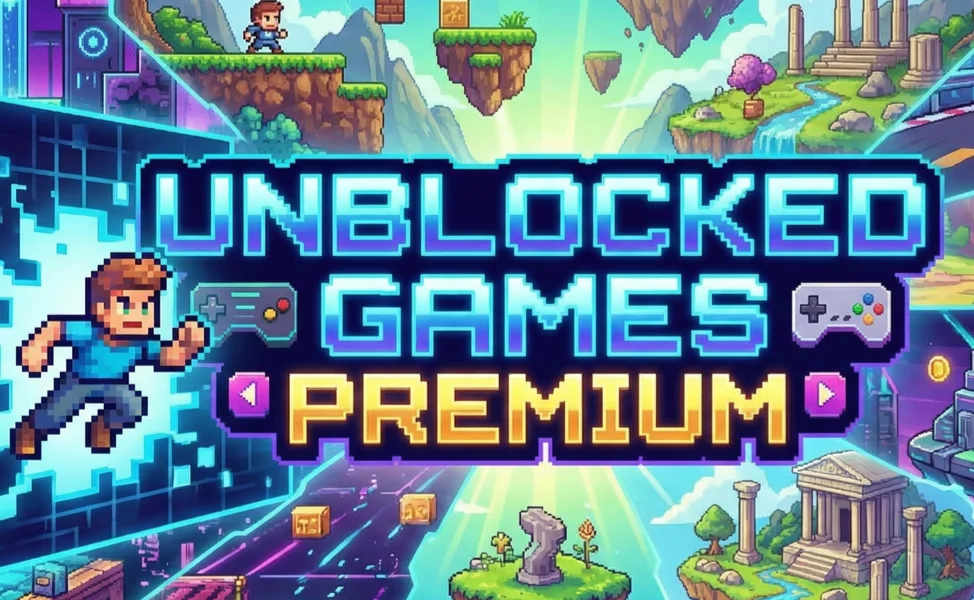
Before you try to play Unblocked Games Premium, it’s important to understand what the platform actually is and why so many people use it. In this section, we will help you avoid confusion, explain how it differs from regular gaming sites, and prepare you for the access and safety topics discussed in the next section.
Unblocked Games Premium is a browser-based gaming platform designed to bypass network restrictions commonly found in schools, offices, and public Wi-Fi networks. Unlike traditional gaming sites, it hosts lightweight HTML5 and Flash-style games that load quickly and don’t require downloads.
Why Unblocked Games Premium Is So Popular
-
No installation required – Games run directly in your browser
-
Optimized for restricted networks – Often accessible where other sites are blocked
-
Wide game selection – Action, puzzle, sports, racing, and strategy
-
Free to play – No account or payment needed
However, because access methods vary by network and region, many users still face blocks or slow loading times. That leads directly to the next question: how can you access Unblocked Games Premium safely and consistently?

How to Access Unblocked Games Premium Safely?
If you’ve ever clicked on Unblocked Games Premium only to see a “site blocked” message, this section is for you. Here, you’ll learn practical ways to access Unblocked Games Premium safely while avoiding common risks like tracking, data logging, or unsafe mirrors.
Restricted networks often block gaming platforms using DNS filters, IP blacklists, or firewalls. Even when the site loads, your activity may still be monitored. A free proxy VPN in UFO VPN encrypts your internet traffic and masks your IP address, making it harder for networks to block or track your gaming activity.
Why a VPN Helps with Unblocked Gaming Premium?
-
Bypasses school, workplace, and regional restrictions
-
Prevents network admins from monitoring your activity
-
Reduces ISP throttling that causes lag
-
Protects your personal data on public Wi-Fi
Smart Choice for Unblocked Gaming Premium
UFO VPN is particularly well-suited for casual gamers who want fast access without complicated setup:
-
No-log policy to protect your privacy
-
Optimized servers for streaming and gaming
-
Built-in ad and tracker blocking
-
Easy-to-use apps for desktop and mobile
Follow the easy steps to set up UFO VPN for your device:


UFO VPN is an all-in-one VPN that offers unlimited access to 4K streaming like Netlfix, Disney Plus, no-ping gaming as PUBG, Roblox, CODM and social networking for YouTube, X, Facebook and more.




Unlock Pro Features
If you have upgraded to premium plan , feel free to enjoy premium servers for 4K streaming and advanced features like Kill Switch, Split Tunneling, and gaming acceleration. Your Mac is now fully optimized and protected. Inaddition to basic functions, we recommend you turn on

Verify Your IP Now
Use UFO VPN's " What is My IP " feature to see your new IP and location. This confirms your connection is secure, anonymous, and ready for safe browsing online anywhere at any time.







Best Alternatives to Unblocked Games Premium
Even with safe access, Unblocked Games Premium isn’t always perfect. The following helps you solve problems like downtime, limited game libraries, or slow servers by introducing trusted alternatives. It naturally follows from access issues and prepares you to choose better platforms while applying the same safety principles.
Here are some of the best Unblocked Games Premium alternatives in 2026:
1. Unblocked Games 66 EZ
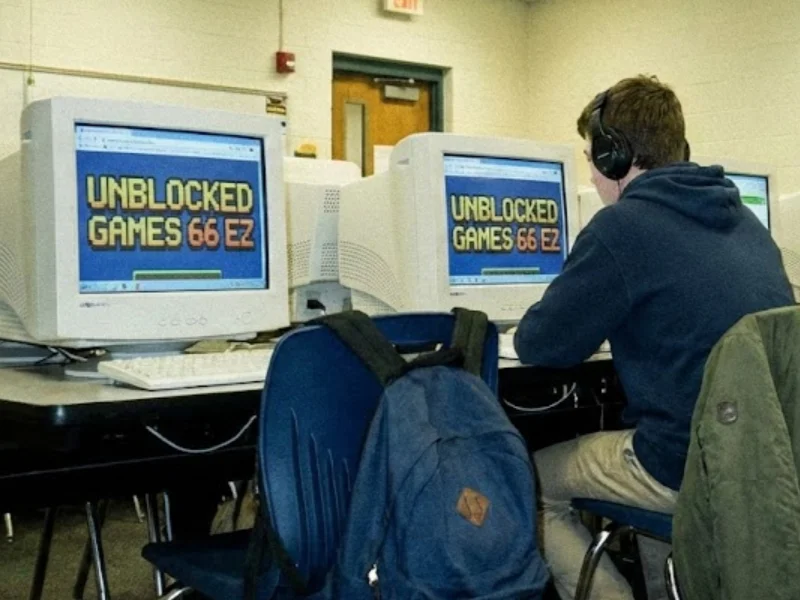
Unblocked Games 66 EZ is one of the most popular alternatives to Unblocked Games Premium, especially for students. If you usually play games on school networks, this platform is designed to load quickly and bypass common restrictions. You don’t need to create an account, and most games start instantly in your browser, making it ideal for short breaks.
Pros
-
Large library of school-friendly games across multiple genres
-
Simple interface that is easy to navigate
Cons
-
Ads and pop-ups can sometimes interrupt gameplay
-
May still be blocked by strict school or regional firewalls
2. Coolmath Games
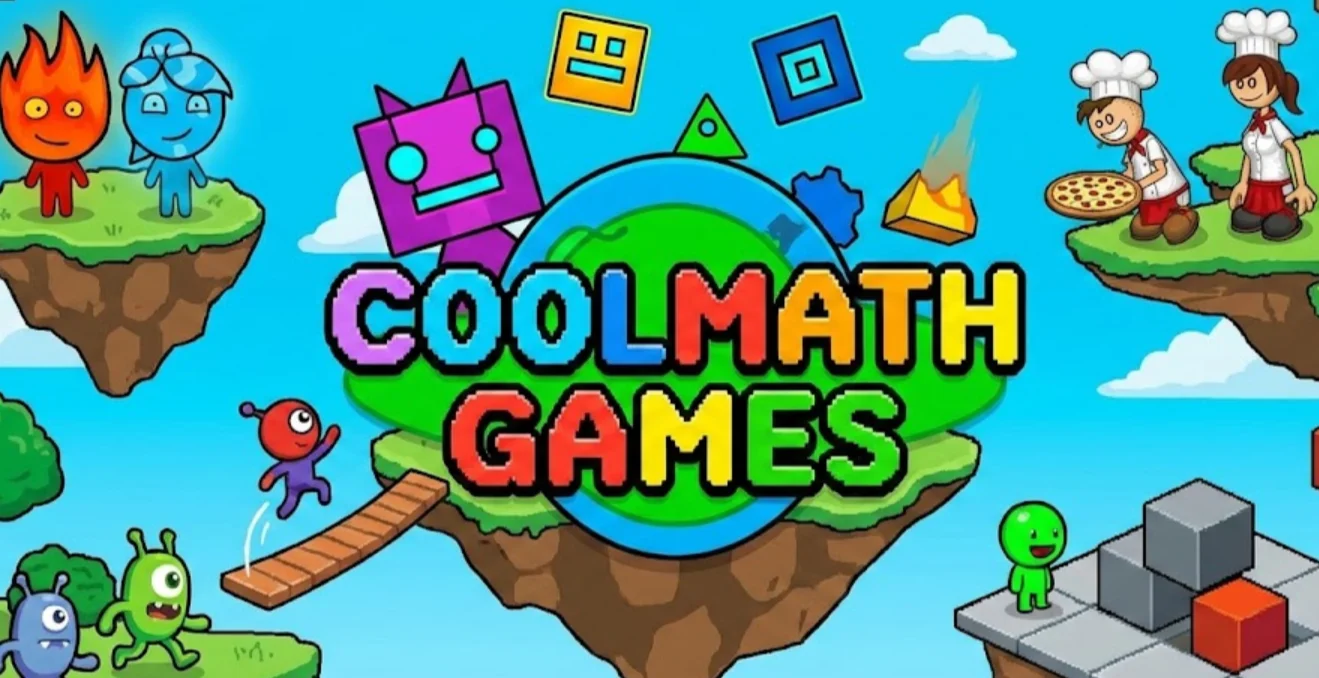
Coolmath Games is a great choice if you prefer thinking and strategy over fast-paced action. This platform focuses on logic, puzzle, and math-based games, which is why it’s widely accepted in school environments. If you want to play games without drawing too much attention, this site is one of the safest options.
Pros
-
Strong focus on logic, puzzle, and strategy games
-
Considered safe and appropriate for school use
-
Minimal ads compared to many other gaming sites
Cons
-
Limited selection of action or competitive games
-
Not ideal if you prefer fast or adrenaline-driven gameplay
-
Some games feel repetitive over time
3. CrazyGames
If you’re looking for better graphics and smoother gameplay, CrazyGames stands out among Unblocked Games Premium alternatives. It offers high-quality HTML5 games and does not rely on Flash, making it more future-proof and compatible with modern browsers. When combined with a VPN, it performs well even on restricted networks.
Pros
-
High-quality HTML5 games with modern visuals
-
No Flash dependency, ensuring better performance
Cons
-
More likely to be blocked on school or work networks
-
Some games take longer to load due to higher quality
-
Ads can be noticeable during gameplay
4. Poki
Poki is known for its modern design and creative game selection. If you enjoy indie games and clean user interfaces, this platform offers a more polished experience than traditional unblocked game sites. It’s also optimized for mobile devices, making it a good option if you play on your phone or tablet.
Pros
-
Modern UI with a smooth and polished user experience
-
Features many popular and indie game titles
-
Mobile-friendly and responsive on different devices
-
Regularly updated with new games
Cons
-
Requires a VPN in some regions or restricted networks
-
Ads appear frequently between games
-
Not specifically designed for school unblocking
With platforms covered, it’s time to focus on what you actually came for—the games themselves.
Best Unblocked Games Premium Games in 2026
Now that you know how to access the platform and where to go if it fails, this part helps you save time by highlighting the best Unblocked Games Premium games worth playing in 2026. Instead of randomly clicking through dozens of titles, you’ll find proven favorites across different genres.
1. Action & Arcade Games
-
Run 3 – Endless running with space physics
-
Slope – Fast-paced reflex challenge
-
Super Smash Flash 2 – Fan-favorite fighting game
2. Puzzle & Strategy Games
-
2048 – Simple but addictive logic game
-
Bloons Tower Defense – Strategic tower defense gameplay
-
Chess Online – Improve your critical thinking
3. Sports & Racing Games
-
Basketball Legends – Competitive 1v1 matches
-
Moto X3M – Physics-based motorcycle racing
-
Soccer Skills World Cup – Skill-based sports fun
Many of these games run smoothly even on low-end devices, especially when your connection is stabilized through a VPN.
Safety Tips for Playing Unblocked Gaming
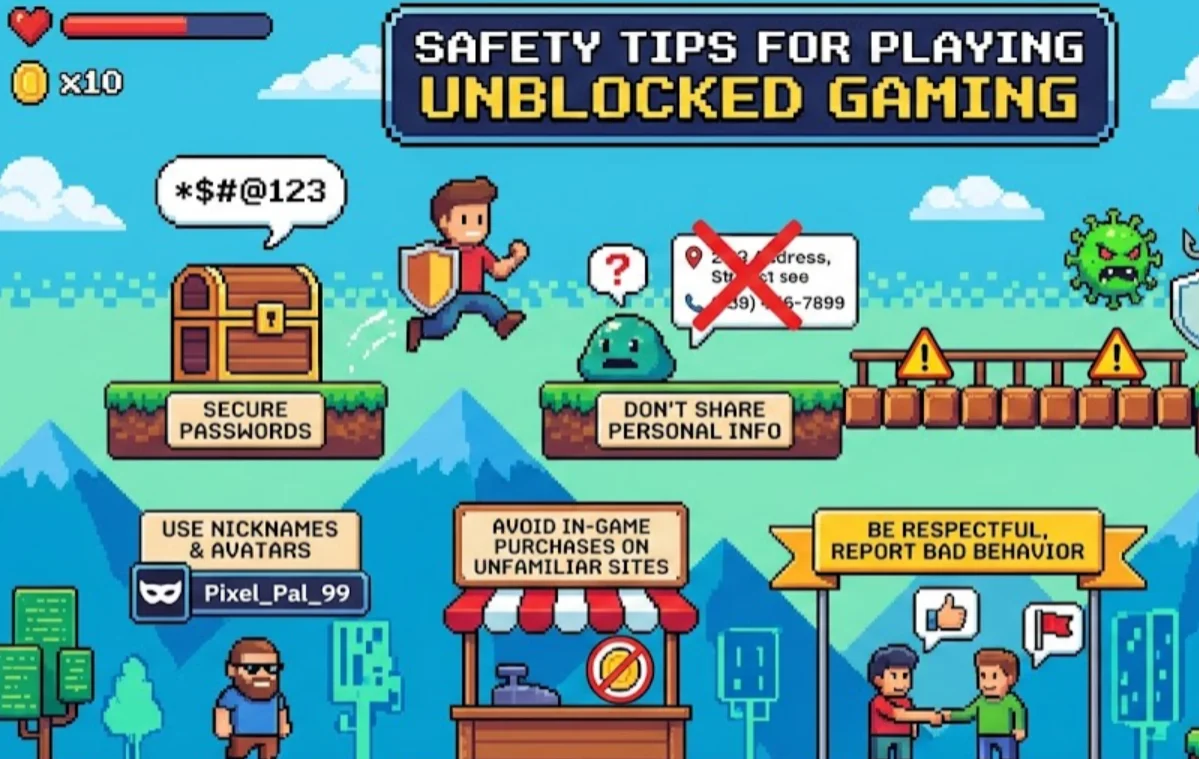
After choosing your games, the final—and most important—step is protecting yourself. This section addresses common risks like malware, tracking, and shared device exposure. It builds directly on everything you’ve learned so far and ensures your unblocked gaming experience doesn’t come with hidden consequences.
Protect Your Privacy
Unblocked gaming sites often rely on ads and third-party scripts that collect data. To reduce exposure:
-
Use a VPN like UFO VPN to hide your IP
-
Avoid logging into personal accounts
-
Disable unnecessary browser permissions
Beware of Malware
Fake “Play Now” buttons and pop-ups are common:
-
Never download files from unblocked game sites
-
Close suspicious redirects immediately
-
Use a browser with built-in security features
Clear Your Browser History
Especially on shared or school devices:
-
Clear cookies and cache after gaming
-
Use private or incognito mode
-
Log out of any accounts before closing the browser
Practicing these safety tips for playing unblocked gaming helps ensure that fun doesn’t turn into frustration later.
Conclusion
Playing Unblocked Games Premium in 2026 can be a fun and stress-free experience—if you do it the right way. By understanding what the platform is, learning how to access Unblocked Games Premium safely, exploring reliable alternatives, and following essential safety tips, you stay in control of both your entertainment and your privacy. Using a trusted VPN like UFO VPN ties everything together. It helps you bypass restrictions, protect your identity, and enjoy smooth gameplay wherever you are. Whether you’re gaming during a short break or unwinding after a long day, safe access makes all the difference.
FAQs
Is Unblocked Games Premium legal to use?
Unblocked Games Premium itself typically hosts browser-based games that are free to play. However, legality can depend on your local rules and the network you’re using, especially in schools or workplaces.
Can Unblocked Games Premium harm my device?
The games themselves are usually safe, but ads and third-party pop-ups can pose risks. Using a VPN and avoiding downloads significantly reduces potential threats.
Why is Unblocked Games Premium blocked on my network?
Most schools and offices block gaming sites to preserve bandwidth and productivity. These blocks are usually enforced through firewalls or DNS filters.
Do I really need a VPN to play unblocked games premium?
While not mandatory, a VPN greatly improves access and privacy. It helps you avoid tracking, bypass restrictions, and play more smoothly on restricted networks.