What Is Run 3 Unblocked?
Before you try to access any unblocked game, it’s important to understand what you’re actually playing and why certain versions are blocked. This part helps you avoid fake or broken Run 3 sites and explains why the unblocked version has become so popular among students.
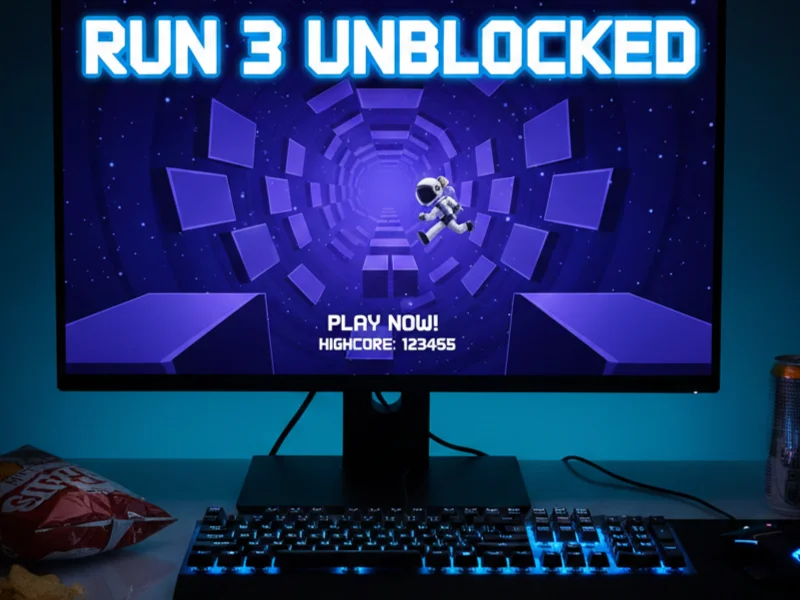
Run 3 Unblocked is a browser-based version of the popular endless-runner game Run 3, made accessible on networks where gaming sites are normally restricted—such as school Wi-Fi on Chromebooks.
Run 3 isn’t just another running game. It stands out because of:
-
Unique gravity-based mechanics (walls become floors)
-
Minimalist space-tunnel design
-
Increasing difficulty that rewards skill
-
No downloads required
-
Playable directly in a browser
For students, it’s especially appealing because it runs smoothly on low-spec devices like school Chromebooks.
When a game is labeled unblocked, it usually means:
-
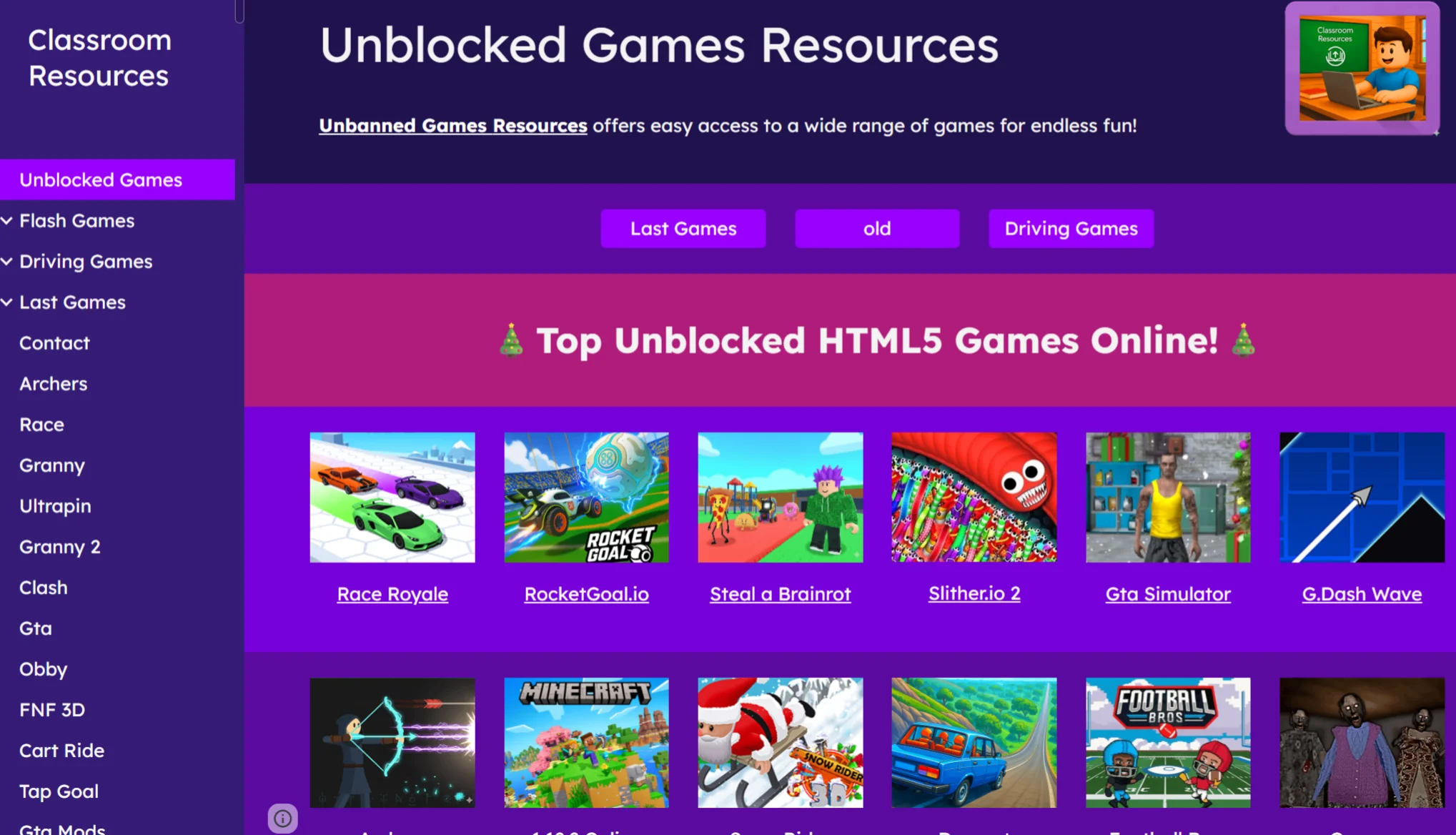
It’s hosted on a site not yet restricted by school firewalls
-
It uses alternative domains or mirrors
-
It avoids obvious “gaming” URLs that schools blacklist
However, not all unblocked versions are safe or complete. Some may:
-
Remove levels
-
Inject ads or popups
-
Track your activity

How to Play Run 3 Unblocked Full Game Safely?

Many students focus only on access, but ignore security. Here, you’ll learn how to avoid malware, tracking, and network issues while playing the complete version of Run 3 Unblocked on a school Chromebook.
1. Use a VPN
School networks monitor and restrict traffic aggressively. This can lead to blocked pages, slow loading, or even flagged activity. A free proxy VPN in UFO VPN solves these problems by encrypting your connection.
Advantages of UFO VPN:
-
Bypasses school network restrictions
-
Prevents ISP and network tracking
-
Unlocks full game versions on blocked sites
-
Protects your IP address and browsing data
Easily Set Up UFO VPN on Any Device:


UFO VPN is an all-in-one VPN that offers unlimited access to 4K streaming like Netlfix, Disney Plus, no-ping gaming as PUBG, Roblox, CODM and social networking for YouTube, X, Facebook and more.




Unlock Pro Features
If you have upgraded to premium plan , feel free to enjoy premium servers for 4K streaming and advanced features like Kill Switch, Split Tunneling, and gaming acceleration. Your Mac is now fully optimized and protected. Inaddition to basic functions, we recommend you turn on

Verify Your IP Now
Use UFO VPN's " What is My IP " feature to see your new IP and location. This confirms your connection is secure, anonymous, and ready for safe browsing online anywhere at any time.







2. Enable Antivirus Protection
Even if you’re only playing a simple browser game, security risks still exist. Many “unblocked” game sites are poorly moderated and may host malicious ads or scripts.
To stay safe:
-
Enable built-in Chromebook security features
-
Avoid downloading any “Run 3 files” or extensions
-
Use a reputable antivirus extension if allowed
3. Avoid Suspicious Popups
One of the biggest risks when playing Run 3 Unblocked comes from misleading popups.
Watch out for:
-
“Click to continue” buttons that redirect
-
Fake update alerts
-
Download prompts claiming to “unlock full version”
Safe Run 3 sites do not require downloads. If a page asks you to install anything, leave immediately.
Where to Play Run 3 Unblocked Online?

Even if you take the right safety precautions, choosing the wrong website can still ruin your experience. Many Run 3 unblocked sites are either outdated, incomplete, or filled with misleading ads. This part focuses on helping you identify reliable places to play Run 3 Unblocked online, so you can avoid broken links, fake versions, and unnecessary security risks.
When searching for Run 3 Unblocked, focus on sites that:
-
Load instantly on Chromebooks
-
Offer the complete version
-
Require no sign-ups
-
Have minimal ads
Recommended Places to Look (General Guidance)
Instead of listing risky URLs, look for platforms that:
-
Specialize in browser-based HTML5 games
-
Are commonly used for educational or casual gaming
-
Have consistent updates and clean interfaces
If a site is blocked on your school network, UFO VPN can help you access it securely without switching devices or networks.
What to Avoid
-
Sites overloaded with ads
-
Pages with multiple redirects
-
“Cracked” or downloadable versions
-
Sites that request permissions or logins
Playing Run 3 Unblocked should be simple, fast, and safe—anything more complicated is a red flag.
5 Top Run Games You Can Try
If Run 3 is blocked or you want something similar, this part gives you reliable alternatives that work well on school Chromebooks and unblocked networks.
1. Run 1
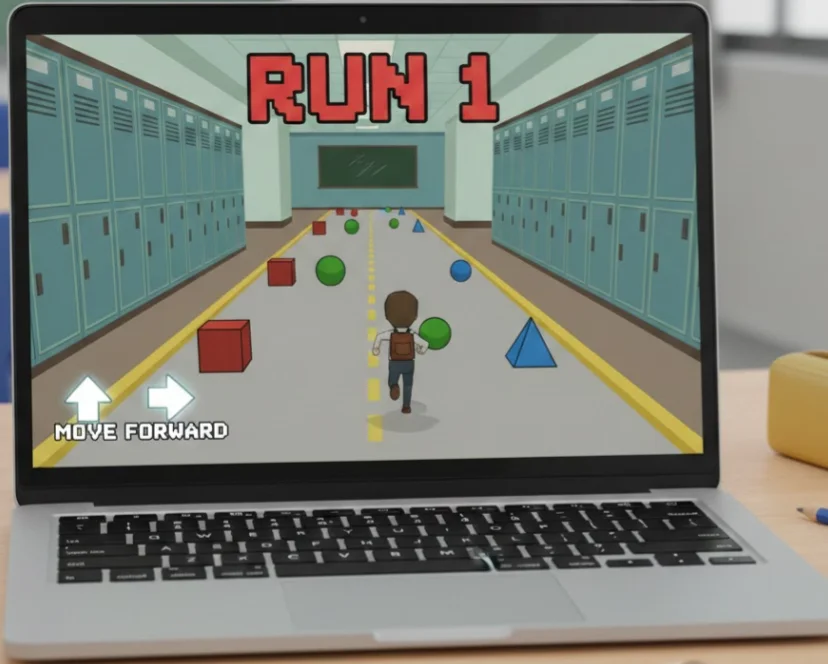
Compared to later versions, the gameplay is simpler and more linear, making it ideal for beginners or casual play on a school Chromebook.
Pros:
-
Very lightweight and runs smoothly on low-spec devices
-
Easy to learn with straightforward controls
-
Less distracting, good for short breaks
Cons:
-
Limited levels and replay value
-
No advanced mechanics or character variety
-
Can feel repetitive over time
2. Run 2
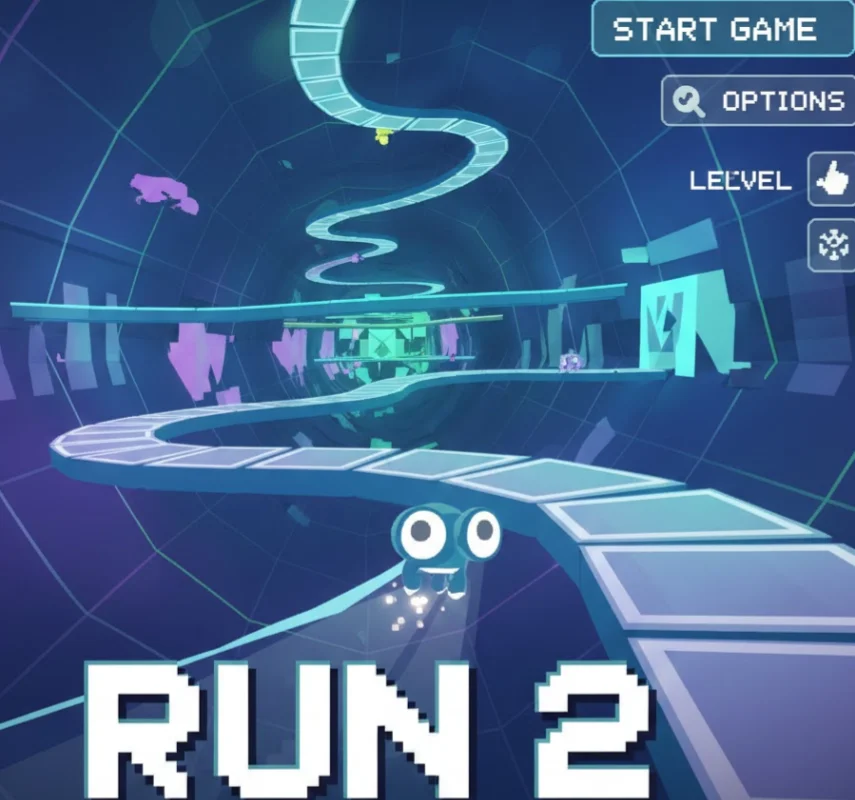
It keeps the classic Run feel while offering more depth, making it a good alternative if Run 3 feels too difficult.
Pros:
-
Multiple characters with unique abilities
-
More challenging than Run 1 but still balanced
-
Familiar gameplay for Run series fans
Cons:
-
Slightly heavier than Run 1 on older Chromebooks
-
Still lacks the polish and depth of Run 3
-
Some unblocked versions may be incomplete
3. Slope

The game focuses heavily on reflexes and reaction speed, which makes it very engaging but also unforgiving.
Pros:
-
High-speed, adrenaline-filled gameplay
-
Simple controls but high skill ceiling
-
Widely available on unblocked game sites
Cons:
-
Very difficult for beginners
-
No level progression or story mode
-
Can feel stressful rather than relaxing
4. Tunnel Rush
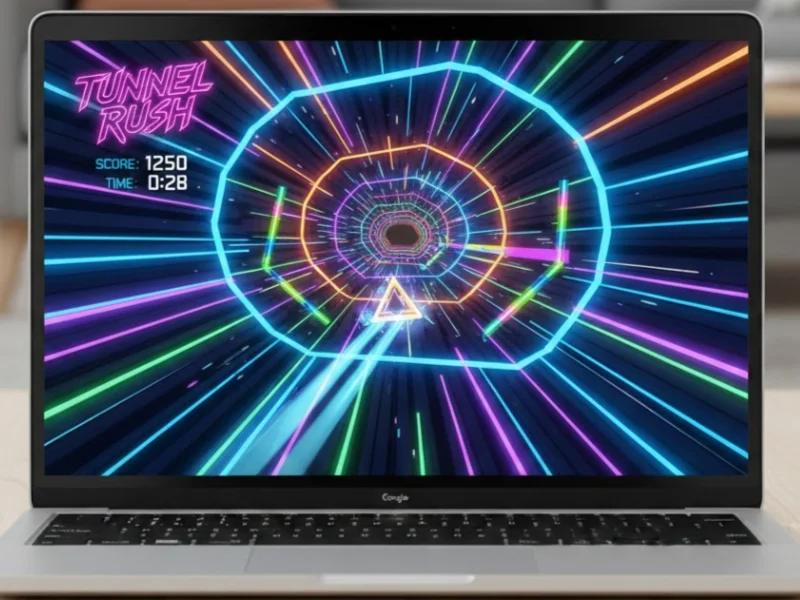
Its neon-style graphics and quick rounds make it a popular choice for short gaming sessions on Chromebooks.
Pros:
-
No downloads required
-
Runs well on most school Chromebooks
-
Visually engaging and fast-paced
Cons:
-
Repetitive gameplay after long sessions
-
Limited depth compared to Run series games
-
Flashy visuals may be distracting for some players
5. Geometry Dash (Browser Versions)

Timing and muscle memory are key, making it highly addictive for players who enjoy precision challenges.
Pros:
-
High replay value due to skill-based gameplay
-
Music-driven levels enhance immersion
-
Many unblocked versions available online
Cons:
-
Steep learning curve
-
Can be frustrating for casual players
-
Browser versions often lack full features of the original game
Conclusion
Run 3 Unblocked remains one of the most popular browser games for students because it’s fun, challenging, and works perfectly on Chromebooks—but simply gaining access isn’t enough. To truly enjoy the game, you need to understand what Run 3 Unblocked is, know where to play the complete version, avoid popups and unsafe sites, and protect your connection while gaming. If you’re using a school Chromebook, combining smart browsing habits with a trusted VPN gives you a safer, more stable way to play Run 3 Unblocked smoothly and without interruptions, all while keeping your device and data secure.
FAQs
Is Run 3 Unblocked safe to play on a school Chromebook?
Yes, it can be safe if you stick to trusted unblocked game sites, avoid clicking ads or downloading files, and keep your browser secure. Using a VPN adds an extra layer of protection by encrypting your connection and reducing tracking on school networks.
Can I play the complete version of Run 3 Unblocked?
Yes, some platforms provide the full version with all levels and features available. However, these sites are often restricted on school Wi-Fi, which is why a VPN can help you access the complete version more reliably.
Is it legal to play Run 3 Unblocked at school?
Yes, the game itself is legal and does not violate any laws. However, playing Run 3 Unblocked on a school network may go against your school’s acceptable use policies, so it’s important to follow school rules and play responsibly, especially during approved free time.
Why does Run 3 get blocked on school networks?
Schools typically block gaming sites to limit distractions during class time and to manage network bandwidth. The restriction is based on usage policies rather than any safety concerns about the game itself.