What Is Hulu Live TV?
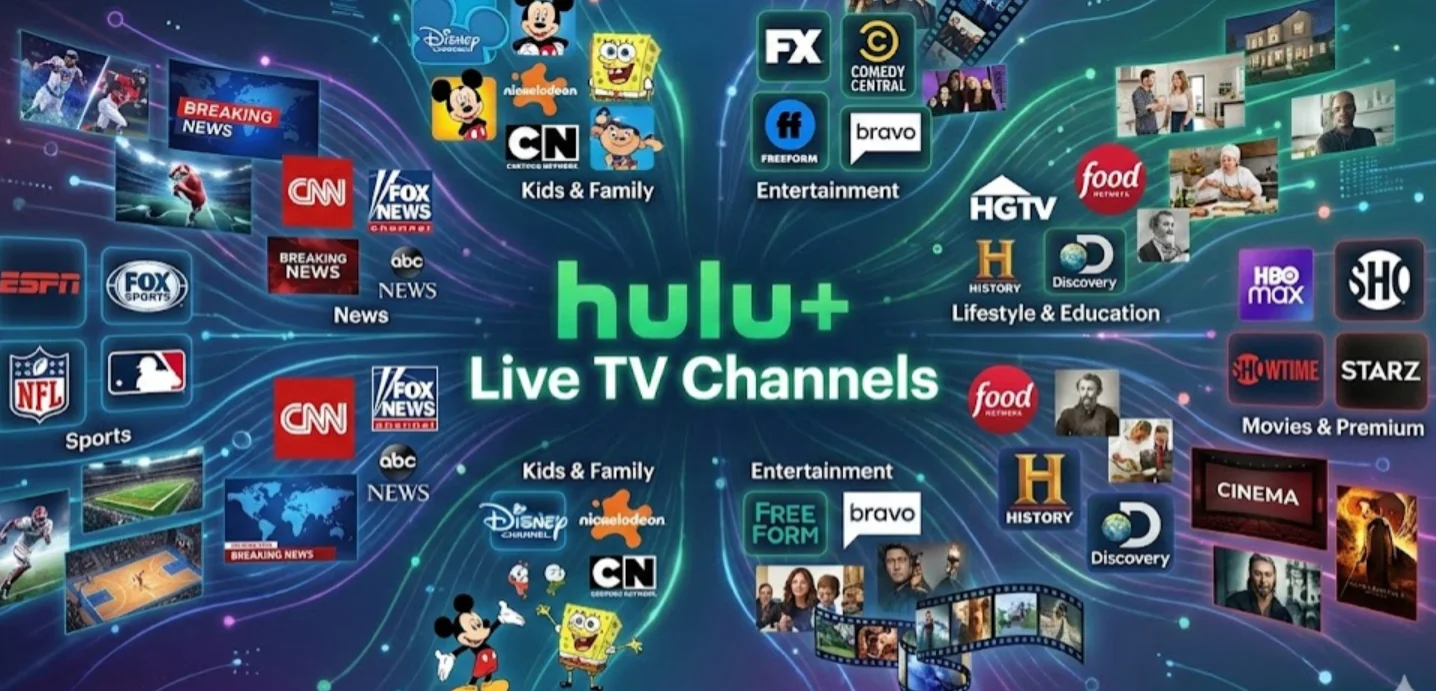
If you’re considering Hulu+ Live TV, you might be wondering what sets it apart from regular Hulu streaming. Let me tell you. Many people don’t realize Hulu Live TV isn’t just an on-demand platform—it’s a full-fledged live TV service that combines cable-like channels with online convenience.
Hulu+ Live TV allows you to:
-
Stream live broadcasts from major networks like ABC, NBC, CBS, and FOX, so you can watch popular shows, live events, and breaking news as they air.
-
Access sports, news, and entertainment channels in real time, including national networks and regional programming that standard streaming plans don’t offer.
-
Combine live TV with Hulu’s extensive on-demand library, giving you thousands of TV episodes and movies alongside live channels in one account.
-
Watch on multiple devices, including smart TVs, mobile phones, tablets, and streaming devices, making it easy to switch between screens.
-
Record live TV with Cloud DVR, so you don’t miss important games or episodes even if you can’t watch live.
The main issue many new users face is understanding channel availability and subscription options, especially when regional restrictions limit what you can see.
Using a free proxy VPN lets you preview the full Hulu+ Live TV channel lineup and subscribe without location-related limitations.
Complete List of Hulu Live TV Channels

Now that you understand what Hulu+ Live TV is and how subscription options can vary by location, the next step is knowing exactly what channels you actually get. Many users subscribe expecting certain networks, only to find some channels missing or unavailable in their region. The following helps you avoid that frustration by clearly outlining the full Hulu+ Live TV channel lineup and the type of content each category offers.
Here’s a breakdown of the Hulu+ Live TV channel lineup in 2026:
Major Networks:
-
ABC
-
NBC
-
CBS
-
FOX
-
The CW
Entertainment Channels:
-
FX
-
USA Network
-
AMC
-
TNT
-
TBS
News Channels:
-
CNN
-
MSNBC
-
Fox News
-
CNBC
-
BBC World News
Sports Channels:
-
ESPN
-
ESPN2
-
FS1
-
NBC Sports Network
-
Golf Channel
Kids & Family:
-
Disney Channel
-
Cartoon Network
-
Nickelodeon
-
PBS Kids
Lifestyle & Special Interests:
-
HGTV
-
Food Network
-
Travel Channel
-
Discovery Channel
-
National Geographic
This list is continually updated as Hulu adds or removes channels. For a more personalized experience, consider exploring Hulu+ Live TV packages and add-ons, which we’ll discuss later.
Hulu+ Live TV Channel Availability by Location
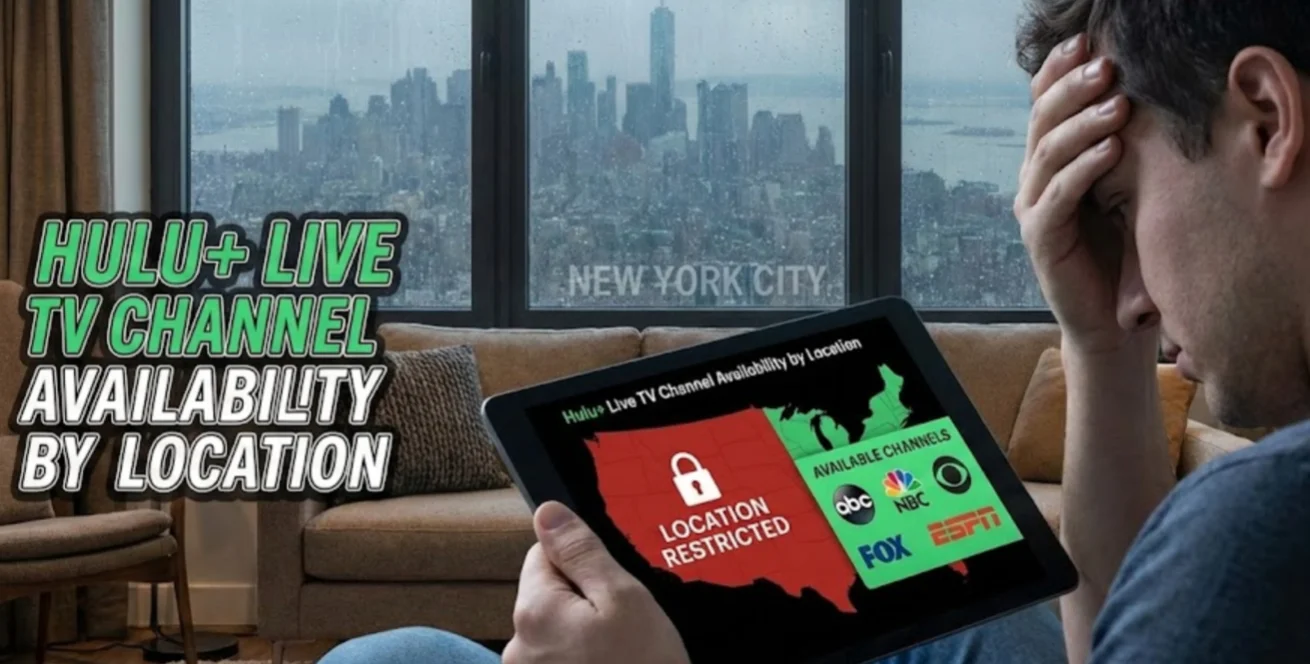
After reviewing the complete Hulu+ Live TV channel list, you may notice that not every channel is guaranteed to appear on your account. This is one of the most common points of confusion for new subscribers. Channel availability can vary depending on where you access Hulu from, which makes it important to understand how location affects what you can actually watch before finalizing your subscription.
Hulu+ Live TV determines channel availability based on your IP address and local broadcast agreements. Because of this:
-
Regional sports networks may change depending on your location
-
Local news channels are tied to specific U.S. markets
-
Some national channels may appear or disappear when you travel
If you’re outside the U.S. or frequently on the move, Hulu+ Live TV access can become limited or unavailable.
Why Choose A VPN to Handle Hulu+ Live TV Channel Restrictions?
To handle these location-based differences, some users choose tools like a reliable VPN to maintain a more consistent viewing experience. In these cases, a VPN can help by:
-
Aligning your virtual location with supported U.S. regions
-
Reducing unexpected channel changes while traveling
-
Adding an extra layer of privacy during streaming
Smart Choice for Streaming Hulu+ Live TV Channels
UFO VPN – Free VPN Proxy is often chosen as a practical streaming companion.
-
Free ad blocker and IP lookup tools, helping you stream with fewer interruptions
-
Fast servers in over 100 countries, useful when switching regions or traveling
-
Strict no-logs policy with advanced encryption, keeping your streaming activity private
-
Easy setup on both mobile and desktop, so you can start watching quickly without technical hassle
Here's you can set up UFO VPN for your device:


UFO VPN is an all-in-one VPN that offers unlimited access to 4K streaming like Netlfix, Disney Plus, no-ping gaming as PUBG, Roblox, CODM and social networking for YouTube, X, Facebook and more.




Unlock Pro Features
If you have upgraded to premium plan , feel free to enjoy premium servers for 4K streaming and advanced features like Kill Switch, Split Tunneling, and gaming acceleration. Your Mac is now fully optimized and protected. Inaddition to basic functions, we recommend you turn on

Verify Your IP Now
Use UFO VPN's " What is My IP " feature to see your new IP and location. This confirms your connection is secure, anonymous, and ready for safe browsing online anywhere at any time.







How to Subscribe to Hulu+ Live TV Anywhere

After understanding how channel availability varies by location, the next question is how to actually subscribe without running into access issues. While Hulu+ Live TV is easy to sign up for within the U.S., users in other regions often face obstacles during registration or playback. This section walks you through the subscription process step by step and explains how to ensure smooth access once your account is active.
1. Visit Hulu’s Official Website
-
Go to Hulu.com and select the Hulu + Live TV plan.
-
Review the available options to see what’s included in each package.
2. Choose a Subscription Plan
-
Select Hulu+ Live TV with ads or without ads, depending on your viewing preference.
-
You can upgrade later with add-ons such as premium channels or enhanced DVR.
3. Provide Payment Information
-
Hulu accepts credit cards, debit cards, and PayPal.
-
If you’re outside the U.S., a U.S.-compatible payment method may be required to complete the signup.
4. Ensure Access From Your Location
-
If Hulu+ Live TV isn’t available where you are, tools like UFO VPN can help align your connection with supported U.S. regions.
-
Simply install the VPN and connect to a U.S. server before logging in to your Hulu account.
5. Start Streaming
-
Once your account is set up, you can browse the full Hulu+ Live TV channel list, watch live broadcasts, and manage your add-ons from any supported device.


Hulu+ Live TV Add-ons You Can Get in 2026

Once you’ve successfully subscribed to Hulu+ Live TV and ensured reliable access from your location, the next step is deciding how to personalize your viewing experience. While the base plan already includes a wide range of live channels, add-ons let you expand your content options, unlock premium networks, and gain more control over how you watch.
Popular Hulu+ Live TV Add-ons
-
Premium Networks
Add premium channels like HBO Max, Showtime, Starz, and Cinemax to access exclusive movies, award-winning original series, and early-release films. These options are ideal if you enjoy high-quality scripted content or want to replace multiple standalone subscriptions with a single platform.
Since forever there were premium (aka pay or movie) channels on cable and satellite known as HBO/Cinemax, Showtime/The Movie Channel, and Starz/Encore. How is it you aren't familiar with Starz?? It's been around for 25+ years.

-
Entertainment Enhancements
Add-ons such as Epix or bundled premium packages expand Hulu’s on-demand library even further. This is a good choice if you prefer binge-watching movies or series without relying solely on live programming. -
Enhanced Cloud DVR
The enhanced Cloud DVR option offers unlimited storage and longer recording retention, making it easier to save live sports, events, or weekly shows without worrying about space limits. This add-on is particularly valuable if multiple people share the same Hulu+ Live TV account. -
Sports Packages
For sports-focused viewers, add-ons like NFL RedZone and additional regional sports networks provide deeper coverage beyond the standard lineup. These packages are best suited for fans who want access to out-of-market games or more detailed league coverage.
These add-ons make it easier to tailor Hulu+ Live TV to your habits, so you only pay for the content and features you actually use—without overcommitting to a larger package than necessary.
Conclusion
Hulu+ Live TV in 2026 stands out as a flexible, all-in-one streaming option that combines live channels, on-demand content, and customizable add-ons in one platform. From understanding the full channel lineup to navigating subscription plans, location-based availability, and add-on choices, this guide has covered everything you need to make an informed decision. By knowing what channels are included, how availability can vary by location, and which add-ons are worth considering, you can tailor Hulu+ Live TV to match your viewing habits and budget. With the right setup, you’ll be able to enjoy live sports, breaking news, and premium entertainment seamlessly—without unnecessary limitations or surprises.
FAQs
What channels are included in Hulu+ Live TV?
Hulu+ Live TV offers major networks, sports channels, entertainment networks, news channels, and kids’ content. You can also expand your lineup with add-ons like HBO, Showtime, and Starz.
Can I record live TV with Hulu+ Live TV?
Yes, Hulu+ Live TV comes with cloud DVR features, and you can upgrade to enhanced DVR with unlimited storage through add-ons.
Are Hulu+ Live TV add-ons worth it?
Add-ons are optional but highly recommended if you want premium networks, additional sports channels, or unlimited DVR capabilities. They let you customize your viewing experience without paying for content you don’t watch.
Do I need a VPN to subscribe to Hulu+ Live TV?
A VPN isn’t required if you’re in the U.S., but it is essential for accessing Hulu+ Live TV internationally or bypassing location restrictions safely.