How to Check If OnlyFans Is Down
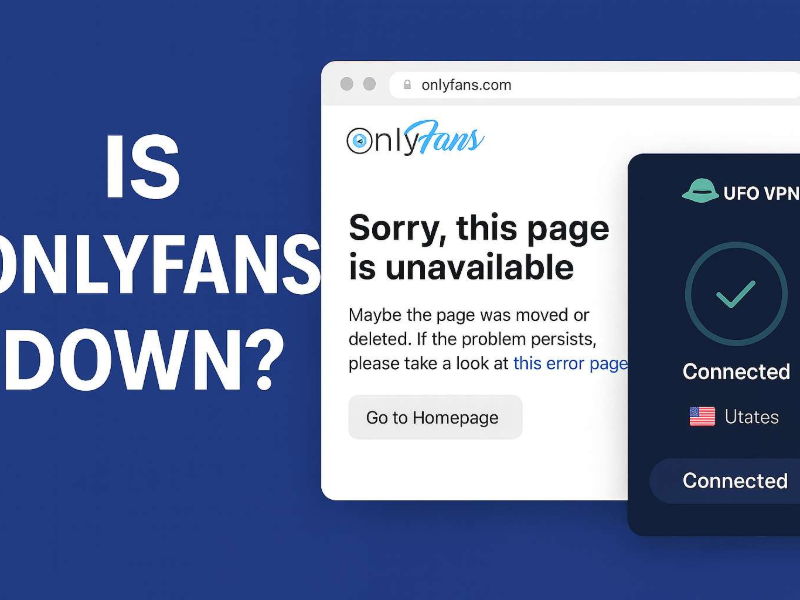
Before troubleshooting, it’s good to confirm whether the issue lies with you or the site itself.
1. Use a Website Status Checker
Sites like DownDetector or IsItDownRightNow can help you see if other users are also reporting issues with OnlyFans.
2. Try Accessing OnlyFans from a Different Device or Browser
Sometimes, a problem with your browser or device settings might prevent access. Try switching to another browser or using a different device to confirm.
3. Clear Your Browser Cache and Cookies
Cached data might interfere with loading pages. A quick cleanup of your browser could fix this.
4. Check Your Internet Connection or Network Restrictions
Your Wi-Fi or mobile network may have restrictions on adult content platforms. Try switching networks or using mobile data to see if it helps.
Where Is OnlyFans Available?
OnlyFans is available in most countries, but in some regions, access to the site is restricted or blocked altogether due to legal, cultural, or government filtering policies.
🌍 Countries Where OnlyFans Is Available
-
United Kingdom
-
Canada
-
Australia
-
Germany
-
Brazil
-
Most of Western Europe
If you're in one of these countries and can't access the site, chances are the issue lies elsewhere (like with your browser, device, or ISP filters).
❌ Countries Where OnlyFans Is Restricted or Blocked
-
India – Reports indicate that OnlyFans is blocked by major ISPs.
-
UAE / Dubai – Content filtering in the UAE blocks adult platforms, including OnlyFans.
-
Russia – Periodic restrictions and government blacklisting.
-
China – Fully blocked due to internet censorship.
If you're traveling or living in one of these countries, you’ll need to use a reliable VPN like UFO VPN to access the platform. Download UFO VPN iOS - free VPN for iPhone and iPad right now!
OnlyFans Blocked: Reasons & Solutions
Now let’s explore why you might be unable to access OnlyFans — and how to fix each issue:
Reason 1: Regional Censorship or ISP Blocking
Some governments or ISPs block access to adult content.
✅ Solution: Use a VPN to change your virtual location. VPNs encrypt your connection and allow you to browse as if you’re in a different country. UFO VPN is a reliable choice for accessing restricted platforms like OnlyFans securely. Download free VPN for Android in UFO VPN (with APK).
Reason 2: Workplace or School Network Restrictions
Public or shared Wi-Fi (like at schools, offices, or hotels) often filters adult or subscription-based content.
✅ Solution: Switch to mobile data or connect through a VPN to bypass these network-level restrictions.
Reason 3: Account Suspension or Content Block
The creator you’re trying to view may have removed their account or blocked you.
✅ Solution: Try logging in from a different account, or contact OnlyFans support if you believe this is an error.
Reason 4: Payment or Subscription Issues
Failed payments or expired subscriptions can cause access denial to specific creators.
✅ Solution: Check your account's billing page, update your payment info, and make sure your subscription is still active.
Reason 5: Browser or App Errors
Outdated browsers, mobile app bugs, or misconfigured settings can lead to OnlyFans not loading properly.
✅ Solution:
-
Clear your cache and cookies
-
Update your browser or app
-
Disable browser extensions that may be interfering
Reason 6: Age Restriction or Identity Verification Failed
OnlyFans strictly enforces an 18+ age requirement. If you're underage or failed the ID verification during sign-up, you’ll be denied access, even if the platform is not blocked in your country.
✅ Solution:
Make sure you are at least 18 years old and have a valid government-issued photo ID. If you believe there was an error during the verification process, contact OnlyFans support to appeal or resubmit your documentation.
Note: In some countries, stricter identity checks may apply due to local laws. Using a VPN does not bypass the platform’s age verification system.
📖Related Reading
- How to See OnlyFans & Download Videos Without a Subscription
- How to Get OnlyFans for Free: Tips, Trials, and VPNs
- How to Watch SpankBang Without Age Verification – Easy & Safe Access
Bonus: How to Access OnlyFans from Anywhere
If OnlyFans is blocked in your country or network, here’s how to access it safely:
🔓 Use a VPN
A VPN routes your traffic through a secure server in a different country, helping you bypass geo-restrictions and ISP filters. It also encrypts your data, offering better privacy, especially important when browsing adult content.
With UFO VPN, you can:
-
Access OnlyFans from restricted countries like India, UAE, or Russia
-
Stay anonymous and protect your personal data
-
Choose from high-speed global servers optimized for streaming and browsing
💡 Pro Tip: For best performance, choose a server in a country where OnlyFans is fully accessible (e.g., US, UK, Germany).


UFO VPN is an all-in-one VPN that offers unlimited access to 4K streaming like Netlfix, Disney Plus, no-ping gaming as PUBG, Roblox, CODM and social networking for YouTube, X, Facebook and more.




Unlock Pro Features
If you have upgraded to premium plan , feel free to enjoy premium servers for 4K streaming and advanced features like Kill Switch, Split Tunneling, and gaming acceleration. Your Mac is now fully optimized and protected. Inaddition to basic functions, we recommend you turn on

Verify Your IP Now
Use UFO VPN's " What is My IP " feature to see your new IP and location. This confirms your connection is secure, anonymous, and ready for safe browsing online anywhere at any time.







5 Best OnlyFans Alternatives for Backups
If OnlyFans is down or permanently blocked, these platforms offer similar features for creators and fans:
1. Fansly
Pros: Similar layout to OnlyFans; good creator tools
Cons: Less mainstream visibility
Best for: Adult creators looking for a safe alternative
2. JustForFans

Pros: Built for adult content; strong community support
Cons: Niche audience
Best for: LGBTQ+ content and adult creators
3. LoyalFans
Pros: Social media-style features; flexible payouts
Cons: Smaller user base
Best for: Creators looking to grow a tight community
4. AVN Stars
Pros: Backed by AVN; high adult audience reach
Cons: Less flexible than OnlyFans for non-adult creators
Best for: Adult entertainment performers
5. Patreon
Pros: Mainstream-friendly; supports all creator types
Cons: Strict adult content policy
Best for: Creators with SFW content and ongoing series or podcasts
Bonus: Free Sites Like OnlyFans (For Viewers)
If you’re mainly looking for adult content (and not necessarily to follow or support specific creators), the following free adult platforms might help while OnlyFans is unavailable:
-
Pornhub – Massive free video archive with verified creators
-
Xvideos – One of the largest adult content libraries online
-
XHamster – Known for amateur and fetish content
⚠️ These are not subscription-based creator platforms, but they provide content without login or payment. They're good for casual browsing but not ideal if you’re looking to interact directly with a specific model or creator.

FAQs
Is OnlyFans down right now?
Use DownDetector or check social media for user reports. If others are experiencing the same issue, it could be a server outage.
Why can’t I access someone’s OnlyFans profile?
Possible reasons include being blocked, an expired subscription, or the creator deleting their page.
Can I access OnlyFans with a VPN?
Yes, VPNs like UFO VPN allow you to bypass regional blocks and browse securely.
Is it legal to use a VPN for OnlyFans?
In most countries, using a VPN is legal. However, always respect local laws and platform policies.
Conclusion
If you're wondering “Is OnlyFans down?” or “Why can’t I access someone’s OnlyFans?”, the issue could range from a temporary outage to regional censorship or account-specific problems. Luckily, most of these issues can be fixed — whether it’s checking your network, updating your device, or using a reliable VPN like UFO VPN. And if you’re looking for an alternative or backup, platforms like Fansly, JustForFans, or AVN Stars offer solid options. Stay connected, stay informed, and browse safely.