Is Sling TV Down Right Now?

Before you assume Sling has crashed, spend 30 seconds confirming it. The goal is to tell the difference between a real, everyone-is-affected outage and a problem that’s specific to you.
Use the three methods below to quickly determine whether Sling TV is experiencing a widespread outage or whether the problem is limited to your device, network, or location.
Method 1. Use a Live Status Detector
Here are 8 reliable outage-detection tools you can use to check Sling TV's status:
- Downdetector – Tracks real-time outage reports from users worldwide.
- IsItDownRightNow – Checks whether a website or service is currently online.
- Down for Everyone or Just Me – Tells you whether an issue is global or local.
- Outage.com – Provides live outage reports and regional outage maps.
- Outage.Report – Monitors service outages based on user reports.
- StatusGator – Tracks official service status pages and incidents.
- IsDown.app – Monitors the status of thousands of online services.
- Statuspal – Aggregates public status pages from online services.
👉Checking steps:
Step 1. Open one or two outage-detection tools, such as Downdetector or IsItDownRightNow.
Step 2. Search for "Sling TV" and review the latest outage reports, graphs, or status information.
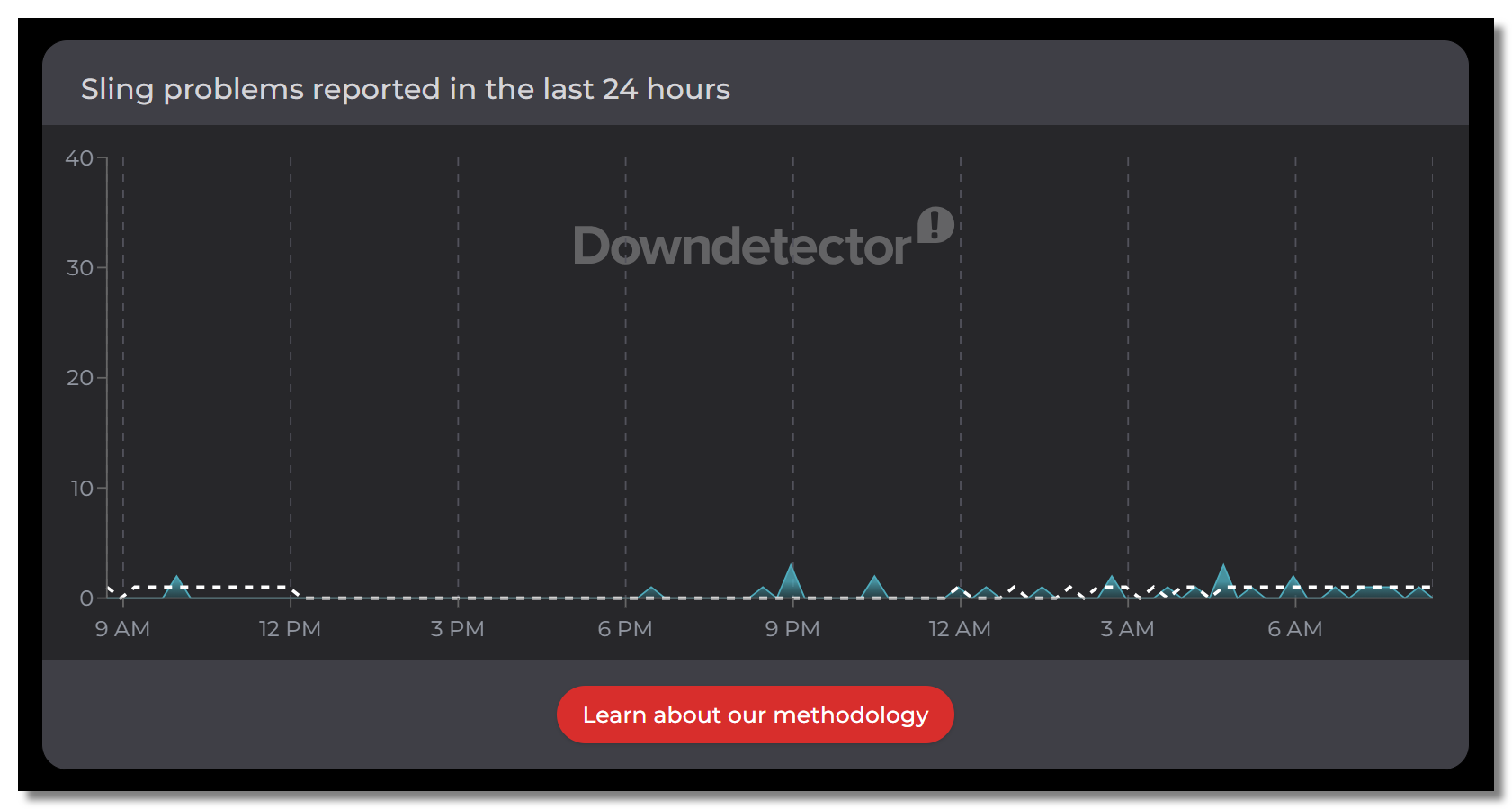
Step 3. Compare the results across multiple tools to confirm whether reports are increasing.
Step 4. If several tools show a spike in reports, Sling TV is likely experiencing a widespread outage. If not, the issue is more likely related to your device, network, or account.
Method 2. Check Social Media and Community Reports
Visit X (Twitter) or Reddit and search "Sling TV down" to see whether other users are reporting the same issue in real time.
Sling Down??? I can't load any channel. I'm getting a message to exit and reboot the app. They've finally admitted publicly they have a problem on their Facebook and Twitter pages.

Sling TV-related pages:
- Sling TV's Facebook account: @Sling
- Sling TV's X (Twitter) account: @Sling
- Sling TV's Reddit community: r/slingtv
Method 3. Switch to a Different Network
Run a quick self-test by trying Sling on a different device and a different network (for example, switch from Wi-Fi to mobile data).
If Sling works on one device or network but not the other, Sling itself is likely fine. The problem is probably with your internet connection, device, or local network rather than a platform-wide outage.
💡Here’s the part most guides skip: if those tools show Sling is online, but you still can’t stream, it isn’t down — the problem is between you and Sling. And the two most common culprits aren’t your subscription at all: you’re outside the US (Sling is US-only), or your ISP is throttling the stream. What you really need is a free proxy VPN like UFO VPN. Keep that in mind as we go.
Error Codes You’ll Encounter If Sling TV Stops Working
The exact message on your screen tells you a lot about the cause. Here are the common error codes you may get when watching Sling TV:
| Error Code / Message | Meaning |
|---|---|
| Error 28-60 / 28-29 / 28-30 | Connection or streaming error. |
| Error 2-4 / 8-4 | Authentication or sign-in error. |
| Error 2-601 | Network connection issue. |
| Error 10-1 / 10-100 | Playback or app error. |
| Error 11-6 | Account authentication issue. |
| Error 15-12 | Server or playback request failed. |
| Error 16-2 | Device compatibility or playback issue. |
| "You are not subscribed to this channel." | Subscription or region mismatch. |
| "Sling TV is not available in your location." | Geo-restriction outside the US. (👉Try USA VPN free) |
| Endless buffering (no code) | Slow internet connection or ISP throttling. |
Why Is Sling TV Not Working? Common Causes
If Sling TV isn't working, the problem isn't always a service outage. In many cases, it's caused by your network, device, account, or location. Here are the most common reasons:
- 🌐 Sling TV Is Experiencing an Outage: A platform-wide outage can prevent streaming, sign-ins, or channel loading for all users.
- 📍 You're Outside the US: Sling TV is only available in the United States. If you're traveling abroad, you'll see a location restriction message.
- 📶 Slow Internet or ISP Throttling: An unstable connection or ISP throttling can cause buffering, freezing, or playback failures.
- 📱 App or Device Issues: An outdated app, corrupted cache, or device compatibility issue may stop Sling TV from working properly.
- 👤 Account or Subscription Problems: Expired billing, login issues, or trying to access channels outside your subscription can trigger errors.
- 🔧 Server, DNS, or Network Configuration Issues: Incorrect DNS settings, VPN conflicts, or router problems may prevent Sling TV from connecting.
How to Fix Sling TV Not Working (Step by Step)
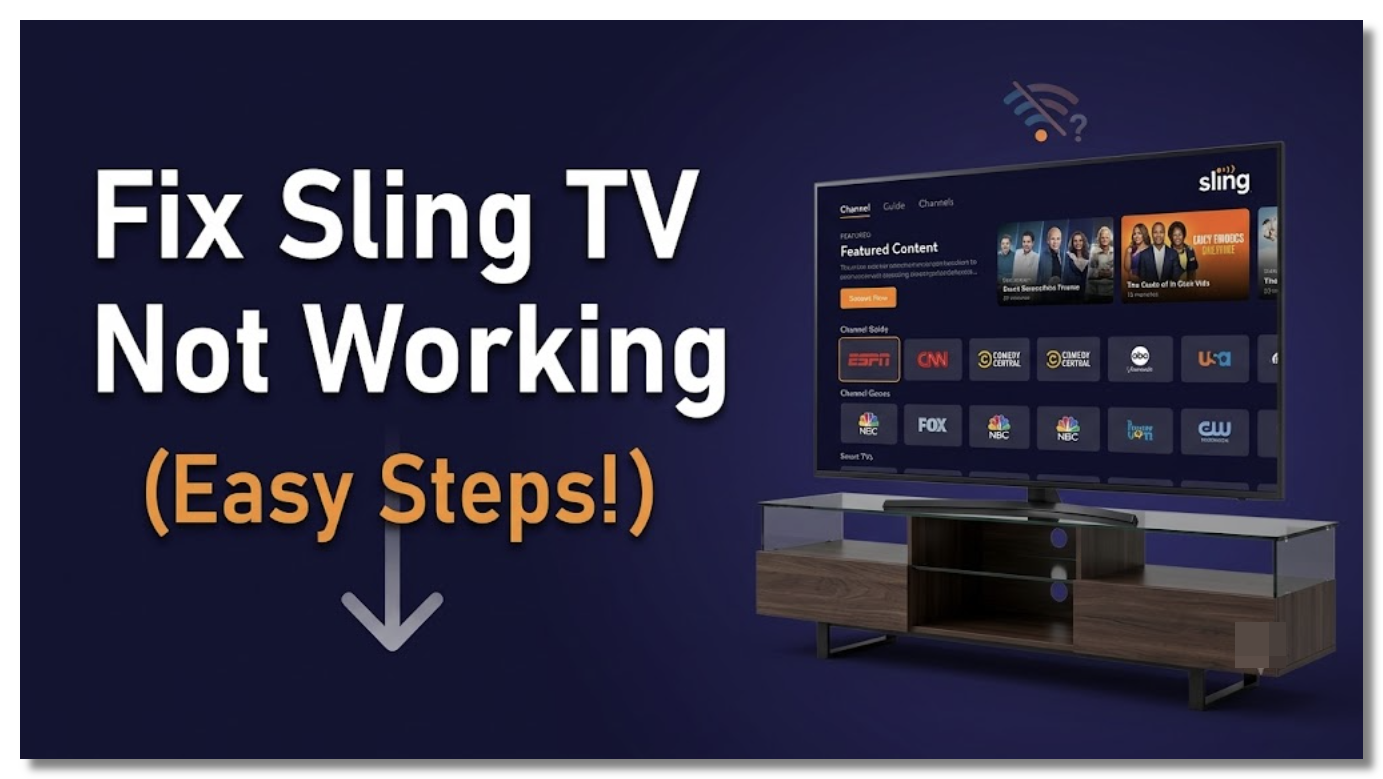
Work through these steps in order to fix Sling TV issues — quick checks first, then targeted fixes by cause.
Fix 1. If Down, Wait It Out
If your status checks confirmed a global outage, there’s no fix on your end. Wait an hour and check Downdetector again.
Fix 2. Use a Sling TV VPN to Bypass Geo-Blocks
If you're seeing "Sling TV is not available in your location," you're likely accessing Sling TV from outside the US. In this case, a stable VPN like UFO VPN is one of the most effective solutions because it lets you connect through a US server, allowing Sling TV to recognize your connection as being within its supported region.
👉 Steps:
- Download and install UFO VPN.
- Connect to a US server.
- Open or relaunch the Sling TV app or website.
- Sign in to your account and start streaming.
Fix 2. Restart the App and Your Device
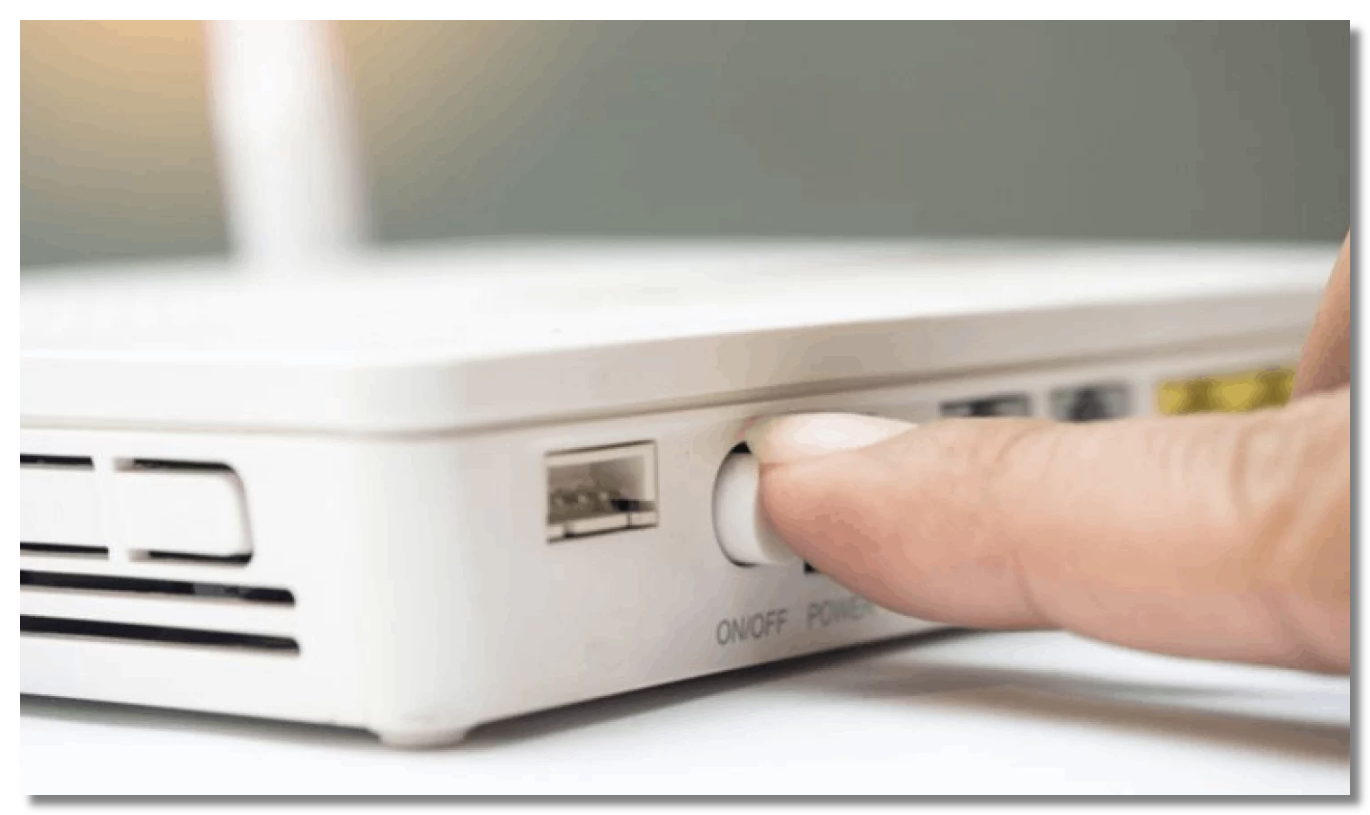
Fully close Sling, then reopen it. If that fails, reboot the streaming device and your router to clear temporary connection and DNS glitches.
Fix 3. Check Your Internet Speed
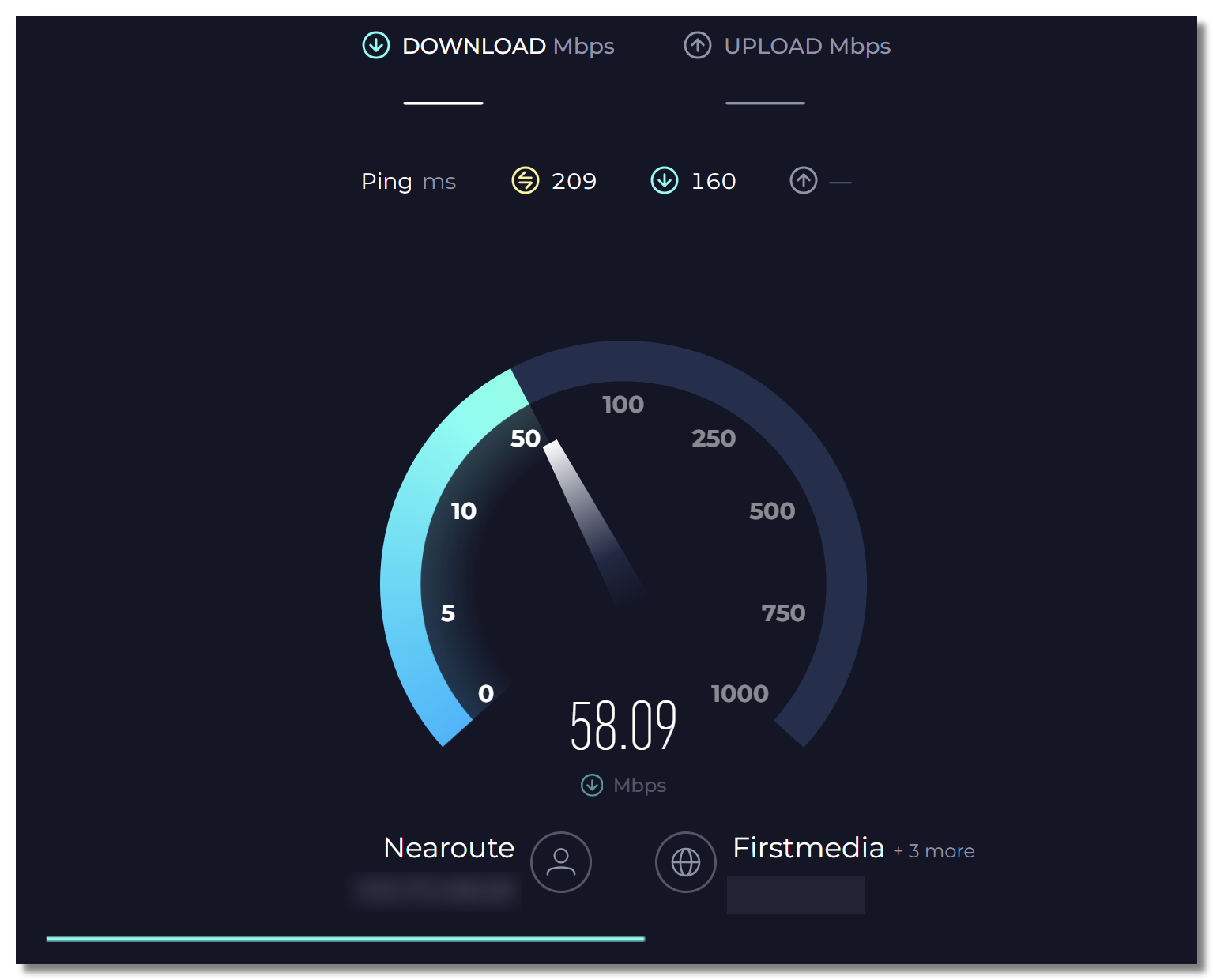
Sling needs a stable connection. Test your speed with the right tools; if it’s low or buffering constantly despite a decent plan, your ISP may be throttling streaming.
Try these five popular internet speed test tools:
- Speedtest by Ookla – Tests download, upload, and ping.
- Fast.com – Quickly measures your internet speed.
- Google Internet Speed Test – A fast browser-based speed test.
- Cloudflare Speed Test – Measures speed, latency, and connection quality.
- SpeedOf.Me – Tests real-world internet performance in your browser.
Fix 4. Update or Reinstall the Sling App
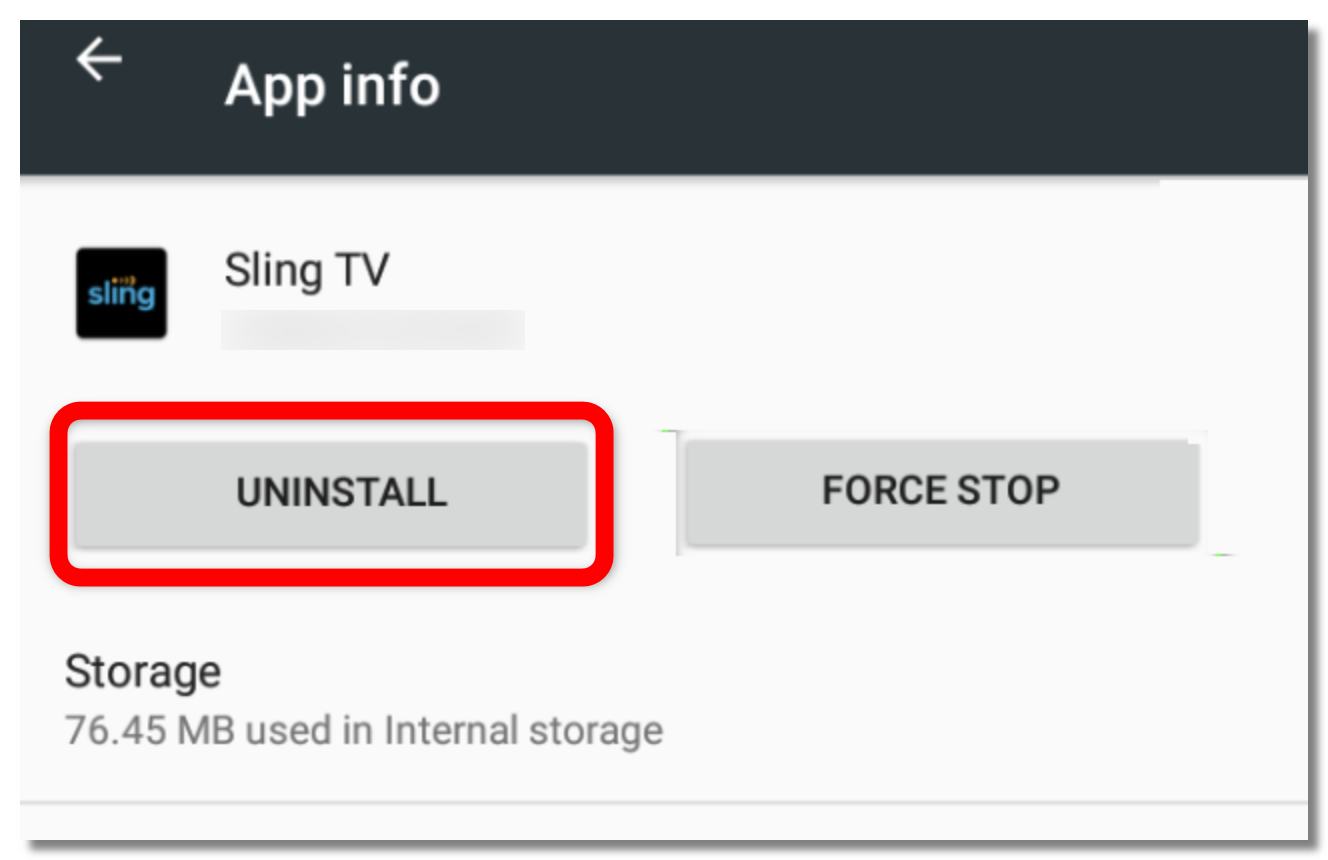
An outdated build is a top cause of playback errors. Update Sling, or uninstall and reinstall it fresh.
👉 Steps (via Settings):
- Open Settings on your device.
- Go to Apps (or Application Manager) and select Sling TV.
- Check whether an Update is available and install it.
- If the issue persists, tap Uninstall to remove the app.
- Open your device's app store and reinstall the latest version of Sling TV.
- Launch the app, sign in to your account, and try streaming again.
Fix 5. Clear Sling Cache
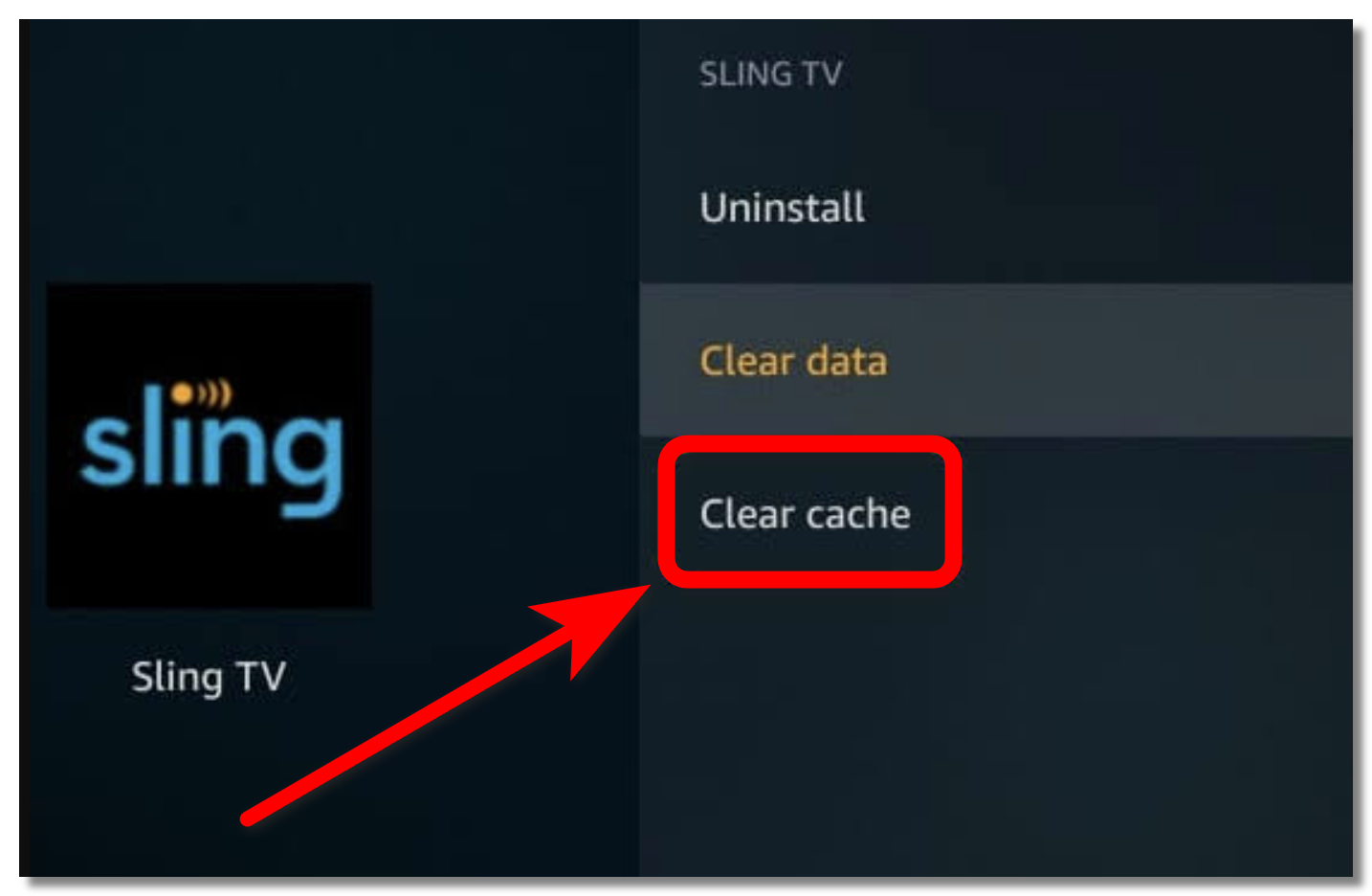
Removing Sling’s cached data fixes many playback and loading errors without touching your account.
👉 Steps:
- Close the Sling TV app completely.
- Open your device's Settings.
- Go to Apps (or Application Manager) and select Sling TV.
- Tap Storage.
- Select Clear Cache.
- Reopen Sling TV and check whether the issue is resolved.
Fix 6. Verify Your Sling TV Subscription
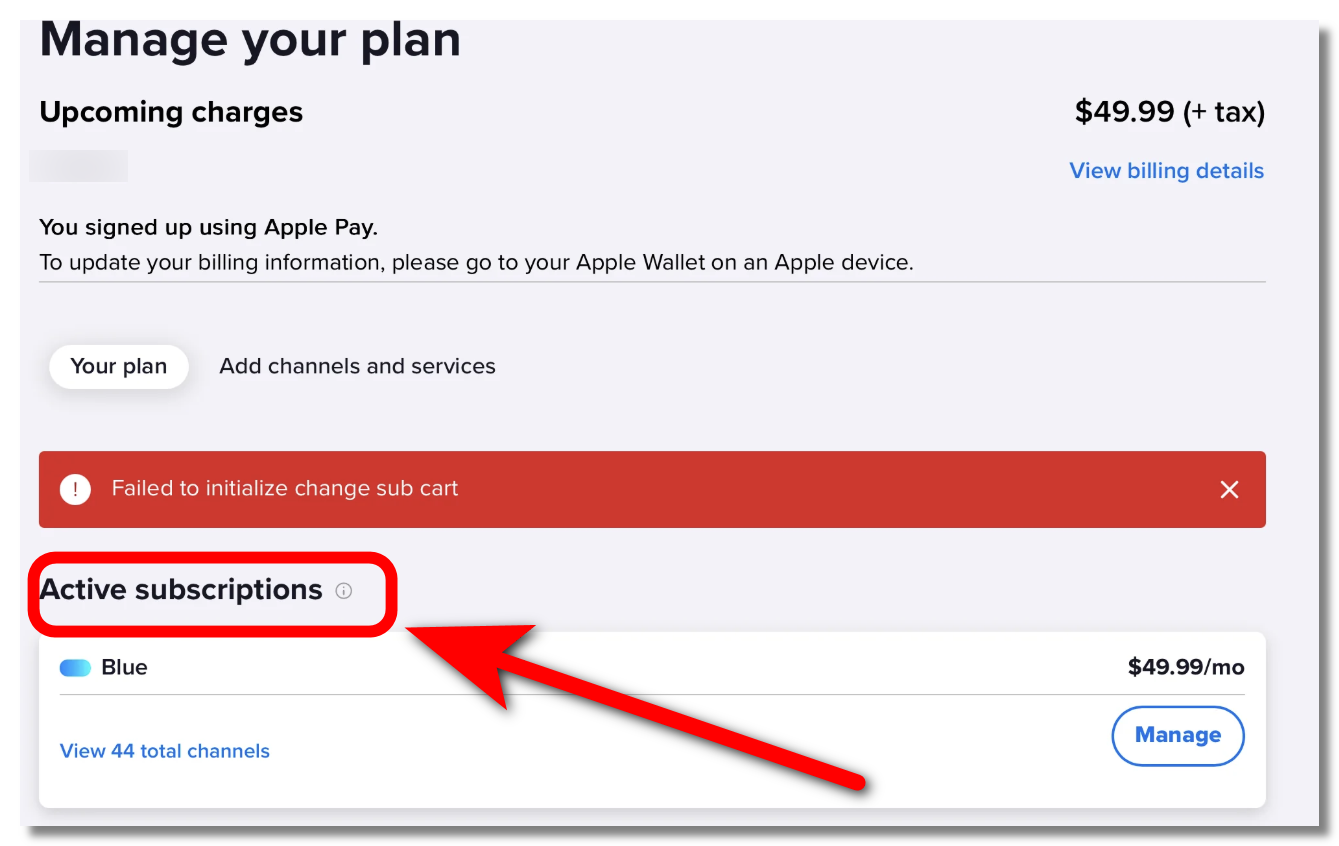
For “not subscribed” errors, confirm your payment is current and the channel is included in your plan, then sign out and back in.
👉 Steps:
- Sign in to your Sling TV account.
- Go to My Account or Manage Subscription.
- Check that your payment is up to date.
- Verify that the channel is included in your current plan or add-on package (such as Sling Orange, Sling Blue, or an Extra package).
- Sign out of the Sling TV app or website.
- Sign back in and try accessing the channel again.
💡 Tip: If you've recently changed your subscription, it may take a few minutes for your account to update across all devices.
Fix 7. Contact Sling TV Support

If none of the fixes above work, you may need to contact Sling TV Support. The following approaches have helped some users reach customer service (still with cautions):
👉 Contact Methods:
- Call Sling TV Customer Support: Try these customer service numbers: 855-372-8003, 888-394-6698. (Always check the latest one)
- Use Sling TV Live Chat: Visit the Sling TV Help Center and start a live chat session if you can't reach support by phone.
- Request a Live Agent: If you're connected to the chatbot, type "agent," "live agent," "representative," or "supervisor" to request a human representative.
- Contact Support During Business Hours: It's suggested to reach a live representative during 8:00 a.m.–1:00 a.m. ET.
⚠️ Note: Beware of scam phone numbers and fake support websites. Always verify contact information through Sling TV's official Help Center.

VPN with Sling TV: When a VPN Actually Helps
Let’s be clear up front: a VPN is not a cure-all. If Sling’s servers are genuinely down, no VPN will bring them back — you just have to wait. UFO VPN for Sling TV helps in two specific situations:
1. You’re traveling outside the US.
This is the big one. Sling streams only inside the United States, so the moment you go abroad you’re locked out of the subscription you’re already paying for — that “not available in your location” wall.
- If you're abroad, connect to a US server with UFO VPN to access your favorite Sling TV content while traveling.
- For uninterrupted streaming, enable the Kill Switch to prevent accidental location leaks if the VPN disconnects.
2. Your ISP is throttling streaming.
If Sling buffers endlessly while everything else works, your provider may be deliberately slowing streaming traffic. UFO VPN encrypts your connection so your ISP can’t see what you’re streaming — which means it can’t single out and throttle Sling, and the buffering clears up.
Extra benefits of using UFO VPN to watch Sling TV:
- 🎬 Stream Without Bandwidth Limits – Enjoy smoother HD and 4K streaming with high-speed servers optimized for video.
- 📶 Automatic Fastest Server Selection – Use the built-in Speed Test to quickly find the best-performing server for streaming.
- 🔐 Stay Private on Public Wi-Fi – Encrypt your connection when watching Sling TV in hotels, airports, cafés, or other public networks.
- 📱 Watch on Multiple Devices – Stream Sling TV seamlessly across your phone, tablet, laptop, or desktop with dedicated apps.
- 🌍 More Than Just Sling TV – After watching Sling, use the same VPN connection to securely browse, game, or access other streaming services while traveling.
Download UFO VPN for your Sling TV streaming:


UFO VPN is an all-in-one VPN that offers unlimited access to 4K streaming like Netlfix, Disney Plus, no-ping gaming as PUBG, Roblox, CODM and social networking for YouTube, X, Facebook and more.




Unlock Pro Features
If you have upgraded to premium plan , feel free to enjoy premium servers for 4K streaming and advanced features like Kill Switch, Split Tunneling, and gaming acceleration. Your Mac is now fully optimized and protected. Inaddition to basic functions, we recommend you turn on

Verify Your IP Now
Use UFO VPN's " What is My IP " feature to see your new IP and location. This confirms your connection is secure, anonymous, and ready for safe browsing online anywhere at any time.







[Bonus] Best Sling TV Alternatives
If Sling keeps disappointing you — or you want a backup — these are worth a look:
-
YouTube TV — broad live-channel lineup and unlimited DVR.
-
Hulu + Live TV — live channels bundled with a big on-demand library.
-
FuboTV — strong for live sports fans.
-
Philo — a budget-friendly pick for entertainment channels.
Most of these are also US-focused, so if you travel, pair whichever you choose with UFO VPN to keep access from abroad.
Final Verdict
So, is Sling TV down? Sometimes — but far more often, “down” really means you’re outside the US, your ISP is throttling the stream, or your app or device needs a quick reset. Always start by confirming Sling’s live status with a detection tool: if it’s up for everyone else, the fix is usually on your end and fast. And for the two problems a VPN actually solves — geo-blocks while traveling and ISP throttling — keeping UFO VPN handy is the simplest way to get back to streaming, wherever you are.
FAQs
Why does Sling TV say “not available in your location”?
Sling only streams inside the US. If you’re traveling abroad, you’ll be geo-blocked; connecting UFO VPN to a US server regains access to your own subscription.
Can a VPN fix Sling TV not working?
Only in two cases: when you’re outside the US (geo-block) or when your ISP is throttling streaming. It can’t fix a genuine Sling outage, a billing issue, or a device glitch.
Why does Sling keep buffering even though my internet is fine?
Your ISP may be throttling streaming traffic. A VPN encrypts your connection so your provider can’t identify and slow down Sling.
How do I fix Sling TV on my Samsung TV or Roku?
Update the Sling app, cold-boot the device (unplug 60 seconds), and reinstall the app if needed. On Roku, remove and re-add the Sling channel after a system restart.
Is there a Sling TV outage map?
Downdetector and outage.com show live outage maps and user reports by region, which help confirm whether an outage is affecting your area specifically.