Should you answer unknown calls?
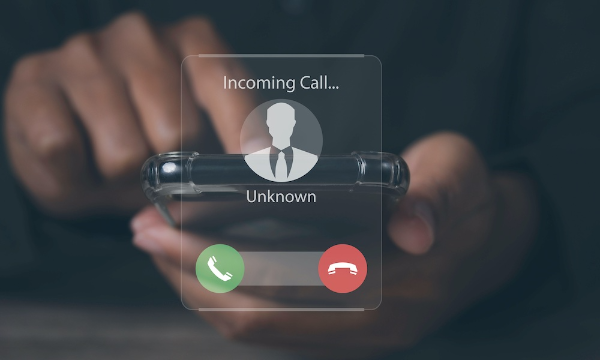
Short answer: generally no. Picking up unknown calls wastes time and can expose you to scams that impersonate brands or authorities to pressure you into sharing personal data. Even a simple voice confirmation (“yes”) has been abused in scams that record and misuse your response. Letting these calls roll to voicemail is the safer default—then you can screen messages at your convenience.
Why this matters for should you pick up calls from unknown callers:
-
Answering signals your number is active, inviting more spam calls.
-
Social-engineering scripts are designed to rush you into mistakes.
-
Some scams aim to capture your voice print for unauthorized approvals.
Do keep context in mind: rare, time-critical situations (e.g., you’re overdue or lost) may justify answering repeated unknown calls. Otherwise, default to caution.
How do unknown callers get your number?
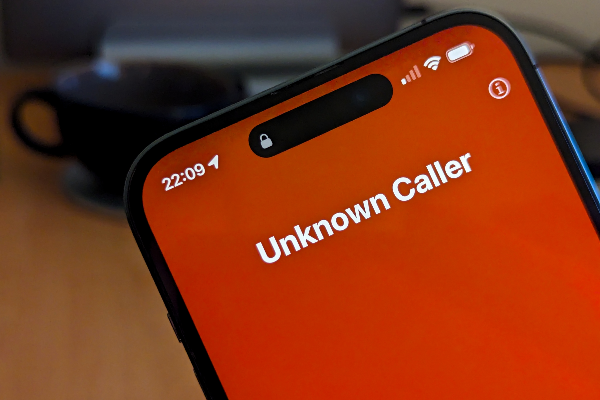
If you’ve asked should you pick up calls from unknown callers, it helps to understand sourcing. Numbers get harvested through:
-
Data brokers and leaks: Breaches and bulk lists circulate widely.
-
Web forms and shady sites: Unsafely submitted details can be scraped or sold.
-
Auto-dialers: Random or sequential generators spray calls at scale.
A privacy-first browsing posture reduces how much of your info ends up in those datasets. When you submit forms or browse on insecure networks, attackers can intercept data; encrypting your traffic (e.g., on hotel Wi-Fi) reduces exposure. That’s where free proxy VPN in UFO VPN helps—by encrypting the network path and masking your IP so opportunistic snoops can’t easily capture details that later fuel spam lists. (A VPN does not stop phone calls themselves.)
What to do when an unknown number rings
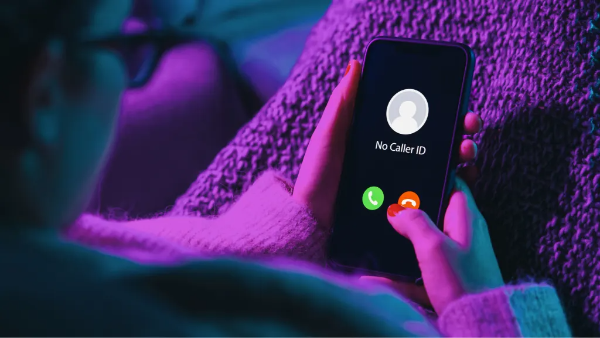
Here’s a calm, step-by-step playbook you can follow anytime should you pick up calls from unknown callers pops into your head:
-
Check the caller ID context
If you see a country code you’re not expecting, don’t answer. Many one-ring or premium-rate scams rely on your curiosity to call back. -
If you do answer, stay silent first
Robocall systems often need your voice to trigger the script. If there’s a pause, on-hold music, or a “Can you hear me?” prompt, hang up without speaking. Don’t say “yes.” -
Use common sense for outliers
If you’re in an emergency scenario (e.g., overdue on a hike) and you’re getting repeated unknown calls, answer—they might be rescuers or authorities. -
Let voicemail do the filtering
Genuine callers—doctors, delivery drivers, schools—leave messages or follow up via text/email. -
Afterwards: document and block
Add offenders to your block list and report egregious spam to your carrier or regulator.
Block unknown callers on iPhone
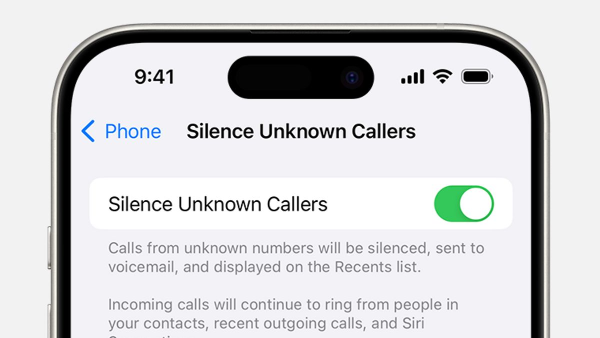
Sometimes, the best “no” is silent. iOS has a native toggle to silence unknown callers, sending them straight to voicemail while allowed numbers still ring.
Steps (iOS):
-
Open Settings → Phone
-
Tap Silence Unknown Callers
-
Toggle On
Apple allows certain exceptions (recent outgoing numbers; numbers Siri deems legitimate) so you don’t miss critical callbacks. This is the simplest way to operationalize “no” when you ask should you pick up calls from unknown callers.
Block unknown callers on Android
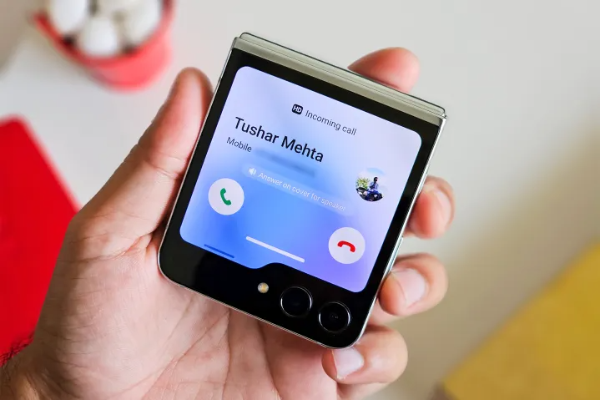
Android implementations vary by brand, but most modern builds include a Block unknown/private numbers option:
Steps (Android, generalized):
-
Open Phone app
-
Tap the three-dot menu → Settings
-
Choose Block numbers
-
Toggle Block unknown numbers
This typically blocks private/unidentified callers; calls from ordinary numbers you haven’t saved may still come through so you can screen them.
Why you keep getting spam calls and what tricks they use
If you still wrestle with should you pick up calls from unknown callers, it’s because modern spam relies on scale and psychology:
-
Neighbor spoofing: The caller ID mimics your area code/prefix to look “local.”
-
Contact-list spoofing: If attackers grab your contacts, they can impersonate friends or coworkers.
-
Mirroring: Some systems display your own number to spark curiosity.
-
One-ring scams: You get one ring, then silence—hoping you’ll call back and incur charges or trigger upsells.
-
Tech-support impersonation: Callers claim your device has “issues” and push you into granting remote access.
These patterns aim to get you to engage—once you do, more calls tend to follow. Keep letting voicemail filter and keep blocking.
🩵How to reduce future targeting:


UFO VPN is an all-in-one VPN that offers unlimited access to 4K streaming like Netlfix, Disney Plus, no-ping gaming as PUBG, Roblox, CODM and social networking for YouTube, X, Facebook and more.




Unlock Pro Features
If you have upgraded to premium plan , feel free to enjoy premium servers for 4K streaming and advanced features like Kill Switch, Split Tunneling, and gaming acceleration. Your Mac is now fully optimized and protected. Inaddition to basic functions, we recommend you turn on

Verify Your IP Now
Use UFO VPN's " What is My IP " feature to see your new IP and location. This confirms your connection is secure, anonymous, and ready for safe browsing online anywhere at any time.







FAQs
Does answering increase spam?
Often, yes. Answering confirms a live line and can land your number on more lists—one reason the best default to should you pick up calls from unknown callers is “no.”
Can someone hack my phone just by calling me?
Not directly by the act of calling. The risk is what happens after you answer—sharing details, granting remote access, or being manipulated by social-engineering. So, if you do pick up by mistake, say nothing, hang up, and block.
Are all unknown calls dangerous?
No. Some are legitimate businesses or callbacks. Safer workflow: let it go to voicemail, verify, then call back via a number you independently look up.
How do I reveal a hidden number?
In the U.S., dialing *69 can return the last incoming number (even hidden, in some cases). Third-party apps can also help, but vet them carefully and install only from official stores.