What Are All Star Tower Defense Codes?
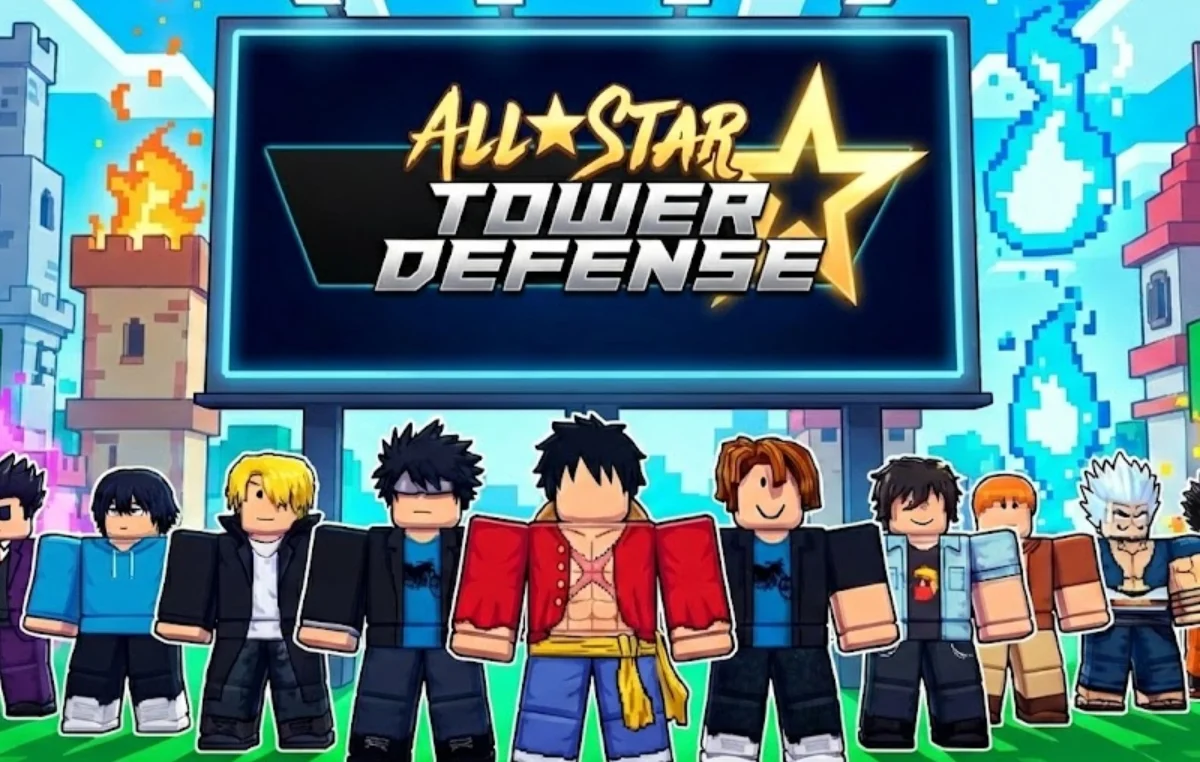
You might be wondering why codes exist and why players constantly search for the latest ones. In essence, All Star Tower Defense codes are promotional codes released by the game developers that give players rewards such as gems, EXP, or in-game items for free. Using these codes is a safe and efficient way to boost your gameplay and progress faster. In this part, you’ll discover which codes are currently active, which ones have expired, and why some codes stop working. This ensures you never waste time on outdated codes.
Active All Star Tower Defense Codes
Here are the codes that are currently redeemable in January 2026:
HAPPYHALLOWEEN: 2500 Gems and 30 Trait Burner (NEW)
NEWUPDATESTUFF: 1500 Gems, 20 Bounded Cube, and 50 Trait Burner (NEW)
DEVLOG1: 1500 Gems, 10 Bounded Cube, and 25 Trait Burner (NEW)
UPDATE7ORISIT8: 2000 Gems, 40 Bounded Cube, and 100 Trait Burner (NEW)
SORRY4BREAK: 2000 Gems, 50 Bounded Cube, and 150 Trait Burner (NEW)
DELAYYY5: 750 Gems, 10 Stat Dice, and 20 Trait Burner
TRAITPITYADDED: 750 Gems, and 40 Trait Burner
UPDATE6: 3000 Gems, and 30 Trait Burner
DELAYYY3: 1000 Gems, 10 Stat Dice, and 20 Trait Burner
TRAITPITYONUPDATE: 3000 Gems, and 30 Trait Burner
MINIUPD33: 500 Gems, 20 Bounded Cube, and 20 Trait Burner
THANKYOUFOR570KLIKES: 1000 Gems, 30 Trait Burner, and 5000 Devil Shards
SORRYFOREVERYTHING2: 501 Gems, 125 Trait Burner, and 30000 Devil Shards
MUDAMUDAMUDA55: 1000 Gems, 30 Trait Burner, and 5000 Devil Shards
LOVAW: 1000 Gems, 30 Trait Burner, and 15000 Devil Shards
TOWERRESTORE4: Two options to reset tower run
Expired All Star Tower Defense Codes
Expired codes are common and trying to use them can be frustrating. Here are some examples:
- THANKYOU12345
- MUDAMUDAMUDA2
- UPDATE5
- SORRYFORDELAYS
- DEADLOOP
- MUDAMUDAMUDA
- TOWERRESTORE3
- ALOTOFSHUT
- SRRYFORSHUTDOWN
- UPDATE4
- THANKYOUFORPATIENCE
- THANKYOUFOR540KLIKES
- BIGFIX
- THREEHUNDREDTHOUSANDPLAYERS
- FOLLOWS10KBREAD
Knowing which codes are inactive prevents wasted effort and helps you focus on valid codes that provide real rewards.
How to Redeem All Star Tower Defense Codes?
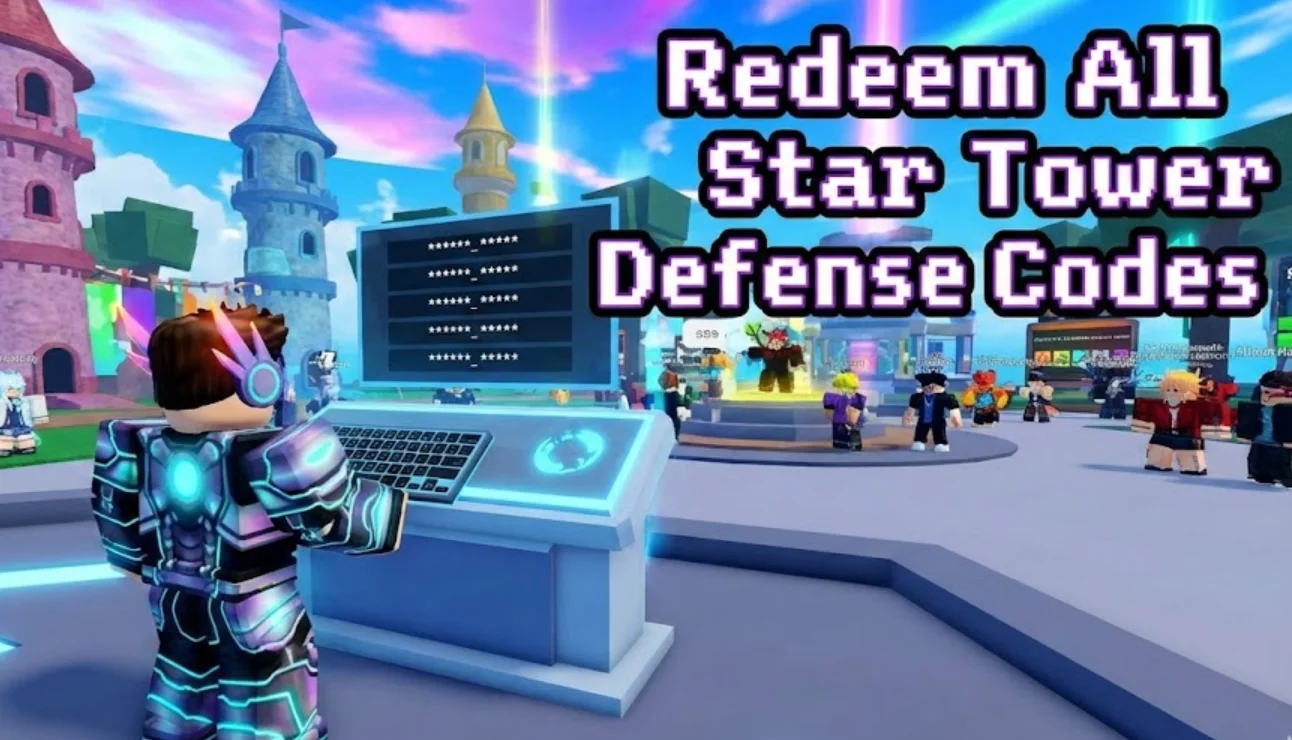
Now that you know which codes are active and which ones have expired, the next step is redeeming them correctly. Many players struggle because codes are case-sensitive, region-locked, or entered incorrectly. In this part, we will show you exactly how to redeem All Star Tower Defense codes safely so you can claim your free gems, EXP, and rewards without errors.
-
Open All Star Tower Defense on your device.
Make sure your game is updated to the latest version. Older versions sometimes prevent codes from being redeemed properly or hide the Codes menu entirely. -
Locate the Codes section.
Tap the Twitter icon or the Codes button in the main menu. Some updates move the button slightly, so check your in-game interface carefully. -
Enter your code exactly as shown.
Codes are case-sensitive and may include numbers or special characters. Even a small typo will prevent the code from working. Copying and pasting the code is often safer than typing it manually. -
Hit Redeem and check your rewards.
After entering the code, tap Redeem and verify that your gems, EXP, or items have been added to your inventory. If the code doesn’t work, double-check for typos, region restrictions, or whether it has expired.
If a code isn’t working, it might be region-locked. Using a free proxy VPN can help you access codes that are restricted in your location.
How to Unblock the Full All Star Tower Defense?
Even after successfully redeeming your All Star Tower Defense codes, you may encounter regional restrictions or network blocks that prevent access to the full game. These limits can affect certain towers, in-game events, or even the ability to redeem region-specific codes. Using a VPN is the easiest way to bypass these restrictions and enjoy uninterrupted gameplay.
Why Choose a VPN for All Star Tower Defense?
-
Bypass regional blocks: Access the full game even if it’s restricted in your country.
-
Stable gameplay: Reduce lag and prevent connection issues caused by network throttling.
-
Redeem all codes: Some codes are region-specific, and a VPN ensures you can claim them.
Smart Choice for Playing All Star Tower Defense
UFO VPN – Free VPN Proxy is a secure, no-log VPN perfect for unblocking All Star Tower Defense. Features include:
-
Fast servers in over 100 countries
-
Advanced encryption with no activity logs
-
Easy setup on mobile and desktop
-
Reliable connection for smooth gameplay
Here's how you can set up UFO VPN for your device:


UFO VPN is an all-in-one VPN that offers unlimited access to 4K streaming like Netlfix, Disney Plus, no-ping gaming as PUBG, Roblox, CODM and social networking for YouTube, X, Facebook and more.




Unlock Pro Features
If you have upgraded to premium plan , feel free to enjoy premium servers for 4K streaming and advanced features like Kill Switch, Split Tunneling, and gaming acceleration. Your Mac is now fully optimized and protected. Inaddition to basic functions, we recommend you turn on

Verify Your IP Now
Use UFO VPN's " What is My IP " feature to see your new IP and location. This confirms your connection is secure, anonymous, and ready for safe browsing online anywhere at any time.







Tips to Get More All Star Tower Defense Codes

Even after unblocking the full game and redeeming the current codes, it’s easy to miss new or region-specific codes if you don’t know where to look. This section shows you how to consistently find and claim the latest All Star Tower Defense codes so you never fall behind in rewards or gameplay.
To stay ahead:
-
Follow official channels: Check Twitter, Discord, and YouTube for code drops and announcements.
-
Engage with communities: Roblox forums and fan groups often share codes immediately after release.
-
Track newsletters and websites: Some platforms maintain updated lists of active and expiring codes.
-
Use a VPN: Access region-locked codes that may not be available in your country.
By combining these strategies, you can maximize your rewards, unlock more towers and EXP, and keep your gameplay consistently competitive.
Why Your All Star Tower Defense Codes Are Not Working?
Even if you follow all the tips to get more codes, you may still run into issues where a code refuses to work. This section explains the most common reasons codes fail and how to troubleshoot them, so you can avoid wasting time and ensure you always claim your rewards.
-
Expired codes: Codes have limited validity. Always check release dates and expiration notices to avoid trying outdated codes.
-
Region restrictions: Some codes are only redeemable in certain countries. Connecting through a VPN can help you access region-specific rewards.
-
Typing errors: Codes are case-sensitive and must be entered exactly as shown, including numbers, symbols, and capitalization.
-
Already redeemed codes: Each code can only be used once per account. Trying a used code will result in an error.
By understanding these issues, you can troubleshoot effectively, redeem codes without frustration, and make the most of every reward opportunity.
FAQs
How often are All Star Tower Defense codes updated?
Codes are typically updated every few weeks or during special events. Following official social media accounts ensures you get the latest codes as soon as they are released.
Are All Star Tower Defense codes free and safe?
Yes, official codes are completely free and safe. Avoid third-party websites that promise codes for money, as they may be scams.
Can I redeem All Star Tower Defense codes more than once?
No, most All Star Tower Defense codes are one-time use per account. Once you redeem a code, it becomes invalid for that account, and trying to use it again will result in an error.
How can I find expired All Star Tower Defense codes to track updates?
Keeping track of expired codes is actually a smart way to anticipate new rewards. By maintaining a personal list or checking websites and social media that monitor All Star Tower Defense codes, you can see which codes are likely to return during seasonal events or special promotions.