What Are Unblocked Games 6969 Sites?
If you are new to the world of browser-based gaming, you might wonder why this specific term is trending. This part will help you understand how these platforms work and why they are so accessible compared to traditional gaming sites.
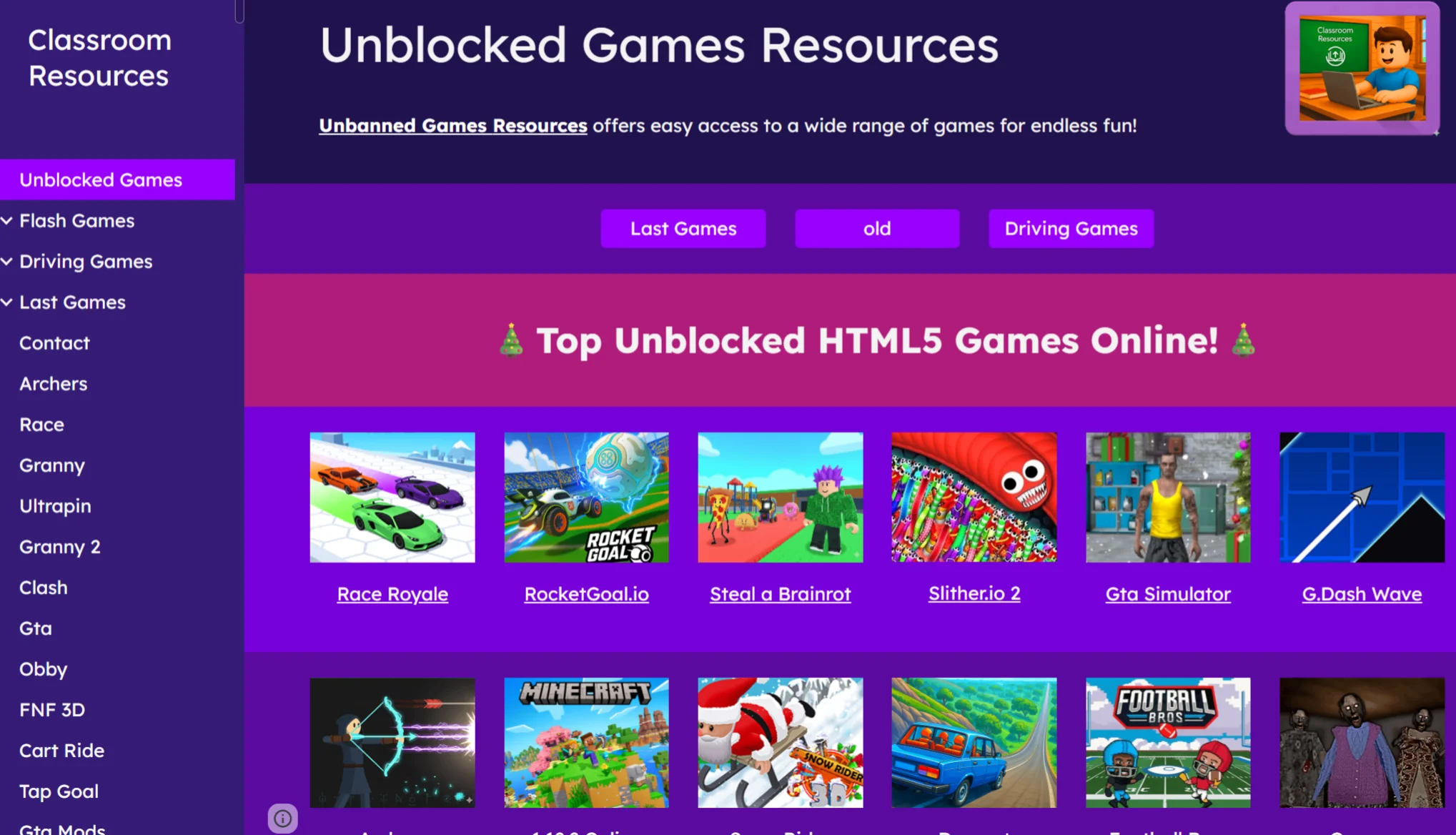
Unblocked Games 6969 is not just a single website; it refers to a vast network of platforms designed specifically to help you bypass local network filters found in schools and workplaces. Here is why these sites have become the go-to solution for gamers stuck behind a firewall:
-
Stealthy Access: Unlike major gaming portals that are easily flagged and blocked by network administrators, these sites often use Google Sites or mirror domains to stay under the radar.
-
No Installation Needed: They utilize modern HTML5 technology, meaning the games run directly in your browser. You don't need to install suspicious software or outdated Flash players to get started.
-
Massive Free Library: These platforms offer instant access to a huge variety of titles—from retro classics to modern multiplayer hits—completely free of charge.
These platforms are popular because they offer instant access to a massive library of games—from retro classics to modern multiplayer hits—completely free of charge. However, accessing them can sometimes be tricky if your network administrator has tightened security. Next we will tell you how to keep your access secure and your data safe.

How to Play Unblocked Games 6969 Safely?
While these sites are convenient, they are not without risks. In this section, we will tell you how to protect yourself from potential malware, tracking, and the frustration of sudden blocks by your network admin.
When you play on open browser sites, your IP address is visible, and school or work networks can track your activity. Furthermore, some mirror sites may host intrusive ads or unsecured scripts. To ensure unlimited fun without worrying about privacy breaches or getting caught, you need to mask your digital footprint. The most effective way to secure your connection and bypass tough firewalls is by using a free proxy VPN in UFO VPN.
Why Choose a VPN for Unblocked Games 6969?
-
Reduce Game Lag: Connect to gaming-optimized servers to lower ping and ensure smooth, interruption-free gameplay.
-
Bypass Network Filters: Easily access game sites even if they are strictly blocked by school or workplace firewalls.
-
Protect Your Privacy: Hide your IP address to prevent network administrators or ISPs from tracking your gaming activity.
-
Unlock Geo-restricted Games: Access specific game versions or titles that might be limited to certain regions.
Ideal Solution for Accessing Unblocked Games 6969
UFO VPN is the ideal solution for accessing Unblocked Games 6969 safely and quickly. It offers:
-
Gaming-Optimized Servers: Specifically designed to minimize latency for real-time multiplayer action.
-
Global Access: Fast servers in over 100 countries to bypass any regional block.
-
Top-Tier Security: Advanced encryption ensures your connection remains private and invisible to others.
-
Easy Setup: Simple to use on both mobile devices and desktop computers.
Here's how you can set up UFO VPN for your device:


UFO VPN is an all-in-one VPN that offers unlimited access to 4K streaming like Netlfix, Disney Plus, no-ping gaming as PUBG, Roblox, CODM and social networking for YouTube, X, Facebook and more.




Unlock Pro Features
If you have upgraded to premium plan , feel free to enjoy premium servers for 4K streaming and advanced features like Kill Switch, Split Tunneling, and gaming acceleration. Your Mac is now fully optimized and protected. Inaddition to basic functions, we recommend you turn on

Verify Your IP Now
Use UFO VPN's " What is My IP " feature to see your new IP and location. This confirms your connection is secure, anonymous, and ready for safe browsing online anywhere at any time.







Popular Games on Unblocked Games 6969
Once you have set up VPN and bypassed those pesky network filters, the real fun begins. However, facing a library with thousands of titles can be overwhelming. Instead of wasting time testing bad clones, read this section to jump straight into the popular games for free that everyone is playing in 2026.
1. 1v1.lol
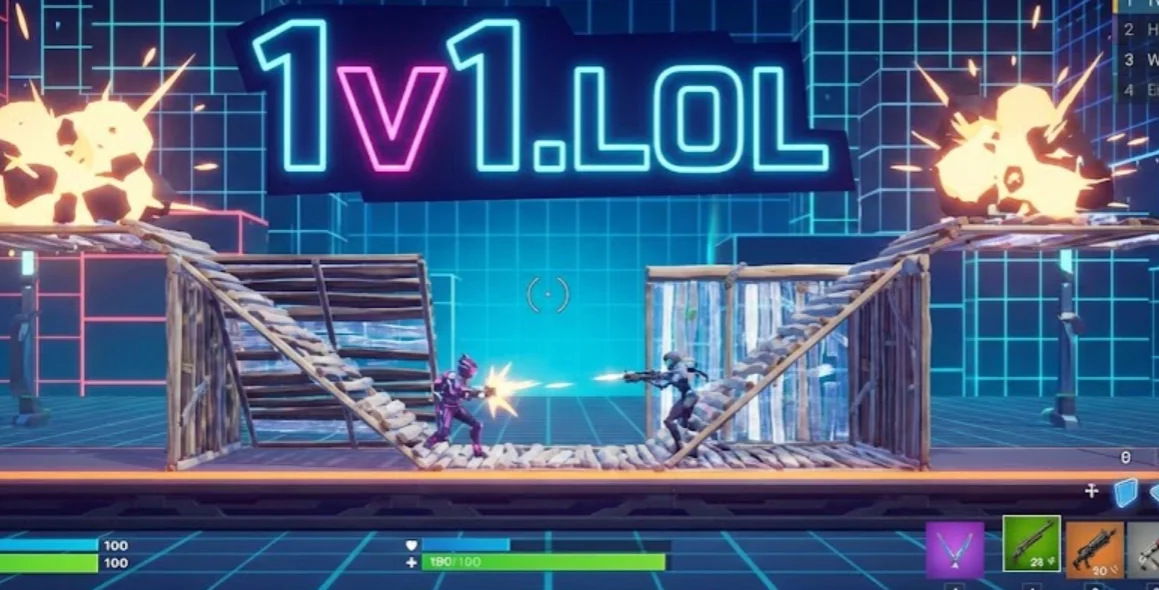
1v1.lol is a third-person tactical shooter that pairs gunplay with rapid construction mechanics. You face off against a single opponent in a battle royale-style duel where building walls and ramps is just as important as your aim.
Pros:
-
Lightweight
-
Skill-Based
-
No Account Needed
Cons:
-
Repetitive
-
Sweaty Lobbies
2. Slope
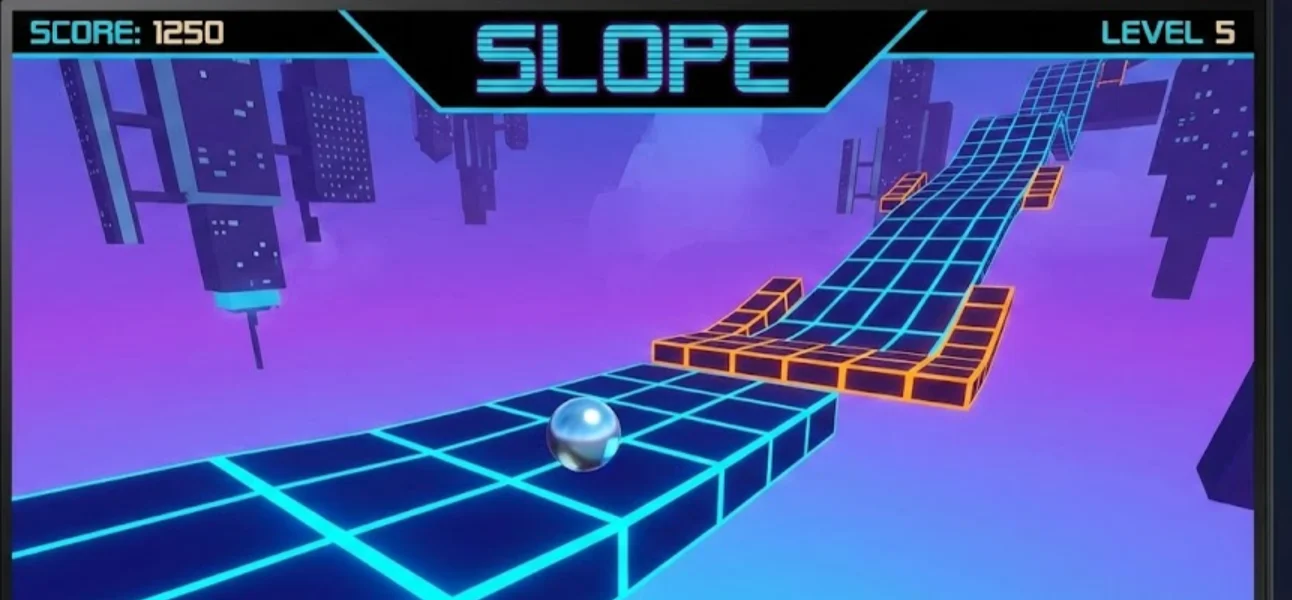
In Slope, you control a ball rolling down a futuristic, neon-colored city. The further you go, the faster the ball moves, and the track becomes increasingly unpredictable with moving obstacles and deadly gaps. It is simple to learn but nearly impossible to master.
Pros:
-
Adrenaline Rush
-
Simple Controls
-
Instant Restart
Cons:
-
Unforgiving
-
Eye Strain
3. Happy Wheels

A true classic of the browser era, Happy Wheels is a physics-based ragdoll game famous for its dark humor and chaotic gameplay. You choose a character (like a man in a wheelchair or a father on a bike) and try to navigate deadly obstacle courses filled with spikes, mines, and wrecking balls.
Pros:
-
Infinite Content
-
Hilarious Physics
Cons:
-
Graphic Content
-
Clunky Controls
4. Drift Hunters

For car enthusiasts, Drift Hunters is the gold standard of browser racing. It is a 3D drifting simulator that lets you drive iconic JDM cars on various tracks. The game features a surprisingly deep tuning system where you can upgrade your engine, turbo, and adjust the suspension to perfect your drift angle.
Pros:
-
Great Graphics
-
Customization
-
Relaxing
Cons:
-
Floaty Physics
-
Resource Heavy
5. Run 3
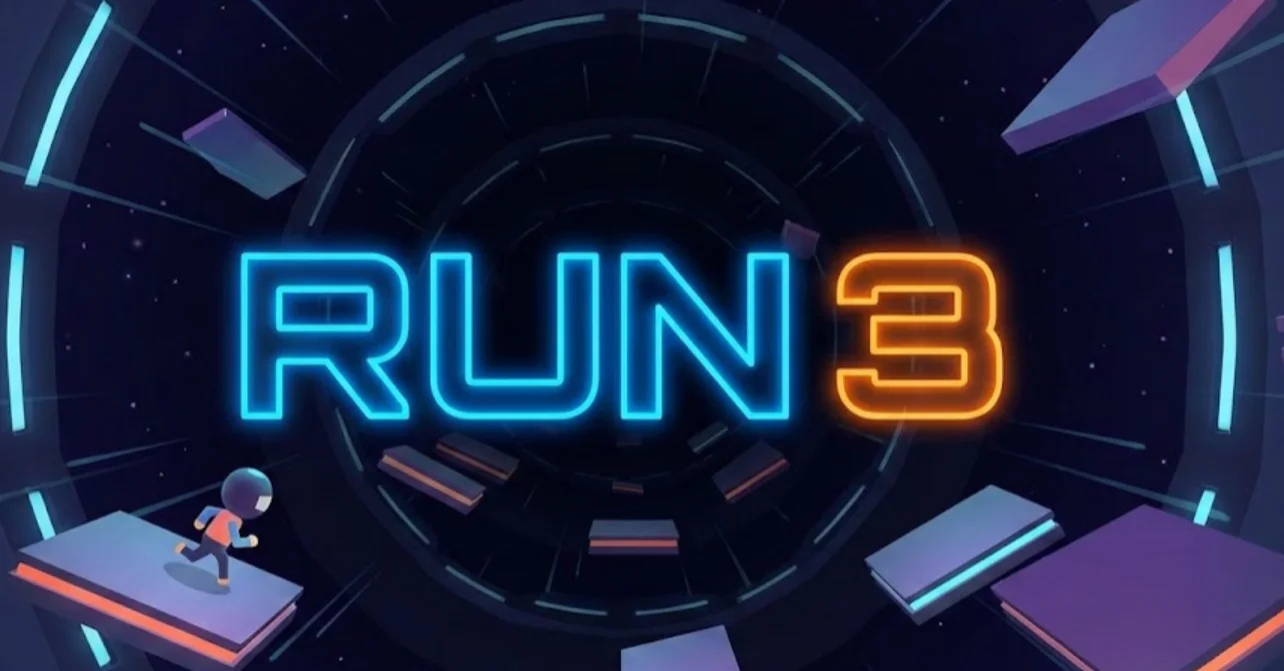
Run 3 takes the endless runner genre into outer space. You play as a small alien navigating a series of 3D tunnels. The unique twist is that you can run on the walls and ceiling, constantly shifting gravity to avoid falling into the void. It offers both an endless mode and a campaign mode with unlockable characters.
Pros:
-
Unlockable Characters
-
Gravity Mechanic
-
Huge Map
Cons:
-
Slow Start
-
Simple Graphics
Best Tips for Enjoying Unblocked Games 6969
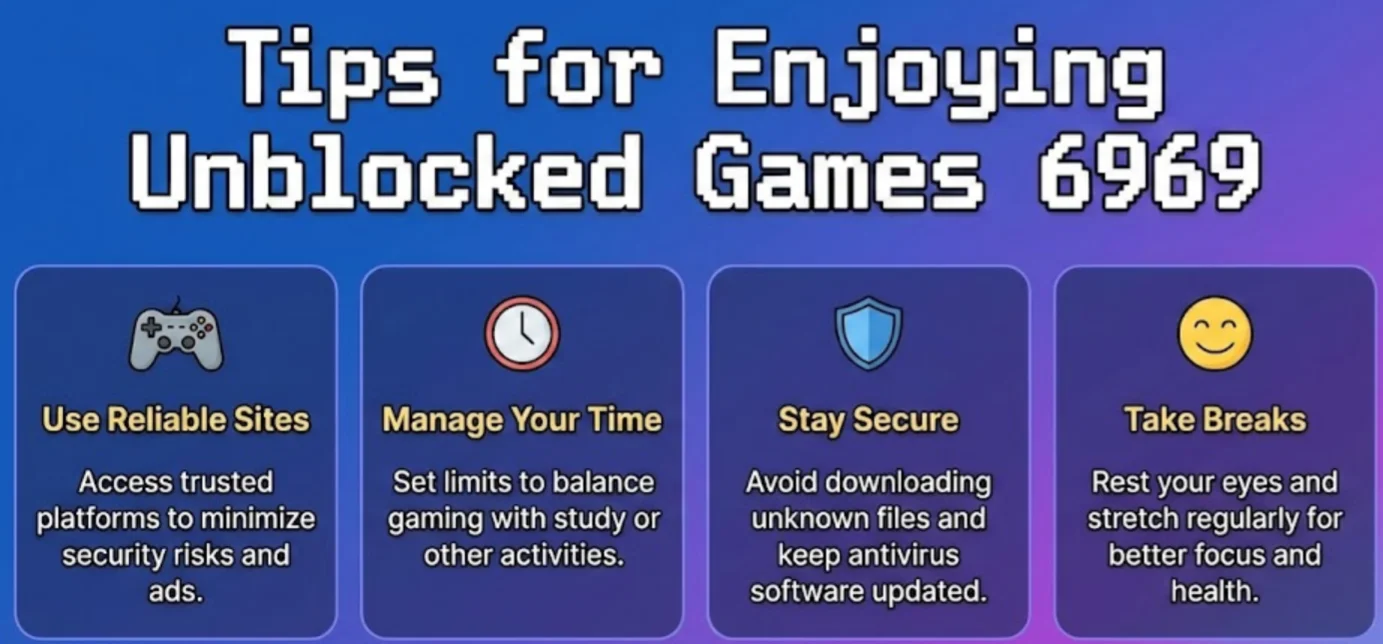
Now that you have selected your favorite title from our top picks, the next challenge is playing it effectively—especially when you are on a restricted school Chromebook or a shared office PC. Knowing what to play is only the beginning; you also need to know how to handle your environment to ensure the game runs smoothly and stays private. The following practical tips will help you manage your browser environment and improve your gameplay mechanics, turning a quick break into a hassle-free gaming session.
1. Keyboard Shortcuts
Mastering shortcuts is essential for both winning games and maintaining stealth.
-
The "Boss Key" (Alt + Tab): This is your most important tool. It instantly switches your active window to another open program (like a Word document or spreadsheet) if someone approaches your desk.
-
Refresh (Ctrl + R): If a game freezes or lags, a quick refresh is usually faster than waiting it out.
-
WASD vs. Arrows: most unblocked games support both. If you are left-handed or your keyboard has small arrow keys, switch to WASD for better precision in action games like 1v1.lol.
2. Multiplayer Game Tips
Multiplayer games on browser sites can be competitive. To gain an edge:
-
Reduce Latency: Ensure you are connected to a high-speed server via UFO VPN. A stable connection prevents the "rubber-banding" effect that causes you to miss shots in shooters.
-
Team Communication: Since many browser games lack voice chat, use in-game ping systems effectively if available, or stick to simple strategies that don't require complex coordination.
3. Managing Game Settings
Browser games can be resource-heavy for simple office computers.
-
Lower Graphics Quality: In games like Drift Hunters, go to the settings menu and lower the resolution or texture quality. This will significantly boost your frame rate (FPS) and make the game feel more responsive.
-
Mute Audio: Always check if the game has a mute button on the main menu. Relying on your system volume isn't enough; you don't want a sudden ad or game sound blasting through your speakers if your headphones disconnect.
Conclusion
Unblocked Games 6969 continues to be a massive source of entertainment for players looking to break the monotony of their daily routine. By offering popular games for free in a format that is easy to access, it provides unlimited fun without the need for expensive consoles or PCs. However, access and safety should always be your priority. Using a trusted tool like UFO VPN ensures that your gaming habits remain private and that you can bypass annoying network restrictions with ease. So, load up your favorite game, keep your "boss key" ready, and enjoy the freedom of unblocked gaming.
FAQs
Is it legal to play on Unblocked Games 6969 sites?
Yes, playing these games is generally legal as they host free-to-play browser content. However, you should always be aware of your school or workplace policies regarding internet usage to avoid getting into trouble with administrators.
Why do some Unblocked Games 6969 games run slowly on my Chromebook?
Chromebooks often have limited hardware resources which can struggle with 3D graphics or complex game physics. You can try closing other browser tabs or lowering the graphics quality within the game's settings to improve performance.
Can I play Unblocked Games 6969 games on my mobile phone?
Absolutely, many of the games on these sites are built with HTML5, which makes them responsive and compatible with mobile browsers. You can play them on your smartphone or tablet without needing to download an app.
What should I do if Unblocked Games 6969 is blocked at my school?
If a specific site is blocked, you can try searching for "mirror sites" or alternative domains that host the same games. Often, new sites are created to replace the ones that get flagged by network filters.