Where Is Google Voice Blocked
While Google Voice is officially supported in the U.S. and Canada, it’s restricted or inaccessible in:
-
Europe (partial)
-
Asia (including China, India, UAE, Pakistan)
-
Middle East (Kuwait, Qatar, Iran)
-
Africa (most regions)
-
South America (not officially supported)
A VPN with reliable U.S. IPs can easily bypass these restrictions.
Comparison of VPNs for Google Voice
| VPN | US IP Server | Speed | Price | Unlimited Devices | Mobile-Friendly |
|---|---|---|---|---|---|
| UFO VPN | ✅ Yes | ⭐⭐⭐⭐⭐ | $2.49 | Unlimited | ✅ Yes |
| NordVPN | ✅ Yes | ⭐⭐⭐⭐⭐ | $3.29 | 6 | ✅ Yes |
| Surfshark | ✅ Yes | ⭐⭐⭐⭐ | $2.19 | Unlimited | ✅ Yes |
| ExpressVPN | ✅ Yes | ⭐⭐⭐⭐⭐ | $6.67 | 5 | ✅ Yes |
| ProtonVPN | ✅ Yes | ⭐⭐⭐⭐ | $4.99/month | 1-10 | ✅ Yes |
Without a VPN, you expose your:
-
Real IP address
-
Call metadata
-
App usage history
-
Possibly sensitive messages/calls
This can be especially risky if you’re in a region where VoIP services are monitored or restricted. A Google Voice VPN protects your identity and ensures encrypted communication, even if you’re using public Wi-Fi or traveling abroad.
5 Best VPNs for Google Voice
1. UFO VPN
Best for Easy Google Voice Unblocking
-
Compatibility: Android, iOS, Windows, macOS, Chrome extension
-
Free Plan: Yes
-
Best Features: High-speed U.S. servers, VoIP-optimized, fast IP switch
-
Price: Free & Premium (from $2.99/month)
-
Why it works well:
UFO VPN provides dedicated servers optimized for VoIP apps, making it one of the best options to unblock Google Voice on both mobile and PC. With stable U.S. server locations and no DNS leaks, it ensures your call sessions are private and reliable — even from abroad. The app is lightweight and beginner-friendly, with a free version that works surprisingly well for Google Voice users.
2. NordVPN
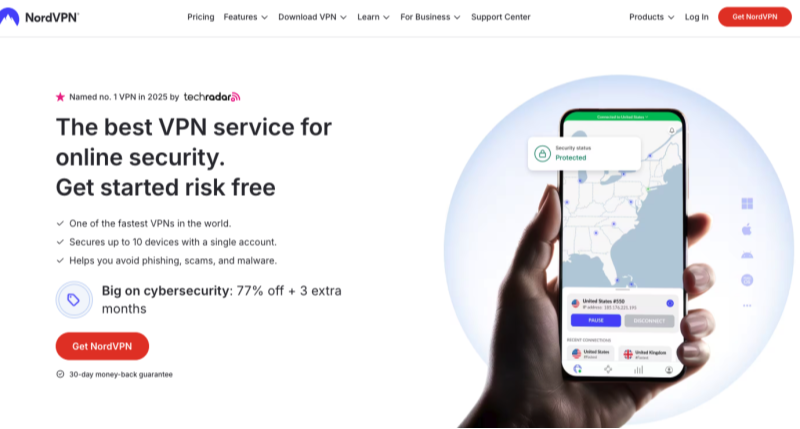
Best for Security-Conscious Users
-
Compatibility: Windows, macOS, Android, iOS, Linux, routers
-
Free Plan: No (30-day money-back guarantee)
-
Best Features: Double VPN, obfuscated servers, CyberSec protection
-
Price: Starts at $3.29/month
-
Why it works well:
NordVPN is well-known for its security-first approach. If you’re using Google Voice for work or private communication and want to protect every digital trace, NordVPN’s encryption and kill switch are crucial. It offers 1,900+ servers in the U.S., helping you get a U.S. IP address and access Google Voice reliably.
3. ExpressVPN
Fastest Speeds for Voice Calls
-
Compatibility: All major OS, including routers and smart TVs
-
Free Plan: No
-
Best Features: Lightway protocol, top-notch encryption, fast server switching
-
Price: Starts at $6.67/month
-
Why it works well:
ExpressVPN is ideal for users who want uninterrupted call quality on Google Voice. Whether you’re calling from Europe, Asia, or the Middle East, its ultra-fast servers avoid lag and buffering. The service also bypasses firewalls in restrictive regions like China or UAE — where VoIP apps are often blocked.
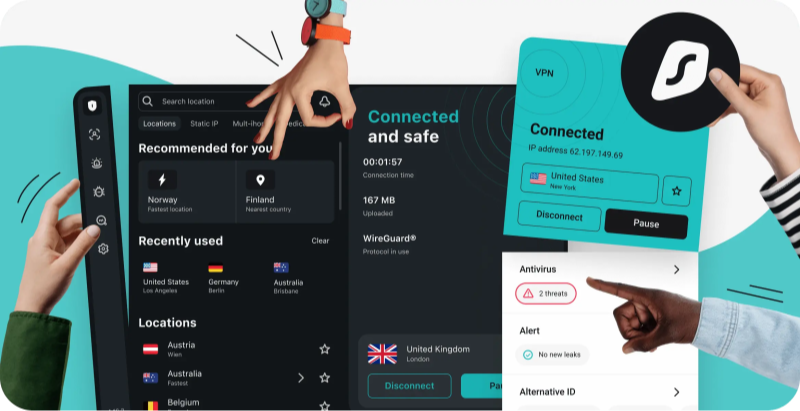
4. Surfshark
Budget-Friendly Option with Unlimited Devices
-
Compatibility: Android, iOS, Windows, macOS, Linux
-
Free Plan: No
-
Best Features: Unlimited device connections, CleanWeb ad blocker
-
Price: Starts at $2.49/month
-
Why it works well:
Need to connect multiple devices to Google Voice? Surfshark lets you use one account on all your devices. It offers several U.S. locations, supports VoIP usage, and includes ad blocking and malware protection, giving you more than just access.
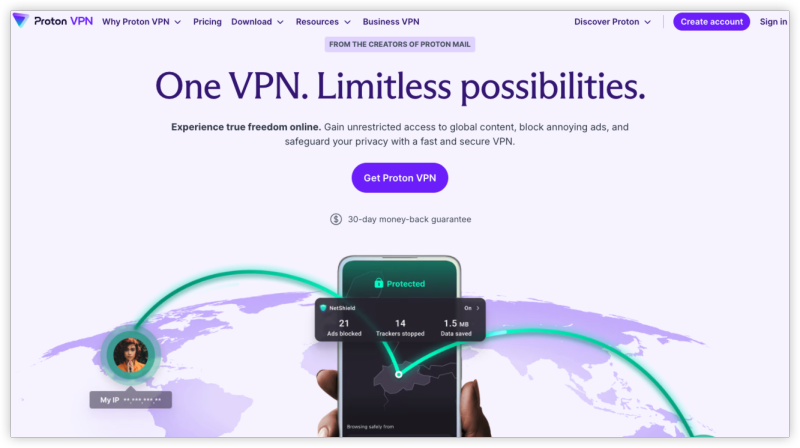
5. ProtonVPN
Free Secure VPN from Switzerland
-
Compatibility: Android, iOS, macOS, Windows, Linux
-
Free Plan: Yes
-
Best Features: No-log policy, strong encryption, open-source app
-
Price: Free & Premium (starts at $4.99/month)
-
Why it works well:
If privacy is your top concern and you want a completely free VPN for Google Voice, ProtonVPN’s free tier allows you to connect to U.S. servers — without bandwidth limits. While it’s not as fast as others, it gets the job done securely.
How to Use a VPN for Google Voice: All Devices


UFO VPN is an all-in-one VPN that offers unlimited access to 4D streaming like Netlfix, Disney Plus, no-ping gaming as PUBG, Roblox, CODM and social networking for YouTube, X, Facebook and more.




Unlock Pro Features
If you have upgraded to premium plan , feel free to enjoy premium servers for 4K streaming and advanced features like Kill Switch, Split Tunneling, and gaming acceleration. Your Mac is now fully optimized and protected. Inaddition to basic functions, we recommend you turn on

Verify Your IP Now
Use UFO VPN's " What is My IP " feature to see your new IP and location. This confirms your connection is secure, anonymous, and ready for safe browsing online anywhere at any time.







What If Google Voice Is Still Blocked
If Google Voice doesn’t work even after connecting to a U.S. VPN server:
-
Clear cookies/cache
-
Switch to a different U.S. server
-
Disable WebRTC leaks
-
Use Incognito/Private Mode
-
Try a different VPN protocol (e.g., Lightway or OpenVPN)
Final Thoughts
Whether you're living abroad, traveling, or just want to secure your online calling, using a VPN for Google Voice is a smart move. It ensures smooth access, keeps your data private, and prevents VoIP blocking.
FAQs
Can I use Google Voice internationally with a VPN?
Yes. A VPN with U.S. servers lets you access Google Voice from anywhere.
Is it legal to use a VPN with Google Voice?
In most countries, yes. VPNs are legal and Google doesn’t block them.
Can I get a U.S. Google Voice number with a VPN?
Yes. As long as you’re connected toa U.S. server, you can register and verify a U.S. number.
Which VPN works best for Google Voice calling?
For call quality and reliability, ExpressVPN and UFO VPN top the list.
Is there a free VPN for Google Voice?
Yes. UFO VPN Free can unblock and access Google Voice, but may have slower speeds.