Can You Edit the Music on a Published Instagram Post?
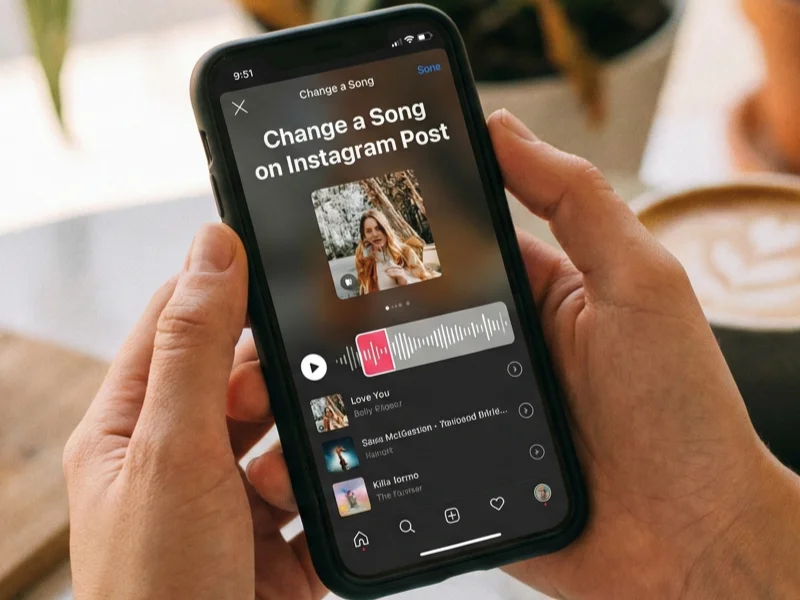
Before trying random fixes, you need to understand Instagram’s limitations. In this part, we will tell you what’s possible and what isn’t, so you don’t waste time looking for features that don’t exist.
The short answer: it depends on the post type
In 2026, Instagram still does not allow full music editing on all post types. Whether you can edit the music on a published Instagram post depends on how the music was added in the first place.
Here’s how it breaks down:
-
Regular photo posts with music (Music Sticker)
❌ You cannot change or edit the song once the post is published -
Carousel posts with music
❌ Music cannot be edited after posting -
Reels
⚠️ You cannot replace the audio, but you can sometimes adjust captions or volume -
Stories
✅ Music can be changed before the story expires or if saved as a draft
This limitation frustrates many creators because Instagram doesn’t clearly explain it during posting. If you’re reading this section, it helps you decide whether you need a workaround—something the next section will focus on.
In many cases, the issue isn’t just Instagram’s editing limits, but restricted access to certain music libraries based on your location. A free proxy VPN can help you unlock more audio options before you repost or choose an alternative method.
How to Change a Song on Instagram Post: 2 Practical Ways
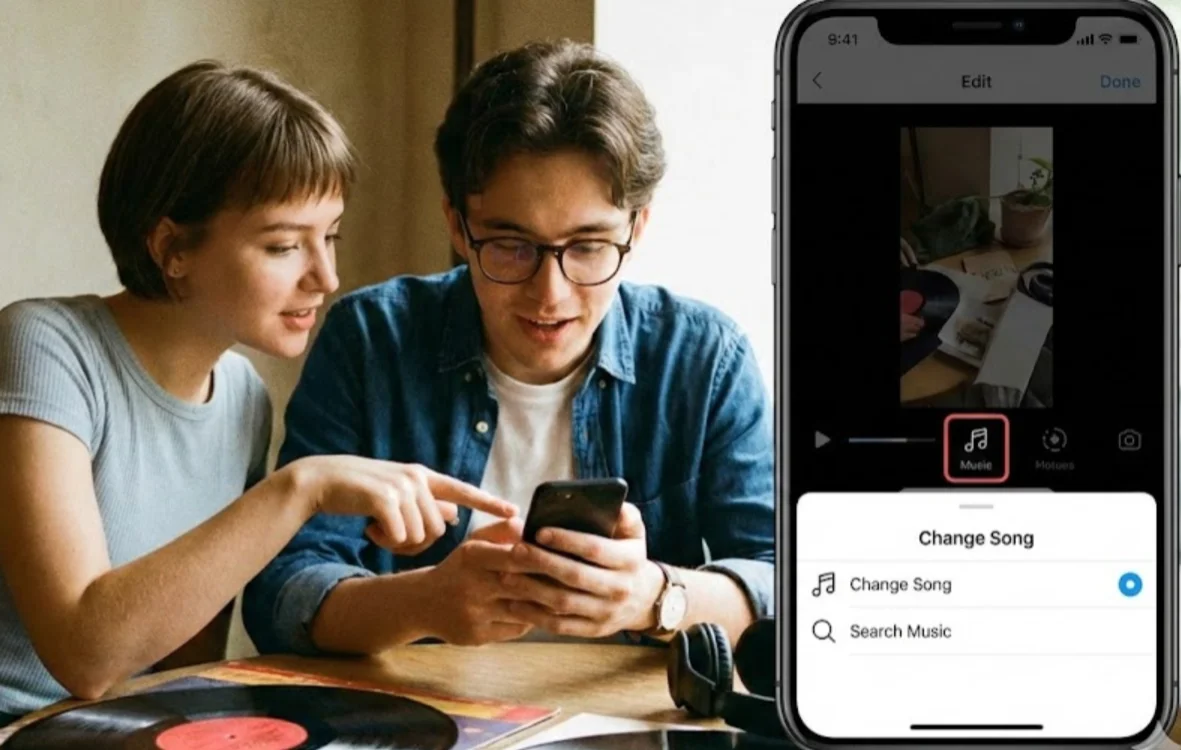
If Instagram won’t let you directly edit the music, you still have options. The following shows realistic, working solutions that creators actually use when they need to change a song on an Instagram post.
Method 1: Delete and Re-upload the Post with a New Song
This method is the most reliable—and also the most painful. You should read this part if the music is completely wrong and you care more about long-term engagement than existing likes.
How to do it step by step:
-
Save your original photo or video to your device
-
Delete the Instagram post
-
Upload the content again
-
Choose the correct song from Instagram’s music library
-
Re-write the caption (or paste the original one)
Pros:
-
Full control over music selection
-
Better alignment with trends
-
Cleaner long-term content strategy
Cons:
-
You lose likes, comments, and shares
-
The post’s original reach resets
This method works best when:
-
The post hasn’t gained much traction yet
-
The song choice hurts discoverability
-
You’re posting evergreen or branded content
If deleting a post feels too extreme, the next method offers a softer alternative.
Method 2: Add Music via Stories or Reels (Without Deleting the Post)
You should read this part if you want to fix the music experience without touching the original post. This approach keeps engagement while still refreshing how people experience your content.
Option A: Share the post to Instagram Stories with new music

-
Open your published post
-
Tap Share → Add to Story
-
Add a new music sticker
-
Post the story
This lets you:
-
Pair the post with trending audio
-
Reach followers who missed the original
-
Keep your original engagement intact
Option B: Recreate the post as a Reel
Reels allow better music discovery and algorithm reach. Many creators repost static images as short reels with motion and music.
This method works especially well if:
-
The original post underperformed
-
You want to test trending audio
-
You’re focusing on growth in 2026
Later, we’ll expand on this in the Alternative: Adding Music via Instagram Stories or Reels section.

Why Can’t I Find the Song I Want? (Accessing Global Libraries)
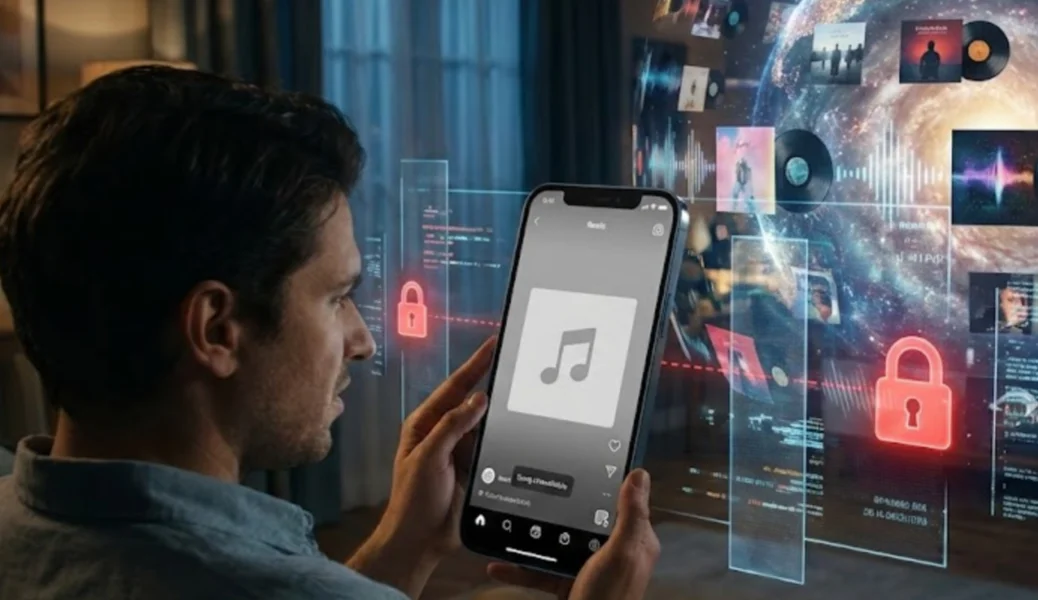
If you have realized that reposting or using workarounds is sometimes unavoidable, the next problem you’ll likely face is not finding the song you want at all. Even when you’re ready to re-upload or add new music, Instagram may simply not show the track you’re searching for. This section explains why Instagram’s music library is limited by region and account type—and what you can do to access more songs.
Common reasons songs don’t appear:
-
Your region limits music licensing
-
Certain tracks are business-account restricted
-
Trending audio is available only in specific countries
-
Instagram’s music library varies by location
This is where many users get stuck—and why changing a song on an Instagram post feels impossible. But the issue often isn’t Instagram itself. It’s where Instagram thinks you’re located.
While Instagram doesn’t block music features outright, your region, ISP, or network environment can limit which songs and trending audio you’re able to see. This is why a track may appear on other creators’ posts but remain completely unavailable in your music search. Using a VPN (Virtual Private Network) is one of the most effective ways to unlock regional music libraries and access trending Instagram audio.
Why Use a VPN for Instagram Music?
-
Bypass regional music restrictions
Some Instagram songs are licensed only in specific countries, making them invisible depending on your location. -
Access global trending audio
Many viral songs appear earlier in regions like the US or UK before rolling out globally. -
Avoid ISP or network limitations
School, workplace, or public Wi-Fi networks may restrict certain media features. -
Find more songs when editing or reposting
A wider music library gives you more flexibility when you need to change a song on an Instagram post.
Ideal Choice for Accessing Instagram Music Libraries
UFO VPN is a secure, no-log VPN designed for everyday content access, including Instagram music and trending audio. It helps you unlock more song options without changing how Instagram works.
Key benefits of UFO VPN:
-
Access Instagram music libraries from multiple regions
-
Fast servers in over 100 countries
-
No activity logs with advanced encryption
-
Easy setup on both mobile and desktop
How to set up UFO VPN for your device?


UFO VPN is an all-in-one VPN that offers unlimited access to 4K streaming like Netlfix, Disney Plus, no-ping gaming as PUBG, Roblox, CODM and social networking for YouTube, X, Facebook and more.




Unlock Pro Features
If you have upgraded to premium plan , feel free to enjoy premium servers for 4K streaming and advanced features like Kill Switch, Split Tunneling, and gaming acceleration. Your Mac is now fully optimized and protected. Inaddition to basic functions, we recommend you turn on

Verify Your IP Now
Use UFO VPN's " What is My IP " feature to see your new IP and location. This confirms your connection is secure, anonymous, and ready for safe browsing online anywhere at any time.







Alternative: Adding Music via Instagram Stories or Reels
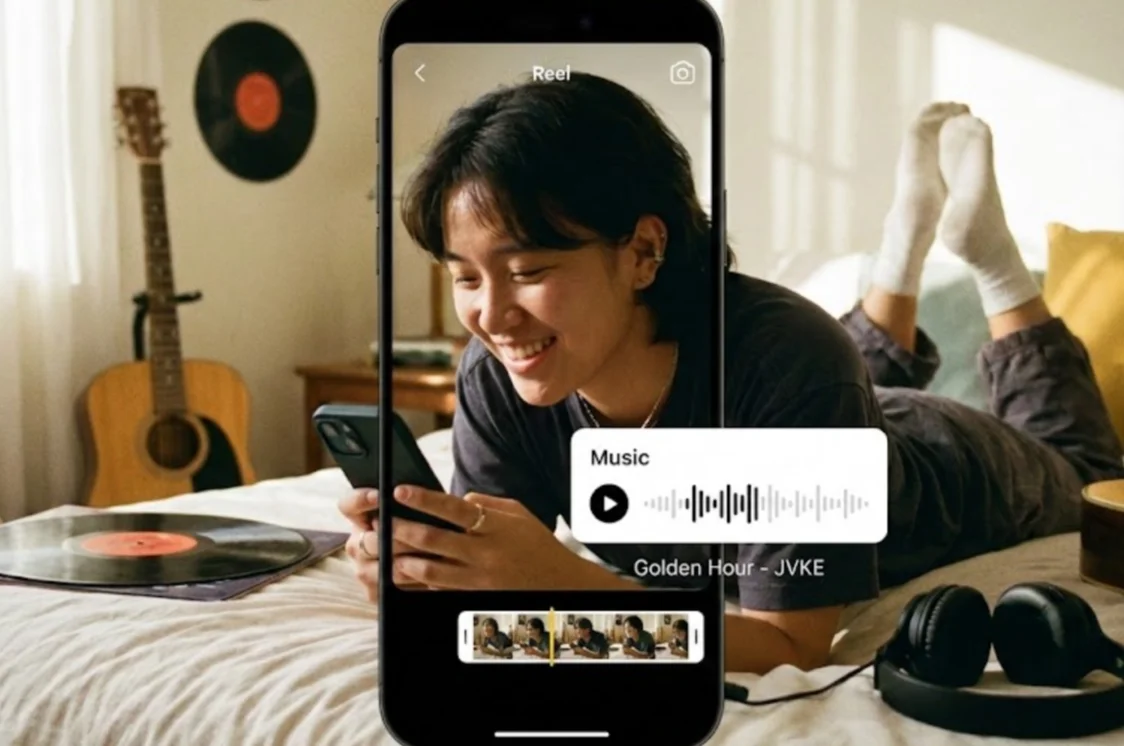
If you have understood how to unlock more music options and still want to change the music on an existing post, this part shows how to add music through Instagram Stories or Reels to refresh your post, improve reach, and stay within platform rules, instead of deleting content or forcing a repost.
Why this method works in 2026
Instagram heavily prioritizes:
-
Stories for engagement
-
Reels for discovery
By repurposing your content, you avoid reposting fatigue while staying algorithm-friendly.
Smart strategies:
-
Use Stories to test multiple songs
-
Turn posts into short Reels with trending audio
-
Pin the Reel to your profile to replace the original post visually
This approach is especially powerful when combined with UFO VPN, because you can:
-
Test songs from different regions
-
Jump on global trends early
-
Avoid “audio unavailable” errors
Tips for Choosing the Perfect Instagram Song
After learning how to add music through Stories or Reels when editing isn’t an option, the real goal is to avoid needing these workarounds in the first place. This part will discuss how to choose the right Instagram song from the start, so you don’t have to repost content, replace audio later, or deal with missing music issues again.
Practical tips that actually work:
-
Check Reels trending audio before posting
-
Match music mood to visual emotion
-
Avoid copyrighted songs on business accounts
-
Save trending audio for later use
-
Use VPN to preview global trends
- Use catchy snippets to grab attention
I’ve taken to just posting the first 10 seconds of my favorite Nickleback song… “look at this photograph.” It gets me every time.

Choosing music is no longer just aesthetic—it’s a growth decision. The right song can determine whether your post reaches 200 people or 20,000.
Conclusion
Changing a song on an Instagram post after posting isn’t always possible—but that doesn’t mean you’re stuck. By understanding Instagram’s limitations, using smart workarounds, and accessing global music libraries with UFO VPN, you stay in control of your content. Whether you choose to repost, repurpose, or enhance your post with Stories and Reels, the key is flexibility. Music is a powerful tool—when you can access the full library, your content performs better.
FAQs
Can I change a song on an Instagram post after posting?
No, Instagram does not allow you to directly change a song on a published feed post. Your only options are deleting and reposting or using Stories and Reels to add new music.
Can I edit the music on a published Instagram Reel?
You cannot replace the audio of a Reel after posting, but you can adjust captions, volume, or repost the Reel with new music. Many creators duplicate Reels to keep engagement while updating audio.
Why is my Instagram music library missing songs?
Instagram restricts music based on region, account type, and licensing rules. This is why users in different countries see different music options.
Does using a VPN help find more Instagram songs?
Yes, a VPN like UFO VPN allows you to access Instagram music libraries from other regions. This helps unlock trending and exclusive audio not available in your country.