What Is a Jailbroken Firestick Channel?
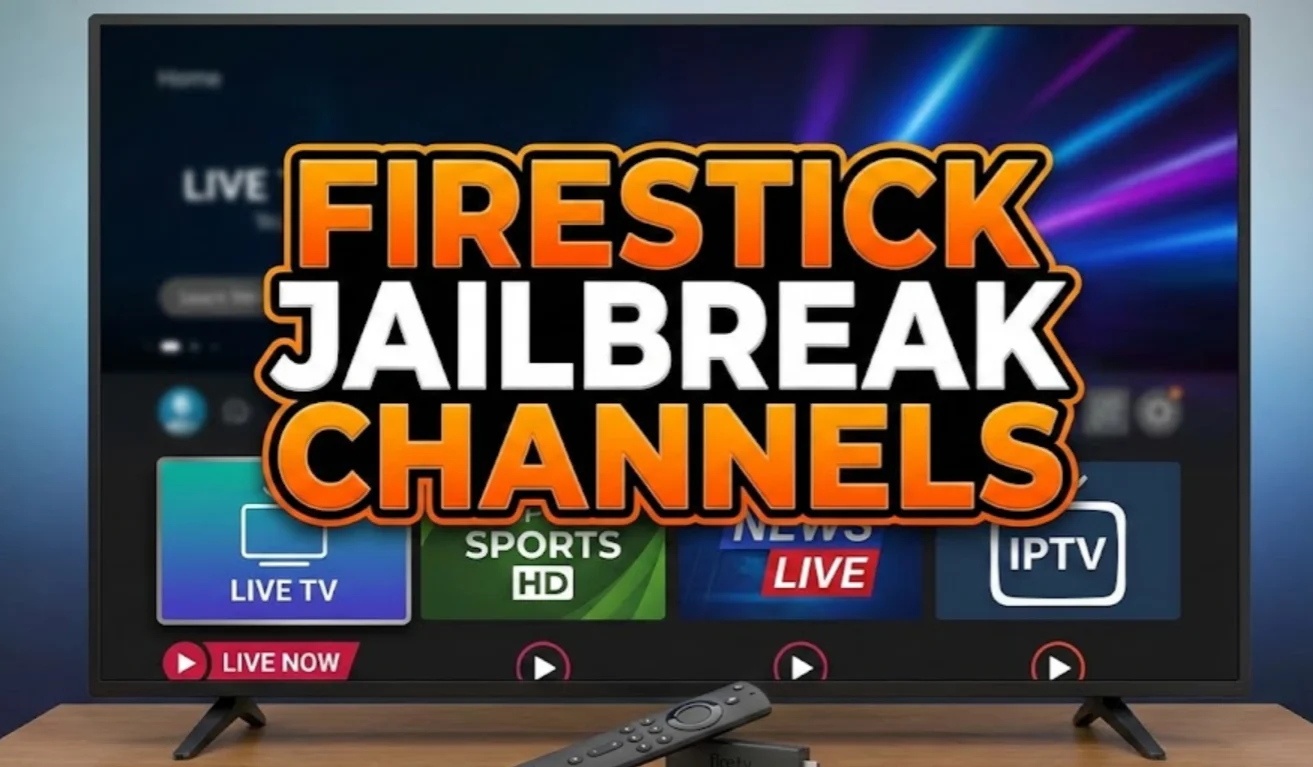
Before diving into lists, you need to understand what a jailbroken Firestick channel actually is. A jailbroken Firestick channel is any app or service installed on your Fire TV device that isn’t part of the official Amazon Appstore. These channels unlock access to thousands of TV shows, movies, live sports, and international broadcasts, often without paying the high fees associated with cable or satellite subscriptions.
Here’s how jailbroken Firestick channels differ from standard Firestick channels:
-
Free or Low-Cost Content
Stream movies, TV shows, and live sports that usually require subscriptions. Popular apps: Cinema HD, Kodi add-ons, CyberFlix TV, Stremio. -
Live TV
Watch real-time channels like CNN, ESPN, BBC, Fox Sports, and international feeds not available on cable. -
Customization & Add-Ons
Install add-ons or repositories for extra content, like documentaries, classic movies, or anime (especially with Kodi). -
International & Geo-Restricted Channels
Access TV from other countries, including foreign-language shows, global news, and overseas sports. -
Safety
Some channels may contain malware or unlicensed content.
A jailbroken Firestick channel gives you far more flexibility than standard Fire TV channels, letting you watch almost anything, anytime, without being tied to expensive subscriptions. But to truly maximize this setup, you need a free proxy VPN to stay safe and enjoy smooth, uninterrupted streaming.
Complete List of Jailbroken Firestick Channels
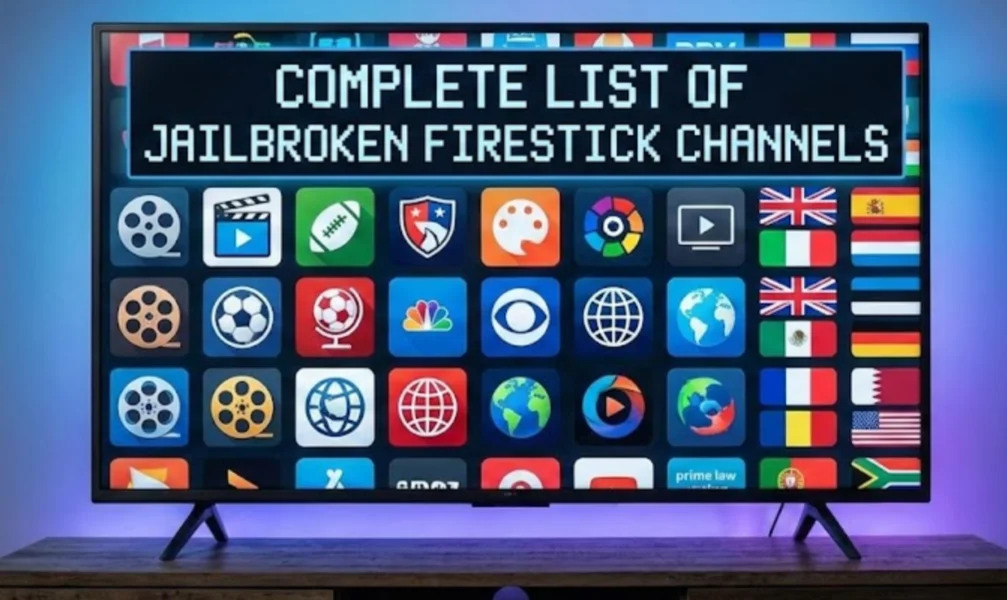
Now that you know what makes jailbroken Firestick channels unique, it’s time to explore the channels themselves. Here’s a curated 2026 list of the best jailbroken Firestick channels, covering news, sports, movies, and family-friendly content. Whether you want live TV, on-demand movies, or international programming, these channels have you covered.
News
Stay updated with live news channels that keep you informed globally and locally:
-
CNN – Breaking news and live coverage worldwide.
-
BBC News – Trusted international news reporting.
-
Fox News – U.S.-focused political and general news.
-
Al Jazeera – Global perspective on major events.
-
Sky News – Continuous live updates and analysis.
Having multiple news sources ensures you get balanced reporting. A jailbroken Firestick gives you access to channels you might not have on cable, saving money while staying informed.
Sports
If you love live sports, jailbroken Firestick channels can replace premium sports packages:
-
ESPN – Football, basketball, baseball, and more.
-
NBC Sports – Olympics, NHL, NFL, and special events.
-
Fox Sports – Live coverage of major leagues.
-
DAZN – Boxing and MMA streaming.
-
Sky Sports – UK-based sports with international coverage.
Sports fans often pay hundreds for cable subscriptions. With a jailbroken Firestick, you can access many channels for free or at a fraction of the cost.
Movies & TV Shows
Binge-watch the latest shows and classic films without subscription fees:
-
Cinema HD – Vast library of movies and TV shows.
-
Stremio – Aggregates streaming content in one app.
-
Kodi Add-ons – Customizable apps for unlimited movies.
-
CyberFlix TV – Fast, reliable, and updated frequently.
-
TeaTV – Popular for HD movies and series.
Cable subscribers often pay for content they rarely watch. Jailbroken channels give you exactly what you want, and apps like Kodi can even organize your favorite shows.
Kids & Family
Keep children entertained with safe, family-friendly content:
-
PBS Kids – Educational shows for children.
-
Nick Jr. – Cartoons and interactive content.
-
Disney+ Clone Apps – Movies and series suitable for all ages.
-
Toonix – Animated series streaming online.
-
Cartoon HD – Older and newer animated shows.
With multiple options, you don’t need to buy extra subscriptions for kids’ programming. A jailbroken Firestick channels everything into one easy-to-access platform.

How to Access More Firestick Channels Safely
Knowing the channels is only half the story — safety is key. Free or jailbroken streams can expose you to malware, intrusive ads, or geo-restrictions that prevent you from watching certain content. A VPN (Virtual Private Network) encrypts your internet connection, hides your IP, and lets you bypass regional restrictions.
Why Choose VPN for Accessing Firestick Channels?
-
Access geo-blocked channels – Watch live sports, international news, and entertainment that might be restricted in your region.
-
Prevent ISP throttling – Enjoy smooth, buffer-free streaming without slowdowns.
-
Maintain online privacy – Hide your viewing habits from your ISP, networks, or any trackers.
-
Unlock more content – Some apps or streams may be limited to certain countries; a VPN opens them all.
Ideal Tool for Accessing Firestick Channels
UFO VPN is a fast, secure, and no-log VPN perfect for jailbroken Firestick users. Features include:
-
Fast servers in over 100 countries – Access content anywhere without lag.
-
No activity logs with advanced encryption – Keep your streaming private.
-
Ad blocker and IP lookup tools – Reduce intrusive ads and monitor security.
-
Easy setup – Works on Firestick, mobile, and desktop.
Here's you can set up UFO VPN:


UFO VPN is an all-in-one VPN that offers unlimited access to 4K streaming like Netlfix, Disney Plus, no-ping gaming as PUBG, Roblox, CODM and social networking for YouTube, X, Facebook and more.




Unlock Pro Features
If you have upgraded to premium plan , feel free to enjoy premium servers for 4K streaming and advanced features like Kill Switch, Split Tunneling, and gaming acceleration. Your Mac is now fully optimized and protected. Inaddition to basic functions, we recommend you turn on

Verify Your IP Now
Use UFO VPN's " What is My IP " feature to see your new IP and location. This confirms your connection is secure, anonymous, and ready for safe browsing online anywhere at any time.







Firestick Channels vs Cable TV – What’s the Difference?
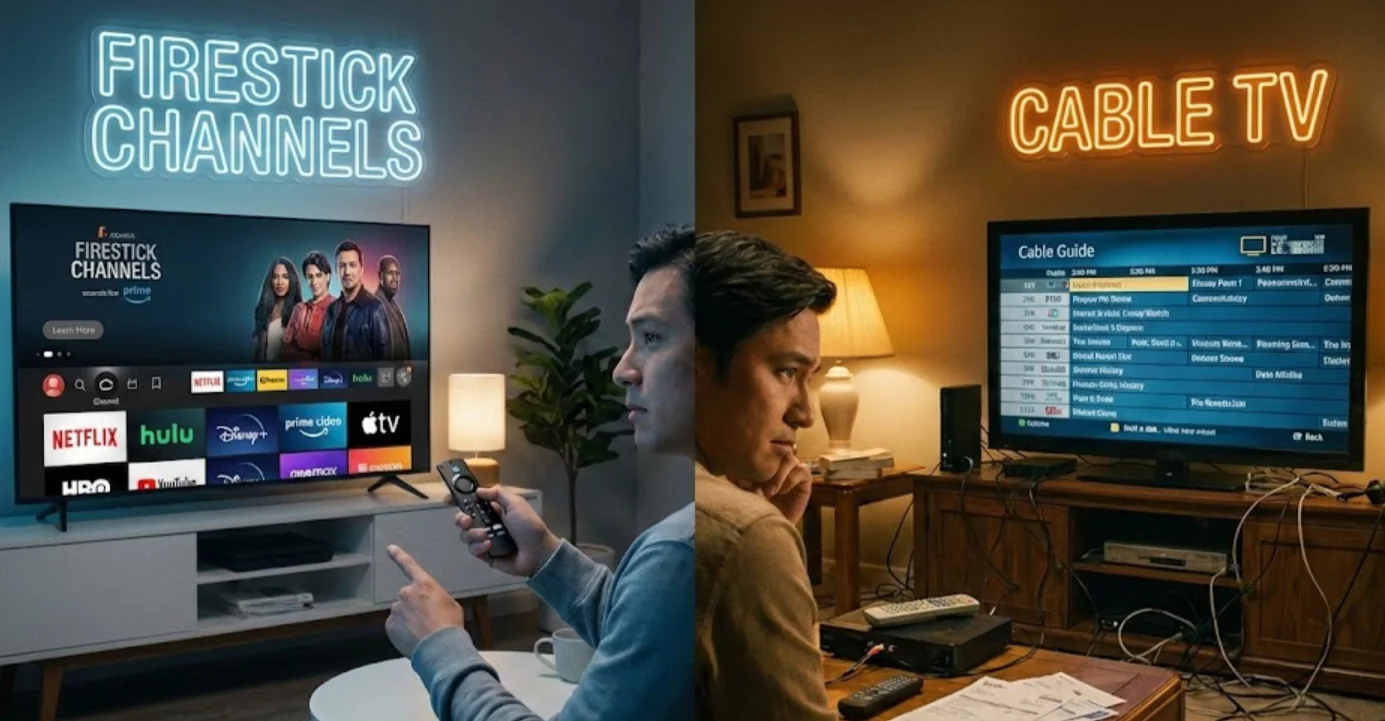
Now that you know how to access Firestick channels safely and protect your streaming, it’s easy to see why many users prefer a jailbroken Firestick over traditional cable TV. Beyond safety, Firestick offers flexibility, variety, and portability that cable simply can’t match. Here’s a detailed comparison across key dimensions:
| Dimension | Firestick Channels | Cable TV |
|---|---|---|
| Cost | Monthly subscription fees often range from $50–$200, plus hidden charges. | One-time device purchase; many channels and apps are free or low-cost. |
| Content Flexibility | Limited to pre-set channel packages; often pay for channels you never watch. | Stream only what you want — live TV, movies, sports, or international channels — all on demand. |
| Variety of Channels | Mostly local and national channels; limited international content. | Access global channels, live sports, news, kids’ programming, and on-demand apps like Kodi, Cinema HD, and CyberFlix TV. |
| Portability | Bound to your home address; difficult to take cable elsewhere. | Portable — works anywhere with internet access. Watch on hotel Wi-Fi, mobile hotspots, or a friend’s network. |
| Customization | Minimal; channel lineups and features are fixed by providers. | Highly customizable with add-ons, repositories, and app integrations for movies, sports, and international TV. |
| Privacy & Safety | Viewing habits may be tracked by ISP or provider. | Using VPN, you stay private, unlock geo-restricted content, and avoid ISP throttling or monitoring. |
| Setup & Maintenance | Requires professional installation and physical hardware (boxes, cables). | Simple plug-and-play setup; easy to add apps or update channels yourself. |
| Live Streaming Quality | Standard HD; may experience limited buffering control. | High-definition streams; VPN ensures smooth, uninterrupted streaming even for geo-restricted content. |
Cable locks you into contracts, fixed channel packages, and limited flexibility. A jailbroken Firestick gives you control, variety, and freedom, letting you watch what you want, wherever you are, without the high costs and restrictions of traditional cable.
Conclusion
Jailbroken Firestick channels in 2026 give you unparalleled access to live TV, movies, sports, and family content without expensive subscriptions. The key to maximizing this freedom is safety — using UFO VPN ensures your connection is private, secure, and buffer-free. By understanding the channels available and protecting your streaming, you can enjoy all the benefits of a modern entertainment setup while avoiding risks associated with free streams.
FAQs
Are jailbroken Firestick channels legal?
Yes, using a jailbroken Firestick itself is legal. The legality depends on the content you access — official apps and licensed streams are safe, while unlicensed or pirated content may be illegal.
Can I watch live sports on a jailbroken Firestick?
Absolutely. Many channels and apps provide real-time coverage of sports, including football, basketball, and international events. Some apps also offer on-demand replays for convenience.
Do I need a subscription to use jailbroken Firestick channels?
No, most jailbroken Firestick channels are free or low-cost. While some premium apps may require accounts, many popular apps provide movies, TV shows, and live channels without subscription fees.
Will jailbreaking my Firestick void the warranty?
No, jailbreaking does not alter the hardware and does not automatically void the Firestick warranty. However, installing unsafe apps could cause software issues.