What Is Unblocked Games 88?
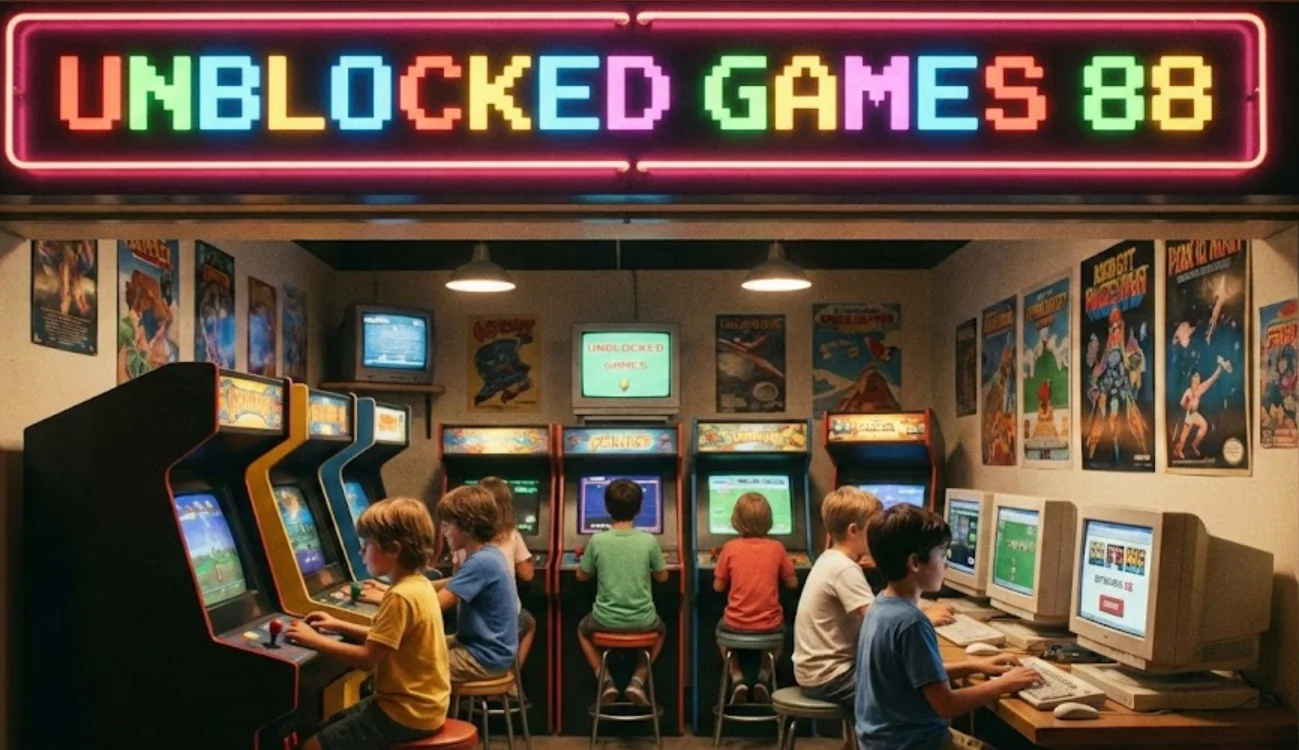
Before you rush to try and bypass your network's restrictions, it is crucial to understand what you are actually accessing.This part aims to clear up any confusion regarding the platform itself, ensuring you know exactly what you are getting into before you start clicking.
Unblocked Games 88 is essentially a website—often hosted on Google Sites or dedicated mirror domains—that curates a vast collection of HTML5 and Flash-emulated games. Unlike major gaming portals like Steam or Epic Games, which require downloads and heavy bandwidth, Unblocked Games 88 runs entirely in your browser.
The "Unblocked" part of the name refers to its primary function: these sites are specifically designed to bypass web filters used by schools, colleges, and workplaces. Administrators often block keywords like "game" or specific domains like "Roblox.com," but they frequently overlook obscure Google Sites or education-branded domains where Unblocked Games 88 often resides.
Key Features of the Platform:
-
No Downloads Required: Everything runs instantly in your browser.
-
Lightweight: Games are optimized for Chromebooks and older office PCs.
-
Variety: From shooters to puzzle games, the library is massive.
-
Stealth: It often looks like an educational page at first glance.
By understanding that this is a browser-based repository, you realize that the barriers to entry are low—but the barriers to access (the firewalls) are high. That is exactly where a free proxy VPN becomes essential, and it is what we need to tackle next.
How to Access Unblocked Games 88 Safely?
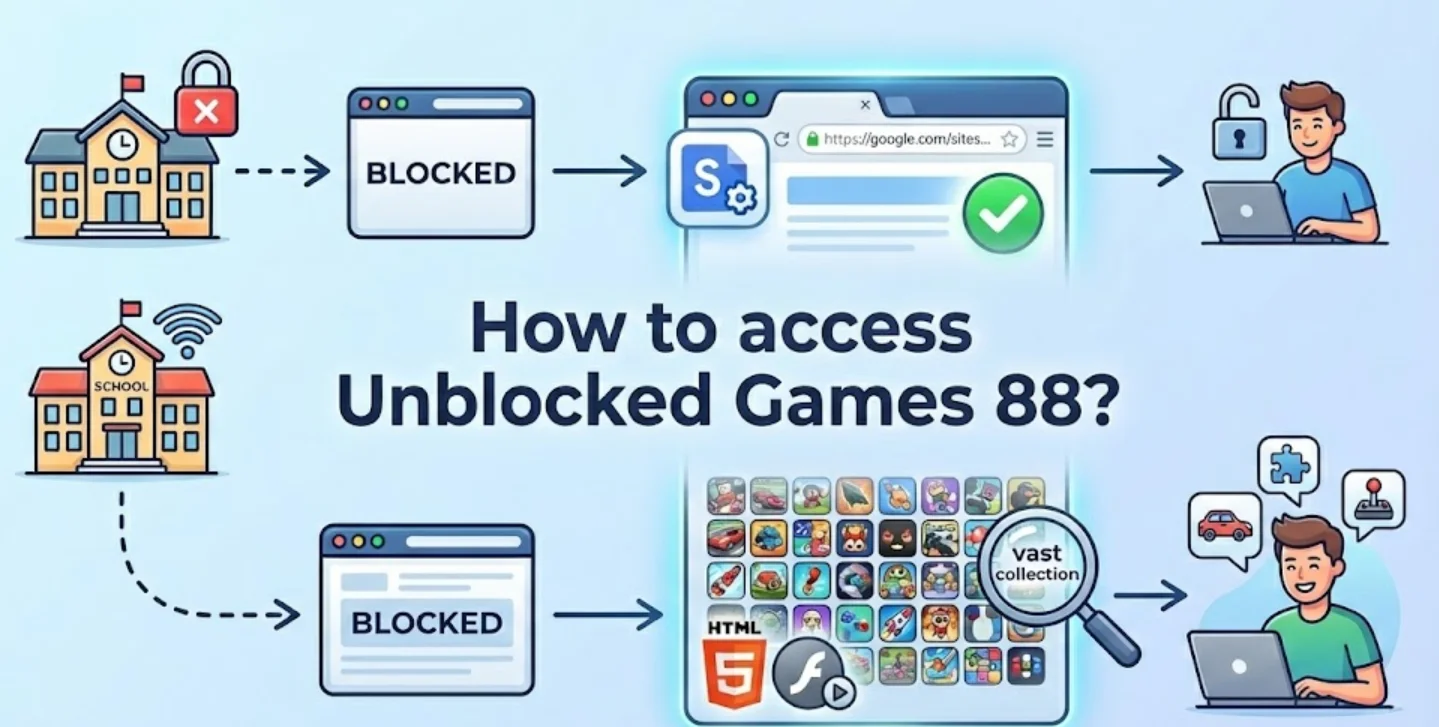
Now that you understand that Unblocked Games 88 is a legitimate repository of browser games (as discussed in the previous section), you are likely eager to jump in. In this part, we will help you is bridge the gap between knowing about the site and actually getting onto it without compromising your digital safety or getting caught by network administrators. Network administrators are constantly updating their blocklists. To access Unblocked Games 88 safely, you need a VPN that not only bypasses these restrictions but also encrypts your traffic so no one knows you are gaming.
Why You Need a VPN for Secure Gaming?
-
Avoid content blocks: Whether you are in a strict school network, a workplace, or a restricted region (e.g., Middle East, Asia), a VPN lets you bypass filters effortlessly.
-
Stay anonymous: Hide your IP address when browsing gaming sites. This prevents network admins from identifying your device as the one playing games during study hours.
-
Prevent tracking: Avoid ISP monitoring and data profiling. Your gaming habits are your business, not your internet provider's.
-
Access more content: Some game developers or hosting sites limit content by region. A VPN unlocks these geoblocked games, giving you access to the full global library.
Recommended Safe Tool: UFO VPN
The most reliable way to secure your connection and enjoy uninterrupted gameplay is UFO VPN.
-
Ad blocker and IP lookup tool for free: Unblocked game sites are notorious for pop-up ads. UFO VPN helps block these distractions so you can focus on the game.
-
Fast servers in over 100 countries: Connect to a location near the game server to reduce latency and lag.
-
No activity logs with advanced encryption: Enjoy peace of mind knowing your data is encrypted and your activity is never recorded.
-
Easy setup on mobile & desktop: Whether you are on a Chromebook, a school PC, or your phone, you can get set up in seconds.
Here's how you can set up UFO VPN for your device:


UFO VPN is an all-in-one VPN that offers unlimited access to 4K streaming like Netlfix, Disney Plus, no-ping gaming as PUBG, Roblox, CODM and social networking for YouTube, X, Facebook and more.




Unlock Pro Features
If you have upgraded to premium plan , feel free to enjoy premium servers for 4K streaming and advanced features like Kill Switch, Split Tunneling, and gaming acceleration. Your Mac is now fully optimized and protected. Inaddition to basic functions, we recommend you turn on

Verify Your IP Now
Use UFO VPN's " What is My IP " feature to see your new IP and location. This confirms your connection is secure, anonymous, and ready for safe browsing online anywhere at any time.







How to Enjoy Unlimited Gaming on Unblocked Games 88?
You have successfully masked your IP and bypassed the firewall using methods and tools like UFO VPN. However, getting access is only half the battle. There is nothing worse than finally loading your favorite game only to have it crash, stutter, or be interrupted by browser limitations. The following addresses the technical side of your gaming session, ensuring that once you are in, you can enjoy unlimited gaming on Unblocked Games 88 without technical hiccups ruining your high score.
Tips to Keep Playing Without Limits
Even with a fast VPN, your local hardware can bottleneck your performance. Here is how to keep things running indefinitely:
-
Clear Your Cache Regularly: Browser games store temporary files (cache) on your computer. Over time, this builds up and can slow down the loading times of new games. Go to your browser settings and clear your cache (images and files) once a week.
-
Close Unnecessary Tabs: Chrome and other browsers are notorious resource hogs. If you have 20 tabs open for homework or research while trying to play a graphic-intensive game, your computer will struggle. Close everything except the game tab.
-
Update Your Graphics Drivers: It sounds technical, but it’s simple. Ensure your computer’s drivers are up to date to handle HTML5 rendering efficiently.
-
Enable Hardware Acceleration: Check your browser settings to ensure "Use hardware acceleration when available" is turned on. This offloads the heavy lifting from your CPU to your GPU, making games run much smoother.
Best Browsers for Smooth Gaming
Not all browsers are created equal when it comes to rendering the scripts used by Unblocked Games 88.
-
Google Chrome: Generally the best all-rounder. It has the widest support for HTML5 and WebGL, which powers most modern browser games. However, it can be memory-heavy.
-
Mozilla Firefox: A great alternative if Chrome feels sluggish. Firefox is known for better privacy handling and can sometimes render media lighter than Chrome.
-
Opera GX: If you can install it, this is the "Gaming Browser." It allows you to limit how much RAM and CPU the browser uses, ensuring your game gets the resources it needs without crashing the system.
-
Microsoft Edge: Surprisingly capable. Since it is built on Chromium (same as Chrome) but optimized for Windows, it often provides a very stable experience for unblocked games on school PCs.
Best Unblocked Games You Can Play
Now that you have optimized your browser and secured your connection, you are sitting in front of a high-performance, unrestricted gaming setup. But this creates a new problem: the "Paradox of Choice." With hundreds of titles available, where do you start?
This section aims to curate the absolute best experiences available on the platform so you don't waste your free time scrolling through mediocre titles. Here are the top unblocked games you can play right now. The library at Unblocked Games 88 is vast, but a few titles stand out for their replayability, mechanics, and fun factor.
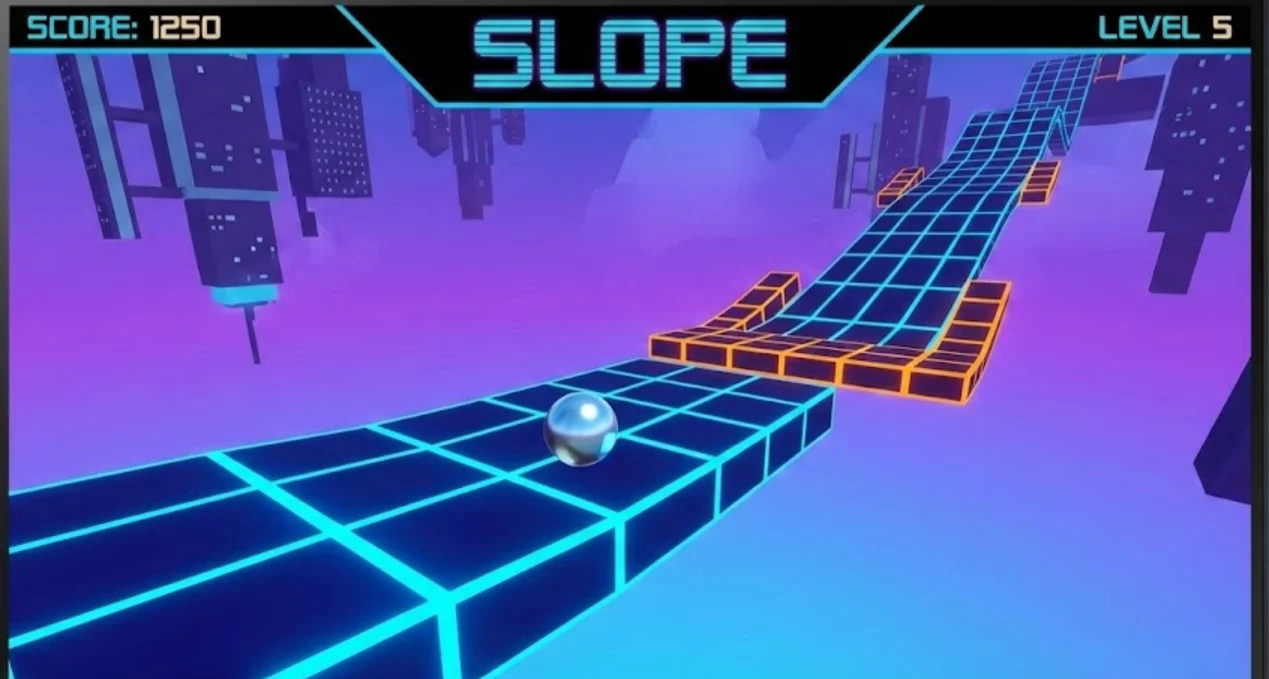
1. Slope
-
Genre: Arcade / Runner
-
Why play it: Slope is the quintessential unblocked game. You control a ball rolling down a futuristic, neon-green city that is constantly twisting and turning. The speed increases the further you go. It is a test of pure reflex and is incredibly addictive.
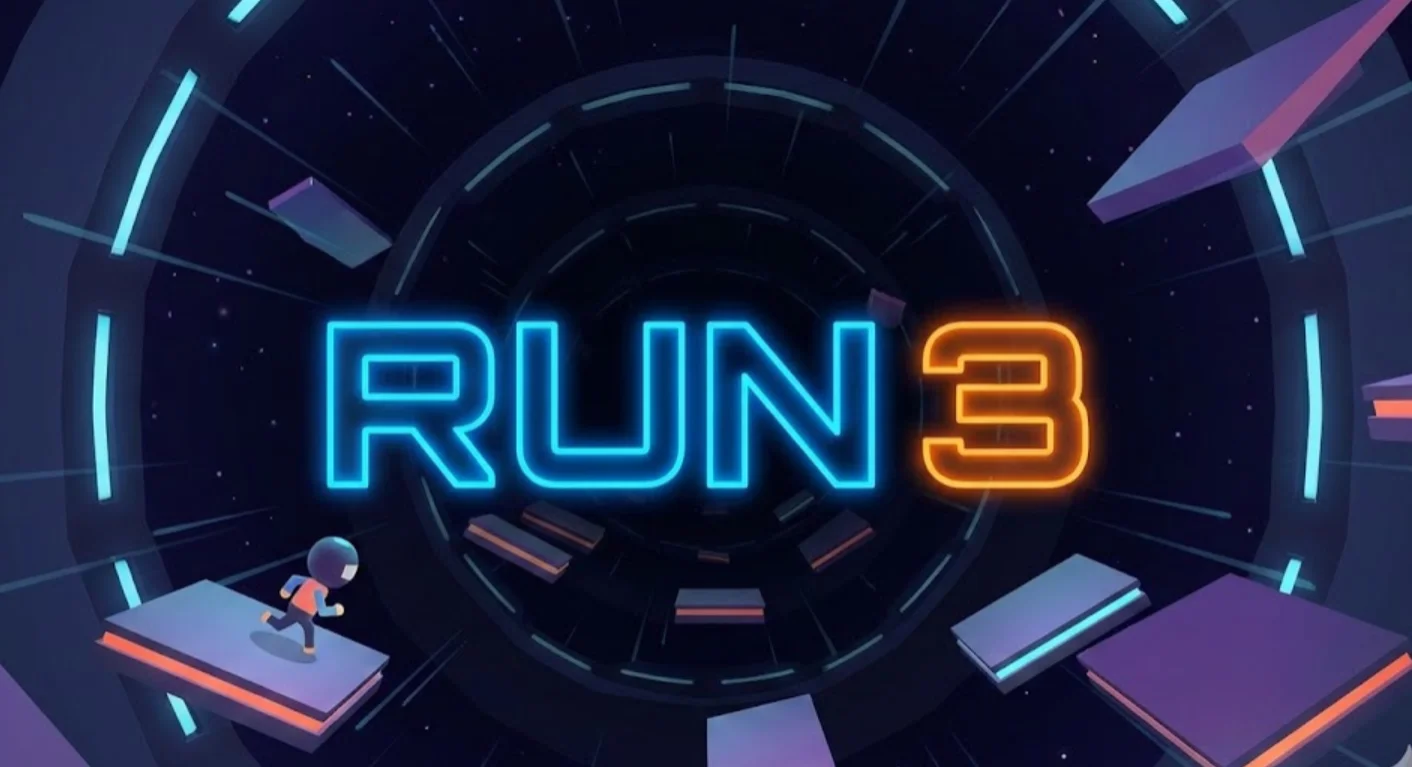
2. Run 3
-
Genre: Platformer
-
Why play it: You play as a little alien navigating a series of tunnels in space. The unique mechanic is that you can run on the walls and ceiling, which rotates the map. It has a massive amount of levels and unlockable characters, making it perfect for long gaming sessions.
3. Happy Wheels

-
Genre: Physics / Dark Humor
-
Why play it: A classic. You choose a character (like a man in a wheelchair or a father on a bike) and try to reach the finish line of an obstacle course. The catch? The physics are brutal, and you will likely lose a few limbs along the way. It is hilarious and challenging.
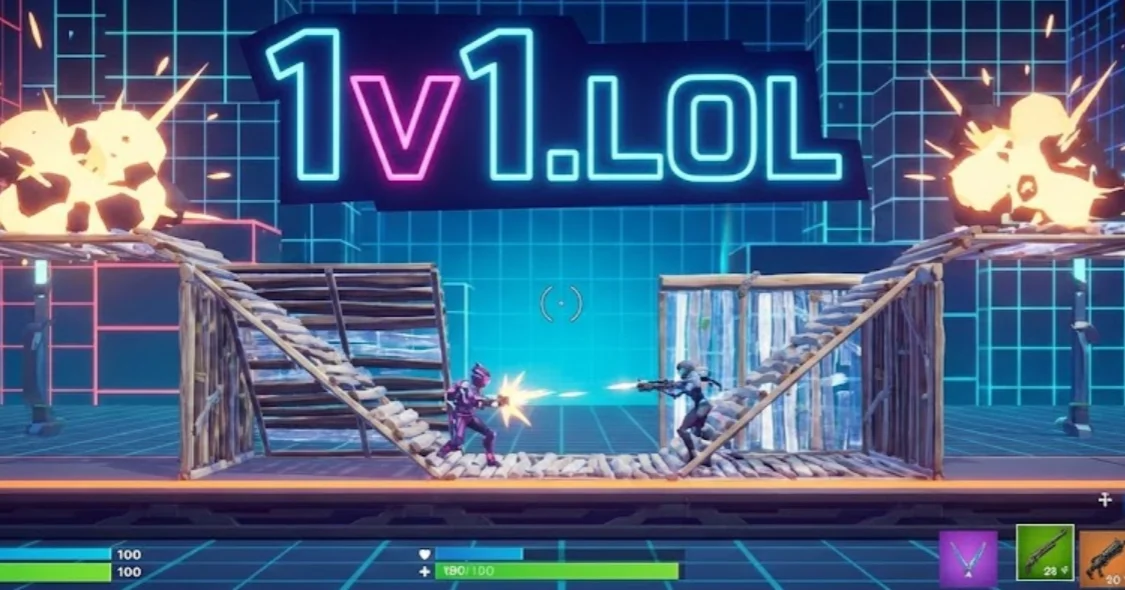
4. 1v1.LOL
-
Genre: Third-Person Shooter / Battle Royale
-
Why play it: If you love Fortnite but can't install it on your school PC, this is the best alternative. It is a browser-based shooter that includes building mechanics. You can practice your "cranking 90s" and aim against real players.
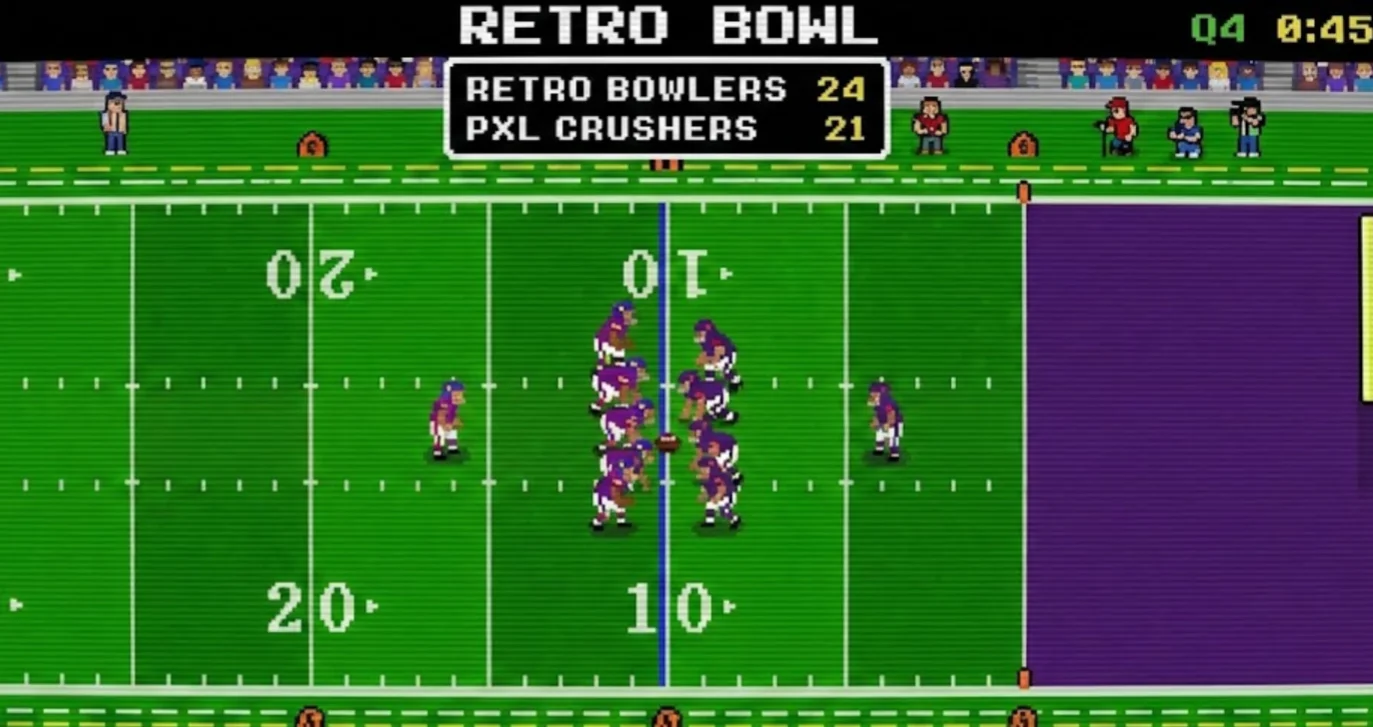
5. Retro Bowl
-
Genre: Sports
-
Why play it: A retro-style American football game where you manage a team and play the offense. It is surprisingly deep, allowing you to draft players, manage morale, and play exciting games with simple controls.
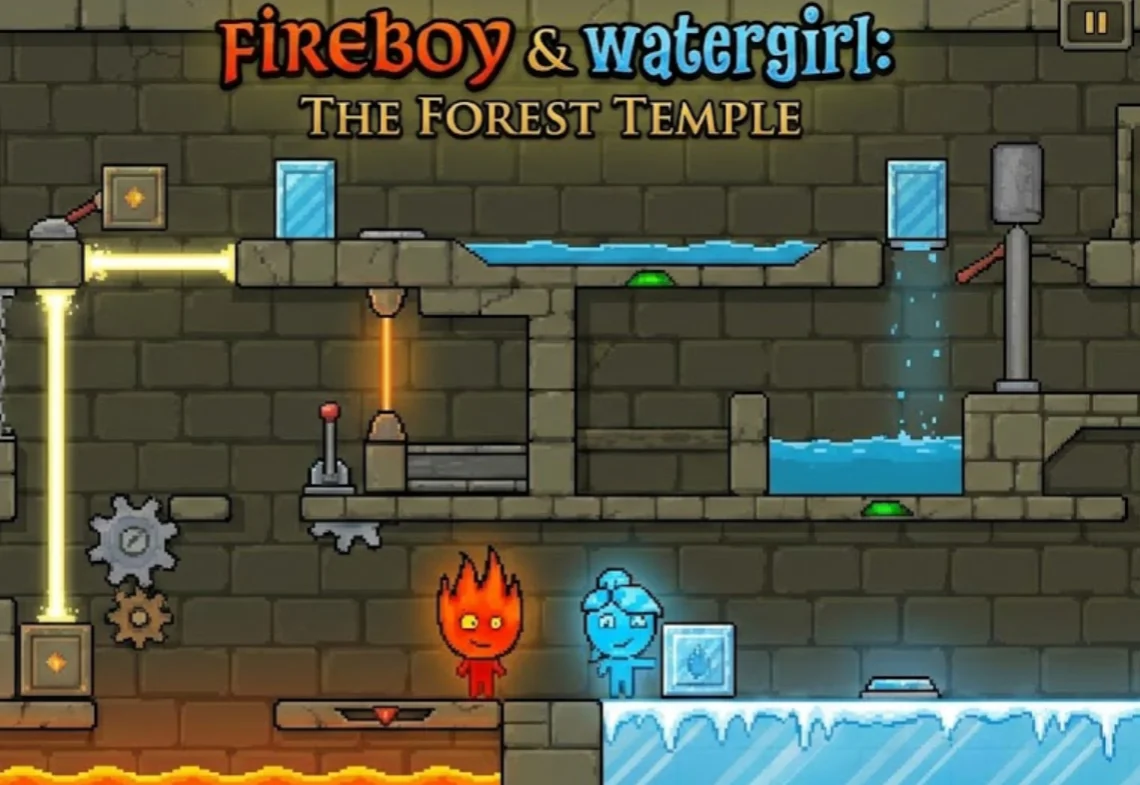
6. Fireboy and Watergirl
-
Genre: Puzzle / Co-op
-
Why play it: Perfect if you are sharing a keyboard with a friend. You must control two characters simultaneously (or with a partner) to solve elemental puzzles. It requires teamwork and coordination.
Conclusion
Accessing your favorite games shouldn't be a hassle, regardless of where you are. By understanding what Unblocked Games 88 is, you unlock a world of entertainment that is free and accessible. However, the key to a truly seamless experience lies in how you access it. We have explored the importance of bypassing restrictions safely, and there is no better tool for that job than UFO VPN. It provides the invisibility you need to get past firewalls and the speed you need to dominate the leaderboards. Combined with the right browser optimizations and a list of top-tier games, you are now equipped to turn any dull moment into an exciting gaming session. Don't let a firewall dictate your downtime. Secure your connection, choose your game, and play without limits.
FAQs
Is it legal to play on Unblocked Games 88?
Yes, playing browser games is completely legal. However, you should always be mindful of the acceptable use policy of the institution (school or workplace) where you are accessing the internet to avoid getting in trouble with administrators.
Do I need to create an account to play on Unblocked Games 88?
No, one of the biggest advantages of these platforms is that they rarely require registration. You can usually just click on a game thumbnail and start playing immediately, which helps protect your personal privacy.
Are unblocked game sites safe for my computer?
Most of these sites are generally safe, but because they rely on ads for revenue, some pop-ups can be malicious or misleading. It is highly recommended to use an ad-blocker or a secure browser to prevent accidental clicks on harmful links.
Why do schools and workplaces block these game sites?
Institutions primarily block these sites to preserve bandwidth for educational or work-related tasks and to minimize distractions. They use filtering software to blacklist domains that are categorized as "Gaming" or "Entertainment."