Why PC download speed get stuck
Before changing knobs, understand the bottlenecks. The most common causes are:
-
Access technology limits (DSL vs. cable vs. fiber vs. satellite vs. 5G). Different mediums cap throughput and respond differently to congestion.
-
Your ISP plan and policies (monthly data caps, ISP throttling of certain traffic like video/game downloads).
-
Home layout and interference (router distance, walls/floors, nearby electronics).
-
Device constraints (old Wi-Fi radios, slow CPUs, outdated network drivers, consoles downloading updates in the background).
-
Website/browser factors (heavy pages, buggy sites, overloaded mirrors, extensions consuming resources, too many tabs).
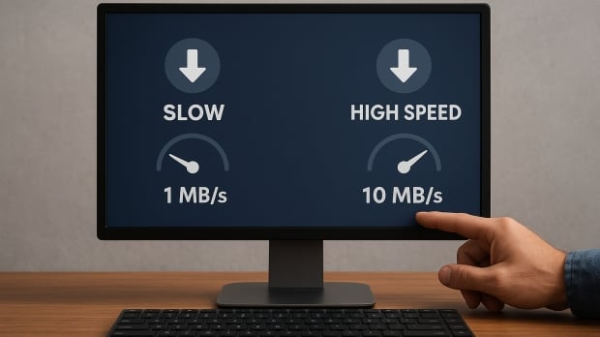
This landscape explains why a single “magic” trick rarely works. You’ll increase download speed on PC by stacking improvements across the connection, router, and device.
Quick checks that often fix the download speed
These take a few minutes and address the most common, reversible causes:
-
Restart your PC
A reboot clears zombie processes and resets network stacks that may be hogging bandwidth. It’s an easy first move to increase download speed on PC. -
Close background apps
Task Manager (Windows) shows network-hungry apps. Shut down game launchers, cloud sync, and video calls during big downloads. This alone can increase download speed on PC by freeing the pipe your downloader needs. -
Clear cache and cookies
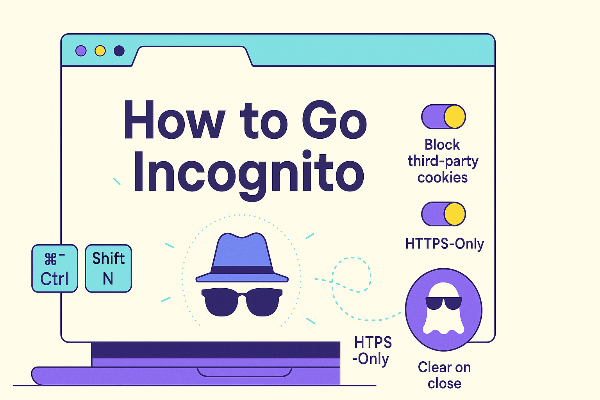
Browsers with bloated caches can stall or misbehave. Clear data (Chrome/Firefox/Edge/Brave paths are listed below) and relaunch your download. This can minimize odd stalls and improve reliability as you work to increase download speed on PC.
Clear paths (summarized from the article):
-
Chrome: Settings → Privacy and security → Clear browsing data → Cookies + Cached images/files → Clear.
-
Firefox: Settings → Privacy & Security → Clear Data → Cookies + Cached Web Content → Clear.
-
Edge: Settings → Privacy, search, and services → Clear browsing data → Choose what to clear → Cookies + Cached images/files → Clear now.
-
Brave: Settings → Privacy and security → Clear browsing data → Cookies + Cached images/files → Clear.
-
Pause other downloads
If several downloads run at once, each gets a slice of bandwidth. Queue them sequentially to increase download speed on PC for the file you need now. (Download managers can help; see below.)
Router and Wi-Fi tweaks that add up
-
Power-cycle and update firmware
If all devices are slow, restart the router/modem. Then log in to the admin page to check for firmware updates; vendors frequently ship stability and speed improvements. This is a foundational step to increase download speed on PC across your home. -
Optimize QoS (Quality of Service)
Prioritize your downloader, Steam/Epic client, or work app. Proper QoS can prevent a background TV stream from starving your big file and increase download speed on PC during busy hours. -
Choose the right band and placement
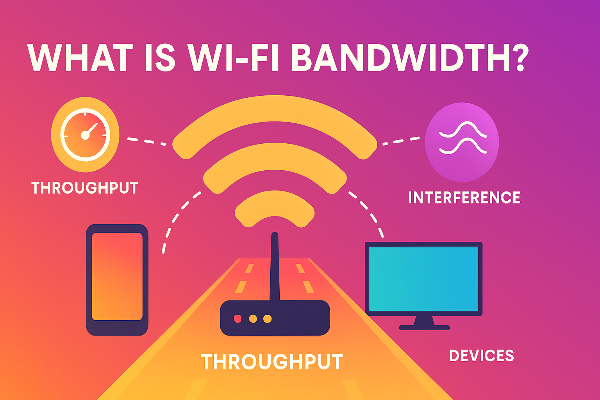
Use 5 GHz when you’re close to the router for higher throughput; use 2.4 GHz to reach farther rooms. For best results, move your PC/router to reduce walls and interference. These choices measurably increase download speed on PC over Wi-Fi. -
Prefer Ethernet for big jobs
A wired connection is more stable, secure, and usually faster than Wi-Fi. If you can temporarily run a cable for that 100 GB game, do it—you’ll increase download speed on PC and reduce retries/timeouts. -
Disconnect idle devices
Consoles, tablets, smart TVs, and cameras silently consume bandwidth or download updates. Disconnect or pause them to increase download speed on PC for the task at hand.
PC and browser optimizations that sustain gains

-
Keep drivers current
Update your network adapter (Device Manager → Network adapters) and motherboard chipset drivers. Old drivers cap throughput and add latency. This helps increase download speed on PC consistently. -
Trim extensions and tabs
Extensions can inject CPU and network overhead. Disable non-essentials and keep only the active download tab. A lean browser helps increase download speed on PC by reducing contention. -
Use trustworthy mirrors and download managers
When a site is overloaded, switch to an official mirror or CDN-backed source. A download manager can queue files, resume after drops, and maximize one file at a time—another way to increase download speed on PC under load. -
Scan for malware
Unexpected spikes in data usage or CPU could be malware consuming bandwidth. Run a reputable antivirus/malware scan; removing infections can rapidly increase download speed on PC by reclaiming resources.
Stop ISP throttling with a VPN for PC
Many providers manage congestion by shaping certain categories (e.g., video, torrents, game CDNs). If your heavy downloads slow at predictable hours, ISP throttling could be at play. A free proxy VPN in UFO VPN routes your traffic through an encrypted tunnel so your ISP can’t identify and selectively slow the specific content. That can increase download speed on PC when throttling—not by “making your line faster,” but by neutralizing category-based limits.
Where UFO VPN fits
-
Strong encryption: AES-256 keeps traffic private end-to-end.
-
Fast backbone: 10 Gbps-class servers and smart routing help maintain high throughput for big downloads.
-
Global coverage: 100+ countries and 2000+ servers (typical of a top-tier network) make it easy to find a nearby, uncongested route.
-
No-logs posture, kill switch, and split tunneling: Protects privacy, drops traffic if the tunnel fails, and lets you route only your downloader through the VPN while other apps use regular internet—useful to increase download speed on PC for specific tasks without impacting everything else.
-
Multi-device support: Secure up to 6 devices—keep consoles and laptops protected during peak download days.
How to try it


UFO VPN is an all-in-one VPN that offers unlimited access to 4K streaming like Netlfix, Disney Plus, no-ping gaming as PUBG, Roblox, CODM and social networking for YouTube, X, Facebook and more.




Unlock Pro Features
If you have upgraded to premium plan , feel free to enjoy premium servers for 4K streaming and advanced features like Kill Switch, Split Tunneling, and gaming acceleration. Your Mac is now fully optimized and protected. Inaddition to basic functions, we recommend you turn on

Verify Your IP Now
Use UFO VPN's " What is My IP " feature to see your new IP and location. This confirms your connection is secure, anonymous, and ready for safe browsing online anywhere at any time.







If your slowdowns were due to ISP throttling, you’ll often see the VPN tunnel increase download speed on PC by restoring fair, unshaped throughput. (If the bottleneck is purely at the source server or your local Wi-Fi, fix those first for best results.)
Advanced settings for power users
-
DNS and resolvers
Switching DNS rarely changes raw download throughput, but it can speed up link resolution to the closest CDN node, which may effectively increase download speed on PC for multi-part downloads. Many users choose a well-peered resolver (or your VPN’s private DNS) for reliability. -
MTU sanity
A wildly mismatched MTU triggers fragmentation and retransmissions. Most users should keep defaults, but if you see persistent packet loss on a specific network, testing a slightly lower MTU can stabilize transfers and increase download speed on PC indirectly. -
Parallelism vs. single-stream
Some servers cap per-connection speed. A good download manager can open a few parallel chunks (respecting server rules), often helping increase download speed on PC; conversely, on unstable lines, one steady stream may win. -
Router channel planning
In dense apartments, manually choosing a clean 5 GHz channel can reduce interference. Use your router’s scanner or a Wi-Fi analyzer to pick a quieter channel and increase download speed on PC wirelessly.
When upgrades are the right answer
-
Replace aging routers
Older Wi-Fi 4/5 hardware and 100 Mbps switches are silent limiters. A modern Wi-Fi 6/6E router and gigabit switch can immediately increase download speed on PC across the LAN. -
Move to faster access
If you’re on DSL or low-tier cable, upgrading to higher-tier cable or fiber is the most reliable way to increase download speed on PC. Check if you’ve hit a data cap that triggers ISP throttling, and consider plans without harsh shaping. -
Know “good enough” targets
For most households, 100 Mbps sustains HD streaming, video calls, and gaming for several users; heavier users may want 300–600 Mbps or gigabit to comfortably increase download speed on PC during peak hours.
FAQs
Why are my downloads slow even if a speed test looks fine?
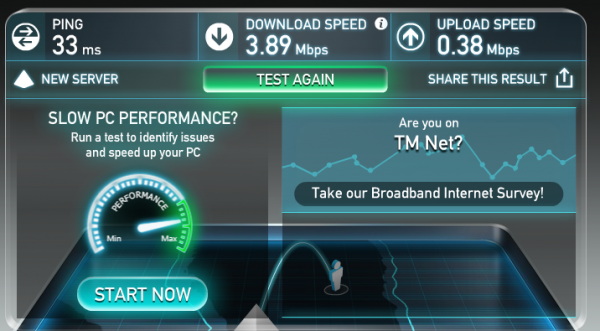
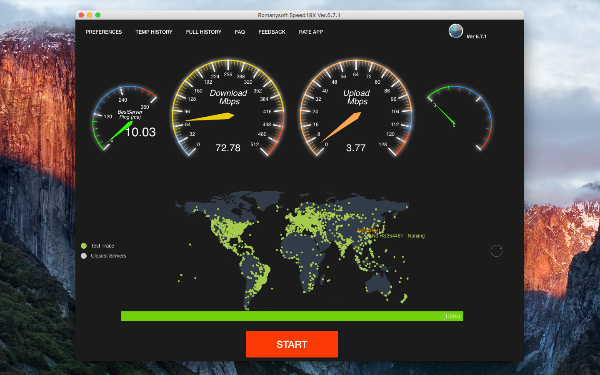
A speed test targets a nearby server optimized for testing, while your file might be coming from a congested mirror, via poor peering, or during ISP throttling windows. Try a different mirror, wire in via Ethernet, and test UFO VPN to mask traffic categories. These steps often increase download speed on PC in real-world scenarios.
Will more RAM or an SSD make downloads faster?
RAM and SSDs make your system snappier but don’t raise your line speed. They can improve decompression and install times after the download, but not the network rate itself.
Is 100 Mbps “fast”?
For many households, yes—it supports work-from-home, HD streaming, and online gaming for several devices. Power users will benefit from higher tiers to consistently increase download speed on PC during simultaneous downloads.
How exactly does a VPN help with download speed?
A VPN for PC encrypts traffic so your ISP can’t see or categorize it. If your slowdowns were policy-based (e.g., video/torrent/game throttling), the ISP can’t selectively slow that class—so you may increase download speed on PC. If the bottleneck is the source server or your Wi-Fi, fix those first.