Get Smooth Access Before Entering Any Movie Site
Before you start visiting new streaming websites, you must prepare your device. Free movie sites are generally safe, but the internet can be unpredictable. You need to ensure your connection is fast, your data is private, and your computer is protected from unwanted software. Here are the essential steps to take.
1️⃣ Use a VPN
A Virtual Private Network (VPN) is a tool that hides your online activity and changes your virtual location. This is very important for streaming. First, it protects your privacy so your internet service provider cannot see what you are watching. Second, it allows you to unlock websites that might be blocked in your country.
For the best experience, we recommend UFO VPN. It is known for having very fast servers that help you stream movies in high quality without buffering or lagging.
To use it, simply follow the steps below:


UFO VPN is an all-in-one VPN that offers unlimited access to 4K streaming like Netlfix, Disney Plus, no-ping gaming as PUBG, Roblox, CODM and social networking for YouTube, X, Facebook and more.




Unlock Pro Features
If you have upgraded to premium plan , feel free to enjoy premium servers for 4K streaming and advanced features like Kill Switch, Split Tunneling, and gaming acceleration. Your Mac is now fully optimized and protected. Inaddition to basic functions, we recommend you turn on

Verify Your IP Now
Use UFO VPN's " What is My IP " feature to see your new IP and location. This confirms your connection is secure, anonymous, and ready for safe browsing online anywhere at any time.







2️⃣ Use a Safe Browser
Your web browser is your first line of defense against bad websites. Old browsers may have security holes that hackers can use. You should use a modern browser like Google Chrome, Mozilla Firefox, or Microsoft Edge.
Make sure your browser is always updated to the latest version. These updates often contain security fixes that stop malicious codes from running when you visit a webpage. A modern browser also supports the latest video players, ensuring that movies play smoothly without errors.
3️⃣ Install an Ad-Blocker Plugin

Free streaming sites rely on ads, but sometimes these ads can be aggressive. They might open new windows (pop-ups) or cover the video player, making it hard to click "Play."
Installing an ad-blocker extension on your browser can solve this. Tools like uBlock Origin or Adblock Plus stop these annoying windows from opening. This not only makes the site look cleaner but also protects you from clicking on fake download buttons that could harm your computer.
4️⃣Keep Your Device Safe
Even with a safe browser, you should always have antivirus software running on your computer or phone. Free movie sites sometimes host third-party ads that might try to download small, harmful files to your device.
Ensure your Windows Defender or other antivirus software is active and up to date. Regular scans will catch and remove any bad files before they can cause damage. This layer of safety lets you browse and watch movies with peace of mind.
10 Best Movie Streaming Sites Like Tubi TV
If you are ready to explore new content, here are the ten best alternatives to Tubi TV. These sites are legal, free to use, and offer a wide range of movies and TV shows.
1. Pluto TV
Pluto TV is one of the most popular free streaming services in the world. Owned by Paramount Streaming, it operates differently from most sites. Instead of just a list of movies to pick from, it looks like a digital cable TV guide. It has hundreds of "channels" that play content 24/7.
You can watch news, sports, comedy, and specific movie genres just like you would on a traditional TV. It also has an "On Demand" section if you prefer to pick a specific movie.
Pros:
- Feels like real cable TV with a familiar guide interface.
- Offers huge support from major movie studios.
- Includes reputable news channels like CBS News and CNN.
- No account is needed to start watching.
Cons:
- The channel guide can be overwhelming for new users.
- You cannot pause or rewind live TV channels.
2. Amazon Freevee
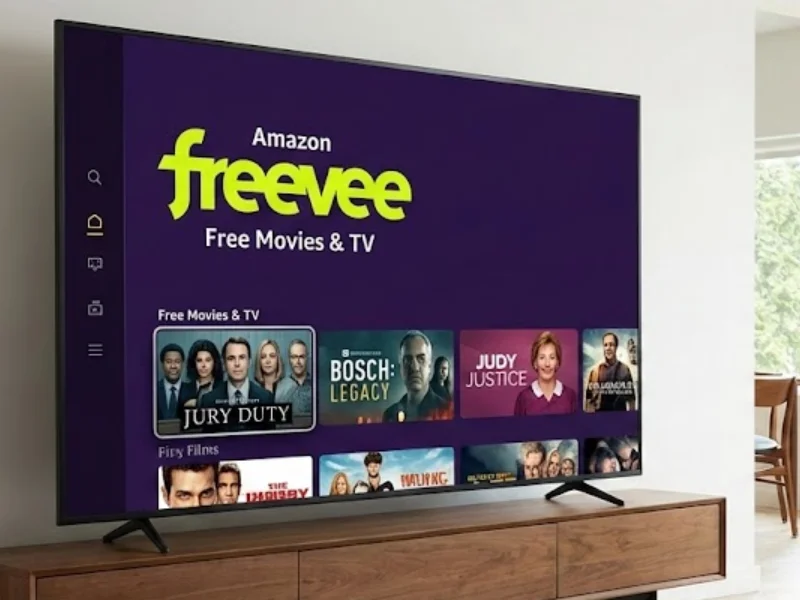
Formerly known as IMDb TV, Freevee is Amazon's free, ad-supported streaming service. Because it is backed by Amazon, the quality of the content is very high.
You will find popular Hollywood movies, famous TV shows, and even exclusive "Freevee Originals" that you cannot find anywhere else. The video quality is excellent, often reaching 1080p or 4K. It integrates perfectly if you already use Amazon Fire TV devices, but it also works well in any web browser.
Pros:
- High-budget original TV shows and movies.
- Very high video and audio quality.
- User-friendly interface similar to Prime Video.
Cons:
- Requires an Amazon account to watch.
- Ads can be quite long compared to other sites.
- The interface is heavily mixed with paid Prime Video content.
3. Crackle
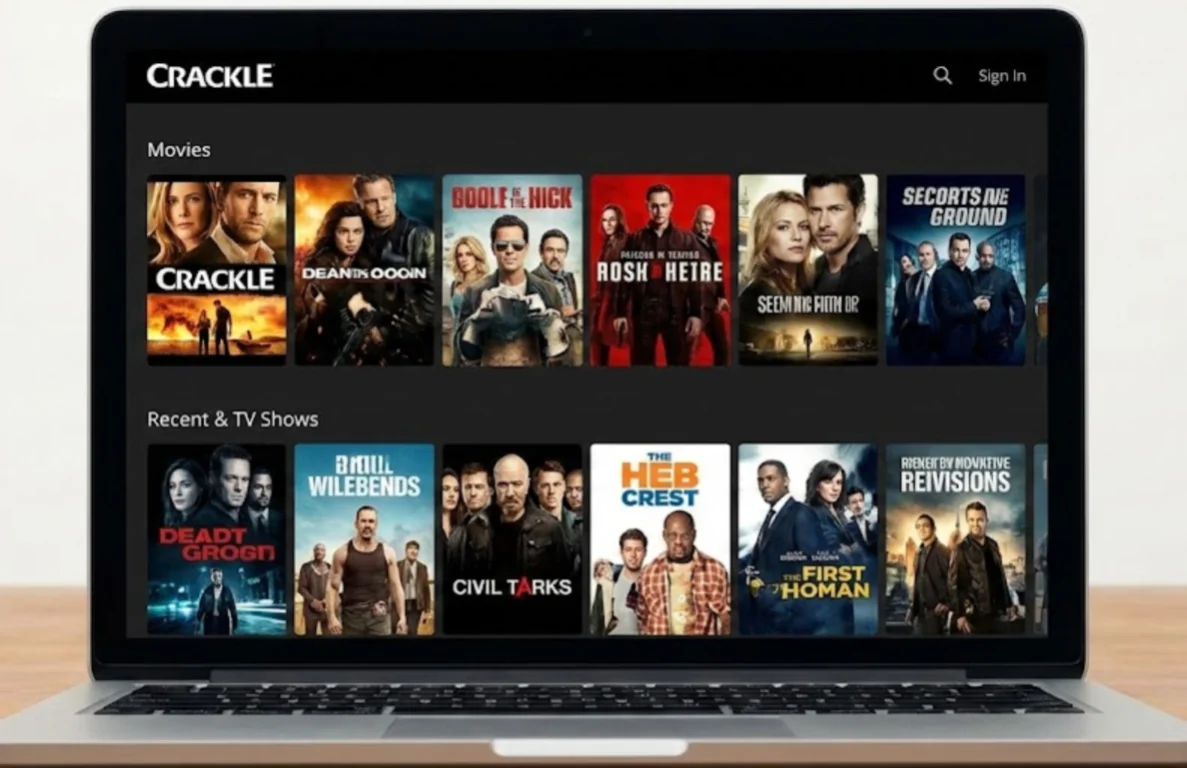
Crackle is one of the oldest names in the free streaming game. It was originally owned by Sony, which meant it had a lot of great Sony movies. Now, it is owned by Chicken Soup for the Soul Entertainment.
It still hosts a solid library of action, comedy, and horror movies. Crackle also produces its own original shows. The site is reliable and legal, making it a safe bet for a movie night. It has a "Watch Later" feature that helps you build a list of things you want to see.
Pros:
- Produces exclusive original content.
- Does not require you to sign up to watch.
- Works on almost all phones, TVs, and game consoles.
Cons:
- The library is smaller than Tubi or Pluto TV.
- The video player design feels a bit outdated.
4. Plex
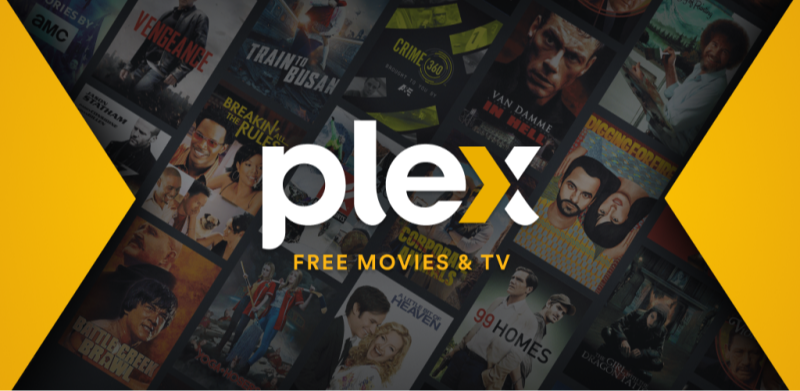
Plex started as a tool for people to organize their own personal media files, but it has grown into a massive free streaming service. Plex offers over 20,000 free movies and shows on demand. Like Pluto TV, it also offers over 200 live TV channels.
One of the best things about Plex is its availability; it works on almost any device you can think of. The search function is powerful, helping you find content across its free library and your own files if you have them.
Pros:
- Combines your personal media with free online content
- Huge selection of Live TV channels
- Available globally in over 220 countries
- Clean and modern user interface
Cons:
- The menu can be confusing because it has so many features
- Some live channels are just looping clips, not full shows
5. Vudu (Fandango at Home)
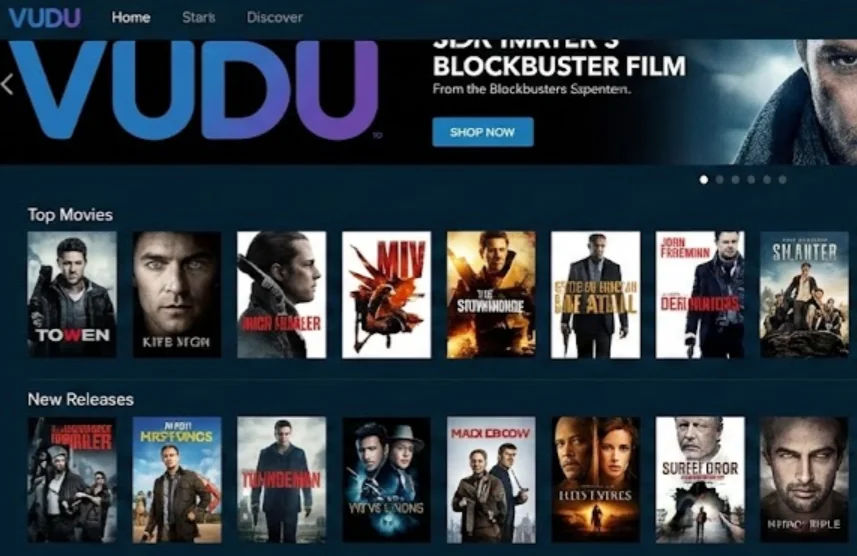
Vudu is primarily a store where you rent or buy digital movies, but it has a very large "Movies On Us" section. This section allows you to watch thousands of movies and TV episodes for free with ads. Because Vudu is a store, they often get newer movies faster than other free sites. The video quality is top-tier, often supporting HDX (1080p). You do need to create an account to watch, but it is free to sign up.
Pros:
- Access to newer movies that are not on other free sites.
- High-definition video quality (1080p).
- Family-friendly features like "Family Play" to skip bad language.
Cons:
- You must create an account and log in.
- The mix of free and paid content can be confusing.
- Offline viewing is not allowed for free titles.
6. The Roku Channel
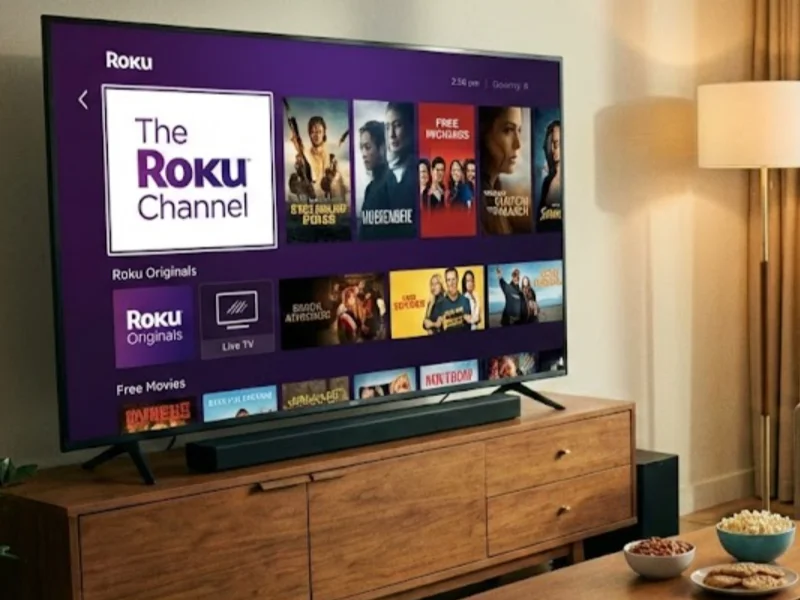
You do not need a Roku device to watch The Roku Channel. It is available to everyone via a web browser. This site has become a major player in free streaming. It offers a premium selection of movies, TV series, and live news. Roku has also started buying exclusive content, such as the library from the short-lived Quibi service (now branded as Roku Originals). The site is clean, fast, and very easy to navigate.
Pros:
- Includes premium originals and exclusive shows.
- Very few ads compared to cable TV.
- Simple and fast website design.
Cons:
- US-focused content availability.
- Search options are basic on the web version.
7. Popcornflix
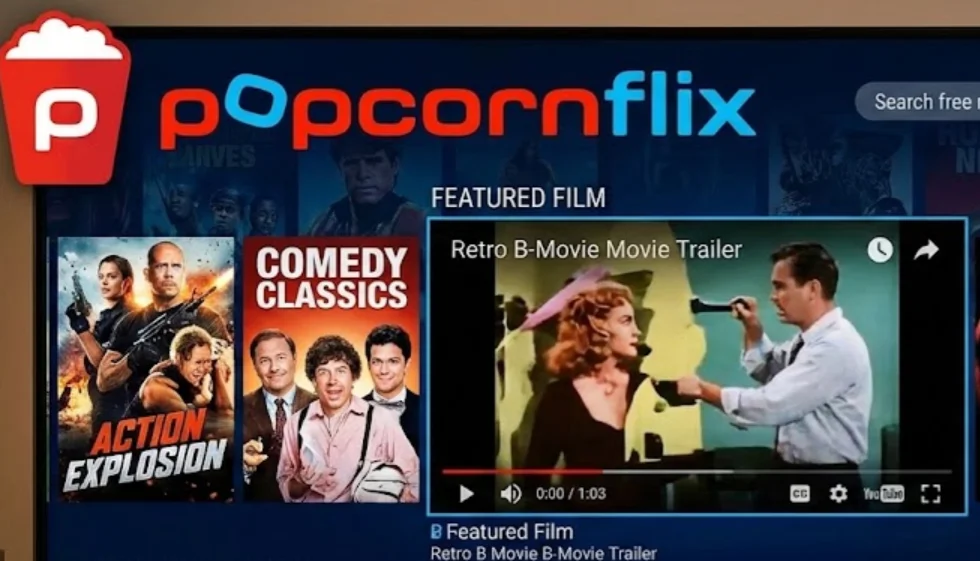
Popcornflix is another service owned by Chicken Soup for the Soul Entertainment. It focuses on being simple and direct. You open the site, click a movie, and it plays. There is no need for complex menus. While it has some big Hollywood hits, Popcornflix is famous for having a lot of B-movies, indie films, and hidden gems that you might not find elsewhere. If you like discovering weird or unique movies, this is a great place to look.
Pros:
- No account or subscription is required.
- Great for finding unique, independent, and cult movies.
- The interface is very straightforward.
Cons:
- Video quality is often lower (DVD quality) than competitors.
- Lots of older movies, fewer new releases.
8. Kanopy
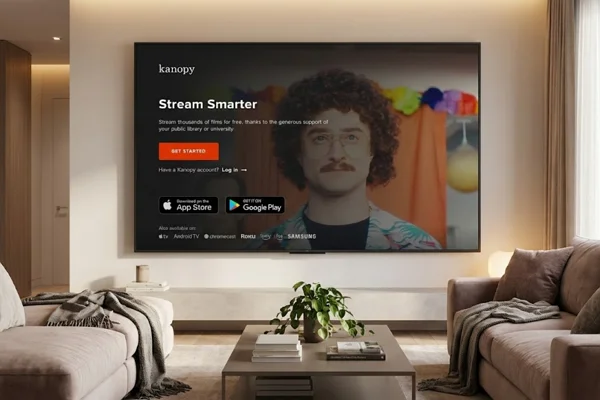
Kanopy is different from every other site on this list because it is ad-free. It is a service provided by public libraries and universities. If you have a library card or a university login, you can watch critically acclaimed films, documentaries, and foreign cinema for free. The selection is curated and high-quality, focusing on educational and artistic value rather than just mindless entertainment.
Pros:
- Completely free with no advertisements
- High-quality library including Criterion Collection films
- Educational and kids' section (Kanopy Kids) is excellent
Cons:
- You strictly need a valid library card or student ID
- Some libraries limit how many movies you can watch per month
9. Hoopla Digital
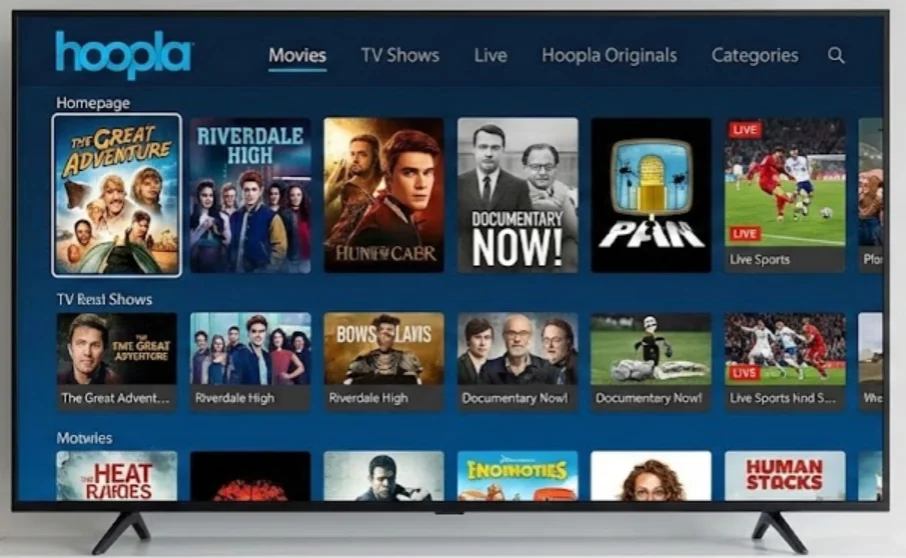
Like Kanopy, Hoopla is a digital service offered by local libraries. However, Hoopla offers more than just movies. It also has e-books, comics, and music. For video streaming, it functions similarly: you use your library card to borrow digital titles. The selection on Hoopla is often a bit more mainstream and commercial than Kanopy.
Pros:
- No ads at all.
- Includes comics and music alongside movies.
- Downloads are available for offline viewing on mobile.
Cons:
- Requires a library card.
- Strict limits on the number of monthly borrows.
10. Xumo Play
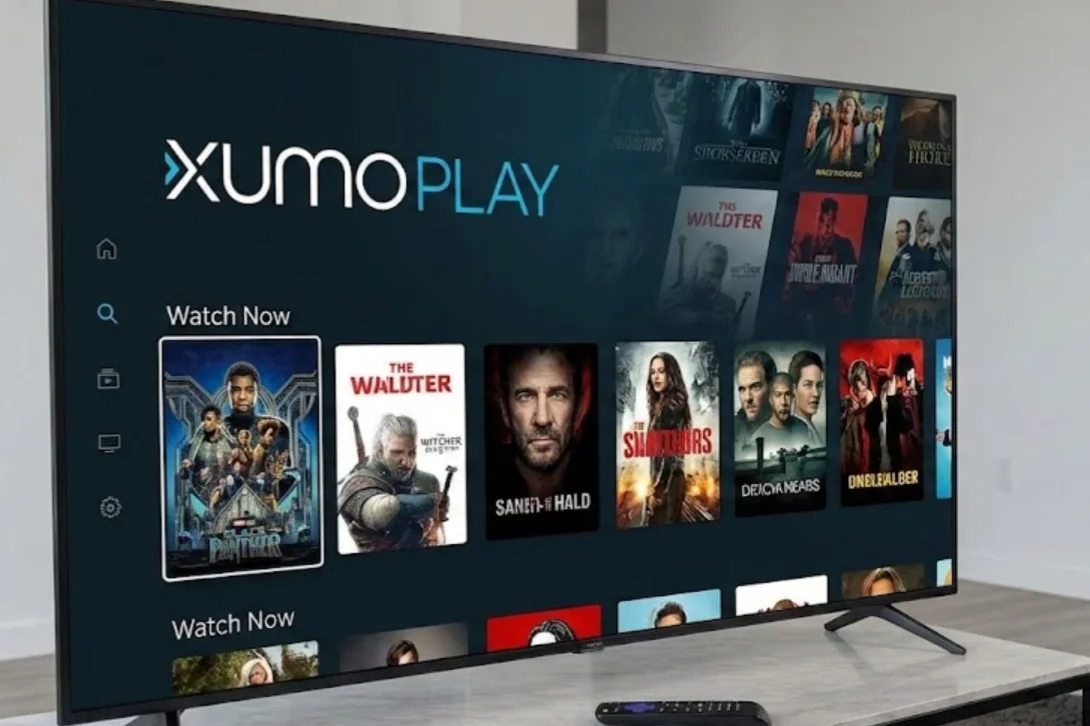
Xumo Play is very similar to Pluto TV. It is a free, ad-supported TV service owned by Comcast and Charter. It offers over 290 channels across genres like news, comedy, sports, and movies. It runs smoothly and offers a good "lean back" experience where you just let the TV play. It is often pre-installed on many smart TVs, but the website works great for everyone else.
Pros:
- No registration is needed.
- Hundreds of live channels to flip through.
- Works very fast on most devices.
Cons:
- The on-demand movie library is smaller than Tubi.
- Repeated ads can occur on live channels.
Why Switching to Tubi TV Alternatives
While Tubi TV is a great service, relying on just one website for all your entertainment has its downsides. Exploring other options can give you a better viewing experience for several reasons.
💡 More Content Choices
No single streaming platform owns the rights to every movie or TV show. Although Tubi TV offers thousands of titles, it may not include certain genres such as classic films, Asian dramas, or niche documentaries. Licensing agreements change often, and titles are removed regularly.
When a movie leaves one platform, it may appear on another service soon after. Using multiple streaming sites increases the chance of finding the exact title you want without long delays.
💡 Avoiding Geo-Restrictions
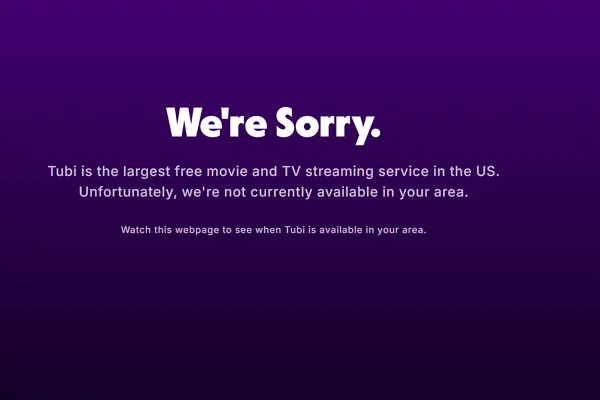
Tubi TV is officially available only in selected countries. When traveling outside supported regions, access may be blocked. Other streaming services operate under different licensing agreements and may work in Europe, Asia, or other markets. Switching between platforms allows viewers to choose a service that functions properly in their current location.
💡 Fewer or Different Ads
Free streaming services rely on advertisements for revenue, but the number and timing of ads vary. Some platforms insert ads every few minutes, while others place them only at the start of a movie. If ad breaks feel too frequent on one site, another free platform may offer a better balance between ads and viewing time.
💡 Preference for Live TV Channels
Tubi TV mainly focuses on on-demand content. While it provides some live channels, other services place a stronger emphasis on live programming.
Platforms built around live TV offer scheduled channels similar to traditional cable. This format suits viewers who prefer browsing channels and watching content in real time rather than selecting individual titles.
Final Verdict
There is no reason to limit yourself to just one streaming site. While Tubi TV is excellent, alternatives like Pluto TV, Amazon Freevee, and Plex offer different libraries and features that can improve your entertainment life.
Some are better for live news, while others are perfect for finding high-quality movies. By using the smooth access tips mentioned earlier, especially using a reliable VPN and ad-blocker, you can safely enjoy endless hours of free content.
FAQs
Is it legal to use these Tubi TV alternatives?
Yes, all the websites listed in this article are 100% legal. They operate by showing advertisements to pay for the content licenses. You will not get in trouble for watching movies on sites like Pluto TV, Freevee, or Crackle.
Do I need to create an account to watch movies?
Most of these sites, including Pluto TV, Roku Channel, and Popcornflix, allow you to watch immediately without an account. However, sites like Amazon Freevee and Vudu require you to sign in to verify your age and keep track of your watchlist.
Can I watch these sites on my mobile phone?
Yes. All ten sites listed have official apps available on both the Apple App Store (iOS) and Google Play Store (Android). You can download them and watch movies on the go using Wi-Fi or mobile data.
Why do some movies disappear from these sites?
Free streaming sites license movies from studios for a specific time, usually a few months. When the contract ends, the movie is removed. However, new movies are added constantly to replace the ones that leave.
Are these sites safe for children?
Most of these platforms have specific "Kids" sections or parental control settings. For example, Kanopy has "Kanopy Kids," and Popcornflix has a separate kids' portal. Always check the ratings, but generally, they offer safe environments for children.