What Is the Blooket Join Game?
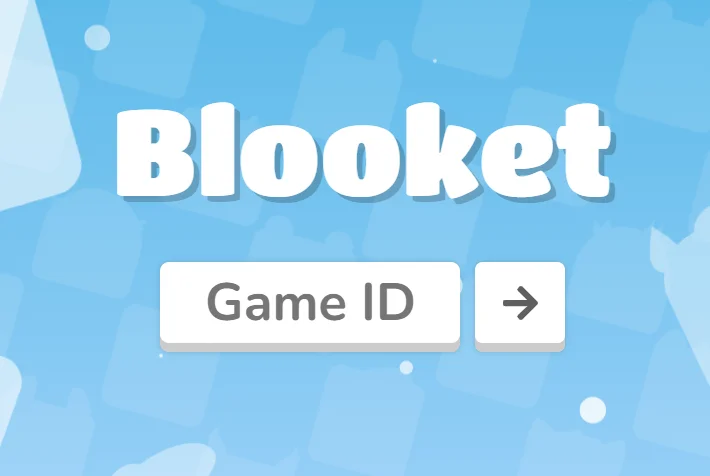
The Blooket Join Game feature allows players to enter a live Blooket session hosted by a teacher or game organizer. Instead of creating your own game, you simply join using a Game ID.
Key points about Blooket Join Game:
-
No download required
-
Works on desktop, tablet, and mobile
-
Can be played as a guest or with an account
-
Supports free gameplay in most modes
This makes Blooket ideal for classrooms, remote learning, and fun trivia sessions with friends.
How to Safely Play Blooket Join Game
Playing online games safely is important, especially for students. Here’s how to safely play Blooket Join Game without risking your device or privacy.
Use a Trusted VPN
A free proxy VPN in UFO VPN can:
-
Protect your IP address
-
Prevent network tracking on public Wi-Fi
-
Help access games on restricted networks (like schools)


UFO VPN is an all-in-one VPN that offers unlimited access to 4K streaming like Netlfix, Disney Plus, no-ping gaming as PUBG, Roblox, CODM and social networking for YouTube, X, Facebook and more.




Unlock Pro Features
If you have upgraded to premium plan , feel free to enjoy premium servers for 4K streaming and advanced features like Kill Switch, Split Tunneling, and gaming acceleration. Your Mac is now fully optimized and protected. Inaddition to basic functions, we recommend you turn on

Verify Your IP Now
Use UFO VPN's " What is My IP " feature to see your new IP and location. This confirms your connection is secure, anonymous, and ready for safe browsing online anywhere at any time.







Disable Risky Extensions
Some browser extensions:
-
Interfere with game loading
-
Collect unnecessary data
-
Trigger Blooket errors
Before playing, disable:
-
Unknown ad blockers
-
Script injectors
-
“Cheat” extensions (which can cause bans)
Use HTTPS
Always make sure:
-
The website URL starts with https://
-
You’re on the official Blooket site
This ensures encrypted and secure gameplay.
How to Play Blooket Join Game for Free?
Blooket is a free online platform that offers engaging educational games designed for practice and revision. Users can get started by signing up for free. Blooket includes leaderboards and rewards that encourage friendly competition. The platform also helps educators easily create vocabulary activities, review games, formative assessments, and math fact practice in an interactive way.
📖Related Reading
- 1 Crazy Games Unblocked: The Ultimate Guide to Fun
- 2 Access Steam Games for Free
- 3 Unblocked Poki Games: Complete Access Guide
Blooket Game Modes You Can Join
When you use Blooket Join Game, you may encounter different game modes depending on what the host chooses.
Popular Blooket game modes include:
-
Gold Quest – Answer questions to steal gold
-
Tower Defense – Strategically defend against enemies
-
Crypto Hack – Hack other players’ crypto
-
Fishing Frenzy – Catch fish by answering correctly
-
Classic Mode – Simple quiz-based gameplay
Each mode offers a unique experience while keeping learning fun and competitive.
Conclusion
The Blooket Join Game feature makes it easy to jump into interactive learning games in seconds. With no downloads required and plenty of ways to play for free, Blooket remains a top choice for students and educators in 2026. By following the steps above and using basic safety practices, you can safely play Blooket Join Game anytime, anywhere.
FAQs
Do I need an account to join a Blooket game
No. You can join as a guest and still play for free.
Can I join Blooket games on my phone?
Absolutely. Blooket works on mobile browsers without any app installation.
Is Blooket safe for students?
Yes. Blooket is widely used in schools and is safe when played on the official site.
Why is my Blooket game not loading?
Common reasons include: blocked networks, browser extensions, and incorrect Game ID. Try refreshing the page or switching browsers.