What Are Blooket Games?
Blooket games are browser-based quizzes and interactive activities where hosts create question sets and players join via a unique game code. Here’s how to get in on the action:
-
Visit the Blooket Website
Go to play.blooket.com on any desktop or mobile browser. -
Host or Join a Game
-
As a Host: Log in, click “Create a Game”, choose or import a question set, then launch. You’ll receive a game code (e.g.,
ABC123). -
As a Player: Enter that code on the home page under “Join a Game”, type in your nickname, and hit “Join”.
-
-
Choose a Game Mode
Popular modes include Tower Defense, Cafe, Gold Quest, and Factory, each offering unique twists on quiz play. -
Play & Earn Blooks
Answer questions correctly to earn in-game currency (“Blooks”), unlock avatars, and climb leaderboards. -
Review Results
At the end, hosts can view detailed performance reports—ideal for classroom assessments or friendly competition.
That quick setup makes Blooket games accessible for all ages, requiring nothing more than a browser and a code to jump right in.
📖Related Reading
Top 6 Blooket Games to Try Right Now
Boost your blooket games lineup with these ten engaging modes—each rated for difficulty and innovation so you can pick the perfect challenge:
-
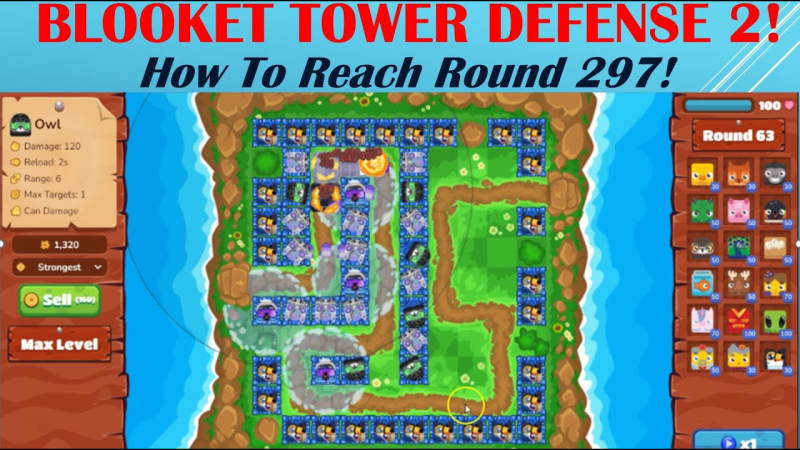
Tower Defense
-
Difficulty: ⭐⭐⭐⭐
-
Innovation: ⭐⭐⭐⭐⭐
Build and upgrade towers by answering questions correctly—perfect for strategy fans.
-
-
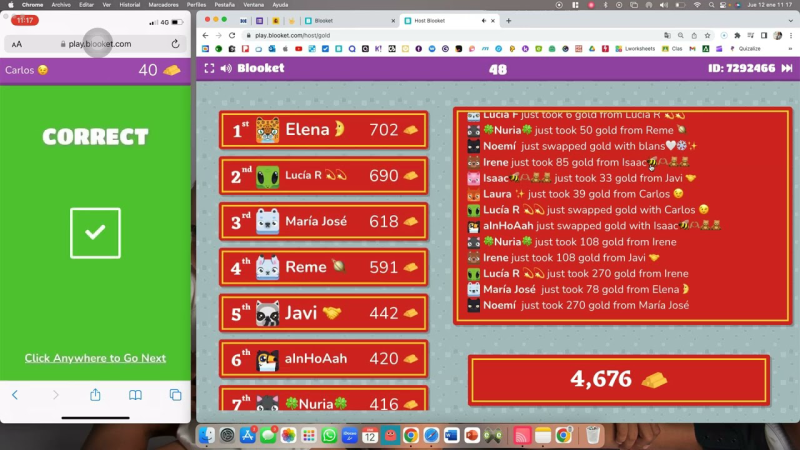
Gold Quest
-
Difficulty: ⭐⭐
-
Innovation: ⭐⭐⭐⭐
Race across the map collecting gold with every right answer. Fast-paced fun!
-
-
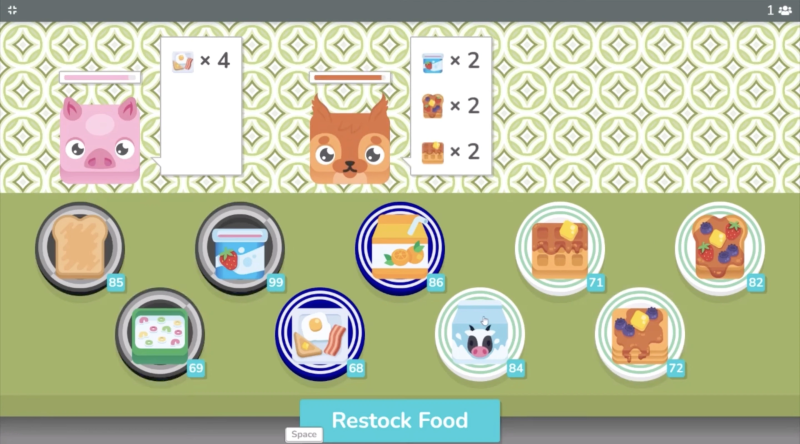
Café
-
Difficulty: ⭐⭐⭐
-
Innovation: ⭐⭐⭐
Serve virtual customers under time pressure: every correct answer fills orders.
-
-
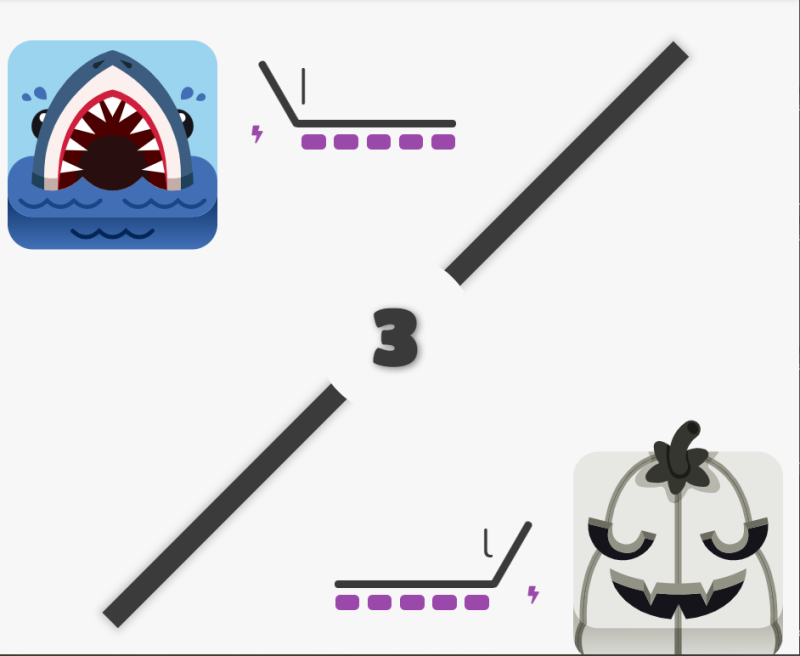
Battle Royale
-
Difficulty: ⭐⭐⭐⭐⭐
-
Innovation: ⭐⭐⭐⭐
Last player standing wins in this elimination-style quiz—high stakes, high rewards.
-
-
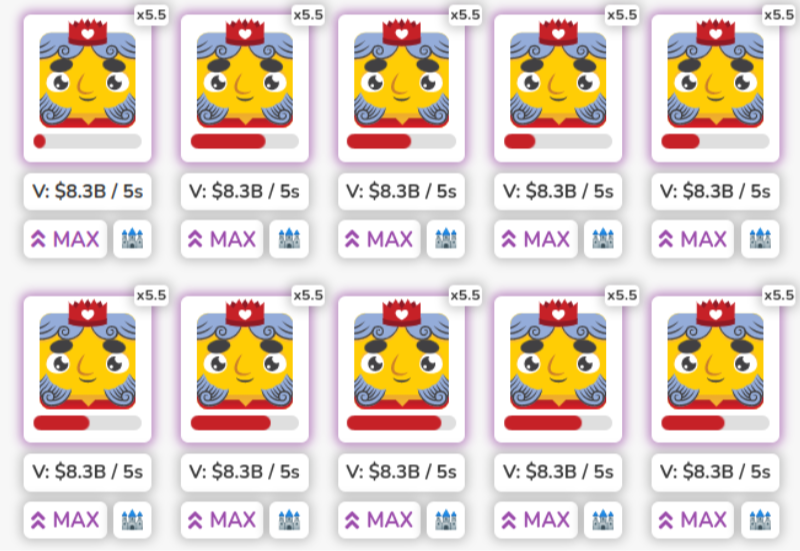
Factory
-
Difficulty: ⭐⭐⭐
-
Innovation: ⭐⭐⭐⭐⭐
Sequence answers to keep production lines running—ideal for learners who love a puzzle twist.
-
Bonus: If you're in the Middle East, such as Iran, and you've encountered a tight embargo that prevents you from playing Blooket games, we've got an Iran VPN free
for you! If you're in another area, you can also click free VPN for Android - UFO VPN and free iPhone VPN - UFO VPN for iOS to get a fast and safe gaming experience
Best Games Like Blooket for Classroom Fun
Looking for games like Blooket? These top alternatives bring fresh twists, rated on difficulty and innovation to help you choose the right fit for your class.
| Platform | Difficulty(🌟1-5) | Innovation(🌟1-5) | Key Feature |
|---|---|---|---|
| Kahoot! | ⭐⭐ | ⭐⭐⭐ | Fast-paced quizzes with animated leaderboards. |
| Quizizz | ⭐⭐ | ⭐⭐⭐⭐ | Self-paced or live mode with memes and music. |
| Gimkit | ⭐⭐⭐ | ⭐⭐⭐⭐ | Earn in-game cash to purchase power-ups during quizzes. |
| Quizlet Live | ⭐⭐ | ⭐⭐ | Team-based flashcard races for collaborative learning. |
| Triventy | ⭐⭐⭐ | ⭐⭐⭐ | Collaborative, user-generated question sets. |
| Socrative | ⭐⭐ | ⭐⭐ | Real-time quizzes, exit tickets, and instant feedback. |
How a VPN Enhances Your Blooket Games Experience

Using free VPN Proxy by UFO VPN can significantly improve your experience with Blooket games, especially when playing in classrooms, public networks, or across regions:
-
Improved Connection Stability
VPNs often route traffic through optimized servers, reducing lag spikes and timeouts in fast-paced game modes like Tower Defense. -
Enhanced Privacy & Security
A VPN encrypts all data between your device and Blooket’s servers, protecting student information and preventing unauthorized snooping on public Wi-Fi. -
Bypass Geo-Restrictions
Some schools or regions block educational games—connect through a school-friendly server to ensure uninterrupted access to Blooket games. -
Consistent IP Address
Keeping the same virtual IP prevents accidental disconnects caused by dynamic IP changes, which can kick players out mid-game.
Pro Tip: Download and install UFO VPN before your next session. Connect to a nearby server for the best mix of speed and security.


UFO VPN is an all-in-one VPN that offers unlimited access to 4K streaming like Netlfix, Disney Plus, no-ping gaming as PUBG, Roblox, CODM and social networking for YouTube, X, Facebook and more.




Unlock Pro Features
If you have upgraded to premium plan , feel free to enjoy premium servers for 4K streaming and advanced features like Kill Switch, Split Tunneling, and gaming acceleration. Your Mac is now fully optimized and protected. Inaddition to basic functions, we recommend you turn on

Verify Your IP Now
Use UFO VPN's " What is My IP " feature to see your new IP and location. This confirms your connection is secure, anonymous, and ready for safe browsing online anywhere at any time.







Troubleshooting Common Blooket Games Issues
Even the most seamless Blooket games sessions can encounter hiccups. Try these solutions:
| Issue | Possible Cause | Fix |
|---|---|---|
| Cannot join the Game | Wrong game code or expired session | Double-check the code; ask host to relaunch if needed. |
| Questions Not Loading | Browser cache or slow connection | Clear cache; reload page; switch to UFO VPN server. |
| Frequent Disconnects | Unstable Wi-Fi or IP blacklisting | Use a wired Ethernet or UFO VPN kill-switch feature. |
| Audio/Video Lags in Live Modes | High latency | Connect to UFO VPN server closer to the Blooket data center. |
| Unable to Create or Import Sets | Account permission or pop-up blocker | Allow pop-ups; ensure you’re logged into a teacher account. |
FAQs
Do I need an account to play Blooket games?
Players: No—just enter a game code.
Hosts: Yes, to create and manage games.
Can I use Blooket on a tablet or phone?
Yes. Blooket games run in any modern browser—no app download required.
Are Blooket games free?
Basic features are free. Premium plans unlock advanced hosting controls and analytics.
How many players can join one Blooket game?
Up to 100 participants in the free tier; check licensing for larger groups.
Will a VPN slow down my Blooket games?
Quality VPNs like UFO VPN optimize connections—often improving stability more than speed.
Can I export Blooket game results?
Yes—hosts can download CSV reports for easy gradebook integration.