Commonly Blocked Apps & Websites in African Regions
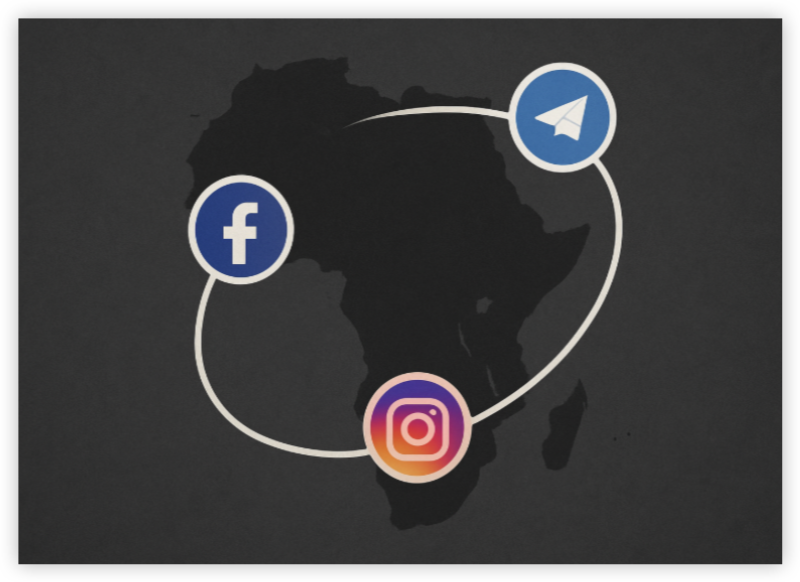
Below is a region-specific breakdown of popular blocked platforms:
🔐 West Africa:
-
Twitter (Temporarily banned in Nigeria in 2021)
-
TikTok (Occasionally blocked in Senegal and Mali)
-
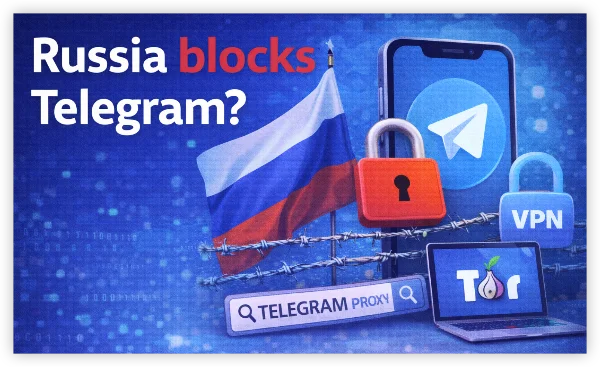
Telegram (Restricted during elections/protests)
🔐 Central Africa:
-
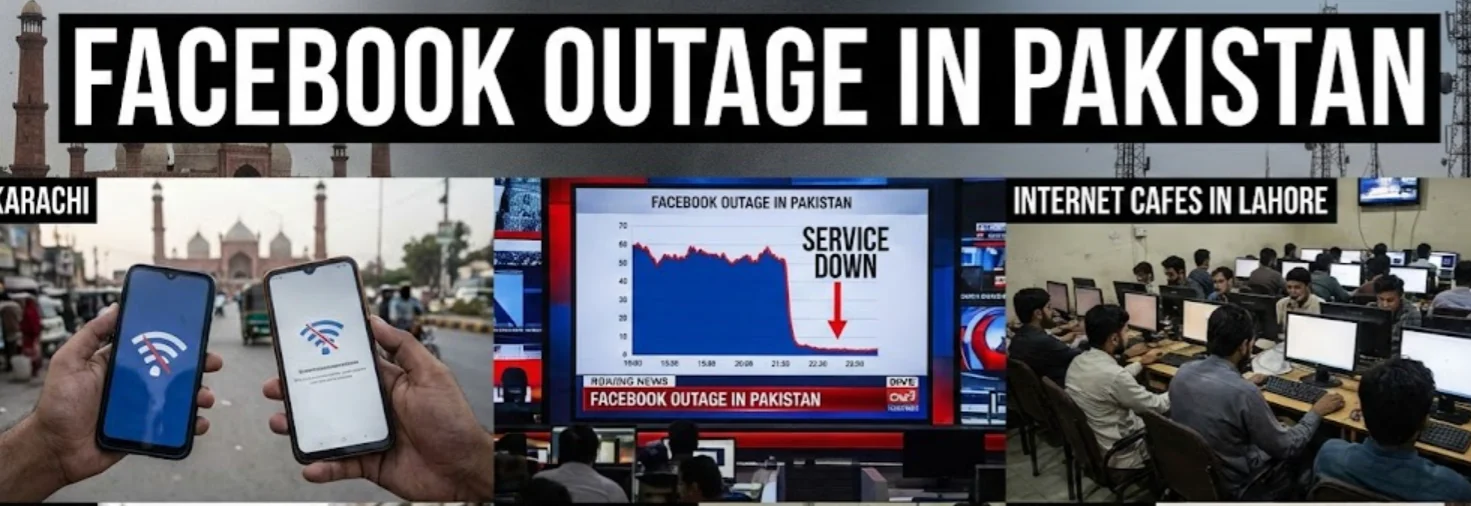
WhatsApp & Facebook (Regular shutdowns in Congo and Cameroon)
-
YouTube (Blocked during protests or elections)
🔐 East Africa:
-
TikTok and Facebook (Restricted in Ethiopia, Sudan)
-
News Portals (Like "Mail & Guardian" blocked during sensitive events)
🔐 Southern Africa (including South Africa):
-
Torrent sites (Like The Pirate Bay, 1337x)
-
International gambling/betting platforms
-
Certain crypto exchanges
Is it legal to use a VPN in South Africa
Yes, using a VPN in South Africa is completely legal.
South Africa does not currently have any laws that prohibit individuals from using VPNs to protect their online privacy, access region-restricted content, or improve digital security. In fact, many businesses and individuals use VPNs daily to:
-
Secure online banking and transactions
-
Access remote work tools
-
Bypass ISP throttling
10 Free Proxy VPN with South Africa Servers
A free proxy VPN with South Africa servers offers the following benefits:
-
Access Geo-Restricted Content: Stream Netflix US, Hulu, BBC iPlayer, etc., from South Africa.
-
Unblock Censored Platforms: Bypass social media blocks or messaging app restrictions.
-
Privacy Protection: Encrypt your online activity to avoid surveillance and tracking.
-
Secure Public Wi-Fi: Shield your connection on public networks.
Here is a detailed list of 10 recommended free VPNs with South Africa servers:
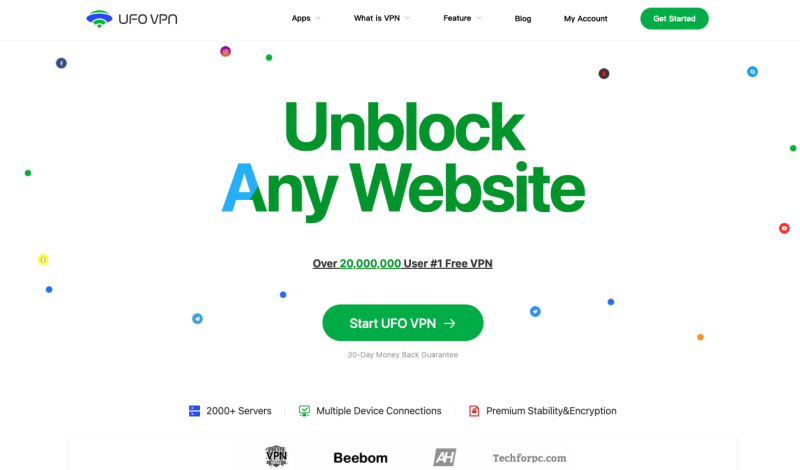
1. UFO VPN (Free & Premium)
-
OS Support: free VPN for Windows, macOS, Android, iOS
-
Price: 100% safe and free plan; Premium from $2.99/month
-
South Africa Server: ✅ Yes, stable connections
Pros
-
Free usage with solid speeds for South Africa Users
- Ad-blocker feature enabled
-
Optimized for 4K streaming and unblocking
-
AES-256 encryption & no-logs policy
Cons
-
Data restrictions on free plan
Pro: How to Unblock with South Africa VPN


UFO VPN is an all-in-one VPN that offers unlimited access to 4D streaming like Netlfix, Disney Plus, no-ping gaming as PUBG, Roblox, CODM and social networking for YouTube, X, Facebook and more.




Unlock Pro Features
If you have upgraded to premium plan , feel free to enjoy premium servers for 4K streaming and advanced features like Kill Switch, Split Tunneling, and gaming acceleration. Your Mac is now fully optimized and protected. Inaddition to basic functions, we recommend you turn on

Verify Your IP Now
Use UFO VPN's " What is My IP " feature to see your new IP and location. This confirms your connection is secure, anonymous, and ready for safe browsing online anywhere at any time.







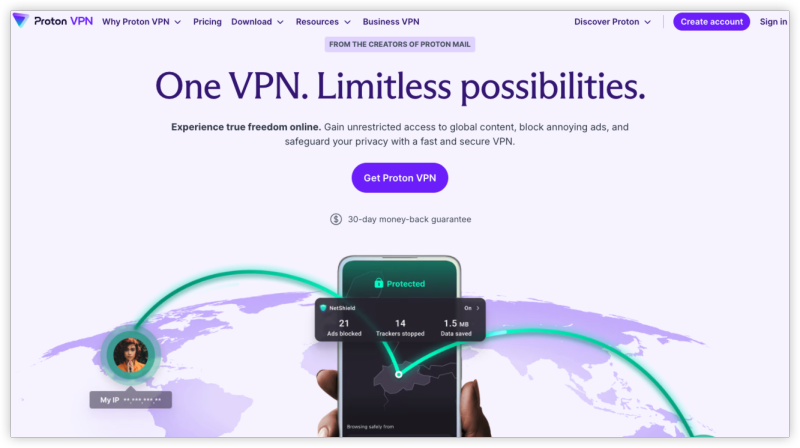
2. Proton VPN (Free Plan)
-
OS Support: Windows, macOS, Android, iOS, Linux
-
Price: Free & Paid from $4.99/month
-
South Africa Server: Available in paid plan
Pros: No data cap, strong privacy
Cons: SA server not always available free, 1-device limit
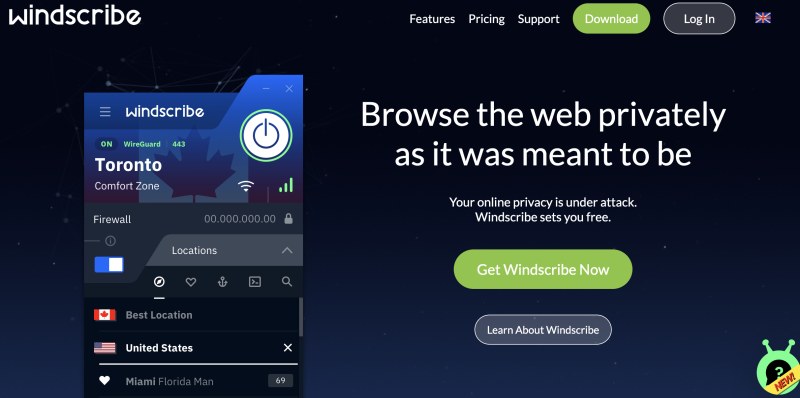
3. Windscribe
-
OS Support: Windows, macOS, Android, iOS, Linux, browser extensions
-
Price: Free (10 GB/month); Paid from $5.75/month
-
South Africa Server: Available in paid tier
Pros: Transparent privacy, good performance
Cons: SA access not guaranteed on free plan
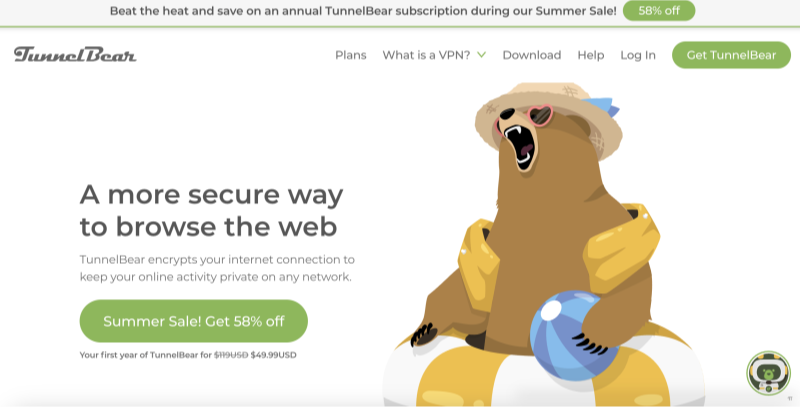
4. TunnelBear
-
OS Support: Windows, macOS, Android, iOS
-
Price: Free (500 MB/month); Paid from $3.33/month
-
South Africa Server: ✅ Included
Pros: User-friendly UI, clear privacy stance
Cons: 500 MB cap is restrictive
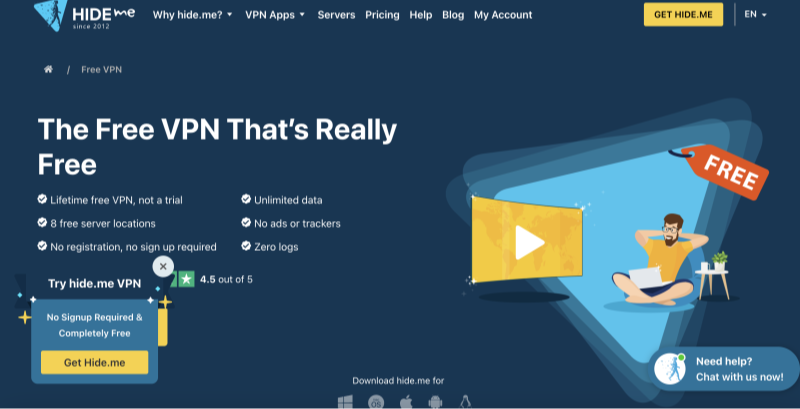
5. Hide.me VPN
-
OS Support: Windows, macOS, Android, iOS, Linux
-
Price: Free (10 GB/month); Paid from $4.99/month
-
South Africa Server: ✅ Included on select free accounts
Pros: Strong security, P2P support
Cons: SA server availability is variable
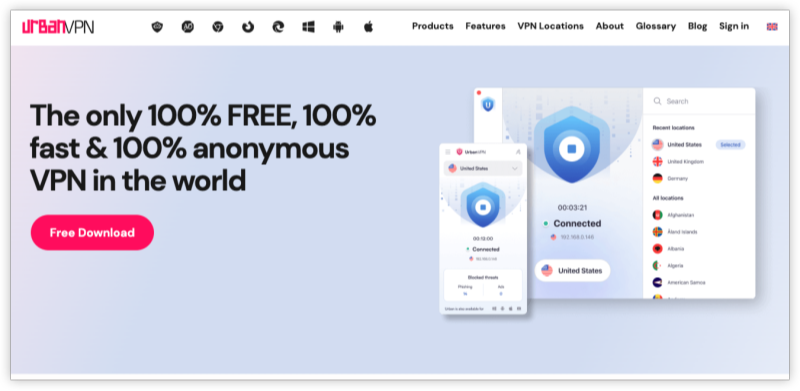
6. Urban VPN
-
OS Support: Windows, macOS, Android, iOS
-
Price: Completely free
-
South Africa Server: ✅ Yes
Pros: Unlimited data, simple interface
Cons: Peer-to-peer architecture, slower speeds
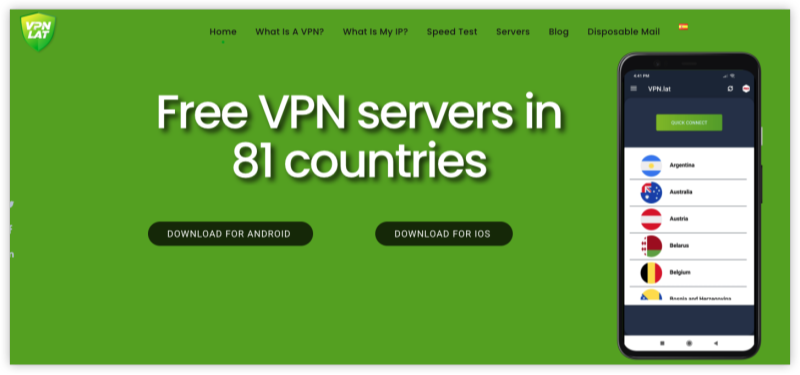
7. VPN.lat
-
OS Support: Android, iOS
-
Price: Free with ads
-
South Africa Server: ✅ Yes
Pros: Easy mobile access
Cons: No desktop support, ad interruptions
8. Betternet VPN (Free Version)
-
OS Support: Windows, macOS, Android, iOS
-
Price: Free with ads; Paid from $7.99/month
-
South Africa Server: ✅ Occasionally available
Pros: One-button connect, easy setup
Cons: Privacy concerns, limited server options
9. Speedify
-
OS Support: Windows, macOS, Android, iOS
-
Price: Free (2 GB/month); Paid from $2.99/month
-
South Africa Server: ✅ Johannesburg node available
Pros: Makes use of all connections, secure
Cons: Low free data cap
10. Psiphon
-
OS Support: Android, Windows, iOS
-
Price: Free (ad-supported)
-
South Africa Server: ✅ Frequently connected
Pros: Excellent censorship bypass, open-source
Cons: Slower speeds, occasional data leaks
Recommended Servers for South Africa Users (Pop Apps)
| App/Service | Best Server Outside SA | Reasons | Best SA Server |
|---|---|---|---|
| Netherlands VPN server | Bypass throttling / content filtering | Johannesburg | |
| Germany VPN server | If blocked or throttled in home region | Cape Town | |
| Netflix (US) | US VPN server | Unlock US-exclusive Netflix library | - |
| YouTube | UK VPN server | Access geo-restricted videos | Durban |
| France VPN server | Bypass potential ISP slowdowns | Johannesburg | |
| DSTV Now | - | Use SA server to access from abroad | Cape Town |
| TikTok | Singapore VPN server | Explore other country trends | Durban |
| Showmax | UK VPN server | Access global or alternate versions | Johannesburg |
| Spotify | USA VPN server | Access wider content catalog | Cape Town |
| Twitch | Canada VPN server | Better quality stream from certain regions | Durban |
-
Use South Africa servers when accessing region-locked local services like DSTV or Showmax.
-
Use outside servers like the US, UK, or EU to unlock international content libraries or when South African access is blocked or throttled.
- For full flexibility and privacy, tools like UFO VPN offer optimized servers both within South Africa and globally.
Can I Use a VPN to Watch DStv from Outside South Africa
Yes, you can use a VPN to watch DStv from anywhere in the world—even if you're not currently in South Africa.
DStv is geo-restricted and only available to users within specific regions in Sub-Saharan Africa. If you try to stream DStv content from outside its broadcast zone, you’ll get a location error. However, with a South Africa VPN server, you can:
-
Mask your IP to appear as if you're in South Africa
-
Log into your DStv Now account from abroad
-
Stream your favorite shows like The River, Gomora, and SuperSport live
Make sure your VPN offers streaming-optimized servers like UFO VPN for streaming and unlimited bandwidth to avoid buffering.
Final Tips Before You Use a Free South Africa VPN
-
Check for DNS/IP leaks after connection
-
Avoid VPNs with unclear logging policies
-
For best results, combine free VPNs with privacy browsers like Brave or Tor
-
UFO VPN is another strong option if you're looking for a balance of speed, stability, and African coverage
FAQs
1. What’s the best free VPN with South Africa servers?
UFO VPN offers a free tier with access to South Africa servers, ideal for occasional usage.
2. Will a South Africa VPN slow down my connection?
Premium VPNs offer high-speed servers. You may notice minor lag but nothing major.