Why Spotify Is Suddenly Asking Users to Verify Age

Spotify’s introduction of age verification is not a random update. It comes in response to global regulations and evolving online safety standards, driven by several key factors.
1. Legal and Regulatory Requirements
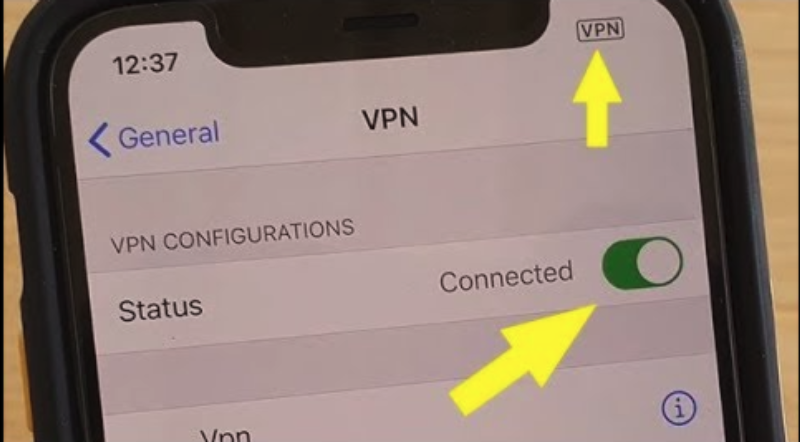
The UK, EU, and several US states have introduced stricter online safety laws (try a VPN for age verification to switch to regions without strict age laws) that require platforms to verify user age before granting access to explicit or adult content. Regulations such as the UK Online Safety Act and the EU Digital Services Act push companies to use reliable age-assurance tools instead of relying on labels or self-reported birthdays. Because Spotify hosts explicit music and adult-themed podcasts, it must comply with these rules or risk penalties.
2. Protecting Minors from Explicit Content
Spotify contains large amounts of explicit music and mature podcasts. Although these items have “E” labels, regulators expect stronger safeguards, so Spotify uses age verification to prevent minors from accessing restricted content. This aligns Spotify with platforms like YouTube, TikTok, and Instagram, while users on Reddit often discuss common verification issues.
3. Global Rollout Strategy
Spotify launched age verification in the UK first due to strict local regulations. The company has stated that the feature will expand globally, and users in the US, Canada, Australia, New Zealand, and multiple EU countries have already reported prompts. Not all markets require age checks yet, but Spotify is moving toward a consistent, worldwide system.
📖Related Reading
How To Verify Age On Spotify (Step By Step)
Spotify currently offers two primary Spotify age verification methods. Depending on your country and account situation, you may encounter one or both methods.
Face-Based Age Estimation
Face-based age estimation uses your device’s camera to estimate your age. It works similarly to a quick selfie scan.
How it works
- Spotify asks for camera access.
- You place your face within the on-screen outline.
- The system estimates your age range using secure, temporary image processing.
- The captured image is deleted immediately after verification and is not stored.
Advantages of face-based age verification
- It is fast and usually takes less than 10 seconds.
- You do not need to upload any documents.
- It is convenient for users who only need to confirm that they are over 18.
- It avoids the need to share sensitive personal information found in IDs.
Privacy considerations
Spotify states that no biometric identity data is stored. Images are processed temporarily and deleted after the age check. Only age estimation is performed, and no identity matching occurs. This option is ideal for users who prefer a quick, low-friction verification method.
ID Verification
If face-based age estimation is not available or does not succeed, Spotify will ask you to upload a government-issued ID, such as a passport, driver’s license, or national identity card. Verification is usually handled through a secure third-party system that specializes in identity document authentication.
When ID verification is required
- You live in a country with strict online safety rules such as the United Kingdom.
- Your facial verification attempt was unsuccessful.
- Your account details appear inconsistent.
- You try to access highly restricted content.
Tips for smooth ID verification
- Ensure your ID is valid and not expired.
- Make sure your Spotify account name and birthdate match your ID.
- Take the photo in good, even lighting.
- Ensure your entire ID is visible and not blurry.
- Avoid glare or shadows on the document.
Some users have shared their experiences with Spotify’s age verification process in the US on forums and Reddit.
What Happens If You Fail or Skip Spotify Age Verification
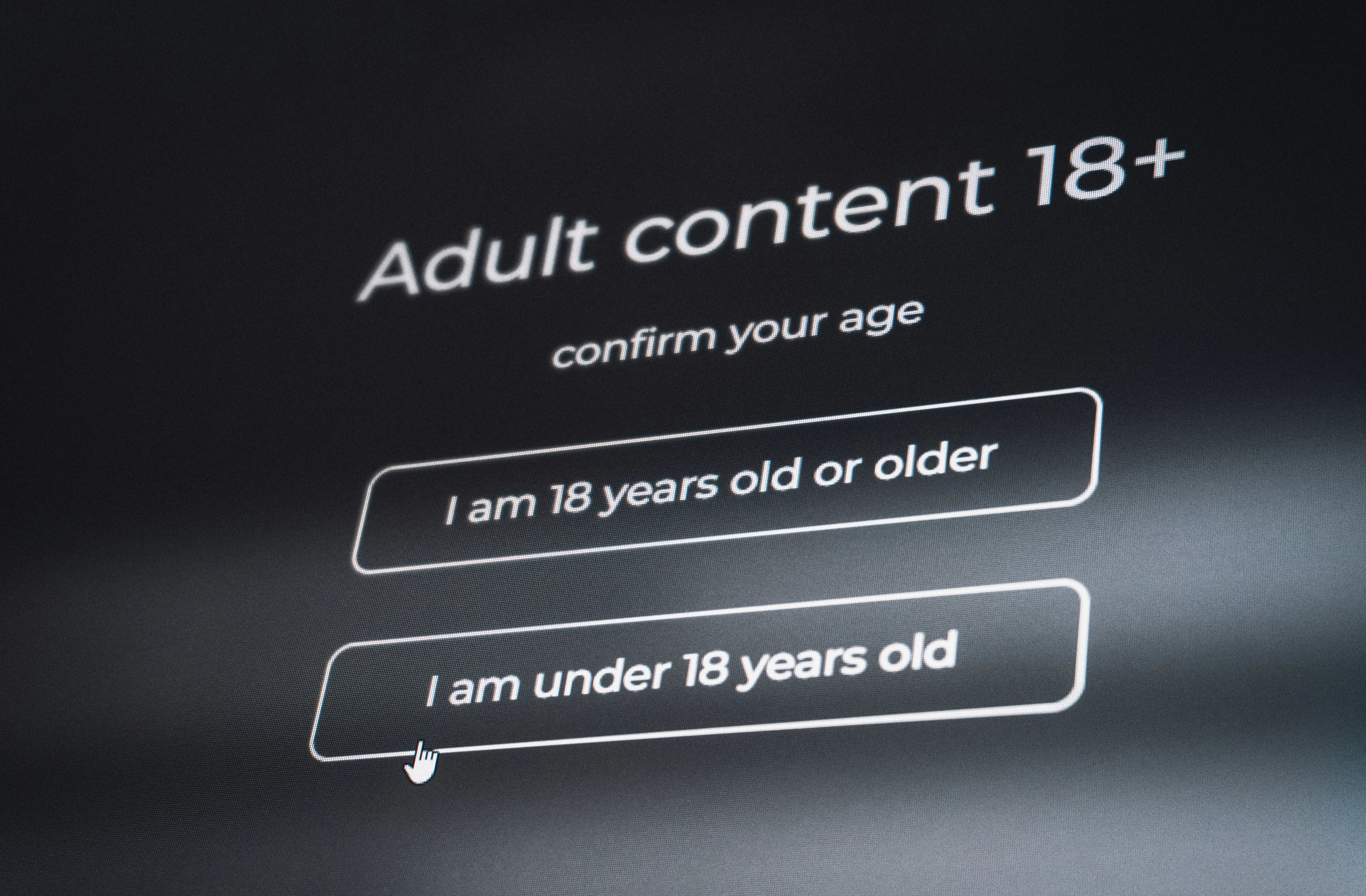
If you skip Spotify age verification or repeatedly fail it, several consequences may occur. Some effects are minor while others may significantly impact your account access.
1. Restricted Access to Content
You may lose access to content marked as explicit, mature, or age-restricted. This includes both music and podcasts. Spotify age limit restrictions ensure compliance with local laws.
2. Limitations on Features
You may not be able to play certain playlists, access video podcasts, view explicit album artwork, or adjust certain content settings.
3. Potential Account Lock or Removal
If Spotify suspects that an underage user is trying to bypass verification, your account may be temporarily locked. In repeated or severe cases, the account may be removed entirely. Premium subscribers may continue paying, but access could remain limited until verification is completed.
Recovery options
- Retry using the alternative verification method.
- Contact Spotify Support for manual assistance.
- Ensure your account information is accurate and matches your ID.
- Upload a different form of identification if your original document is not readable.
Troubleshooting: Spotify Age Verification Not Working
Many users have reported difficulties completing Spotify age verification. Below are the most common issues and effective solutions.
1. Problems with Facial Verification
Common causes include poor lighting, low camera quality, face obstructions, or camera permission issues.
Solutions:
- Move to a brighter location.
- Remove accessories such as hats or glasses.
- Clean your camera lens.
- Try using a different device.
2. Problems Uploading an ID
Common issues occur due to blurry photos, glare, an expired ID, or mismatched account details.
Solutions:
- Retake the photos in clear lighting.
- Ensure your ID is fully visible.
- Check that the information on your Spotify account matches your ID.
- Update your account details if needed.
3. Region-Based Verification Differences
Users in the United Kingdom face the strictest age verification requirements. In the United States, prompts usually appear only when accessing explicit content or during certain account updates. In some countries, users may not see any verification at all. If Spotify access is limited in your region or age verification prompts don’t appear due to local restrictions, using a free proxy VPN like UFO VPN can help you connect through secure servers in other countries.


UFO VPN is an all-in-one VPN that offers unlimited access to 4K streaming like Netlfix, Disney Plus, no-ping gaming as PUBG, Roblox, CODM and social networking for YouTube, X, Facebook and more.




Unlock Pro Features
If you have upgraded to premium plan , feel free to enjoy premium servers for 4K streaming and advanced features like Kill Switch, Split Tunneling, and gaming acceleration. Your Mac is now fully optimized and protected. Inaddition to basic functions, we recommend you turn on

Verify Your IP Now
Use UFO VPN's " What is My IP " feature to see your new IP and location. This confirms your connection is secure, anonymous, and ready for safe browsing online anywhere at any time.







4. Technical Issues
Common technical issues include outdated app versions, cache problems, or browser incompatibility.
Solutions:
- Update the Spotify app.
- Restart your device.
- Clear cache and cookies.
- Try a different browser.
- Attempt verification on mobile if desktop fails, or vice versa.
FAQs
Is Spotify age verification only in the United Kingdom?
No. The United Kingdom was the first region to roll out age verification, but Spotify is gradually expanding the system to the United States, the European Union, Canada, and other regions.
Is Spotify doing age verification in the United States?
Yes. United States users may receive age verification prompts when accessing explicit content or updating their account details.
Is Spotify doing age verification for all users?
Over time, Spotify plans to implement age verification globally in order to comply with online safety standards.
When did Spotify age verification start?
The rollout began in early 2025 and first appeared in the United Kingdom before expanding to other countries.
Can I skip Spotify age verification?
You may skip it temporarily, but eventually Spotify may restrict certain content or lock your account until it is completed.
Does Spotify store my face scan?
No. Spotify states that images used for age estimation are processed temporarily and deleted immediately after the check.
Final Thoughts
Spotify age verification is an important step in keeping the platform safe and compliant with regulations worldwide. While it may feel like an extra step, completing the verification helps protect minors from inappropriate content and ensures your account stays secure.
By understanding Spotify age verification methods, following troubleshooting tips, and keeping your account information accurate, you can maintain uninterrupted access to your favorite music, podcasts, and playlists. Staying aware of requirements in the UK, US, and other regions ensures a smooth experience and helps you avoid unexpected restrictions.