Online age verification is no longer a simple checkbox right now. Understand how age verify works across apps, websites, games and devices & encrypt your IP in a click.
Age Verify Tips
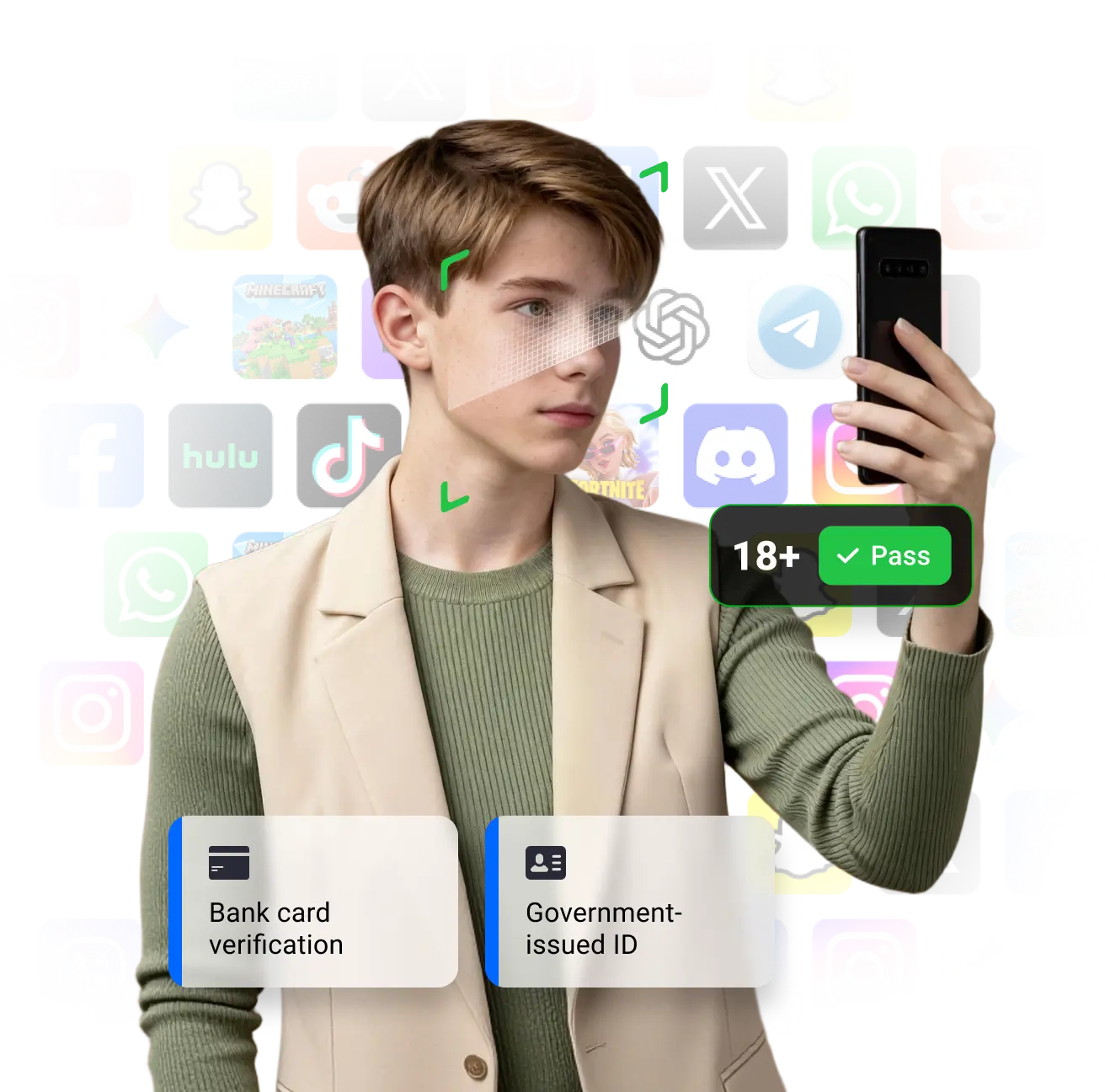
Age verification is the process a service uses to confirm a user’s age before granting access to age-restricted features or content. Instead of relying on a “Yes, I’m over 18” checkbox, modern online age verification relies on stronger signals: government ID, mobile carrier data, payment cards, identity providers and even facial estimation.
Notes: UFO VPN is always for privacy, not lying about your age.
Protect Age ChecksUse this catalogue to see how different apps approach online age verification.
Min Age:
 Min 13+
Amazon Prime Video
Global Streaming Platforms for 13+
 Min 18+
Netflix Adult
Streaming service run by adults, with kids profiles for children.
 Min 18+
Disney+ Adult
Family streaming with child profiles and PIN.
Every platform sets its own minimum age, usually based on privacy laws or content sensitivity. Here’s what those age limits mean for you — and which popular apps or games fall into each group.
| Age Group | Example Apps with Age Verification | Notes |
|---|---|---|
| Under 13 |
| 1. Under 13s are usually not allowed to have normal social-media accounts — they should use kids’ versions or supervised profiles only. 2. Verification depends on parental consent via Google Family Link, Apple Family Sharing, or console controls. No ID upload required. |
| 10+ |
| Focus on store-rating age gates (E10+) and platform parental limits rather than ID checks.Parents should manage purchases and chat permissions. |
| 13+ |
| 1. From 13, many “big” platforms allow accounts, mainly to comply with privacy laws like COPPA/GDPR-K. Features may still be limited or more tightly moderated for younger teens. 2. Certain content (18+, payment, NSFW) triggers extra age verify or warnings. |
| 16+ |
| Local law or store rules may effectively raise the age to 16 for full functionality on certain social media apps. |
| 18+ |
| Some mainstream AI tools (like general chatbots) are open to younger users but reserve explicit/sexual content for adults, or block it entirely. |
Laws around online age verification change rapidly. Below is a high-level snapshot – always consult legal counsel for live requirements in your markets.
 Global
Last updated: Dec 2025
Policy Snapshot:
1. From 2025, sites that host porn or other high-risk content must use robust age verification (ID, biometric or trusted age-assurance), not just “I’m over 18” boxes.
2. Big social platforms must apply special protections for minors, including age-based content filters and stricter verification for age-sensitive content.
3. Regulators can audit platforms and impose fines or access restrictions if age-checks are insufficient.
Users may see more frequent “prove your age” pop-ups when accessing adult or sensitive content; ensure identity data is shared only on official domains.
ReferenceRestricted Apps







Before you go through any online age verification– whether it’s for games or apps, this part helps to get ready. These simple steps keep the process smoother and more private (and are meant for users who are legally old enough to access the service).
Different platforms require different building blocks. These guides help your team integrate age verify flows, privacy controls and VPN-level protection against IP bans into each environment.

Discover popular mobile games that don’t force you through strict online age verification.

Explore a lineup of free PC games that skip heavy age verify pop-ups.

Compare Android app stores that don’t demand strict age checks on every download.

See which dating platforms keep sign-up light with minimal age verification.

A look at adult sites where age verification rules are loosely enforced or absent.

Find AI tools and chatbots that can be used without rigid device age verification.
Age Verify Tips
Switch to a Safe, Stable IP with UFO VPN. Explore 2000+ high-trust servers, perfect for platforms that reject proxy or datacenter IPs.
Protect Age Checks