

VPN Free Trial
Explore 0-log VPN free trial version without extra charges before choosing your plan.


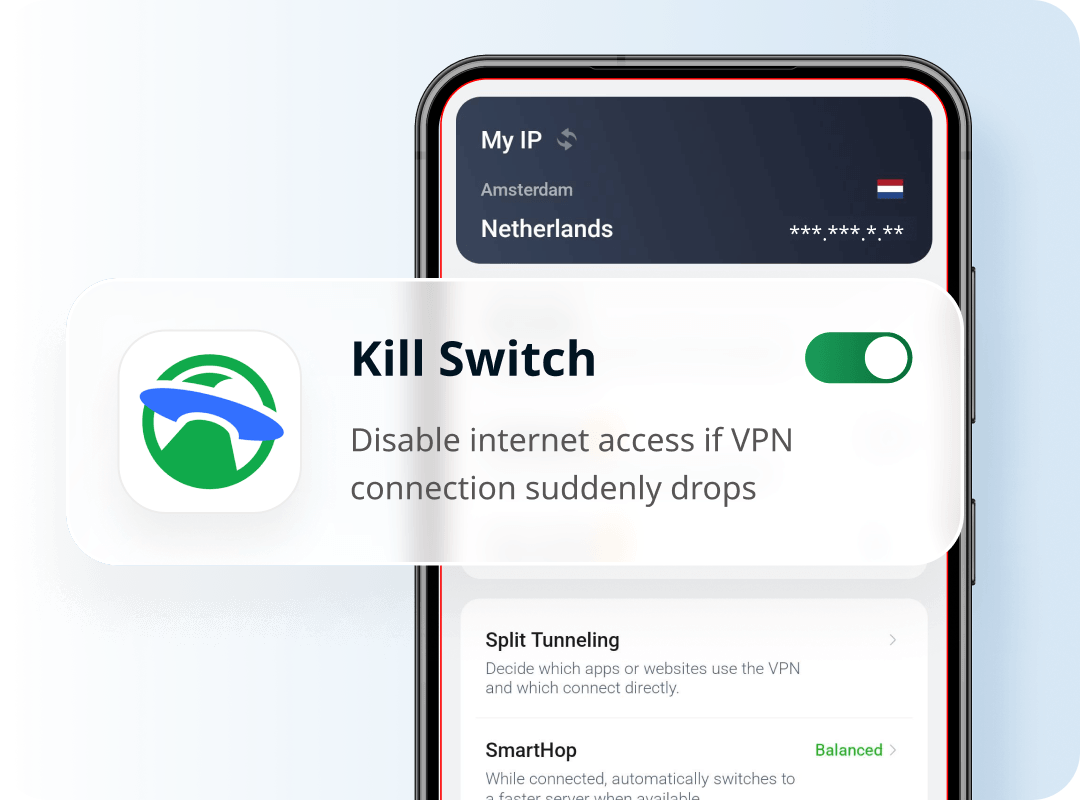
A dropped VPN connection shouldn't leave your privacy exposed. UFO VPN includes a VPN kill switch that blocks internet traffic if your VPN disconnects unexpectedly, helping protect your real IP address and online activity during the interruption.
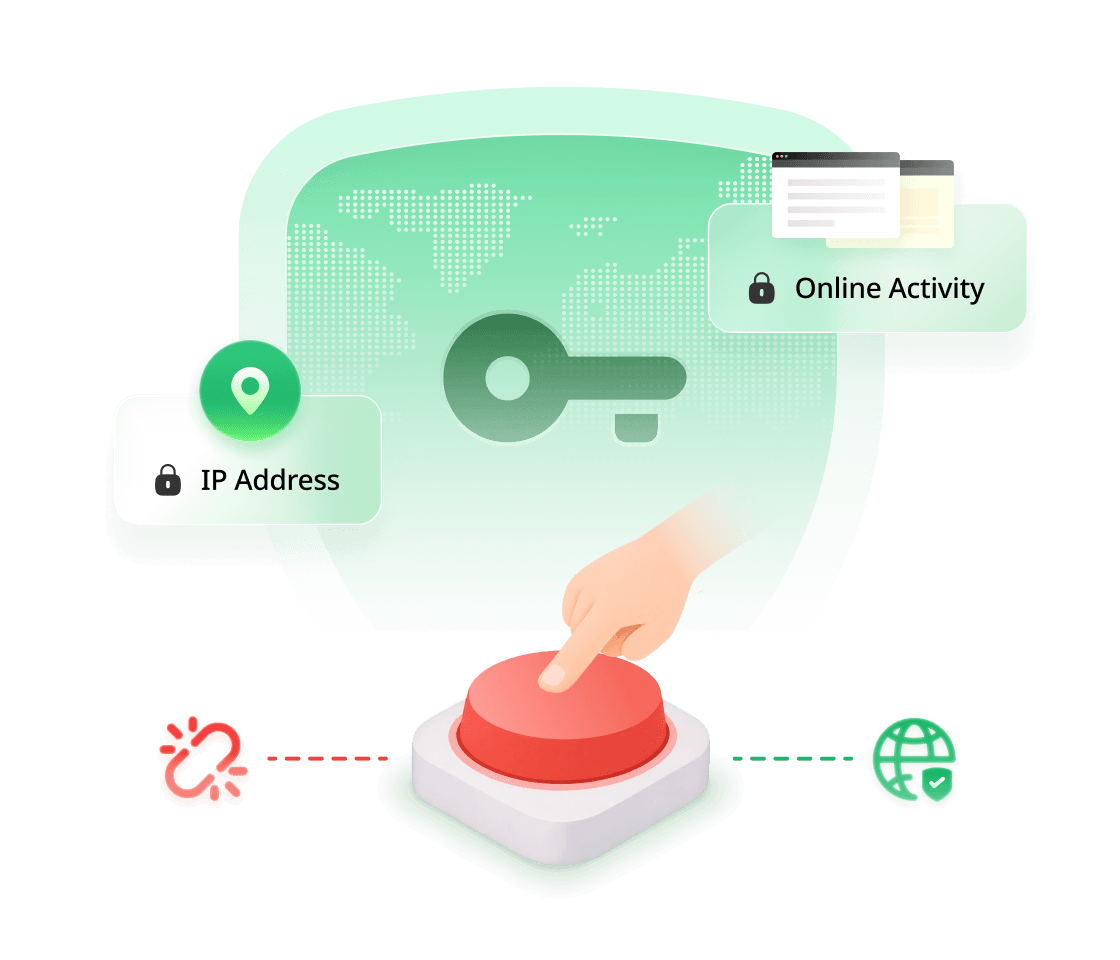
A VPN kill switch acts as an emergency brake for internet access. Your VPN creates an encrypted tunnel. The kill switch controls what happens if that tunnel fails unexpectedly. It pauses online activity instead of letting your device continue through its regular connection.

Even a brief VPN interruption can leave a gap in your privacy protection.
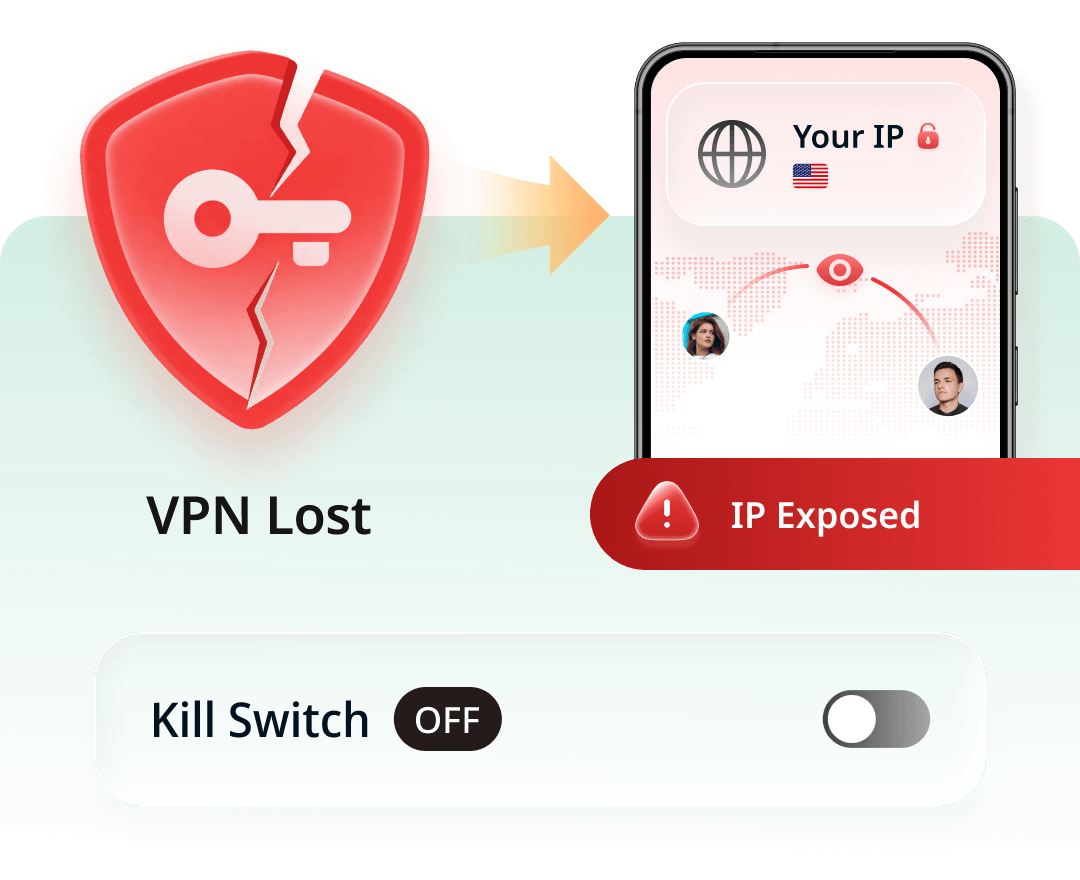
Without a kill switch, your device may reconnect through your regular internet connection, exposing your real IP address.
Weak Wi-Fi, network changes, and unstable connections can interrupt your VPN. A kill switch helps cover those unexpected gaps.
When privacy matters, blocking traffic is safer than letting it continue outside the encrypted VPN tunnel.
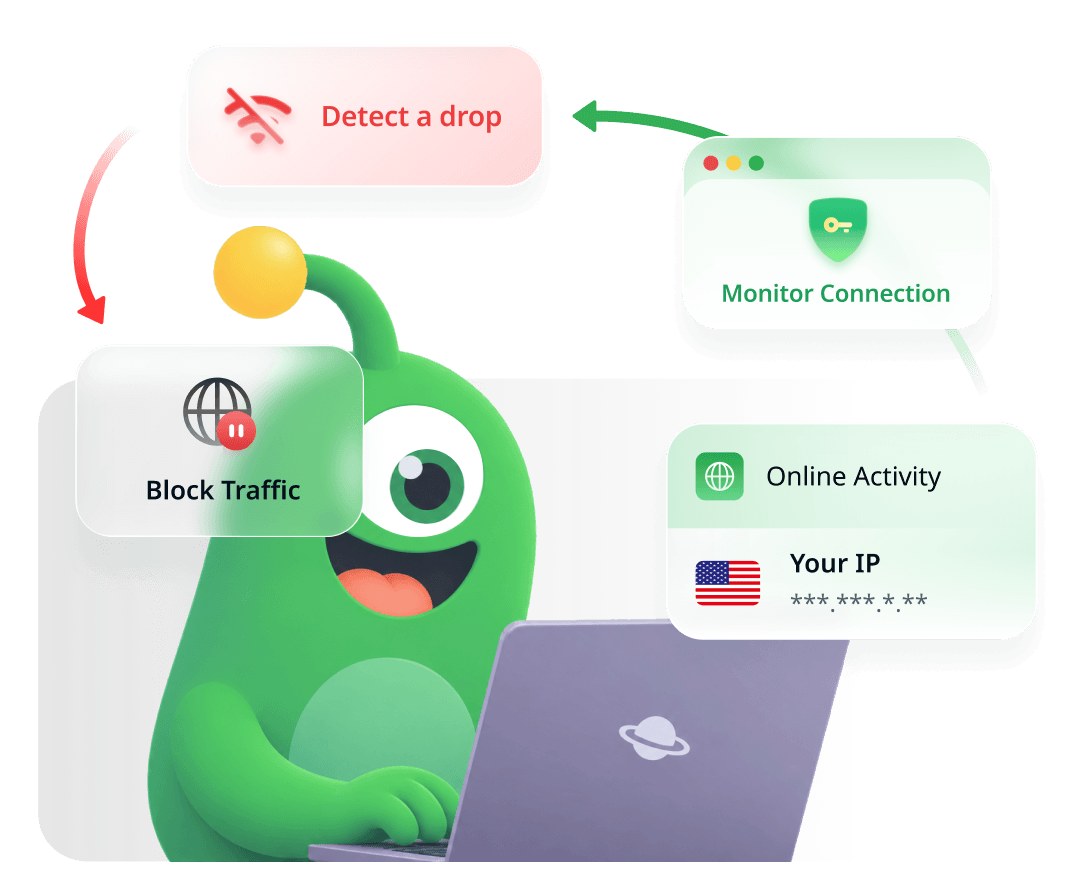
Simply put: Monitor connection → Detect a drop → Block traffic → Resume after reconnection
Once enabled, Kill Switch monitors the VPN connection. If it drops unexpectedly, traffic stays blocked until a secure VPN connection is restored.
Looking for a kill switch VPN? UFO VPN brings this extra layer of protection into your VPN app.
Discover powerful UFO VPN features designed to make your internet experience faster, safer, and more flexible.
Explore 0-log VPN free trial version without extra charges before choosing your plan.
Try advanced VPN protocols with a full 30-day money-back guarantee.
Enjoy a cleaner, faster browsing experience with built-in ad and tracker blocking.
Safeguard your online activity with advanced AES-256 military-grade encryption.
Automatically test your VPN speed and switch between servers for the fastest, most stable connection.
Decide which apps use UFO VPN and which connect directly for full control.
Keep your privacy intact with automatic protection if your VPN connection drops.
Stream, game, and surf freely with unlimited bandwidth and 0 restrictions!
Open your VPN app and look for Kill Switch in the settings. Then you can turn it on to enable protection or off to disable it. The location and availability of this option may vary by device and app version.