1
Connect to a VPN Server
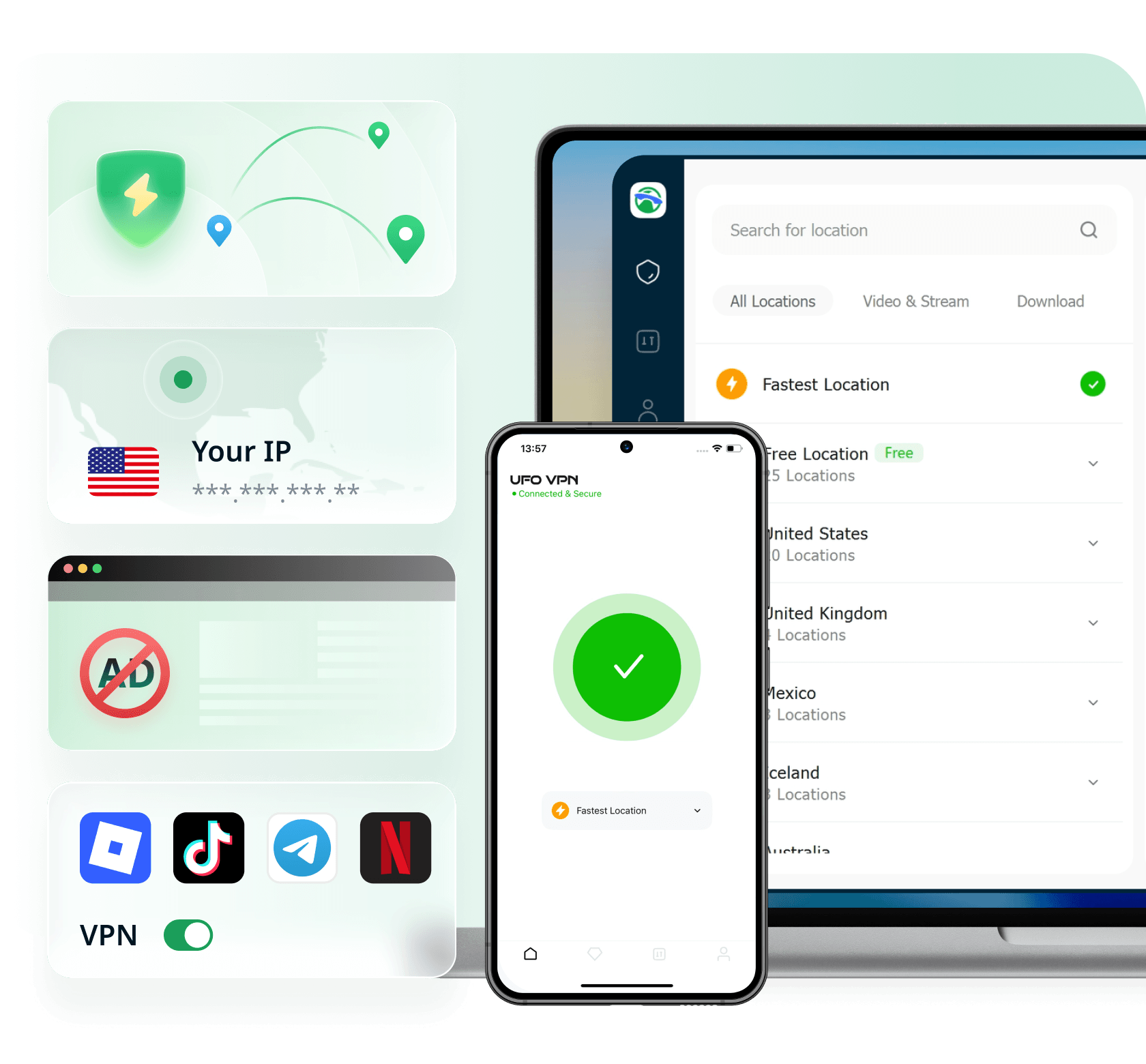
Open your VPN app and connect to a server. Traffic routed through the VPN passes through this server before reaching the internet.


VPN stands for virtual private network. It creates an encrypted connection between your device and a VPN server. For traffic routed through it, a personal VPN helps hide your original public IP address from websites and limits what your internet service provider or Wi-Fi operator can see.
A VPN app sends your traffic through an encrypted tunnel to a remote server. The server forwards it to the websites and services you use, then sends their responses back through the tunnel.

Open your VPN app and connect to a server. Traffic routed through the VPN passes through this server before reaching the internet.
The app encrypts traffic between your device and the VPN server. Your local network carries the connection but cannot directly read the traffic inside the tunnel.
Websites see the VPN server’s public IP address instead of your original one. The server’s location can also change your apparent IP-based location.
The VPN tunnel protects traffic between your device and the VPN server. HTTPS protects your connection to an HTTPS website.
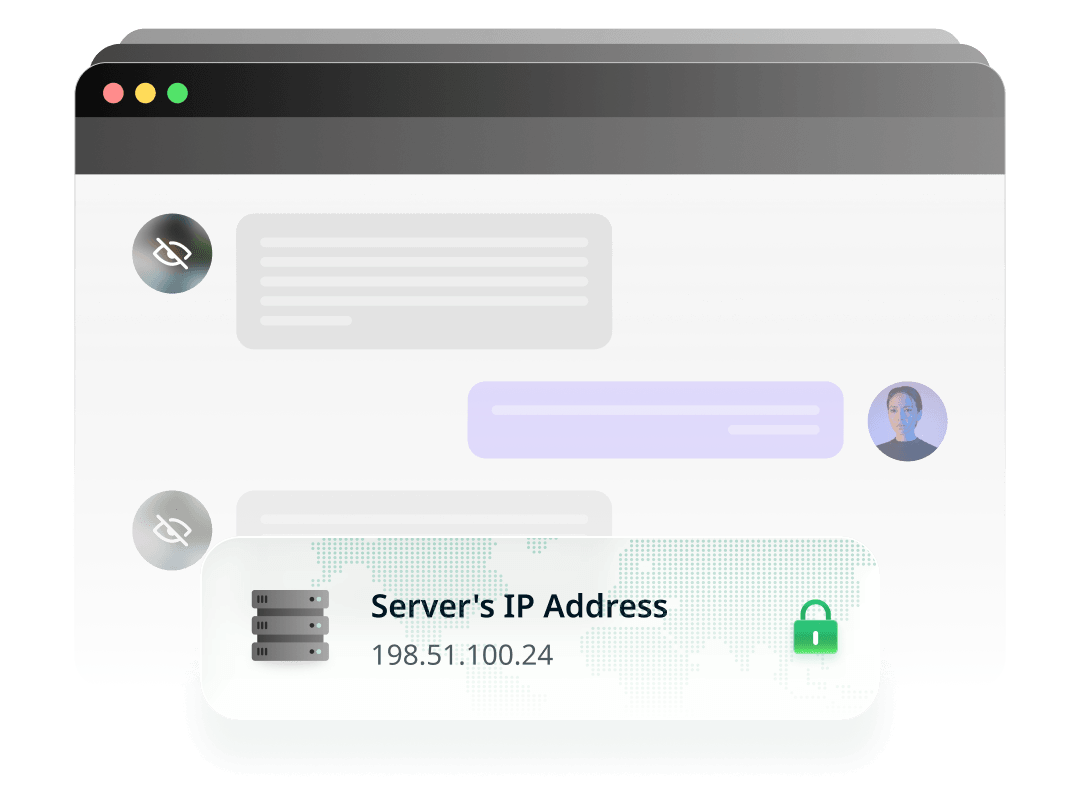
Websites receive requests from the VPN server and see its IP address instead of your original public IP.
Your ISP or Wi-Fi operator can see that you are connected to a VPN, but cannot directly read the traffic carried inside its encrypted tunnel.
A VPN does not make you anonymous. Accounts, cookies and browser fingerprints can still identify you.
A VPN can help when you want more privacy on the network you use or want websites and services to see a different public IP address.

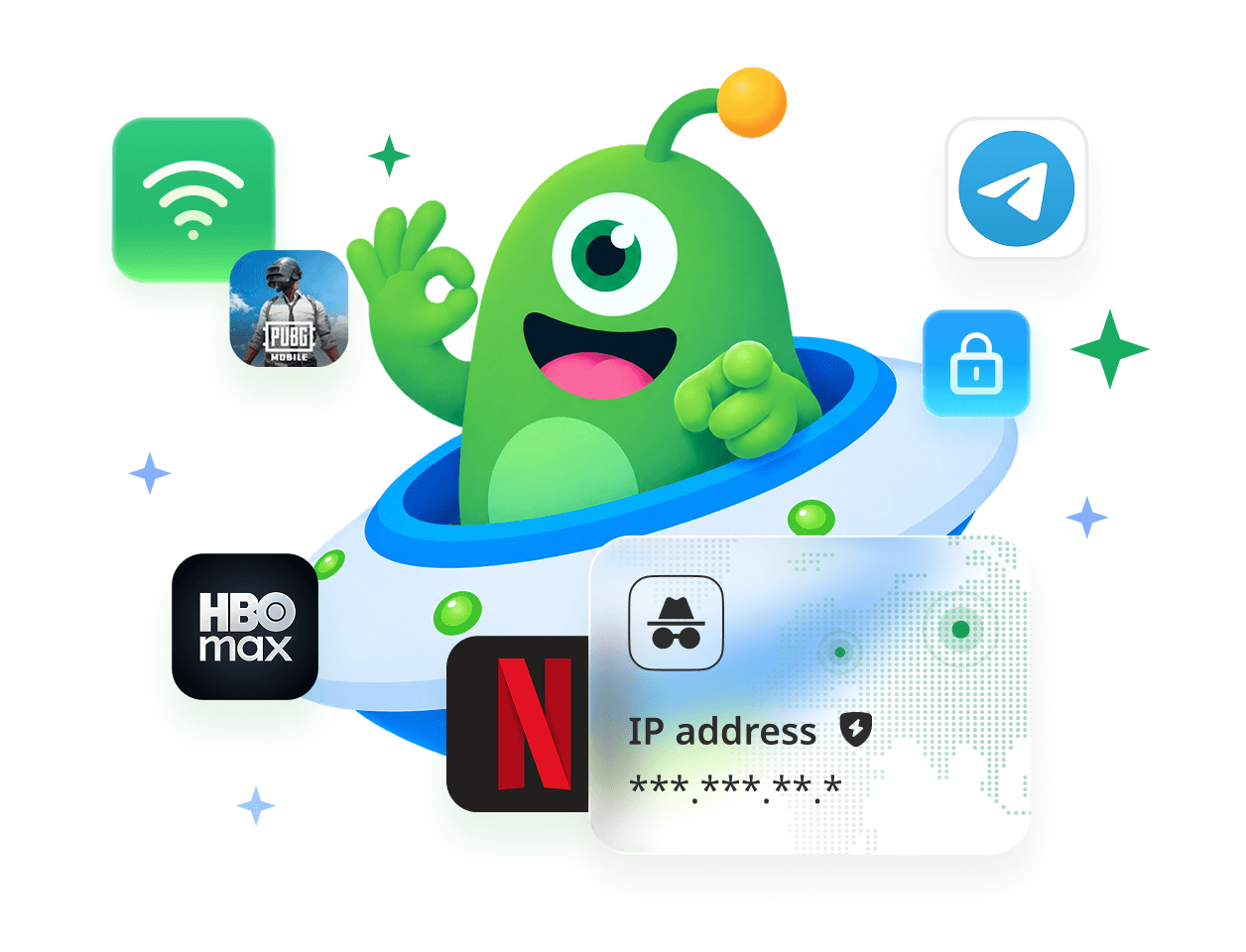
Protect your internet traffic on public Wi-Fi at cafés, hotels, and airports. A VPN encrypts your connection, making it harder for others on the network to monitor your activity.

Hide your original IP address from websites and keep your browsing activity more private from your ISP. Reduce how much your network provider can directly see about the sites you visit.

Connect to VPN servers in different countries to access familiar websites and services while abroad. Stay connected to content from your home country when traveling.

Access streaming libraries available in different regions and watch your favorite shows/sports while traveling. Availability depends on the streaming service and your location.

Connect to game servers in different regions and play with friends abroad. A VPN can also help protect your original IP address from other players in supported games.

Hide your original IP address from other peers when sharing files over P2P networks. A VPN also encrypts traffic between your device and the VPN server for added privacy.
Check the provider’s privacy policy, the evidence behind its claims, and the features available on your device before choosing a VPN.
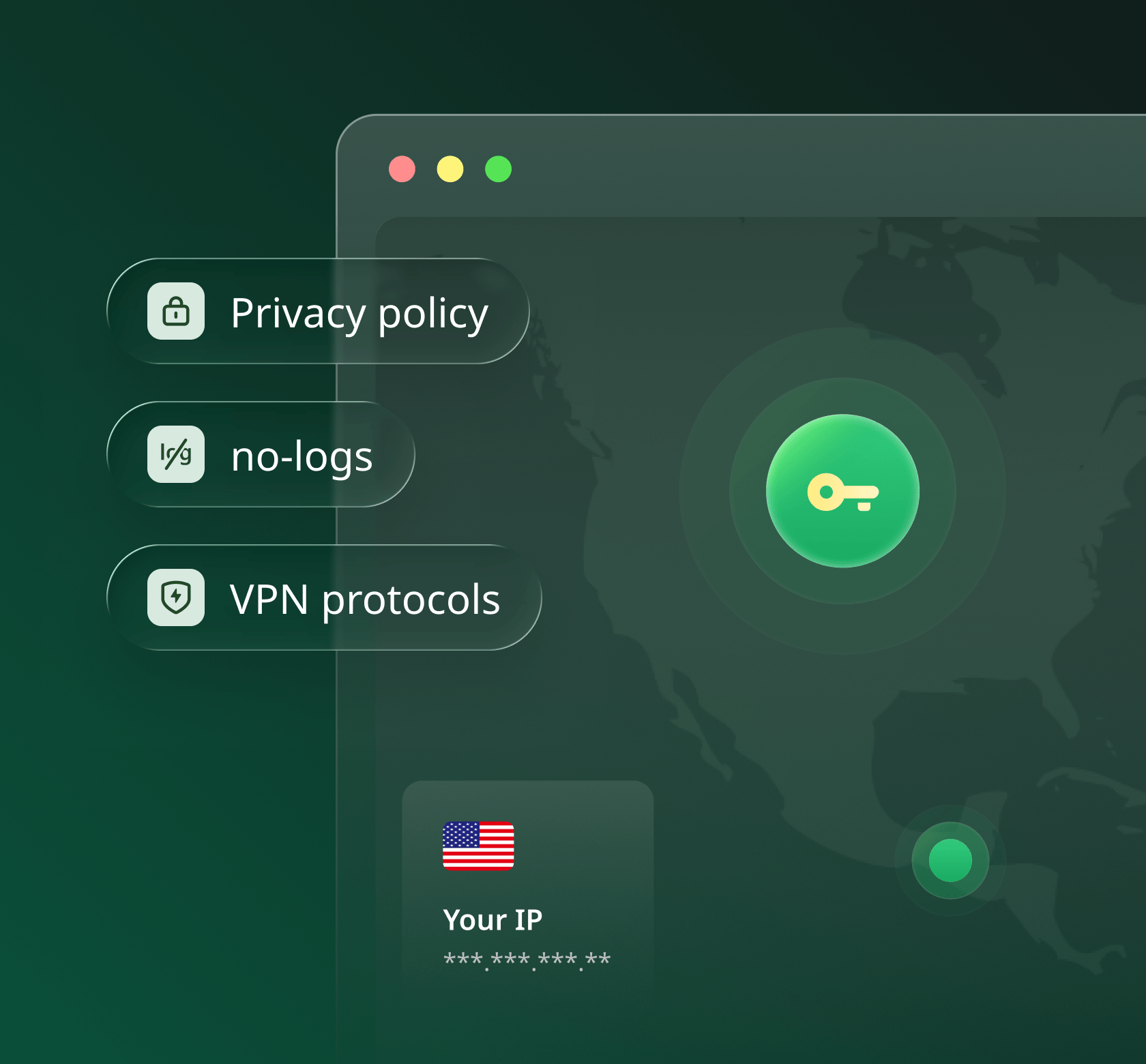
Choose a VPN with a clear no-logs policy. Check what data the provider collects and whether its privacy claims have been independently audited.
Check the supported VPN protocols, leak protection and kill switch options. Confirm which features are available on your operating system and plan.
Consider server locations, connection performance, customer support and price. Check whether the VPN works with the services you use.
Hide Your IP Address: Websites see the VPN server’s IP instead of yours.
Access Global Content: Explore websites and streaming content across regions.
Enhance Your Gaming Experience: Choose VPN servers in different regions for gaming.
Stay Private on Public Wi-Fi: Browse more privately on shared networks.
Choose the official VPN app for your device and follow the setup instructions. Complete any account or plan steps required by the provider.
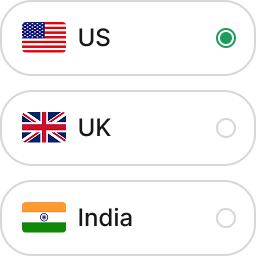
Select a server or use the app’s recommended location. Wait until the app confirms that the VPN connection is active.
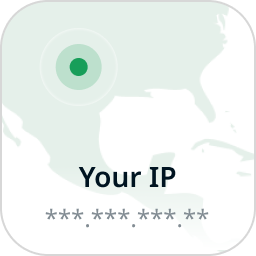
Compare your public IP address before and after connecting. It should show the VPN server’s IP instead of your original public IP.
Top 10 Workable Couchtuner Alternatives (No Risks, No Charges)
How to Unblock Porn Sites in Russia (2026) | Free VPNs & Legal Guide
How to Bypass Paywalls: Clean Workarounds (2026)
(Jun. 2026) How to Play Clash Royale Unblocked on School Chromebook | Safe & Tricky Ways
Pinterest Unblocked Guide: Unlimited Access with UFO VPN 2026
How to Watch Spider-Man Series for Free? 10 Smart Tricks to Try
A well-maintained VPN from a trustworthy provider can improve connection privacy. Safety depends on the provider’s software, security practices and data handling. Download the official app, keep it updated, and review its privacy policy. A VPN does not make every website, download or online activity safe.
Download UFO VPN free and enjoy safer, faster internet in one click.