What is a Phishing Email?
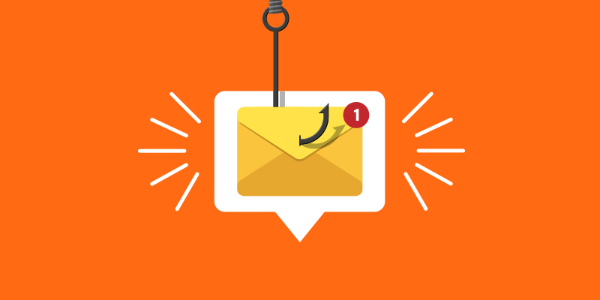
A phishing email is a fraudulent message that attempts to deceive you into providing sensitive information such as login credentials, credit card details, or personal identifiers. These emails often look legitimate, appearing to be from trusted sources like banks, e-commerce sites, or social media platforms. However, phishing emails may contain malicious links, attachments, or requests that lead to fake websites designed to steal your data.
Phishing emails can range from convincing and professional-looking messages to poorly crafted and obvious scams. Regardless of appearance, if you open a phishing email, it is crucial to follow the right steps to safeguard your information.
What Happens If You Open a Phishing Email?
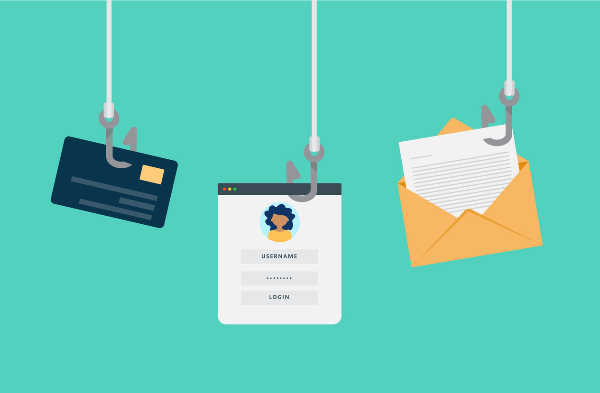
In most cases, opening a phishing email does not immediately compromise your data. However, more sophisticated attacks can collect information about your device, including your IP address, operating system, and location. This information can be used for targeted attacks, but on its own, it’s unlikely to result in identity theft or a security breach unless further action is taken.
Even so, it’s important to act quickly. Do not interact with the email any further. The longer you wait to secure your account or device, the more likely the attacker can exploit any vulnerabilities.
Immediate Actions to Take After Opening a Phishing Email
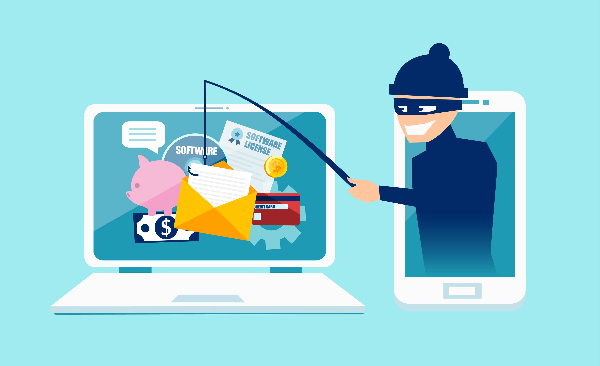
If you’ve accidentally opened a phishing email, follow these steps immediately to protect yourself:
1. Mark the Email as Spam
Marking the email as spam helps your email provider flag it as a phishing attempt, improving the email system’s ability to identify future threats. By doing this, you’re not only protecting yourself, but also helping others by making it easier for spam filters to catch similar emails. This is more effective than simply deleting the email.
2. Report the Phishing Email
If you’ve opened a phishing email on your work or business email account, it’s essential to report it to your IT department. Phishing attacks can be used to gain access to sensitive data or to launch malware attacks on your network. By reporting it, your IT team can take immediate action to secure your network and prevent further damage. If the phishing email targeted a specific organization, they may have resources to block future attacks.
For personal accounts, you should report phishing attempts directly to your email provider, such as Gmail or Yahoo. Many providers have dedicated tools to report phishing attempts.
3. Avoid Clicking Links or Downloading Attachments
Phishing emails often contain malicious links or attachments that direct you to fake websites or install malware on your device. If you have clicked on any links, immediately close your browser and do not enter any personal information. If the email contains an attachment, do not open it under any circumstances. You may need to run a security scan on your device to ensure that no malicious software was installed.
4. Change Your Passwords
If you entered any personal information or passwords after clicking a link in a phishing email, change your passwords immediately. Start with your most sensitive accounts, such as banking or email accounts, and then work through other accounts you may have accessed from the affected device. Enabling two-factor authentication (2FA) on your accounts can further secure them and prevent unauthorized access.
5. Run a Security Scan
After taking action to secure your accounts, run a full security scan on your device. This will help detect any malicious software that may have been installed when interacting with the phishing email. Make sure that your antivirus software is up-to-date to catch the latest threats.
How VPN Can Help Protect Your Privacy
A free proxy VPN in UFO VPN can provide an extra layer of protection by masking your IP address and encrypting your internet connection. Here's how UFO VPN can improve your online security:
-
Prevent Data Tracking: UFO VPN hides your true IP address, making it harder for cybercriminals to track your online activities or target you for phishing attacks.
-
Secure Internet Connection: UFO VPN encrypts your traffic, ensuring that hackers cannot intercept sensitive information while you are browsing or communicating online.
-
Safe Public Wi-Fi Access: Using UFO VPN while on public Wi-Fi networks ensures that your data is encrypted and secure, preventing hackers from exploiting unsecured connections.
💛4 Steps to Start with UFO VPN:


UFO VPN is an all-in-one VPN that offers unlimited access to 4K streaming like Netlfix, Disney Plus, no-ping gaming as PUBG, Roblox, CODM and social networking for YouTube, X, Facebook and more.




Unlock Pro Features
If you have upgraded to premium plan , feel free to enjoy premium servers for 4K streaming and advanced features like Kill Switch, Split Tunneling, and gaming acceleration. Your Mac is now fully optimized and protected. Inaddition to basic functions, we recommend you turn on

Verify Your IP Now
Use UFO VPN's " What is My IP " feature to see your new IP and location. This confirms your connection is secure, anonymous, and ready for safe browsing online anywhere at any time.







How to Protect Yourself from Phishing Emails in the Future
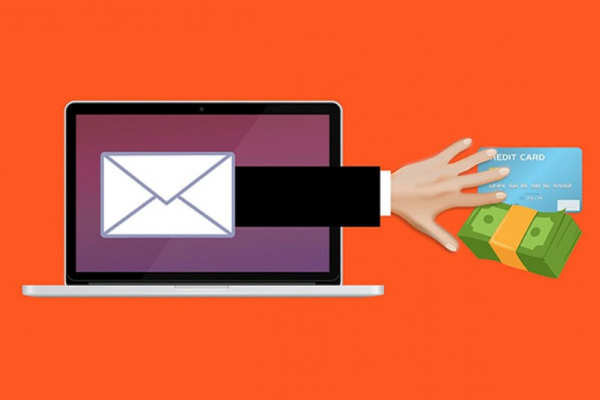
Preventing phishing emails from reaching you in the first place is the best form of defense. Here are some proactive steps you can take:
-
Use a Reliable Email Filter: Enable spam filters to block suspicious emails before they reach your inbox. Most email providers have built-in phishing detection, but you can enhance this by using security software that specifically blocks phishing emails.
-
Educate Yourself on Phishing Techniques: Be aware of common signs of phishing, such as suspicious email addresses, grammar mistakes, and urgent requests for sensitive information.
-
Enable Two-Factor Authentication (2FA): Two-factor authentication adds an extra layer of protection, making it harder for attackers to access your accounts even if they have your password.
-
Use Secure Websites: When entering sensitive information online, ensure that the website uses HTTPS (look for the padlock icon in the address bar). This ensures that your data is transmitted securely.
FAQs
What should I do if I clicked on a phishing link?
If you clicked on a phishing link, immediately close the website and avoid entering any personal information. Change your passwords for affected accounts and run a security scan on your device.
How can I recognize a phishing email?
Look for signs such as unexpected attachments, urgent language, and suspicious links. Check the sender’s email address and be wary of emails requesting sensitive information.
How does UFO VPN help protect against phishing?
UFO VPN masks your IP address, encrypts your traffic, and prevents hackers from monitoring your online activity, reducing the risk of phishing and other cyber threats.
How do I know if a phishing email is targeting my company?
Phishing emails targeting businesses often impersonate official company communications. Report any suspicious emails to your IT department to assess potential risks and take appropriate action.