Before You Access NetFlim: Keep Safety in Mind

NetFlim (and similar Netflix-style mirror sites) can look convenient, but they come with real risks. Before you visit any of these platforms, it’s important to understand the safety and legal issues involved.
Is NetFlim Safe to Use?
Most NetFlim-style sites carry higher security risks than official streaming services.
Main safety concerns include:
- Aggressive ads and pop-ups that can lead to malware
- Fake download buttons or redirects to phishing pages
- Weak or missing security protections
- Potential tracking of your browsing activity
- Unofficial apps that may contain harmful code
How to reduce risk if you still choose to visit:
- Use a strong ad blocker (such as uBlock Origin)
- Browse in Incognito/Private mode
- Avoid downloading any files or apps from these sites
- Consider using a reputable VPN like UFO VPN for extra privacy
- Never enter personal information or payment details
Is NetFlim Legal or Not?
Short answer: In most countries, using NetFlim-style sites is in a legal grey area or outright illegal. Here’s why:
- These platforms typically stream copyrighted movies and shows without permission from Netflix or the content owners.
- Accessing or distributing copyrighted material without a license violates copyright law in many places (including the US, UK, EU, India, and others).
- While personal viewing is rarely prosecuted, the sites themselves operate outside the law, and users still carry some legal risk depending on local rules.
Netflix itself does not authorize any free mirrors. Official access requires a paid subscription.
Is Netflim Down Right Now? What Happened to NetFlim?
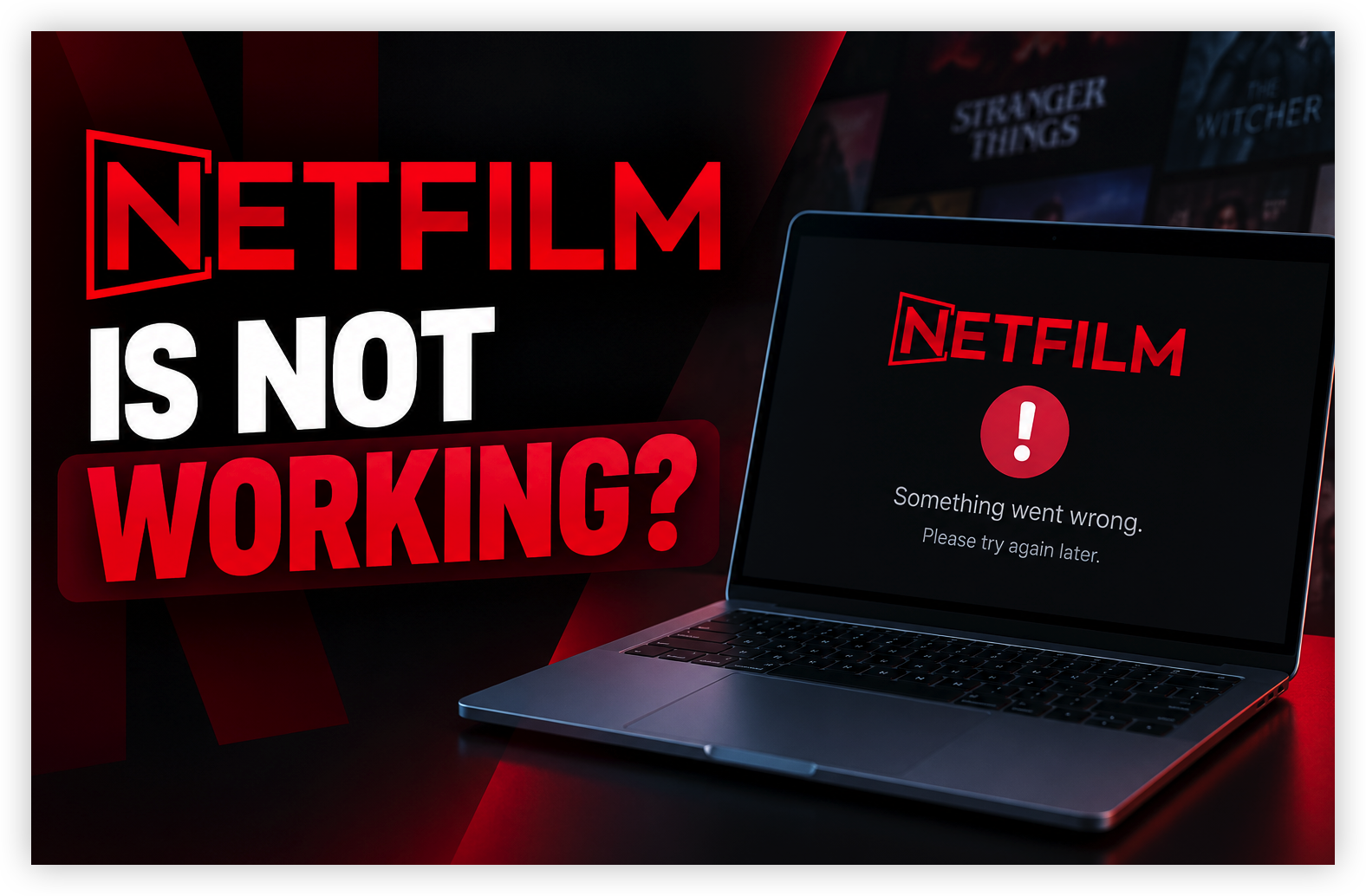
The answer depends on which Netfilm domain you mean.
The original Netfilm.app is no longer a reliable reference point. Third-party reporting from May 2024 said the service had permanently shut down after a DMCA notice. Independent website reputation services also currently describe the old netfilm.app domain as inactive or parked rather than operating as the former streaming service.
At the same time, other domains using names such as Netfilm or Netflim can still appear in search results. Some claim to be the “new” or “official” Netfilm, but the existence of a similar domain does not by itself prove that it is operated by the original service.
| Domain | Current Status(2026) | Notes |
|---|---|---|
| netflim-app.com | Online | Access to old mirror domains |
| netflim.com | Usually offline / inactive | Rarely active |
| netflim.net | Mostly inactive | Not consistently working |
| netflim.org | Inactive | Rarely reported working |
| netmirror.com | Rotating / frequently blocked | Classic NetMirror domain |
| netmirror.online | Rotating | Commonly used alternative |
| netmirror.world | Unstable | Often taken down |
| net11.cc / net22.cc | Rotating | Frequently listed as working links |
| net27.cc / net77.cc | Rotating | Used as backup mirrors |
| netfree2.cc | Rotating | Sometimes used for mobile access |
How to Check if Netflim Is Down
Before assuming that your internet connection is the problem, try these checks:
- Open the website on another device.
- Switch from Wi-Fi to mobile data.
- Try another browser.
- Test another network.
- Check whether the domain redirects somewhere unexpected.
- Look for recent reports about the specific domain.

Why is Netflim Not Working? Discover Reasons
What happened to netfilm? I went to go use it and it is not loading, what happened?

If you are trying to access a NetFilm-branded website and it will not load, there are several possible explanations.
1. The NetFilm Website May Be Unavailable
The simplest explanation is that the particular domain is offline. This can happen because of:
- server downtime
- domain expiration
- hosting problems
- service closure
- enforcement action
- DNS changes
For the original Netfilm.app, third-party reporting indicates that the service was permanently shut down in May 2024.
In that situation, repeatedly refreshing the page or changing your browser will not restore the original service.
2. The Domain May Have Changed or Expired
Streaming sites that disappear sometimes leave users searching for a new address.
However, a new domain using the same branding does not necessarily mean it is an official replacement.
For example, current search results include websites that describe themselves as “official Netfilm” domains, while other third-party sources say the original service was permanently shut down. That conflict is exactly why you should not assume that a new Netfilm-branded domain is legitimate simply because it looks familiar.
3. Your ISP May Be Unable to Reach the Site
If the website opens normally for other people but not on your connection, the problem may be closer to home.
Possible causes include:
- ISP-level filtering
- DNS resolution problems
- router configuration
- network routing
- temporary connectivity problems
A useful test is to switch from your home Wi-Fi to mobile data.
4. DNS Resolution Problems
Your browser needs to translate a domain name into an IP address before connecting to the website.
If DNS resolution fails, you may see errors such as:
- DNS_PROBE_FINISHED_NXDOMAIN
- Server IP address could not be found
- This site can't be reached
- Connection timed out
If other websites work normally while one domain consistently fails, DNS or domain-level problems are worth investigating.
5. Browser or Cache Problems
Sometimes the website is available, but your browser has trouble loading it.
Try:
- opening a private/incognito window
- clearing cached data
- disabling unnecessary extensions
- using another browser
- restarting the browser
6. The Video Server May Be Down
There is also a difference between the website being online and the video actually playing.
For example:
You can open the NetFilm homepage, search for a movie, and click Play—but the video stays on a loading screen.
In that case, the main website may be accessible while the video hosting or playback server is unavailable.
[Troubleshooting] How to Fix NetFlim Not Working Issues
If Netflim won't load, don't assume the website is down right away. Follow these steps to find out whether the problem is caused by your browser, device, network, DNS, or the NetFilm service itself.
Step 1: Refresh the Page and Try Another Browser
Start with a quick browser check:
- Refresh the Netflim page.
- Close and reopen your browser.
- Try Netflim in another browser or an incognito window.
If it works in another browser, clearing your cache or disabling browser extensions may fix the issue.
Step 2: Switch Between Wi-Fi and Mobile Data
Check whether your network is causing the problem:
- Disconnect from Wi-Fi.
- Turn on mobile data.
- Open Netflim again.
If Netflim works on mobile data but not Wi-Fi, your router, DNS settings, ISP, or network route may be contributing to the problem.
Step 3: Try a VPN Connection
A free proxy VPN like UFO VPN can help determine whether the issue is related to your current network route.


UFO VPN is an all-in-one VPN that offers unlimited access to 4K streaming like Netlfix, Disney Plus, no-ping gaming as PUBG, Roblox, CODM and social networking for YouTube, X, Facebook and more.




Unlock Pro Features
If you have upgraded to premium plan , feel free to enjoy premium servers for 4K streaming and advanced features like Kill Switch, Split Tunneling, and gaming acceleration. Your Mac is now fully optimized and protected. Inaddition to basic functions, we recommend you turn on

Verify Your IP Now
Use UFO VPN's " What is My IP " feature to see your new IP and location. This confirms your connection is secure, anonymous, and ready for safe browsing online anywhere at any time.







If Netflim loads only after connecting to a VPN, your original network or DNS route may be involved. UFO VPN can provide an alternative network route along with DNS and IP leak protection.
Note: A VPN cannot restore a website or domain that has permanently shut down.
Step 4: Test Netflim on Another Network or Device
Try Netflim from a different connection or device:
- Another Wi-Fi network
- A mobile hotspot
- Another phone or computer
If Netflim fails everywhere, the problem is more likely to be on the website or domain side rather than your device.
Step 5: Check Whether Netflim Is Actually Down
If none of the previous steps work, check whether the NetFilm domain is currently available.
If the domain doesn't resolve or the service is unavailable across multiple devices and networks, Netflim may be experiencing a server or domain-level problem. If the original service has permanently shut down, there is nothing to fix on your end—consider switching to a legitimate streaming alternative instead.
Be careful with newly appearing NetFilm-branded domains, APK downloads, redirects, or pages asking for personal information. A new domain using the NetFilm name does not automatically mean it is an official continuation of the original service.
Netflim Alternatives: Discover Sites like NetFilm (Free & Paid)
If you're looking for sites like NetFilm after it became unavailable, there are several alternatives worth considering. The best choice depends on whether you want free, ad-supported streaming or a paid service with a larger catalog and fewer interruptions.
5 Free Netflim Alternatives
Free streaming platforms are a good option if you don't want to pay for another subscription. Most are ad-supported, so you can watch without a monthly fee.
| Platform | What It Offers | Cost | Best For |
|---|---|---|---|
| Plex | Free movies, TV shows, and live channels | Free with ads | Mixed entertainment & live TV |
| Xumo Play | Free movies, TV shows, and live channels | Free with ads | Live TV-style streaming |
| The Roku Channel | Movies, TV shows, live channels, and originals | Free with ads | General entertainment |
| Kanopy | Documentaries, classic films, indie movies | Free with library/university access | Documentaries & quality films |
| Hoopla | Movies, TV shows, documentaries, and other digital media | Free with participating library | Library-card users |
5 Paid Netflim Alternatives
These paid platforms remain among the major subscription alternatives in the U.S. streaming market.
| Platfrom | What It Offers | Pricing Model | Best For |
|---|---|---|---|
| Max | HBO originals, movies, documentaries, and series | Monthly subscription | Premium TV & movies |
| Prime Video | Movies, TV shows, originals, rentals, and purchases | Subscription + rentals | Broad movie selection |
| Disney+ | Disney, Pixar, Marvel, Star Wars, and more | Monthly subscription | Family & franchise content |
| Apple TV+ | Original series, movies, and documentaries | Monthly subscription | High-quality originals |
| Paramount+ | Movies, series, live sports, and Paramount content | Monthly subscription | Sports & mainstream entertainment |
What Is NetFilm? NetFlim Meaning
NetFilm, sometimes searched as Netflim, has historically been associated with websites offering free access to movies and TV shows. These platforms claim to let users watch movies and TV shows (including Netflix content) without a paid subscription.
Users visit a Netflim/NetMirror-style site or download an unofficial app. The platform displays a Netflix-like interface with movies and series. Content is usually streamed from external sources rather than being hosted by the site itself.
The original Netfilm.app was reported as a free streaming site that was shut down in 2024. TechWorm and other reports said the shutdown followed a DMCA notice and that the service was not a licensed mainstream streaming platform.
⚠️Is Netflim the Same as Netflix?
No — Netflim is not the same as Netflix.
- Netflix is a legitimate company that licenses content, produces original shows and movies, and operates under strict copyright and privacy standards.
- Netflim (and similar NetMirror-style sites) is an unofficial name people use for free mirror platforms. These sites are not affiliated with Netflix and typically stream content without permission.
And here’s a clear comparison:
| Feature | Netflix | Netflim |
|---|---|---|
| Official Status | Official paid streaming service | Unofficial third-party mirror |
| Ownership | Netflix, Inc. | Independent / unknown operators |
| Content Source | Licensed & original content | Aggregated or unauthorized streams |
| Cost | Subscription required | Usually free (ad-supported) |
| Domain | netflix.com | Rotating domains (e.g. netmirror., net.cc) |
| Legality | Fully legal | Legal grey area / often illegal |
| Security & Privacy | High | Higher risk of ads, malware, tracking |
| Reliability | Stable | Domains frequently change or get blocked |
Key Takeaways
- Netfilm.app was reported to have permanently shut down in May 2024.
- A website using the Netfilm name today is not automatically confirmed to be an official replacement.
- If NetFilm works on mobile data but not Wi-Fi, your ISP, DNS, router, or network route may be responsible.
- If a NetFilm page asks you to install an unfamiliar APK, browser extension, or software update, be cautious.
- A VPN such as UFO VPN can help you test whether a connection or routing problem is affecting access, but it cannot bring back a permanently closed website.
FAQs
What happened to NetFilm?
Netfilm.app was reported to have permanently shut down in May 2024 after a DMCA notice. Community reports from the same period also show users noticing that the service had stopped working.
What are the best Netflim alternatives?
For free legal streaming, Tubi and Pluto TV are two established options where available. Tubi offers free movies and TV shows, while Pluto TV provides free movies, shows, and live TV.
Should I download a Netflim APK?
Be cautious. If an unfamiliar website asks you to install an APK or other software to watch a movie, do not assume it is an official NetFilm application. Use established app stores and official streaming services whenever possible.