




Does Twitch Ban VPN Use?
Fairly certain they've blocked VPN viewers. The other week they blocked all US VPN connections fully, but now we can still view, but it doesn't count as a view.

Twitch’s public rules don’t list VPN use alone as a reason to suspend your account. The following issues are commonly reported by users:
-
Playback - Twitch may display a playback error if it detects a VPN on a region-restricted stream.
-
Sign-in - A change in your IP address can prompt Twitch to email you a verification code.
-
Viewer count - Your live viewer count can drop if VPN connection issues prevent some viewers from loading your stream or staying connected.
Why a VPN Is Still Necessary for Twitch?
If Twitch already runs smoothly on your home connection, you can leave the VPN off. The decision gets more interesting when you’re on shared Wi-Fi or your usual connection keeps stalling.
👉 For viewers — On hotel or airport Wi-Fi, a VPN encrypts the traffic between your device and the VPN server. If Twitch keeps freezing, try the same channel at the same quality with the VPN on and off. Give each connection a minute or two so you can see which one buffers less.
👉 For streamers — A VPN can give you the same privacy on a shared network. The thing to check before you go live is your upload. Run a short test and keep an eye on dropped frames in OBS. If they start piling up, try another server or go back to your direct connection before the real broadcast.
Where Is Twitch Blocked & How to Access with VPN?
Twitch access can vary by country. Turkey, for example, has temporarily blocked Twitch before. Elsewhere, live streams may play even when features like replays are limited.
| Country | Twitch Access Status | 🔥 Get an IP |
|---|---|---|
| Iran | Twitch is blocked | |
| Turkey | Temporary block lifted | |
| South Korea | Live streams available, replays limited | |
| Russia | Access issues reported on some networks | |
| Slovakia | Temporary carrier block lifted |
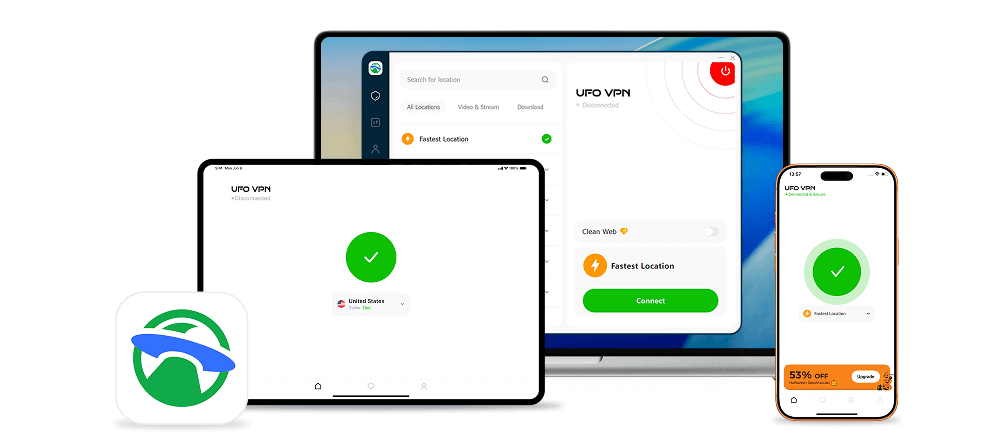
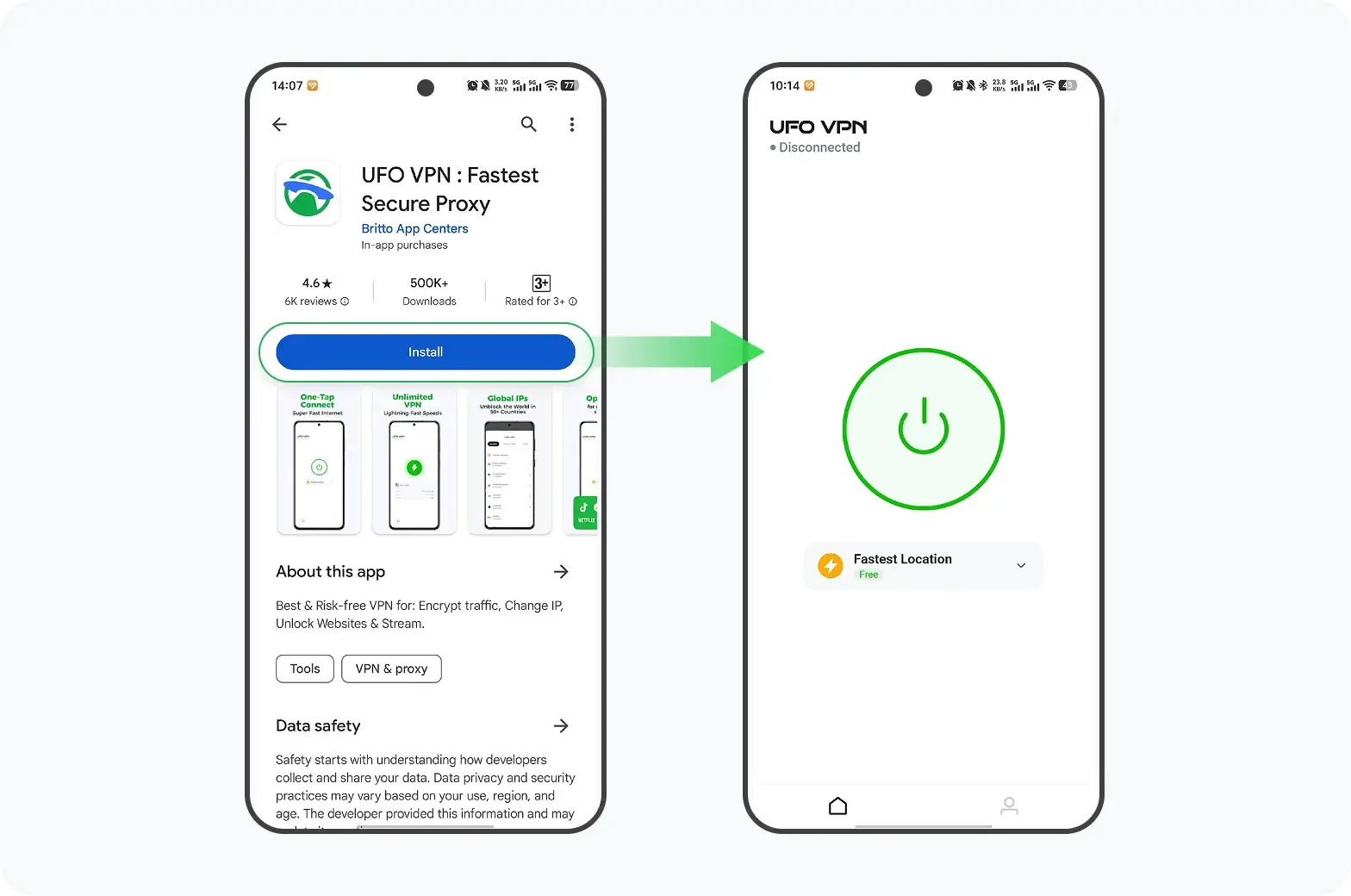
If Twitch won’t load on your usual connection, a nearby UFO VPN server may help you reach it.
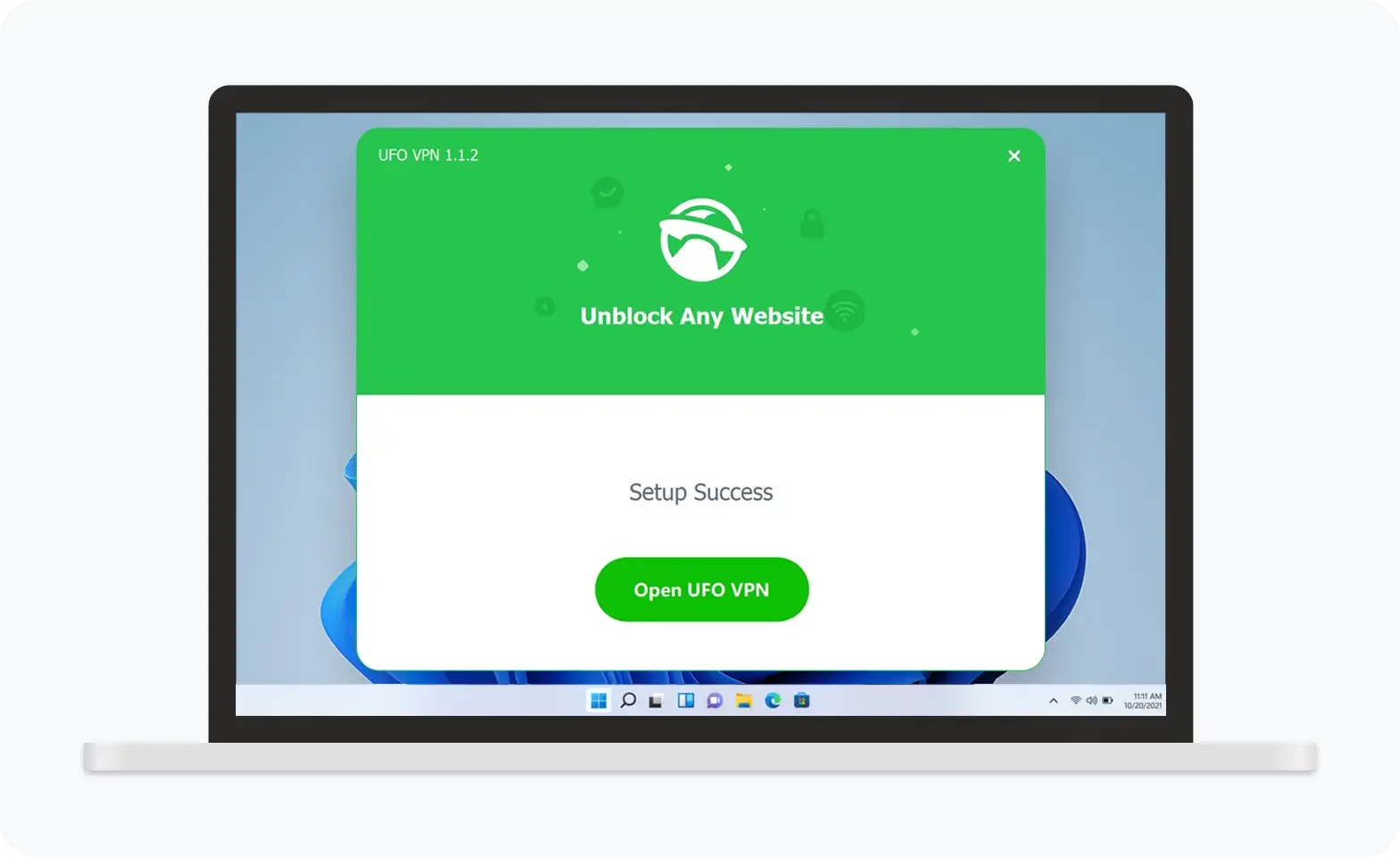
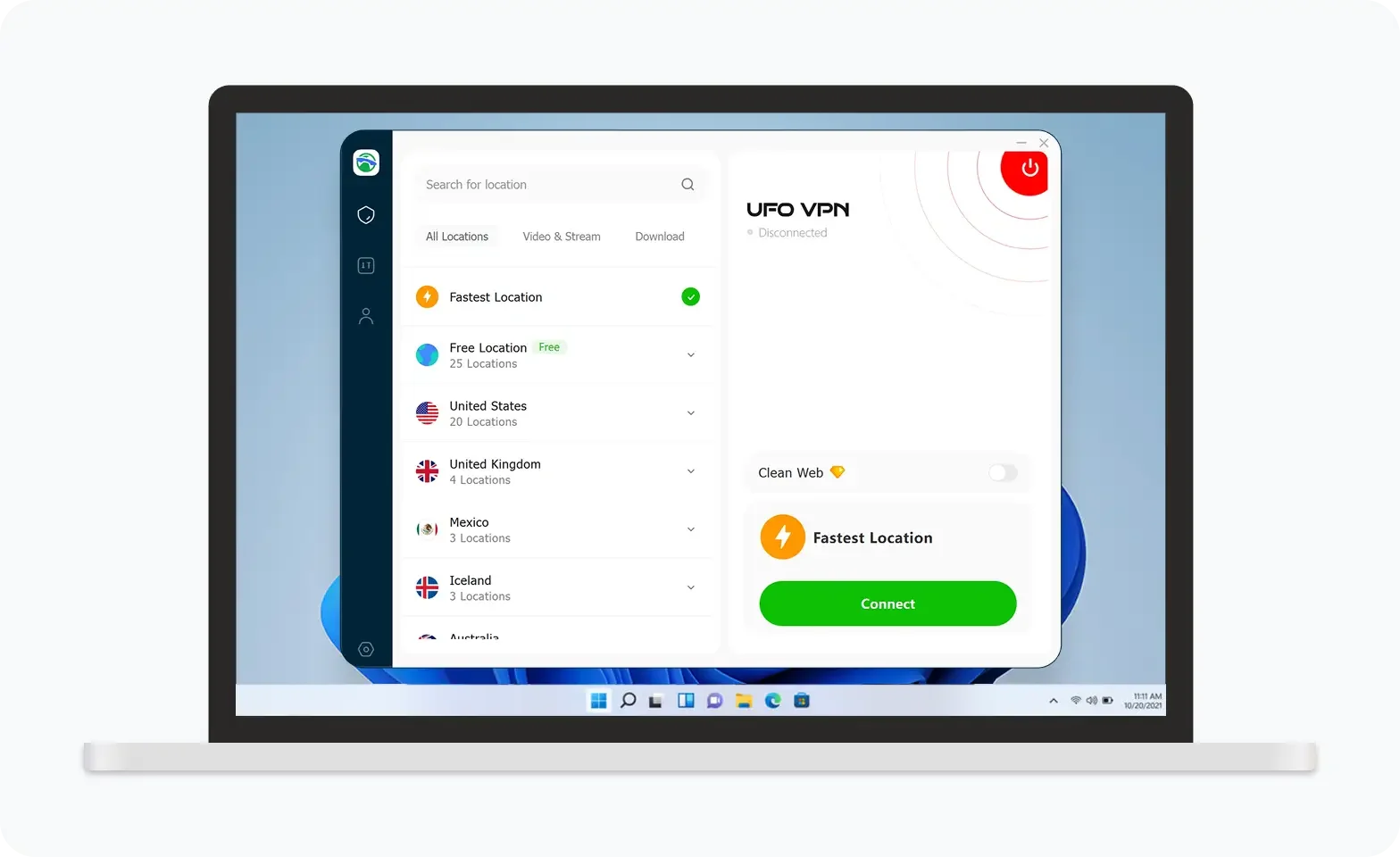
UFO VPN is an all-in-one VPN that offers unlimited access to 4K streaming like Netlfix, Disney Plus, no-ping gaming as PUBG, Roblox, CODM and social networking for YouTube, X, Facebook and more.
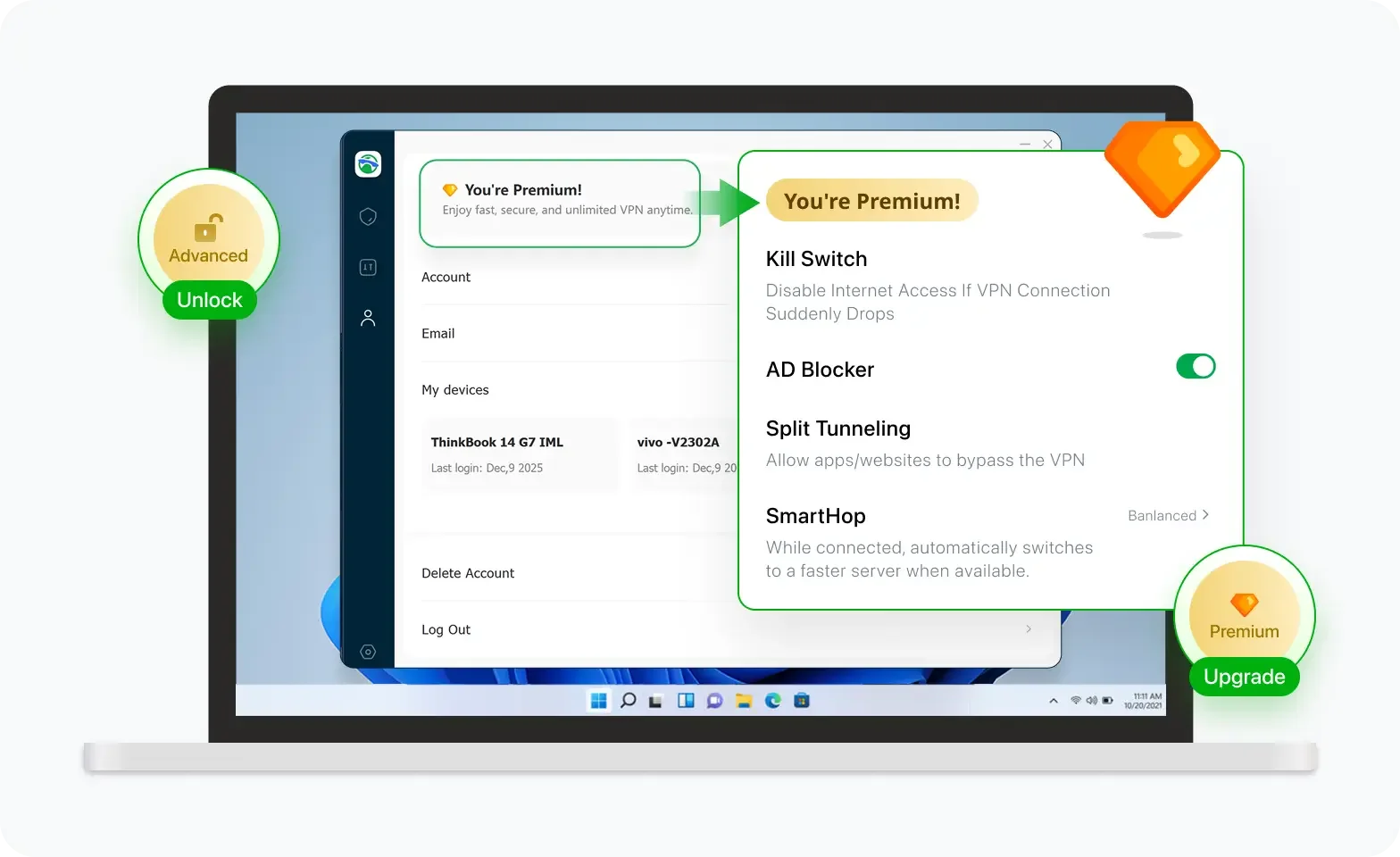
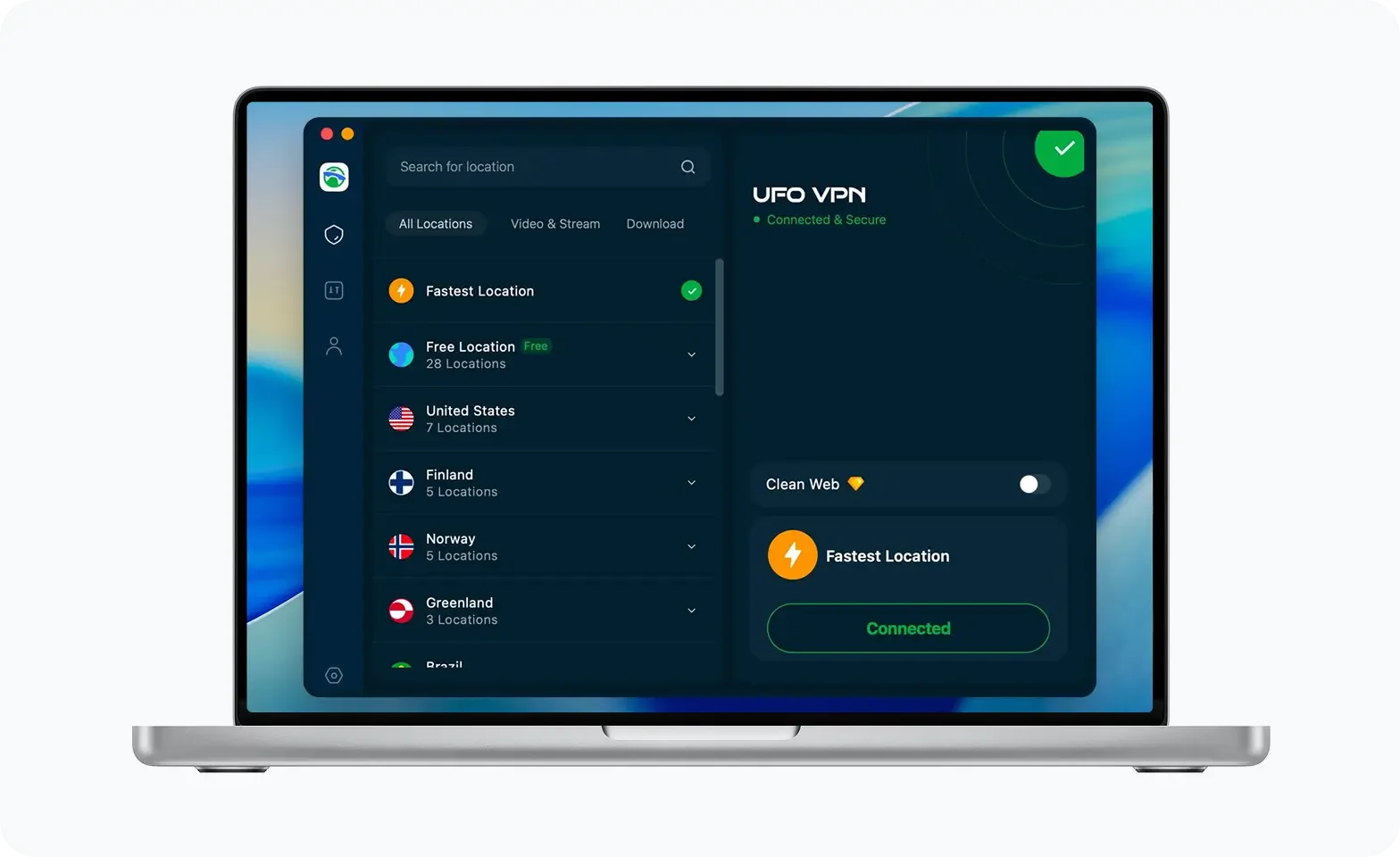
Unlock Pro Features
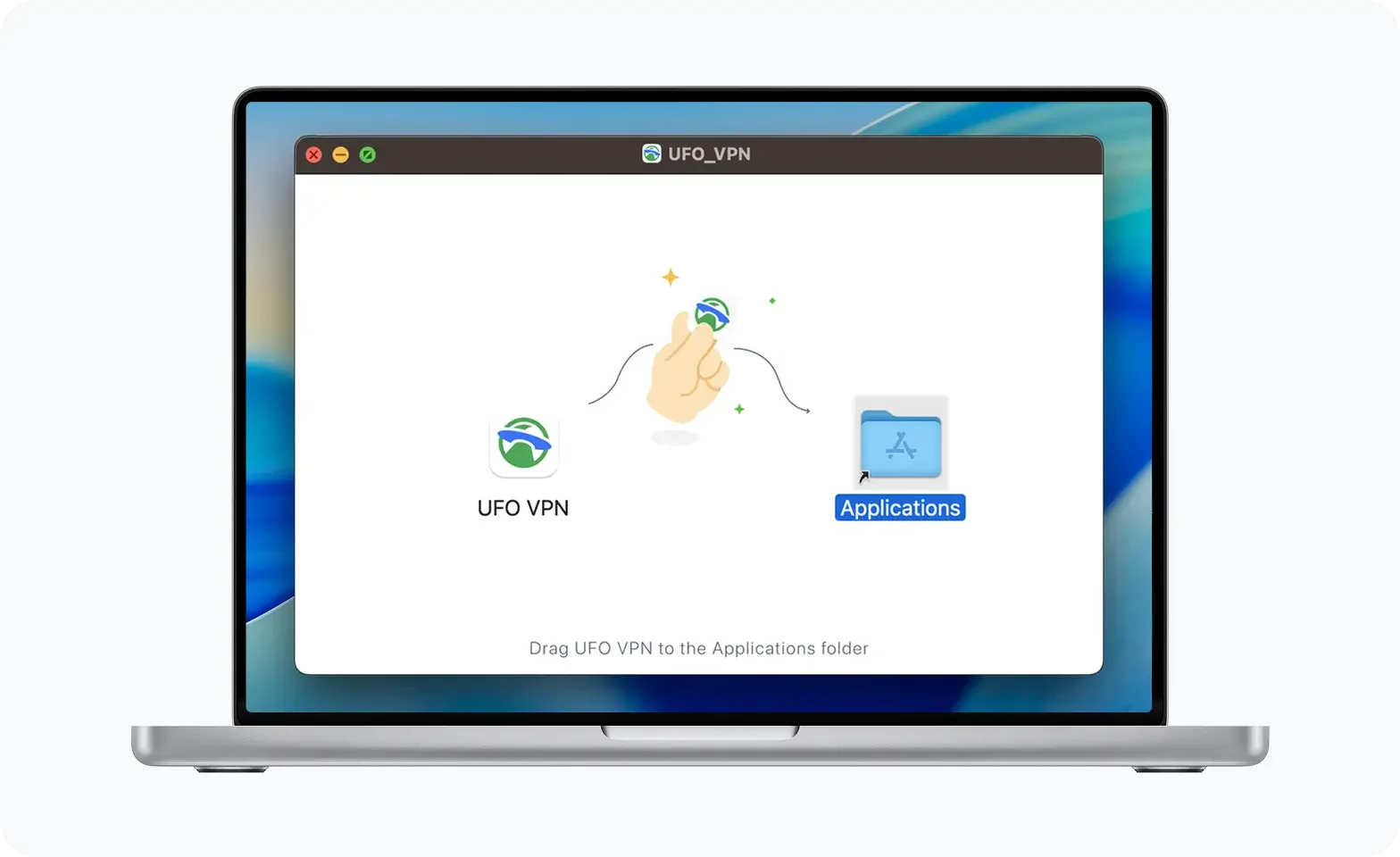
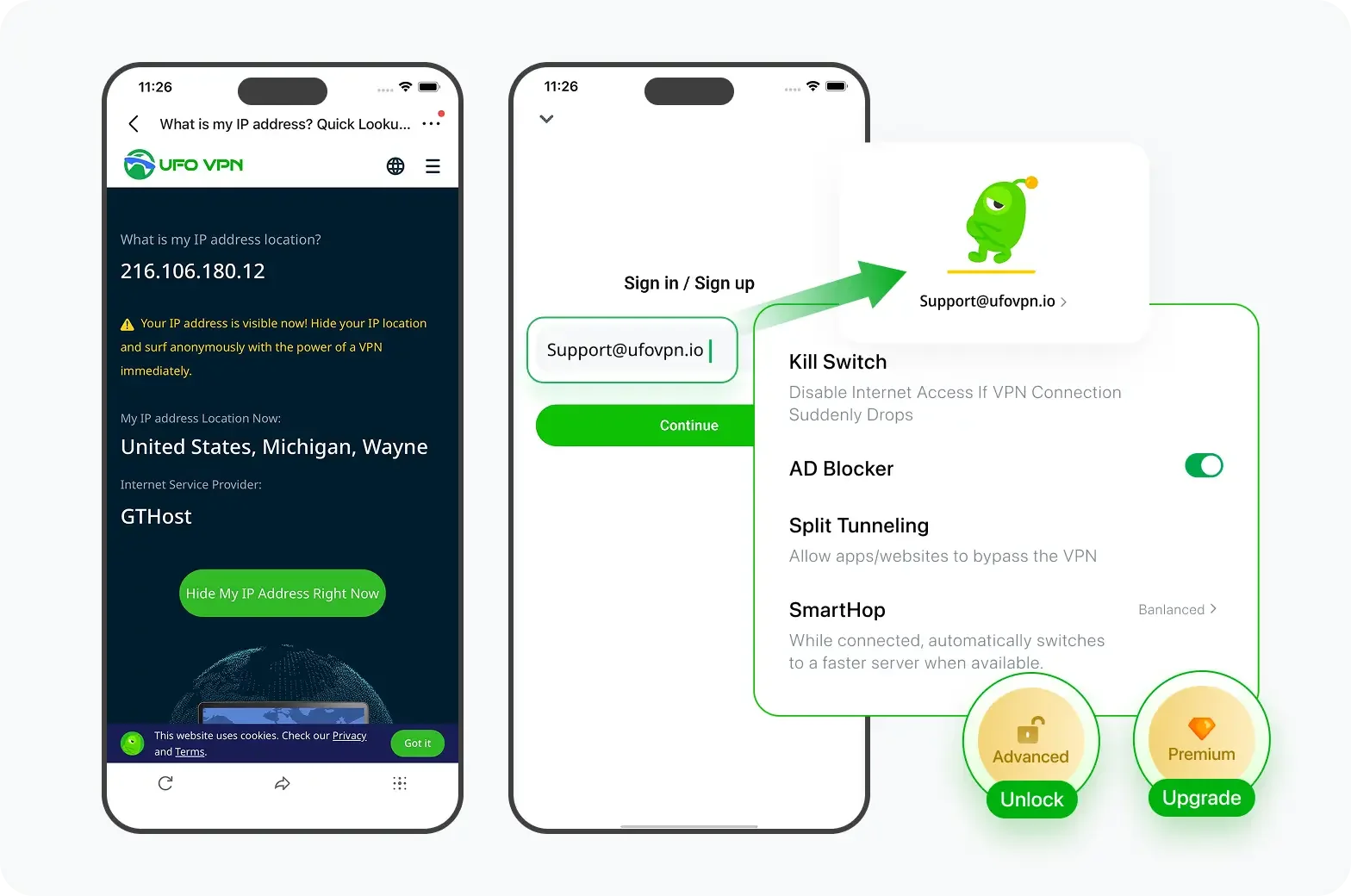
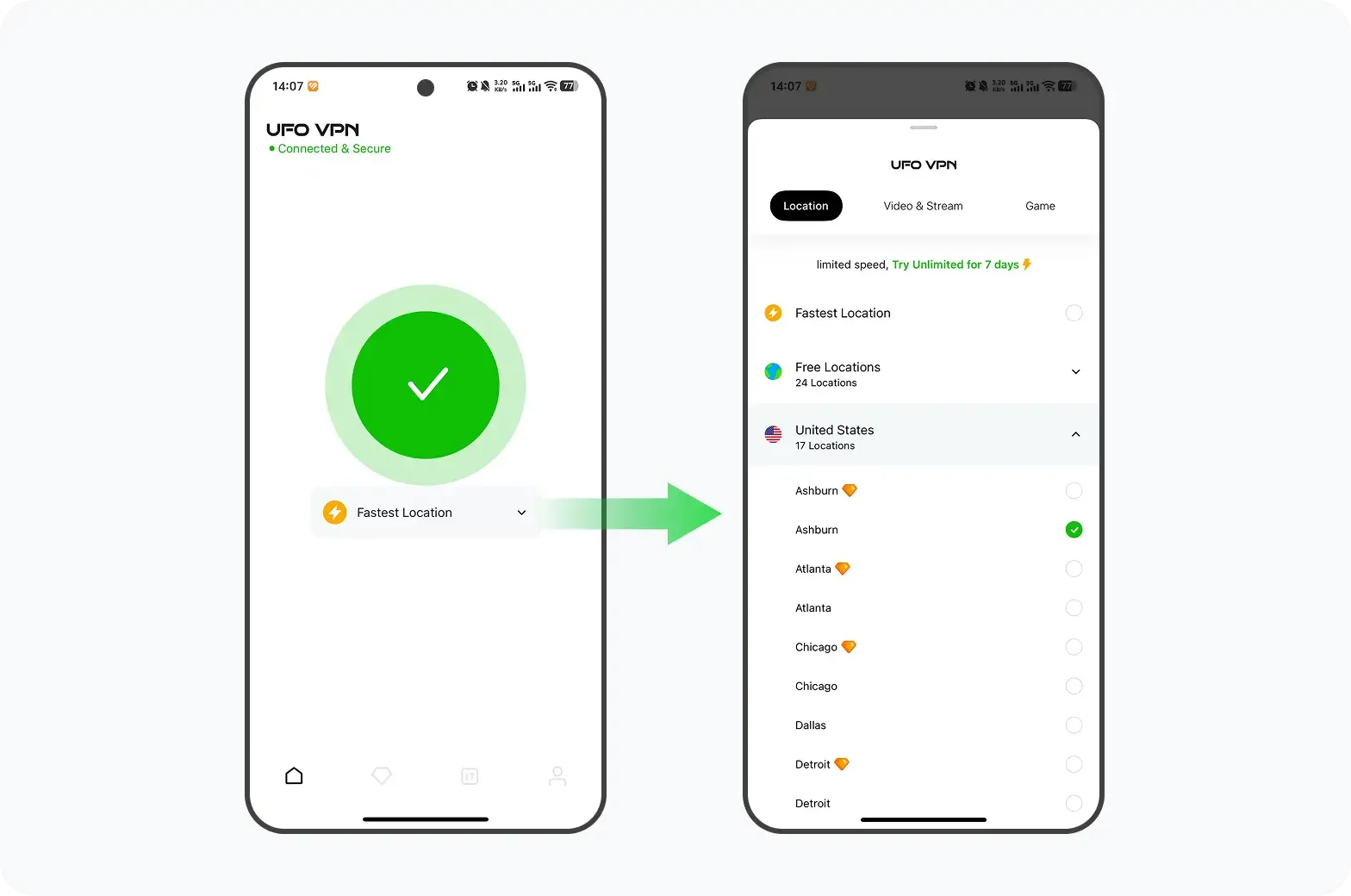
If you have upgraded to premium plan , feel free to enjoy premium servers for 4K streaming and advanced features like Kill Switch, Split Tunneling, and gaming acceleration. Your Mac is now fully optimized and protected. Inaddition to basic functions, we recommend you turn on

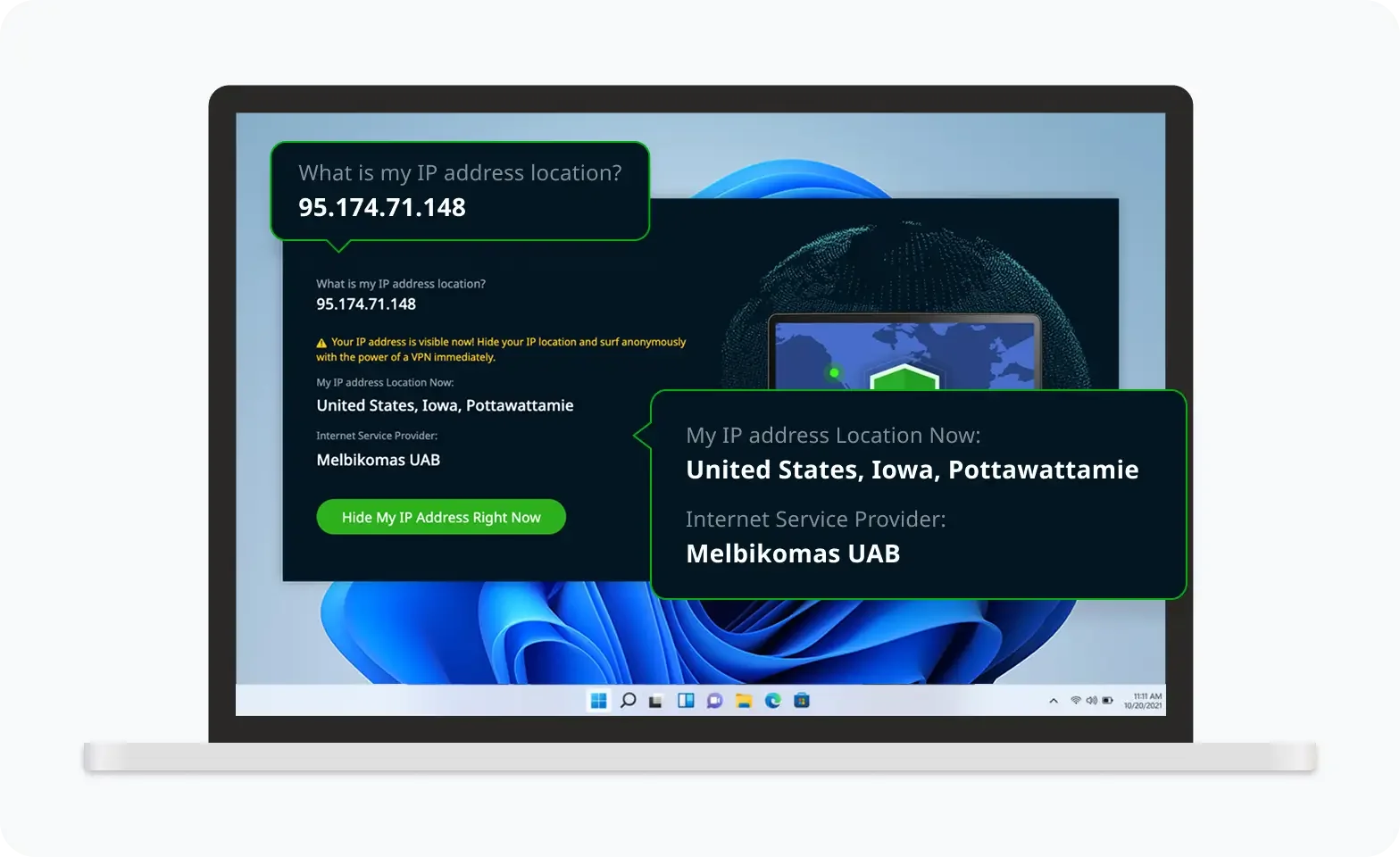
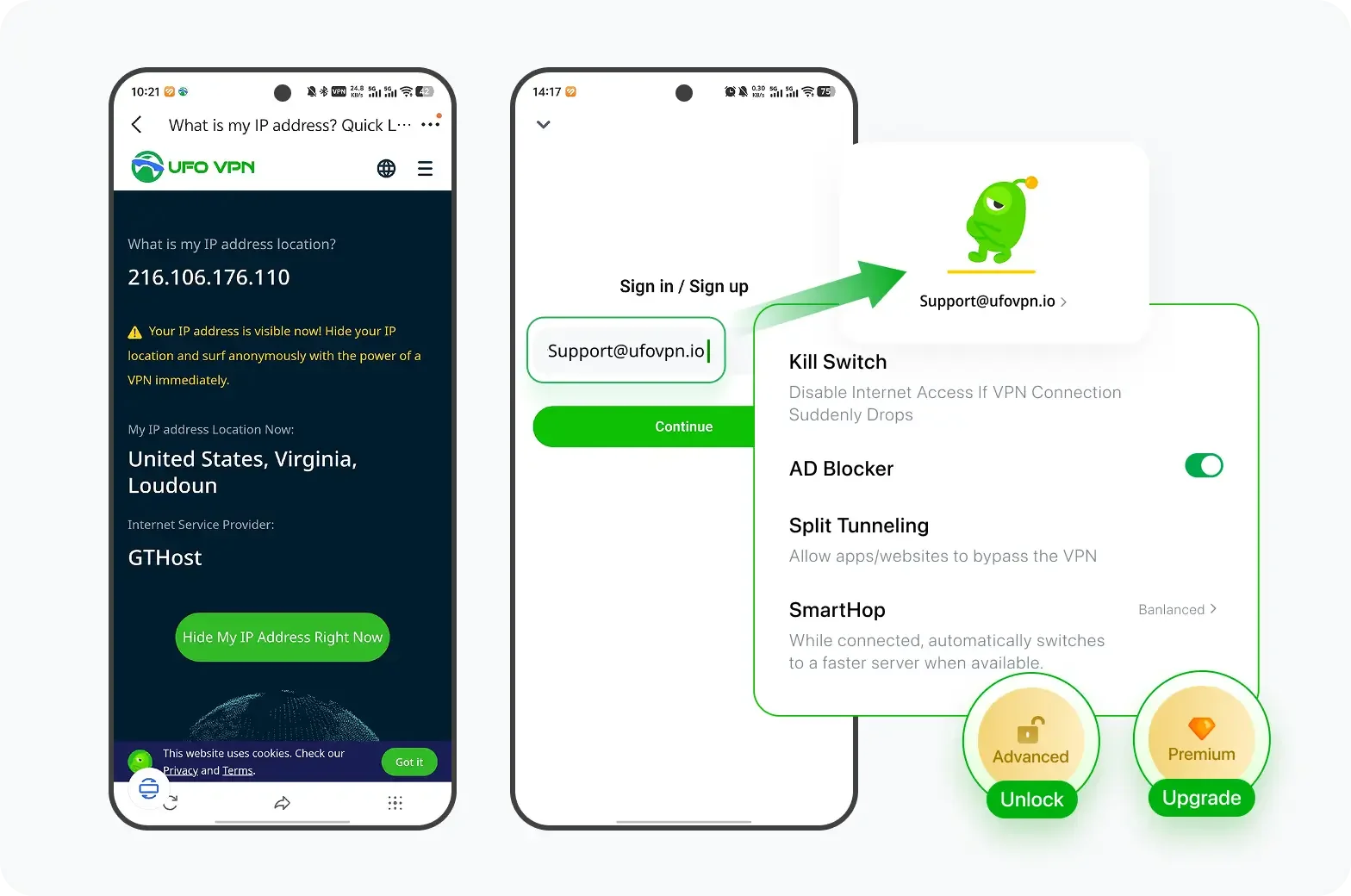
Verify Your IP Now
Use UFO VPN's " What is My IP " feature to see your new IP and location. This confirms your connection is secure, anonymous, and ready for safe browsing online anywhere at any time.

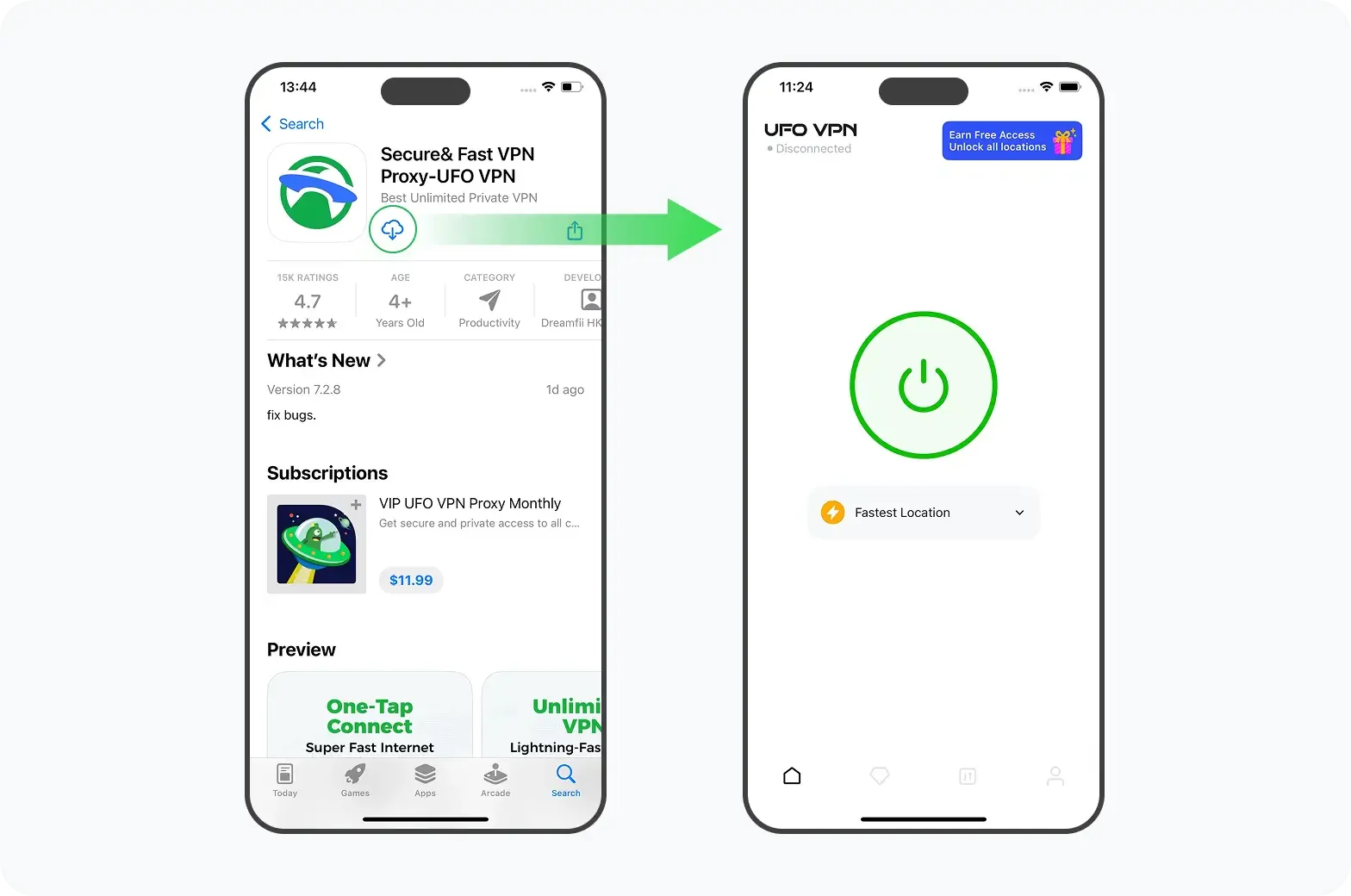
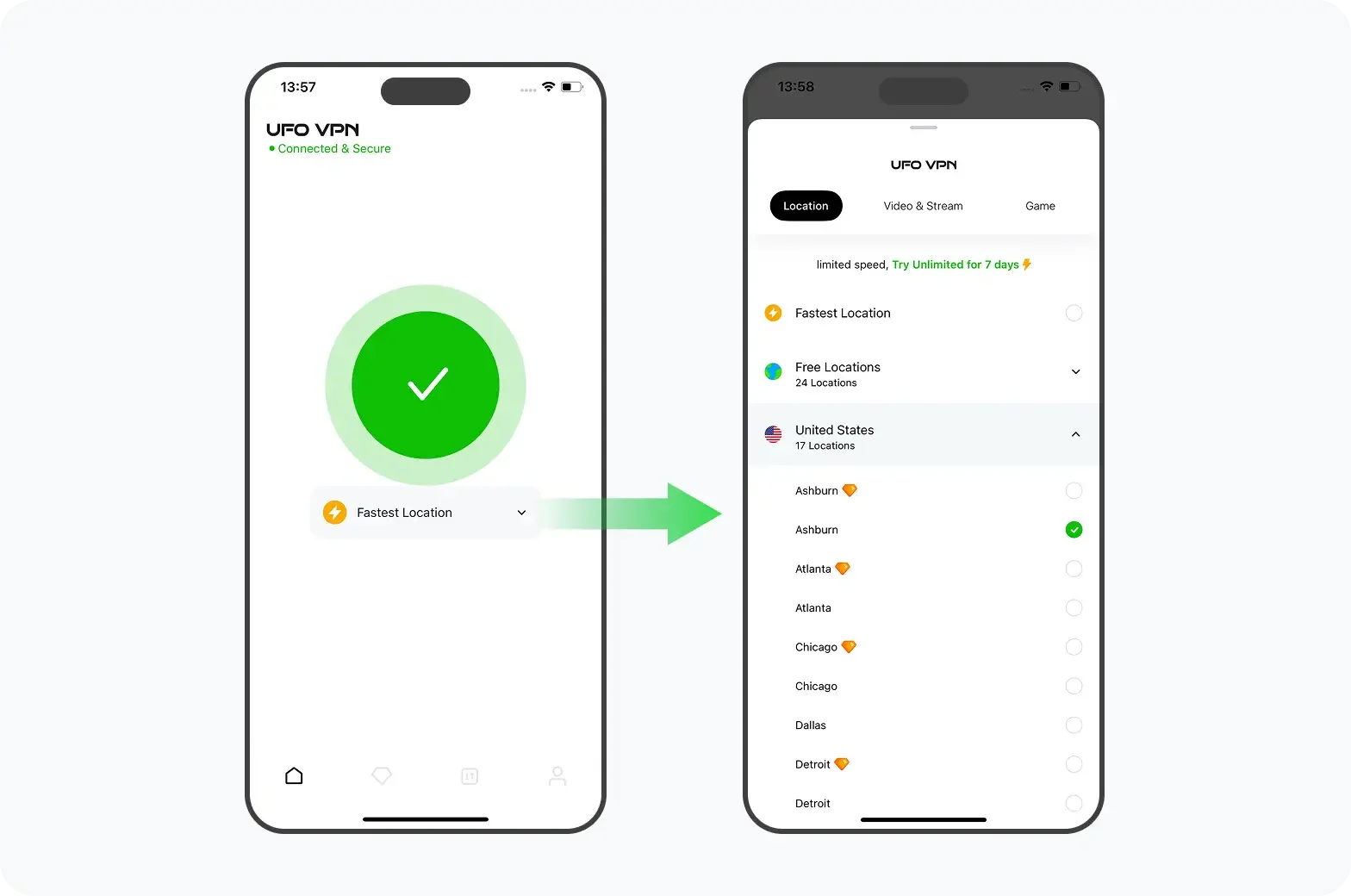
Is It Possible to Stream Twitch without VPN?
It's totally possible to watch or stream on Twitch without a VPN. To watch, you need a connection that can reach Twitch and a broadcast that’s available in your region. To go live, you’ll also need a Twitch account, a streaming app or supported device, and a steady upload. Before you go, complete the following settings to avoid buffering or dropped frames.
1. Check where the event is streaming
If a match shows a region error, check the organizer’s viewing guide for an official feed available in your area. Some events have separate channels by country or language.
2. Let the player adjust the quality
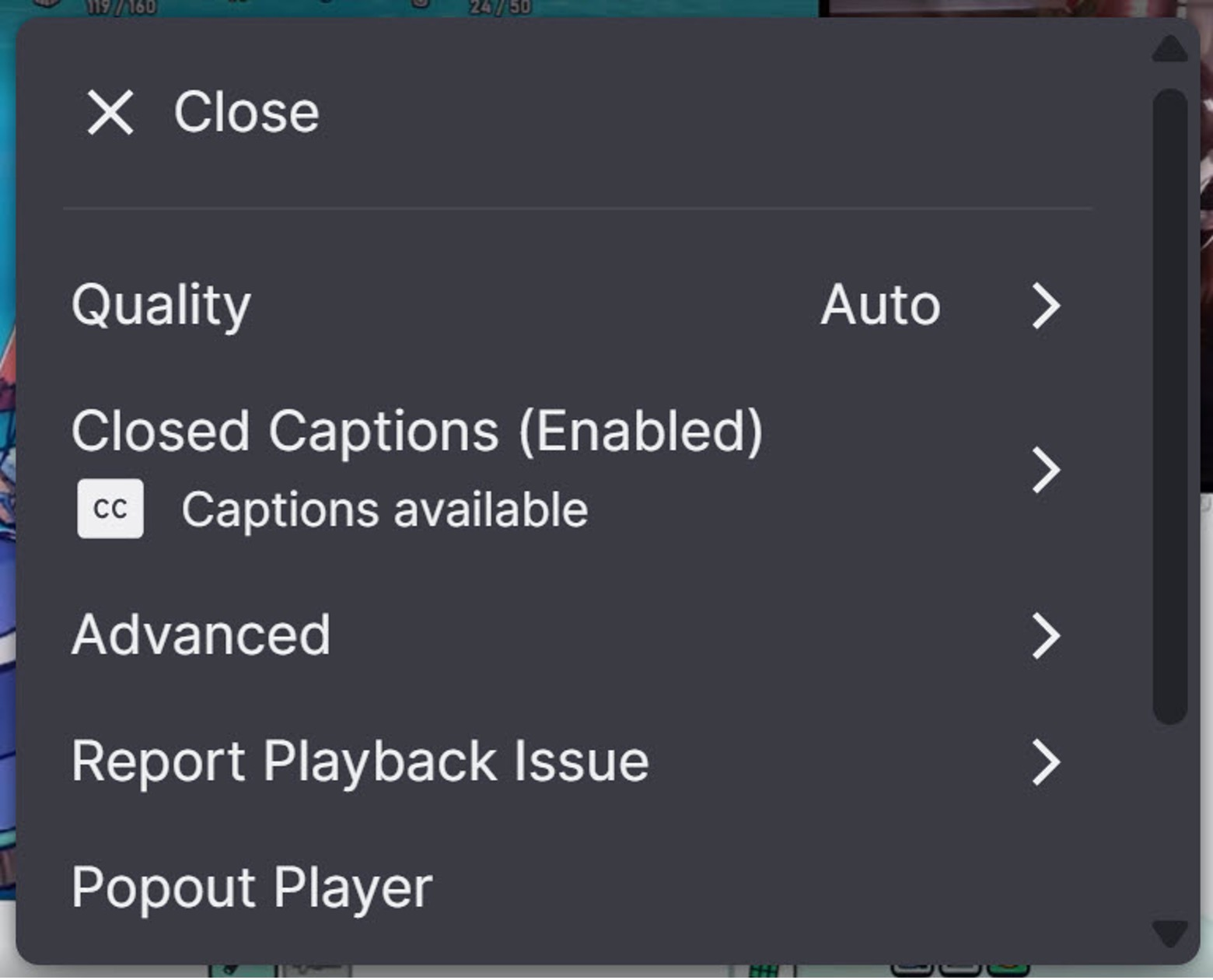
Open Player Settings → Quality → Auto. If the video still freezes, try 720p or 480p if the channel offers those options.
3. See if another channel plays smoothly
Open a second live stream. If it plays fine, the issue may be limited to the first channel. If both streams buffer, try another network, such as mobile data.
4. Keep other uploads out of the way
Before going live, plug in an Ethernet cable if you can. Pause cloud backups, file syncs, and other large uploads so OBS has more bandwidth to work with.
5. Leave room above your bitrate
Test your upload on the device and network you’ll use to broadcast. For a 6 Mbps stream, aim for about 8 Mbps of stable upload speed. If your upload dips below that during testing, start with a lower bitrate.
6. Run a quick rehearsal in OBS
Run a bandwidth test for a few minutes before you go live. Check Twitch Inspector for bitrate dips and OBS for dropped frames. If you see either, lower the bitrate and run the test again.
Twitch Channels and Major Esports Events to Follow
If you just want something to put on, try shroud for FPS gameplay or tarik for VALORANT. For tournament day, search the channel name below and check the organizer’s viewing guide for start times, language feeds, and replays.
| Event | Twitch Channel | Official Viewing Information |
|---|---|---|
| League of Legends World Championship | Riot Games | LoL Esports |
| VALORANT Champions | VALORANT | VALORANT Esports |
| Counter-Strike 2 IEM Cologne | ESLCS | ESL Pro Tour |
| Dota 2 The International | Dota2TI | Dota 2 official event guide |
| Rocket League World Championship | RocketLeague | Rocket League Esports |
| Apex Legends Global Series Championship | PlayApexEsports | ALGS Championship viewing guide |
| Evolution Championship Series (Evo Las Vegas) | Evo | Evo Viewer’s Guide |
| Overwatch Champions Series World Finals | OW_Esports | Overwatch Esports |
Best Free Live Streaming Sites (No VPN Required)
Looking for a soccer match, a fight card, or a cricket game? These sites bring together free sports schedules and third-party feeds. You can browse them on your regular connection where they’re available. A match can show up on the schedule before a feed is ready.
VIPLeague

VIPLeague is handy when you want to see what’s on across several sports. You’ll find everything from rugby and cricket to darts and motorsport.
Pros
-
Browse by sport from the homepage
-
See live and upcoming events separately
-
Find listings for sports such as darts and Australian rules football
Cons
-
Pop-ups can interrupt browsing
-
Some VIPLeague domains have faced copyright-related blocks
VIPRow Sports
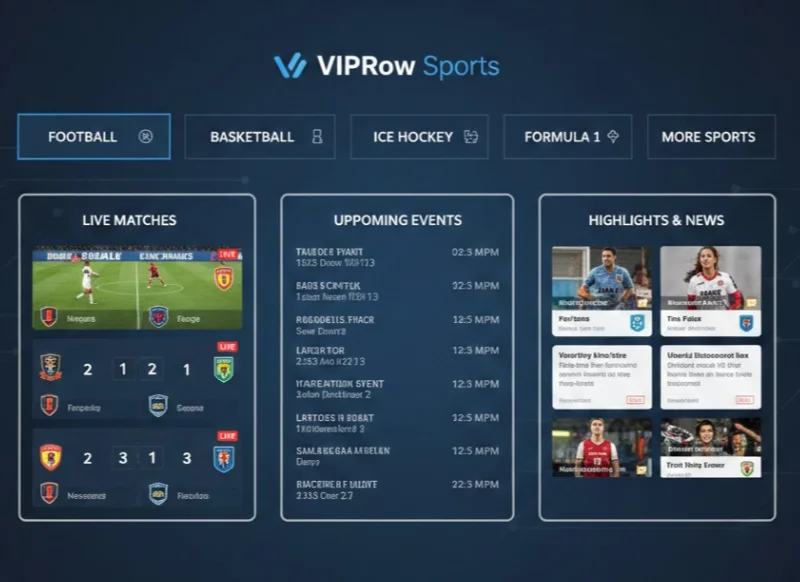
VIPRow gives clubs like Liverpool and Manchester United their own shortcuts. If you already know the matchup, you can also search for it by name.
Pros
-
Jump straight to a club’s fixtures
-
Search for a specific event
-
See the competition and scheduled start on the event page
Cons
-
Some league shortcuts open a separate site
-
You may need to convert the listed start time to your time zone
-
A feed may become available after the scheduled start
Sportsurge
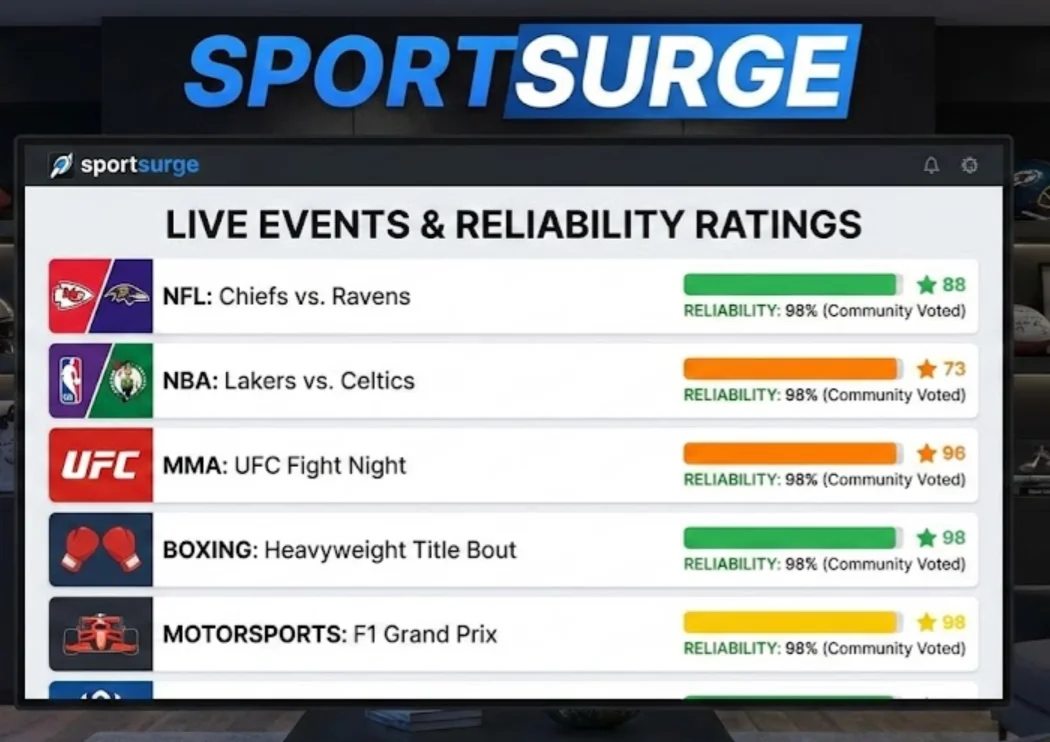
Sportsurge is useful on a packed game day. The schedule shows how many sources are listed for each matchup, so you can see what’s available before opening it.
Pros
-
Browse separate sections for the NFL and college football
-
Filter soccer fixtures by league or cup
-
See the teams and start time in one row
-
Check the number of listed feeds at a glance
Cons
-
Some fixtures show zero sources
-
Soccer listings can take you to a separate site
Buffstreams

Buffstreams covers North American leagues, fight nights, and racing. The countdowns come in handy when several events start around the same time.
Pros
-
See how long you have until an event starts
-
Browse dedicated schedules for sports such as basketball and boxing
Cons
-
Match pages can send you to an external player
-
Picture quality depends on the feed provider
TotalSportek

Start with TotalSportek if soccer is what you’re after. Its fixtures are grouped by competition, which makes it easier to find a specific league or cup match.
Pros
-
Go straight to a competition such as La Liga or Serie A
-
Check kickoff times without opening individual match pages
-
Scan live and upcoming fixtures in the same list
Cons
-
Some sites using the TotalSportek name only show scores and fixtures
-
Feed links may appear close to kickoff
-
Playback can take you to a third-party site
-
Picture quality can vary between feeds for the same match
CricHD
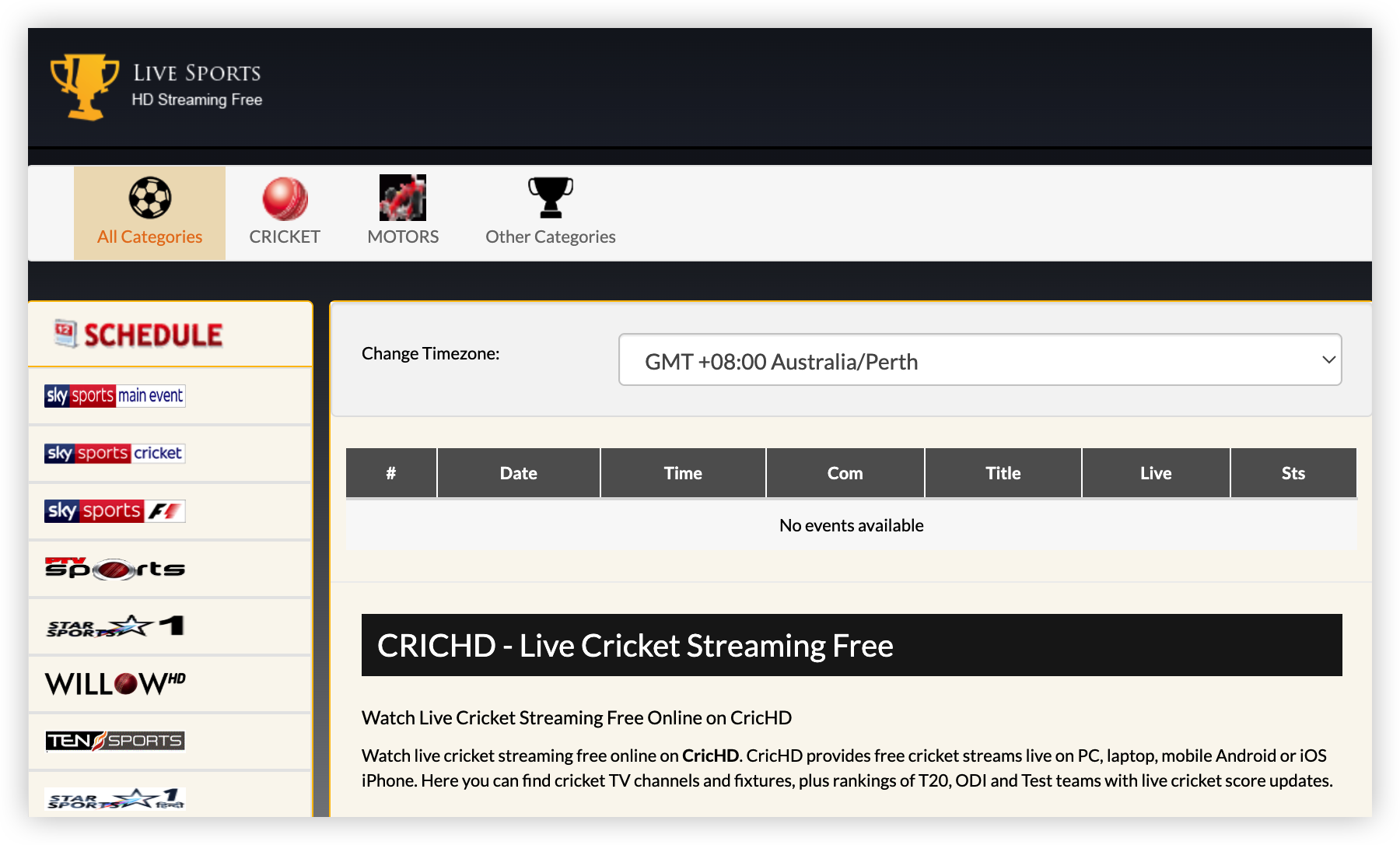
CricHD gives cricket its own schedule. If you’re following a particular competition, you can jump there directly or look up the teams playing.
Pros
-
Open the cricket schedule directly
-
Search by team or event name
-
Use competition shortcuts to narrow the list
-
Browse a separate directory of sports channels
Cons
-
Some scheduled matches have no feed listed
-
Commentary language depends on the source
-
Picture quality can vary between feeds
Cricfree
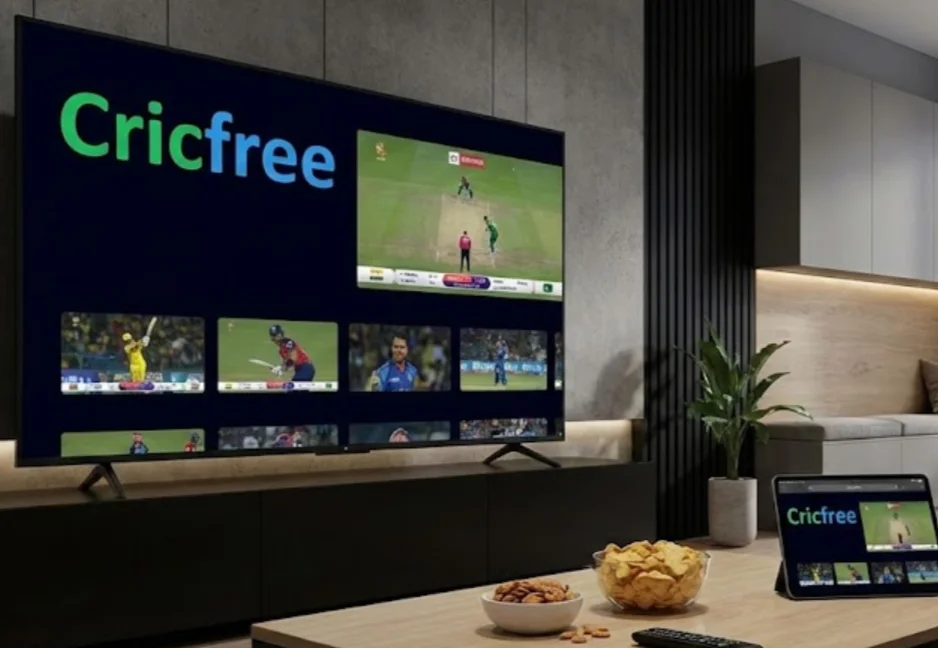
Cricfree puts fixtures from several sports on one page. When a match has multiple listings, the sources usually appear as numbered options.
Pros
-
Scan the day’s schedule across several sports
-
Switch to another listed source if the first one is unavailable
Cons
-
Some listings use London time
-
Numbered sources give you little detail before you open them
-
Some event links open a separate player
LiveTV
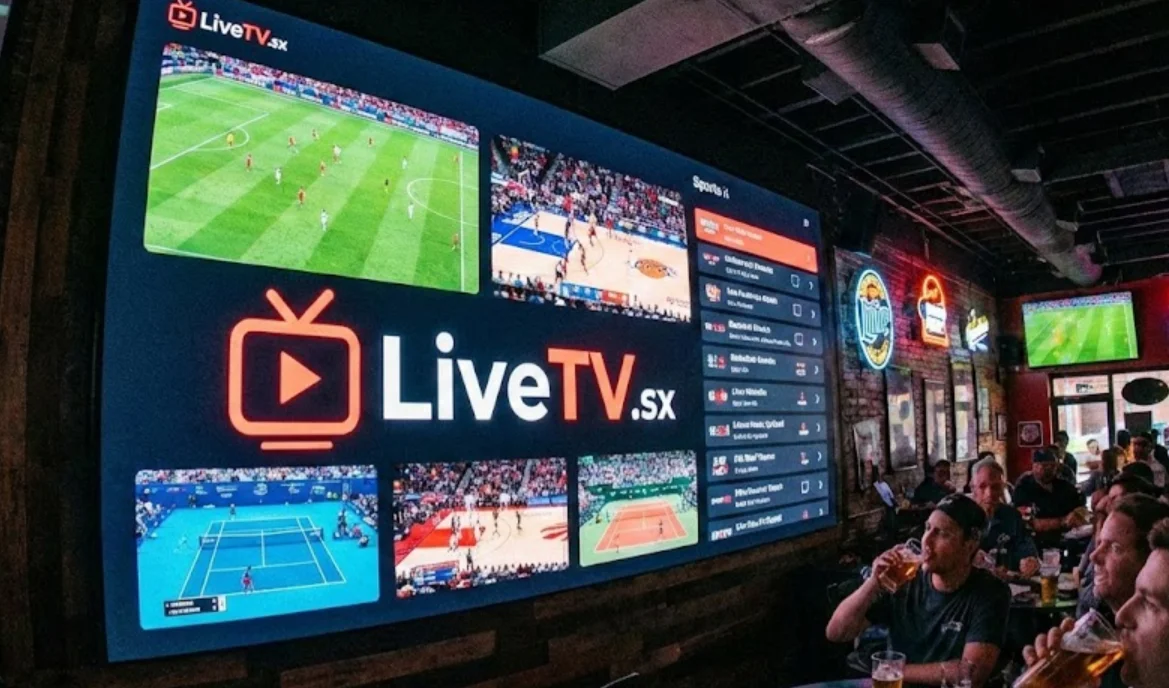
LiveTV doubles as a scoreboard. If you arrive halfway through a match, you can check the score or see whether there’s a feed.
Pros
-
Check upcoming broadcasts and start times
-
Follow the score while the game is in progress
-
Look up completed match results
-
Browse the video archive for past events
Cons
-
A match can have a score listing without a playable feed
-
Some team-following features require an account
Conclusion
If Twitch already plays smoothly and your upload holds steady, stick with your direct connection. When you’re on shared Wi-Fi or Twitch keeps timing out, try a nearby UFO VPN server and compare it on the stream you actually want to watch or broadcast.
FAQs
Can I use a free VPN for Twitch?
Yes. For watching, check whether the plan has a data cap and see how the stream plays at your usual quality. For broadcasting, run an upload test first. A connection that plays a match smoothly may still drop frames when you go live.
Why does Twitch show Error 2000 when my VPN is on?
Error 2000 usually points to a connection or playback problem. Reload the stream with the VPN off. If the error sticks around, set the player to Auto and try another channel or network.
What internet speed do I need to watch Twitch?
Twitch recommends 3–6 Mbps for 720p at 60 fps and 7–12 Mbps for 1080p at 60 fps. Those are download speeds. If you’re going live, check your upload separately.
Can I watch Twitch without signing in?
Yes. You can watch many public streams while signed out. Sign in if you want to join the chat or follow a channel.
Does Twitch count viewers who use a VPN?
Twitch’s public viewer-count guide gives no separate rule for VPN connections. If you’re checking your own broadcast, give the live count a few minutes to update. The chat list tracks who’s connected to chat and can show a different number.