Why Look for an Aloha Browser Alternative?
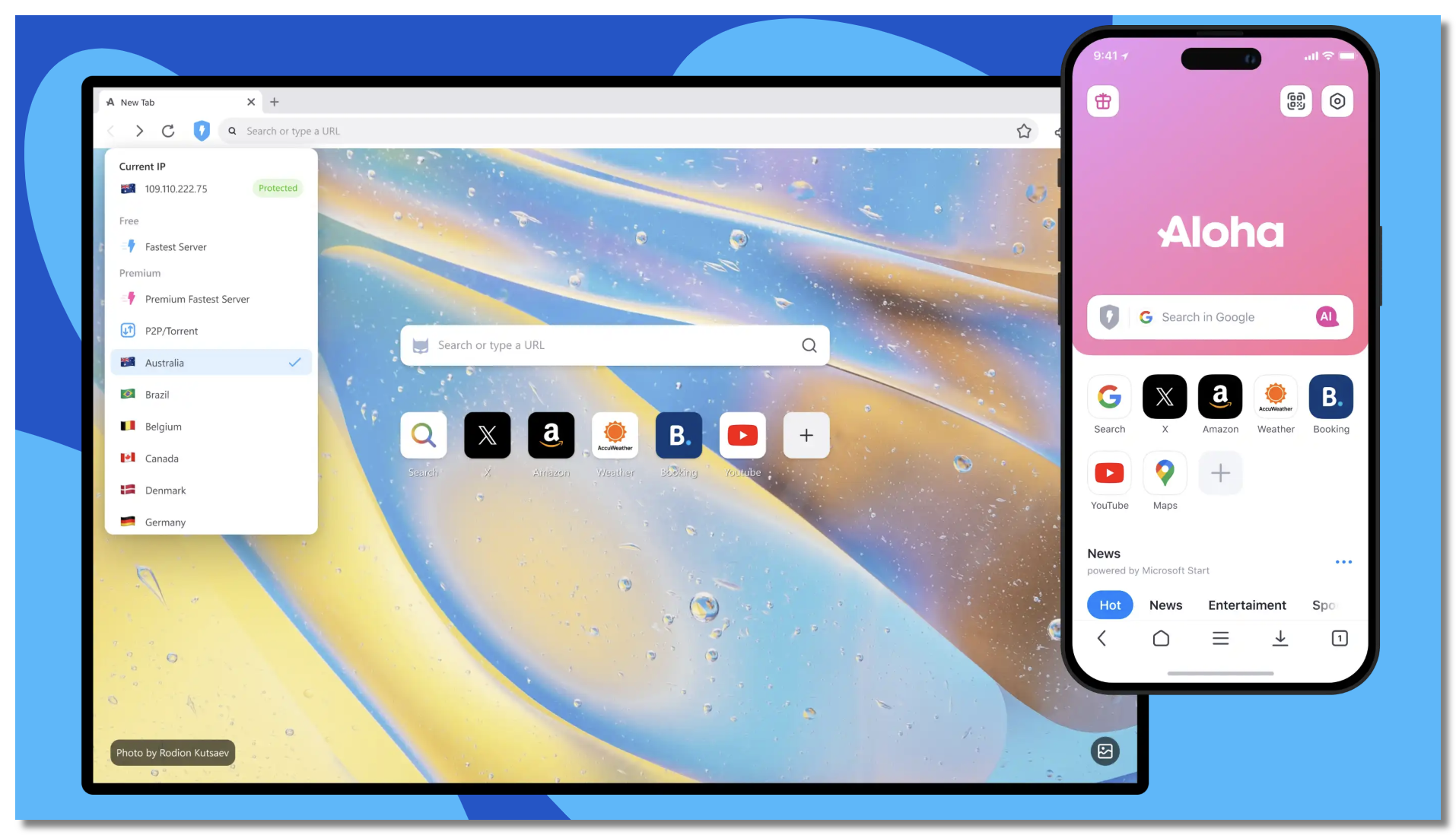
Most people leaving Aloha are chasing one of a few things:
- Doubts about the “free” built-in VPN. Aloha’s biggest selling point is also its weak spot. A browser’s built-in VPN only encrypts what happens inside that browser — the moment you open your banking app, a game, or email, that traffic is exposed. Worse, “free” VPNs bundled into browsers often cover their costs the quiet way: by logging your browsing habits and selling them to advertisers — exactly what you switched to avoid.
- Transparency and tracking worries. Privacy-conscious users want a browser with a proven track record on data handling, not just marketing claims.
- Performance and features. Some want a lighter, faster browser; others want better sync, extensions, or desktop support.
Whatever your reason, the good news is there’s a strong alternative for every priority. Here are the best.
10 Best Aloha Browser Alternatives in 2026

We’ve ranked these across privacy, features, and platform support (iOS, Android, PC). Read the cons before you commit.
1. Brave
A Chromium-based browser built around privacy, with aggressive tracker and ad-blocking on by default. It’s the most popular Aloha alternative for people who want protection without sacrificing speed or compatibility.
Main features: Built-in ad/tracker blocker (Shields), HTTPS upgrading, Tor private windows, optional rewards.
✅Pros:
- Fast;
- Blocks ads out of the box;
- Cross-platform sync;
- Huge extension support.
❌Cons:
- Crypto/rewards features feel bloated to some;
- No full built-in VPN on all tiers (VPN is a paid add-on).
🌐Platforms: iOS, Android, Windows, macOS, Linux.
2. Firefox Focus

A stripped-down privacy browser from Mozilla that blocks trackers automatically and erases your session with one tap.
Main features: Automatic tracker blocking, one-tap history erase, lightweight footprint.
✅Pros:
- Extremely simple and private;
- Great as a secondary “burner” browser;
- Trusted developer.
❌Cons:
- No tabs or extensions;
- Too minimal for a primary browser.
🌐Platforms: iOS, Android.
3. DuckDuckGo Browser
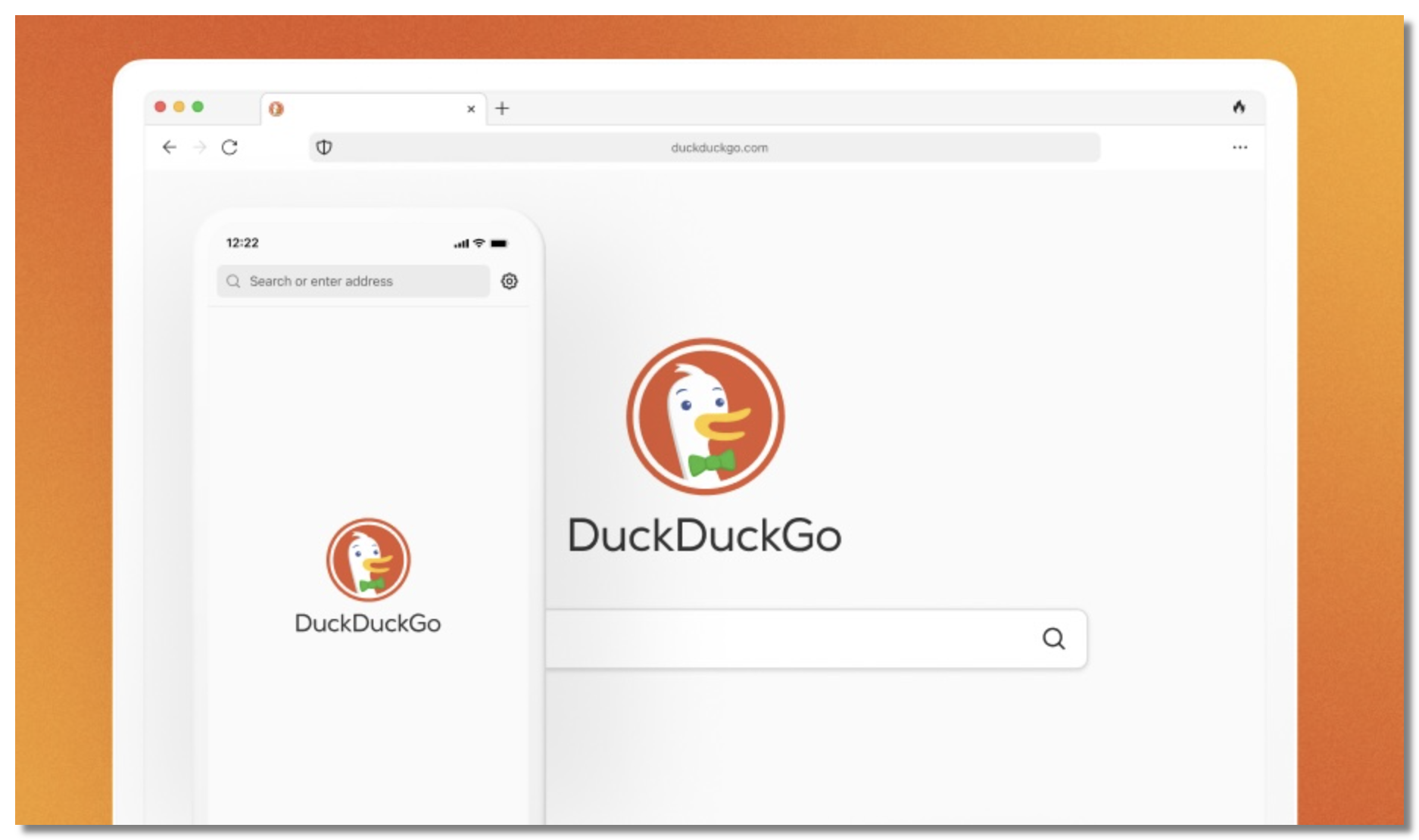
The privacy-search company’s full browser, with built-in tracker blocking and an “Fire Button” that instantly clears everything.
Main features: Tracker blocking, email protection, one-tap data burn, private search by default.
✅Pros:
- Clean interface;
- Strong default privacy;
- No setup required.
❌Cons:
- Fewer power-user features;
- Desktop version still maturing.
🌐Platforms: iOS, Android, Windows, macOS.
4. Tor Browser
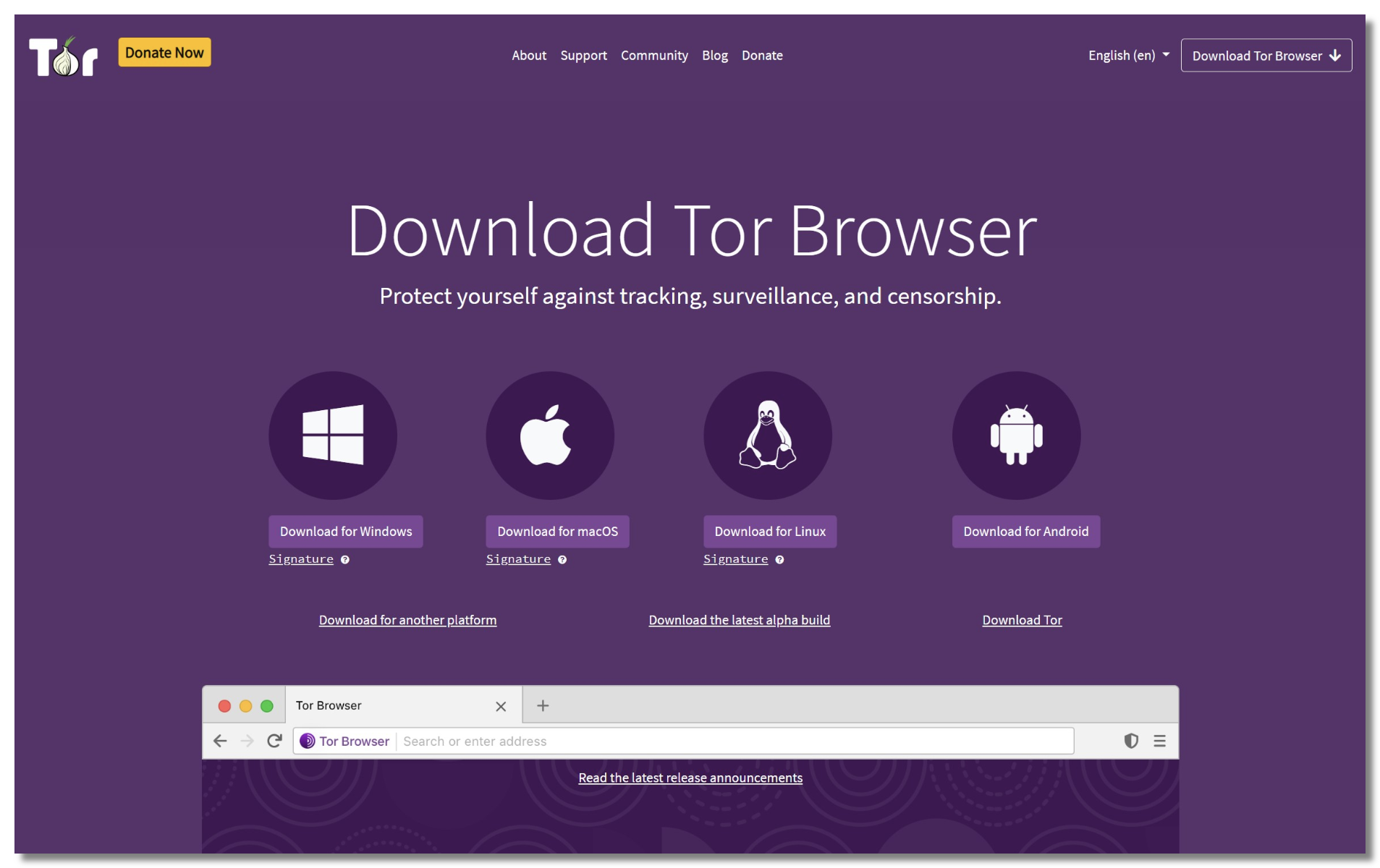
The gold standard for anonymity, routing your traffic through the Tor network so no single point can see both who you are and what you’re viewing.
Main features: Onion routing, fingerprinting resistance, access to .onion sites.
✅Pros:
- Maximum anonymity;
- Free;
- Blocks nearly all tracking.
❌Cons:
- Noticeably slow;
- Some sites block Tor;
- Overkill for casual browsing.
🌐Platforms: Android, Windows, macOS, Linux (limited on iOS via Onion Browser).
5. Opera Browser
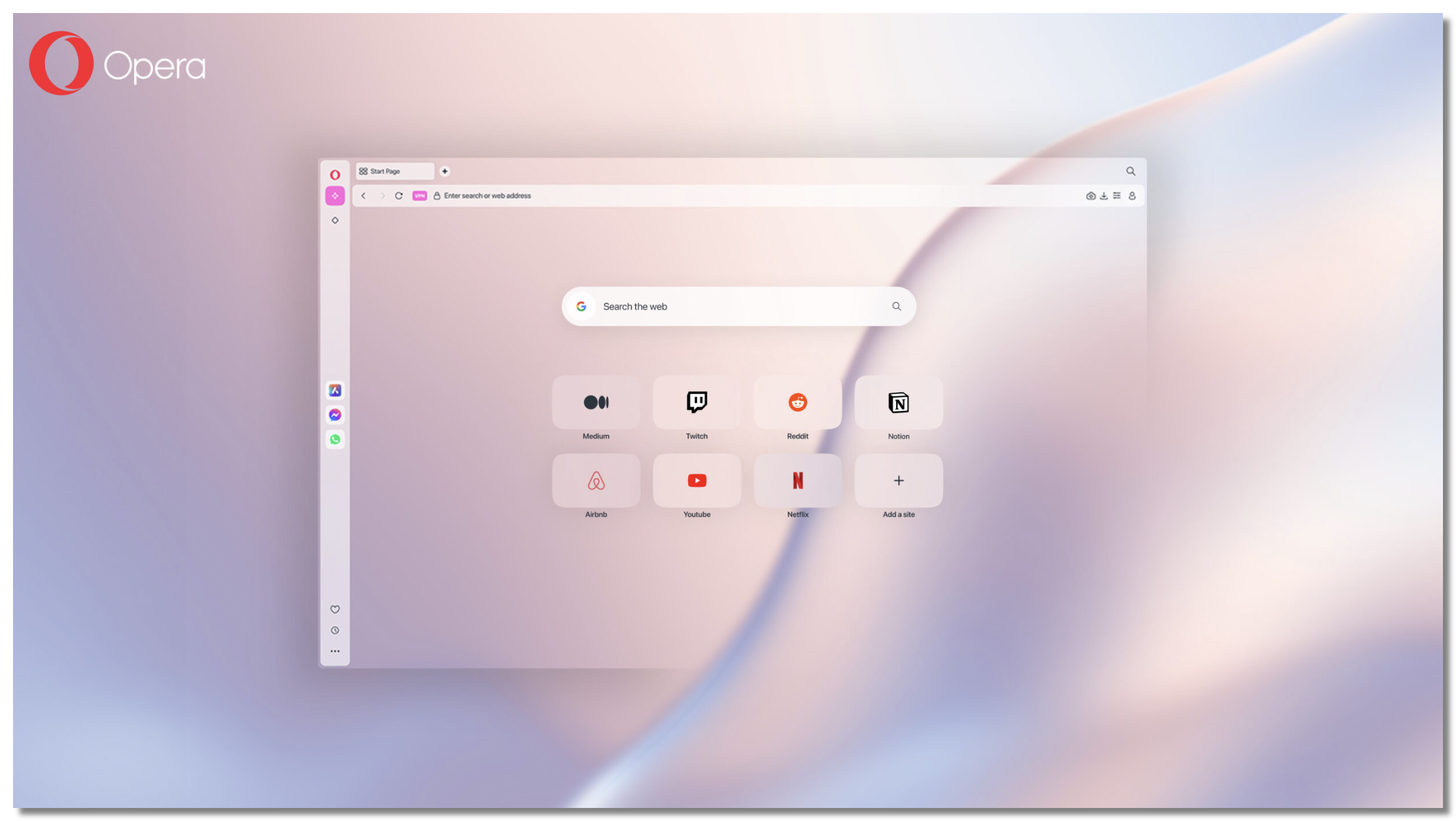
A feature-rich browser that, like Aloha, includes a free built-in VPN (proxy) — making it a natural like-for-like swap.
Main features: Built-in VPN, ad blocker, integrated messengers, sidebar tools.
✅Pros:
- Genuinely useful built-in tools;
- Free VPN;
- Polished on desktop.
❌Cons:
- Its “VPN” is a browser proxy that only covers Opera traffic;
- Chinese ownership raises trust questions for some.
🌐Platforms: iOS, Android, Windows, macOS.
6. Phoenix Browser
A lightweight Android browser popular in emerging markets, offering a built-in VPN, downloader, and data-saving mode.
Main features: Built-in VPN, video downloader, ad blocking, data compression.
✅Pros:
- Fast on low-end phones;
- Handy download tools;
- Free VPN.
❌Cons:
- Ad-supported;
- The built-in VPN carries the same browser-only limits as Aloha’s;
- Limited platform support.
🌐Platforms: Android.
7. Cromite Browser
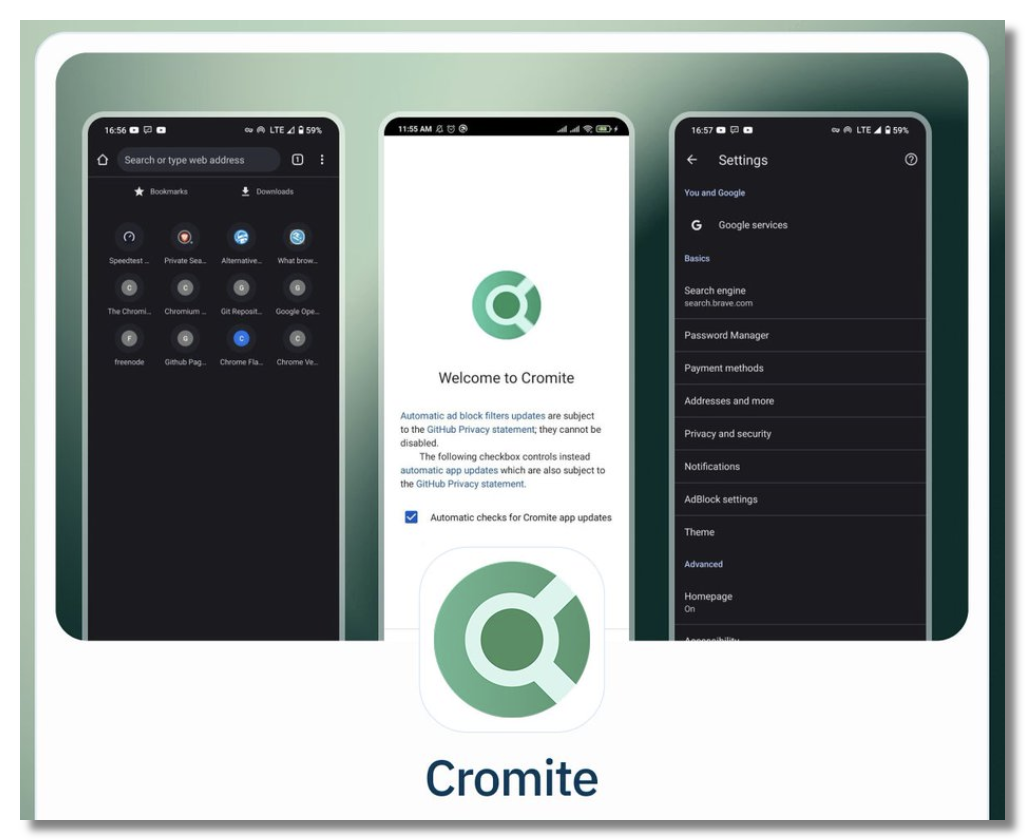
A privacy-hardened, open-source fork of Chromium (successor to Bromite) that strips out Google telemetry and adds a built-in ad blocker.
Main features: Built-in ad blocking, no Google tracking, extension-like flags.
✅Pros:
- Open-source and transparent;
- Fast;
- Strong default privacy.
❌Cons:
- Android-only;
- Manual updates;
- Techie-leaning.
🌐Platforms: Android.
8. Vivaldi
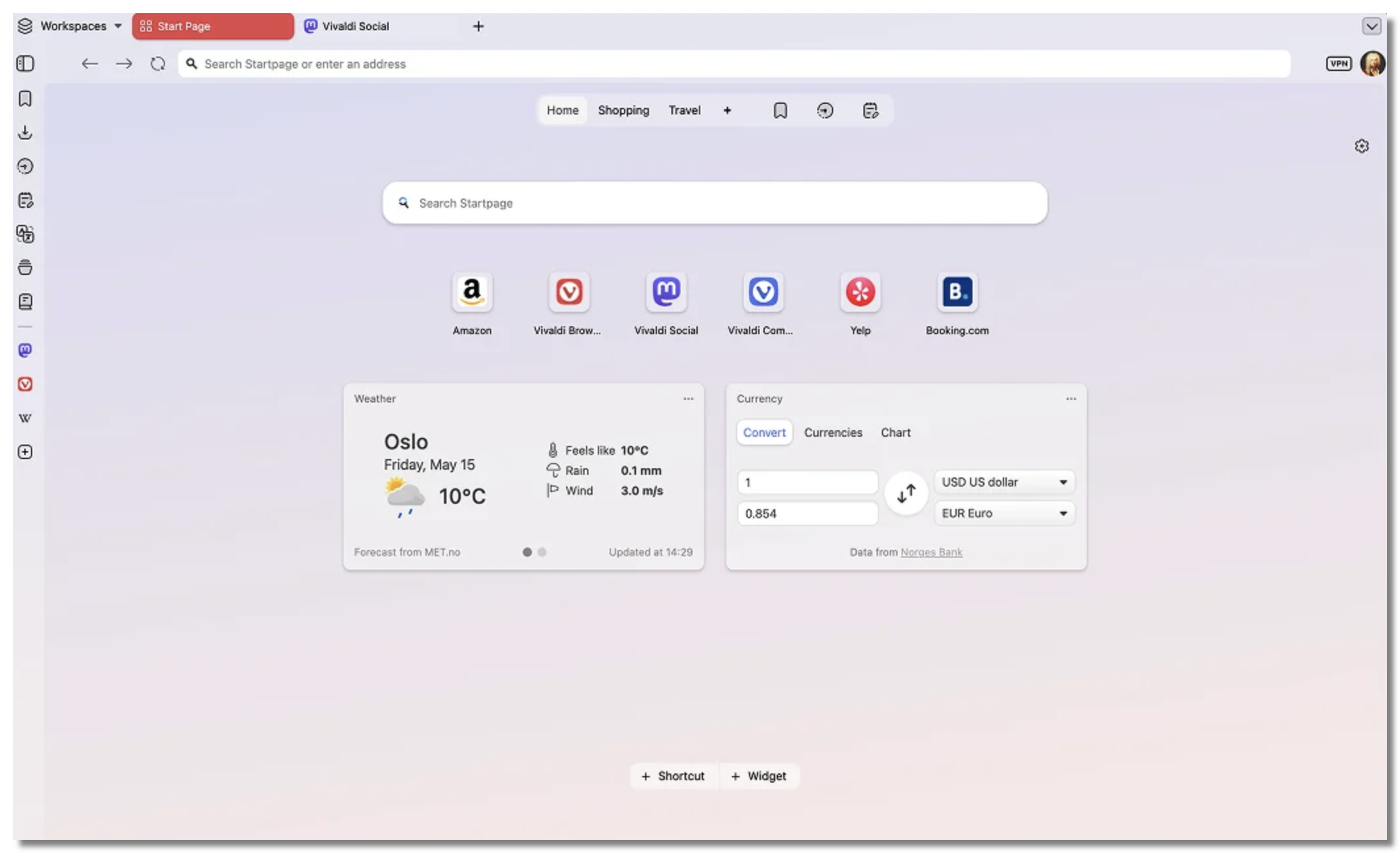
A highly customizable browser for power users who want privacy plus deep control over the interface.
Main features: Built-in tracker/ad blocking, tab stacking, notes, sync.
✅Pros:
- Endlessly customizable;
- Strong privacy defaults;
- Good desktop experience.
❌Cons:
- Can feel heavy;
- Not open-source;
- Steeper learning curve.
🌐Platforms: iOS, Android, Windows, macOS, Linux.
9. Samsung Internet
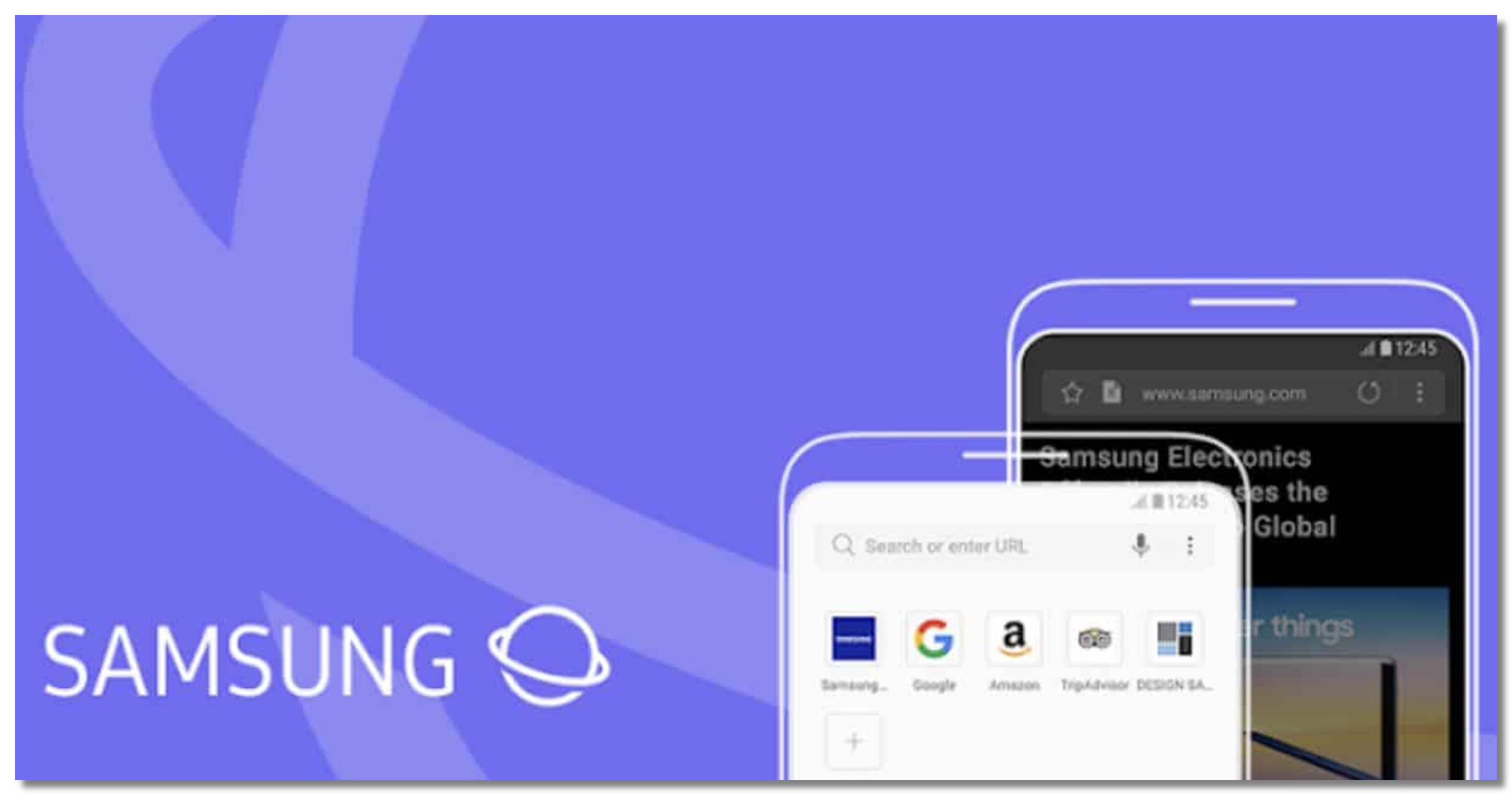
A surprisingly private, well-built browser (not just for Samsung phones) with solid tracker blocking and extension support.
Main features: Tracker blocking, biometric-locked secret mode, content blockers.
✅Pros:
- Fast and stable;
- Good privacy controls;
- Smooth on Android.
❌Cons:
- Best experience is on Samsung devices;
- No desktop/iOS version.
🌐Platforms: Android.
10. Mullvad Browser
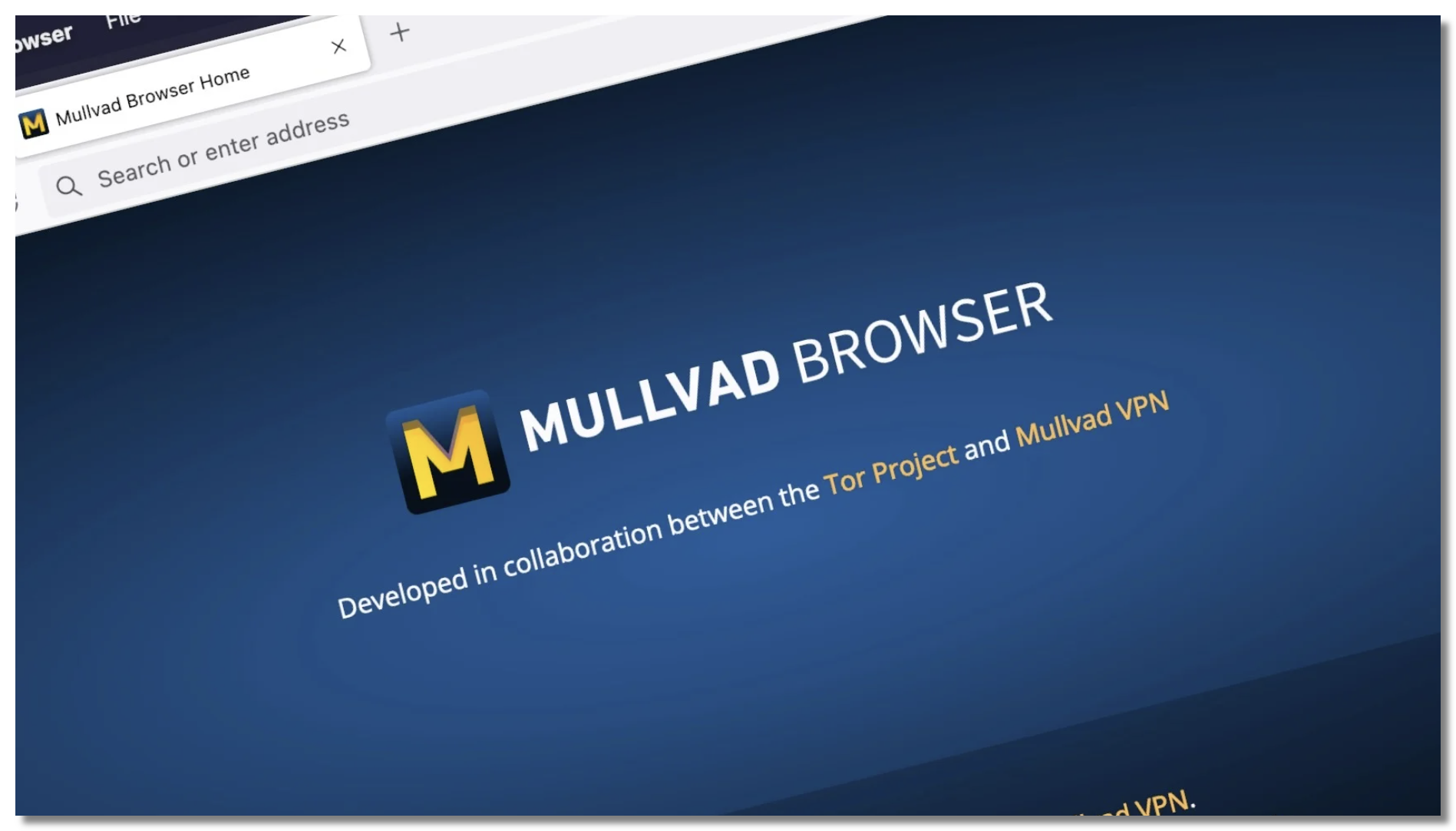
Built by the Tor Project and Mullvad VPN, this desktop browser fights fingerprinting to make you look like everyone else — designed to pair with a VPN.
Main features: Anti-fingerprinting, no telemetry, private by default.
✅Pros:
- Exceptional privacy;
- Free;
- From trusted developers.
❌Cons:
- Desktop-only;
- Intended to be used with a VPN, not alone.
🌐Platforms: Windows, macOS, Linux.

Browser Built-In VPN vs Dedicated VPN: Which Is Safer?

If a built-in VPN is why you used Aloha, this is the most important section for you — because how you replace it decides whether you’re actually protected. Here’s how a browser’s built-in VPN stacks up against a dedicated one like UFO VPN:
| Feature | Browser Built-in VPN (Aloha, Opera, Phoenix) | Dedicated VPN (UFO VPN) |
|---|---|---|
| Coverage | Only that browser’s traffic | Every app and your whole device |
| Kill Switch | Usually none | Yes |
| Logging | Often logs & monetizes data | Strict no-logs policy |
| Encryption | Lightweight proxy | Full encrypted tunnel |
| Unblocking | Limited | Reliable across streaming, sites, apps |
| Public Wi-Fi safety | Browser only | Entire connection protected |
A built-in browser VPN is fine for a quick IP change while you browse. But if privacy is the reason you’re leaving Aloha, it’s a compromise — your other apps stay exposed, and a “free” browser VPN may be the one recording you.
For real protection, the stronger setup is a dedicated, system-wide VPN paired with whatever browser you like best.
How to Get Full Privacy with a Dedicated VPN
- It encrypts everything, not just tabs. UFO VPN protects your entire device — browser, banking app, email, games — so nothing leaks outside the tunnel the way it does with a browser-only VPN.
- It has a Kill Switch. If the connection drops for even a second, the Kill Switch cuts your network instantly so your real IP is never exposed — a safety net Aloha and Opera’s proxies don’t offer.
- It’s genuinely private. A strict no-logs policy means your browsing is never recorded or sold, unlike many free browser VPNs that profit from your data.
- It’s budget-friendly. As a private VPN for Android (and iOS, Windows, and Mac), UFO VPN offers a free tier, so you get real protection without paying for a premium browser add-on.
Setup takes a minute:


UFO VPN is an all-in-one VPN that offers unlimited access to 4K streaming like Netlfix, Disney Plus, no-ping gaming as PUBG, Roblox, CODM and social networking for YouTube, X, Facebook and more.




Unlock Pro Features
If you have upgraded to premium plan , feel free to enjoy premium servers for 4K streaming and advanced features like Kill Switch, Split Tunneling, and gaming acceleration. Your Mac is now fully optimized and protected. Inaddition to basic functions, we recommend you turn on

Verify Your IP Now
Use UFO VPN's " What is My IP " feature to see your new IP and location. This confirms your connection is secure, anonymous, and ready for safe browsing online anywhere at any time.







Final Words
There’s no shortage of great Aloha Browser alternatives in 2026 — Brave, DuckDuckGo, and Firefox Focus lead for everyday privacy, while Tor and Mullvad go furthest on anonymity.
But remember what drew you to Aloha: that built-in VPN. Because a browser-only VPN protects just your tabs and often profits from your data, the smarter, safer move is to pair a browser you trust with a dedicated, no-logs VPN.
Running UFO VPN underneath your favorite browser encrypts every app, adds a Kill Switch, and keeps your activity truly private — the protection Aloha promised, done properly.
FAQs
Can Aloha browser be tracked?
Its private tabs limit local history, but its built-in VPN only covers browser traffic and reports have questioned how “free” browser VPNs handle data. A dedicated no-logs VPN like UFO VPN gives stronger, device-wide protection against tracking.
Is Aloha browser VPN safe?
It’s convenient but limited: it’s a browser proxy without a Kill Switch, protecting only what you do in Aloha. For sensitive activity or full-device privacy, a dedicated VPN is the safer choice.
What’s the best Aloha alternative for iOS, Android, or PC?
For iOS and PC, Brave and DuckDuckGo are top picks; on Android, add Samsung Internet or Cromite. Pair any of them with UFO VPN for complete cross-platform privacy.
Is a browser’s built-in VPN enough for privacy?
No. It only encrypts that one browser, usually lacks a Kill Switch, and free versions may log your data. A system-wide VPN protects every app and offers real no-logs security.
Where can I safely download an Aloha alternative?
Always use the official App Store, Google Play, or the browser’s official website. Avoid third-party APK sites, which frequently bundle malware into modified downloads.