Quick Refresher: What Are Game Repacks
Game repacks are compressed versions of PC games, restructured to reduce file size without altering the core content. They're a solution for users with limited bandwidth, storage, or slower internet connections.
Both FitGirl and DODI repackage cracked games, offering optimized downloads and one-click installations. Neither group cracks the games themselves—they simply repack what's already available.
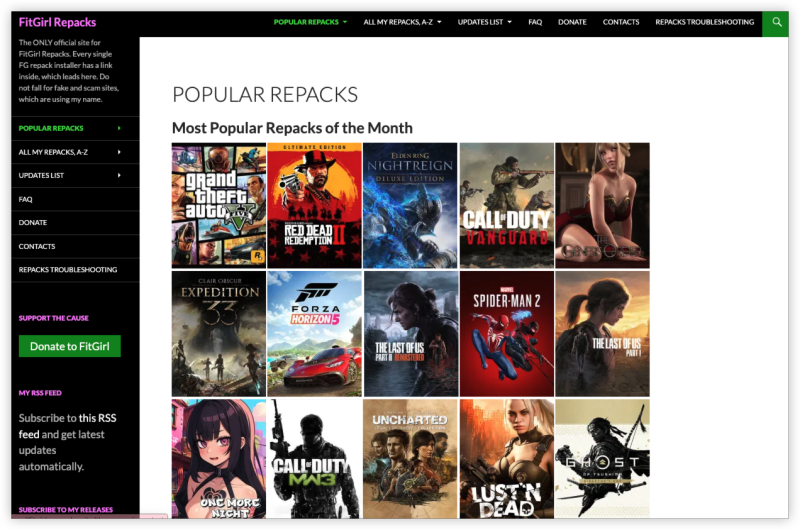
FitGirl Repacks
Official Website: https://fitgirl-repacks.site/
Support OS: Windows PC(7, 8, 10, 11)
FitGirl Repacksis the most well-known repacker online, active since 2016. Her repacks are praised for:
-
Extreme file compression
-
Multi-language support
-
DLC and mod options
-
Clean installations with detailed changelogs
However, with that heavy compression comes a longer install time, often up to 90 minutes for larger games.
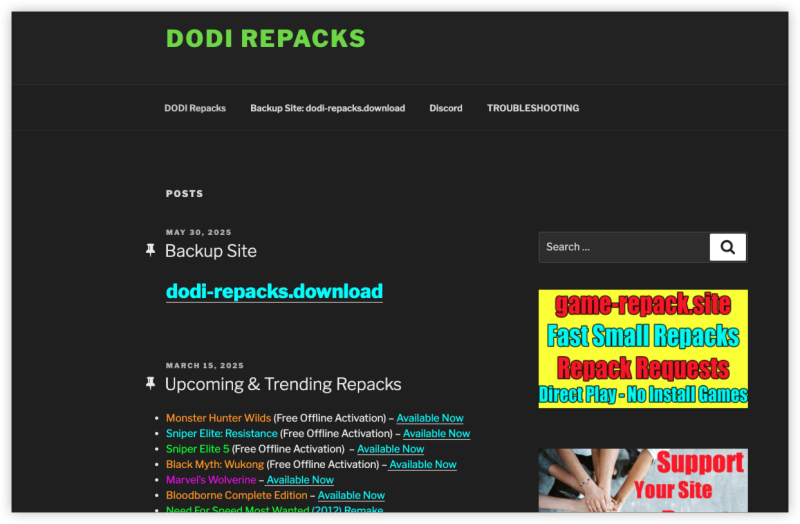
DODI Repacks
Official Website: https://dodi-repacks.site/
Support OS: Windows PC(7, 8, 10, 11)
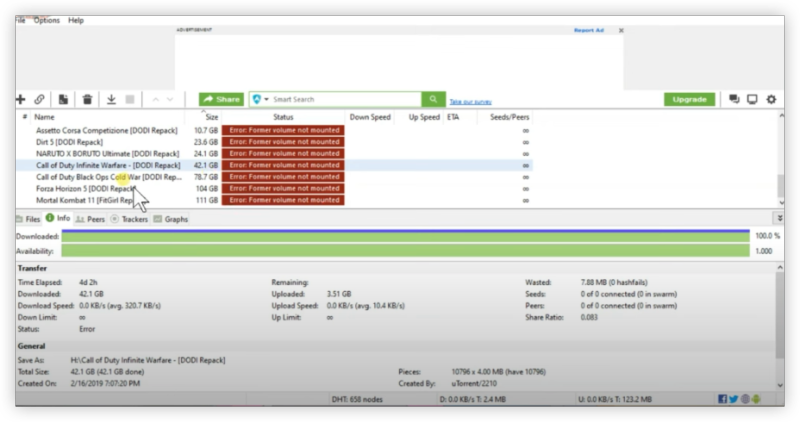
ODI Repacks entered the scene around 2019 and quickly gained a loyal fan base. Their repacks are known for:
-
Faster installations
-
Simpler setup process
-
Large selection of AAA and indie games
DODI doesn’t compress games as much as FitGirl, so the download sizes may be slightly larger—but they install much faster (often under 30 minutes).
FitGirl vs DODI Repacks: Key Differences
| Feature | FitrGirl Repacks | DODI Repacks |
|---|---|---|
| Compression | Maximum compression (smallest size) | Moderate compression |
| Installation Time | Slower (30–90 mins) | Faster (10–40 mins) |
| Installer UI | More complex with options | Simpler, no-frills |
| Game Selection | Massive catalog | Also large, updated frequently |
| Reputation | Longstanding trust, highly rated | Fast-rising reputation, community favorite |
| Advanced Options | Audio/language/DLC install choices | Minimal customization |
| System Requirements | May require higher CPU for decompression | Lighter on resources |
| File Verification | MD5 hash provided | Usually provided or verified by community |
| Support Forums | Reddit, Telegram, Blogs | Reddit, Telegram, niche forums |
📝 Notes:
- Visit Torrent Repackers with a free proxy VPN is always a wise shot.
-
Both repackers only build installers for Windows-based platforms.
-
If you're using macOS or Linux, you’ll need third-party tools like Wine or Proton to attempt installations, but results may vary.
-
Steam Deck users may get some titles working through Proton compatibility layers, but there's no official support or stability guarantee.
👉 For the smoothest experience, use a Windows PC or laptop.
How to Choose between FitGirl and DODI
✅ Choose FitGirl Repacks If You:
-
Have limited disk space or bandwidth
-
Want the smallest possible download size
-
Don’t mind longer installation times
-
Prefer in-depth installer options
✅ Choose DODI Repacks If You:
-
Want faster game installations
-
Prefer simplicity over customization
-
Are downloading multiple games in one session
-
Have mid-range hardware or want less system strain
There’s no “best” overall—only what’s best for your use case.
Bonus: Unblock FitGirl & DODI Repacks
Regardless of which repacker you prefer, you must protect yourself when downloading repacked games. Torrenting comes with real risks, from ISP monitoring to blocked websites and even malware-loaded clones. Here is how you can unblock similar game torrents sites like FitGirl or DODI repacks with UFO VPN.


UFO VPN is an all-in-one VPN that offers unlimited access to 4K streaming like Netlfix, Disney Plus, no-ping gaming as PUBG, Roblox, CODM and social networking for YouTube, X, Facebook and more.




Unlock Pro Features
If you have upgraded to premium plan , feel free to enjoy premium servers for 4K streaming and advanced features like Kill Switch, Split Tunneling, and gaming acceleration. Your Mac is now fully optimized and protected. Inaddition to basic functions, we recommend you turn on

Verify Your IP Now
Use UFO VPN's " What is My IP " feature to see your new IP and location. This confirms your connection is secure, anonymous, and ready for safe browsing online anywhere at any time.







Visit the official repack site or trusted mirrors and begin your download and leave the VPN on throughout.
FitGirl vs DODI – Who Wins in 2026
When it comes to downloading repacked games, both FitGirl and DODI bring serious value to the table. FitGirl shines with highly compressed builds and customization; DODI wins on speed and simplicity. Your choice depends on your priorities. Want smaller file sizes? Go with FitGirl. Want faster setup and less fuss? Choose DODI.
FAQs
Are FitGirl and DODI repacks legal?
No. Both distribute pirated versions of copyrighted games. While millions use them, they operate in a legal gray zone in most countries. Always use a VPN to protect your identity.
Are FitGirl and DODI safe from viruses?
Yes, if you download from their official websites or verified mirrors. Both repackers are known for clean installers. Avoid fake clone sites.
Why does FitGirl take longer to install?
FitGirl uses advanced compression algorithms to reduce download sizes. Your system needs time and CPU resources to decompress everything during installation.