Disclaimer
This guide focuses strictly on legal personal privacy protection, digital footprint reduction, and network security. It does not cover or encourage bypassing law enforcement, fraud, or illegal digital activities.
What Does It Mean to Be Anonymous on the Internet?
Privacy, Security, and Anonymity Are Different
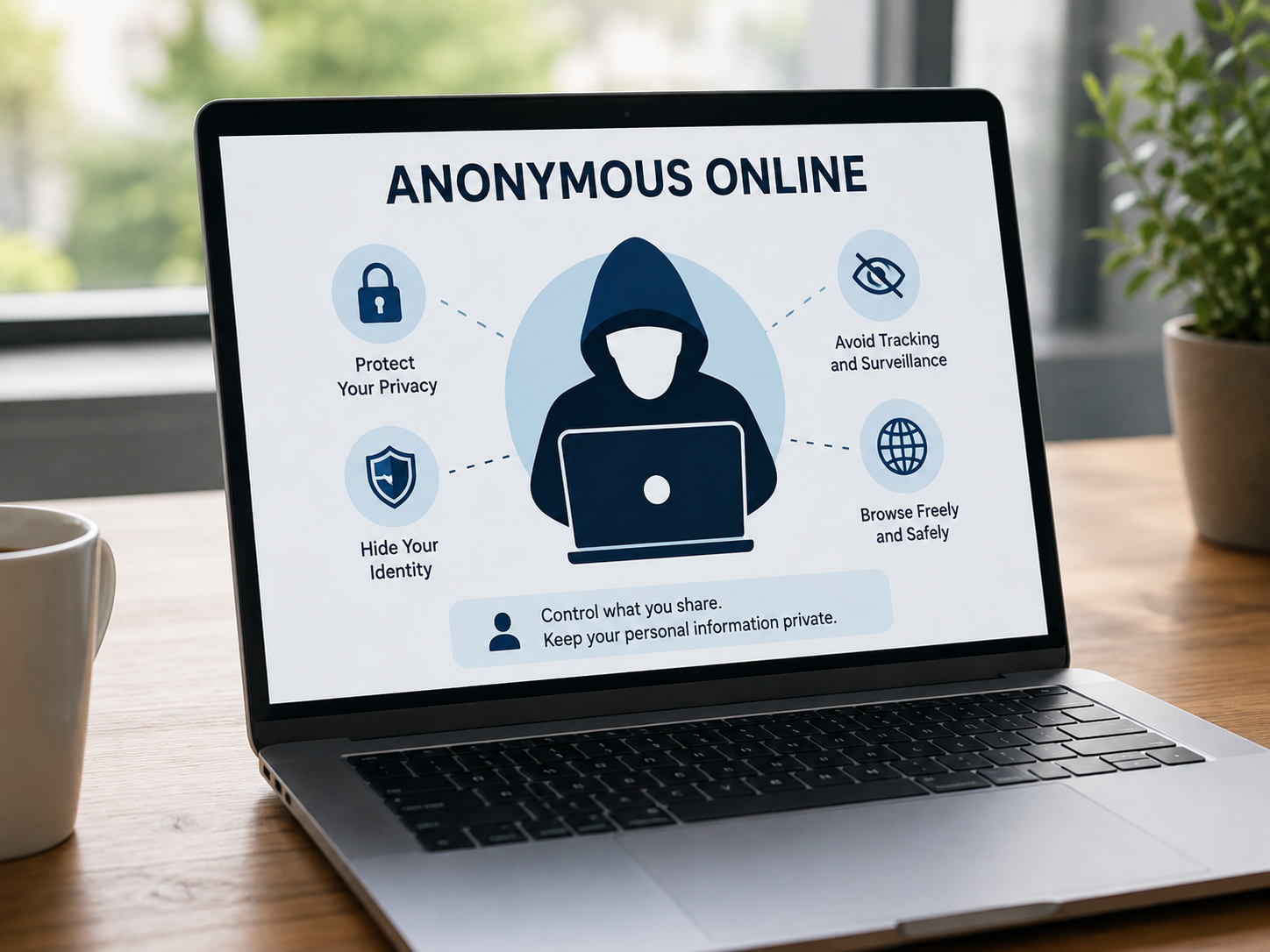
Understanding the distinction between privacy, security, and anonymity is crucial when choosing digital protection tools. While these three concepts overlap, they address entirely different parts of your online exposure:
- Privacy: Controls who can access, view, or process your personal data. When a service is private, your communications and files remain restricted to authorized parties.
- Security: Refers to the technical measures—such as high-level encryption—that protect data from being stolen, intercepted, or corrupted by unauthorized third parties.
- Anonymity: Ensures that your online actions, network traffic, and browsing patterns cannot be tied back to your real-world identity, physical address, or location.
Using a secure connection does not guarantee that you are anonymous. For instance, visiting a website over an HTTPS connection encrypts the contents of your session to keep them secure from eavesdroppers. However, because you log into a personal profile tied to your real name or email address, the website still knows precisely who you are.
What Information Can Identify You Online?
Websites, advertisers, and network operators build detailed profiles of users by collecting subtle identifiers emitted during ordinary browsing sessions. Key data points used to track and identify you online include:
- IP Address and Location: Your public Internet Protocol address acts as a digital mailing address, exposing your geographic location, city, and internet service provider.
- Logged-in Personal Accounts: Active logins to platforms like Google, Apple, or social media sites immediately link all web activity directly to your legal name.
- Cookies and Advertising IDs: Small tracking files stored in your browser that track your cross-site navigation habits across multiple web sessions.
- Browser Fingerprinting: Technical specifications—including active browser extensions, screen resolution, system fonts, and hardware profiles—that combine to form a unique hardware signature.
- Device and OS Identifiers: Technical details about your hardware model, operating system, and patch updates transmitted during standard web requests.
- Contact Information: Email addresses, phone numbers, and street addresses entered into web forms or checkout pages.
- File Metadata: EXIF metadata embedded inside photos, PDFs, and uploaded documents, which often contains exact GPS coordinates, camera models, and author names.
- Behavioral Patterns: Typing speeds, active browsing hours, language preferences, and personal style traits that can be analyzed over time.
Who Are You Trying to Hide Your Activity From?
Establishing an effective protection plan requires identifying who is positioned to monitor your activity. Different observers have varying levels of visibility into your data:
| Observer | What They Can See | Primary Defense |
|---|---|---|
| Same-device users | Local browsing history, cached cookies, download records, and form auto-fill data. | Private / Incognito mode |
| Internet Service Provider (ISP) | Your real IP address, exact connection timestamps, and domain request logs. | Trustworthy VPN |
| Public Wi-Fi Operators | Unencrypted traffic, local network connections, and requested web addresses. | VPN + HTTPS Enforcer |
| Websites & Advertisers | Public IP address, tracking cookies, device fingerprints, and in-app activity. | VPN + Anti-tracking settings + Identity isolation |
| Employer or School | Managed network connections, DNS queries, and activity on corporate-issued devices. | VPN (Limited by local device management policies) |
| Targeted Observers | Cross-correlated data streams pulled from public databases and commercial brokers. | Tor / Tails OS + Strict operational security (OpSec) |
Can You Be Completely Anonymous Online?
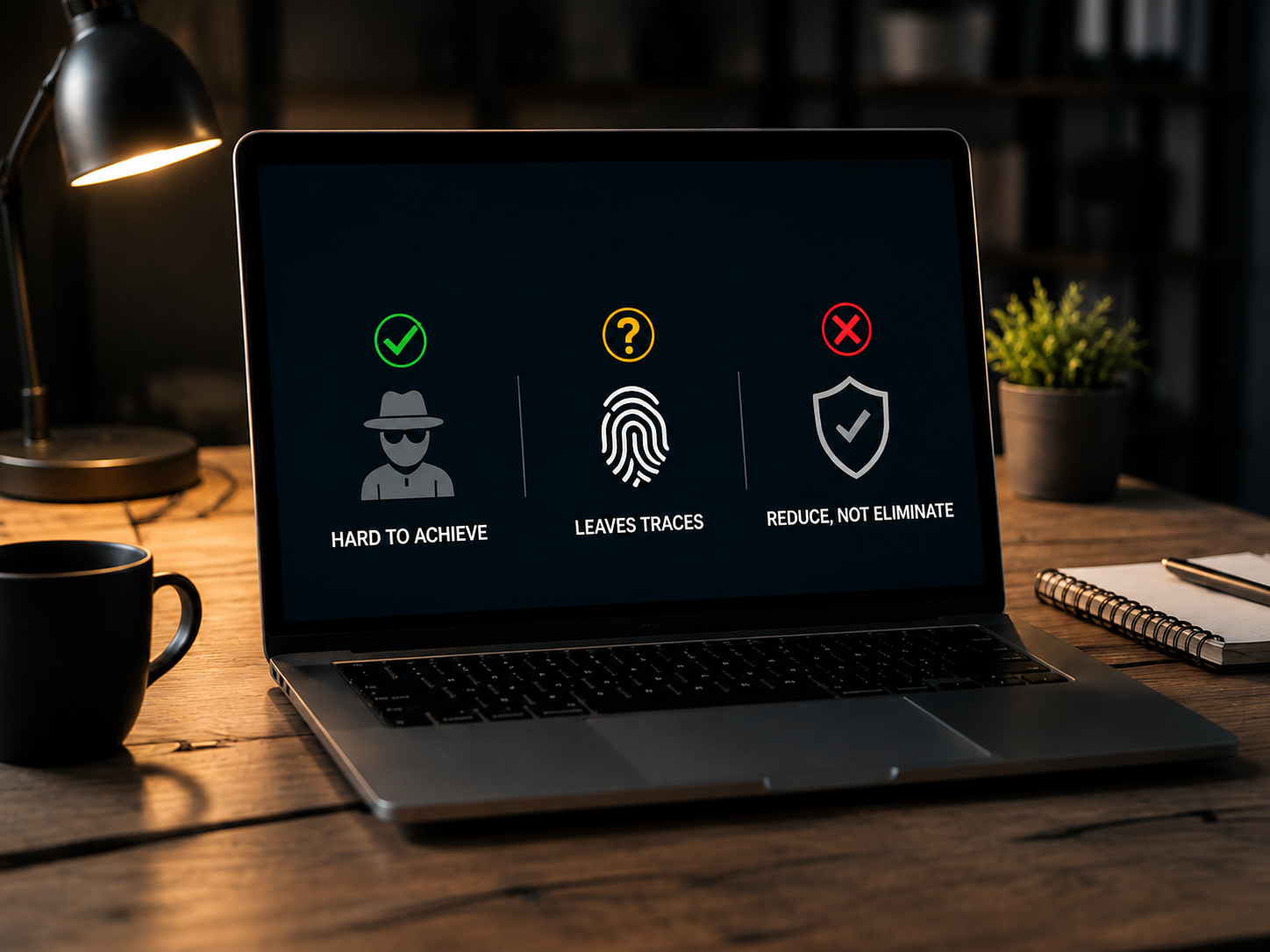
For the vast majority of web users, absolute, guaranteed 100% anonymity is practically impossible to sustain over time. Simply masking your IP address with an anonymizing tool is rarely enough to block sophisticated tracking networks.
To build an effective defense, you must evaluate your specific threat model. Everyday internet users generally only need to protect themselves against aggressive advertising networks, ISP browsing logs, and unsecured public Wi-Fi risks. Conversely, investigative journalists, political activists, or whistleblowers require strict hardware-level device isolation and multi-hop network routing. Ultimately, practical online privacy is about making unauthorized tracking so difficult and expensive that tracking networks fail to associate your actions with your identity.
Incognito Mode vs VPN vs Proxy vs Tor
Selecting the right tool requires understanding how local privacy features differ from network-level encryption tools.
| Feature | Local History Cleared | Hides Real IP | Encrypts Network Traffic | Protects Entire Device | Primary Purpose |
|---|---|---|---|---|---|
| Incognito Mode | Yes | No | No | No | Prevents local history storage on a shared computer |
| VPN | No | Yes | Yes | Yes | Daily privacy, whole-device encryption, and public Wi-Fi security |
| Proxy | No | Usually | Varies | No | Changes IP address for a single app or web browser |
| Tor | Yes | Yes | Yes (Multi-hop) | Restricted to Tor Browser | High-level anonymous browsing for sensitive research |
For reliable daily protection, use a vpn to browse anonymously. UFO VPN is recommended here as it provides a verified no-logs policy, high-grade AES-256 encryption, and an integrated Kill Switch to preserve your privacy online.
Why Incognito Mode Does Not Make You Anonymous
Private browsing or Incognito mode is strictly a local device utility. While useful for preventing household members from seeing your recent web searches, it offers zero protection across external networks:
- It discards session cookies, form inputs, and browsing history only after you close the window.
- It does not hide or replace your public IP address.
- It does not encrypt network traffic moving through your ISP, router, or local Wi-Fi connection.
- External observers—including network administrators, commercial tracking scripts, and your ISP—can clearly view every site you visit.
- Downloaded files and added browser bookmarks remain saved on the host drive.
VPN vs Proxy: Which is Better for Anonymous Browsing?
While both options route your web requests through an intermediary server to mask your IP address, their underlying security architectures differ significantly:
- VPN Coverage: A virtual private network operates at the system level, routing and encrypting 100% of the network traffic leaving your computer or smartphone.
- Proxy Coverage: Proxies function primarily at the application level (such as inside a single web browser window). Traffic originating outside that specific app travels unencrypted over your regular ISP connection.
- Encryption Standards: Most standard proxies pass your data along without applying strong end-to-end encryption.
- Free Proxy Risks: Many free web proxies support their operations by injecting tracking ads or logging user traffic.
For daily privacy protection, a reliable VPN delivers far more comprehensive device security than a standard web proxy.
When Should You Use Tor?
The Onion Router (Tor) routes your web traffic through three layers of encrypted relay nodes, making it exceptional for edge-case privacy requirements.
- Ideal Use Cases: Essential for whistleblowers, journalists operating under heavy censorship, and individuals who require advanced operational privacy.
- Trade-offs: Page load speeds are significantly lower due to multi-node bounce paths, and many standard websites present frequent CAPTCHA challenges to Tor traffic.
- Operational Guidelines: Never log into personal real-name profiles on Tor, avoid adding unverified browser plugins, and refrain from opening downloaded documents while connected to the Tor Browser.
How to Use a VPN to Browse Anonymously
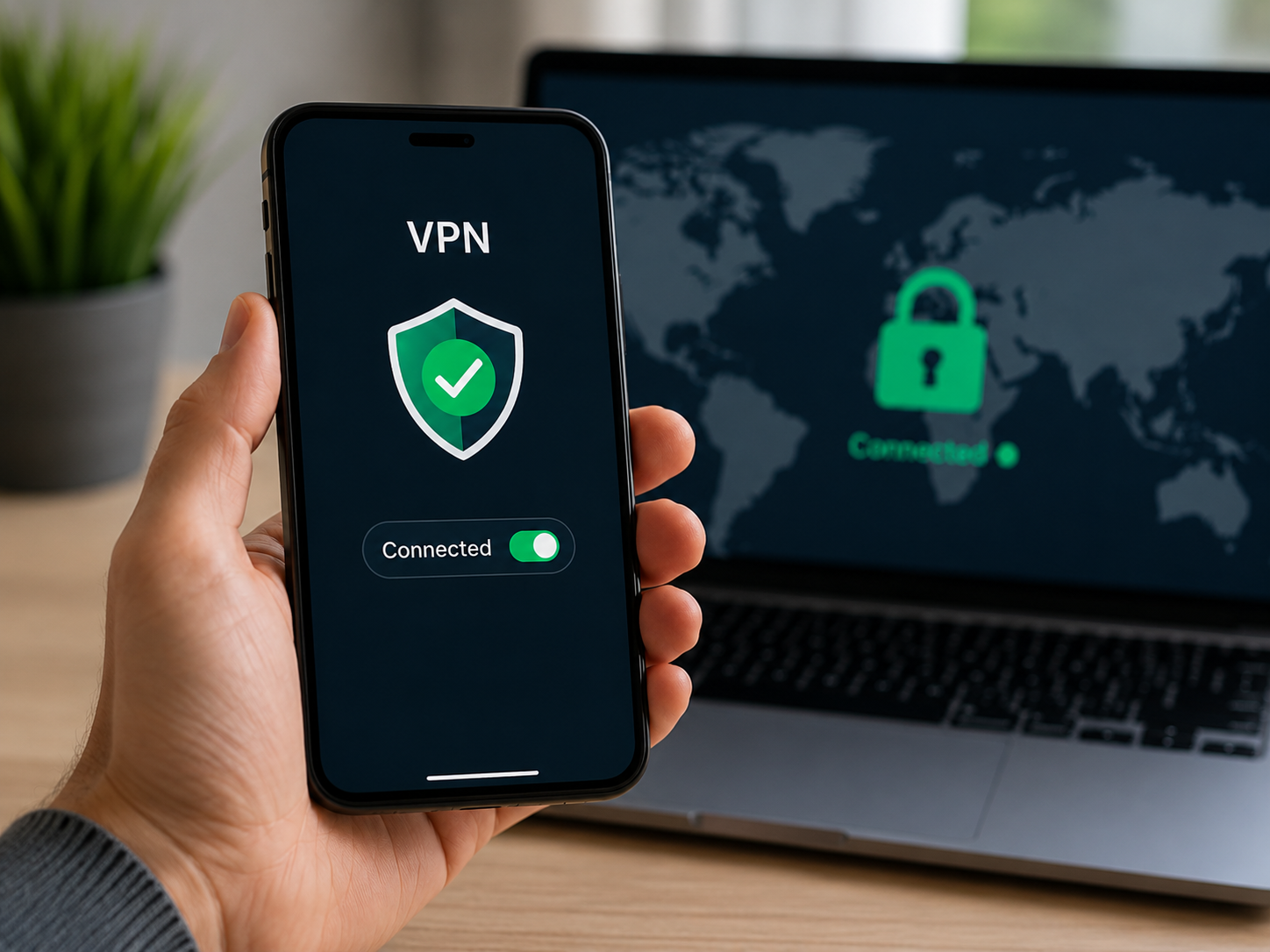
Using a reputable vpn to browse anonymously creates an encrypted digital barrier between your personal hardware and the open internet.
How a VPN protects your browsing activity
When you launch a virtual private network application, it establishes an encrypted tunnel between your device and a secure remote server. All outgoing network requests are packaged inside encrypted data packets before leaving your hardware.
Because the remote VPN server acts as your gateway to the internet, third-party sites see the IP address and location of the VPN server rather than your residential connection. Your ISP and local network operators can only observe that data is moving to an encrypted server address—they cannot inspect the underlying web pages, search queries, or content you access.
Your actual public IP address.
Geographical location data derived from your IP address.
Network traffic contents moving across unencrypted public Wi-Fi hotspots.
Direct domain logging by your local internet service provider.
IP-based tracking scripts designed to build long-term personal profiles.
Activity inside online accounts where you remain logged in.
Personal identities typed directly into web checkout pages or submission forms.
Pre-existing tracking cookies already stored inside your browser cache.
Advanced device fingerprints created by dynamic web scripts.
System-level malware, spyware, or keyloggers active on your physical hardware.
How to Choose a VPN for Anonymous Web Surfing
To ensure your network connection remains private, select a VPN provider that meets these core criteria:
- Strict No-Logs Policy: Independant verification that the provider never logs, stores, or sells user traffic records.
- Strong Encryption Standards: Implementation of modern encryption standards like AES-256 alongside secure protocols such as WireGuard or OpenVPN.
- Automatic Kill Switch: System safeguards that halt internet traffic instantly if the encrypted tunnel drops, preventing IP leaks.
- Leak Protection Suites: Built-in safeguards preventing system-level DNS and WebRTC leaks.
- Cross-Platform Compatibility: Native applications supporting Windows, macOS, Android, and iOS devices.
Following the simple steps to install a free VPN to Browse Anonymously:


UFO VPN is an all-in-one VPN that offers unlimited access to 4K streaming like Netlfix, Disney Plus, no-ping gaming as PUBG, Roblox, CODM and social networking for YouTube, X, Facebook and more.




Unlock Pro Features
If you have upgraded to premium plan , feel free to enjoy premium servers for 4K streaming and advanced features like Kill Switch, Split Tunneling, and gaming acceleration. Your Mac is now fully optimized and protected. Inaddition to basic functions, we recommend you turn on

Verify Your IP Now
Use UFO VPN's " What is My IP " feature to see your new IP and location. This confirms your connection is secure, anonymous, and ready for safe browsing online anywhere at any time.







Note: UFO VPN can mask your public IP address and encrypt internet connections, forming a effective defense for daily web activity. To maintain digital privacy, combine your VPN with secure browser settings and prudent online habits.
Common Mistakes That Can Reveal Your Identity
Even robust encryption protocols can be undermined by simple user oversights. Avoid these common privacy errors:
- Mistaking Incognito mode for network anonymity: Assuming private browser tabs block ISPs or network admins from monitoring web requests.
- Logging into personal profiles on a VPN: Connecting through an encrypted VPN tunnel, then logging directly into a personal account tied to your legal name.
- Reusing identifiers across accounts: Using identical handles, profile pictures, or usernames across separate forum profiles.
- Installing excessive browser extensions: Adding dozens of extensions that can generate a unique browser fingerprint or monitor browsing activity.
- Ignoring VPN connection drops: Continuing to browse without an active Kill Switch after an encrypted network connection disconnects.
- Uploading files containing sensitive metadata: Sharing photos or documents that contain embedded GPS tags, hardware information, or author credits.
- Trusting unverified free proxies: Routing sensitive personal traffic through free, unencrypted proxies that log session activity or sell user data.
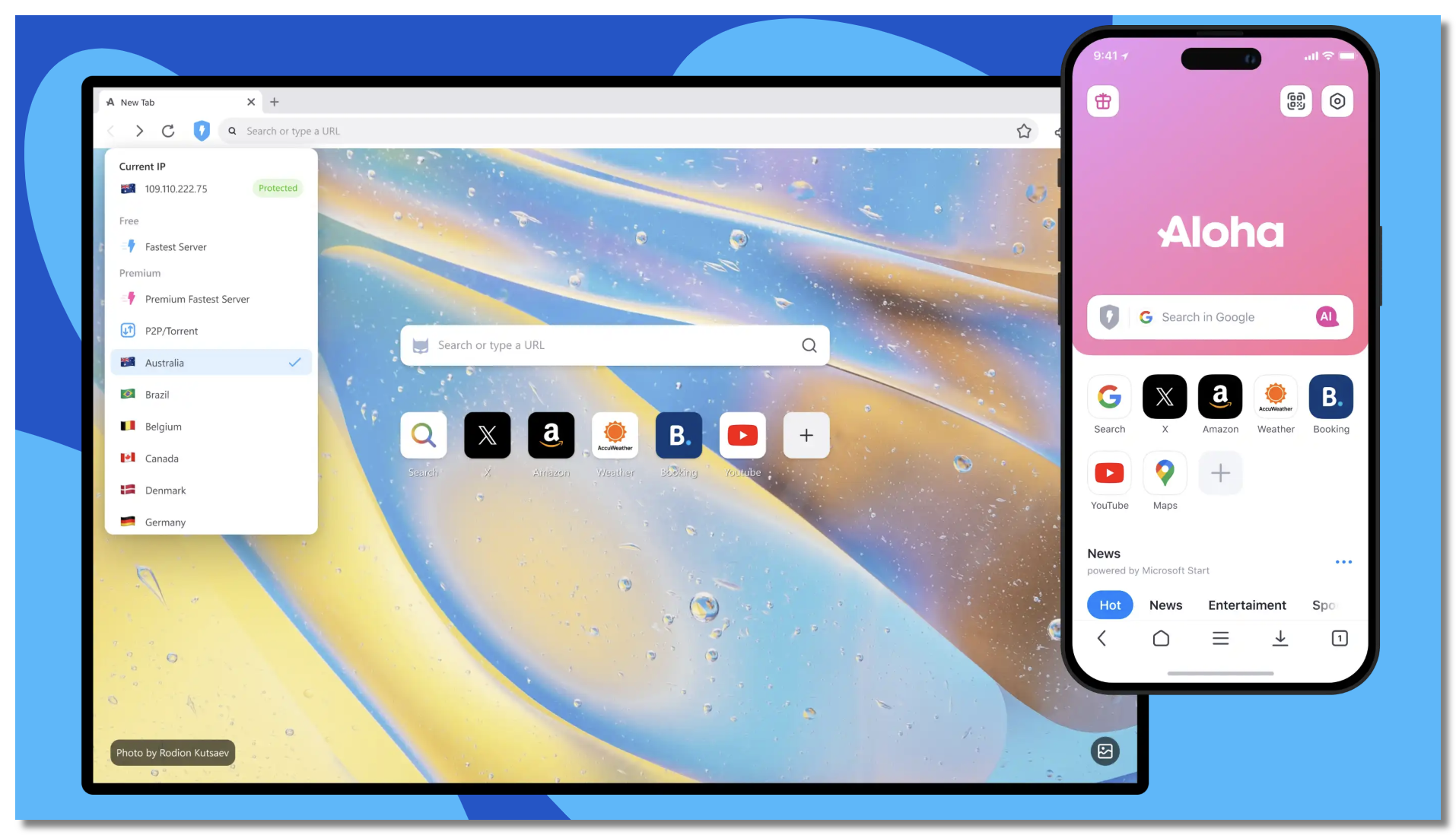

10 Essential Tips for Anonymous Web Surfing
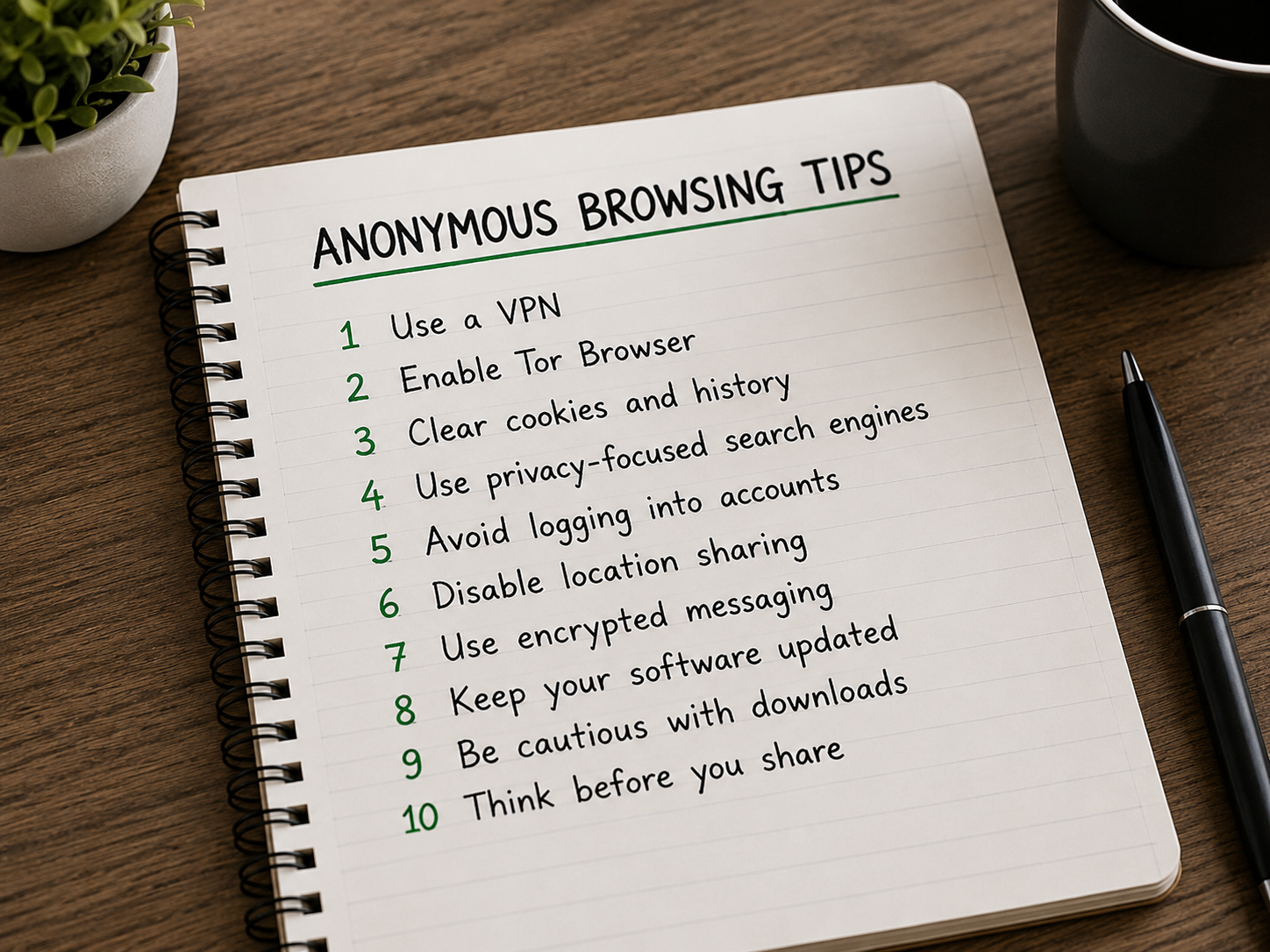
Adopting a comprehensive defense strategy requires pairing reliable VPN protection with privacy-focused browsing habits.
1. Connect to a trustworthy VPN first
Always establish your secure connection using UFO VPN before opening your browser or connecting to public Wi-Fi networks in airports, hotels, or cafes.
2. Use a separate browser profile
Keep daily social networking strictly separated from private web research. Create a dedicated secondary browser profile for anonymous web surfing:
- Do not log into personal Google, Microsoft, or Apple synchronization accounts.
- Disable cross-device cloud sync options entirely.
- Avoid importing personal bookmarks, stored credentials, or autocomplete records.
3. Block third-party cookies and trackers
Configure your primary browser to automatically decline non-essential cookies. Turn on Strict Tracking Protection, set your browser to flush local data upon closing, and utilize privacy extensions like uBlock Origin to disable commercial tracking scripts.
4. Reduce browser fingerprinting
Avoid installing rare fonts or unusual browser add-ons that make your browser fingerprint stand out. Use privacy-centric browsers like Brave, Librewolf, or Tor Browser—which systematically equalize device signatures—to blend in with regular network traffic.
5. Use a privacy-focused search engine
Replace default search engines with privacy-first alternatives like DuckDuckGo, SearX, or Startpage. Avoid logging into personal profiles while conducting web searches, and regularly disable search history logging settings.
6. Separate your online identities
Never recycle identifiable personal elements across separate digital profiles. Keep these elements isolated across distinct personas:
- Unique usernames and handles.
- Profile avatars and headers.
- Account bios and personal website links.
- Dedicated email addresses and phone numbers.
7. Use an email alias or separate email address
When registering for non-critical online accounts, avoid exposing your personal email address. Utilize forward-facing email aliasing services (such as SimpleLogin or Addy.io) or register dedicated throwaway accounts using encrypted email providers.
8. Remove metadata before uploading files
Before uploading images, PDFs, or documents to public platforms, run them through a metadata stripping tool (such as ExifCleaner). Ensure that embedded camera attributes, precise GPS coordinates, and author creation tags are fully scrubbed.
9. Limit browser and app permissions
Regularly audit and revoke non-essential system permissions requested by web applications. Disable site access to your precise device location, camera, microphone, device contacts, local clipboard, and background sync processes.
10. Avoid revealing your identity through behavior
Maintain clear operational boundaries when navigating online spaces anonymously. Refrain from discussing your physical location, employer, or real name, and avoid sharing links to personal social media pages.
Anonymous Web Surfing Checklist
Use this quick checklist to audit your privacy setup before launching a private browsing session:
- VPN connected with an active encrypted tunnel.
- Public IP address successfully replaced and verified.
- DNS and WebRTC leak tests show no exposure of your real IP.
- Isolated secondary browser profile launched.
- No personal or real-name accounts logged in.
- Browser cloud profile synchronization toggled OFF.
- Third-party tracking cookies blocked by default.
- Separate identity details (email alias, unique handle) in use.
- File metadata stripped prior to document uploads.
- Session cookies and local storage cleared upon closing the browser.
Conclusion
Achieving effective online anonymity does not require completely vanishing from the digital world—it requires reducing exposure points so third parties cannot link your actions to your true identity. By pairing reliable VPN software with cautious browsing habits, you can effectively secure your personal data and protect your digital footprint against modern web tracking.
Ready to secure your connection? Start by connecting to UFO VPN to mask your public IP address, then open a clean, privacy-focused browser profile to minimize tracking during daily web sessions.
FAQs
Does a VPN make me anonymous?
A VPN hides your real IP address and encrypts your internet connection from outside observers like your ISP or public Wi-Fi hosts. However, it does not provide absolute anonymity on its own. If you log into personal accounts, enter real-world details on web forms, or allow browsers to capture digital fingerprints, websites can still track your identity regardless of your VPN connection.
Can my ISP see my browsing history when I use a VPN?
No. When an encrypted VPN connection is active, your ISP can only see that your device is transmitting data to an encrypted remote VPN server address. They cannot view the specific websites you visit, the web pages you load, the search queries you run, or the contents of your unencrypted web sessions.
Is Incognito mode anonymous?
No. Incognito (or private browsing) mode only prevents your local browser from saving search history, cookies, and auto-fill information on your physical hardware. It does not hide your IP address, encrypt network traffic, or stop your ISP, network administrators, and visited websites from observing your online activity.
Does clearing cookies make me anonymous?
Clearing cookies removes temporary site files used to track your browser across web sessions, effectively logging you out of active platforms. While it helps reduce persistent ad profiling, it does not hide your public IP address, encrypt your connection, or protect against advanced browser fingerprinting techniques.
Can mobile apps track me even when I use a VPN?
Yes. While a VPN secures your phone's network traffic and conceals its IP address, mobile applications can gather identity data through alternative system channels. Apps can identify your device using onboard hardware IDs, active account logins, granting precise GPS permissions, or background mobile advertising tracking frameworks.