5 Best Mac Game Torrent Sites: Pros and Cons
Here’s a curated list of torrent sites that offer quality Mac games, along with pros and cons for each.
1. MacGames-Download.com
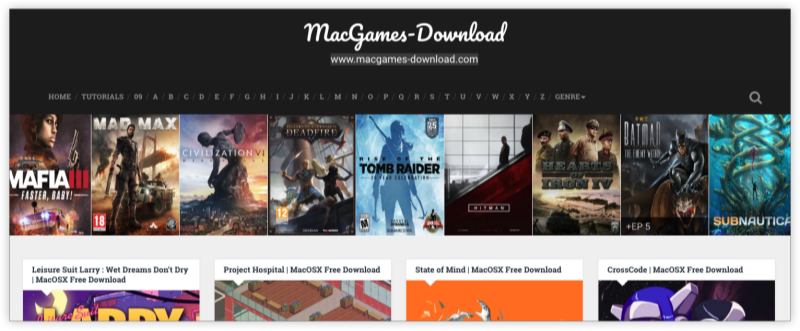
Best for: macOS-native games with easy installation
MacGames-Download is a dedicated torrent site for Mac users, offering .dmg files and pre-cracked packages that don’t require extra tools.
| Pros | Cons |
|---|---|
| 🎮 Focused entirely on Mac games | 🚫 Slower download speeds on free mirrors |
| 🧭 Organized by genre & release year | 🔄 Some games take time to update |
| 📦 No additional tools or wrappers required | 💾 Larger games often split into parts |
Tip: Ideal for beginners—no porting or emulation needed.
2. The Pirate Bay (TPB)

Best for: Popular torrents with wide Mac support
Despite being a general torrent platform, TPB still offers a solid Mac games torrent category with active seeders.
| Pros | Cons |
|---|---|
| 📁 Massive database including Mac-compatible releases | ⚠️ Needs ad blocker and VPN for safe access |
| ✅ Verified uploader tags reduce risk of fake files | 🚧 Mirrors change frequently and may be blocked |
| 💬 User comments help verify quality | 🔍 Mac-specific filter needs improvement |
Tip: Use UFO VPN to unlock and safely access The Pirate Bay in restricted regions.
3. 1337x
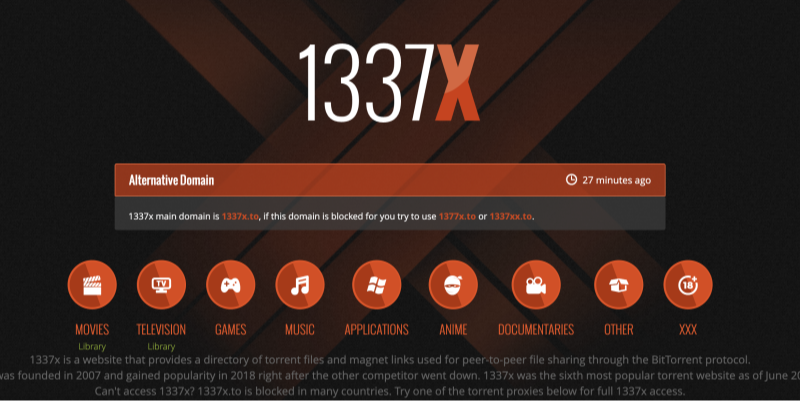
Best for: Clean UI and community-verified Mac torrents
1337x is one of the most aesthetically clean and organized torrent sites, with a trustworthy Mac section.
| Pros | Cons |
|---|---|
| 🎯 Dedicated Mac category with active mods | ⏳ Some older Mac torrents may be outdated |
| 🧑💻 Uploader reputation and health stats visible | 🌐 Blocked in some countries without a VPN |
| 🚫 Minimal popups compared to other sites | 🎮 Limited macOS-native AAA titles |
Tip: Great for indie games and repacked ports that run well on Mac hardware.
4. TorrentMac.net
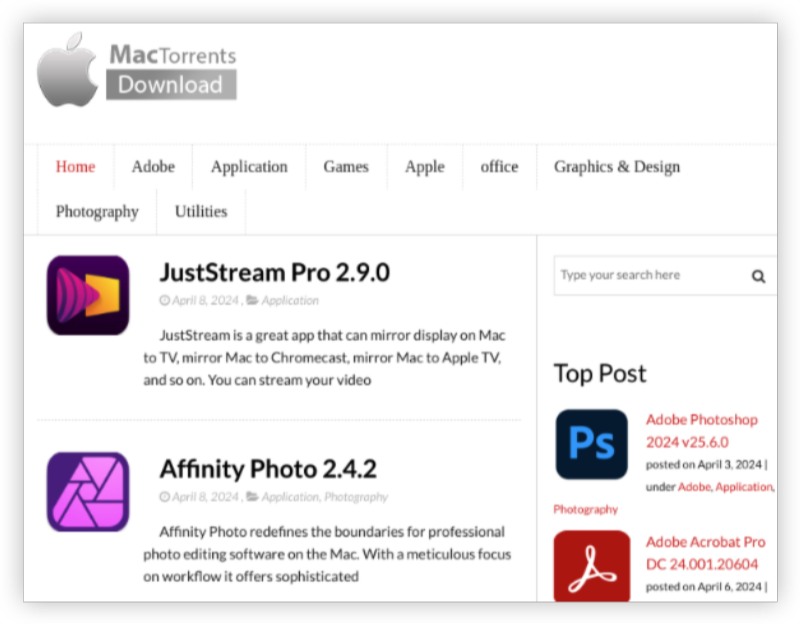
Best for: One-click Mac game downloads (non-torrent-based)
Although not a pure P2P site, TorrentMac offers direct downloads of Mac games and software, including cracked versions.
| Pros | Cons |
|---|---|
| 💡 Doesn’t require torrent client | ❗ Sketchy ads – always use an ad blocker |
| 🔍 Games sorted by category and tools | 🔓 Focus on cracked software may raise security flags |
| 💾 Includes productivity and utility apps | ⚙️ Some .dmg files may require permissions to install |
Tip: Double-check file hashes and scan downloads using CleanMyMac before installing.
5. FitGirl Repack (with Wine or PortingKit for Mac)
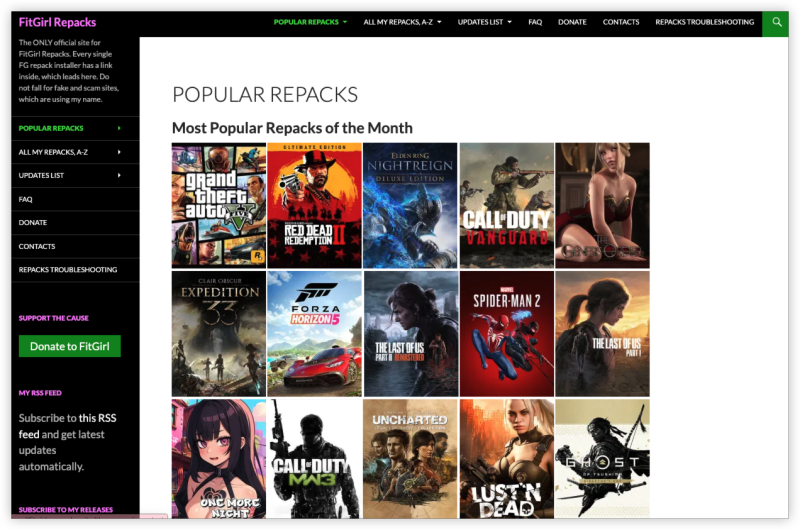
Best for: Compressed PC games ported to Mac
While FitGirl primarily caters to Windows, many repacks can run on Mac using emulation tools like WineSkin, Crossover, or PortingKit.
| Pros | Cons |
|---|---|
| 📦 Ultra-compressed downloads = fast install | 🛠 Requires setup (Wine or emulator) |
| 🗃 Good selection of AAA titles | ⏳ Not all games are Mac-compatible |
| 🧑🤝🧑 Active Reddit and Discord communities | 🧱 Steep learning curve for newcomers |
Tip: Use this method if you have an M1/M2 Mac and want to try Windows-only games without dual-booting.
How to Download Mac Game Torrents Safely
Torrenting—even for legal content—exposes your IP address to peers and trackers. In regions like the US, UK, Germany, or Australia, you could receive legal notices or bandwidth throttling. Before diving in, make sure to:
Preparations
1.Get started with a torrent proxy VPN
Recommended: UFO VPN
Here's how UFO VPN helps:
-
Encrypts your traffic (no one sees your downloads)
-
Masks your IP address from ISPs and torrent peers
-
Bypasses torrent site restrictions in your country
-
No logs, high-speed servers, torrent-optimized
2.Use a trusted torrent client:
Recommended: qBittorrent (lightweight, open-source)
3.Verify torrent uploader & comments:
Stick with verified users or those with high seed counts.
4.Always scan downloaded files:
Use CleanMyMac X or Malwarebytes for Mac to avoid malicious installs.
Avoid cracked software if possible:
Use free alternatives or demo versions to reduce risk.
4 Steps for Downloading Mac Games Torrent


UFO VPN is an all-in-one VPN that offers unlimited access to 4K streaming like Netlfix, Disney Plus, no-ping gaming as PUBG, Roblox, CODM and social networking for YouTube, X, Facebook and more.




Unlock Pro Features
If you have upgraded to premium plan , feel free to enjoy premium servers for 4K streaming and advanced features like Kill Switch, Split Tunneling, and gaming acceleration. Your Mac is now fully optimized and protected. Inaddition to basic functions, we recommend you turn on

Verify Your IP Now
Use UFO VPN's " What is My IP " feature to see your new IP and location. This confirms your connection is secure, anonymous, and ready for safe browsing online anywhere at any time.







Then open your torrent client (qBittorrent) and start torrenting as you want!
Combine UFO VPN + SOCKS5 proxy (optional) for an extra privacy layer.
Conclusion
Though the Mac gaming scene is smaller than Windows, you can still find high-quality Mac game torrents if you know where to look. Whether you want indie adventures or strategy epics, sites like MacGames-Download or 1337x remain top choices.
FAQs
Are Mac torrents safe to use?
They can be, but only if you stick to trusted sources, verify uploads, and use a VPN like UFO VPN.
Can I play PC torrents on Mac?
Some games can run via Wine, Crossover, or Parallels Desktop, but compatibility varies.
Is torrenting legal for Mac games?
Torrenting itself is legal. Downloading copyrighted material without permission is not.
Which VPN works best for Mac torrenting?
UFO VPN is optimized for P2P, with no logs, fast speeds, and Mac-native support.