Can You Watch the FIFA World Cup Without a VPN?
Yes, you absolutely can watch the FIFA World Cup without using a VPN. Many countries provide free official broadcasts through local sports channels or streaming services, and some platforms allow direct access without requiring location changes or paid memberships.
Besides official platforms, there are also free streaming websites and public live links that regularly provide FIFA match coverage. Many users rely on these options because they are simple, fast, and accessible from almost any device without extra setup.
Safety Tips: Risks of Free World Cup Streaming Links & How to Avoid
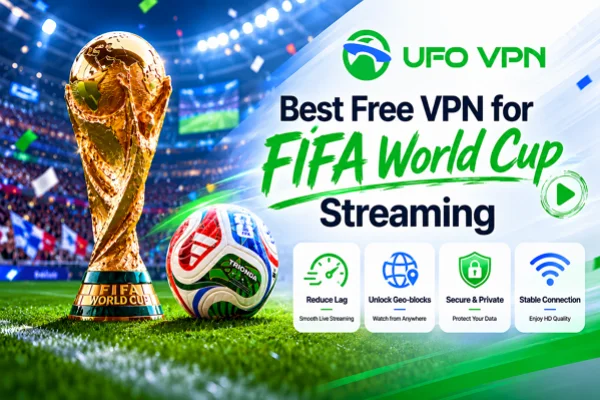
Free streaming platforms and public FIFA live links are extremely popular, and it’s completely normal to use them when you want quick access to matches without subscriptions.
However, many of these sites operate mainly through advertisements, pop-ups, and redirect traffic, which means the user experience may sometimes come with security concerns.
Without proper protection, you may easily run into the following risks:
- Fake play buttons leading to scam pages
- Aggressive pop-up advertisements
- Malware or suspicious downloads
- Browser tracking and data collection
- Slow loading speeds and unstable streams
- Redirects to unrelated adult or gambling websites
To avoid these problems, there are several important dos and don’ts you should strictly follow while using free World Cup streaming links.
Use trusted streaming websites with stable reputations
Keep your browser updated
Enable an ad blocker before opening streaming pages
Close suspicious redirect tabs immediately
Use secure internet connections instead of public Wi-Fi
Do not download unknown media players
Do not enter payment or card information
Avoid clicking flashing “HD Stream” advertisements
Never allow suspicious notification permissions
Best Free Streaming Platforms for the World Cup
Several streaming platforms offer free access to FIFA World Cup matches legally through regional broadcasting rights or limited-time free coverage. Some of them are surprisingly reliable and provide decent video quality without requiring complicated registration processes.
1. DAZN

DAZN occasionally provides selected football events and promotional free access depending on the region. The platform is known for smooth streaming quality, clean interfaces, and strong sports coverage across multiple devices.
Pros
- Excellent video quality
- Supports mobile, desktop, and smart TVs
- Stable servers during major sports events
- User-friendly interface
- Reliable official sports broadcaster
Cons
- Free access depends on region
- Some matches may require registration
- Coverage availability changes frequently
2. BBC iPlayer
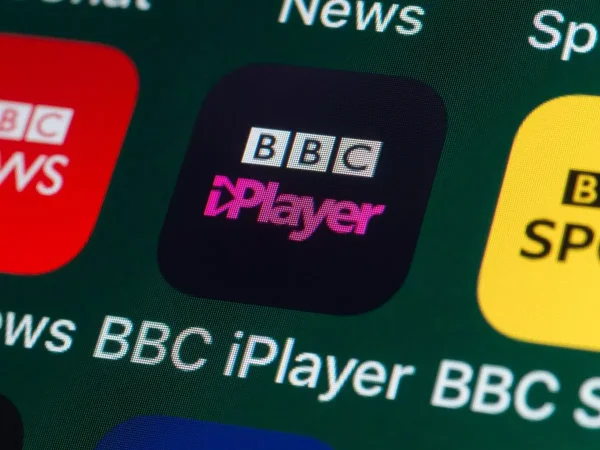
BBC iPlayer is one of the most reliable free sports streaming services for football fans in supported regions. It offers professional commentary, stable live broadcasts, and excellent playback quality during major international tournaments.
Pros
- Completely free in supported regions
- High-quality sports coverage
- Minimal buffering issues
- Includes highlights and replays
Cons
- Regional access restrictions
- Requires account sign-in
- Limited outside supported countries
3. ITVX
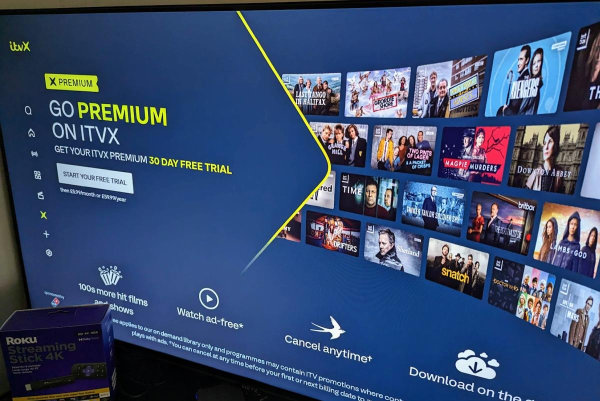
ITVX streams many major football events live and often shares broadcasting rights for international competitions. It works well on browsers and mobile devices while maintaining strong streaming stability.
Pros
- Free access to live sports
- Easy to navigate
- Fast stream loading
- Includes live and replay content
Cons
- Advertisements during streams
- Registration required
- Some events unavailable in certain regions
- Occasional server congestion during finals
4. Tubi

Tubi is primarily known as a free entertainment platform, but it sometimes features sports-related live content and special event partnerships that football fans may find useful during tournament seasons.
Pros
- No subscription fees
- Works on many devices
- Lightweight streaming experience
Cons
- Sports coverage is inconsistent
- Limited live football events
- Not dedicated to sports streaming
5. SBS On Demand

SBS On Demand has become a popular option for football fans because of its reliable international sports broadcasts and easy access experience for viewers in supported locations.
Pros
- Free official broadcasts
- Good stream stability
- Includes multilingual commentary
- Replay availability after matches
Cons
- Region-based accessibility
- Account setup needed
- Match availability varies
6. Vidio

Vidio is a popular Southeast Asian streaming platform that occasionally provides football coverage, including international tournaments and sports events through regional broadcasting partnerships. The platform is especially popular among mobile users because of its lightweight app experience and stable live streaming performance.
Pros
- Mobile-friendly streaming experience
- Smooth playback quality
- Frequently updates sports content
- Supports live and replay viewing
- Easy account setup
Cons
- Some matches require premium access
- Coverage varies by region
- Advertisements on free streams
- Limited availability outside Southeast Asia
Pretty sure there'll be some pirated links. Or you could head to the nearest cafe where they might public broadcast

(Tested) 100% Safe & Free Streaming Links for FIFA World Cup
Many football fans also use free streaming links that update regularly during tournament periods. Below are several commonly used websites that are widely known for live sports coverage.
- buffstreams — Fast-loading football streams
- livetv — Multiple live sports channels
- footybite — Popular football match hub
- vipbox — Large variety of sports events
- stream2watch — Frequently updated live links
- soccerlive — Football-focused streaming portal
- totalsportek — Match schedules and stream links
- Streameast – Clean HD streams with multiple language options
- Sportsurge – Reliable backup links and low ads
- Weakstreams – Good for mobile viewing with minimal buffering
- Crackstreams – Fast loading and multiple server choices
- Markkystreams – Popular for high-quality World Cup feeds
- Footybite – Community-driven links updated regularly
Free streaming domains can occasionally expire or change. It’s a good idea to bookmark this page and revisit it regularly for newly updated working links.
How to Find New Working Links for FIFA Live Quickly?
New streaming links often appear quickly during major football tournaments. If one source stops working, alternative links are usually available within minutes.
✅ Check Football Communities on Reddit
Football communities on Reddit frequently update match links before kick-off.
Quick steps:
- Open Reddit
- Search the match name or tournament
- Enter football-related discussion communities
- Check pinned live match threads
- Sort comments by “New” for updated links
✅ Follow Live Sports Aggregator Websites
Sports aggregator websites constantly replace inactive streams during high-traffic tournaments like the FIFA World Cup.
Quick steps:
- Visit trusted sports streaming aggregators
- Select the ongoing match
- Compare multiple available sources
- Refresh the page if links stop working
✅ Search Through Real-Time Social Platforms

Platforms like X, Telegram, and Discord often share newly working match streams during live games, especially when official broadcasts become overloaded.
✅ Look for Mirror Domains
Popular streaming sites sometimes launch backup mirror domains after takedowns or outages.
Quick steps:
- Search the platform name
- Add keywords like “new domain” or “mirror”
- Check recent community posts discussing updated URLs
✅ Use Match-Specific Search Keywords
Searching with exact match names plus terms like “HD live stream” or “free FIFA stream” often helps surface newer working pages faster than general searches.


Why a VPN Still Matters to Stream the FIFA World Cup?
Even though free streaming links can work without a VPN, many viewers still prefer using one because it improves overall streaming reliability, privacy, and accessibility during major sporting events.
- Access More Global Streams: Some official broadcasters only work in specific countries. Choosing the best free vpn for world cup helps unlock additional streaming sources that may offer better quality or free coverage.
- Reduce ISP Throttling: Internet providers sometimes slow down video streaming traffic during peak sports events. VPN connections can help maintain smoother playback speeds.
- Improve Privacy Protection: Streaming sites often contain trackers, redirects, and ad networks. VPNs help hide browsing activity and reduce unnecessary exposure while watching live matches.
- Avoid Suspicious Network Monitoring: Public Wi-Fi networks at cafes, airports, or hotels are not always secure. VPN encryption adds an extra layer of protection when streaming outside your home.
- Achieve More Stable Streaming: Some VPN servers provide better routing paths to international streaming platforms, which may reduce buffering and improve loading consistency during important matches.
If you are looking for a balance between free access and stable streaming performance, UFO VPN can be a practical option. It offers global server coverage, supports Android, iOS, Windows, and macOS, and provides beginner-friendly setup steps.


UFO VPN is an all-in-one VPN that offers unlimited access to 4K streaming like Netlfix, Disney Plus, no-ping gaming as PUBG, Roblox, CODM and social networking for YouTube, X, Facebook and more.




Unlock Pro Features
If you have upgraded to premium plan , feel free to enjoy premium servers for 4K streaming and advanced features like Kill Switch, Split Tunneling, and gaming acceleration. Your Mac is now fully optimized and protected. Inaddition to basic functions, we recommend you turn on

Verify Your IP Now
Use UFO VPN's " What is My IP " feature to see your new IP and location. This confirms your connection is secure, anonymous, and ready for safe browsing online anywhere at any time.







Conclusion
Watching the FIFA World Cup online has become much easier than many people expect. With the growing number of free broadcasters, updated streaming links, and community-shared resources available online, you now have more flexible ways to enjoy matches from almost anywhere. The key is choosing reliable sources, staying cautious while browsing, and using the right tools to create a smoother viewing experience throughout the tournament.
FAQs
Is it possible to watch FIFA World Cup matches on mobile devices for free?
Yes. Most free streaming platforms and live links work directly on mobile browsers, including Android and iPhone devices.
Why do some streaming links suddenly stop working?
Free streaming domains may face overloads, regional blocks, or domain changes during major matches, especially during knockout rounds.
Which browser works best for football streaming websites?
Chrome, Brave, and Firefox are commonly recommended because they support ad blockers and handle video playback efficiently.
Do free World Cup streaming websites require account registration?
Some official broadcasters require free accounts, while many public streaming links allow instant access without sign-up.
Can I watch World Cup replays for free?
Yes. Certain broadcasters and sports platforms provide free match highlights, full replays, or condensed game recaps after live broadcasts end.