Check the Live Status of Gomovies First
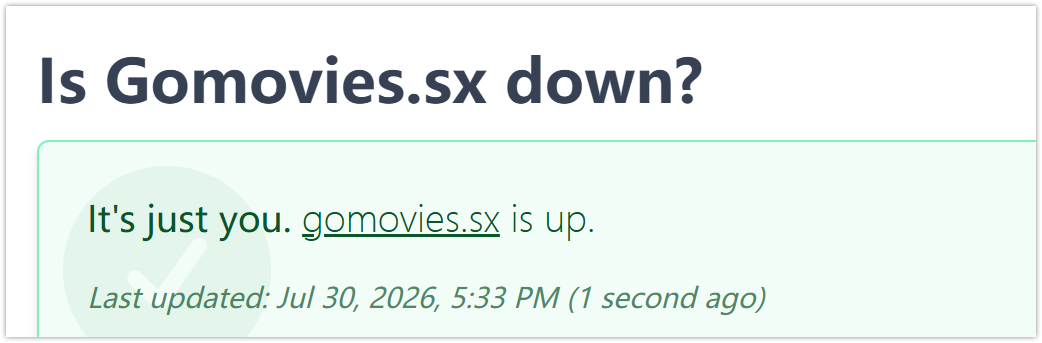
Before trying different fixes, you should first confirm whether the problem comes from Gomovies itself or your own connection. Sometimes, Gomovies may temporarily go offline because of server maintenance, technical problems, or domain changes. Checking a live status website can help you quickly understand whether other people are experiencing the same issue.
Here are some common websites you can use to check whether Gomovies is down:
- Is It Down Right Now? - Checks website availability and uptime status.
- Down for Everyone or Just Me - Shows whether a website issue affects everyone or only you.
- Downdetector - Tracks outages based on user reports.
- Website Planet Website Down Checker - Tests website accessibility.
- Site24x7 Website Availability Checker - Monitors website uptime and server response.
- UpdownRadar - Displays reported website outages.
- IsItWP Website Status Checker - Quickly checks if a site is online.
- Host-Tracker - Provides uptime and performance monitoring.
- StatusGator - Monitors service status updates.
If these tools show that Gomovies is down for everyone, waiting may be the only option. However, if the website works normally for others, the issue may be related to your browser, network, or location.
Why Gomovies Stops Working?
When you find that Gomovies can't load properly, the reason may not always be obvious. Several technical or access-related issues can prevent you from opening the website normally.
Is GoMovies down for anyone else? I keep getting a 'site can't be reached' error. I was in the middle of a movie and now I can't find a working link anywhere. Any suggestions for a stable site?

Here are some common reasons why Gomovies may stop working:
🔧 The website server is temporarily unavailable - Gomovies may experience server downtime because of maintenance, unexpected errors, or technical failures.
🌐 The domain name has changed - Some streaming websites frequently switch domains, making old links stop working.
🚫 Your network blocks access to the website - Internet providers, workplaces, schools, or regional networks may restrict access to certain websites.
🛑 The website has been removed or taken offline - Copyright-related issues or legal pressure can sometimes cause streaming sites to disappear.
🧹 Browser cache or cookies create loading problems - Old stored data may prevent your browser from displaying the latest version of a website.
📡 Your internet connection is unstable - A weak or interrupted connection can cause pages to load slowly or fail completely.
🔒 Security software blocks the website - Antivirus programs, browser protections, or firewall settings may mistakenly prevent access.
📍 Regional restrictions affect availability - Some websites may not be accessible in certain countries due to local regulations or network policies.
Understanding the cause can help you choose the right solution instead of trying random methods that may not work.
Simple Ways to Access Gomovies
If Gomovies is unavailable only on your side, you can try several simple methods to restore access. The right solution depends on whether the problem comes from your browser, network, or location.
Solution 1: Use a Reliable VPN
A reliable VPN service like UFO VPN can help you change your virtual location and create a more private connection when accessing websites. If your network or region prevents you from opening Gomovies, connecting through another server may help solve the access issue.
💡 Key steps:


UFO VPN is an all-in-one VPN that offers unlimited access to 4K streaming like Netlfix, Disney Plus, no-ping gaming as PUBG, Roblox, CODM and social networking for YouTube, X, Facebook and more.




Unlock Pro Features
If you have upgraded to premium plan , feel free to enjoy premium servers for 4K streaming and advanced features like Kill Switch, Split Tunneling, and gaming acceleration. Your Mac is now fully optimized and protected. Inaddition to basic functions, we recommend you turn on

Verify Your IP Now
Use UFO VPN's " What is My IP " feature to see your new IP and location. This confirms your connection is secure, anonymous, and ready for safe browsing online anywhere at any time.







Solution 2: Clear Your Browser Cache and Cookies
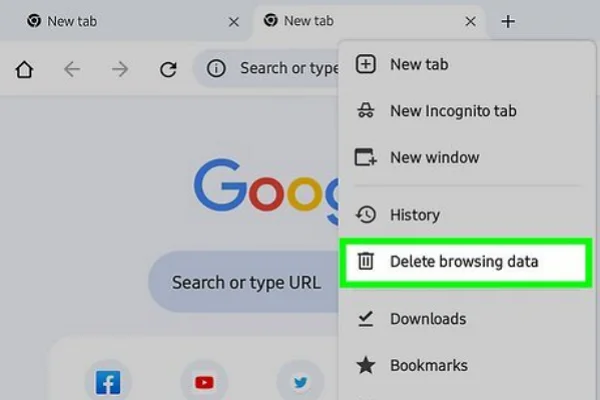
Sometimes, stored browser data can cause websites to display outdated information or fail to load correctly. Clearing your cache and cookies gives your browser a fresh start.
💡 Key steps:
- Open your browser settings.
- Find the privacy or browsing data section.
- Select cached files and cookies.
- Clear the data and restart your browser.
- Visit Gomovies again.
This method is quick and works well when the website recently changed its design, domain, or server settings.
Solution 3: Try a Different Browser
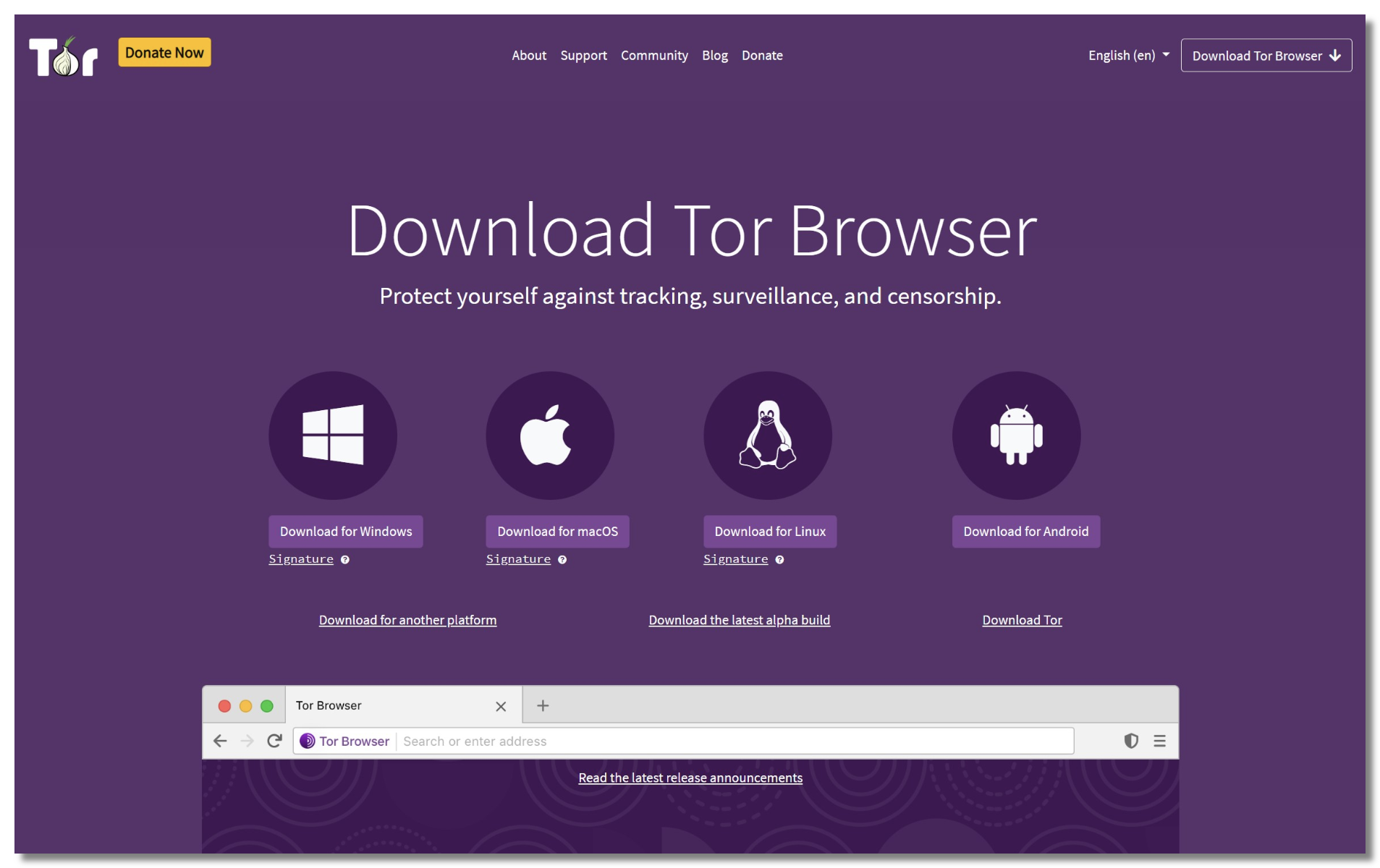
Your current browser may have compatibility problems, blocked scripts, or extension conflicts. Switching to another browser can help you check whether the issue comes from your browser settings.
💡 Key steps:
- Install or open another browser like Edge, Tor, Firefox, etc.
- Disable unnecessary extensions.
- Visit the Gomovies website again.
- Compare the loading result with your original browser.
If Gomovies works in another browser, you can check your original browser extensions or security settings.
Solution 4: Restart Your Network Connection

A temporary network problem can prevent you from reaching certain websites. Restarting your router or reconnecting your internet connection may refresh your connection.
💡 Key steps:
- Turn off your router or disconnect your network.
- Wait for around 30 seconds.
- Restart your connection.
- Try opening Gomovies again.
This solution is especially useful when other websites are also loading slowly.
Solution 5: Change Your DNS Settings
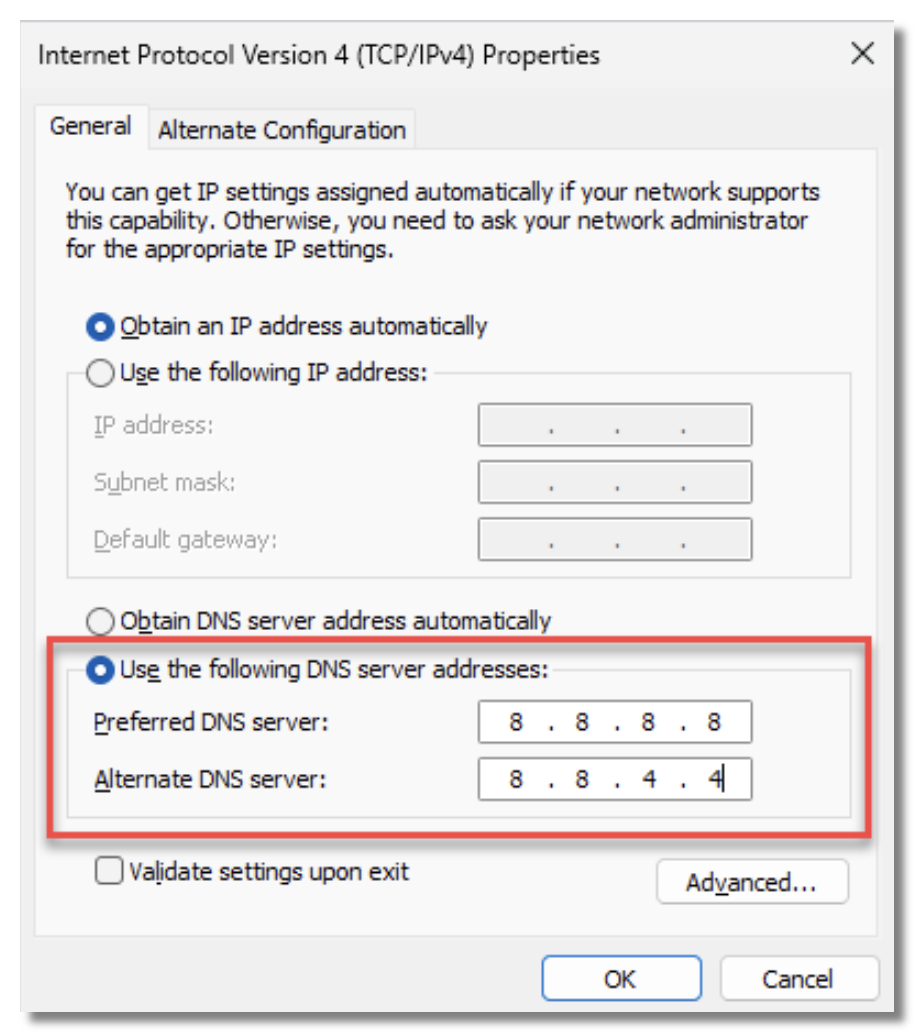
Your DNS provider helps translate website addresses into IP addresses. If your current DNS has trouble resolving Gomovies, changing to another DNS service may improve access.
💡 Key steps:
- Open your device network settings.
- Find DNS configuration options.
- Replace your current DNS with a public DNS service.
- Save the changes and restart your connection.
- Check whether Gomovies loads properly.
A DNS change will not fix every access problem, but it can solve issues caused by DNS errors or outdated records.
Solution 6: Disable Browser Extensions
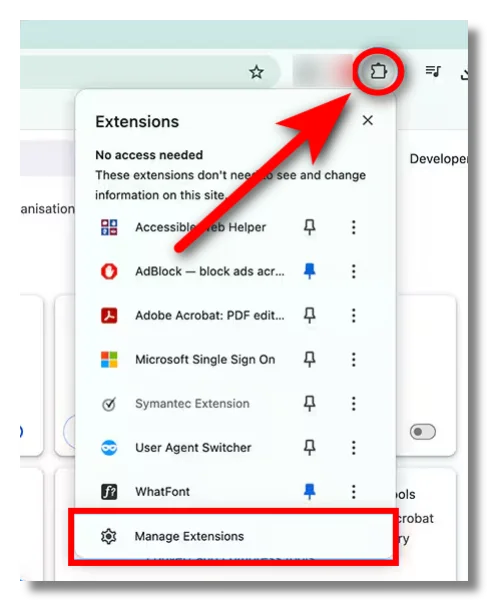
Some extensions, especially ad blockers and privacy tools, may interfere with website functions. Temporarily disabling them can help find the source of the problem.
💡 Key steps:
- Open your browser extension settings.
- Disable suspicious or unnecessary extensions.
- Refresh the Gomovies page.
- Test the website again.
- Enable extensions one by one if needed.
Solution 7: Switch Between Wi-Fi and Mobile Data
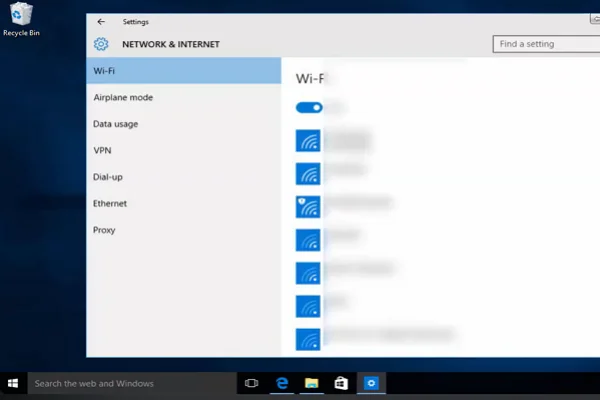
Your current network may restrict access to certain websites. Changing your connection type can help you determine whether the issue comes from your internet provider.
💡 Key steps:
- Turn off your Wi-Fi connection.
- Enable mobile data on your phone.
- Open Gomovies using the new connection.
- Compare the results.
- Switch back if the issue remains unchanged.
Solution 8: Update Your Browser or Device
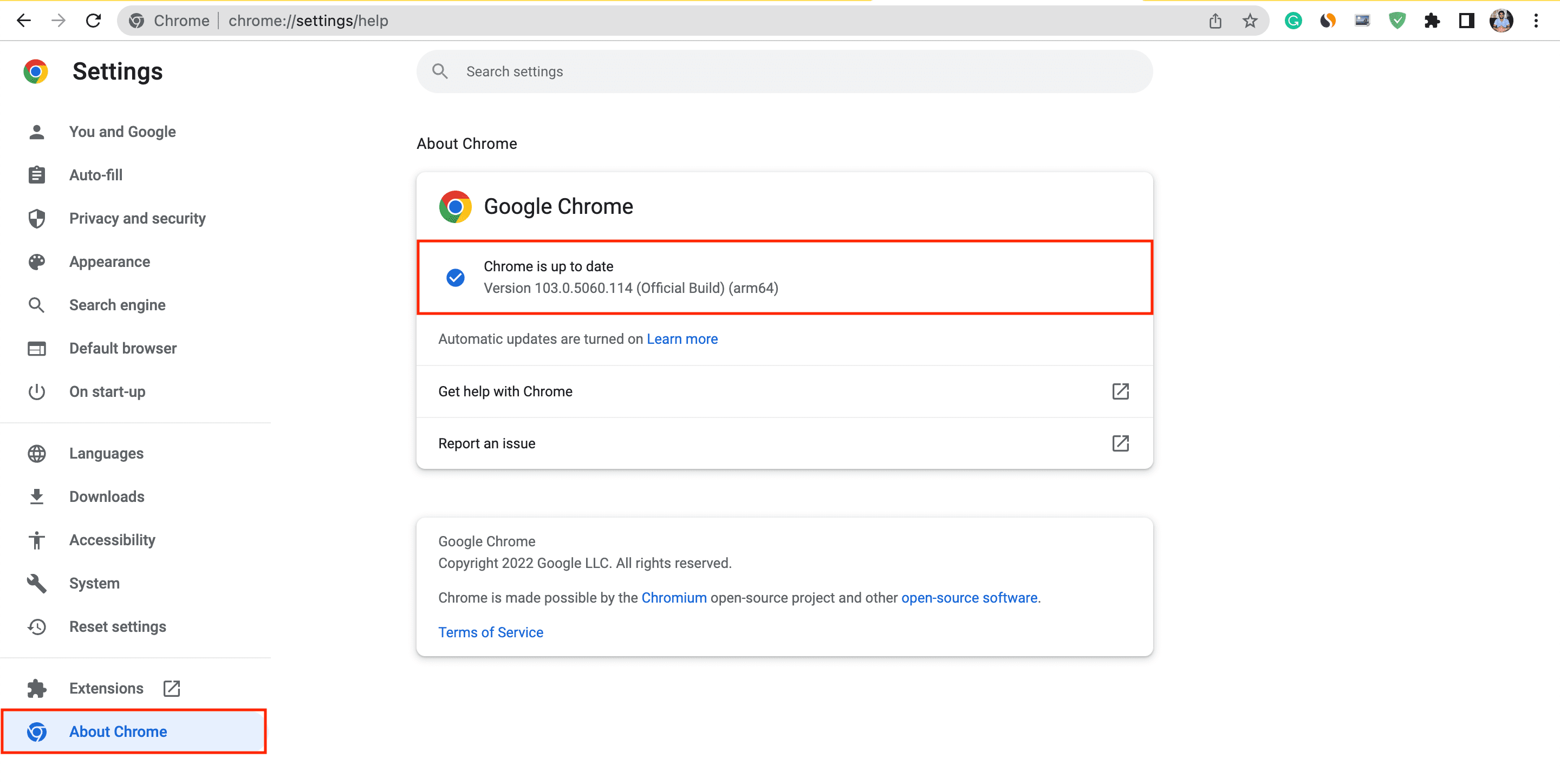
Older software versions may cause compatibility problems when opening websites. Updating your browser or device can improve performance and fix unexpected errors.
💡 Key steps:
- Check for available updates.
- Install the latest browser version.
- Restart your device.
- Clear temporary files if needed.
- Try accessing Gomovies again.
Solution 9: Check Firewall and Security Settings
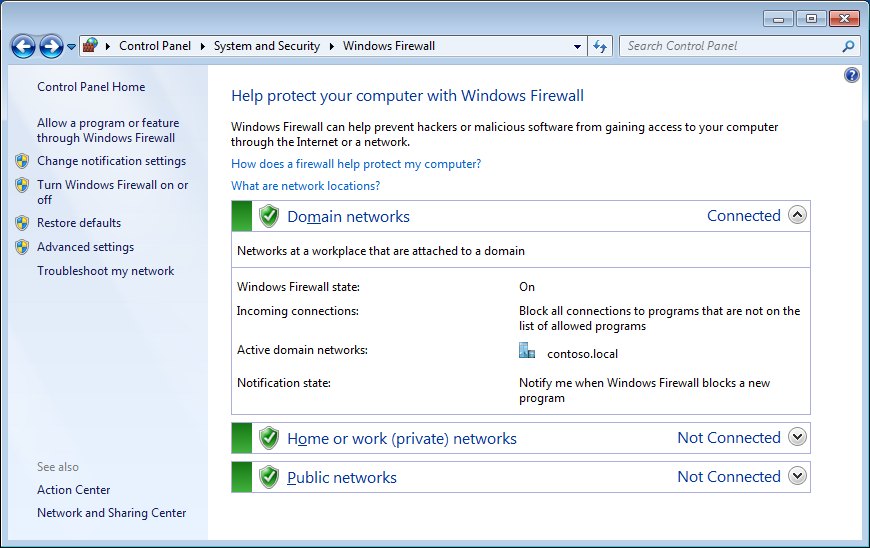
Security software may accidentally block websites or prevent certain connections. Reviewing these settings can help identify possible restrictions.
💡 Key steps:
- Open your firewall or antivirus settings.
- Check blocked websites or connection rules.
- Temporarily adjust restrictions.
- Restart your browser.
- Test Gomovies access.
Solution 10: Try Another Device
If Gomovies works on another device, the problem may be related to your original device settings rather than the website itself.
💡 Key steps:
- Open Gomovies on another device.
- Use the same network connection.
- Compare whether the website loads.
- Check device settings if only one device has problems
Gomovies Proxies That Actually Work
If Gomovies is still unavailable after trying common fixes, you can also look for Gomovies proxies that provide alternative access points. Proxy sites work as a middle connection between you and the website, allowing you to reach different versions of a site when the main domain is not accessible.
Here are the latest Gomovies proxy sites to access:
- https://gomoviessx.net/home
- https://gomoviestv.mom/
- https://www.gomovix.com/browse
- https://gomovies-pe.lol/
- https://go-movies.world/
However, proxy domains can change frequently due to downtime, domain updates, or removal. If one proxy stops working, you can use the following proxy directories or search tools to find newer options:
- ProxySite - A simple web proxy service that helps access websites through different servers.
- CroxyProxy - A popular free proxy service that supports browsing websites via a proxy connection.
- Proxyium - A free online proxy tool designed to access websites through alternative connections.
- Blockaway - Offers browser proxy services helps to connect through different IP addresses.
- ProxyScrape - Provides regularly updated proxy lists and proxy-related tools.
- Free Proxy List - Collects publicly available proxy servers from different locations.
- Spys.one - Offers searchable proxy lists with details such as country and connection type.
- HideMy.name Proxy List - Provides updated proxy information and filtering options.
Since proxy availability changes often, a proxy that works today may stop working later. Keeping multiple options available can help you find another way to access websites when the original link becomes unavailable.
Is Gomovies Still Can't Load: Try These Free Alternatives
If Gomovies is still not working after trying different solutions, you may want to explore other streaming platforms. Many websites similar to Gomovies offer large movie and TV show libraries with different features and user experiences.
These Gomovies alternatives can help you find new places to watch online content. However, website availability, content sources, and regional access may change over time, so you should always check whether a platform is currently available in your area.
1. FMovies
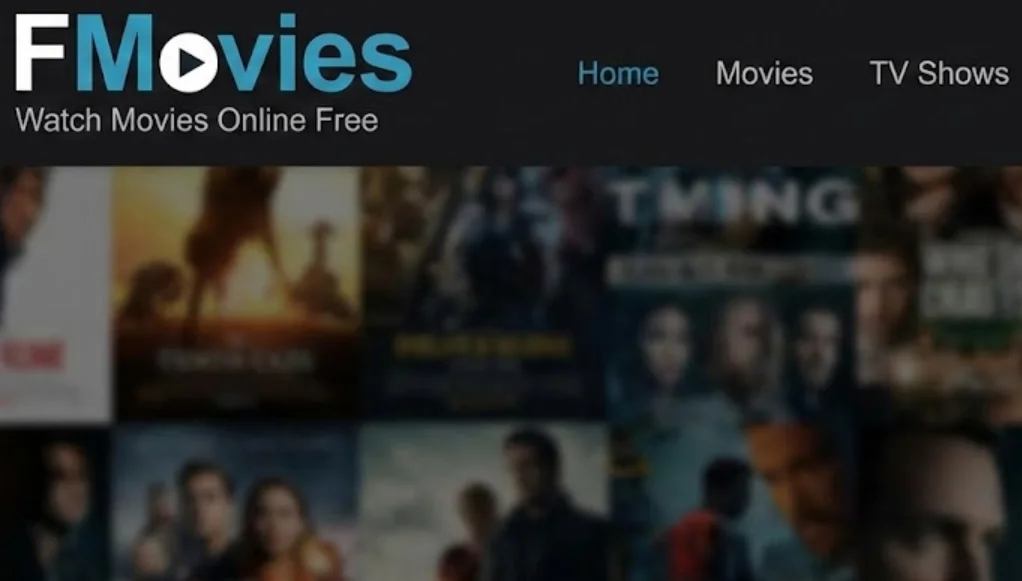
FMovies is one of the most well-known alternatives to Gomovies, offering a large collection of movies and TV shows across different genres. Its simple layout and search functions make it easy to find popular titles without spending much time browsing.
Pros:
- Large movie and TV show library
- Simple search and category filters
- Supports multiple video quality options
- Frequently updated content collection
- Easy-to-use interface
Cons:
- Many mirror domains may exist
- Pop-up advertisements can affect browsing
- Website availability may change frequently
- Some content may not be available in every region
2. 123Movies
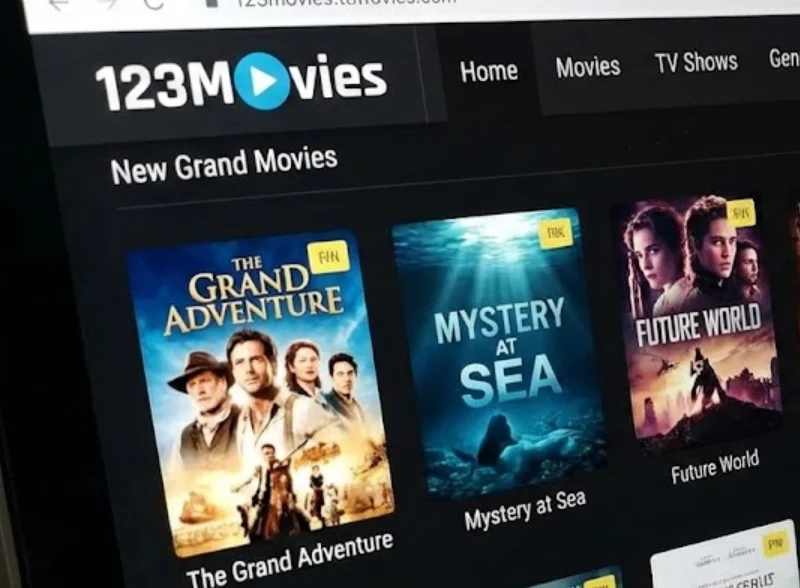
123Movies remains a familiar name among users searching for free streaming websites. It provides a wide selection of entertainment content and has inspired many similar platforms over the years.
Pros:
- Offers a broad range of movies and series
- Easy navigation with different categories
- No account registration required
- Works on many devices
- Provides quick access to trending titles
Cons:
- Official availability has changed over time
- Many copycat websites use the same name
- Ads may interrupt the viewing experience
3. WatchLuna
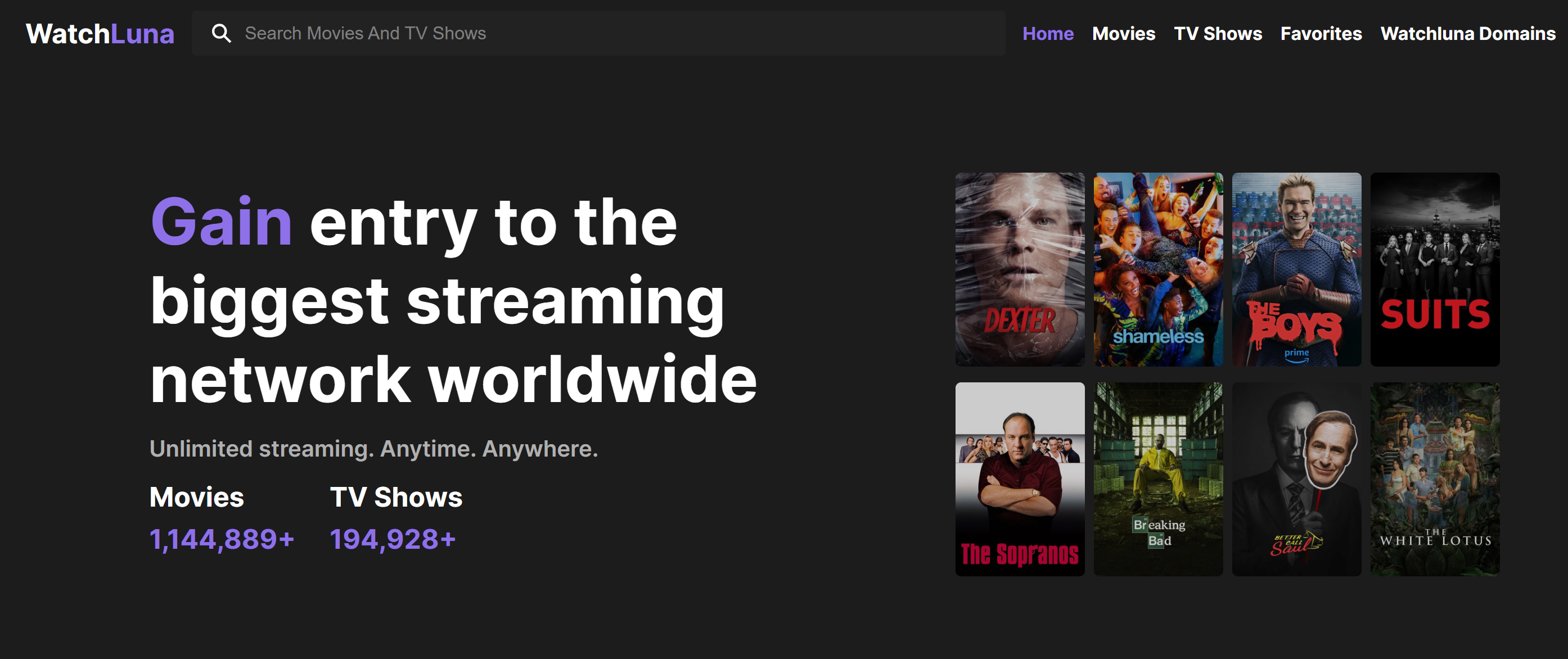
WatchLuna is another option for people looking for websites similar to Gomovies. It focuses on a straightforward streaming experience, allowing you to browse movies and shows without complicated steps.
Pros:
- Clean and simple interface
- Includes different entertainment categories
- Easy title searching
- Suitable for quick browsing
Cons:
- Smaller content selection compared with larger platforms
- Domain changes may happen
- Streaming quality may vary between titles
- Limited information about some content sources
4. Soap2Day
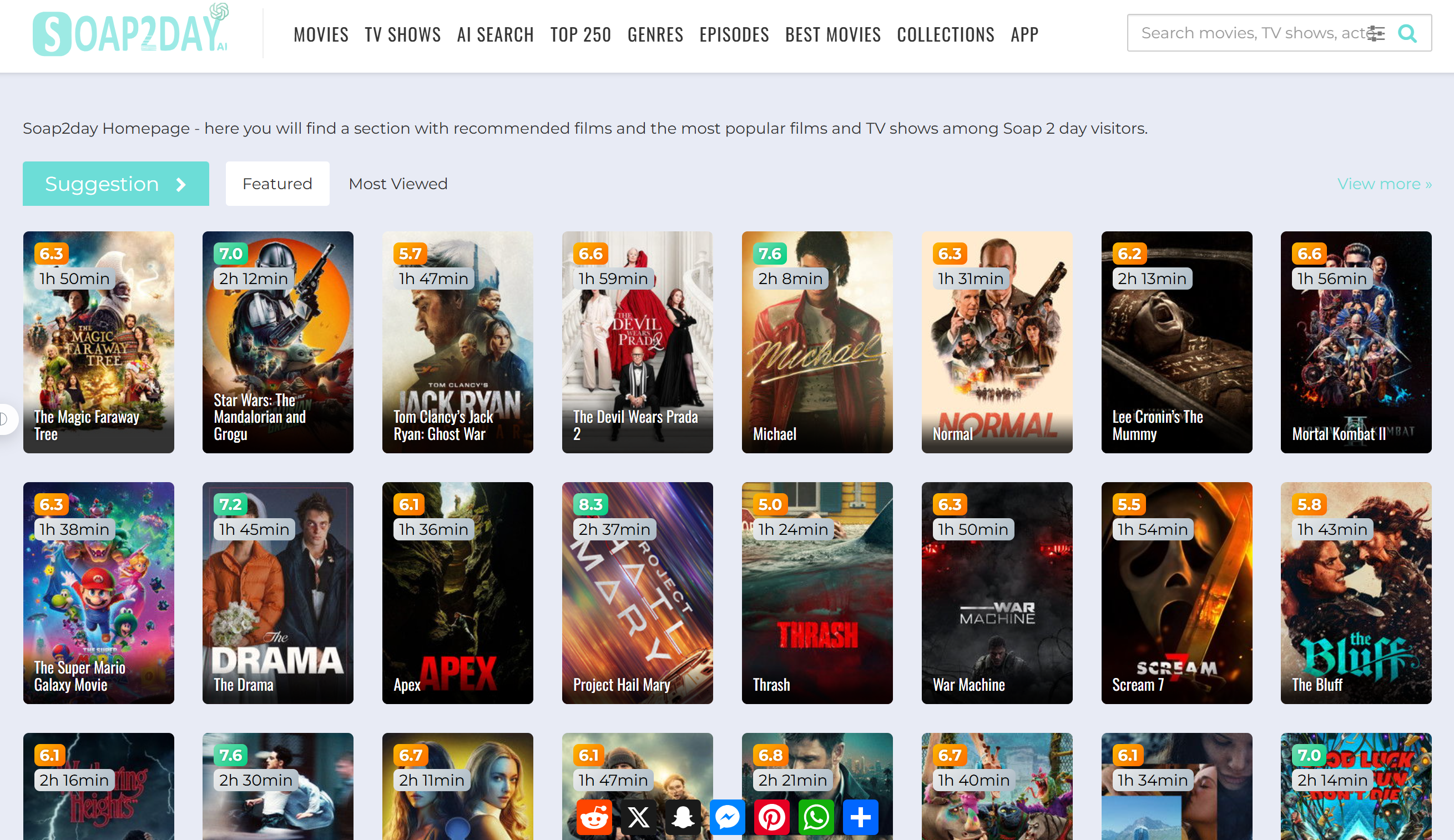
Soap2Day has become a commonly searched name among users looking for free movie streaming options. Its popularity comes from its large content selection and simple viewing experience.
Pros:
- Large collection of movies and TV shows
- Frequently searched by streaming fans
- Easy-to-understand layout
- Supports different genres
- Quick access without complicated setup
Cons:
- Many unofficial copies exist
- Website reliability can be inconsistent
- Advertisements may affect usability
- Some versions may contain security risks
5. SolarMovie
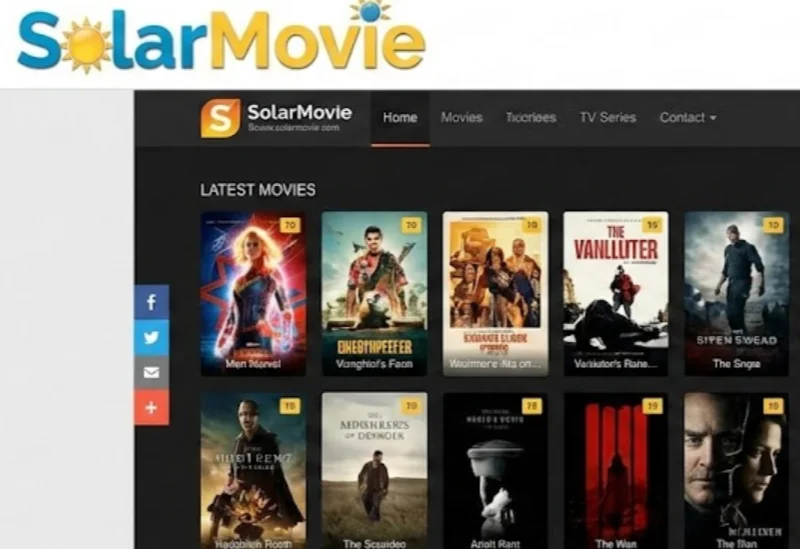
SolarMovie is a streaming website that provides movies and TV shows organized by categories, making it easier to explore content based on genre, release year, or popularity.
Pros:
- Wide range of entertainment categories
- Simple browsing experience
- Includes older and newer titles
- Useful filtering options
Cons:
- Website domains may frequently change
- Video availability can vary
- Some pages may contain intrusive ads
6. Putlocker
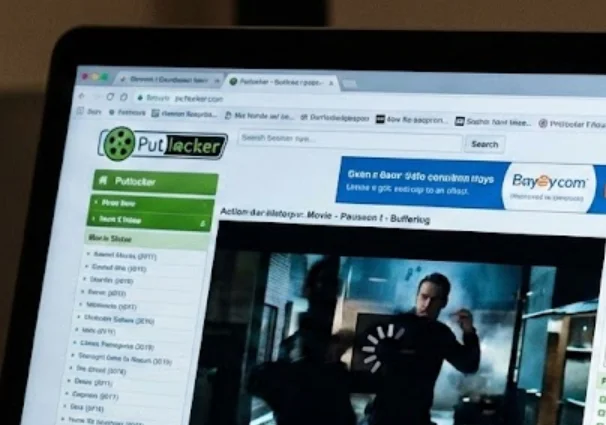
Putlocker is another well-known name in the online streaming space. Over the years, many versions of the site have appeared, offering different collections of movies and shows.
Pros:
- Long history among streaming websites
- Large variety of content
- Easy category browsing
- Supports movie discovery
Cons:
- Many unofficial versions exist
- Website quality differs between domains
- May have aggressive advertising
- Availability is unpredictable
7. Tubi
Tubi is a free streaming platform that offers thousands of movies and TV shows across different categories. Unlike many unofficial streaming websites, it focuses on providing a legal ad-supported viewing experience, making it a reliable option when you are looking for alternatives to Gomovies.
Pros:
- Large collection of free movies and TV shows
- Available on multiple devices
- Provides apps for smart TVs and mobile devices
- Includes content from well-known studios
- Offers personalized recommendations
Cons:
- Requires watching advertisements
- Content availability depends on your location
- New releases are usually limited
- Some titles may rotate out over time
8. Pluto TV

Pluto TV combines free streaming channels with an on-demand movie and TV library. It works more like traditional television, allowing you to watch scheduled channels while also choosing specific content when you want.
Pros:
- Completely free to use
- Offers live channels and on-demand content
- Supports many devices
- Includes different entertainment categories
- Does not require a paid subscription
Cons:
- Ads appear during playback
- Less focused on the latest movies
- Channel availability varies by region
- Navigation may feel different from traditional streaming platforms
9. Crackle
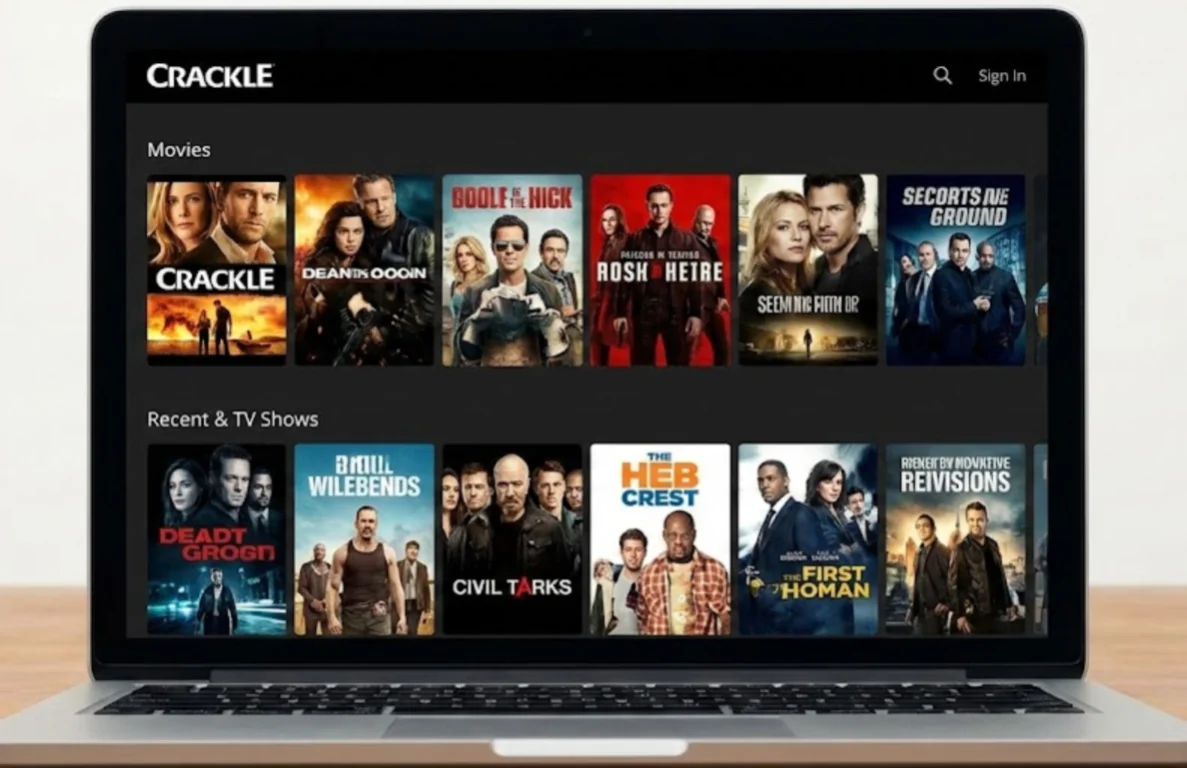
Crackle is a free streaming service that provides movies, TV shows, and original programming. It can be a good choice if you want a simple platform with a mix of classic titles and entertainment content.
Pros:
- Free access to movies and shows
- Simple user interface
- Includes original content
- Works across different devices
- Does not require a subscription fee
Cons:
- Smaller library compared with paid platforms
- Advertisements interrupt playback
- Content changes regularly
- Availability is limited in some countries
10. Popcornflix
Popcornflix is a free movie streaming platform known for its simple design and easy browsing experience. It provides different genres, including comedy, horror, action, and drama, making it suitable for casual viewing.
Pros:
- Free movie streaming option
- Easy-to-use website design
- Offers multiple movie categories
- No complicated registration process
- Available on several platforms
Cons:
- Limited selection of recent releases
- Ad-supported viewing experience
- Content availability depends on region
- Streaming quality may differ between titles
11. Vudu (Now Fandango at Home)
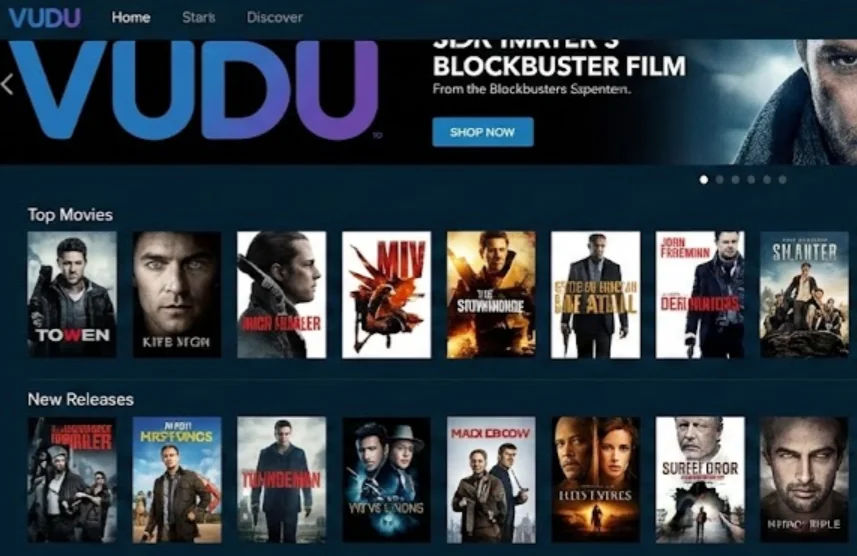
Vudu, now operating as Fandango at Home, provides a large digital movie and TV collection with both free ad-supported content and rental or purchase options. It is a useful choice if you want a more structured streaming experience.
Pros:
- High-quality video options
- Large movie and TV catalog
- Offers free and paid content
- Supports multiple devices
- Provides detailed movie information
Cons:
- Many newer titles require payment
- Free content includes advertisements
- Availability varies by country
- Account creation may be required
12. The Roku Channel
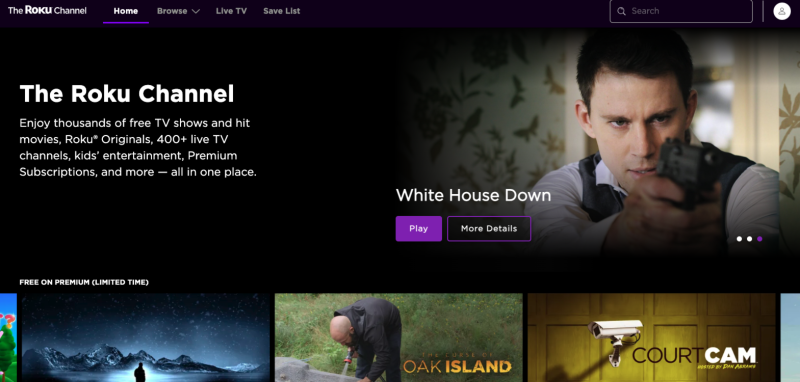
The Roku Channel offers free movies, TV shows, live channels, and original content. It is designed for users who want a simple streaming platform without needing multiple subscriptions.
Pros:
- Offers free entertainment content
- Includes live TV channels
- Available on Roku devices and other platforms
- Provides different content categories
- Easy navigation
Cons:
- Requires ads during playback
- Content library differs by location
- Some features are limited outside supported regions
- New releases are not always available
Summary
When a streaming website suddenly becomes unavailable, the problem may come from different factors, including technical issues, network restrictions, or website changes. Instead of depending on a single platform, exploring different solutions and keeping backup options can help you enjoy a smoother streaming experience.
If access problems are caused by regional restrictions or network limitations, using a reliable VPN service like UFO VPN can help you connect through different server locations and improve your browsing experience. By combining troubleshooting methods, proxy options, and suitable alternatives, you can find a more flexible way to access online entertainment when your usual website is unavailable.
FAQs
Why does Gomovies keep buffering even when my internet works?
Gomovies buffering issues may happen because of server overload, unstable website sources, high traffic, or limited connection speed. You can try refreshing the page, checking your network, or switching to another streaming option.
Can I watch movies from Gomovies on my phone?
Yes, many streaming websites can be accessed through mobile browsers. However, the viewing experience may depend on your device performance, browser compatibility, and internet connection.
Does Gomovies require an account to watch movies?
Most versions of Gomovies do not require account registration. However, some similar websites may ask you to create an account before accessing certain features.
Why do Gomovies links change frequently?
Some streaming websites change domains because of website maintenance, availability issues, or external restrictions. This is why users may find that previously saved links no longer work.
What should I do if a Gomovies alternative also stops working?
If another streaming website becomes unavailable, you can check whether the issue is temporary, review updated website information, or consider switching to another alternative that better fits your needs.