Is MyFlixer Down? Check the Live Status
Before changing your browser settings or reinstalling anything, you should first confirm whether the issue is affecting everyone or only you. Several online monitoring tools can quickly tell you whether is MyFlixer down is a widespread problem.
- Downdetector – Shows real-time user outage reports.
- Is It Down Right Now? – Checks website availability and uptime.
- Down for Everyone or Just Me – Tells whether the issue is global or local.
- Website Planet – Tests whether the website is reachable.
- Site24x7 – Verifies website availability from different locations.
- HostTracker – Monitors website uptime and server status.
- UptimeRobot – Checks website uptime and response status.
- StatusGator – Tracks ongoing service outages and incidents.
- Pingdom Website Speed Test – Checks website response and loading status.
Besides these monitoring tools, you can also check Reddit and X (formerly Twitter). If MyFlixer experiences a widespread outage, users usually post about it within minutes. Searching terms like "MyFlixer down" or "is MyFlixer down today" often provides the latest updates and discussions.
Why is MyFlixer Not Working?
A website outage is only one possible explanation. In many cases, the problem comes from your own device, network, or browser instead. If you're wondering why is MyFlixer down, here are the most common reasons.
🔹 MyFlixer Servers Are Temporarily Down – Heavy traffic, scheduled maintenance, or unexpected server failures may temporarily make the website unavailable.
🔹 Regional Restrictions – Your country or internet service provider (ISP) may block access to MyFlixer.
🔹 Your IP Address Has Been Blocked – Too many requests or suspicious activity can trigger a temporary IP ban.
🔹 Corrupted Browser Cache or Cookies – Outdated cache files or cookies may stop the website from loading properly.
🔹 Browser Extensions Cause Conflicts – Ad blockers, privacy tools, or script blockers can interfere with the video player or website functions.
🔹 DNS Problems – Your DNS server may fail to resolve the latest MyFlixer domain correctly.
🔹 Unstable Internet Connection – A slow or unstable network can cause loading errors, buffering, or connection failures.
🔹 The MyFlixer Domain Has Changed – You may be trying to visit an outdated or inactive domain instead of the latest working one.
🔹 Device or Browser Compatibility Issues – Older browsers or unsupported devices may not display MyFlixer correctly.
Quick Solutions to MyFlixer Down Issue
Once you've identified the likely cause, you can try the corresponding fix. Start with the simplest solutions before moving on to more advanced troubleshooting.
Way 1. Wait, Wait, and Wait
If every outage checker shows that MyFlixer is offline, the problem is likely on its servers rather than your device. In this case, changing settings or reinstalling your browser won't help. Your best option is to wait until the service is restored.
💡 Key Steps
- Verify the outage using multiple status checkers.
- Ask a friend in another location to test the website.
- Follow Reddit or X for recovery updates.
- Try again later.
Way 2. Activate a Reliable VPN
Regional blocks and ISP restrictions are among the most common reasons MyFlixer becomes inaccessible. A reliable VPN encrypts your connection and routes it through another location, helping you regain access while improving your online privacy during streaming.
Why choose UFO VPN?
- Thousands of global servers
- Streaming-optimized locations
- Fast speeds for HD playback
- Strong encryption
- One-click connection
💡 Key Steps


UFO VPN is an all-in-one VPN that offers unlimited access to 4K streaming like Netlfix, Disney Plus, no-ping gaming as PUBG, Roblox, CODM and social networking for YouTube, X, Facebook and more.




Unlock Pro Features
If you have upgraded to premium plan , feel free to enjoy premium servers for 4K streaming and advanced features like Kill Switch, Split Tunneling, and gaming acceleration. Your Mac is now fully optimized and protected. Inaddition to basic functions, we recommend you turn on

Verify Your IP Now
Use UFO VPN's " What is My IP " feature to see your new IP and location. This confirms your connection is secure, anonymous, and ready for safe browsing online anywhere at any time.







Way 3. Verify You're Using the Latest Domain
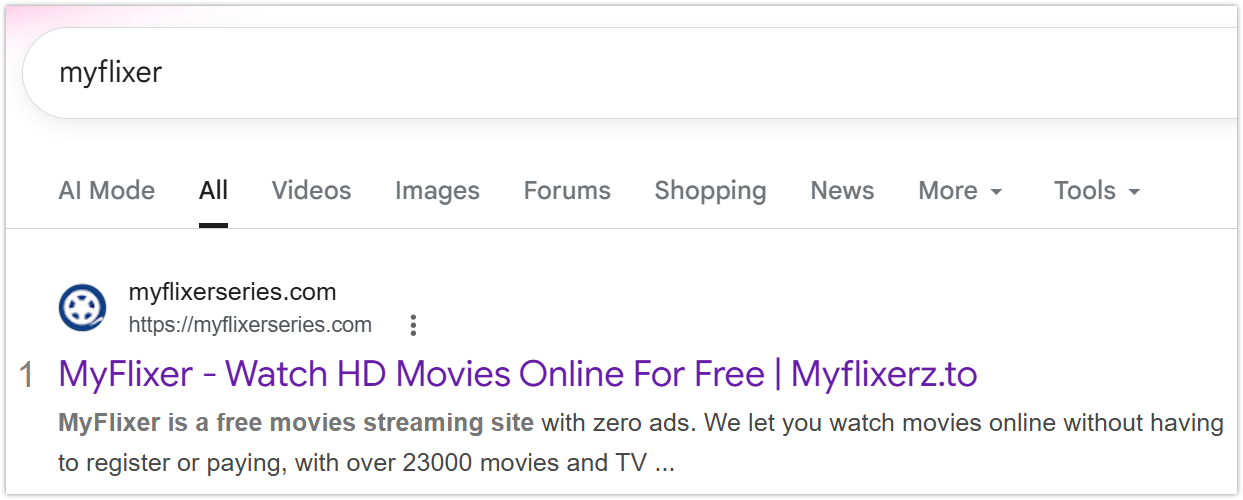
MyFlixer frequently changes its domain, so bookmarks and old search results may no longer work. Before trying more advanced fixes, make sure you're visiting the latest available address instead of an outdated or inactive one.
💡 Key Steps
- Search for the newest working domain.
- Compare multiple trusted sources.
- Avoid suspicious clone websites.
Way 4. Clear Browser Cache and Cookies
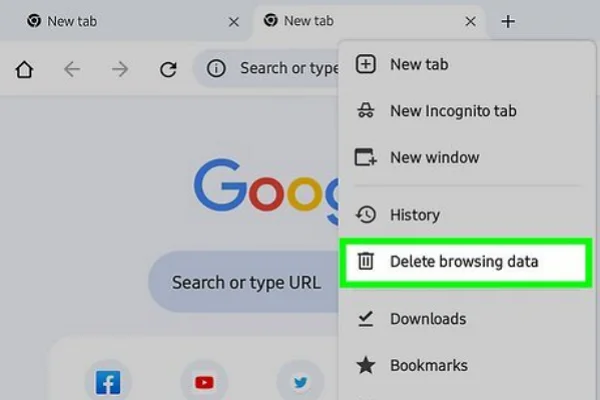
Corrupted cache or outdated cookies may prevent MyFlixer from loading properly even if the website is online. Clearing this stored data forces your browser to load a fresh version of the website.
💡 Key Steps
- Open Settings → Privacy & Security.
- Select Clear Browsing Data.
- Check Cookies and Cached images and files.
- Clear the data and restart your browser.
- Visit MyFlixer again to see if the issue is resolved.
Way 5. Disable Browser Extensions
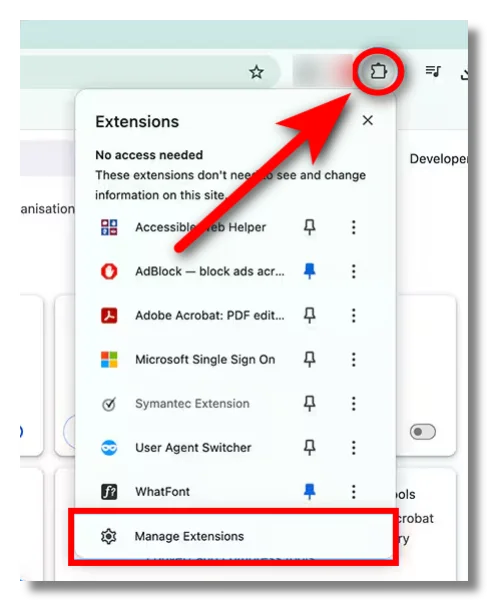
Some browser extensions modify webpage scripts or block pop-ups, which can accidentally interfere with MyFlixer's video player. Disabling them temporarily helps identify whether an extension is causing the problem.
💡 Key Steps
- Disable ad blockers.
- Turn off privacy extensions.
- Disable script blockers.
- Pause antivirus browser plugins.
- Refresh the page after each change.
Way 6. Switch Browsers
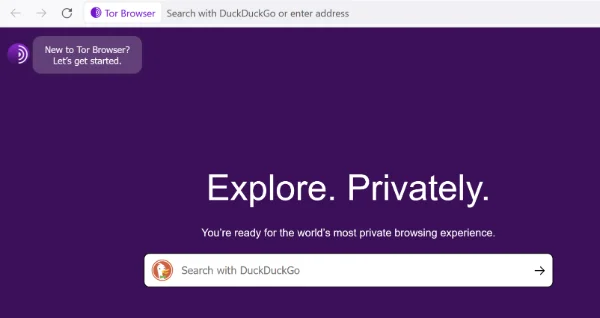
Browser-specific bugs, outdated versions, or incompatible settings may stop MyFlixer from working correctly. Testing another browser is a quick way to determine whether the issue is limited to your current browser.
Try:
✔ Firefox
✔ Microsoft Edge
✔ Brave
✔ Opera
Way 7. Change DNS Servers
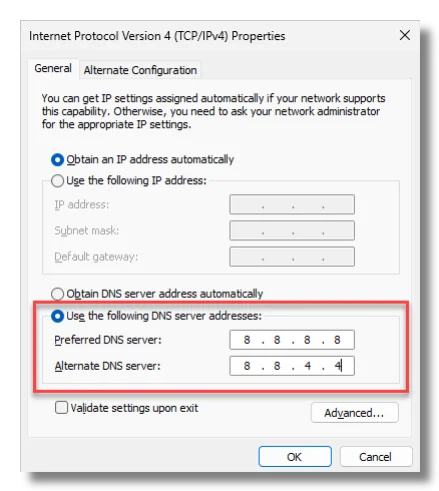
If your DNS server cannot resolve MyFlixer's latest domain, the website may appear unavailable even though it's online. Switching to a public DNS often improves domain resolution and connection reliability.
Common DNS server:
- Google Public DNS → (8.8.8.8 / 8.8.4.4)
- Cloudflare DNS → (1.1.1.1 / 1.0.0.1)
💡 Key Steps
- Open your device's Network Settings.
- Change your DNS server to a public provider.
- Save the new settings.
- Restart your browser or reconnect to your network.
- Reload MyFlixer to check whether the website is accessible.
Way 8. Restart Your Router
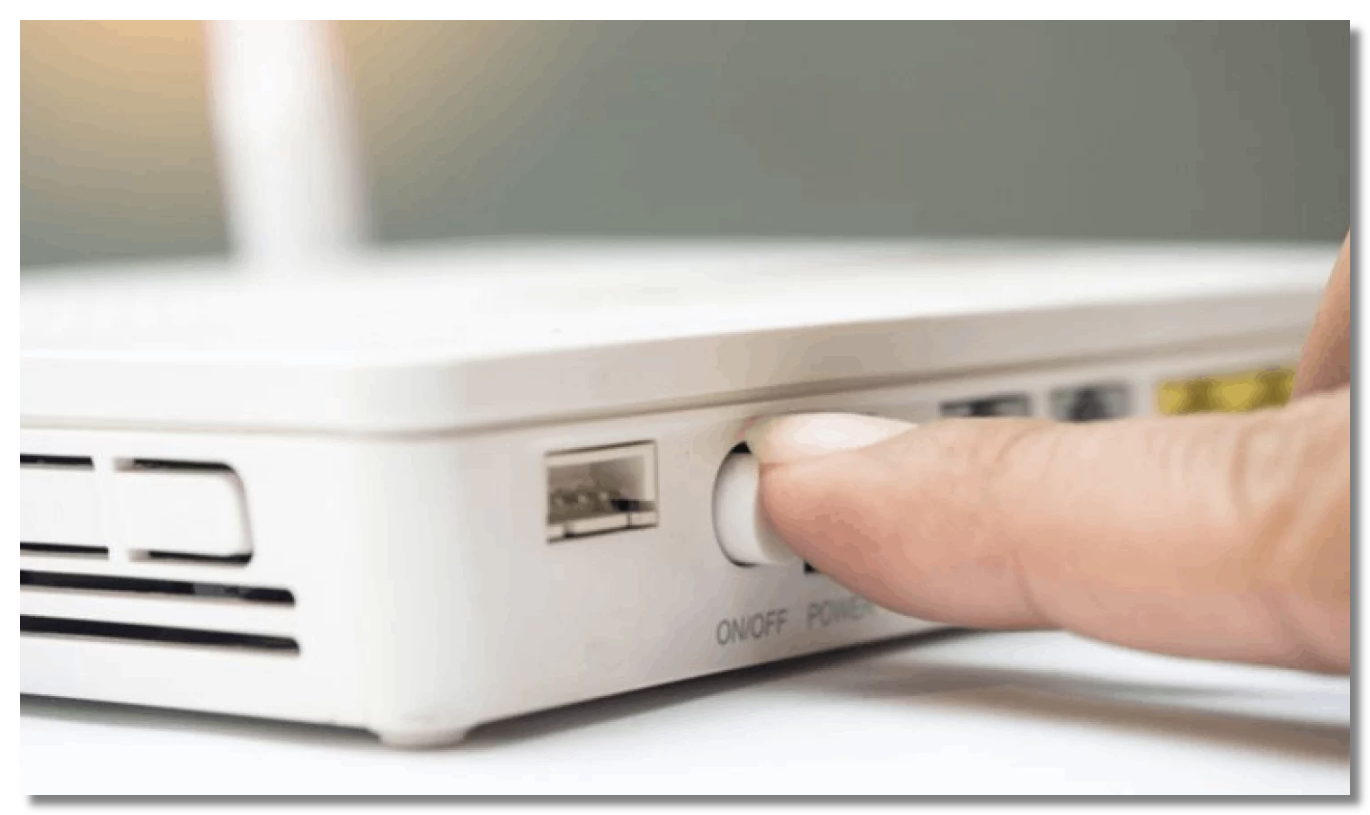
Temporary network glitches or IP assignment issues can interrupt your connection. Restarting your modem and router refreshes your local network and often fixes unexpected connectivity problems within a few minutes.
💡 Key Steps
- Turn off your modem and router.
- Wait about one minute.
- Power them back on.
- Reconnect and reload MyFlixer.
Way 9. Try Another Device
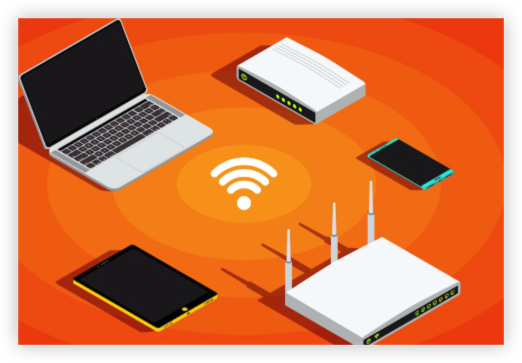
Testing MyFlixer on another device helps narrow down the source of the issue. If it works elsewhere, the problem is likely related to your browser, operating system, or local settings rather than the website itself.
Try:
- Another computer
- Smartphone
- Tablet
Way 10. Check Your Internet Connection
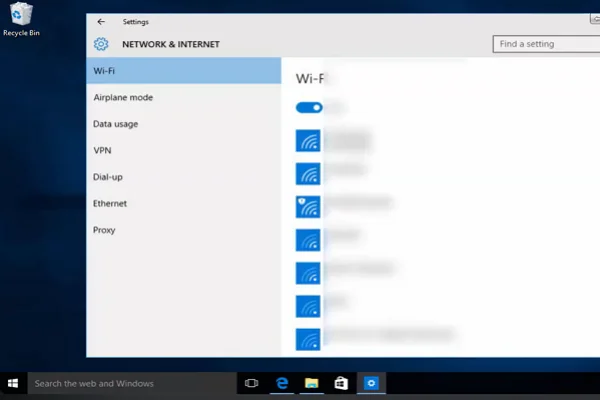
Streaming websites require a stable internet connection. Packet loss, slow speeds, or unstable Wi-Fi can all prevent MyFlixer from loading videos or even opening the homepage.
💡 Key Steps
- Run an internet speed test.
- Restart your Wi-Fi.
- Switch to Ethernet if possible.
- Contact your ISP if the problem persists.
2026 MyFlixer Alternatives to Enjoy Free Streaming
If MyFlixer stays unavailable for a long time, you still have plenty of options for watching movies and TV shows online. Some platforms are completely legal and ad-supported, while others provide a similar experience with larger content libraries. Here are 12 popular MyFlixer alternatives worth trying in 2026.
1. Tubi
Tubi is one of the largest free, legal streaming services available today. It offers thousands of movies, TV series, documentaries, and family titles without requiring a subscription. Since it's ad-supported, you can start watching almost instantly.
Pros
- Completely free and legal
- Large collection of movies and TV shows
- No account required for most content
- Available on multiple devices
- High-quality streaming
Cons
- Includes advertisements
- Content varies by region
- Doesn't offer the latest theatrical releases
2. Pluto TV
Pluto TV combines on-demand content with hundreds of live TV channels. It's a great choice if you enjoy browsing channels as well as watching movies whenever you want, all without paying a monthly fee.
Pros
- Free live TV channels
- On-demand movie library
- Easy-to-use interface
Cons
- Frequent commercial breaks
- Smaller movie catalog than some competitors
- Regional availability differs
3. Crackle
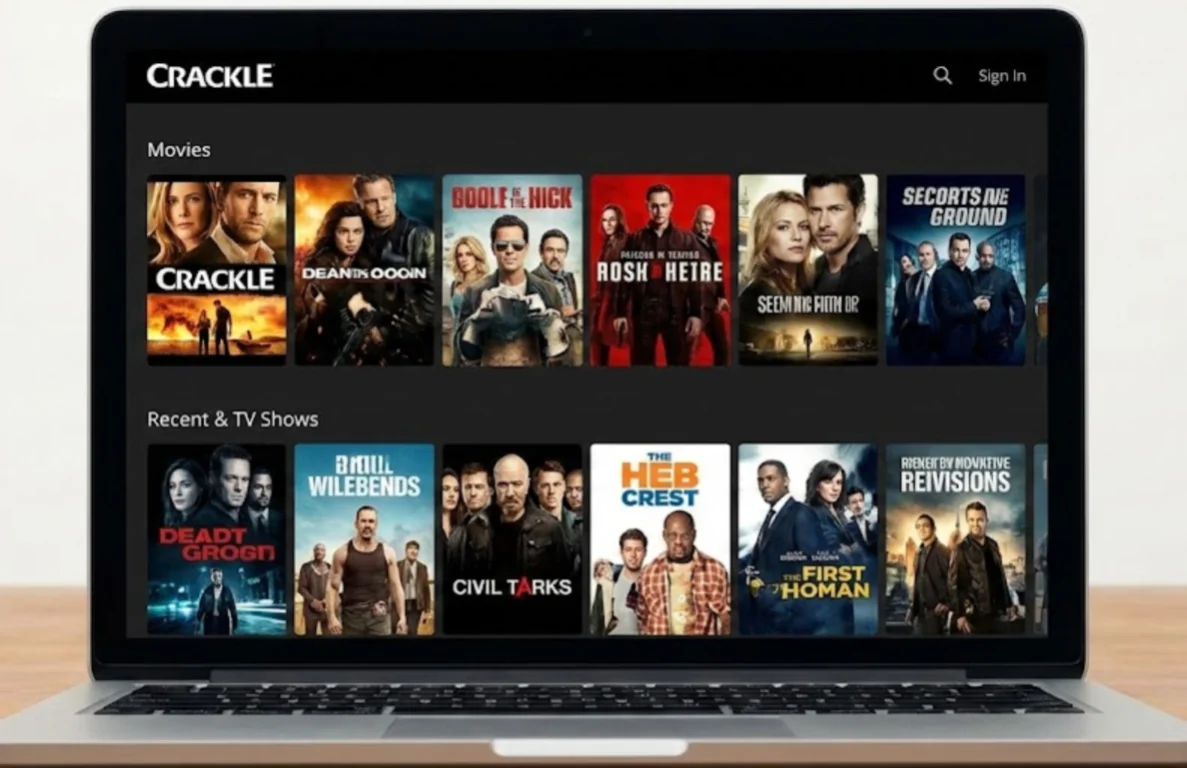
Crackle focuses on classic movies, TV shows, and original productions. Although its library isn't the biggest, it regularly updates its catalog and offers reliable streaming with no subscription required.
Pros
- Free streaming
- Original exclusive content
- Simple navigation
- Works on many devices
Cons
- Limited content library
- Ads during playback
- Not available everywhere
- Fewer newly released titles
4. FMovies
FMovies is one of the best-known free streaming websites thanks to its extensive collection of movies and TV shows. It frequently updates its content and supports multiple streaming servers for better availability.
Pros
- Huge content library
- Latest movies added quickly
- Multiple streaming links
- HD streaming available
- Subtitle support
Cons
- Domain changes frequently
- Pop-up advertisements
- Availability depends on your location
- Legal status varies
5. MoviesJoy
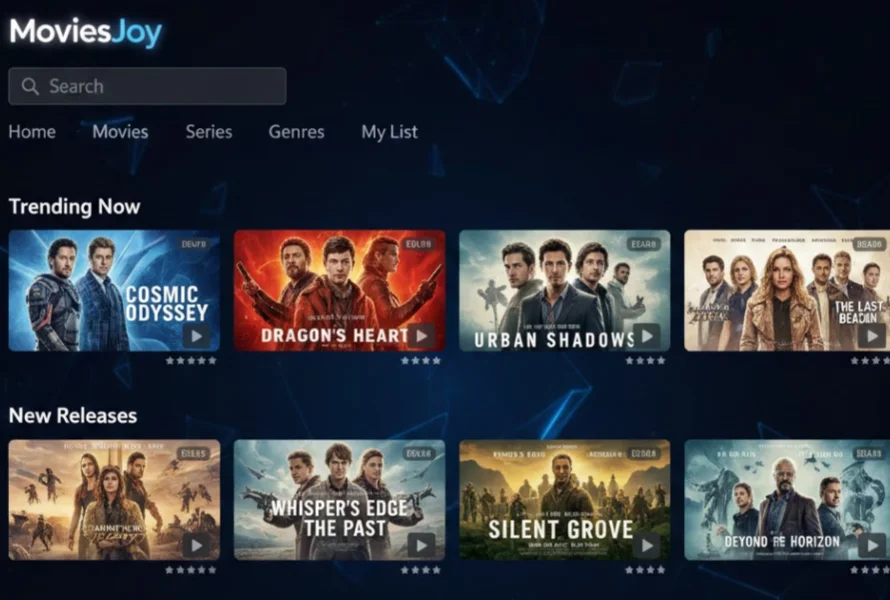
MoviesJoy offers a clean interface with minimal clutter, making it easy to browse thousands of movies and TV series. Many titles stream in HD and include subtitle options.
Pros
- Clean website design
- Large HD library
- Subtitle support
- Fast content updates
Cons
- Some servers may not work
- Occasional pop-up ads
6. SolarMovie
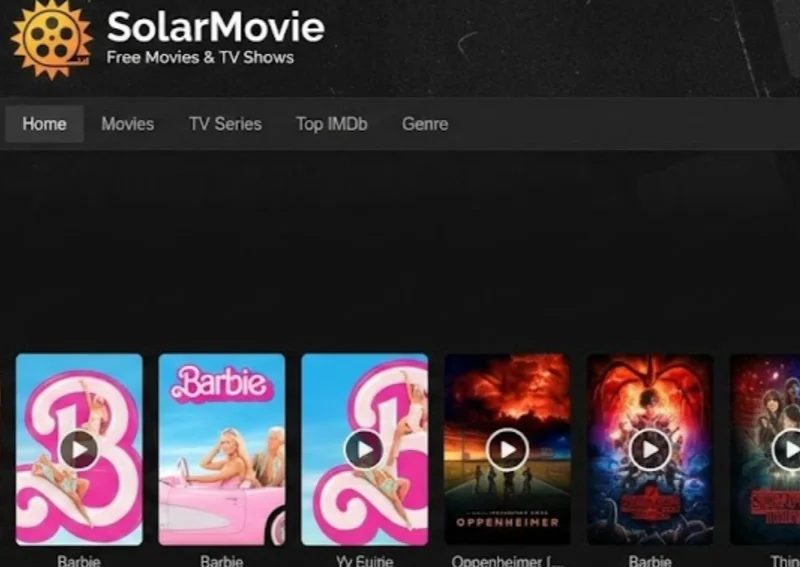
SolarMovie is popular for its well-organized categories and detailed movie information. You can search by genre, country, or IMDb rating, making it easier to discover new content.
Pros
- Powerful search filters
- Large collection
- HD playback
- IMDb ratings displayed
- Multiple servers
Cons
- Changing domains
- Advertisements
- Some mirror sites are unreliable
7. HydraHD
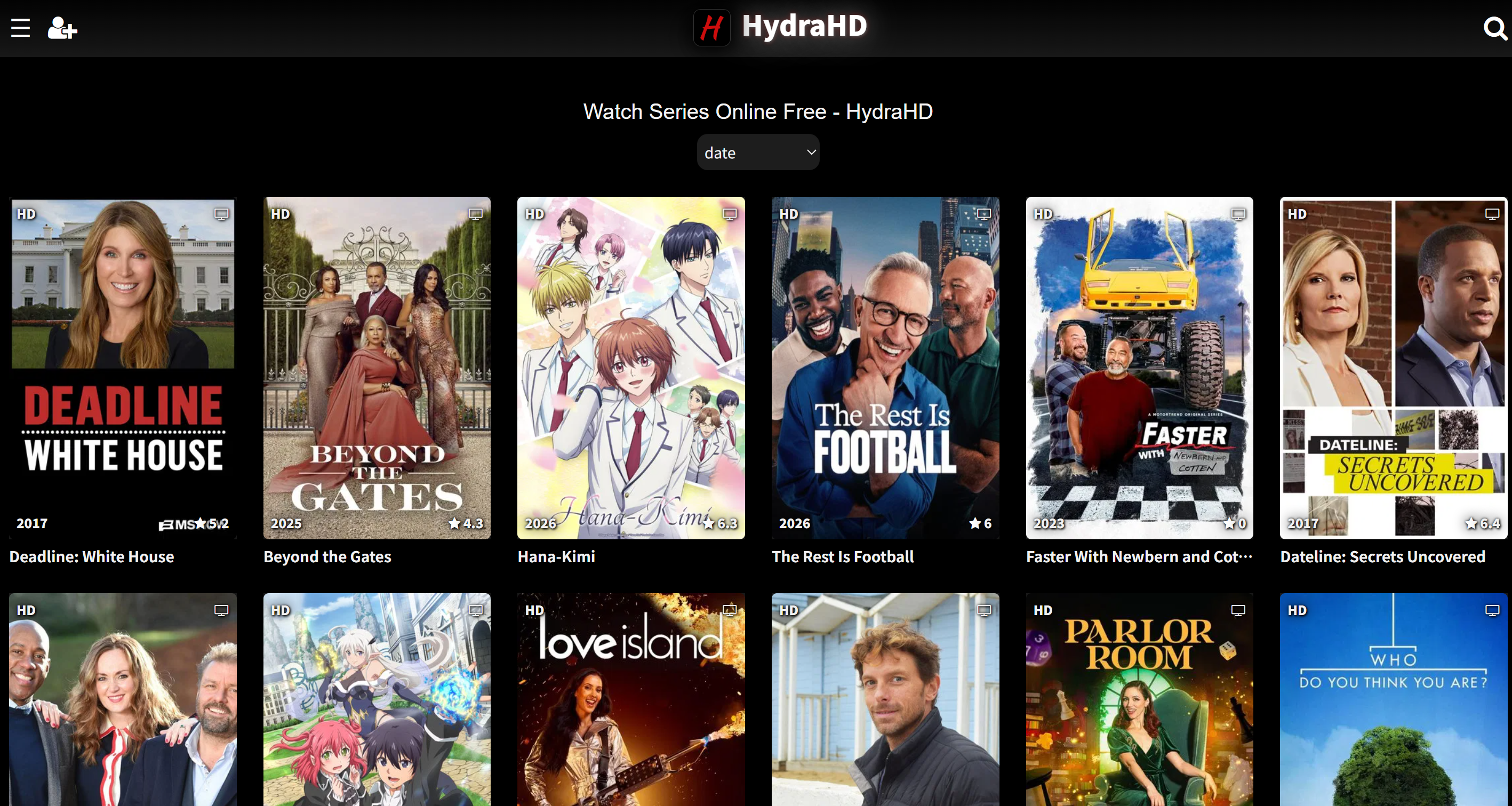
HydraHD focuses on delivering high-quality streams with a modern interface. It's especially suitable if you prefer HD or Full HD playback without spending much time searching for working links.
Pros
- High-definition streaming
- Modern interface
- Fast loading speeds
- Frequently updated library
Cons
- Smaller catalog than older platforms
- Limited backup servers
- May require a VPN in some regions
- Occasional buffering during peak hours
8. Cineby
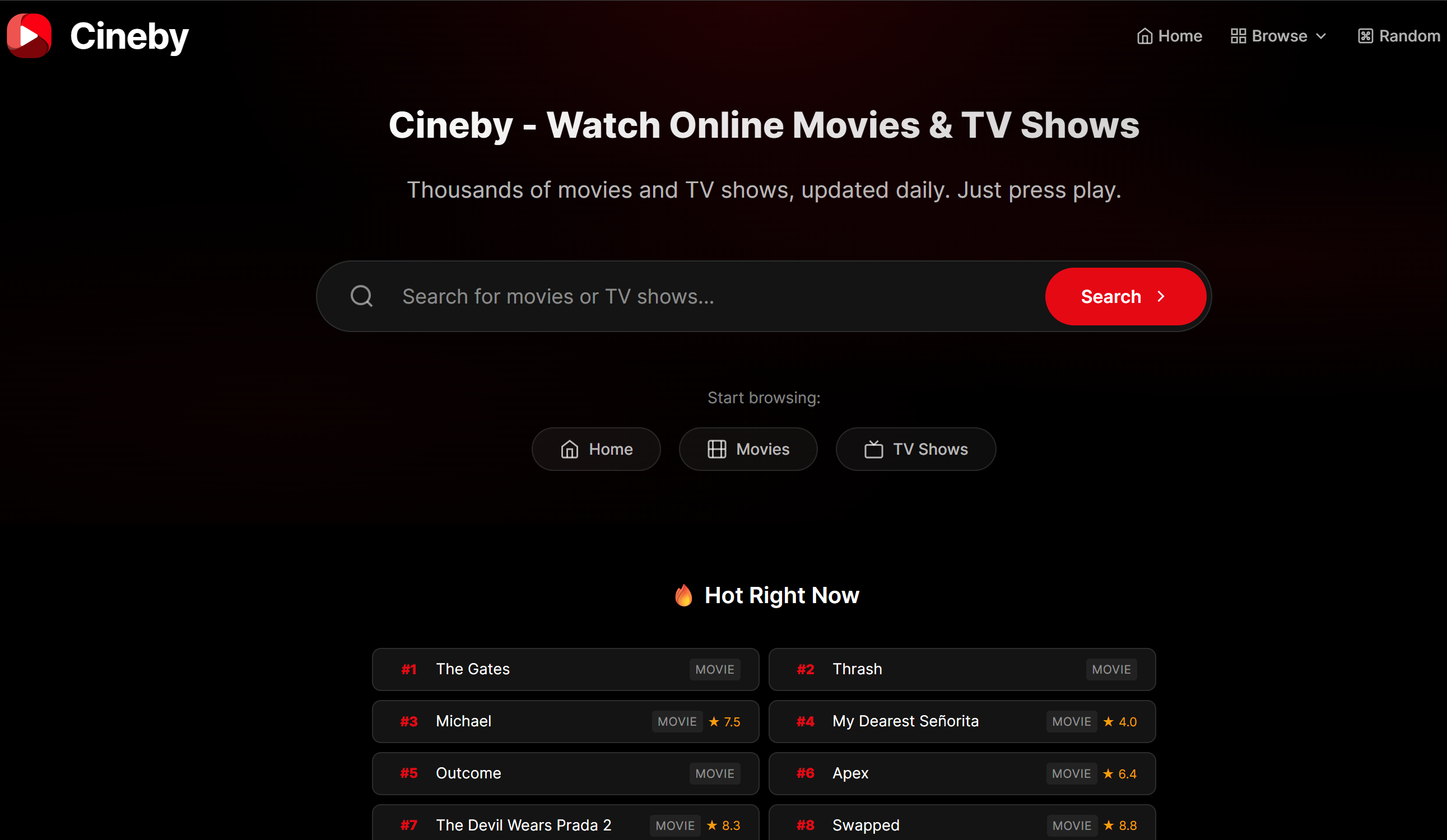
Cineby offers a straightforward streaming experience with movies, TV shows, and anime in one place. Its simple layout makes it suitable for users who want quick access without unnecessary distractions.
Pros
- Easy navigation
- Multiple content categories
- Lightweight website
Cons
- Limited title selection
- Some broken streaming links
- Few advanced search options
- Availability may change over time
- Ads on certain pages
9. HiMovies
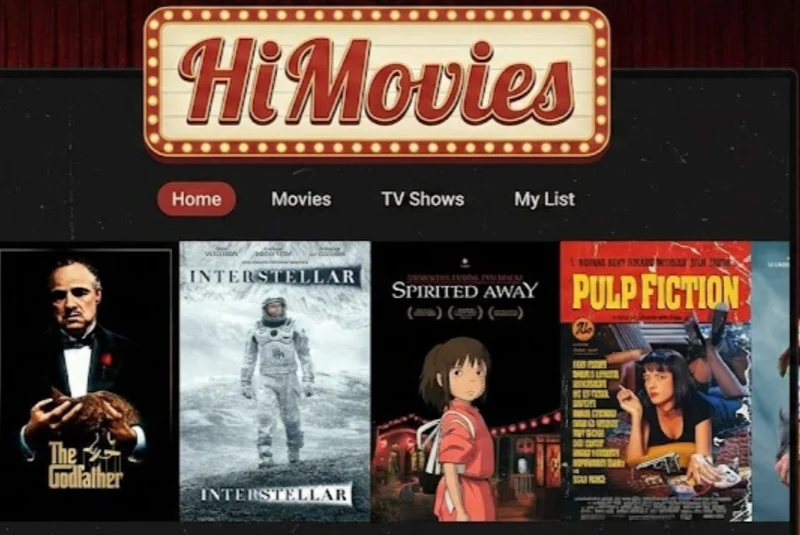
HiMovies is known for its regularly updated movie library and multiple streaming sources. It also supports subtitles for many titles, making it a convenient option for international viewers.
Pros
- Extensive movie collection
- Frequent updates
- HD quality
- Subtitle support
- Multiple streaming servers
- Responsive interface
Cons
- Pop-up ads
- Mirror domains change often
- Some links may become unavailable
10. BFlix
BFlix provides a wide variety of movies and TV series with an interface similar to premium streaming services. New releases are often uploaded shortly after they become available online.
Pros
- Large selection of content
- Modern design
- Fast search function
- Good streaming quality
Cons
- Ads can interrupt browsing
- Domain availability changes
- Not officially licensed
- Some titles may buffer
11. SFlix
SFlix has become a popular choice for users looking for newly released movies and trending TV shows. The homepage is updated frequently, helping you discover fresh content more easily.
Pros
- Frequently updated homepage
- HD streaming
- Large TV show collection
- Multiple playback servers
- Subtitle options
Cons
- Changing website domains
- Pop-up advertisements
- Some mirrors are unstable
12. Braflix
Braflix emphasizes fast browsing and a simple user experience. While its content library is smaller than some competitors, it covers many popular movies and TV series and is easy to navigate.
Pros
- Simple interface
- Quick loading
- Popular movies available
- Easy content discovery
- Works on desktop and mobile
Cons
- Smaller content library
- Limited streaming mirrors
- Ads may appear
- Some regions may require a VPN
Bonus Tip: How to Stream Safely on MyFlixer and Sites Alike?
Free streaming websites can be convenient, but they also come with privacy and security risks. Following a few good habits helps make your streaming experience safer.
Use a trusted VPN.
Enable an ad blocker.
Keep your browser updated.
Verify website domains before visiting.
Use strong antivirus protection.
Avoid downloading unknown files.
Click random pop-up ads.
Share personal information.
Install unknown browser extensions.
Disable your antivirus permanently.
Download suspicious executables.
Log in using important passwords.
Trust every mirror website you find.
Summing Up
Streaming interruptions don't always mean MyFlixer has shut down permanently. By identifying the actual cause first, you can avoid unnecessary troubleshooting and restore access more quickly. Since streaming sites often change domains or face temporary restrictions, it's also worth keeping a reliable VPN like UFO VPN ready. It can help you access the latest working domain more consistently while protecting your privacy whenever you stream online.
FAQs
Why does MyFlixer keep changing its domain?
MyFlixer may change its domain because of copyright complaints, legal actions, or domain suspensions. When an existing domain becomes unavailable, the website often moves to a new address to remain accessible. If MyFlixer suddenly stops working, make sure you're using the latest domain instead of an outdated one.
Is MyFlixer legal to use in every country?
No. The legality of MyFlixer depends on your country's copyright laws. Some regions restrict or block access to streaming websites that host copyrighted content without proper licenses. Before using MyFlixer, you should understand the regulations that apply in your location.
Why does MyFlixer buffer even with fast internet?
Your internet speed doesn't always cause buffering. It can also result from overloaded streaming servers, high traffic, browser issues, VPN server congestion, or temporary website problems. Switching servers, clearing your cache, or trying another browser may help improve playback.
Can antivirus software block MyFlixer?
Yes. Some antivirus programs or security suites may block MyFlixer because they detect pop-ups, trackers, or potentially unsafe scripts. If you believe your antivirus is causing the issue, temporarily disable its web protection feature or add the website to the whitelist only if you trust the source.
How can I tell whether a MyFlixer mirror site is legitimate?
No mirror site can be guaranteed to be completely legitimate. To reduce risks, avoid websites with excessive pop-ups, forced downloads, or requests for personal information. It's also a good idea to verify the domain through trusted online communities and use a reputable VPN and antivirus program while browsing.