




Key Takeaways
- You can delete your Telegram account from the official deactivation page on any browser — no app required.
- iPhone users have a built-in option inside the Telegram app for fast removal.
- If you can't log in, you can still delete your account using your phone number and a verification code.
- A reliable VPN like UFO VPN helps you access the deletion page when Telegram is blocked or slow in your region.
- Deletion is permanent: your messages, groups, and contacts are wiped and cannot be recovered.
Delete Telegram Account - What It Actually Means
Deleting your Telegram account is not the same as logging out. Logging out just ends your session; your profile stays alive.
Deletion removes your account, your username, your messages in cloud chats, and your membership in groups. Your phone number is released, so you can register again later with the same number if you want. Keep in mind that messages you sent to other people may remain visible on their devices. Once you confirm deletion, there is no undo button.
Key Things to Do Before Deleting a Telegram Account
Before hitting the delete button, there are a few things worth checking. Telegram account deletion is permanent, and some data or account benefits cannot be recovered afterward. Here's what you should take care of first.
1. Keep at Least One Telegram Session Active
Don't log out of Telegram just yet! First, check which phone number is linked to your account and whether you're still signed in on your phone, tablet, or computer.
Telegram sends the verification code for its website deletion process directly to your Telegram app, not through a regular SMS. Keep at least one working session open until your account is deleted.
2. Back Up Important Chats and Files
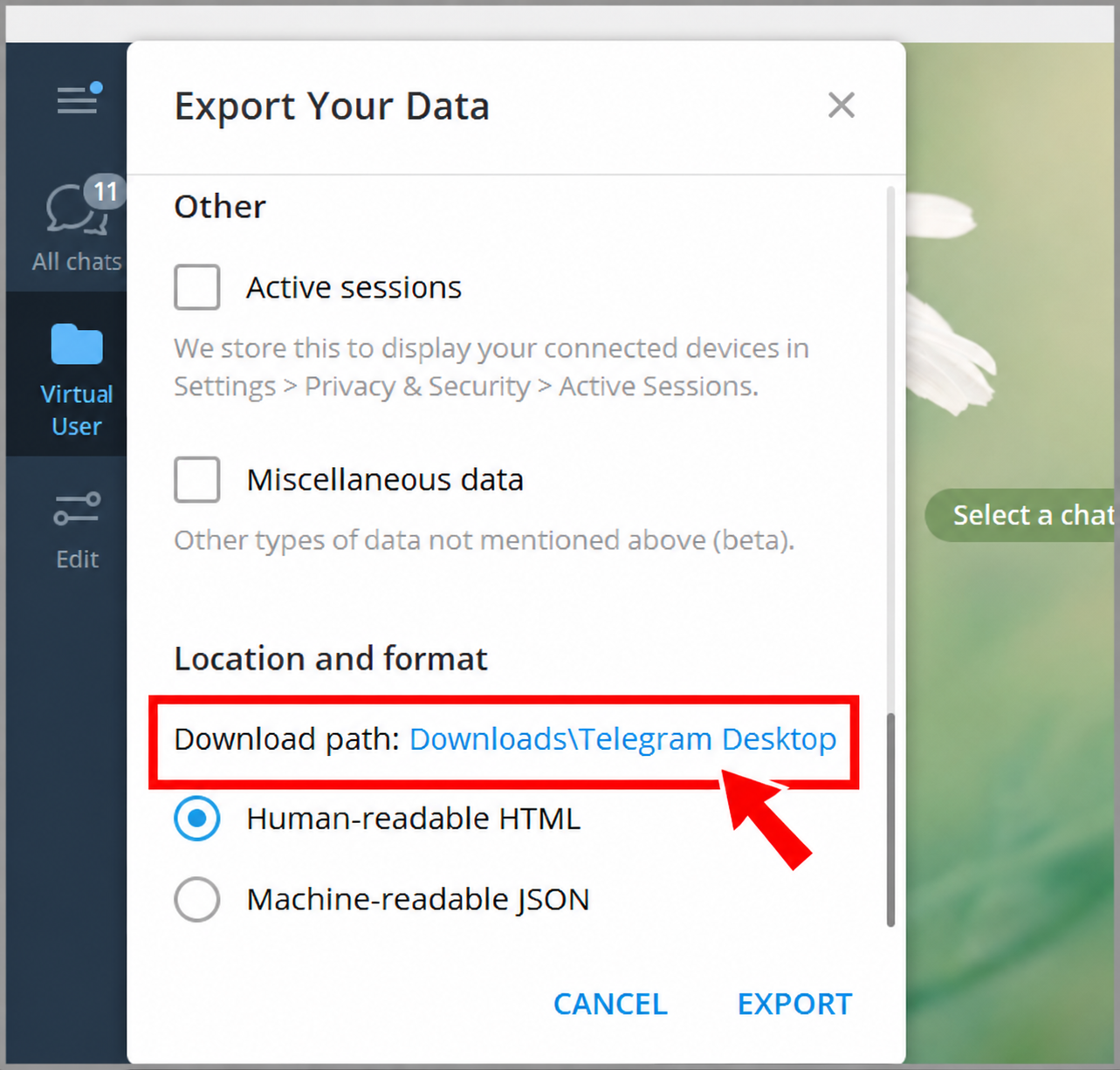
Have conversations, photos, or work documents you want to keep? Export them before deleting your account.
Open Telegram Desktop and follow: Settings → Advanced → Export Telegram Data
Then choose the content you want to save and export it to your computer.
For a single conversation, open its menu and select Export Chat History.
If you've just logged in to Telegram Desktop, Telegram may ask you to approve the export from another device or wait 24 hours before proceeding.
3. Clear Private Conversations on Both Sides
Deleting your account doesn't automatically erase every message stored in someone else's chat history.
If you want to remove a private conversation for both people, save anything important first. Then open the chat, select the messages or conversation, and choose the option to delete for both participants.
Remember, the other person may already have screenshots or downloaded copies of your messages.
4. Hand Over Your Groups and Channels
Running a Telegram community? Don't leave your members without someone in charge.
Choose a trusted person to take over your groups or channels. Transfer ownership where needed before deleting your account.
If you've already appointed administrators, your groups and channels may continue operating. However, Telegram says they will be left without their original creator.
5. Check Your Telegram Premium Subscription
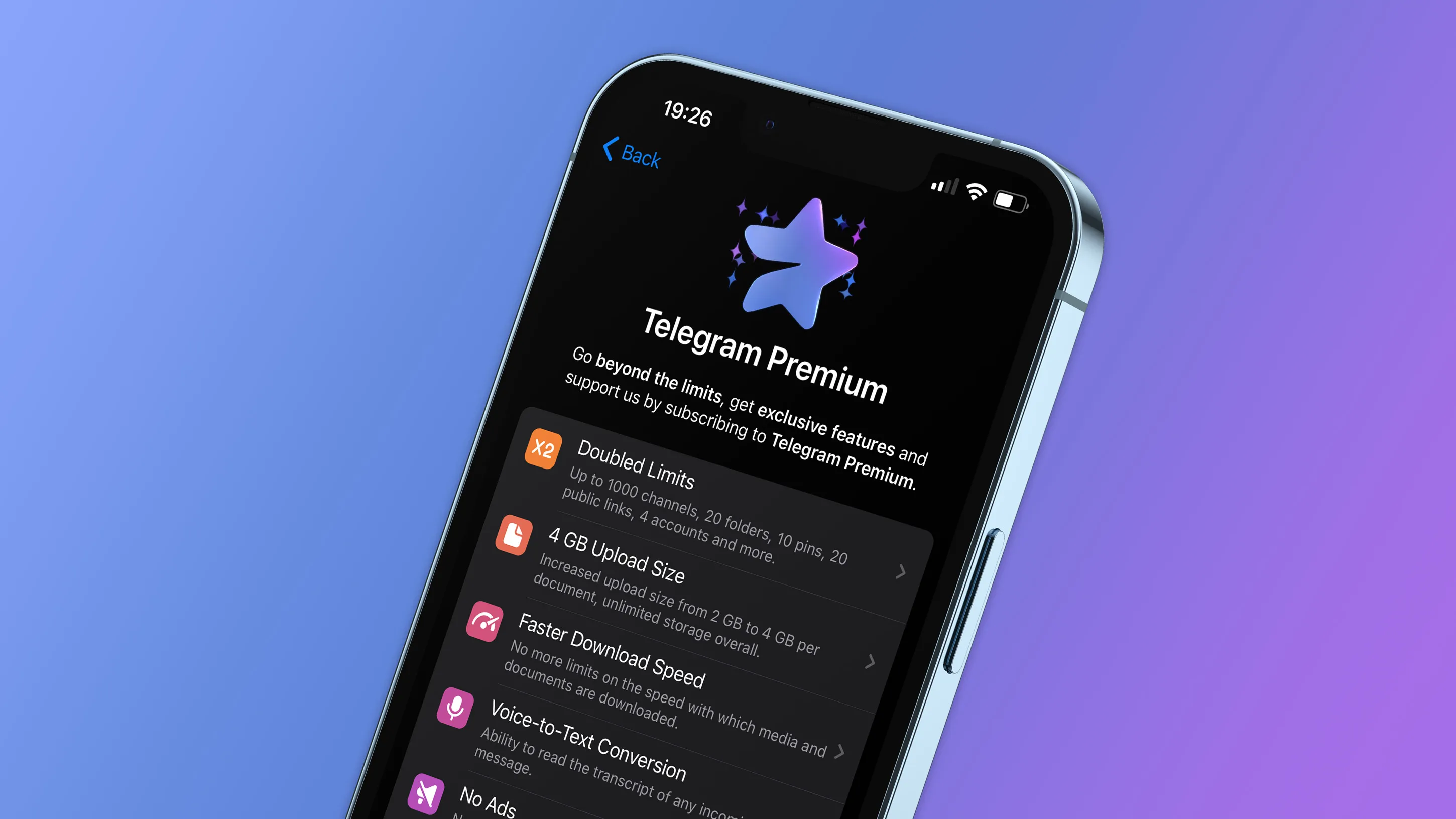
Deleting Telegram doesn't always stop Premium payments.
If you subscribed through the App Store or Google Play, cancel the subscription through the same platform. Otherwise, you may continue getting charged.
If you subscribed through @PremiumBot, Telegram says recurring payments stop when your account is deleted. Unused subscription time is not refunded.
6. Update Your Third-Party Login Methods
Have you used "Log in with Telegram" on other websites or services?
Before leaving, visit those accounts and add another login method, such as an email address, password, or supported social login.
Try signing in with the new method once. This prevents you from losing access to another service just because your Telegram account is gone.
7. Review Your Stars, Collectible Gifts, and Usernames

Your Telegram account may hold more than messages.
Check your Telegram Stars balance, collectible gifts, and usernames managed through Fragment before deleting anything.
Telegram's terms state that unused Stars are forfeited when your account is deleted. Collectible gifts and usernames follow separate ownership and transfer rules, so review the available management options first.
8. Tell Important Contacts Where to Find You
If family members, clients, or group members usually reach you through Telegram, give them a heads-up.
Send a short message with your new contact information, such as an email address, phone number, or another messaging app.
A quick goodbye message now can prevent missed conversations later.
Quick Overview: Delete Telegram Account on Both Web & Mobile End
Wondering which deletion method works on your device? The good news is that Telegram offers an official web-based option, so you don't need a specific operating system.
Here's a quick overview of how to delete your Telegram account on different devices.
| Device | Quick Steps |
|---|---|
|
Official Web |
Open Telegram account deletion link → Enter phone number → Get app code → Confirm deletion |
|
MacBook |
Open browser → Visit official deactivation page → Enter code from Telegram → Delete account |
|
Windows PC |
Open browser → Visit Telegram deletion page → Verify account → Confirm deletion |
|
iPhone |
Telegram Settings → Privacy and Security → If Away For → Delete Account Now |
|
Android |
Open browser → Visit official deletion page → Enter phone number and code → Delete account |
⭐ Note: The iPhone app supports direct account deletion. On Android, Mac, and Windows, the official web page is the easiest option for immediate deletion.
Step-by-Step Guide to Delete Telegram Account
Ready to delete your Telegram account? You can remove your account immediately or let Telegram delete it automatically after a period of inactivity.
Choose the method that works best for you.
Most Recommended: Directly Delete via iPhone
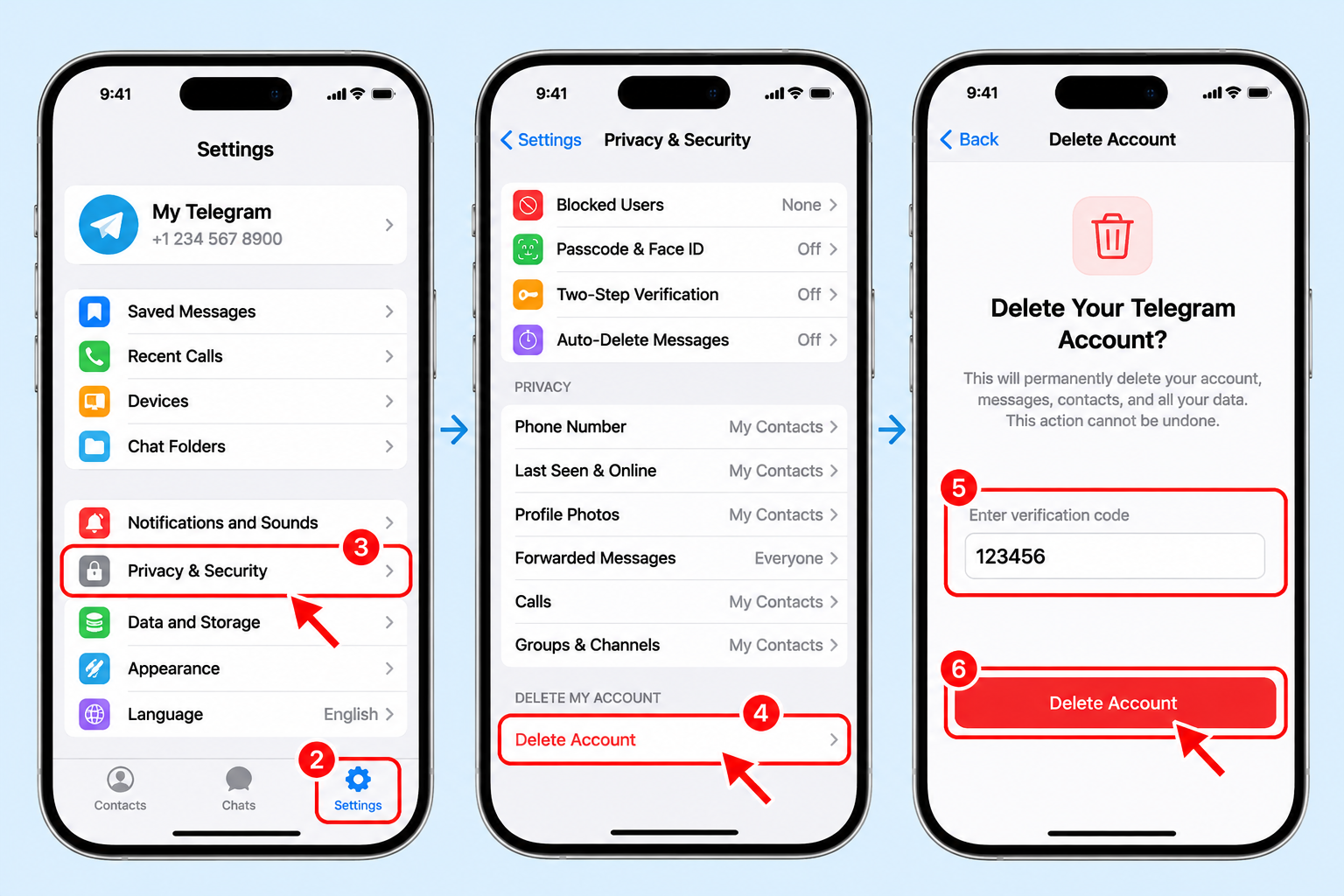
If you're on an iPhone, you're in luck. Telegram lets you delete your account right inside the app — no browser, no extra steps. It's the fastest route for Apple users.
💡 How-to guide:
- Open Telegram on your iPhone.
- Tap Settings at the bottom right.
- Go to Privacy & Security.
- Scroll down and tap Delete Account.
- Confirm your choice and enter the verification code if prompted.
- Tap Delete Account one final time.
Done. Your account is removed within seconds.
Delete from the Telegram Official Deactivation Page
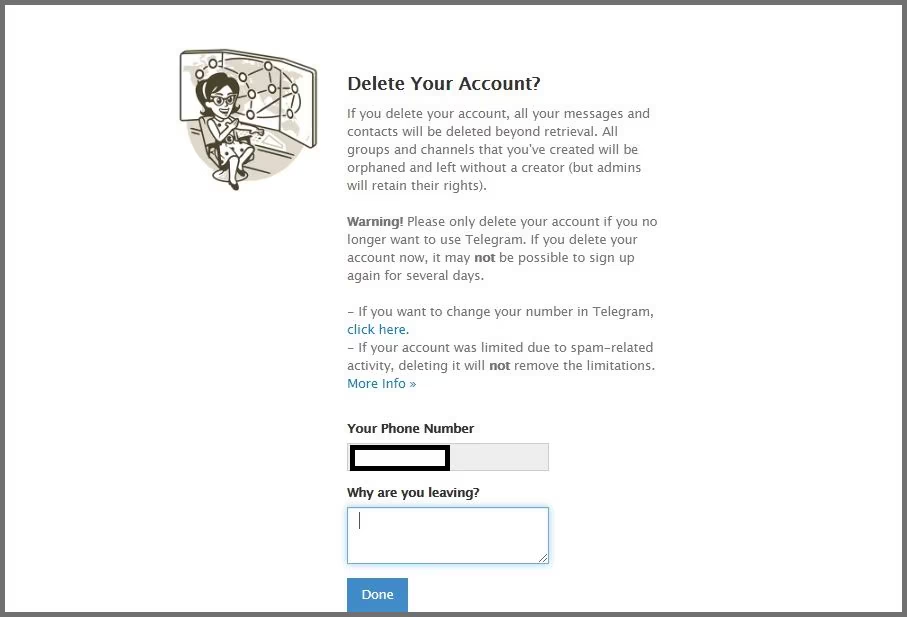
This method works on any device with a browser — iPhone, Android, Mac, Windows, or even a smart TV. It's the universal fallback when the app isn't available.
💡 How-to guide:
- Open your browser and go to telegram.org/deactivate.
- Enter the phone number linked to your Telegram account, including the country code.
- Tap Next.
- Check your phone for the confirmation code sent via SMS or the Telegram app.
- Enter the code on the page.
- Click Delete Account to finish.
If the activation code never arrives, don't panic. A common reason is that Telegram doesn't send code to numbers that were recently used or blocked by carriers. Wait a few minutes, request again, and make sure your SIM is active. If you're logged in on another device, the code may arrive there instead of by SMS.
Automatically Delete Your Telegram Account
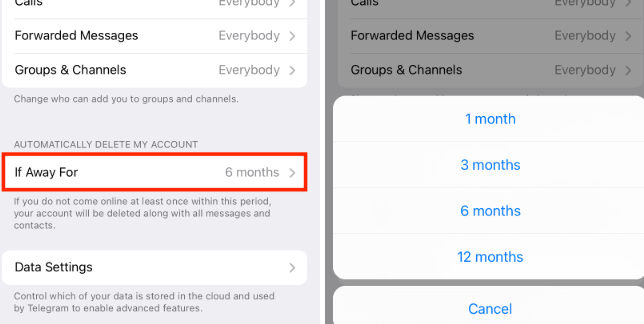
Telegram has a built-in self-destruct feature. If you set an inactivity period, your account deletes itself when you stop using it. This is handy if you want to walk away without doing anything manually.
💡 How-to guide:
- Open Telegram and go to Settings.
- Tap Privacy & Security.
- Find Delete My Account (or If Away For).
- Choose a period — from 1 month to 1 year.
- Confirm your selection.
If you don't log in during that window, Telegram wipes your account automatically. It's a set-and-forget option, but it's slower than manual deletion.

What to Do If You Can't Log in to Telegram
Trying to delete a Telegram account without logging in? There's one important catch: Telegram requires you to verify that you own the account before deleting it.
If you can't access Telegram because of connection problems, missing codes, or a lost phone number, try these solutions first.
1. Activate a Reliable VPN
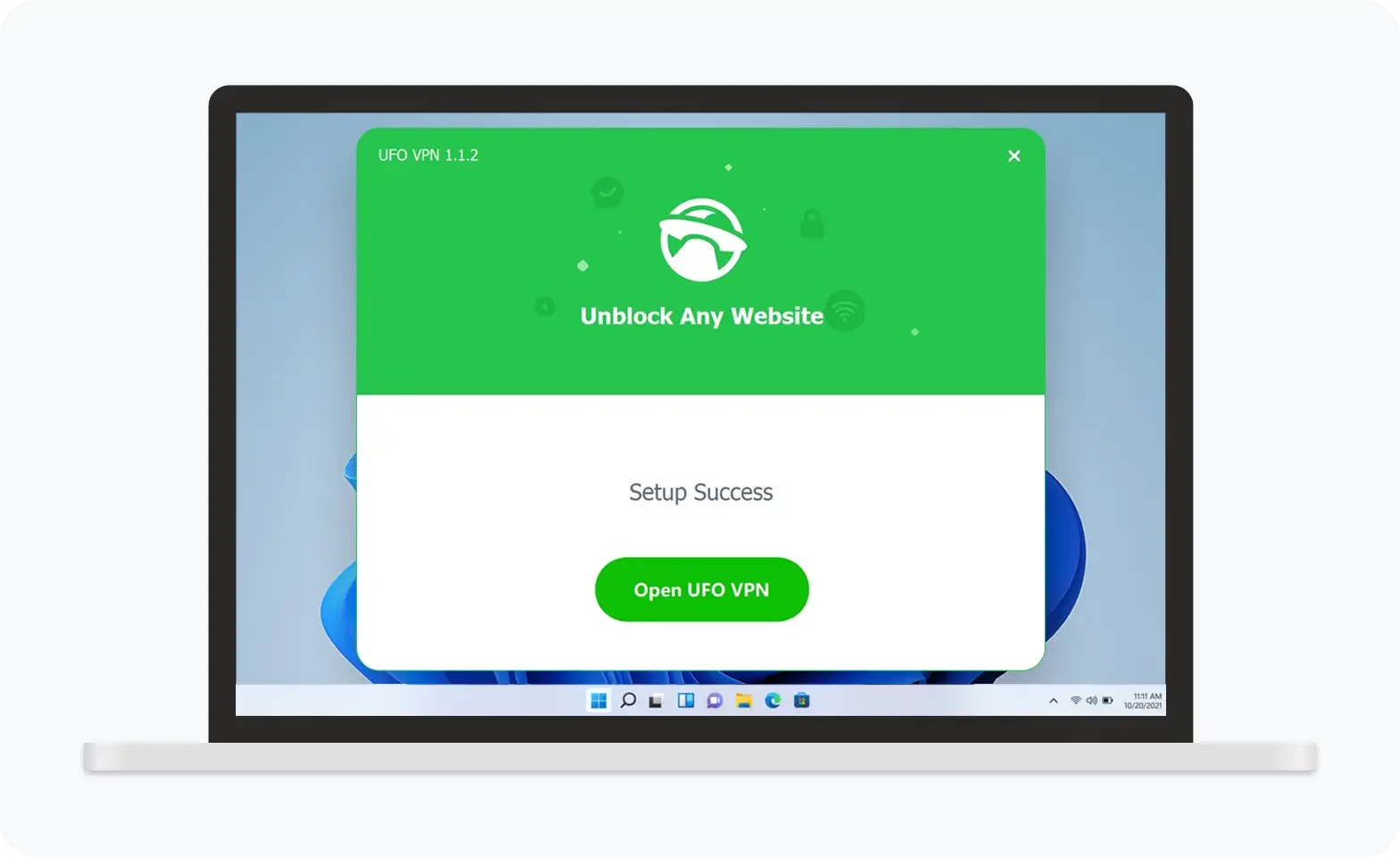
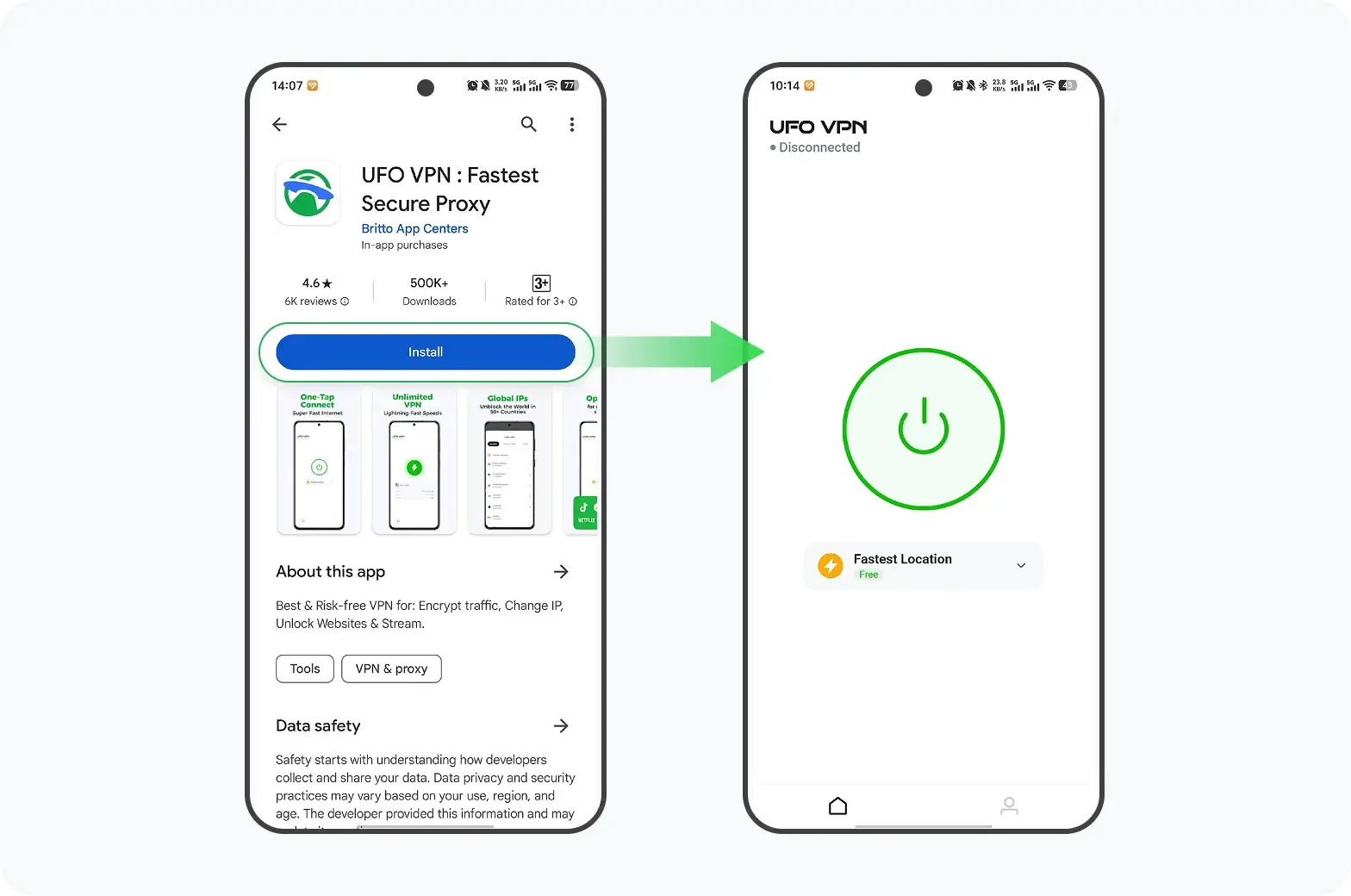
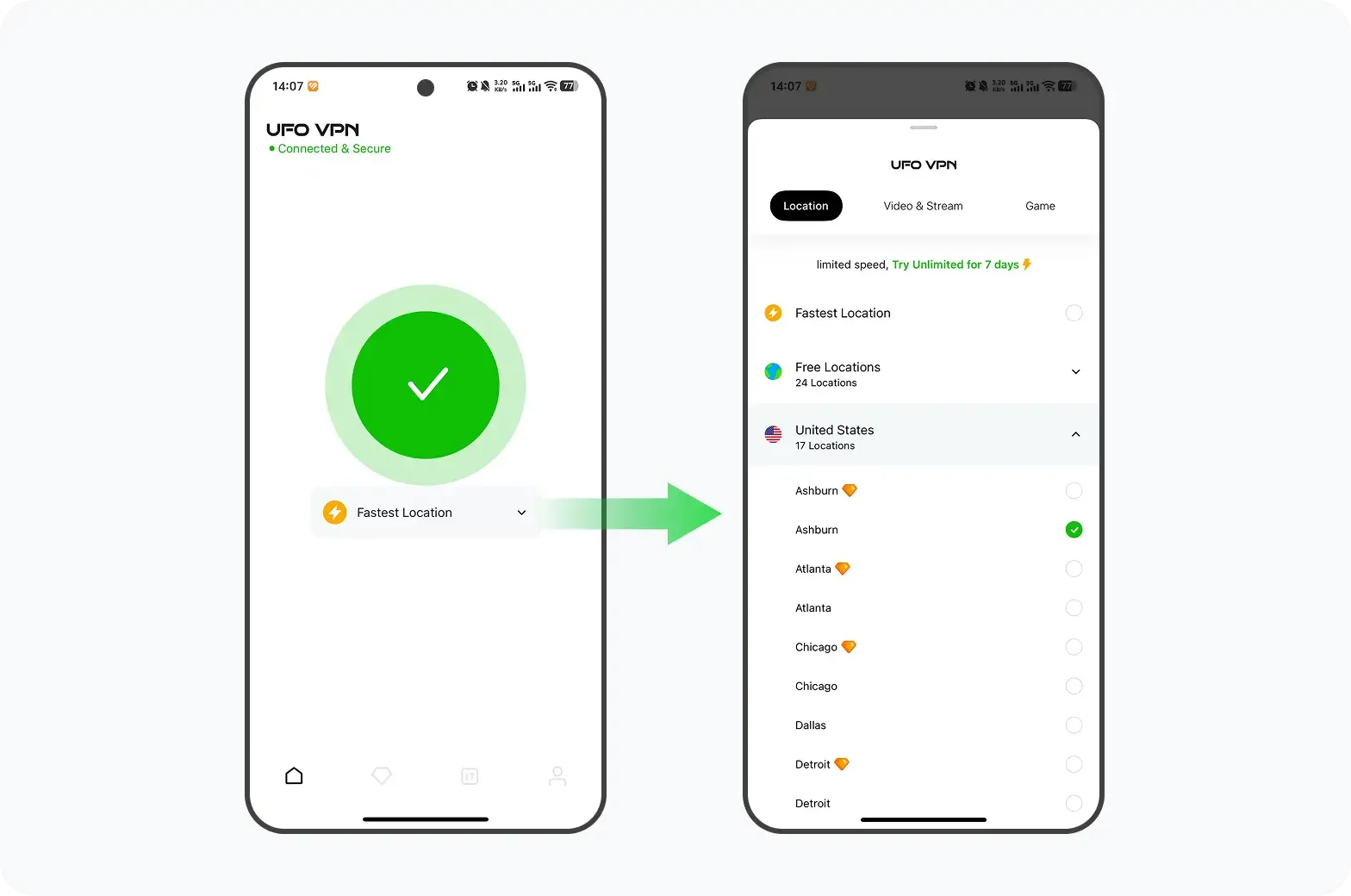
A VPN routes your traffic through a server in another country, so the deletion page loads as if you were abroad. It also protects your data on public Wi-Fi. UFO VPN is a solid pick — it's fast, simple to set up, and works well with Telegram. It's one of the best Telegram VPN for unblocking and stable access. Install it, connect to a nearby server, and the page should open without trouble.
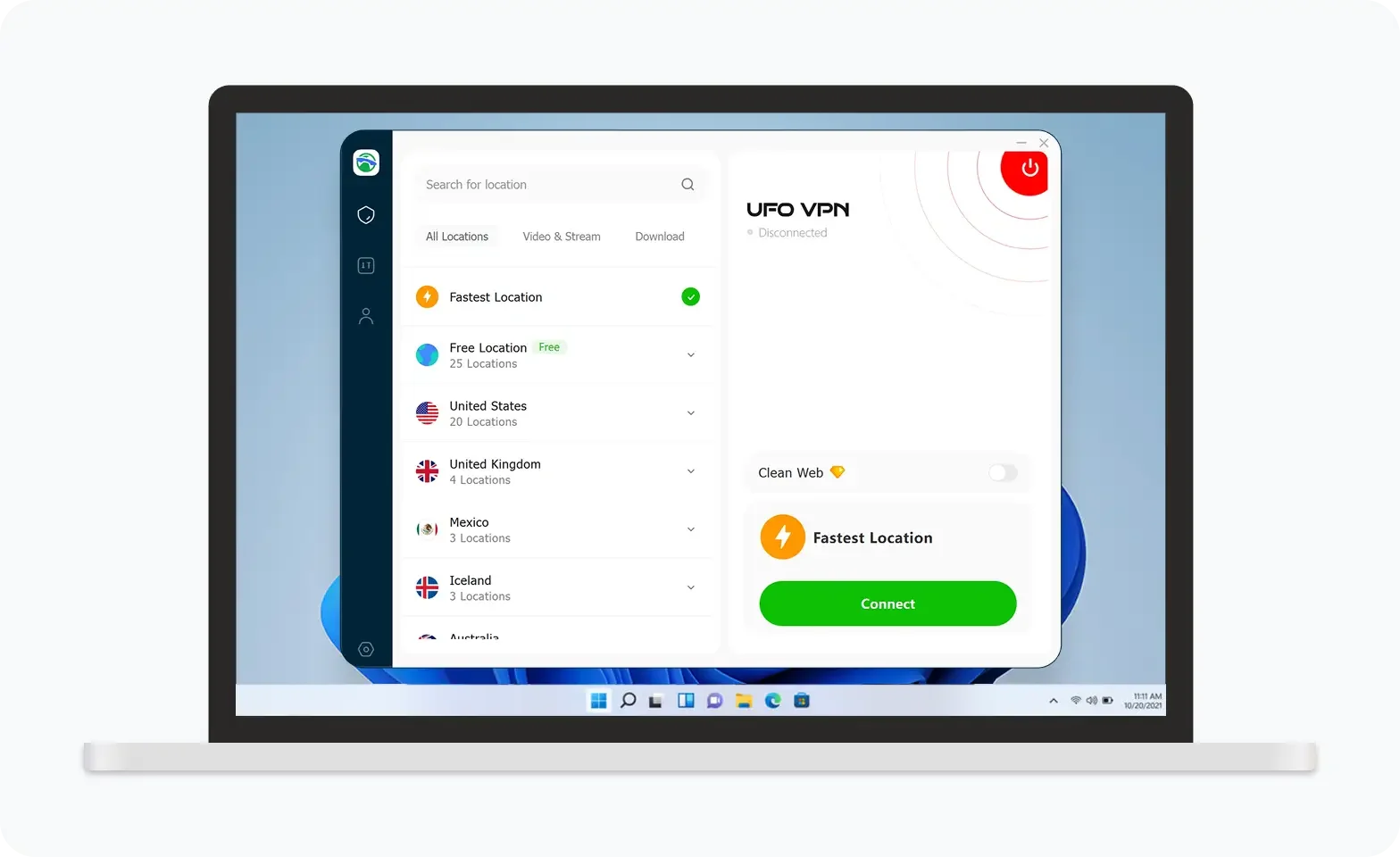
UFO VPN is an all-in-one VPN that offers unlimited access to 4K streaming like Netlfix, Disney Plus, no-ping gaming as PUBG, Roblox, CODM and social networking for YouTube, X, Facebook and more.
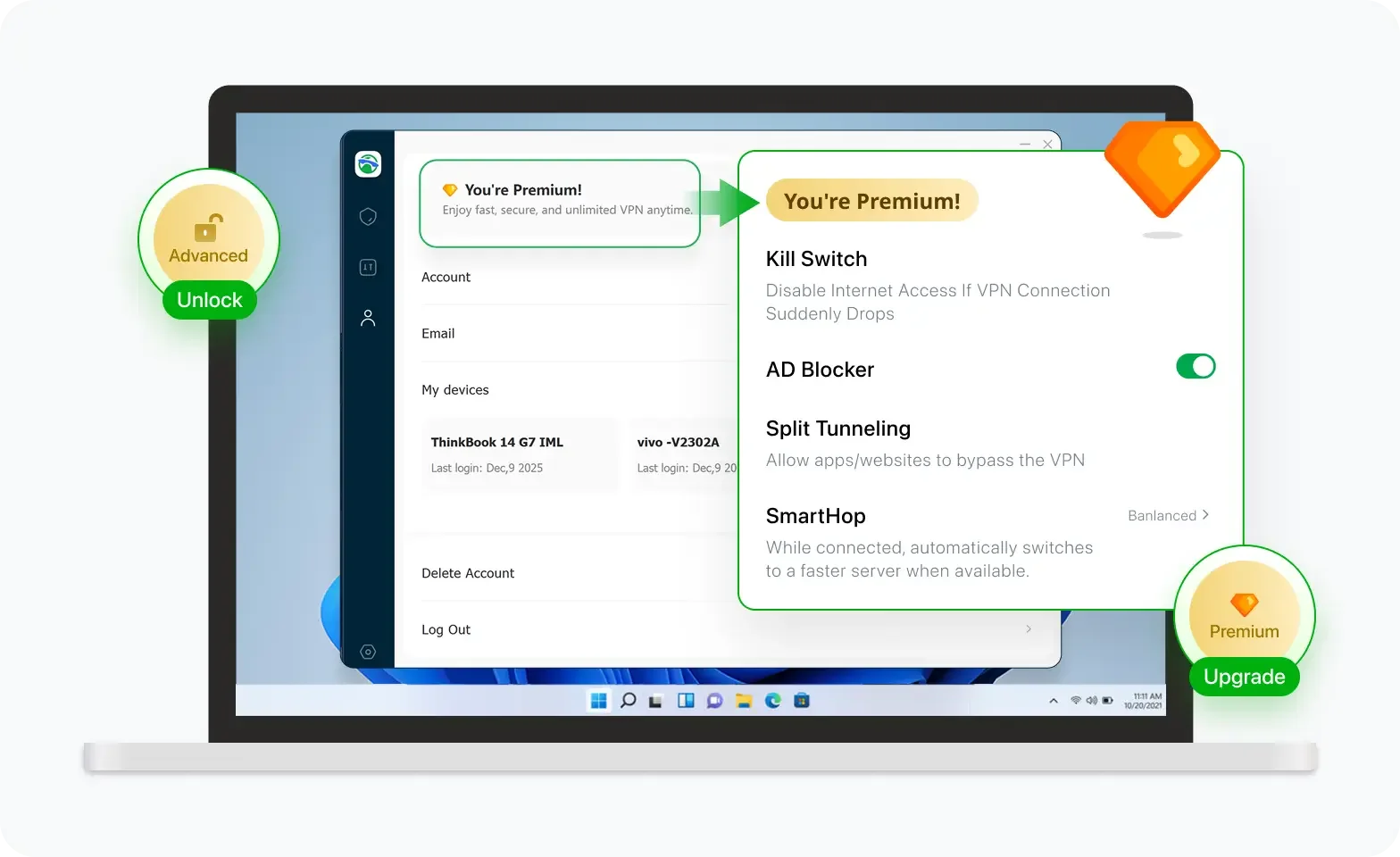
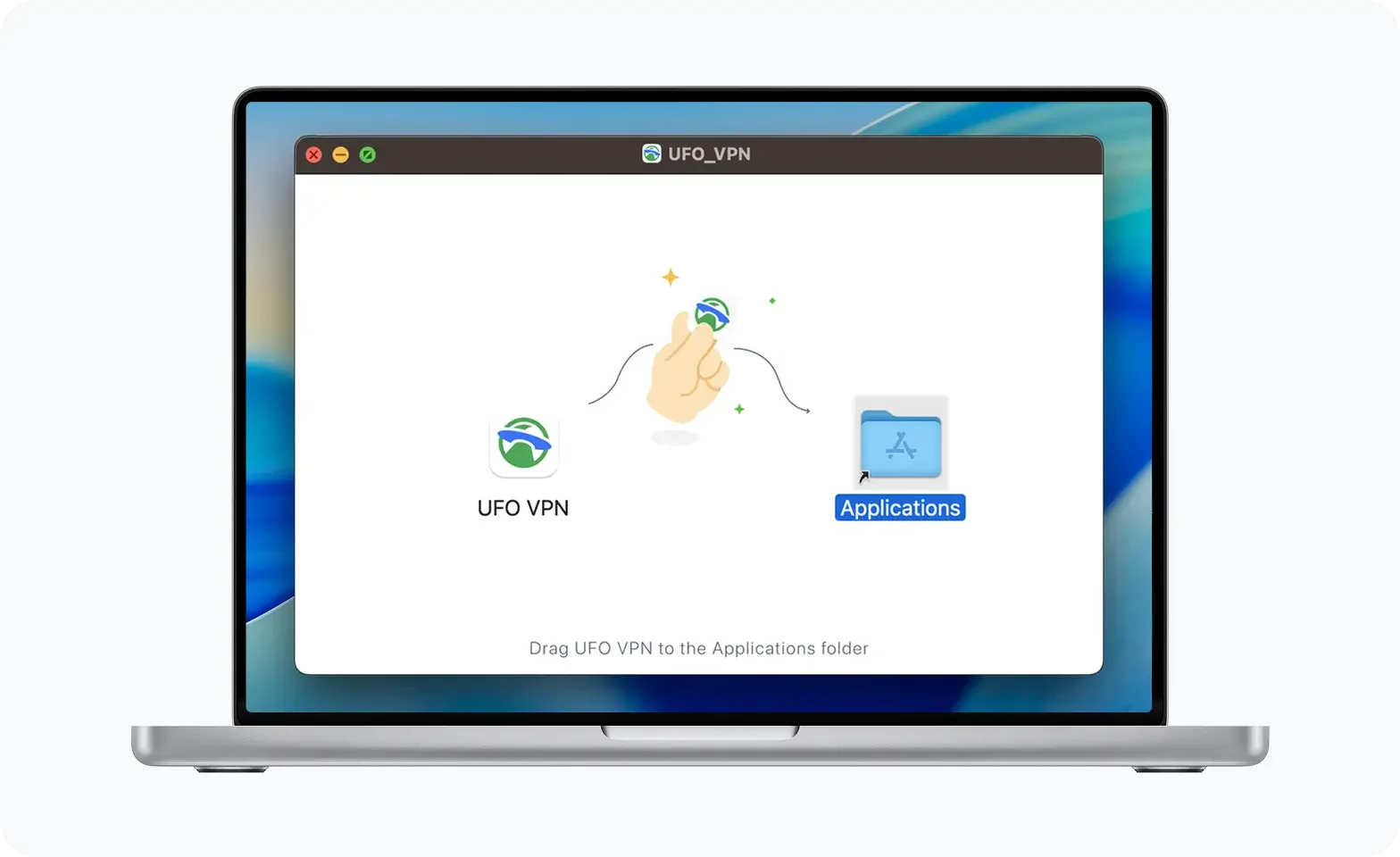
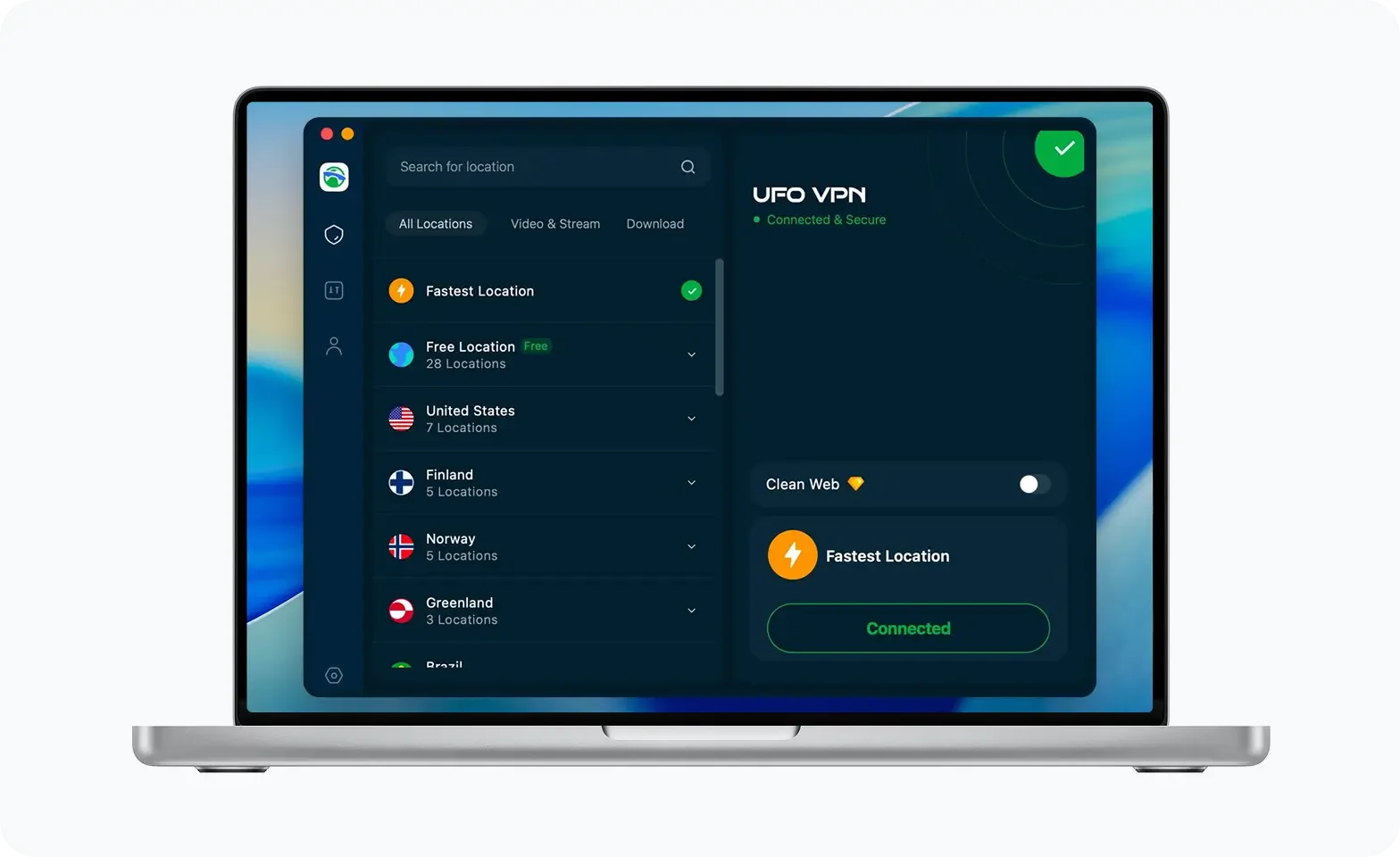
Unlock Pro Features
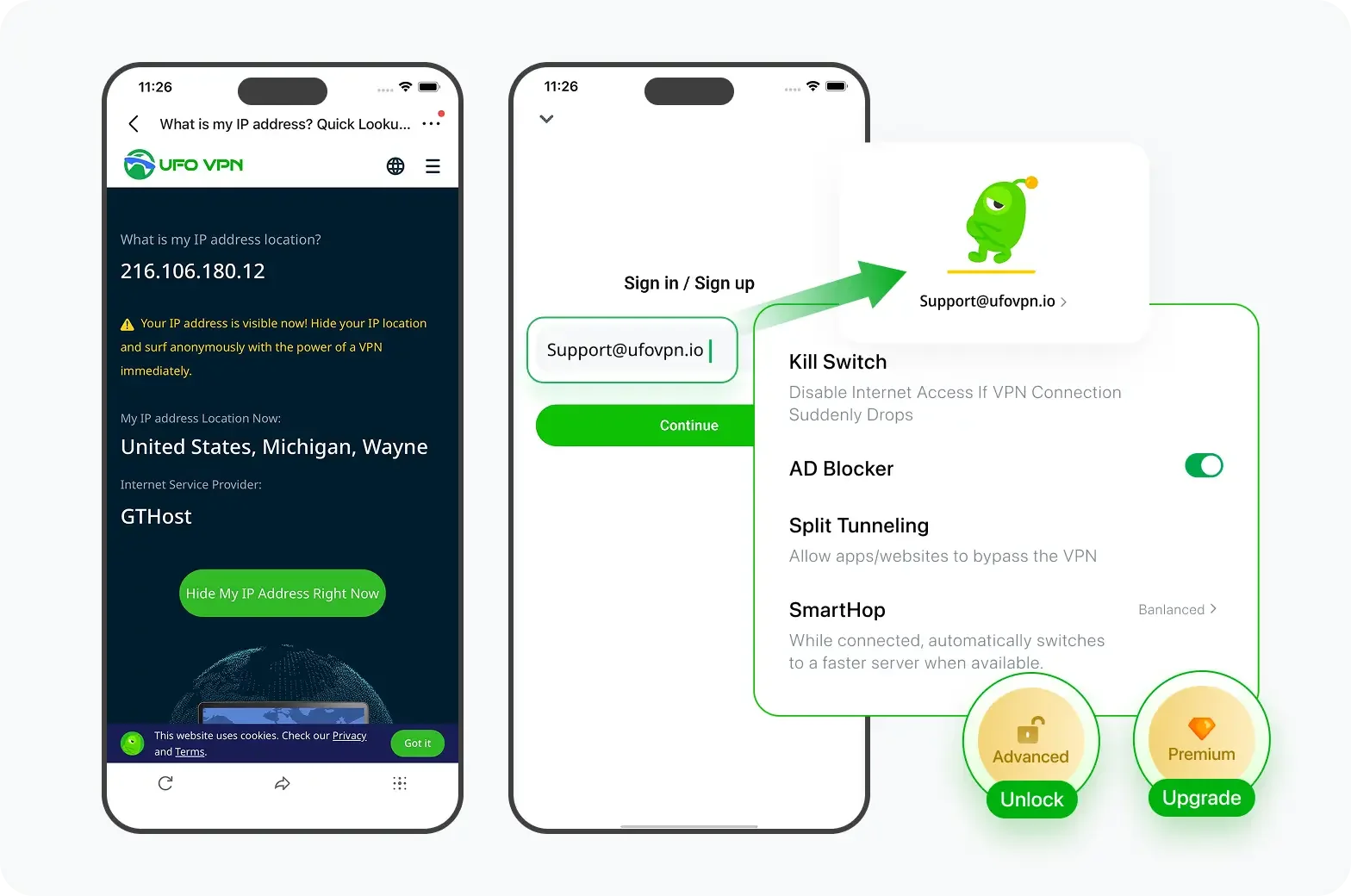
If you have upgraded to premium plan , feel free to enjoy premium servers for 4K streaming and advanced features like Kill Switch, Split Tunneling, and gaming acceleration. Your Mac is now fully optimized and protected. Inaddition to basic functions, we recommend you turn on

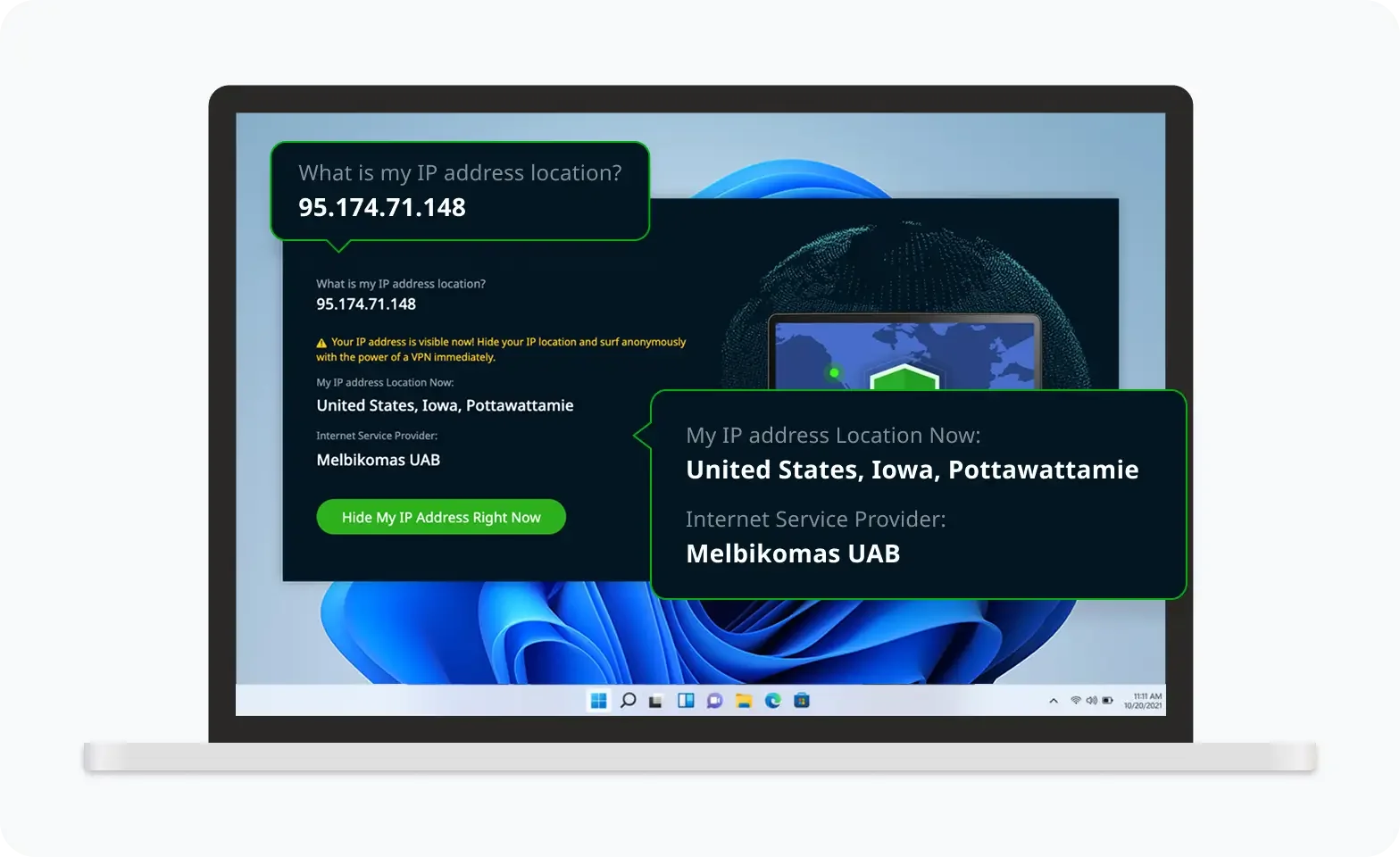
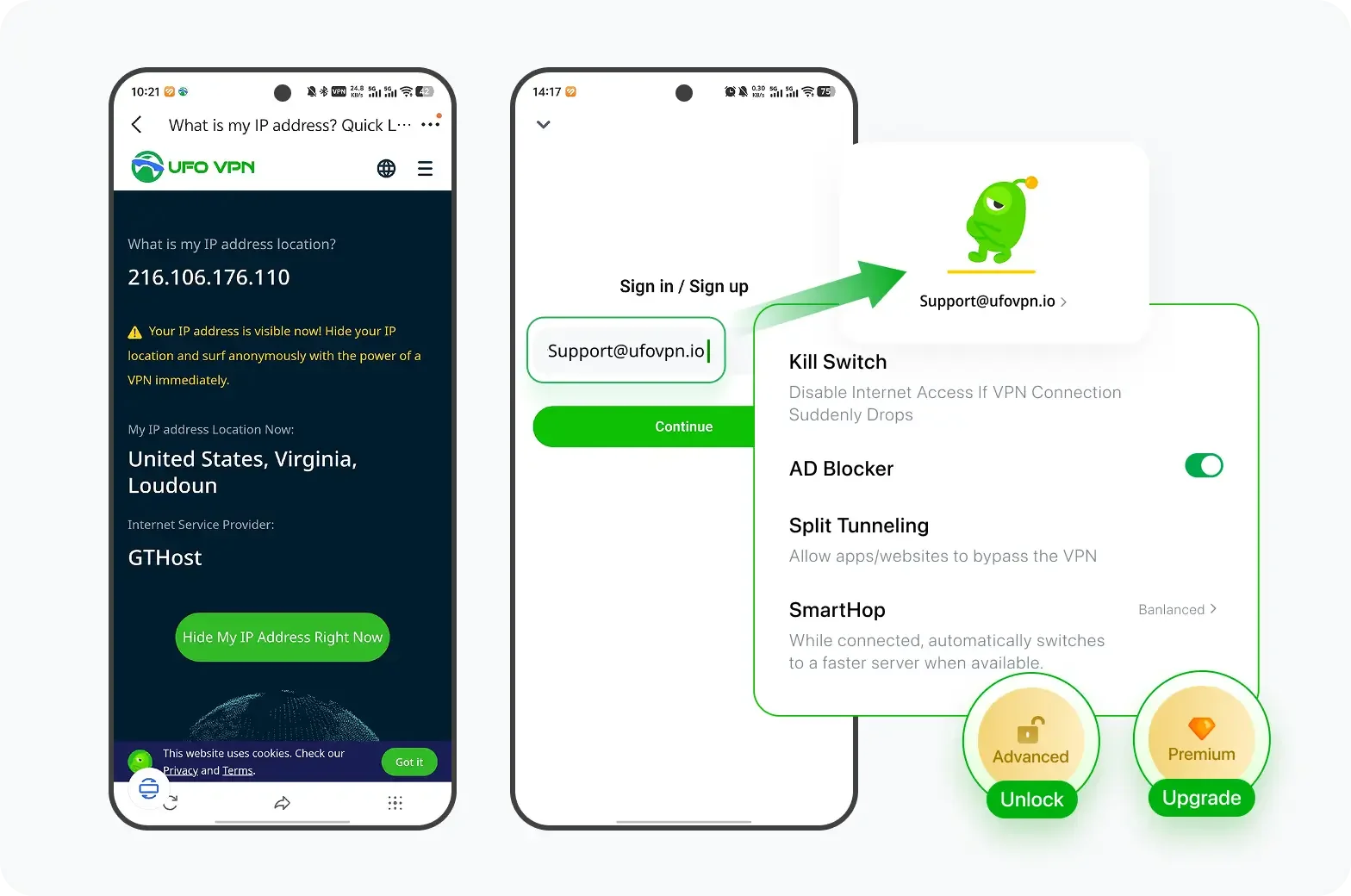
Verify Your IP Now
Use UFO VPN's " What is My IP " feature to see your new IP and location. This confirms your connection is secure, anonymous, and ready for safe browsing online anywhere at any time.

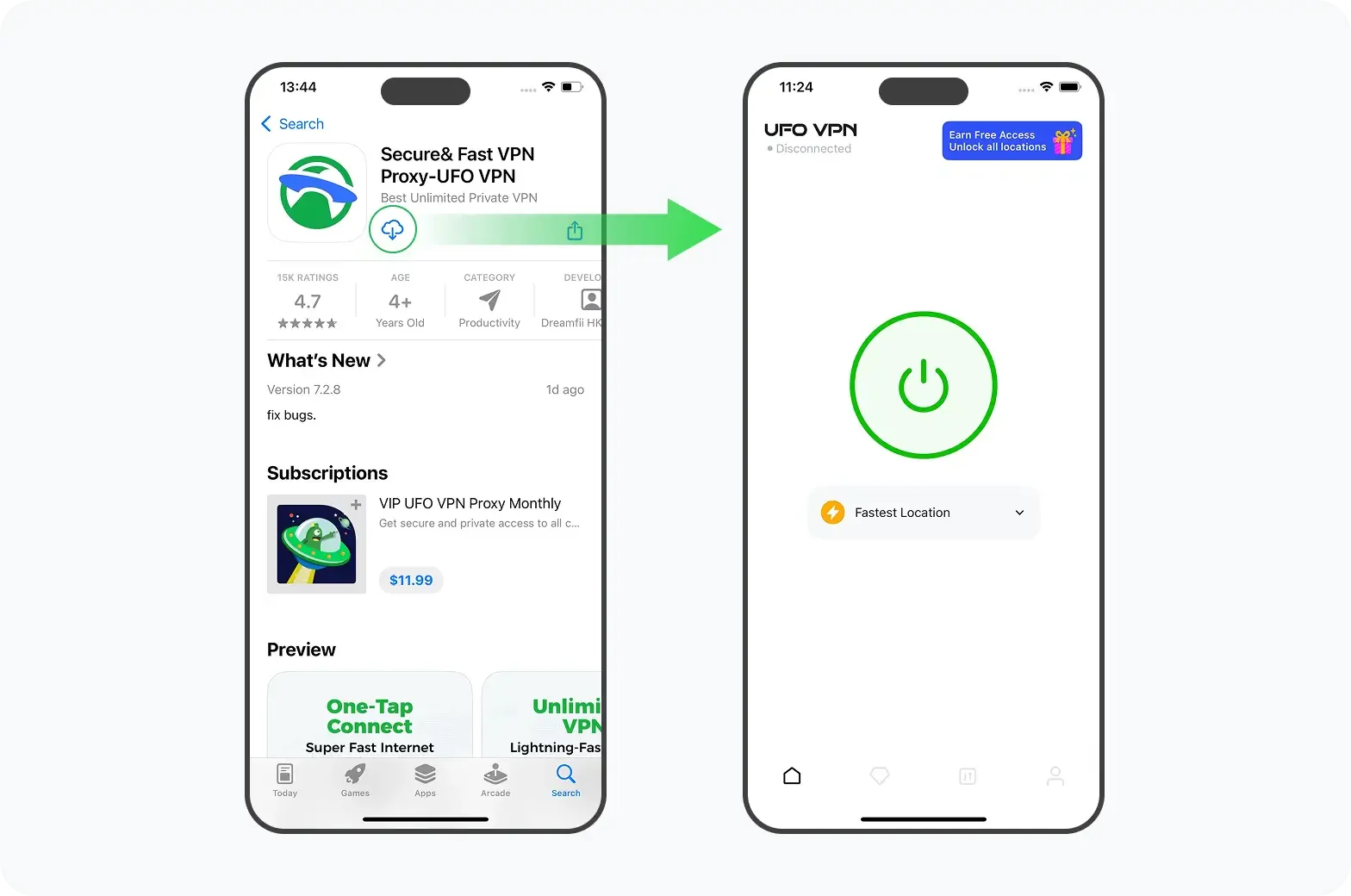
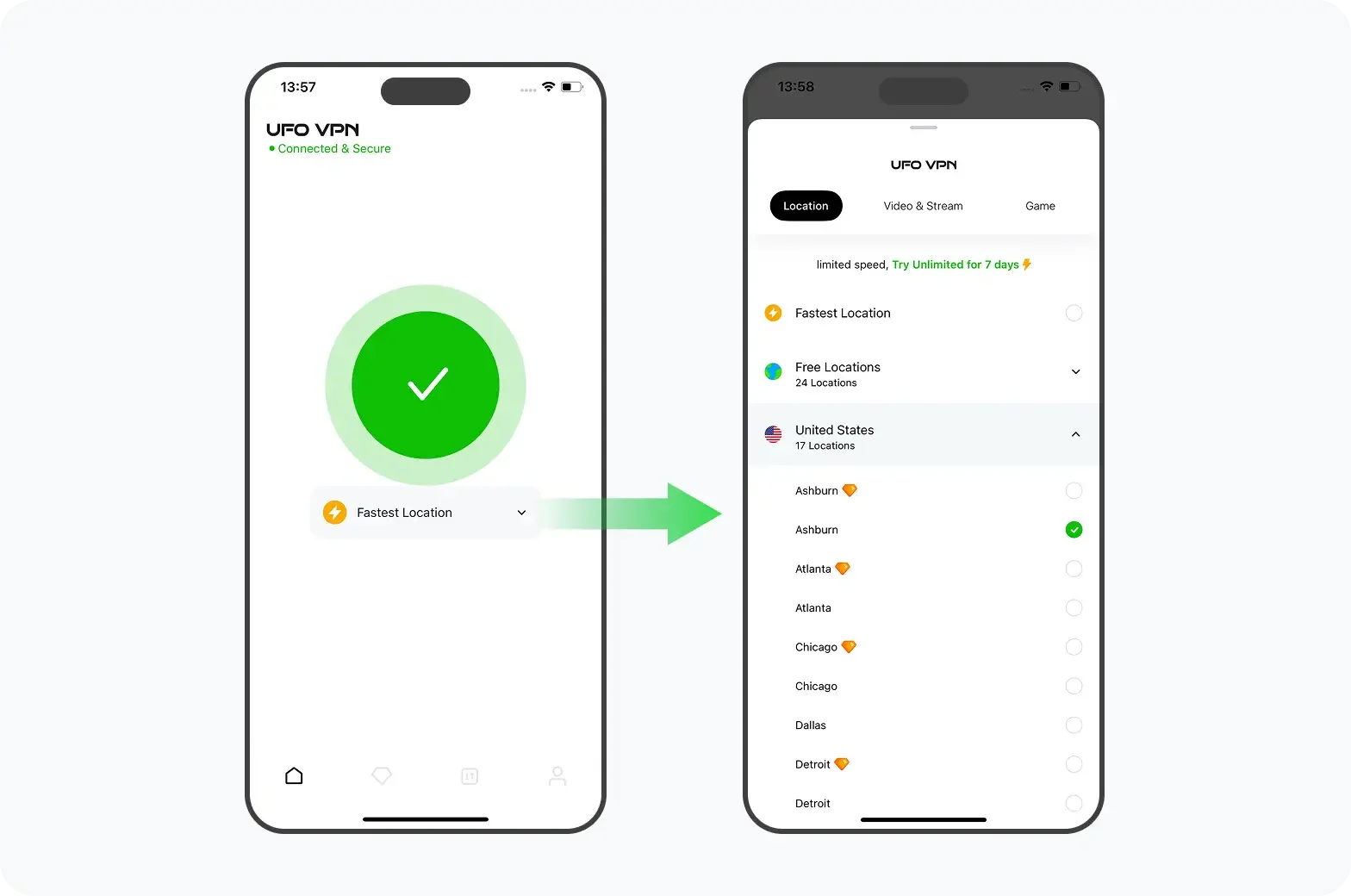
2. Switch to Mobile Data
Sometimes your home Wi-Fi is the problem, not the network itself. Turn off Wi-Fi and try again on cellular data. A different route to the internet can bypass local restrictions.
3. Try a Different Browser
Cached data or extensions can break the page. Open a private window or switch from Chrome to Safari or Firefox. A clean session often fixes loading errors.
4. Use the App Instead of the Browser
If the web page won't load, the in-app option may still work. iPhone and Android both support deletion from within Telegram, so try that route.
5. Ask Someone Else to Open the Link
As a last resort, use a friend's device in a different location. Send them the link, have them open it, and follow the steps with your phone number. You'll still receive the code on your own phone.
How to Delete Telegram Account Without Logging In
You don't need to be signed in to delete your account — you only need access to your phone number. Here's how:
- Go to telegram.org/deactivate in any browser.
- Enter your phone number with the country code.
- Wait for the confirmation code via SMS.
- Enter the code and confirm deletion.
That's it. No app, no password, no login session required. This is the go-to method if you've lost your phone but kept your SIM, or if you're locked out of the app for any reason.
If You Forget the Password - Here's How You Can Reset
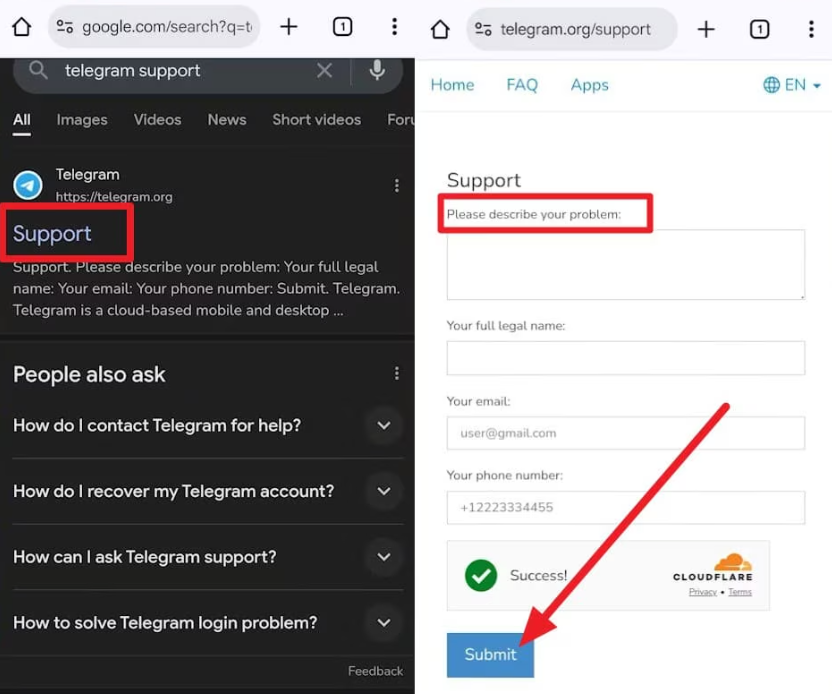
Forgot your Telegram password? Don't confuse it with the one-time login code. If you've enabled two-step verification, Telegram may ask for an additional password when you sign in.
Fortunately, you may be able to reset it before deleting your account.
👉 If you have a recovery email:
-
Open Telegram and enter your phone number.
-
Complete the login-code verification.
-
When asked for your two-step verification password, tap Forgot Password?
-
Choose the email recovery option, if available.
-
Check your recovery email for Telegram's verification code.
-
Enter the code and follow the instructions to reset your password.
Once you've regained access, you can proceed with account deletion.
👉 What if you don't have a recovery email?
If you're still logged in on another device, open Settings → Privacy and Security → Two-Step Verification and look for the password reset option.
Telegram may apply a seven-day waiting period for a password reset from an existing session.
If you're completely logged out and don't have access to a recovery email, Telegram may offer an account reset option. However, this can delete account data rather than restore access to it.
Read every warning carefully before confirming.
What Will Happen After Deleting the Telegram Account?
Deleting Telegram is more than removing an app from your phone. It permanently changes what happens to your account, messages, and connected services.
Here's what to expect:
- Your account disappears: Your Telegram profile is permanently removed, and your previous account can no longer be used.
- Cloud chats are lost: Your Telegram cloud message history, saved messages, and stored media are deleted from your account.
- Contacts are removed: Your synced Telegram contacts and account-specific contact information won't be restored if you return.
- Secret Chats become inaccessible: Secret Chats linked to your account are lost. Content already saved outside Telegram may remain.
- Your Premium benefits end: Your Premium access disappears. App Store and Google Play subscriptions may still require separate cancellation.
- Unused Stars are forfeited: Any remaining Telegram Stars balance is lost when you delete your account.
- Digital collectibles need special attention: Gifts and collectible usernames follow their own rules. Their ownership and transfer status should be handled before deletion.
- Connected services may stop working: Websites that rely on your Telegram identity could become harder to access.
How to Recover a Telegram Account After Deletion?
Accidentally deleted your Telegram account and want it back?
Unfortunately, you cannot recover a permanently deleted Telegram account. Telegram doesn't provide an undo button, a restoration period, or a way to retrieve your old cloud chat history.
However, you may be able to create a new account with the same phone number.
Here's how:
-
Download the official Telegram app on your device.
-
Open it and select Start Messaging.
-
Enter your previous phone number.
-
Complete the required verification.
-
Set up your new profile with your name and photo.
-
Rejoin your previous groups and channels where possible.
Telegram may temporarily restrict re-registration after account deletion, so you might need to try again later.
Final Say
Leaving a messaging platform should be your decision, not something complicated by confusing settings or unreliable access.
Whether you're taking a break from social media or moving to a different communication service, the important thing is to stay in control of your information and the accounts connected to it.
And if network restrictions are making that process difficult, a tool like UFO VPN may help you maintain access long enough to finish what you need to do.
FAQs
Can I delete my Telegram account without a phone number?
You need access to the account or a way to verify ownership. An existing logged-in session may help, but without your phone number and any active Telegram session, immediate deletion is generally unavailable.
Does uninstalling Telegram delete my account?
No. Uninstalling the app only removes it from your device. Your account remains active until you manually delete it or Telegram's inactivity timer expires.
Can I delete Telegram from all devices at once?
Yes. Telegram accounts are linked across devices. Permanently deleting your account removes that account from all logged-in sessions, including phones, tablets, and computers.
Will my friends know I deleted Telegram?
Telegram does not send everyone a special account-deletion notification. However, your previous chat identity may appear as "Deleted Account," and contacts may notice that your profile is gone.
Is there a way to temporarily deactivate Telegram?
Telegram doesn't offer a standard temporary deactivation feature like some social networks. You can log out, mute notifications, or uninstall the app while keeping your account, subject to its inactivity settings.
Does deleting my Telegram account remove my Telegram bot?
Bots are managed separately from ordinary user chats. If you created bots through BotFather, review their ownership and management arrangements before deleting your personal account.
Can I delete Telegram using only an email address?
No. Telegram accounts are linked to phone numbers, not email addresses. A recovery email can help reset a two-step verification password, but it cannot independently authorize account deletion.
、