Key Takeaways
If you're looking for a free VPN for CapCut, remember that a VPN can help improve connection stability, secure your data on public Wi-Fi, and access CapCut more reliably while traveling or using restricted networks. However, it cannot unlock CapCut Pro or bypass paid subscription requirements.
For creators who regularly edit videos across different locations, a reliable VPN like UFO VPN offers fast global servers, strong privacy protection, and a smoother workflow for uploading, syncing, and publishing content securely.
Why Do Some Users Need a VPN for CapCut?
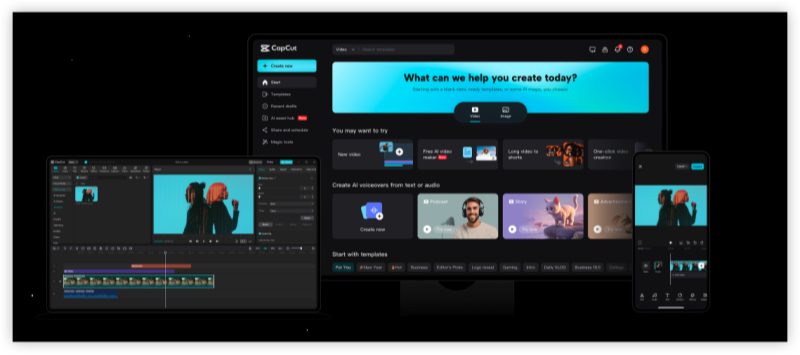
CapCut has become one of the most popular mobile video editing apps, especially among TikTok creators and digital storytellers. However, in countries like India, CapCut is officially banned due to its connection with ByteDance—a Chinese tech firm also behind TikTok. This has left thousands of content creators scrambling for alternatives or seeking ways to unblock CapCut safely. Using a CapCut VPN free lets you mask your real IP address and connect through a server in a CapCut-supported region. This helps:
- Download CapCut securely
- Bypass app store and network restrictions
- Ensure stable syncing and cloud exports
- Protect your data while editing online
CapCut Feature Metrix by Versions
| CapCut Feature | Free Version | Pro Version | VPN Helpful? |
|---|---|---|---|
| Basic Editing | ✅ | ✅ | ❌ |
| Remove Watermark | ❌ | ✅ | ❌ |
| AI Video Generator | Region Dependent | Region Dependent | ⚠️ Sometimes |
| Cloud Backup | ✅ | ✅ | ✅ Better Connection |
| Templates | Region Dependent | Region Dependent | ✅ Sometimes |
| Export 4K | Limited | ✅ | ❌ |
Regional Availability of CapCut Pro
| Country/Region | CapCut | CapCut Pro |
|---|---|---|
| United States | ✅ Available | ✅ Available |
| Canada | ✅ Available | ✅ Available |
| United Kingdom | ✅ Available | ✅ Available |
| Australia | ✅ Available | ✅ Available |
| Germany | ✅ Available | ✅ Available |
| Japan | ✅ Available | ✅ Available |
| Singapore | ✅ Available | ✅ Available |
| India | ✅ Available | ⚠️ May vary |
| UAE | ✅ Available | ⚠️ May vary |
| Brazil | ✅ Available | ✅ Available |
| Turkey | ✅ Available | ⚠️ May vary |
| Russia | ⚠️ Limited | ⚠️ Limited |
CapCut continuously expands its services around the world, but not every feature becomes available in every market at the same time.
Some premium tools—including AI video generation, advanced templates, cloud collaboration, or Pro subscriptions—may depend on:
- Your current IP location
- Your CapCut account region
- App Store or Google Play country
- Local payment support
- Feature rollout schedule
- Regional licensing agreements
For example, a creator traveling abroad may suddenly notice that certain editing tools disappear even though their subscription remains active.
Likewise, users moving between countries may find that the Pro purchase page looks different or that AI features haven't yet rolled out to their new location.
This doesn't necessarily mean your account is broken—it often reflects regional availability and ongoing product rollout.
Common Situations for Capcut Pro Blocks
Instead of affecting the entire application, regional limitations usually impact specific features.
| Capcut Problems | Possible Cause | VPN Helpful? |
|---|---|---|
| Pro not available | Regional restrictions | Sometimes |
| AI tools missing | Gradual feature rollout | Sometimes |
| Templates won't load | Regional licensing | Sometimes |
| Cloud sync fails | Network restrictions | Yes |
| Slow downloads | Poor network routing | Yes |
| Can't access CapCut on school or office Wi-Fi | Firewall restrictions | Yes |
| Uploads keep failing | Unstable internet | Yes |
| App crashes or won't open | App or device issues | No |
As shown above, a VPN is most useful when the issue is caused by network accessibility or routing, rather than account permissions or subscription eligibility.
Top 10 Picks for Free CapCut (Pro)
1. UFO VPN
UFOVPN is a user-favorite among mobile users who need fast and secure access to geo-restricted apps like CapCut. The 100% free version supports a generous daily data limit and multiple servers, including ones optimized for Asia-Pacific users.
What sets UFOVPN apart is its commitment to privacy and performance. With military-grade AES-256 encryption, a strict no-logs policy, and dedicated streaming/editing servers, UFOVPN ensures your CapCut experience remains smooth, secure, and completely private. Plus, its easy-to-use interface supports iOS, Android, Windows and Mac.
| Pros | Cons |
|---|---|
| ✅ No registration required for free use! | ❌ Free version has limited locations |
| ✅ Optimized servers for streaming & apps like CapCut | ❌ Daily bandwidth cap applies (500MB-1GB) |
| ✅ AES-256 encryption + no-logs policy | |
| ✅ Works reliably in restricted countries | |
| ✅ Available on iOS, Android, Windows, Mac |
2. Proton VPN
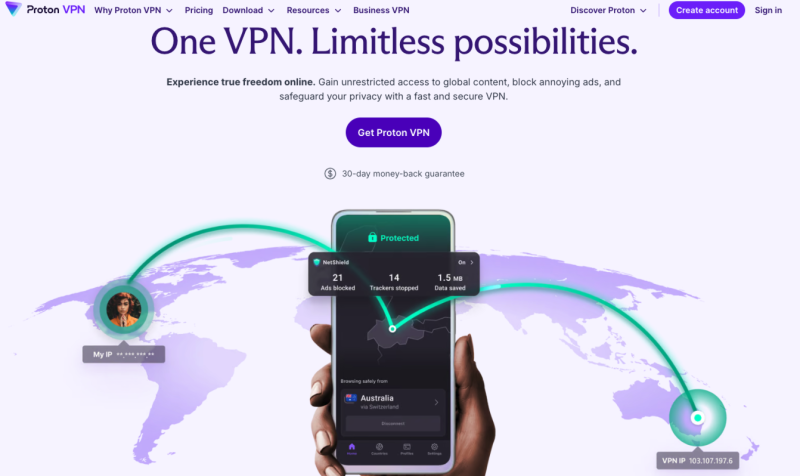
ProtonVPN stands out in the crowded VPN space by offering unlimited bandwidth even on its free plan—an extremely rare benefit. Developed by the team behind ProtonMail, it boasts rock-solid privacy features and a transparent no-logs policy.
Although the free version only offers three server locations (US, Netherlands, Japan), its speeds are decent and reliable. If you only need to unlock CapCut occasionally, ProtonVPN’s strong privacy and unlimited usage make it a dependable choice.
| Pros | Cons |
|---|---|
| ✅ Unlimited bandwidth | ❌ Only 3 server locations (US, NL, JP) on free plan |
| ✅ Strong privacy & no-logs policy | ❌ Slower speeds during peak times |
| ✅ Easy-to-use app |
3. Windscribe
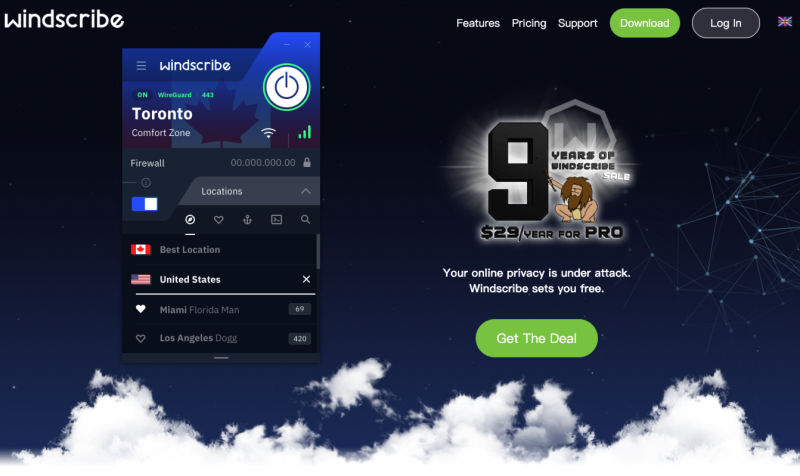
Windscribe is a powerful free VPN offering 10GB of data per month—more than enough for regular CapCut use. With support for over 10 locations even on the free plan, it's one of the most generous VPNs available.
It also includes a built-in ad blocker and tracker protection, giving you more privacy while you edit. However, some advanced features and premium servers are locked behind a paywall, and speeds can vary during peak hours.
| Pros | Cons |
|---|---|
| ✅ 10GB/month free data | ❌ Requires email signup for full quota |
| ✅ Multiple server options | ❌ Limited customer support for free users |
| ✅ Ad & tracker blocking included |
4. Hide.me
Hide.me is another well-regarded VPN for those needing reliability and ease of use. It provides 10GB of free data monthly and operates on a verified no-logs policy.
The app is beginner-friendly, offers great connection stability, and is one of the few free VPNs to work in countries with strong internet censorship. It’s ideal for CapCut users who prioritize privacy and basic functionality.
| Pros | Cons |
|---|---|
| ✅ No registration required | ❌ 10GB/month data cap |
| ✅ Zero-logs verified | ❌ Fewer streaming-friendly servers |
| ✅ High-speed servers (in 5 regions) |
5. TunnelBear
TunnelBear is great for VPN beginners. Its quirky, bear-themed UI makes navigation fun and straightforward. It provides up to 500MB of free data monthly, which can be expanded slightly with promotional actions like tweeting about the service.
While 500MB may not be enough for exporting large video files, it's sufficient for short edits or testing CapCut's features. The app is reliable and works across all devices.
| Pros | Cons |
|---|---|
| ✅ Fun, beginner-friendly interface | ❌ 500MB monthly limit (can earn more via tweet) |
| ✅ Reliable connections | ❌ Limited to basic tasks—not ideal for large file uploads |
| ✅ Available on all devices |
6. Turbo VPN (Free Trial)
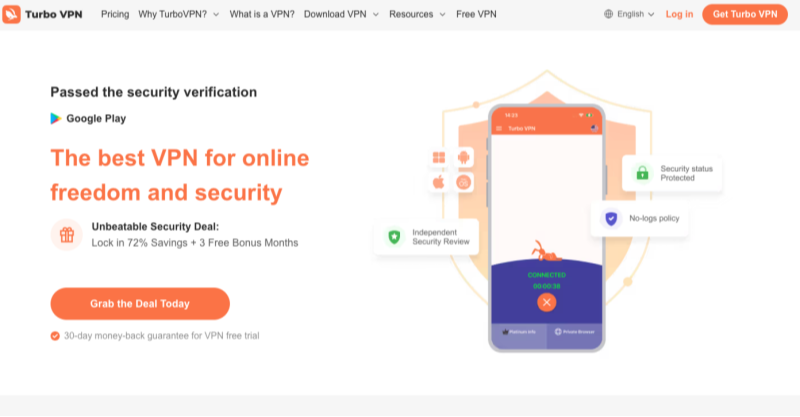
Turbo VPN is gaining traction due to its intuitive app design and strong encryption. With 5GB of free monthly data, it allows occasional CapCut use without much compromise on speed.
Its biggest perk is unlimited simultaneous device connections—a rare feature in the free VPN space. However, the free plan has limited server availability and may not always bypass stronger firewalls.
| Pros | Cons |
|---|---|
| ✅ Unlimited connections per account | ❌ 5GB/month data cap on free plan |
| ✅ Decent speeds for short edits | ❌ Fewer server locations for free tier |
| ✅ Strong AES-256 encryption |
7. PrivadoVPN
PrivadoVPN offers a solid 10GB/month on its free tier. It supports torrenting and video streaming apps, which translates to solid performance on platforms like CapCut as well.
However, it limits free users to one connection and a smaller list of server locations. Still, its no-logs policy and commitment to speed make it worth considering.
| Pros | Cons |
|---|---|
| ✅ 10GB/month data | ❌ Free plan limited to 1 device |
| ✅ Supports torrenting & media apps | ❌ Fewer servers in Asia |
| ✅ Strong no-logs policy |
8. ZoogVPN
ZoogVPN might not be a household name, but it offers solid basic protection with 10GB/month of free data and strong DNS leak protection. It doesn’t require an email to get started, making it one of the more anonymous VPNs on the list.
It supports basic usage and bypasses geo-blocks reliably. Ads in the free version can be annoying, but they don’t affect CapCut usability.
| Pros | Cons |
|---|---|
| ✅ Works well in restrictive regions | ❌ 10GB/month data cap |
| ✅ DNS leak protection | ❌ Ads in free version |
| ✅ No email required |
9. Opera VPN
Opera's built-in browser VPN is completely free and offers unlimited bandwidth. While it doesn’t work outside of the browser environment, it’s a handy tool if you’re using CapCut's cloud features via a web interface.
Because it’s browser-only, it won’t help if you're using the CapCut mobile or desktop app. However, it’s a nice backup option for web-based tasks
| Pros | Cons |
|---|---|
| ✅ No signup needed | ❌ Only works within Opera browser |
| ✅ Unlimited bandwidth | ❌ Can’t use CapCut app directly unless web-based |
| ✅ Completely free |
10. Betternet
Betternet is an easy-to-install VPN that doesn’t require account creation. It’s suitable for light usage and can unlock apps like CapCut when you’re in a pinch.
The biggest downside is frequent ads and a lack of advanced settings. Speeds and server options are also limited in the free version, but it still does the job for basic access.
| Pros | Cons |
|---|---|
| ✅ Easy setup, no registration | ❌ Ads and pop-ups in free version |
| ✅ Suitable for casual users | ❌ Limited speed & server selection |
| ✅ Works well for occasional CapCut use |
How to Unblock CapCut Pro with a VPN
Here’s what you need to look for when picking a VPN for unblocking CapCut:
✅ Server Availability: The more countries offered, the easier to bypass geo-blocks.
✅ Bandwidth Limit: Choose at least 10GB/month if you edit videos regularly.
✅ No-Logs Policy: Ensure your VPN doesn’t track or store your activity.
✅ Device Compatibility: Must support mobile platforms like Android & iOS.
✅ Speed & Stability: Look for optimized servers for smooth exporting & uploads.
And here's how you can use UFO VPN - a free CapCut Pro VPN easily:


UFO VPN is an all-in-one VPN that offers unlimited access to 4K streaming like Netlfix, Disney Plus, no-ping gaming as PUBG, Roblox, CODM and social networking for YouTube, X, Facebook and more.




Unlock Pro Features
If you have upgraded to premium plan , feel free to enjoy premium servers for 4K streaming and advanced features like Kill Switch, Split Tunneling, and gaming acceleration. Your Mac is now fully optimized and protected. Inaddition to basic functions, we recommend you turn on

Verify Your IP Now
Use UFO VPN's " What is My IP " feature to see your new IP and location. This confirms your connection is secure, anonymous, and ready for safe browsing online anywhere at any time.







Free VPN vs Premium VPN for CapCut
A completely free VPN may work for occasional editing, but larger video projects often require more bandwidth and stable performance. Here's a practical comparison:
| Feature | Free VPN | UFO VPN Premium |
|---|---|---|
| Daily Data | Usually limited | Unlimited |
| Upload Speed | Moderate | High-speed |
| Server Selection | Limited | 2,000+ servers in 50+ countries |
| Video Export Stability | May fluctuate | Stable |
| Cloud Sync | Sometimes slow | Optimized |
| HD Video Upload | Limited | Better performance |
| AES-256 Encryption | Varies | ✔ |
| Kill Switch | Rare | ✔ |
| Split Tunneling | Rare | ✔ |
| Multiple Device Support | Limited | ✔ |
| No-Log Policy | Varies | ✔ |
| Best For | Occasional editing | Frequent creators & professionals |
🤔Which One Should You Choose?
A free VPN may be enough if you:
- Occasionally edit short videos
- Need temporary protection on public Wi-Fi
- Only upload a few clips each week
A premium VPN is usually more suitable if you:
- Edit videos every day
- Frequently upload 4K footage
- Use cloud collaboration
- Manage social media accounts professionally
- Travel between countries regularly
(Reminder) Can a VPN Unlock CapCut Pro?
This is one of the biggest misconceptions online. But the anser is straightforward: No. A VPN cannot magically unlock CapCut Pro.
If a feature requires:
- a paid subscription,
- a supported account region,
- or account verification,
a VPN alone will not bypass those requirements.
Instead, a VPN is designed to help with situations such as:
✅ Improving connection stability
✅ Accessing CapCut on restricted Wi-Fi networks
✅ Reducing ISP throttling during uploads
✅ Using CapCut securely while traveling
✅ Connecting through servers located in supported regions when appropriate
Think of a VPN as improving how your device reaches CapCut's services, not changing the permissions attached to your account.
Is It Safe to Use a VPN for CapCut?
Yes—using a reputable VPN with CapCut is generally safe when your goal is to secure your internet connection or maintain reliable access while traveling or using public networks.
However, your experience depends heavily on which VPN you choose.
Some free VPNs monetize their services by displaying excessive ads, limiting bandwidth, or collecting usage data. Others may suffer from overcrowded servers that slow uploads or interrupt cloud synchronization.
When choosing a VPN for CapCut, look for features such as:
- AES-256 encryption
- A transparent privacy policy
- DNS leak protection
- Kill Switch
- Stable international servers
- A no-log commitment
These features help protect your connection without changing how your CapCut account or subscription works.
When searching for "CapCut Pro free," you may come across modified APK files or unofficial desktop installers that claim to unlock premium features. For creators working with client projects or important content, downloading software from official sources is generally the safest option.
(Pro) CapCut Pro Not Working? How to Fix Issues
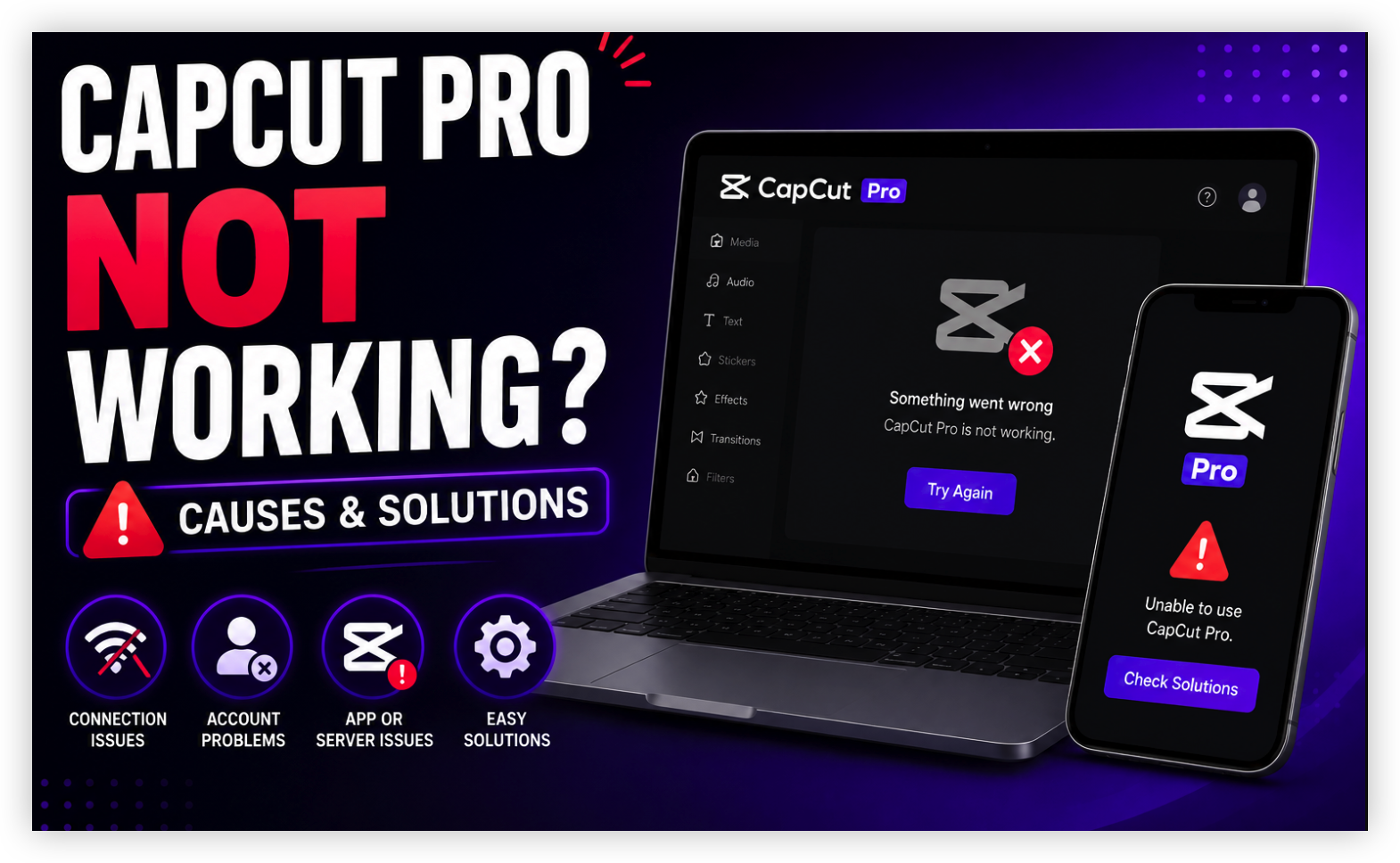
Not every CapCut issue is caused by regional restrictions. Here're some common problems and quick fixes:
CapCut Pro Is Missing
If your Pro badge suddenly disappears:
✔ Confirm you're logged into the correct account.
✔ Check whether your subscription is still active.
✔ Update CapCut to the latest version.
✔ Restart the app.
✔ Verify your App Store or Google Play account region.
A VPN alone cannot restore an inactive subscription.
Templates Won't Load
Possible reasons include:
- temporary server issues
- regional template availability
- outdated app version
- unstable network
Try:
- clearing cache
- reconnecting to Wi-Fi
- switching networks
- reconnecting through a VPN
- updating CapCut
CapCut AI Features Are Missing
CapCut regularly rolls out new AI capabilities in phases.
This means users in different countries may see:
- AI Avatar
- AI Video Generator
- AI Script Writer
- AI Background Removal
at different times.
Keeping the application updated ensures you receive newly released features as they become available.
CapCut Uploads Keep Failing
Large video uploads may fail because of:
- unstable internet
- weak Wi-Fi signal
- ISP throttling
- interrupted cloud connections
Before exporting again, try:
- switching to a faster network,
- reconnecting your VPN,
- choosing a closer VPN server,
- or exporting locally before uploading.

(Bonus) CapCut Alternatives: Free Apps like Capcut
While CapCut is one of the most popular video editors, it isn't the only option available. If you're experiencing regional availability issues, looking for different editing tools, or simply want to explore other apps, there are several free alternatives worth considering.
| Video Editor App | Best For | Free Version | Available On |
|---|---|---|---|
| Canva Video Editor | Social media videos, presentations, and marketing content | ✅ Yes | Web, Windows, macOS, Android, iOS |
| VN Video Editor | Professional timeline editing with no watermark | ✅ Yes | Windows, macOS, Android, iOS |
| InShot | Quick edits for TikTok, Instagram Reels, and Shorts | ✅ Yes | Android, iOS |
| Adobe Express | AI-powered social media content and templates | ✅ Yes | Web, Windows, macOS, Android, iOS |
| DaVinci Resolve | Advanced video editing and color grading | ✅ Yes | Windows, macOS, Linux |
🤔Do You Still Need a VPN?
Most of these apps are available globally, but you may still benefit from using a VPN in certain situations, such as:
- Editing while traveling abroad
- Working on public Wi-Fi
- Accessing cloud-based assets on restricted networks
- Uploading large video files more securely
- Protecting your privacy when working remotely
Conclusion
CapCut has become one of the world's most popular video editing platforms, but like many cloud-based applications, your experience can vary depending on your network, region, and account settings.
If you're using CapCut while traveling, working remotely, or editing on public Wi-Fi, a VPN can provide a more secure and stable connection for accessing online resources and syncing projects.
FAQs
What is the best free VPN for CapCut?
The best choice depends on your needs. Look for a VPN that offers:
- reliable speeds
- secure encryption
- multiple server locations
- sufficient bandwidth for uploading videos.
If you edit frequently, a premium plan often provides a smoother experience than completely free services.
Does CapCut detect VPN usage?
CapCut does not publicly state that simply using a VPN will result in account penalties.
However, your overall experience may still depend on factors such as your account region, subscription status, and compliance with the platform's terms of service.
Can I use a free VPN every day for CapCut?
Yes, but keep in mind that many free VPNs impose restrictions such as:
- daily bandwidth caps
- slower speeds
- limited server choices
- connection queues
If you edit videos regularly, these limitations may become noticeable over time.
Will a VPN make CapCut faster?
A VPN cannot increase your internet speed beyond what your network supports.
However, in some situations—such as ISP congestion, unstable routing, or restrictive public networks—a VPN may provide a more consistent connection, which can improve uploads, downloads, or cloud synchronization.