Why Is ChatGPT Down?
Understanding the root causes behind a sudden service crash can help you figure out the best troubleshooting approach. Here are the primary reasons why the chatbot might be unavailable:
🚨 Server Overload: High traffic volumes during peak hours can overwhelm OpenAI's servers, causing delayed responses or total lockouts.
🚨 Scheduled Maintenance: Occasionally, the developers take the servers offline to implement essential updates, patch bugs, or roll out new backend features.
🚨 Internal Server Errors: Unexpected bugs within OpenAI’s backend infrastructure can break the connection between the user interface and the AI language model.
🚨 Network Connectivity Issues: Sometimes the problem lies entirely on the user's end, such as a weak internet connection or a misconfigured local firewall blocking access.
🚨 Regional Restrictions: In certain regions, access to ChatGPT may be limited due to government regulations, network policies, or ISP-level filtering, making the service appear unavailable even when it is functioning normally elsewhere (Try a free VPN for ChatGPT to regain access).
Common Errors of ChatGPT Down & Meaning
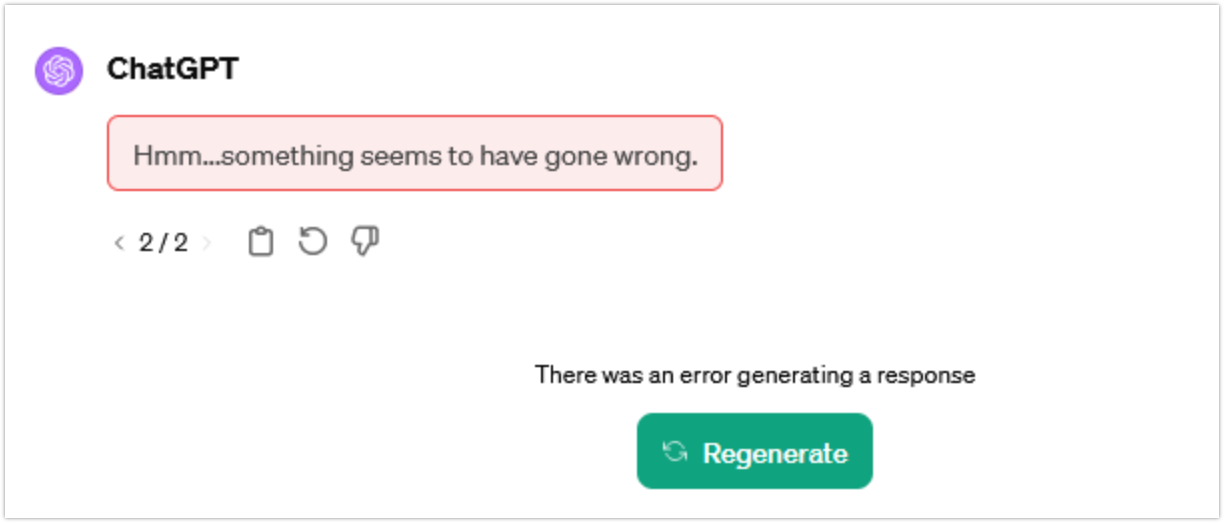
When ChatGPT is down, the error message you see can give you a useful clue about what is happening. The warnings are often caused by many reasons. Below are typical signs of ChatGPT down and the specific meaning.
⚠️ “Something went wrong.”
A general error that may indicate a temporary server issue, browser conflict, or local setup problem.
⚠️ “A network error occurred.”
Usually means your device cannot maintain a stable connection to OpenAI’s servers.
⚠️ “An error occurred while connecting to the websocket.”
This often appears when the live connection between your browser and ChatGPT is interrupted by network filters, VPN routing, proxies, or unstable internet.
⚠️ “We detect suspicious activity” / “Unusual Activity Detected.”
This can happen when traffic looks automated or unusual. OpenAI specifically suggests disabling VPNs or proxies that route through flagged IP addresses.
⚠️ “There was a problem preparing your chat.”
Often related to browser extensions, script blockers, privacy tools, or URL filters interfering with ChatGPT.
⚠️ “There was an error generating a response.”
ChatGPT failed to complete the answer. It may be a one-time generation failure, overloaded model, or connection issue.
⚠️ Stuck on “Thinking…” or “Generating…”
This may be caused by a long conversation, slow server response, browser memory pressure, or unstable connectivity.
⚠️ Blank screen, frozen page, or endless loading
Usually caused by cached site data, extensions, cookies, blocked scripts, or a temporary ChatGPT web interface issue.
⚠️ “ChatGPT is at capacity right now.”
This typically means the service is under heavy demand and cannot immediately serve every user.
Where Is ChatGPT Blocked?
Sometimes ChatGPT shutting down is not a real outage. The service may appear unavailable because of access policy, unsupported regions, local network filtering, or government-level restrictions. Below are countries where ChatGPT is not accessible right now.
| Country | Access Status | Why Users May Can’t Access ChatGPT | Get Quick Access |
|---|---|---|---|
| Iran | Often unavailable / unsupported access risk | ChatGPT may fail to load because of regional restrictions, unsupported access, or ISP-level filtering. | Turkey VPN free |
| Russia | Often unavailable / unsupported access risk | Users may experience routing failures, connection blocks, or unsupported-region errors. | Germany VPN free |
| Syria | Often unavailable / unsupported access risk | Access may fail because of regional restrictions, sanctions-related limits, or local network filtering. | Turkey VPN free |
| Venezuela | Often unavailable / unsupported access risk | Users may see repeated loading errors, login failures, or regional availability issues. | Colombia VPN free |
| Belarus | Often unavailable / unsupported access risk | Users may run into access restrictions, unstable routing, or unsupported-region errors. | Poland VPN free |
| Pakistan | Supported, but sometimes unstable | Local DNS issues, ISP routing, or network filtering may make ChatGPT seem down. | UAE VPN free |
| Egypt | Supported, but sometimes unstable | Some networks may interrupt ChatGPT sessions, block scripts, or slow down OpenAI connections. | UAE VPN free |
| Vietnam | Supported, but sometimes unstable | Slow international routing, VPN conflicts, or DNS filtering may cause loading failures. | Singapore VPN free |
| Indonesia | Supported, but sometimes unstable | ISP congestion, DNS issues, or flagged VPN IPs may trigger ChatGPT errors. | Singapore VPN free |
💡 Warm Note: The recommended server is selected based on the nearest country where ChatGPT is supported. You can also choose another supported country if it offers a faster or more stable connection.
How to Check Is ChatGPT Down or It Is Just for Me?
Before changing settings, confirm whether the issue is global or only affecting your device. If you are asking is ChatGPT down right now, the best approach is to compare official status data, user reports, social discussion, and your own network tests.
1. Use Status Check Sites to Verify is ChatGPT down today
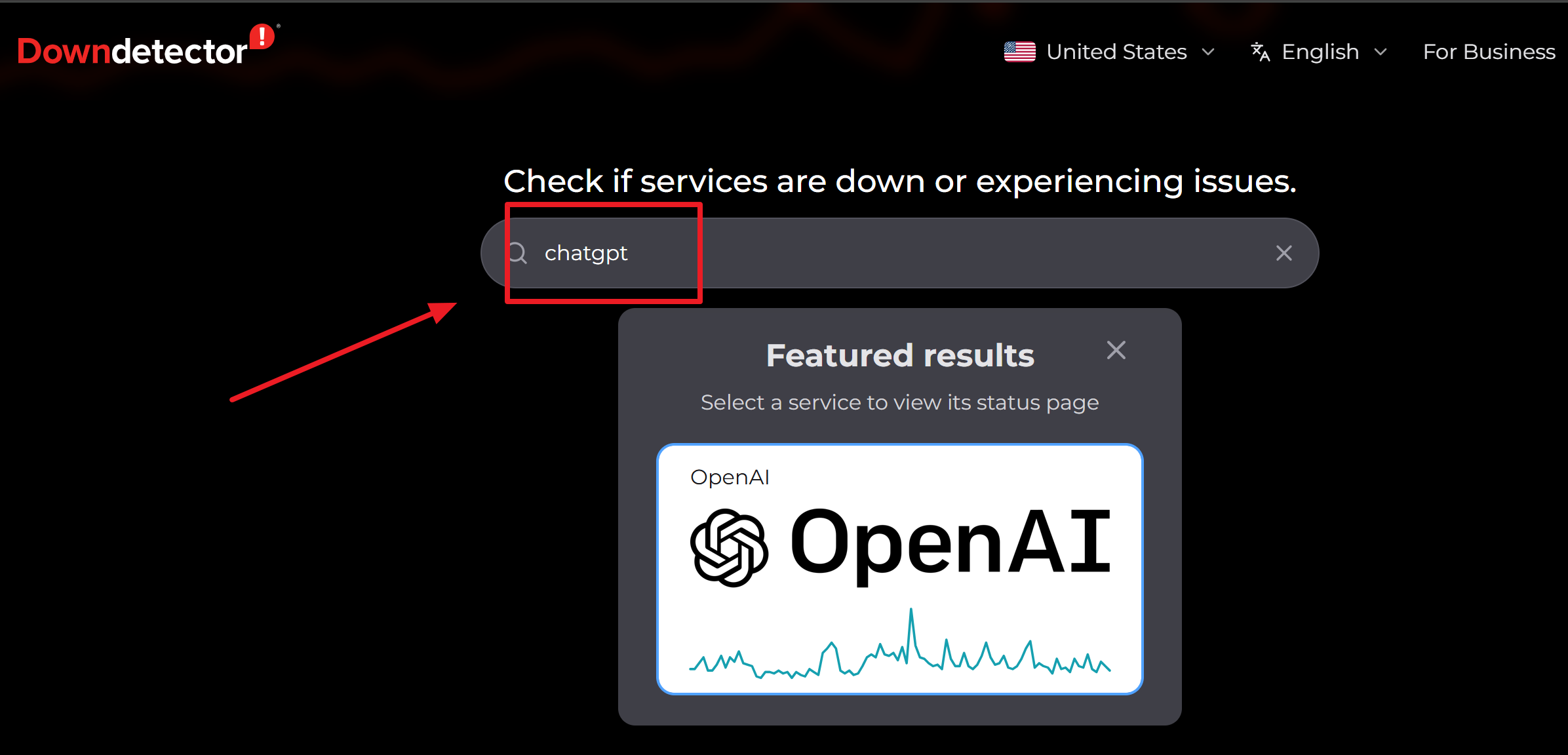
A dedicated status checker gives you a fast way to compare your experience with global reports. For the most reliable ChatGPT down status, verify througt these plarforms:
- OpenAI Status – Official Chatgpt down detector to offer live status and incident reports
- Downdetector – Real-time outage reports from users
- IsItDownRightNow – Quick uptime checks and response times Outage.
- Outage.Report – Global outage tracking dashboard
- Pingdom – Website performance monitoring tool
- StatusGator – Aggregated status monitoring alerts
- Is It Down for Everyone or Just Me – Simple tool to verify global vs local issues
2. Check Reddit Community Discussions
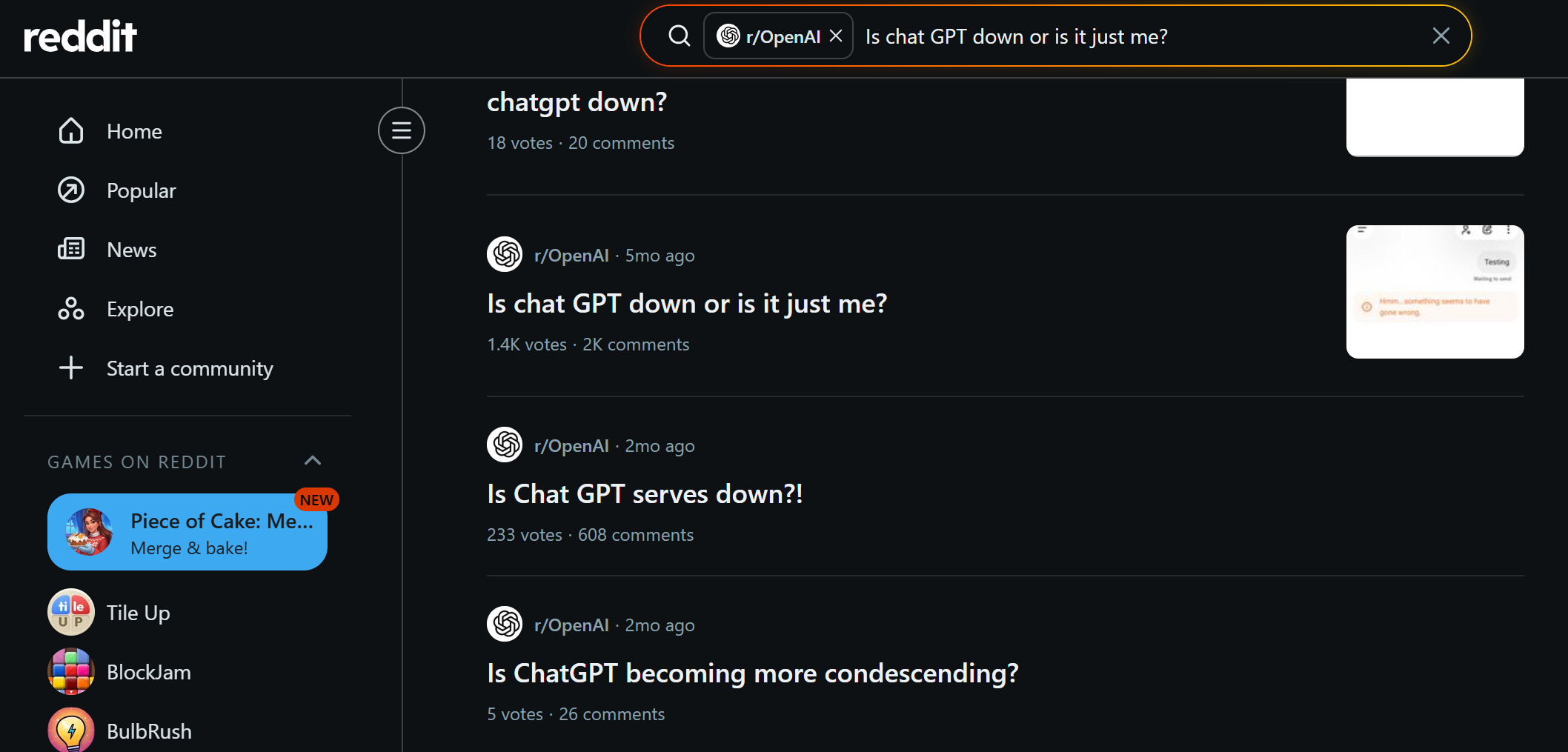
Reddit communities such as r/ChatGPT often react quickly when users see login failures, blank screens, or slow responses. This is not an official source, but it helps confirm whether many people are seeing the same problem. If Reddit is full of new posts about ChatGPT down, the issue may be broader than your own device.
it is down for me as well

3. Follow OpenAI’s Official X Account
OpenAI may share major announcements, service updates, or recovery notes through official social channels. This is especially useful when you not sure "is chatgpt shutting down" due to rumors. A temporary outage does not mean OpenAI is permanently shutting down ChatGPT.
4. Ask a Friend
Ask someone in a different city, country, network, or device type to open ChatGPT. If it works for them but not for you, the issue is likely local, regional, account-specific, or network-related.
5. Try Another Network
Switch from Wi-Fi to mobile data, or from mobile data to Wi-Fi. If ChatGPT loads on one network but not another, the problem may be your ISP, router, DNS, firewall, or VPN route.
6. Test the Mobile App and Desktop Site Separately
The ChatGPT web app, mobile app, and API may not fail in the same way. If the web version is broken but the mobile app works, the issue may be browser-specific or web-interface-specific.
9 Ways to Fix ChatGPT When It's Down
If ChatGPT is down for everyone, you may need to wait. But if the issue is local, the following fixes can usually restore access.
Method 1. Make Sure You Have the Right Access
If you are traveling or working under a strict firewall, you will need a reliable VPN to bypass geographic restrictions.
UFO VPN is a great choice for this; it offers fast, stable connections that easily mask your location and encrypt your data, ensuring smooth access to AI tools.


UFO VPN is an all-in-one VPN that offers unlimited access to 4K streaming like Netlfix, Disney Plus, no-ping gaming as PUBG, Roblox, CODM and social networking for YouTube, X, Facebook and more.




Unlock Pro Features
If you have upgraded to premium plan , feel free to enjoy premium servers for 4K streaming and advanced features like Kill Switch, Split Tunneling, and gaming acceleration. Your Mac is now fully optimized and protected. Inaddition to basic functions, we recommend you turn on

Verify Your IP Now
Use UFO VPN's " What is My IP " feature to see your new IP and location. This confirms your connection is secure, anonymous, and ready for safe browsing online anywhere at any time.







Method 2. Check Your Internet
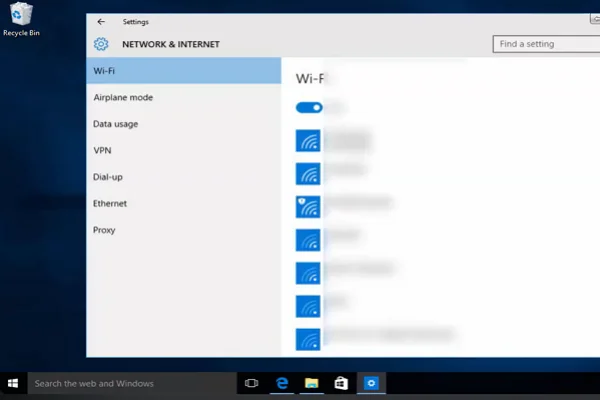
A weak or unstable Wi-Fi connection can prevent ChatGPT from loading and make it feel like ChatGPT is down. Try switching between mobile data and your home network to rule out ISP issues.
If you are using a VPN, switch to a server in a faster, unrestricted country like the United States VPN free often can provide the most reliable access to OpenAI services.
Method 3. Change Browser
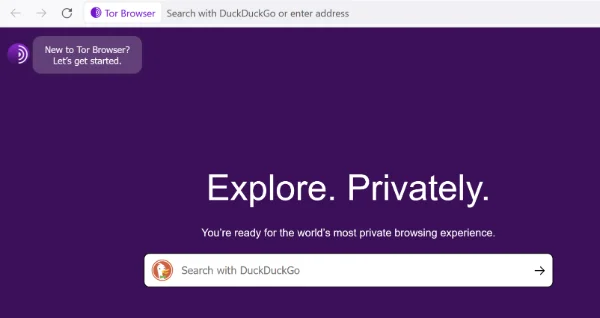
Sometimes browser extensions or underlying settings conflict with the website. Try opening ChatGPT in an entirely different browser. Common options include:
- Chrome
- Tor
- Edge
- Firefox
Method 4. Restart Your Computer
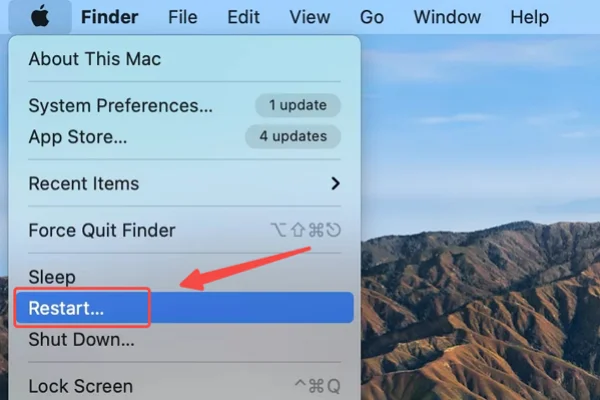
A full restart can clear stuck browser processes, DNS cache issues, VPN conflicts, and memory problems that make ChatGPT down errors appear worse than they are.
💡 Simple how-to guide:
- Save any open work and close all applications
- Click the Start menu (Windows) or Apple menu (Mac)
- Select Restart
- Wait for your system to fully reboot
- Reopen your browser and try accessing ChatGPT again
Method 5. Refresh the Page
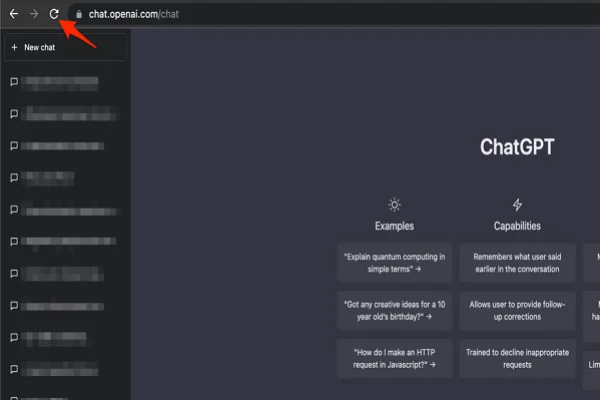
If the OpenAI timed out while loading, a hard refresh forces your browser to pull the latest version of the page directly from the server.
💡 Simple how-to guide:
- Click the refresh button in your browser
- Or press Ctrl + R (Windows) / Cmd + R (Mac)
- For a hard refresh: press Ctrl + Shift + R (Windows) or Cmd + Shift + R (Mac)
- Wait for the page to reload completely
- Try logging in again if needed
Method 6. Clear Caches
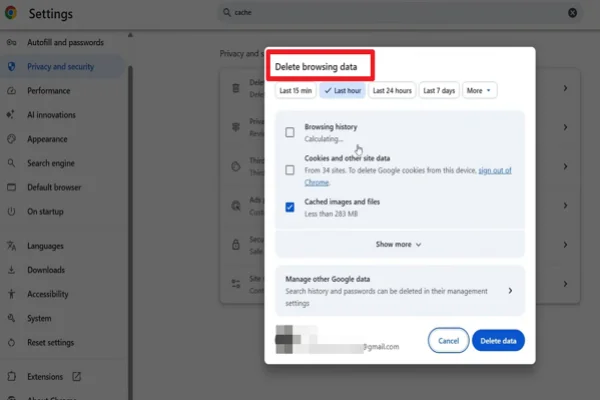
Corrupted temporary files stored in your browser can cause continuous login loops or blank screens. Go into your browser settings and clear your cache and cookies for OpenAI.
💡 Simple how-to guide:
- Open your browser settings
- Navigate to Privacy & Security
- Click Clear browsing data
- Select Cookies and cached files
- Choose a time range (e.g., “All time”)
- Click Clear data
- Restart your browser and revisit ChatGPT
Method 7. Avoid High-Peak Hours
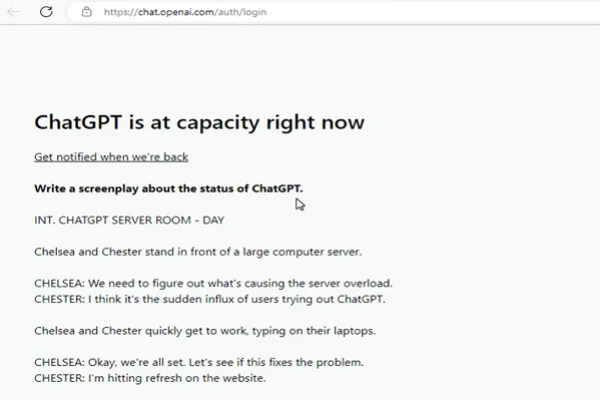
When too many users are accessing the tool at the same time, you may see the message “ChatGPT is at capacity right now.”
Servers are heavily strained during peak North American and European working hours. If the service is sluggish, waiting a few hours and trying again later often solves the problem.
Method 8. Update ChatGPT to the Latest Version
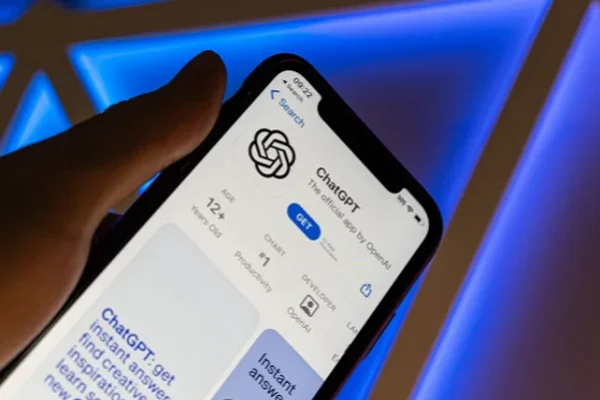
If you are using the mobile app, an outdated version might lose compatibility with OpenAI's current backend.
💡 Simple how-to guide:
- Open the App Store on iPhone or Google Play on Android.
- Search for ChatGPT.
- If an Update button appears, tap it.
- Wait for the installation to finish.
- Restart the app.
- Sign in again and test a new chat.
Method 9. Contact OpenAI for Support
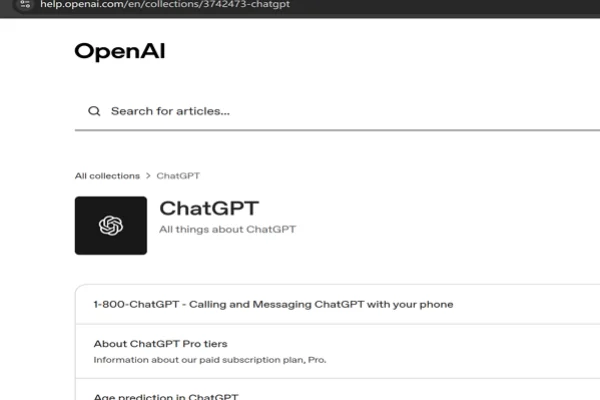
If none of the above steps work and the service has been down exclusively for your account for days, reach out to OpenAI's support team through their help center for specialized assistance.


What to Do If ChatGPT Is Still Not Working?
If ChatGPT down issues continue after basic troubleshooting, switch to backup workflows. The goal is to keep working instead of waiting on a single platform.
✅ Try Other AI Models
You’re not limited to a single platform. If ChatGPT is unavailable, these alternatives can keep your workflow moving:
- Google Gemini – Strong for research, writing, and multimodal tasks
- Claude – Excellent for long-form writing and detailed reasoning
- Grok – Real-time insights with a more conversational tone
- Perplexity AI – Combines AI responses with live web search results
✅ Utilize Third-Party API Wrappers
Sometimes the main ChatGPT interface goes down while the API is still running. In that case, you can switch to alternative front-end tools that connect directly to AI services:
- Poe – Access multiple AI models in one place
- TypingMind – Lightweight interface for using API keys
If you already have an API key, these tools act as a reliable workaround when the official site is unavailable.
✅ Draft Locally and Return Later
Instead of waiting for the service to recover, shift to offline work. Start drafting your prompts, writing code, or outlining ideas using local tools like Microsoft Word or Notepad.
Once ChatGPT is back online, you can paste your prepared content directly into the chat and continue seamlessly without losing productivity.
Final Say
A ChatGPT down error does not always mean OpenAI is having a global outage. The cause may be server overload, browser cache, VPN routing, unsupported-region access, account-level issues, or a weak network.
You can easily solve this by checking OpenAI Status and outage trackers, then test another browser, device, network, or VPN server. If nothing works, contact OpenAI support or use another AI tool until the service recovers.
FAQs
Can I get a refund if ChatGPT Plus goes down?
OpenAI does not typically issue prorated refunds for temporary service outages, as their terms of service account for occasional and reasonable downtime.
Why does ChatGPT slow down after a long conversation?
Long conversations contain more context, which can make responses slower or cause the chat to hang. OpenAI's troubleshooting guide recommends starting a new chat if the conversation is long or has many turns.
How long does ChatGPT take to recover when it is down?
There is no fixed recovery time. Minor issues may resolve in minutes, while larger outages can take longer. The best way to estimate recovery is to check OpenAI Status, because incident updates usually show whether the issue is identified, mitigated, monitoring, or resolved.
Does an outage affect my previously saved chats?
No, your conversation history is safely stored on OpenAI's backend servers. Once the service is restored, all of your previous chats will reappear in your sidebar.
Is it safe to use third-party sites claiming to fix ChatGPT outages?
No, you should never enter your login credentials into unofficial third-party websites claiming to offer access or fixes, as these are often phishing scams.
Why does the mobile app work when the desktop site is broken?
The mobile application and the web interface often route through different API endpoints; if the web-specific infrastructure crashes, the mobile route might remain perfectly operational.