Is RedGIFs Down Right Now or Just Me?

Before troubleshooting, your first step should be checking whether the issue is actually on your end or RedGIFs’ servers.
How to Check RedGIFs Server Status
You can quickly verify RedGIFs’ status using:
-
X/Twitter search “RedGIFs down”
- Free Website Down Checker like DownDetector, IsItDown, etc.
If many users are reporting issues, the platform is likely experiencing:
-
Server outages
-
CDN issues
-
Database updates
-
Traffic overload
When RedGIFs is down globally, all you can do is wait.
Why RedGIFs Is Not Working: Common Reasons
Here are the 6 most frequent reasons RedGIFs fails to load or play GIFs:
1. RedGIFs Server Outage
High-traffic periods often cause temporary outages.
2. Browser Cache or Old Cookies
RedGIFs uses heavy scripts and cached playback files.
Corrupted cached data leads to:
-
Blank page
-
GIFs not loading
-
Endless spinning wheel
3. Ad Blocker or Privacy Extensions
Extensions like uBlock, AdGuard, and Ghostery can block:
-
CDN files
-
Embedded GIF players
-
RedGIFs scripts
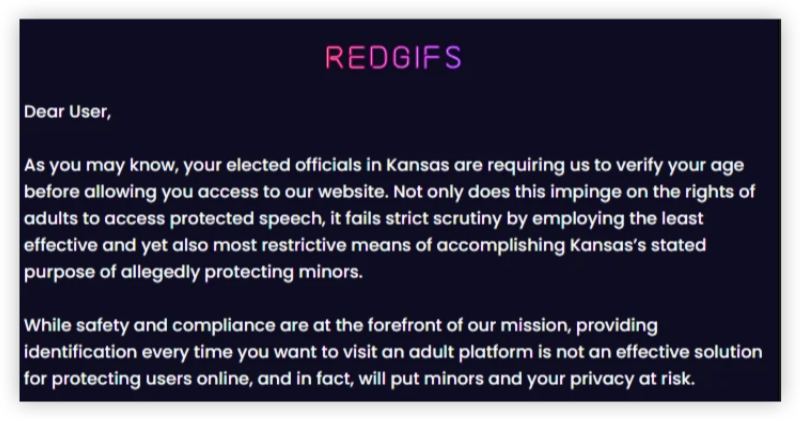
4. Regional Restrictions
Some ISPs or countries block adult content sites. A free proxy VPN will offer you a quick fix, though.
Symptoms:
-
“This site can’t be reached”
-
GIFs stuck at 0% loading
-
Random 403/451 errors
5. Mobile Browser Limitations
Mobile Safari/Chrome may fail to load heavy GIF loops.
6. Internet Speed Issues
GIFs require high bandwidth. Slow connections lead to buffering or partial load.

Troubleshooting RedGIFs Not Working:
Use the checklist below to troubleshoot RedGIFs going down or not working on your devices quickly.
1. Refresh the Page & Try Again

A simple refresh often reloads corrupted elements.
2. Clear Browser Cache
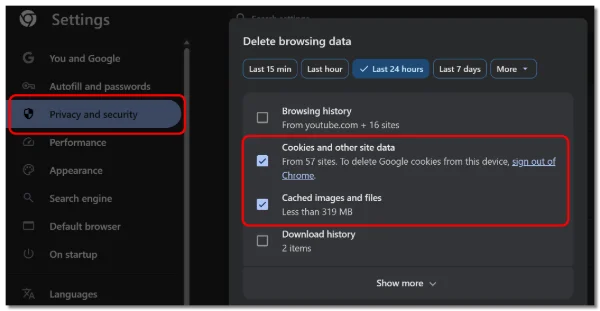
Especially effective when GIFs refuse to play.
Chrome:
Settings → Privacy → Clear browsing data → Cached images & files
Safari:
Settings → Safari → Clear History and Website Data
3. Disable Ad Blockers
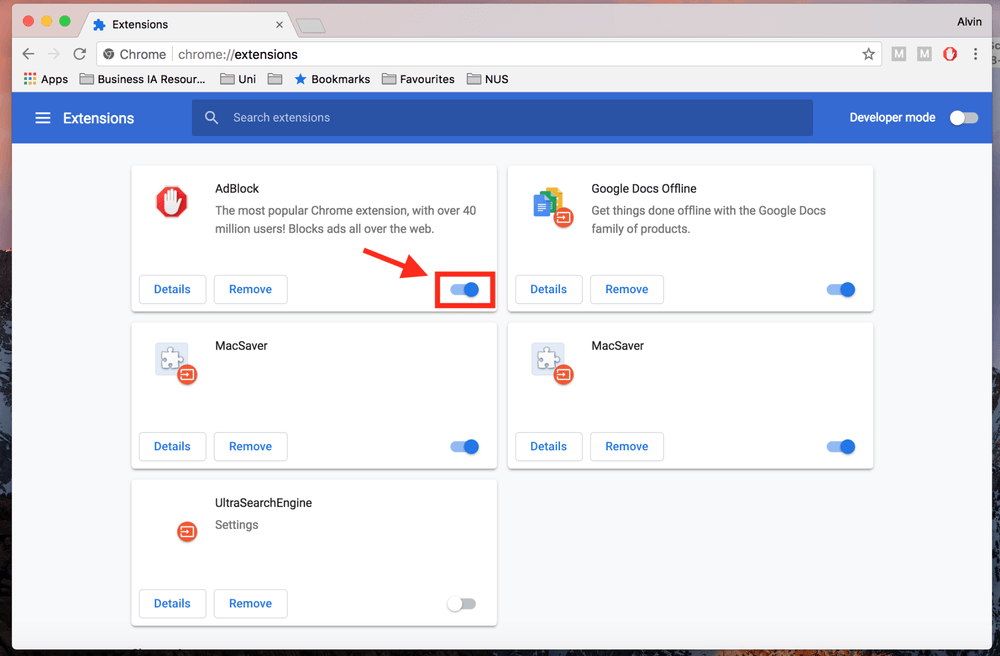
RedGIFs heavily relies on external CDNs.
Temporarily disable extensions like:
-
uBlock Origin
-
AdGuard
-
Privacy Badger
Then reload the page.
4. Switch to Another Browser
Try:
-
Chrome
-
Firefox
-
Brave (Shields OFF)
-
Edge
If RedGIFs works on another browser, the issue is extension-related.
5. Turn Off VPN or Use a More Stable One
A poorly routed VPN server can break RedGIFs’ loading.
Try:
-
Disconnect VPN
-
Switch to a US/UK/CA server
-
Upgrade to a premium VPN plan for stable routing
6. Check Your Internet Connection
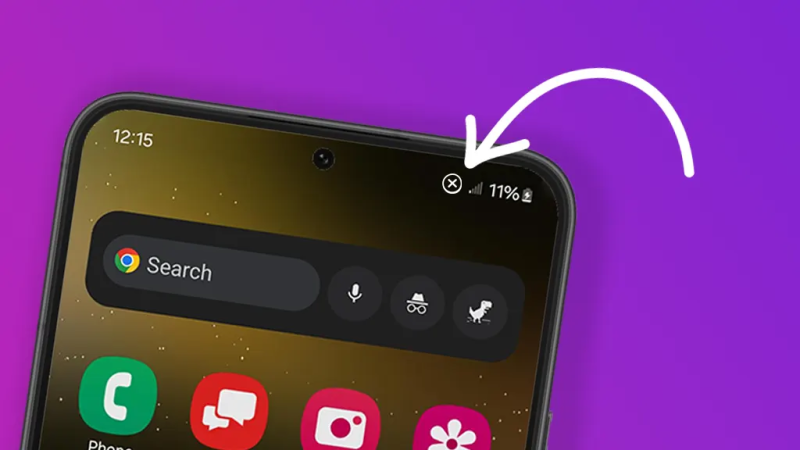
Ensure your network is not throttled or restricted.
-
Restart the router
-
Switch to Wi-Fi instead of mobile data
-
Move closer to the Wi-Fi source
7. Use a DNS That Doesn’t Block Adult Sites
Some DNS providers block adult content by default:
-
Google Fiber
-
Cloudflare Family
-
OpenDNS Family Shield
Switch to open DNS:
-
Google DNS: 8.8.8.8 / 8.8.4.4
-
Cloudflare DNS: 1.1.1.1
8. Try RedGIFs in Incognito Mode
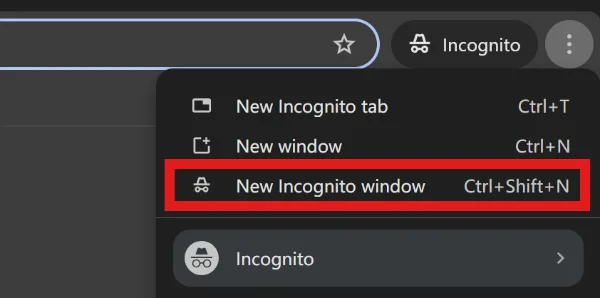
This bypasses corrupted cookies and conflicting scripts.
(But note: it won’t fix ISP blocks.)
Other Errors You May Encounter on RedGIFs
| Error Message | Explanation | Quick Fixes |
|---|---|---|
| 403 Forbidden | ISP or region block | Use UFO VPN |
| 451 Unavailable for Legal Reasons | Country restrictions | VPN to another region |
| GIF failed to load | Corrupted cache or CDN error | Clear cache, retry |
| RedGIFs not loading videos | Heavy GIF loops fail on slower devices. |
Switch to SD instead of HD; Try desktop mode on mobile |
| Site can’t be reached | DNS or ISP block | Change DNS / use VPN |
Bonus: Best Alternatives to RedGIFs
If RedGIFs still isn’t working, try these similar platforms like RedGIFs:
1. Erome

-
What It Offers: Adult GIFs & videos, user-submitted content
-
Cost: Free / Ad-supported
-
Pros: Large GIF library, easy browsing, community uploads
-
Cons: No advanced search or filtering
2. xHamster

-
What It Offers: NSFW videos and GIF content across multiple categories
-
Cost: Free / Ad-supported
-
Pros: Massive content variety, frequent updates, social features
-
Cons: Video-heavy, less focused on short GIF loops
3. Pornhub GIFs / Clips
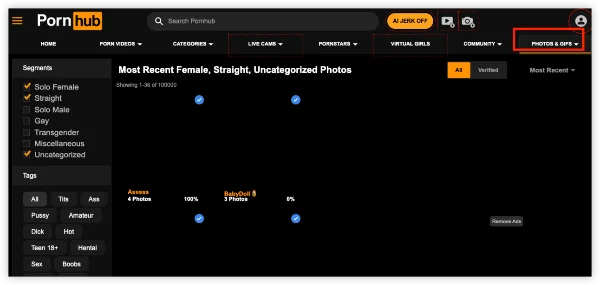
-
What It Offers: Short video loops and GIF-style clips
-
Cost: Free / Ad-supported
-
Pros: Reliable playback, huge user base, frequent uploads
-
Cons: More video-focused than GIF-only
4. hardgif

-
What It Offers: Curated high-resolution adult GIFs
-
Cost: Free (with ads), optional premium for high-res content
-
Pros: Clean interface, GIF-focused, lightweight site
-
Cons: Smaller library, premium may be required for best quality
5. GIFSAUCE
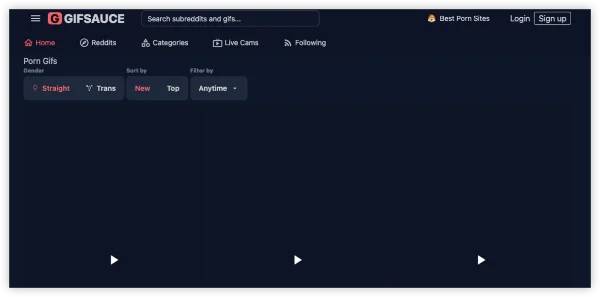
-
What It Offers: Community-generated GIFs with adult and general categories
-
Cost: Free / Ad-supported
-
Pros: Mobile-friendly, easy uploads, active community
-
Cons: Mixed content quality, adult/SFW content may overlap
6. Imgur

-
What It Offers: GIFs, images, memes (adult content mostly removed)
-
Cost: Free / Optional “Emerald” for premium features
-
Pros: Huge mainstream GIF archive, albums, public uploads
-
Cons: Adult content heavily restricted, not NSFW-friendly
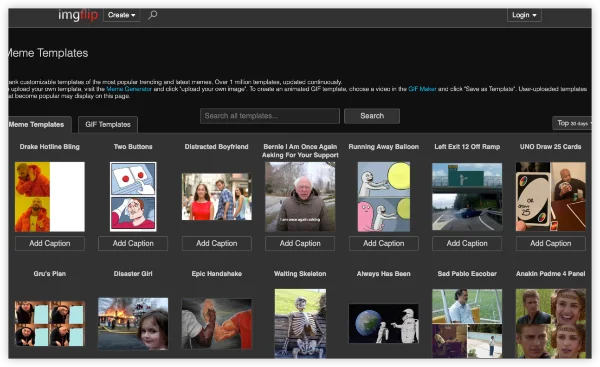
7. Imgflip
-
What It Offers: GIF creation and meme generator, video-to-GIF tools
-
Cost: Free / Paid Pro ($9.95/mo)
-
Pros: Full control over GIFs (resolution, speed, edits), private creation
-
Cons: Not adult-focused, less of a ready-made library
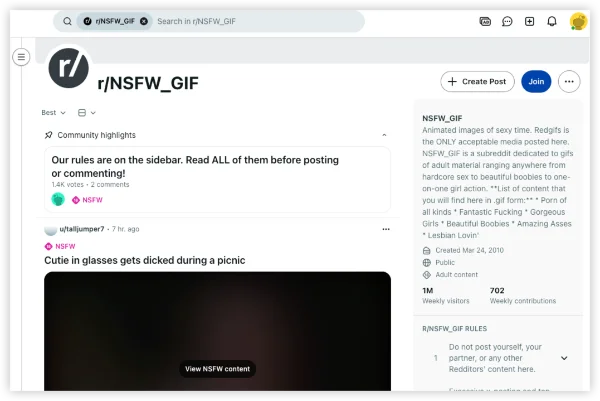
8. NSFW Communities (Reddit / Forums)
-
What It Offers: Shared links, GIF re-uploads, mirrors of RedGIFs content
-
Cost: Free (Reddit account or forum registration needed)
-
Pros: Niche interests, community-driven content, often available when RedGIFs is down
-
Cons: Broken links, inconsistent quality, no centralized library
FAQs
Can I use a VPN to access RedGIFs?
Yes, UFO VPN can bypass regional blocks or ISP restrictions, but make sure it’s a stable, high-speed service.
Do I need to change DNS settings to fix RedGIFs?
Only if your ISP blocks adult content. Using Google DNS (8.8.8.8 / 8.8.4.4) or Cloudflare (1.1.1.1) often solves access issues.
Will incognito mode help fix RedGIFs?
Only for troubleshooting. It prevents cached data conflicts but does not bypass ISP or server restrictions.